
What Should a Multi-Office Room Standard Define?
You standardize meeting rooms across multiple office locations by defining repeatable room types, approved equipment packages, familiar meeting workflows, and clear support rules. Establishing structured meeting room standardization ensures every branch offers seamless video conferencing and dependable workplace technology.
Your room standard should document what every space needs to do, which parts can vary, and how you will manage approved exceptions. For a starting point, you can review ideal meeting room standards for modern companies.
Audit Existing Spaces and Meeting Needs
Start by recording each room’s size, seating layout, existing equipment, network conditions, and common meeting needs. Ask users how they join hybrid meetings, share content, and get help across distributed branches.
Evaluating existing meeting room technology clarifies where inconsistencies disrupt daily hybrid work and hybrid collaboration needs across offices.
Auditing workplace technology ensures baseline audio, video, and control systems remain dependable everywhere.
Use the audit to identify differences that affect the room experience. A medium meeting room with a long table may need different microphone coverage from a room with the same capacity and a compact layout. Your inventory also gives you a baseline for room availability, room utilization, and future upgrades.
Create Room Types and Repeatable Templates
Create a small set of room types with a clear purpose, capacity, user workflow, and support level for each. A focus room or huddle room can support quick calls and simple sharing, while huddle rooms, a medium meeting room, a large conference room, and boardrooms may need broader camera, audio, and display coverage.
Document each type in a room template that describes the intended experience and approved design choices. A meeting room taxonomy for focus, huddle, and other spaces can help you shape categories that fit your offices. Your conference room standard should let users move between locations with familiar joining and sharing steps.
Set an Approved Bill of Materials for Each Room
For every room type, list an approved bill of materials that covers the complete system: displays, cameras, microphones, speakers, room controllers, cabling, mounts, and required software. Record compatible combinations, installation notes, configuration settings, and approved alternatives so procurement and installation teams use the same baseline.
Tie each package to the room’s purpose and physical conditions. An executive boardroom may need an advanced conference room technology package with wider camera coverage, while a small room works best with an integrated video conferencing solution. Selecting the right meeting room solution keeps deployments predictable across regions.
High-stakes spaces like a flagship boardroom demand premium acoustics and seamless controls to maintain executive confidence.
Record any exception with its reason, owner, support impact, and approval to protect your room standardization goals over time.
Make the Meeting Experience Consistent for Every User
Define a common user journey for starting meetings, joining calls, sharing content, adjusting room controls, and requesting help. This level of consistency is critical for effective hybrid work and smooth hybrid collaboration across distributed teams.
You can standardize instructions, collaboration tools, and control labels while allowing equipment details to reflect room size and layout.
Test the workflow with both employees and guests. Your meeting room and huddle room planning can account for local collaboration needs while keeping the experience consistent across the portfolio.
How Can Teams Design, Deploy, and Support the Standard?
A dependable standard connects platform choices with room-specific AV design, repeatable installation, and ongoing IT support. You can document how each room should work, how installers verify it, and how your team handles faults and changes.
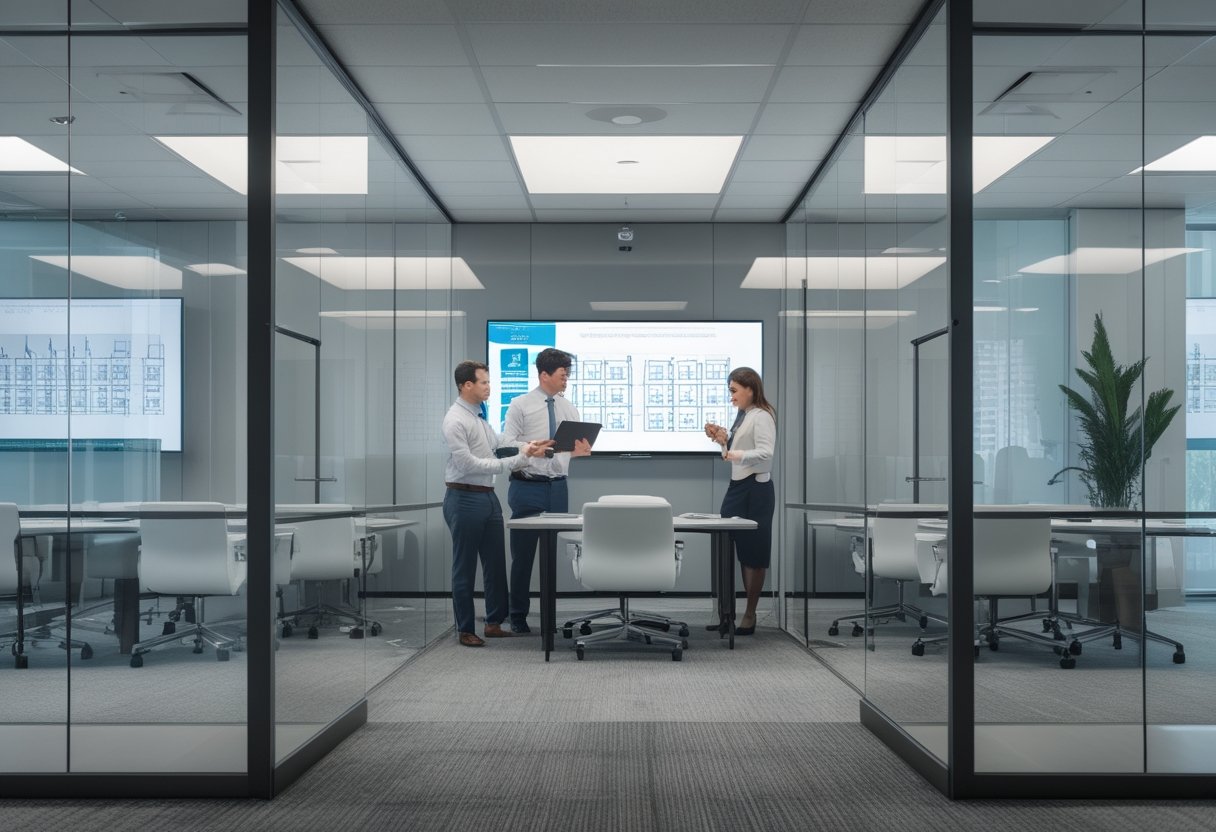
Align Platforms, BYOD, and Content Sharing
Choose your approved collaboration platforms and meeting modes for each room type. Standardize whether spaces run native Microsoft Teams Rooms or Zoom Rooms to streamline operations.
Your policy should clarify how teams interact with various collaboration platforms. Outline when users rely on Zoom, Microsoft Teams, Teams Rooms, Microsoft Teams Rooms, or Zoom Rooms, and how they connect across other conferencing platforms.
Set a tested path for BYOD, wireless presentation, and content sharing. Explain which collaboration tools are approved and what users should expect when they bring a laptop. Document platform compatibility before you select hardware; a BYOD workflow designed to keep the user experience consistent can help define those steps.
Match AV Design to Camera Coverage and Room Acoustics
Use the room’s layout, seating, lighting, and acoustics to guide your AV design. Your conference room technology should provide clear speech and useful camera views for people in the room and remote meetings. Set camera positions and microphone pickup based on occupied seats, table shape, and participant distance.
A conference room AV design can share a common architecture across sites while using room-specific placement and settings. Include display sightlines, cable routes, power, network access, and service access in your plan. Use camera coverage planning for meeting rooms, boardrooms, and training rooms to support those design decisions.
Use Repeatable Installation, Testing, and Change Control
Give installers a standard checklist for conference room AV installation, configuration, and handover. Your acceptance tests should cover meeting joins, microphone pickup, speaker output, camera views, content sharing, and the room’s recovery steps.
Record the final equipment list, settings, room name, support contact, and configuration version. Set a change control process for firmware, replacement devices, and approved substitutions so you can track configuration compliance across sites.
A repeatable handover also provides standard troubleshooting workflows, giving your IT support team the clear information it needs to resolve issues quickly.
Plan for Remote Monitoring, Troubleshooting, and Lifecycle Management
Define who owns remote monitoring, user reports, on-site troubleshooting, and vendor coordination. Use available monitoring tools to track supported device status and faults, then pair that information with user feedback and periodic room checks.
Track room availability, room utilization, recurring incidents, and configuration compliance to find patterns across locations. Your lifecycle management plan should include device inventory, update ownership, support status, and replacement planning. A Yealink device or another approved system should meet your documented platform and management requirements before you add it to a room template.
A Repeatable Standard Makes Every Office Easier to Use
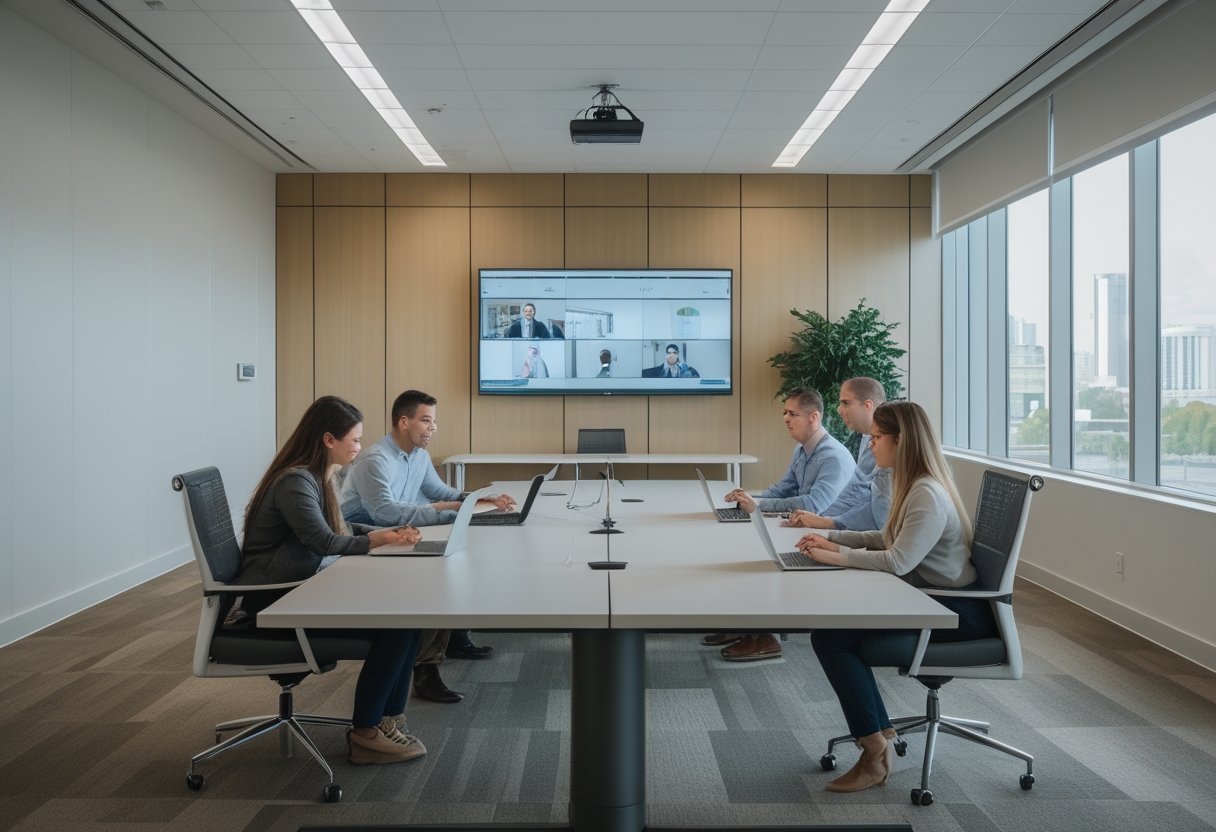
When you define room types, equipment packages, user workflows, and support ownership, you give employees a more consistent meeting experience and your teams a clearer way to deploy and maintain rooms.
Thoughtful meeting room standardization also ensures your conference room technology evolves gracefully to support productive hybrid meetings and modern hybrid collaboration everywhere.
“Standardization isn’t just about buying identical hardware—it’s about engineering an intuitive, friction-free experience where any employee can walk into any room across any branch and start collaborating in seconds,” says Melvin Halpito, Indonesian Workspace Technology Expert.
Review the standard as your spaces, platforms, and support needs change, and record each approved exception. For help planning or delivering AV solutions across your offices, visit MLV Teknologi.