
Introduction

The Extron UC 303 is an advanced collaboration tool designed for modern meeting environments. Its features aim to simplify the integration of audio-visual sources into virtual communication platforms.
Overview of Extron UC 303
The Extron UC 303 is a three-input, one-output 4K presentation switcher specifically made for unified communications. It supports USB connections, which makes it suitable for various applications, including video conferencing.
With its user-friendly design, we can easily connect multiple AV sources. This switcher works seamlessly with platforms like Microsoft Teams and Zoom, promoting efficient collaboration.
Features such as auto-switching prioritize input sources automatically. This ensures natural transitions during presentations. The compact design fits well in any meeting space, enhancing our experience without clutter.
We appreciate how the UC 303 streamlines workflow and encourages effective communication in professional settings.
Specifications of Extron UC 303
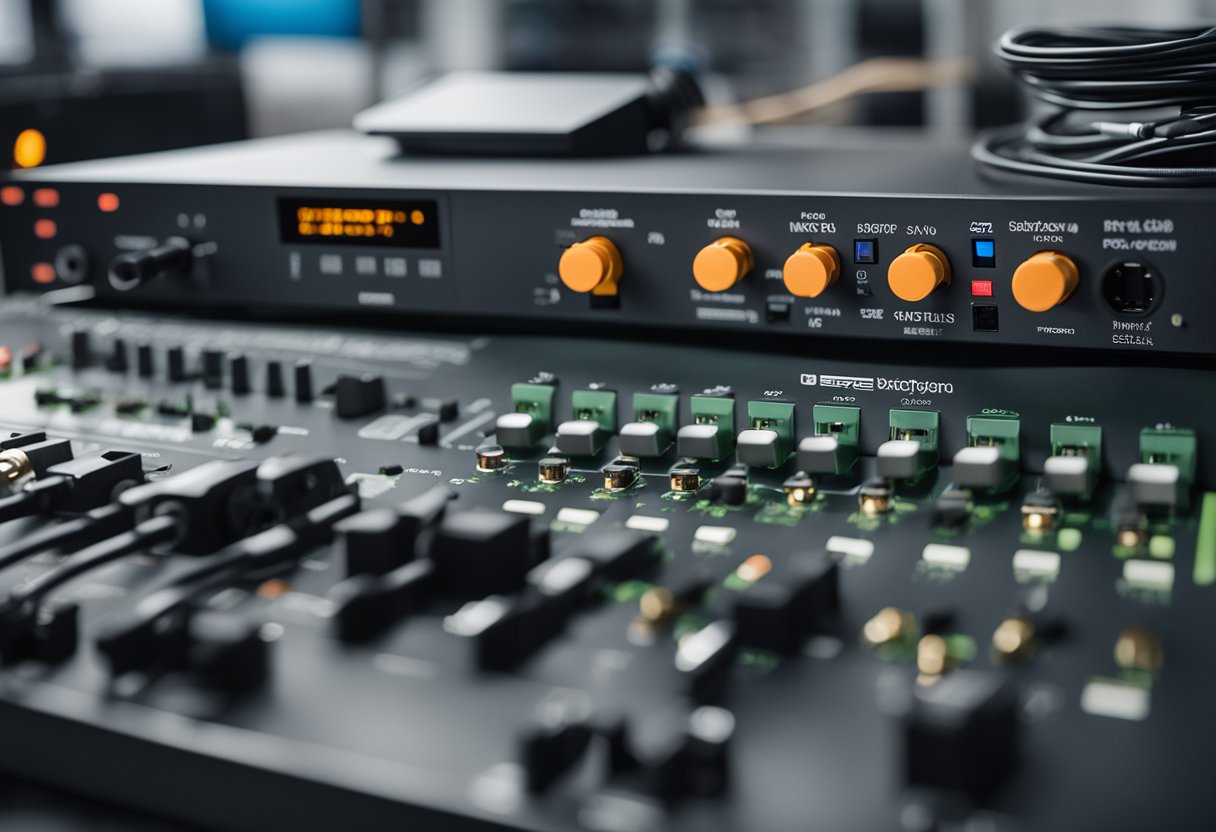
In this section, we will detail the specific features of the Extron UC 303. This includes its input and output capabilities, the resolutions it supports, and the user interface features that enhance its functionality.
Input and Output Capabilities
The Extron UC 303 offers a versatile range of input and output options. It features three inputs, accommodating various sources including USB, HDMI, and DisplayPort. This allows seamless integration of multiple devices into a single system, making it suitable for various applications.
For output, the device includes one output, supporting 4K video at 60 Hz. This ensures high-quality presentation and collaboration experiences. Additionally, there are five USB device ports available, allowing us to connect various peripherals easily, such as cameras, microphones, and other USB devices.
Resolution Support
When it comes to resolution, the UC 303 excels in delivering high-quality visuals. It supports 4K resolution (3840 x 2160) at 60 Hz, which is ideal for high-definition video conferencing and presentations.
Moreover, it can also handle lower resolutions, including 1080p (1920 x 1080) and 720p (1280 x 720). This flexibility ensures compatibility with older devices while maximizing the capabilities of newer technologies.
User Interface Features
The Extron UC 303 is designed with user experience in mind. Its interface includes an intuitive control panel that simplifies operation. We can easily switch between inputs and adjust settings on the fly.
Additionally, the device supports USB-C connections, allowing for effortless management of video, audio, and USB data. Touchscreen compatibility further enhances usability, making interactions straightforward and efficient. Together, these features ensure our presentations and collaborations run smoothly.
Technology Behind the Extron UC 303
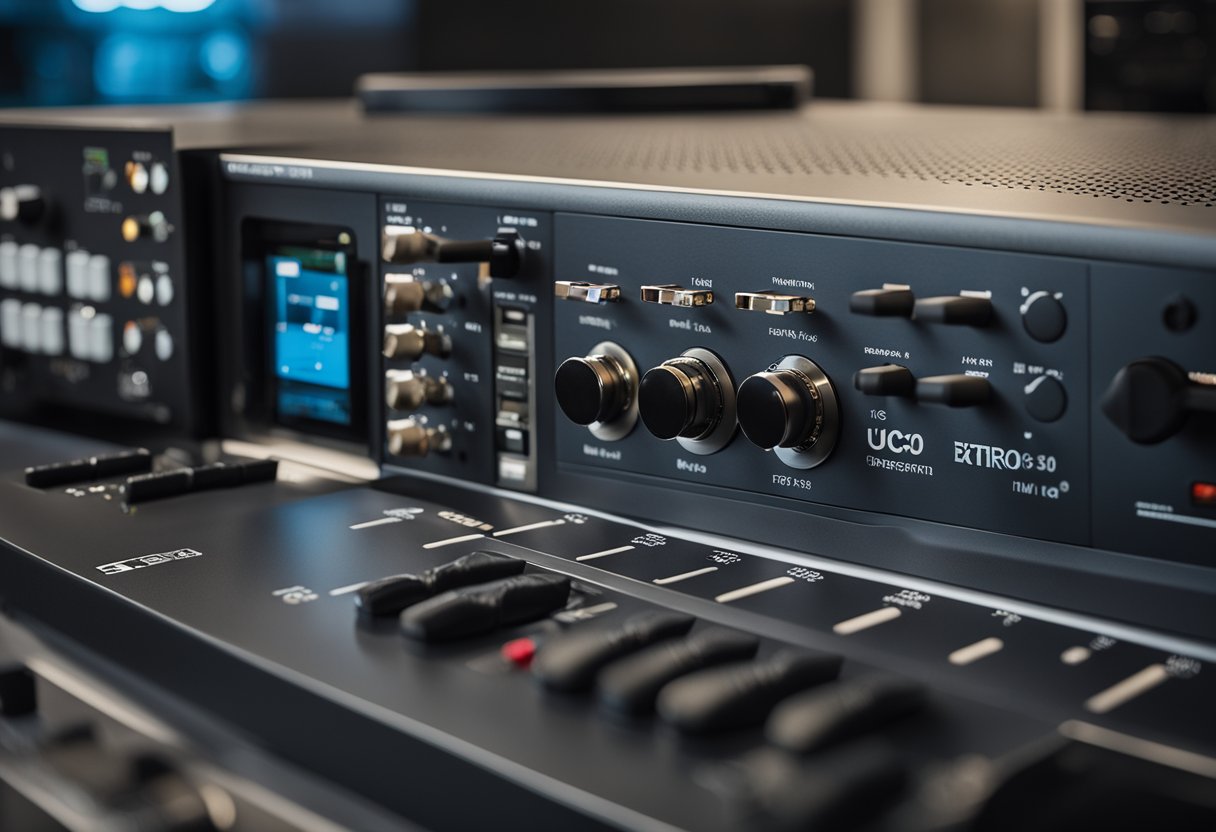
The Extron UC 303 is built with advanced technology that enhances collaboration in professional settings. We will explore its integrated processing capabilities, compatibility with various systems, and how it is designed for future scalability.
Integrated Processing Capabilities
The Extron UC 303 features powerful integrated processing that supports 4K video resolutions at 60 Hz. This ensures that video quality remains sharp and clear for all users. The switcher combines video, audio, and USB data transmission through USB-C connections.
With three inputs and one output, it allows users to connect multiple devices seamlessly. This integration simplifies presentations and meetings. The robust processing also provides automated switching, making it easy to manage which source is displayed.
Furthermore, features like scaling and the ability to handle various audio formats enhance its versatility. This is essential for creating a smooth user experience during discussions.
Compatibility and Integration
We understand that compatibility is key in modern AV setups. The UC 303 is designed to work well with popular platforms like Zoom and Microsoft Teams. This makes it suitable for unified communication spaces.
The device supports a wide range of AV sources, including laptops, tablets, and cameras. Its USB-C ports allow for convenient connections without needing multiple adapters.
The switcher’s design ensures straightforward integration into existing AV systems, minimizing setup time. This compatibility facilitates easier transitions into hybrid work environments, where different technologies need to work together efficiently.
Scalability and Future-Readiness
Scalability is a strong point for the Extron UC 303. As technology evolves, businesses need solutions that can adapt. The UC 303 can easily expand to support additional devices.
This switcher is also built with software that can receive regular updates. These updates allow us to take advantage of the latest features and improvements without needing new hardware.
Users can feel confident that their investment in the UC 303 is future-proofed. This adaptability is vital as more organizations shift towards advanced collaboration solutions. Its design supports upgrades, ensuring that we remain equipped for future challenges.
Application Recommendations
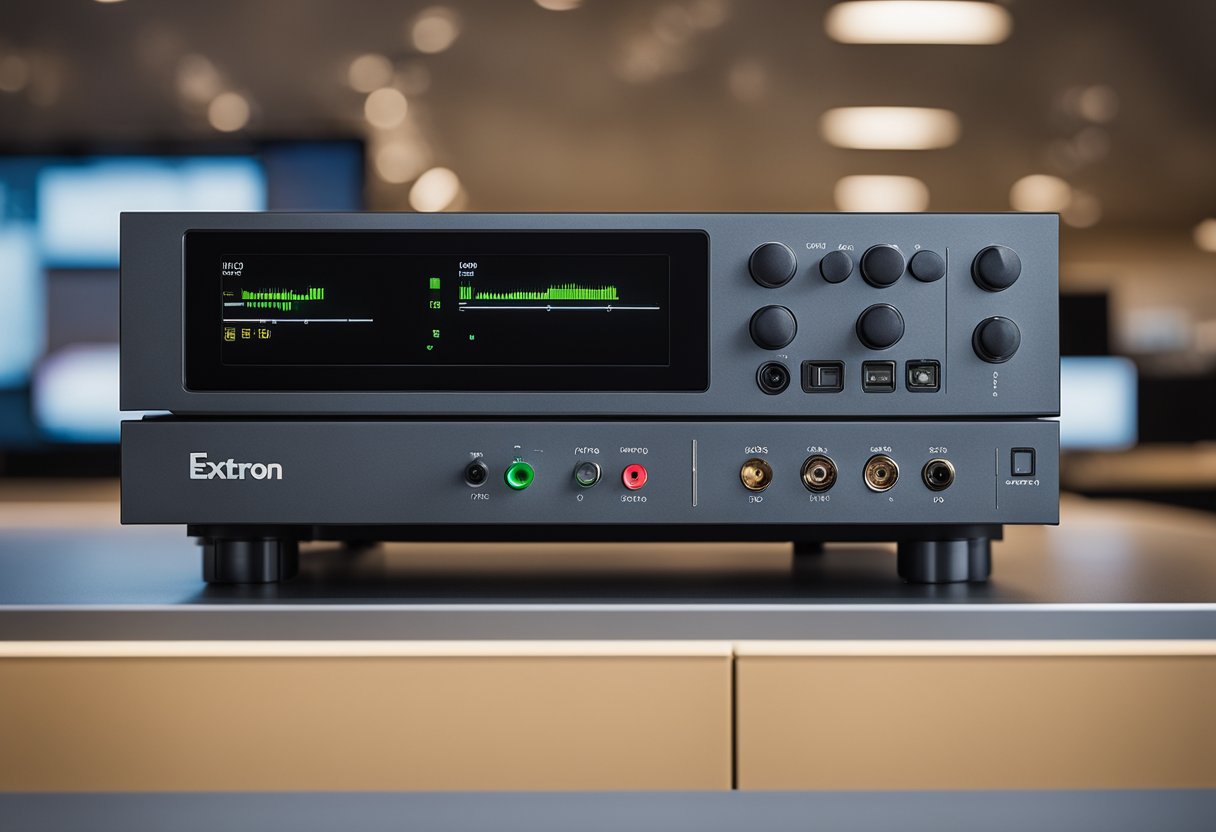
The Extron UCS 303 is a versatile solution suitable for various settings. Its design and capabilities make it an excellent choice for corporate environments, educational institutions, and event spaces. We will explore each of these applications in detail.
Corporate Environments
In corporate settings, the UCS 303 is ideal for conference rooms and collaboration spaces. Its ability to integrate AV sources and USB cameras supports seamless communication in video meetings.
The switcher’s simple interface makes it easy for users to switch between different devices quickly. We can utilize it for:
- Video conferencing with Microsoft Teams and Zoom.
- Presentations from laptops and mobile devices.
- Flexible setups for both small and large meetings.
This flexibility aids in enhancing productivity and ensuring effective collaboration among teams.
Educational Institutions
For educational institutions, the UCS 303 streamlines presentations and lectures. The device accommodates various media sources that enhance learning experiences.
Key features include:
- Support for multiple input devices such as laptops and document cameras.
- 4K video output ensures clarity in visuals, which is critical for presentations and lectures.
- User-friendly controls mean that instructors and students can easily manage content.
This makes the UCS 303 a valuable addition to classrooms and lecture halls, ensuring an interactive learning environment.
Event Spaces
Event spaces benefit significantly from the UCS 303’s capabilities for presentations and live streaming. Whether for corporate events, seminars, or social gatherings, the switcher delivers high-quality AV integration.
We can take advantage of:
- Multiple inputs to manage different video feeds.
- Easy switching between sources, which is critical during live events.
- Scalability to fit various space sizes and audience capacities.
By using the UCS 303, we can ensure smooth transitions and high-quality presentations that keep audiences engaged.
Importance of the Extron UC 303
The Extron UC 303 is a significant tool for improving collaboration in various meeting spaces. It enhances communication, provides long-term cost savings, and ensures robust support through experienced partners.
Enhancing Communication Efficiency
We understand that effective communication is crucial in today’s fast-paced work environment. The Extron UC 303 streamlines this process by integrating multiple audio-visual sources into one system.
With three inputs and one output, users can easily switch between laptops, cameras, or other devices. This efficiency is particularly valuable during video conferences, such as those held on Zoom or Microsoft Teams.
Additionally, its support for 4K resolution ensures that content is displayed in high quality, making it easier for all participants to engage and contribute. Clear visuals and seamless transitions greatly enhance the overall experience.
Long-Term Cost Benefits
Investing in the Extron UC 303 can lead to significant long-term savings. First, it combines various functions into a single device, reducing the need for multiple pieces of equipment. This consolidation saves money on initial purchases and ongoing maintenance.
Moreover, its reliability translates to fewer repairs and downtime. Businesses can focus more on their core activities rather than dealing with technical issues.
Including features like built-in display control minimizes the need for additional accessories, further reducing costs. Long-term, the savings on equipment and maintenance can help improve the bottom line for organizations.
Support from MLV Teknologi
MLV Teknologi provides valuable support for the Extron UC 303, ensuring users receive expert assistance when needed. With their help, we can maximize the benefits of the system while minimizing potential disruptions.
MLV Teknologi offers training, installation, and ongoing maintenance services. This support allows us to feel confident in our investment and ensures that we can efficiently utilize all the features.
Their expertise in unified communications ensures that we can navigate challenges effectively and adapt to new technologies as they emerge. This partnership is critical for organizations wanting to stay competitive in a technology-driven landscape.
Conclusion
In this section, we will recap the essential features and advantages of the Extron UC 303. We will also encourage potential clients to consider its benefits for their communication needs.
Recap of Key Features and Advantages
The Extron UC 303 offers several notable features that enhance collaboration in unified communication environments. It supports 4K video resolution, ensuring high-quality visuals during presentations.
With three inputs and one output, it enables seamless switching between multiple devices. This is ideal for meeting rooms where various participants may need to present content.
An important aspect is its USB device connections, which streamline integration with computers and video conferencing tools like Zoom and Teams. This connectivity makes it user-friendly for participants.
Accessibility and versatility are further highlighted in its design, catering to diverse meeting setups. Overall, the Extron UC 303 stands out for its functionality in professional settings.
Call to Action for Interested Clients
We recommend considering the Extron UC 303 for your organization’s communication needs. Its advanced features cater to diverse collaborative environments.
If you are looking for a reliable solution to enhance your meetings, we encourage you to explore this product further. To learn more about how the Extron UC 303 can improve your communication experience, visit this page.
Investing in the right technology not only boosts productivity but also ensures smooth interaction among team members. Don’t miss the opportunity to enhance your workspace with this effective presentation switcher.
Frequently Asked Questions
In this section, we will address common questions related to the Extron UC 303. We will cover key features, compatibility with other Extron products, pricing comparisons, and performance specifics in real-world settings.
What features differentiate the Extron UC 303 from other collaboration switchers?
The Extron UC 303 stands out with its three-input, one-output configuration and support for 4K resolution. Its focus on unified communications makes it particularly suited for meeting spaces. Additionally, it includes USB device connections, enhancing connectivity for various devices.
How does the Extron MediaPort 300 integrate with the UC 303?
The Extron MediaPort 300 can easily connect to the UC 303, allowing it to support multiple media sources. This combination streamlines the integration of video and audio signals. Users can switch seamlessly between different devices, enhancing the collaborative experience in meetings.
Can the Extron USB-C AAP be used with the UC 303 for USB-C connectivity?
Yes, the Extron USB-C AAP is compatible with the UC 303. This allows users to connect USB-C devices directly, facilitating easy access to presentations and other media. It also provides power delivery, ensuring devices remain charged during use.
What is the price range for the Extron UCS 303, and how does it compare to similar products?
The Extron UC 303 typically falls within the mid-range price segment for collaboration switchers. While prices can vary, it is competitively priced against similar products from other brands. Its features and capabilities offer significant value for unified communication environments.
How does the HDMI to USB conversion on the Extron UC 303 perform in real-world applications?
The HDMI to USB conversion on the UC 303 performs reliably in various settings. Users report minimal latency and high-quality video output, making it suitable for presentations and video conferencing. This functionality helps maintain a smooth experience during collaborative sessions.
What are the configuration steps for the Extron UC 303 to operate within a standard AV setup?
Configuring the Extron UC 303 involves connecting the inputs and outputs to the AV system. We recommend following the setup guide for optimal results. Adjustments can be made through the Extron control software, allowing for customization based on specific user needs in the meeting space.