
You step into a briefing center or war room and expect every detail to matter. Ultra-wide 8K canvases give teams the space to show multiple full-resolution feeds, maps, and dashboards side by side without losing clarity. When you need to compare live data, spot small changes on large maps, or maintain situational awareness across many inputs, 8K ultra-wide displays make that work faster and more accurate.
These canvases also cut visual clutter. By using the extra horizontal and pixel real estate, operators avoid constant panning and zooming and keep critical information visible at a glance. This improves focus, speeds decision cycles, and reduces the chance of missing key details during high-pressure moments.
Key Takeaways
- Ultra-wide 8K displays let teams view many full-resolution sources side by side.
- Larger pixel counts reduce panning and zooming, keeping vital visuals visible.
- Better situational awareness speeds decisions and lowers the risk of missed details.
Why 8K + Ultra‑Wide Displays Truly Matter in Briefing Centers and War Rooms
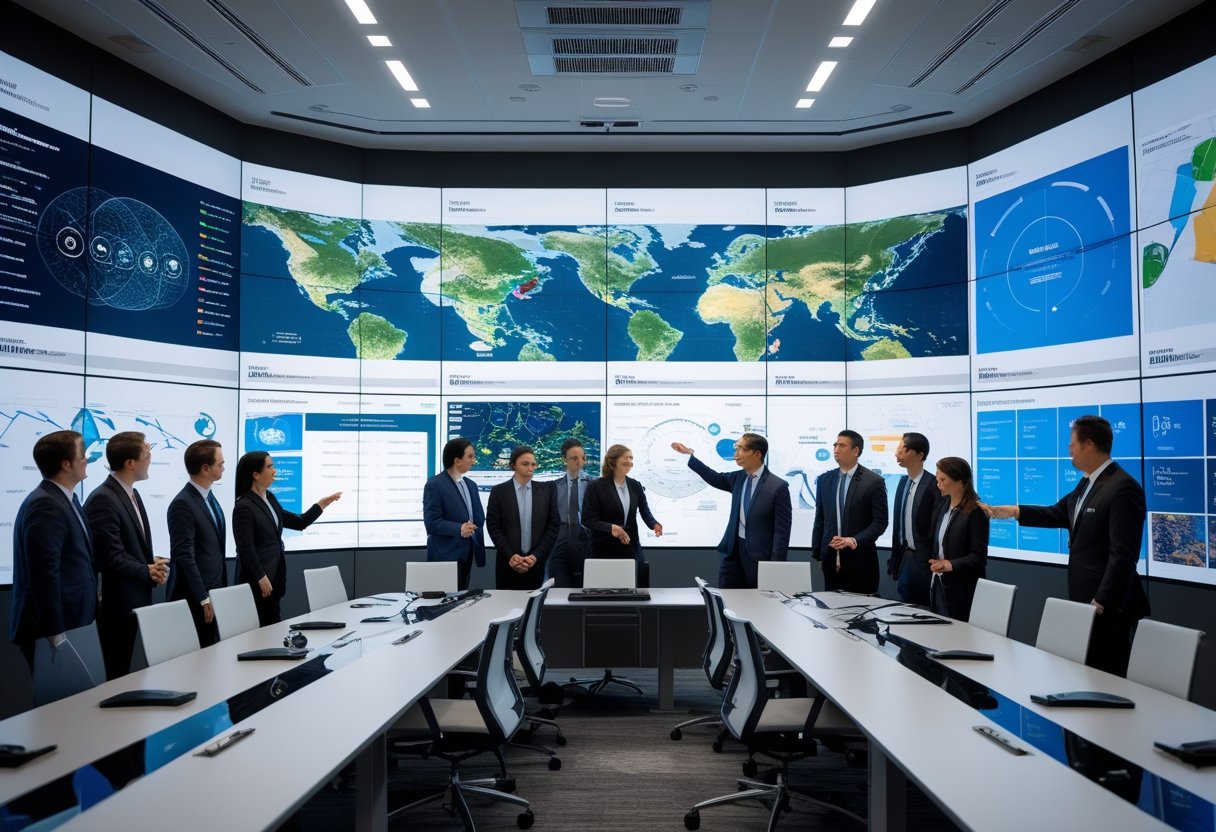
These systems give operators clearer images, more screen area for multiple feeds, and higher pixel density that keeps details readable at close viewing distances.
Unmatched Clarity and Detail for Critical Decision-Making
8K resolution (7680×4320) delivers four times the pixels of 4K, so analysts can view satellite imagery, blueprints, and sensor feeds with much finer detail. This matters when a small marker, license plate, or structural defect must be read without zooming and losing context.
High pixel density keeps text and symbology crisp across ultra‑wide canvases. Teams avoid toggling windows or panning frequently, which reduces operator error and speeds response. For venues that seat decision teams close to the screen, 8K prevents visible pixelation and preserves visual fidelity at short distances.
Manufacturers also offer 8K displays in tiled LED walls and single-panel formats, giving planners flexible options for size and brightness that match mission needs. The clarity supports tasks where a missed detail can change an outcome.
How High Pixel Density Enhances Real-Time Data Visualization
Higher pixel counts allow denser data layouts without clutter. A single 8K + ultra‑wide screen can show multiple live feeds, GIS layers, timelines, dashboards, and chat panels, all readable at once. Operators can track correlations across feeds without context switching.
High pixel density improves the legibility of small fonts, tight map annotations, and multi‑layered overlays used in tracking and targeting. It also reduces compression artifacts when downscaling many inputs onto one canvas, preserving accuracy in color and edge definition—important for thermal, SAR, and low-light video.
Latency and bandwidth must match the display capability. Proper video routing, encoding, and switching keep the real‑time presentation smooth so the pixel advantage translates into faster, more confident decisions.
Comparison: 8K, 4K, and Ultra HD in Command Environments
- 8K (7680×4320): Best for very large or ultra‑wide walls where operators sit close. Offers highest pixel density and room for many simultaneous high‑resolution sources.
- 4K (3840×2160): Strong middle ground. Good for single large screens or smaller rooms; less demanding on bandwidth and processing.
- Ultra HD / HD: Adequate for standard meeting rooms and smaller displays. Loses detail on very large canvases and when many inputs occupy one screen.
4K often suffices for routine briefings and video conferencing. 8K pays off when teams need to inspect fine image detail, run many live feeds side‑by‑side, or maintain legibility at short viewing distances. System architects should weigh pixel density against costs for cabling, GPUs, and content production to choose the right fit.
For practical guidance on deployment scenarios and market trends, consult analyses of 8K display adoption and use cases.
Transformative Applications and Impact: From Visual Installations to Immersive Content
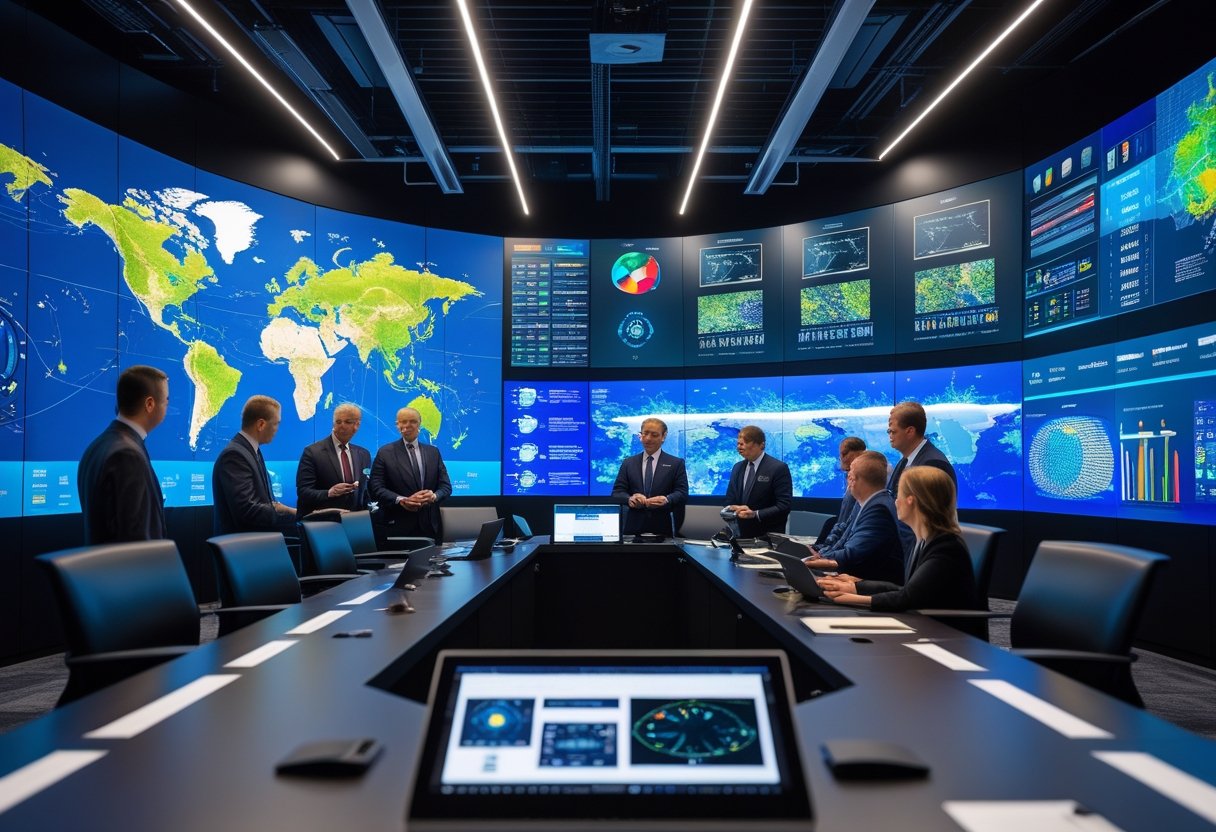
8K ultra‑wide canvases change how people see large visuals. They improve clarity for dense data, reveal fine texture in art, and make motion look natural at wide aspect ratios. These gains matter when audiences need accurate detail or high visual impact.
Digital Signage, Visual Installations, and Live Event Production
Digital signage gains legibility and brand fidelity on ultra‑wide 8K walls. Retail and briefing centers display product renders and dashboards with tiny text and fine labels that remain readable at distance. Museums and galleries can show ultrawide wallpapers and panoramic art without cropping, keeping composition intact.
Live event production benefits from pixel headroom. Video directors can crop 16:9 feeds inside the 8K canvas for dynamic framing while retaining native resolution for closeups. Briefing centers and war rooms use dense information layouts — multi‑feed surveillance, maps, and telemetry — with no loss of readout clarity. For sponsors and advertisers, glossy car imagery (for example, Ferrari 499P and Aston Martin AMR26 liveries) keeps brand detail on LEDs and projection surfaces.
Optimizing Canvases With HDR, Advanced Wallpapers, and Fluid Art
HDR on 8K canvases expands contrast and color depth, making highlights and shadows more convincing. This matters for ultrawide wallpapers and high‑dynamic visual art where specular highlights, metallic finishes, or candlelight must look real. Content creators should deliver native HDR masters (Dolby Vision or HDR10+) and avoid heavy tone mapping that flattens fine speculars.
Fluid art and motion wallpapers benefit from high frame fidelity. Subtle gradients, liquid motion, and micro‑textures in fluid art hold up on large canvases only when bit depth and color gamut remain intact. Designers should use 12‑bit pipelines where possible and author content at the display’s native pixel pitch to avoid scaling artifacts. Proper calibration and per‑panel LUTs keep ultrawide wallpapers consistent across tiled screens.
Bringing High‑Performance Vehicles and Art to Life on 8K
Automotive and motorsport visuals gain realism on ultra‑wide 8K displays. Close shots of a Ferrari 499P’s bodywork, a Bugatti W16 Mistral’s paint layers, or the Aston Martin AMR26’s aero details show milling marks, carbon weave, and varnish depth. Museums, showrooms, and brand exhibits can use this to create tactile impressions without physical cars.
Motorcycle launches and lifestyle displays (Harley‑Davidson Street Glide, Street Glide 3 Limited, RH975 Nightster) benefit similarly. Riders see panel seams, stitchwork, and metallic flake in studio renders. Curators should use multi‑angle passes and depth‑mapped renders to allow subtle parallax on curved ultrawide screens, enhancing perceived volume without stereoscopic gear.
Technical Adoption Challenges and Future Prospects
Adoption faces bandwidth, storage, and playback hurdles. Native 8K ultrawide files are massive; they need efficient codecs and fast NVMe arrays or 10–40 Gbps networks. Real‑time mixing and scaling require GPUs with large VRAM and multi‑output timings. Content teams must also manage color pipelines, HDR mastering, and per‑panel calibration to avoid banding and mismatched color.
Cost and workflow complexity slow rollout in smaller venues. Yet industry moves toward cloud rendering, AI upscaling for interim assets, and standardized HDR delivery will lower barriers. Studios that invest in proper capture (high bit‑depth camera passes), production (12‑bit grading), and playback stacks will unlock the concrete benefits of 8K ultrawide canvases for both art and high‑fidelity commercial showcases.
Relevant reading: immersive visualization research on perception and design factors informs many of these best practices (see this survey on immersive visualization).