What Should a Corporate Meeting Room AV System Do?
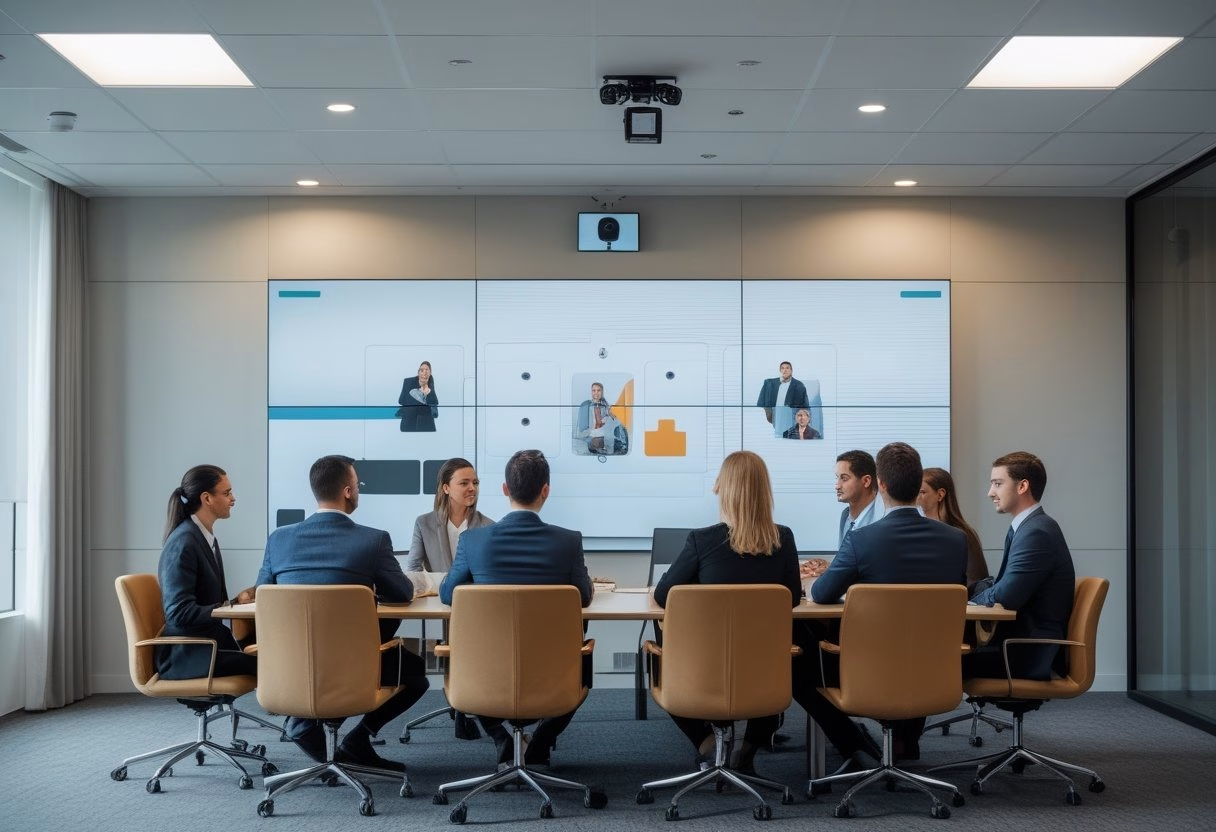
Extron AV systems suit corporate meeting rooms that need unified room control and centralized AV management, with touchpanels, control processors, software, and GlobalViewer Enterprise in its portfolio. Your design should match the way people meet, connect conferencing and presentation equipment, and make routine tasks easy to start.
Modern enterprise AV infrastructure must support flexible collaboration across multiple floors and campuses. Standardizing components makes day-to-day operations easier for facilities and IT teams alike.
Begin with room size, participant needs, and existing equipment. Then map the signals and controls people need for each meeting type, from video calls to local presentations.
Start With Room Use, Participants, and Existing Equipment
List the room’s meeting formats, seating plan, and usual participant count before choosing devices. Check existing displays, cameras, microphones, speakers, and network connections, then confirm their compatibility with the proposed system.
If your conferencing setup uses Logitech, include its equipment in the compatibility review. A design shaped around user behavior helps your team avoid controls that feel unfamiliar or slow to use. (Designing AV around user behavior)
Connect Displays, Conferencing, Audio, and Content Sharing
Plan how each source reaches the displays and conferencing system, including how remote participants hear and see the room. Specify microphone coverage and speaker placement for the seating layout, then check that laptops and other shared sources have the connections your team uses.
An AV control system coordinates common room functions through a consistent interface. Your system integrator should document the signal path and test each source, display, and audio route as part of AV system integration. (AV system integration for corporate collaboration)
Make Everyday Control Simple With One-Touch Meeting Start
Set up one-touch meeting start to bring the room into a ready state through a clear, repeatable control sequence. Give users an obvious way to start a meeting, select a source, adjust volume, and end the session.
Keep the touchpanel layout focused on the actions people use each day. During handover, ask your integrator to demonstrate the common meeting steps and provide a simple operating guide.
How Do You Plan a Scalable, Manageable Deployment?
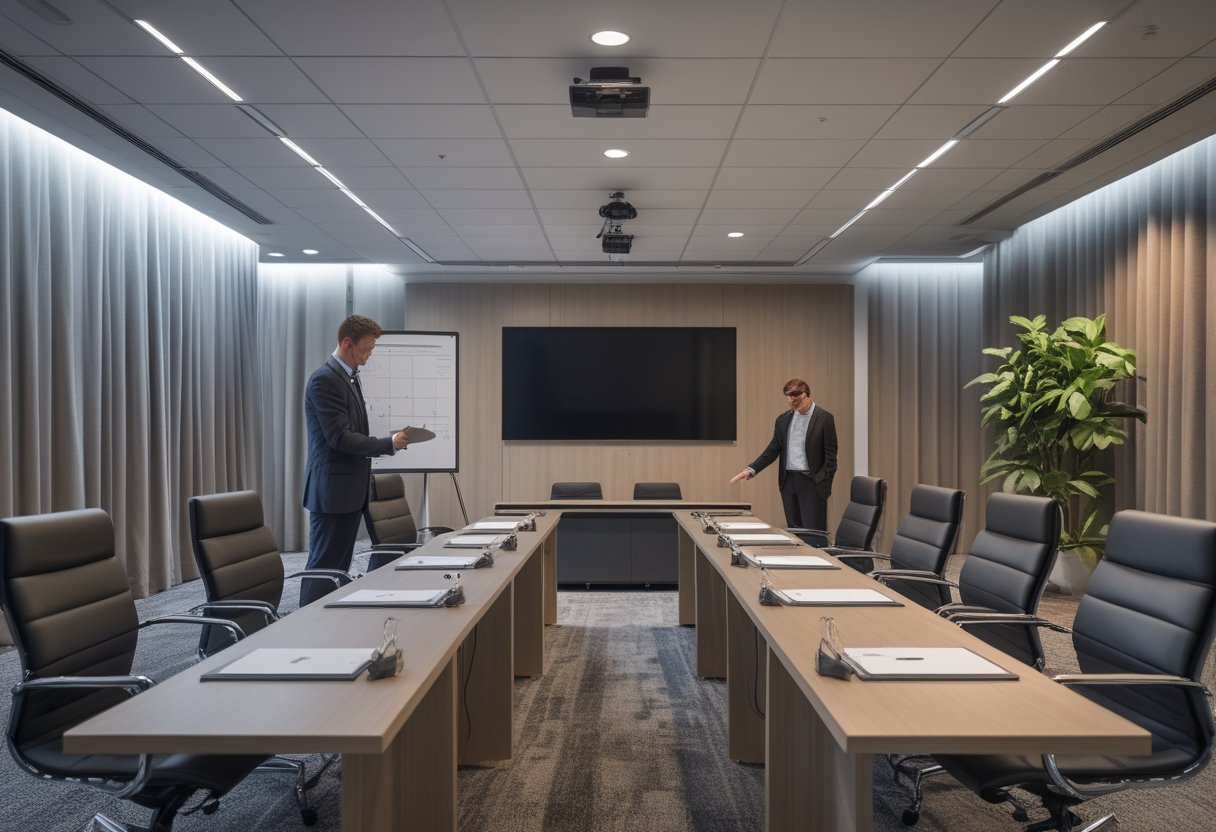
Plan the deployment around room count, network readiness, scheduling workflows, and the support team that will manage the system. A documented standard helps you scale from a few meeting rooms to larger corporate sites, education networks, or operations centers.
Choose Between Room-Based Switching and AV over IP
Room-based switching keeps signal routing within a meeting room’s AV design. AV over IP distributes signals across a network and supports networked AV systems across larger spaces. Choose the layout that fits your room connections, future expansion plans, and IT policies.
Plan Network Readiness for NAV Pro and Networked AV Systems
For an AV-over-IP design using NAV Pro, involve your IT team early. Review network capacity, switch configuration, traffic policies, and device addressing with the integrator before installation. Document the approved design so changes to the network can be assessed against AV needs.
Coordinate Room Scheduling With EMS and Office 365
Define how employees reserve rooms and how room availability should appear across your booking tools. When you plan Extron Room Scheduling alongside EMS and Office 365, confirm the required workflows and compatibility during design, then test them with real user accounts before rollout.
Integrating EMS ensures meeting invitations, attendee headcounts, and room resources stay synchronized across the calendar. This prevents duplicate reservations and simplifies space management.
“The best AV systems are invisible to the user,” explains Melvin Halpito, Corporate Audio-Visual Expert. “When technology adapts seamlessly to natural meeting behaviors, corporate teams collaborate without friction or technical distractions.”
Compare Extron and Crestron Against Control and Support Needs
Compare Extron and Crestron using the same scope: control functions, scheduling, fleet monitoring, and ongoing support. Ask each vendor to map the proposed equipment and software to your room standards and support model. (Extron and Crestron for corporate AV systems)
Planning area | Extron | Crestron |
|---|---|---|
Room control | Confirm touchpanel and processor scope | Request equivalent scope |
Scheduling | Review Extron Room Scheduling fit | Request scheduling details |
AV monitoring | Review GlobalViewer Enterprise needs | Request monitoring details |
Support | Confirm your support plan | Confirm your support plan |
Standardize Monitoring Across Offices and Larger Facilities
Set a common naming and monitoring approach for rooms across your sites. A cohesive enterprise AV architecture ensures consistent diagnostics, firmware updates, and remote help desk support.
GlobalViewer Enterprise is designed to manage, monitor, and control AV devices over a standard network, with support for deployments ranging from 5 to 5,000 rooms. Define who receives alerts and how issues are routed to your help desk.
Schedule Installation, Testing, and Handover Around Business Operations
Agree on installation windows that protect daily operations, then set acceptance checks for video, audio, control, and scheduling. Ask the installer to test complete meeting workflows and record the final configuration. A qualified AV contractor can also coordinate equipment installation with other work in an active office. (The role of AV contractors in corporate spaces)
Reliable Rooms Begin With Needs-Led Design
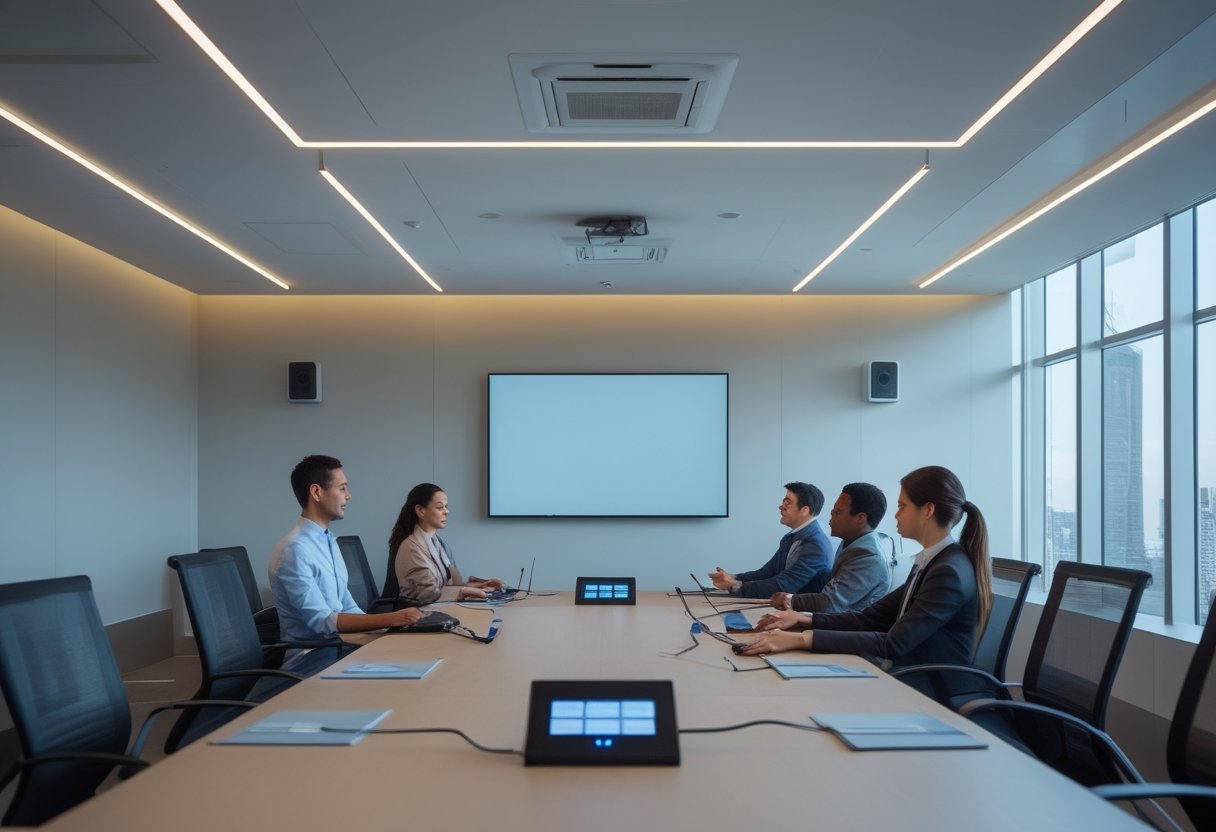
A reliable room starts with a design tied to your users, workflows, and support plan. Define how participants share content, join calls, and control the room; then check that the network and installation plan can support those needs.
If you are planning an Extron AV system in Jakarta, MLV Teknologi provides AV consultation, equipment supply, and installation support. Visit www.mlvteknologi.com to discuss your meeting room requirements.
Follow MLV Teknologi on Instagram, X, and LinkedIn for the latest corporate AV insights and updates.