
Creating interactive workspaces is essential for modern businesses looking to improve teamwork and communication. Crestron, combined with MLV Teknologi’s expertise, offers advanced solutions that bring technology seamlessly into meeting rooms and office spaces. Their integration enables teams to collaborate more efficiently through smart displays, wireless content sharing, and automated controls tailored to any workspace.
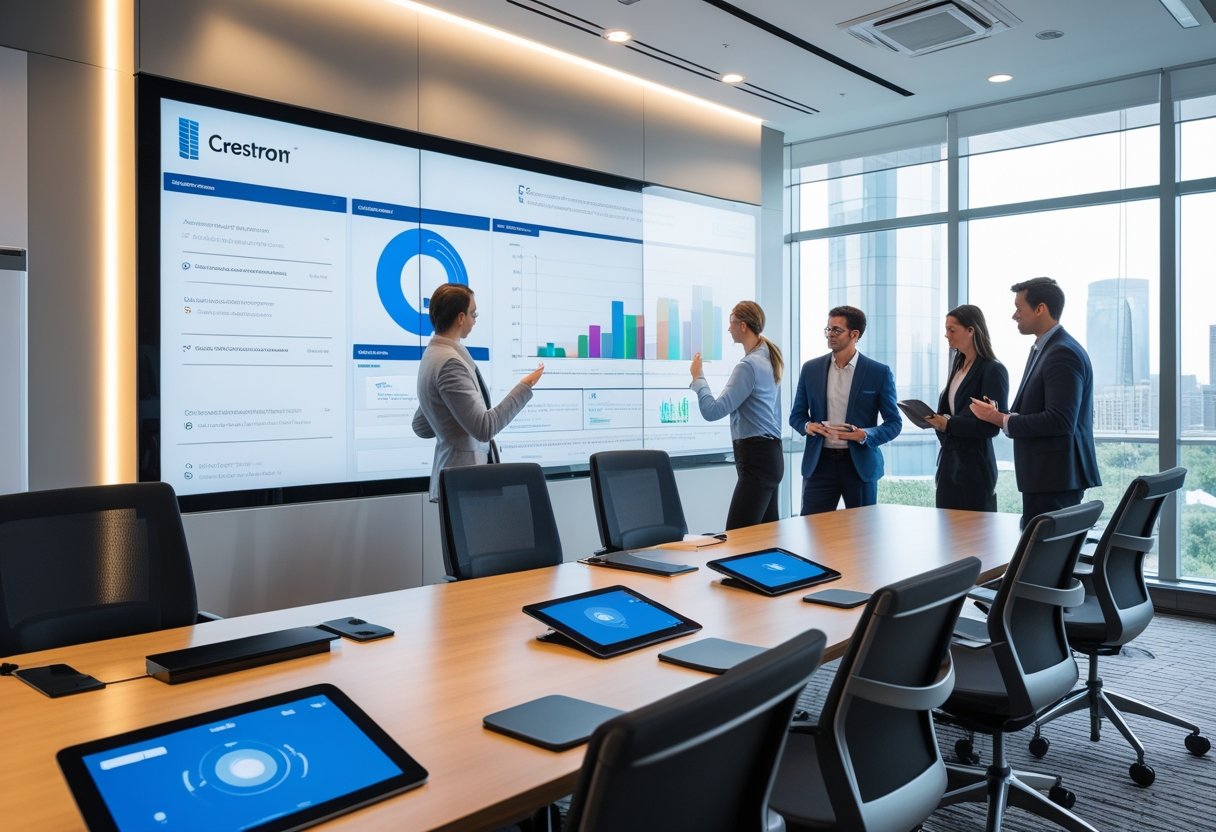
These solutions help bridge the gap between physical and digital work environments, making hybrid work easier and more productive. By using Crestron’s technology with MLV Teknologi’s implementation skills, companies can transform traditional offices into dynamic hubs that support engagement and innovation.
Key Takeaways
- Interactive workspace solutions improve collaboration and communication.
- Seamless integration of technology supports hybrid and in-person work.
- Expert implementation maximizes productivity and future readiness.
Understanding Crestron and MLV Teknologi Integration
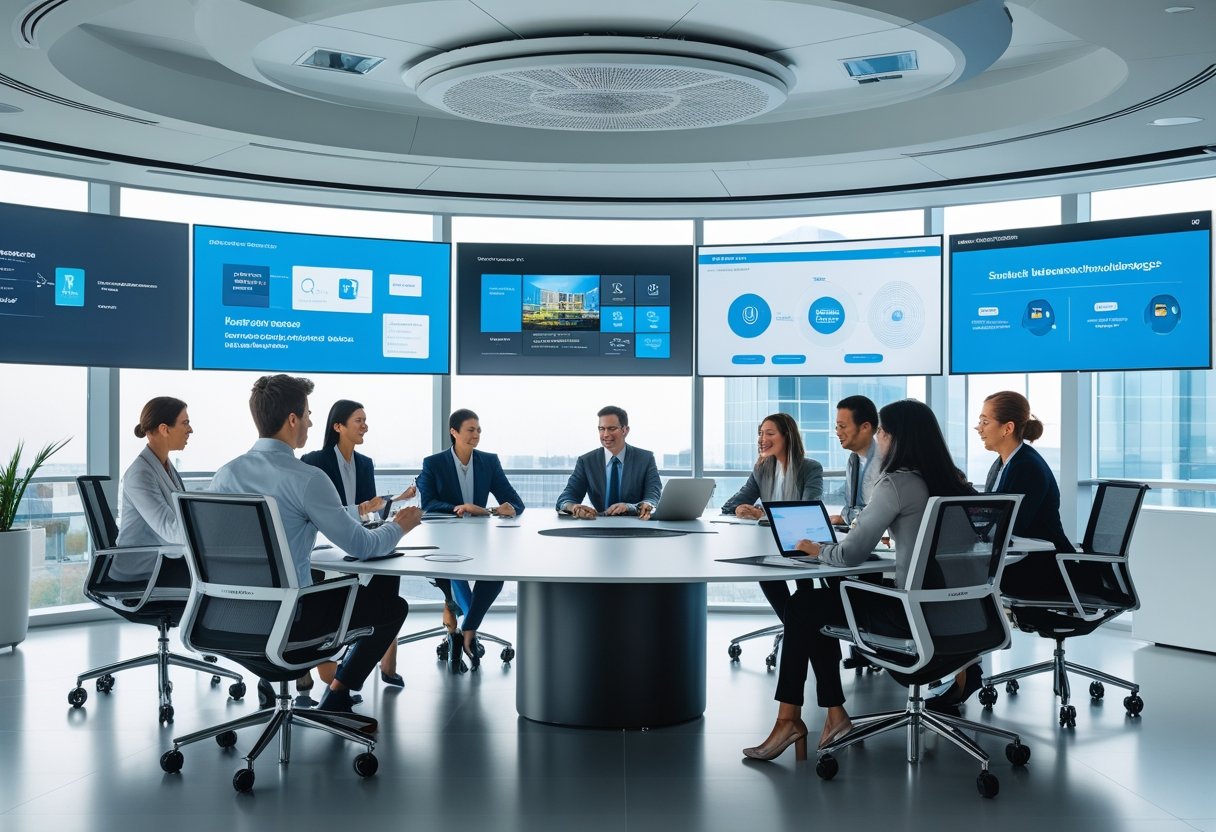
Crestron and MLV Teknologi combine to create interactive workspaces that improve control and collaboration. Their integration centers on advanced control systems and user-friendly interfaces. This approach supports seamless communication and efficient management of audio-visual devices.
Key Features and Capabilities
The integration uses Crestron’s control systems alongside MLV Teknologi’s expertise in design and development. Users can manage all AV devices from one centralized interface. This setup reduces complexity and errors during operations.
Features include touch panels, automated meeting rooms, and real-time device monitoring. The system supports multiple conferencing platforms like Microsoft Teams and Zoom. This flexibility enhances user experience and productivity.
MLV Teknologi adds value by incorporating innovative design methods. This ensures setups fit corporate needs and workspace layouts. Control systems are built for stability and easy scalability to adapt to future demands.
Technology Stack and Compatibility
The system relies on well-established technologies such as Extron and Crestron hardware. Software integration includes popular collaboration tools and proprietary control software. This allows for a smooth connection across platforms.
It supports protocols like IP-based control and HDMI signal routing. These ensure high-quality audio and video performance. Compatibility with various devices means companies can use existing equipment without full replacements.
The technology stack is designed to work in hybrid work environments. This supports both in-office and remote users with clear communication channels. MLV Teknologi’s development process focuses on maintaining compatibility with evolving standards.
System Design Considerations
Designing the system begins with understanding user needs and workspace environments. MLV Teknologi works closely with clients to map out device placement and control flows. This helps avoid inefficiencies and downtime.
The integration emphasizes simplicity in the user interface to minimize training time. Centralized control reduces the chance of mistakes and speeds up operation. Backup systems are included to maintain stability.
Security also plays a key role, especially for corporate commands and data. The design includes safeguards against unauthorized access to control systems. The development process follows strict protocols to ensure reliable performance over time.
Maximizing Workspace Engagement and Productivity
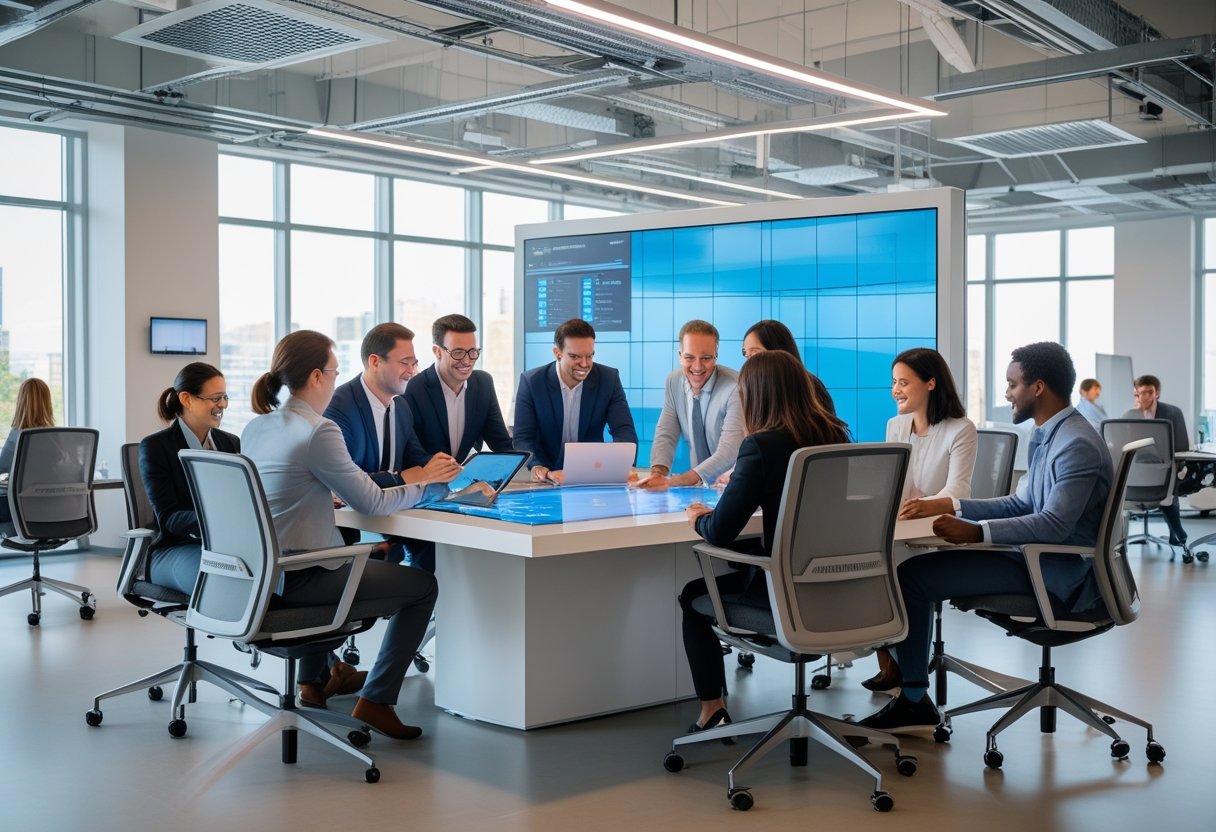
Creating an effective workspace depends on using the right tools and strategies to keep users engaged. Proper delivery of digital content and tracking performance with analytics supports continuous improvement and better return on investment.
Interactive Collaboration Tools
Interactive tools like touchscreens and video conferencing systems allow teams to communicate clearly and work together from anywhere. Devices from Crestron and MLV Teknologi integrate smoothly to connect in-person and remote workers.
These tools include smart displays that support real-time annotations, screen sharing, and multi-user input. This increases participation and makes meetings more dynamic. Easy access to these features reduces downtime and technical barriers, directly improving engagement.
Businesses benefit from systems that allow users to control devices from one interface. This simplifies collaboration while minimizing setup time and interruptions.
Strategies for Enhanced User Experience
A clear, user-friendly design is critical to workspace productivity. Crestron and MLV Teknologi focus on intuitive control panels that minimize the learning curve.
They emphasize consistent layouts and responsive interfaces across devices. Customizable settings let users tailor their environment, improving comfort and focus.
Regular training and support are part of the strategy to ensure all employees use the tools effectively. This reduces frustration and encourages adoption.
Key points for user experience:
- Simple, uniform controls
- Personalization options
- Accessible training materials
Optimizing Digital Content Delivery
Efficient content delivery focuses on speed, quality, and relevance. Systems prioritize bandwidth for video streams and optimize content resolution without sacrificing clarity.
Content scheduling features automate what appears and when, ensuring timely and targeted messaging. This keeps users informed and reduces distractions.
Digital signage and command centers from MLV Teknologi use centralized management to update content remotely. This lowers manual work and increases consistency across locations.
Benefits include:
- Faster load times
- Higher content impact
- Easier management of materials
Performance Metrics and Analytics
Tracking workspace performance is essential to measure impact and improve ROI. Analytics tools gather data on device usage, meeting lengths, and interaction rates.
This information helps identify underused equipment and bottlenecks in workflows. It also reveals which collaboration tools drive the most engagement.
Data dashboards offer clear visuals like charts and heatmaps for easy interpretation. Decision-makers can then allocate resources better and adjust strategies based on real user behavior.
By focusing on measurable outcomes, organizations can ensure investments in technology contribute to productivity goals.
You can find more on how these systems work together in the context of productivity at MLV Teknologi and Crestron websites.
Implementation Best Practices and Future Trends
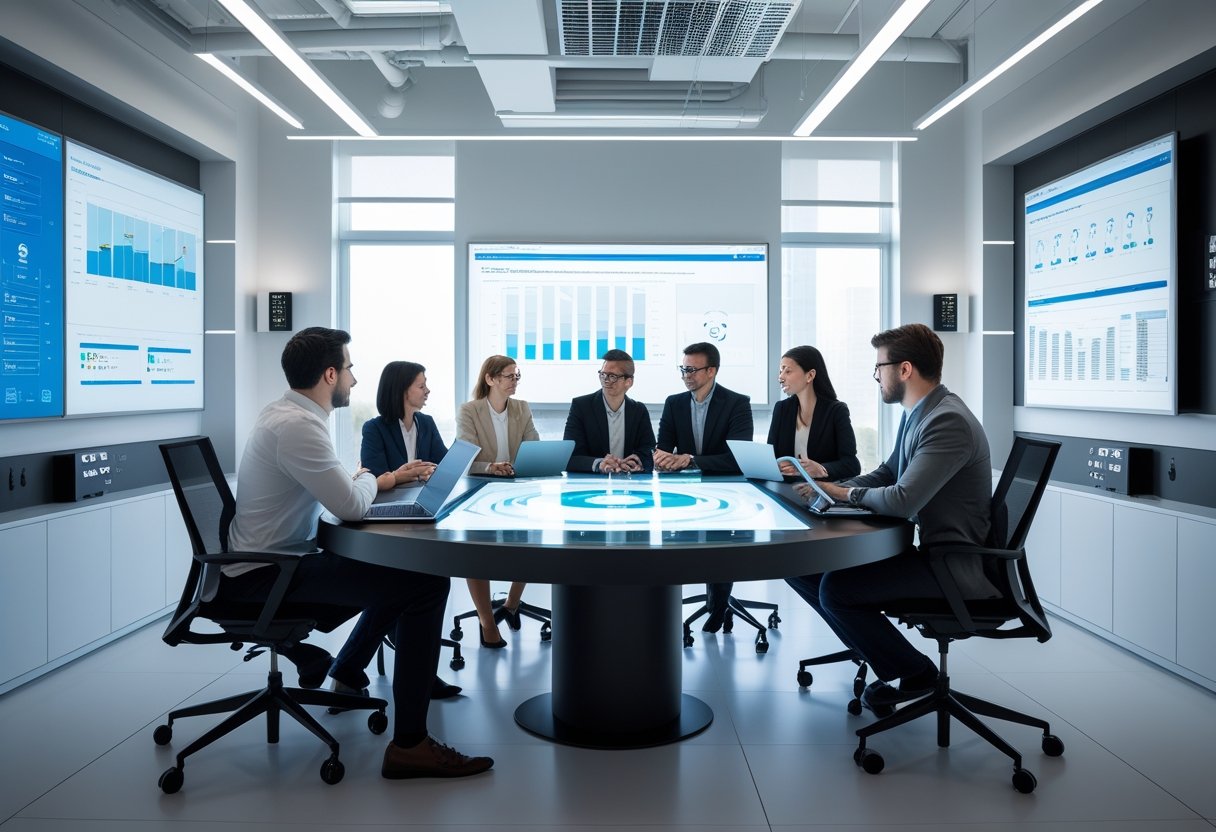
Successful interactive workspace setups rely on clear deployment steps, attention to evolving technology trends, and ongoing security and maintenance processes. Proper planning and use of available guides and resources ensure smooth integration of Crestron and MLV Teknologi solutions.
Step-by-Step Deployment Guide
Deployment begins with a detailed assessment of workspace needs, including room size, user count, and types of interaction required. Next, select compatible Crestron control systems and MLV Teknologi hardware aligned with these requirements.
Installation should follow a phased approach:
- Prepare the infrastructure: Ensure networking and power setups meet device needs.
- Install devices: Place displays, cameras, microphones, and control panels for optimal coverage.
- Configure software: Set up device management platforms and integrate with collaboration tools.
- Test thoroughly: Conduct functional and user experience tests before rollout.
Using official guides and reviews from other deployments can improve decision-making and avoid common pitfalls.
Trends Influencing Interactive Workspaces
Interactive workspaces increasingly use AI and machine learning to enhance user experience and automate routine tasks. Technologies like voice recognition, gesture controls, and intelligent scheduling are growing in use.
Hybrid work continues to shape workspace innovation; solutions adapt to support both in-person and remote collaboration through scalable hardware and cloud-based management.
Integration with digital tools and analytics platforms is a key trend. This allows organizations to track usage patterns and adjust workspace configurations in real time.
Companies investing in these trends often access updated resources and best practices to stay competitive as technology evolves.
Security, Updates, and Maintenance
Securing interactive workspaces involves regular software updates, patching vulnerabilities, and using encrypted communication channels between devices. It is critical to limit unauthorized access by setting user roles and permissions across the system.
Maintenance schedules should include hardware inspections and firmware upgrades. Automated updates managed through centralized platforms reduce downtime and ensure the latest features and security patches are applied.
Comprehensive reviews of system performance help identify areas needing improvement and guide future updates. Staying current with vendor-released updates and security alerts is essential for resilient operation.