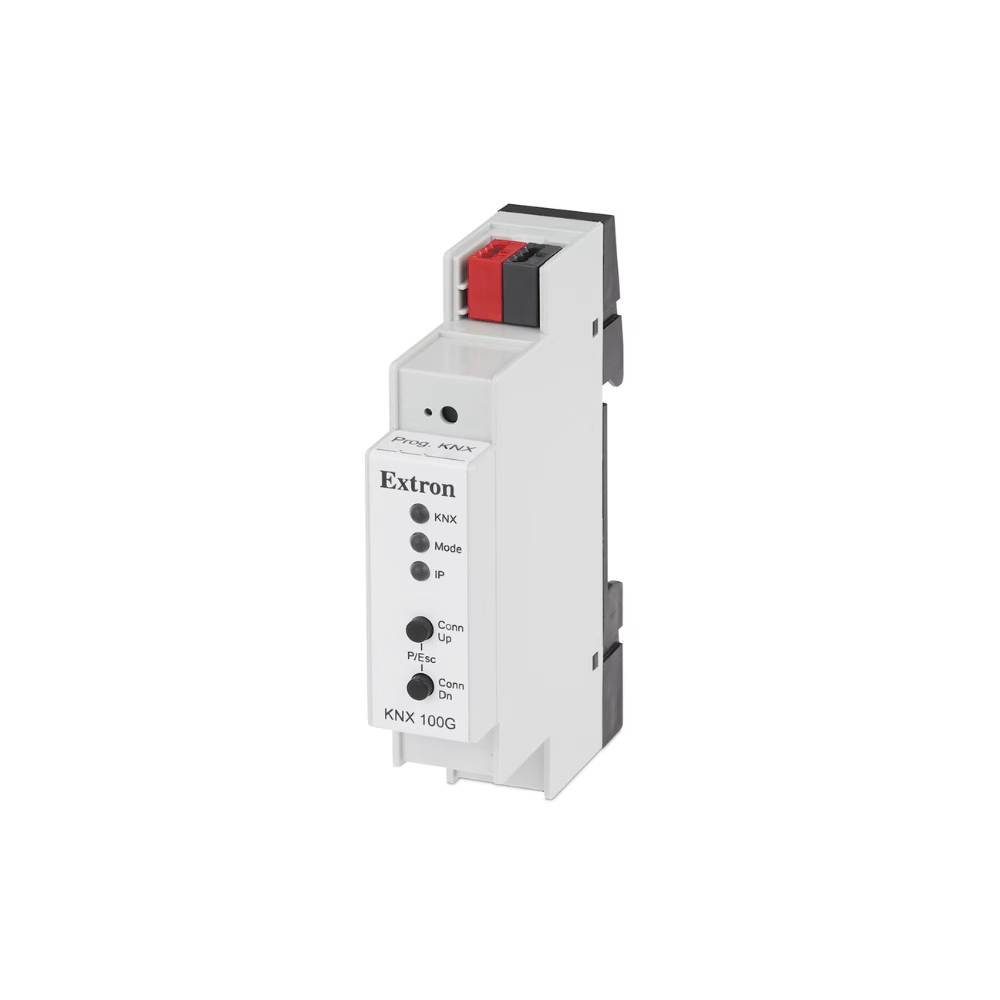
KNX 100G – KNX IP Interface
Key Features
- Ethernet to KNX interface
- Easily add KNX building management controls to any Extron Pro Series control system
- Supports up to 5 simultaneous KNXnet/IP tunneling connections
- Quickly implement KNX Building Management controls by configuring KNX group addresses in Global Configurator Plus and Global Configurator Professional configuration software
- Requires minimal device configuration using the ETS Software
- Compact enclosure mounts to an industry-standard DIN rail
| KNX 100G | |||
| Ethernet | |||
|---|---|---|---|
| Connector | 1 female RJ-45 connector | ||
| Ethernet data rate | 10Base-T | ||
| Ethernet protocol | ARP, ICMP, IGMP, UDP/IP. DHCP, and Auto IP | ||
| Program control | ETS Software | ||
| Tunneling connections | Up to 5 KNXnet/IP Tunneling connections simultaneously | ||
| General | |||
| Mounting | Mounts onto top hat rail EN 50022 standard | ||
| Enclosure material | Plastic | ||
 | |||
| Enclosure dimensions | 3.54″ H x 0.70″ W x 2.36″ D (90 mm H x 18 mm W x 60 mm D) | ||
| Vibration | ISTA 1A in carton | ||
| Product weight | 0.08 lbs (0.40 kg) | ||
| Regulatory compliance | CE, RoHS, WEEE | ||
| Product warranty | 3 years parts and labor | ||
| |||
| Power supply | Not included | ||
| Power input requirements | KNX Bus | ||
| Device power consumption | 15mA | ||
| Ambient temperature/humidity | Storage: -25 to +70 °C/ 5% to 93%, noncondensingOperating: -5 to 45 °C/ 5% to 93%, noncondensing
| ||
| Cooling | Convection, no vents | ||
The Extron KNX 100G is a compact IP KNX Interface that provides control and monitoring of multiple building management disciplines with an Extron Pro Series control system. The KNX 100G provides bi-directional communication to control and receive feedback on the status of KNX devices. This enables control of lighting systems, window shades, and room climate control from a TouchLink Pro touchpanel or MediaLink Plus controller. Adding an Extron KNX 100G Interface to an Extron Pro Series control system is easy, requiring minimal configuration using ETS - Engineering Tool Software. Implement KNX control quickly by configuring the required KNX group addresses using the Extron Global Configurator device driver or Global Scripter® module for the KNX 100G.
ETS, Engineering Tool Software is an application for designing, commissioning, and debugging KNX installations. KNX system setup should be done by a certified KNX professional.
Features
- Ethernet to KNX interface
- Easily add KNX building management controls to any Extron Pro Series control system
- Supports up to 5 simultaneous KNXnet/IP tunneling connections
- Quickly implement KNX Building Management controls by configuring KNX group addresses in Global Configurator Plus and Global Configurator Professional configuration software
- Requires minimal device configuration using the ETS Software
- Compact enclosure mounts to an industry-standard DIN rail