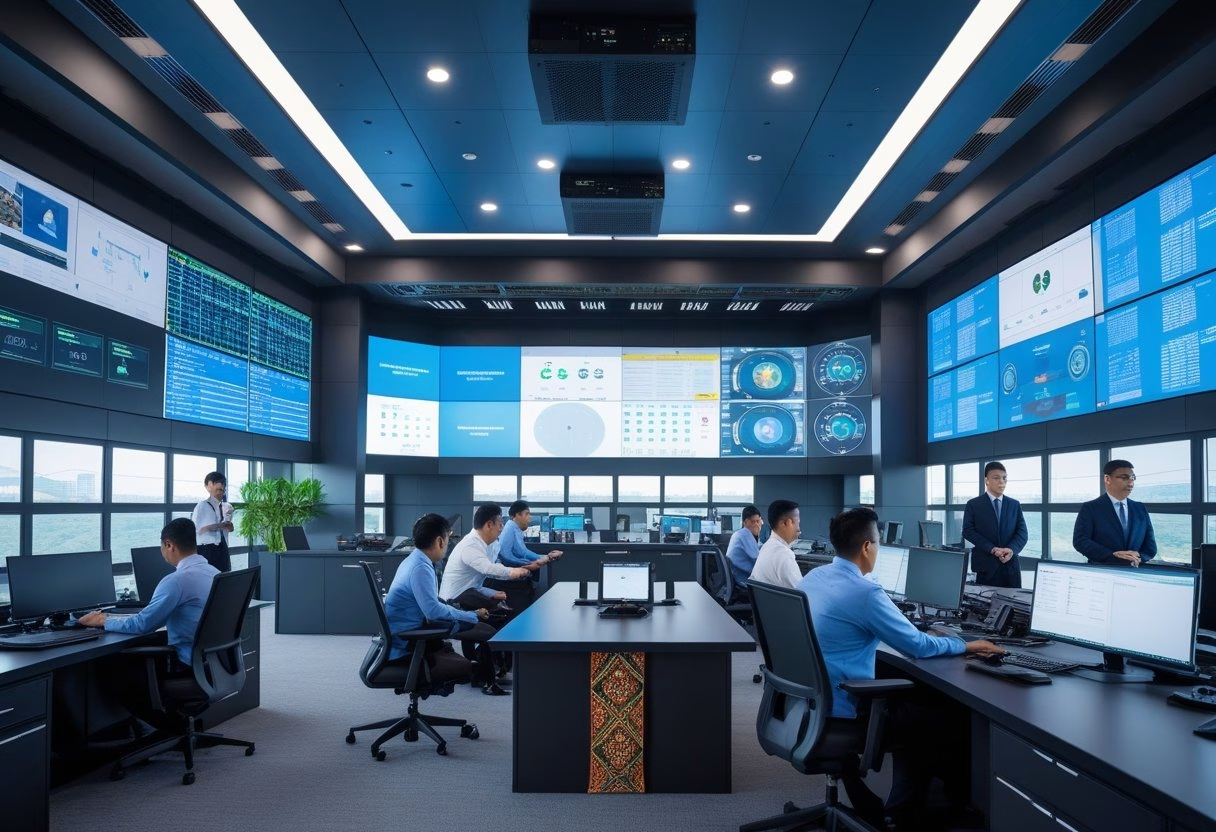
You will find a clear, engaging introduction below that follows your instructions. Command centers centralize monitoring, incident response, and communications into one staffed room or virtual hub. They combine data feeds, standard operating procedures, and trained operators to speed decisions and keep services running.
Role in Unifying Operations and Business Continuity
A command center (or pusat kendali) acts as the single point for operational visibility. It collects telemetry from IT systems, facilities, logistics, and field teams so operators can spot failures fast. For Indonesian corporates, that means linking regional office systems, cloud services, and on-premise sensors into one dashboard.
Staff follow clear playbooks for outages, supply-chain delays, and regulatory incidents. The command center coordinates resource shifts, invokes backup sites, and triggers vendor SLAs. This reduces mean time to recovery and keeps revenue lines and customer services active.
They also manage business continuity tests. Regular simulations validate recovery plans, update runbooks, and train people. That practice makes actual disruptions shorter and less costly.
Integration of Security, Monitoring, and Decision-Making
A control center must fuse security operations (SOC) with operations monitoring (NOC) so threats and faults are seen together. Correlating logs, CCTV feeds, and network alarms helps the team decide whether an event is cyber, physical, or both.
Technical stack typically includes SIEM, network monitoring, video management, and an incident management platform. Operators use correlation rules and playbooks to prioritize actions and escalate to executives when needed.
Physical security teams, IT, and third-party vendors share a common incident ticket. That single ticket holds timelines, decisions, and evidence for audits. For compliance in Indonesia, this integrated approach simplifies reporting to regulators and customers.
Unified Communications and Real-Time Collaboration
Unified communications (UC) links voice, chat, video, and alerting inside the pusat komando. Operators can call field staff, start a video briefing, and push notifications to affected users from one interface.
Real-time collaboration tools record decisions and annotate live dashboards. Role-based access controls let supervisors view the full picture while field technicians see only task lists. This reduces errors and cuts handover time.
Automated alerts and escalation chains ensure the right people respond. Integration with mobile apps lets remote teams receive tasks and upload photos, keeping incident records accurate and timely.
Relevant reading: “Tugas dan Cara Kerja Command Center” explains operational roles and monitoring practices used in modern command centers (https://ivosights.com/read/artikel/command-center-tugas-dan-cara-kerja).
Key Technologies and Best Practices for Deployment
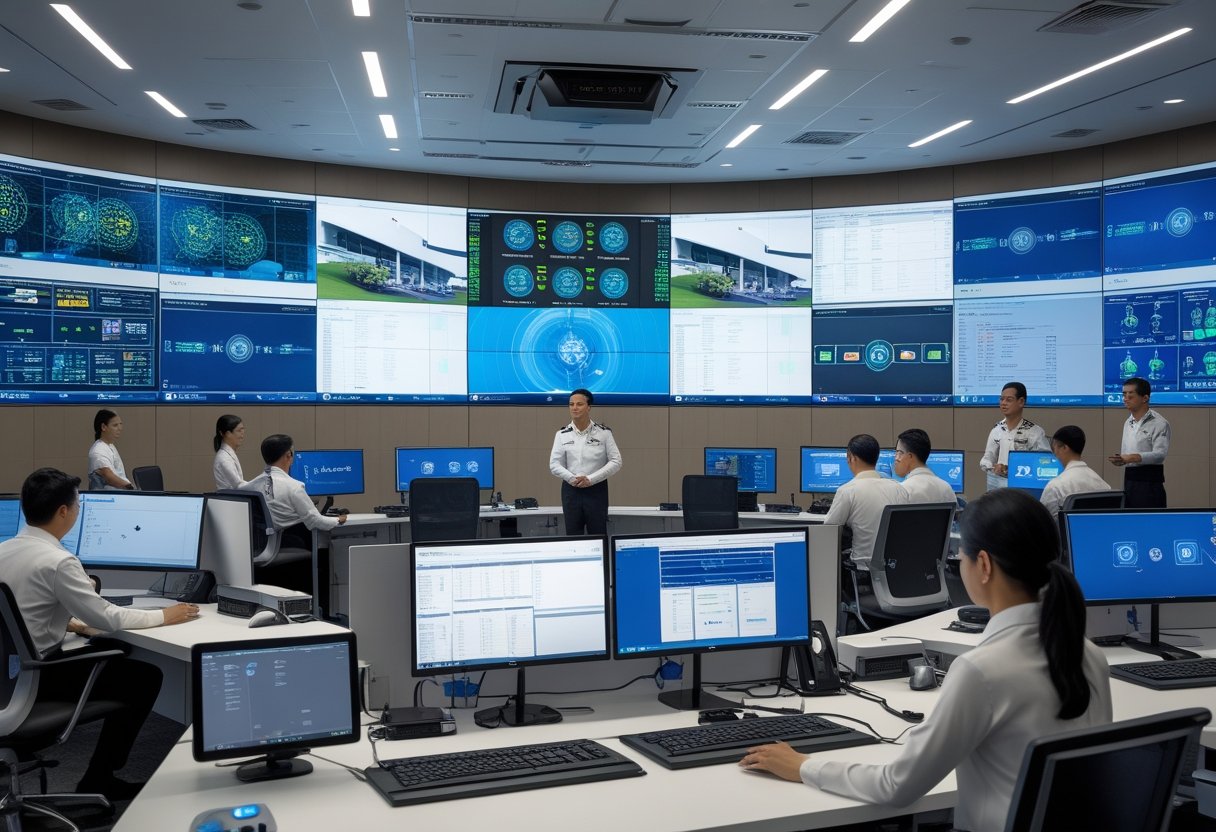
This section highlights practical choices for space, hardware, and data tools that keep operations secure and fast. It focuses on physical setup, display and camera integration, and smart analytics to help teams act quickly and confidently.
Design, Layout, and Essential Infrastructure
They should start by mapping workflows to the room layout. Place operator stations so each team has direct sightlines to the video wall and to one another. Allow clear circulation paths for shift changes and equipment access.
Power and networking must include N+1 UPS for critical racks and redundant fiber or 10 Gbps links between core switches. Use separate VLANs for CCTV, corporate IT, and command-center systems to limit blast radius. Climate control should target 22–24°C with hot-aisle/cold-aisle rack arrangements.
Install ergonomic furniture and adjustable monitor arms to reduce fatigue. Include a secure equipment room for servers and a dedicated operations desk for incident leads. Plan for modular growth: floor boxes, extra fiber conduits, and power circuits to simplify future deployment.
Video Wall and CCTV Integration
Choose video wall panels with narrow bezels, 4K capability, and at least 500 cd/m² brightness for mixed indoor light. Use a matrix switcher or video-over-IP (SMPTE ST 2110 / NDI where applicable) to route sources dynamically. Ensure the videowall controller supports multi-window layouts and role-based display permissions.
For CCTV, prefer ONVIF-compliant cameras and VMS that support edge recording and health monitoring. Deploy separate storage tiers: short-term high IOPS for live feeds and long-term cold storage for compliance. Sync timestamps with NTP and a GPS or PTP clock to keep footage aligned.
Secure camera streams with TLS, camera password rotation, and network segmentation. Test latency end-to-end; keep one-way display latency under 200 ms for situational awareness. Document signal paths and label cables to speed troubleshooting during incidents.
Smart Data Analysis and AI-Driven Insights
They should integrate data from CCTV, access control, IDS/IPS, and business systems into a central platform with real-time dashboards. Use stream processing (Kafka, Flink, or similar) for event correlation and low-latency alerts. Define clear use cases first—e.g., perimeter breach detection, asset-tracking, or SLA monitoring—before adding AI.
Deploy AI models that match the use case: object detection for intrusion, OCR for plate reading, and anomaly detection for behavior changes. Validate models on local datasets to avoid false positives caused by local lighting or cultural patterns. Monitor model drift and set thresholds for human review.
Implement role-based alerts and automated playbooks for common events. Log all AI decisions and keep an audit trail to support investigations. For vendor tools and integration patterns, refer to design guides like PwC’s discussion on command center evolution for governance and maturity planning (https://www.pwc.com/m1/en/publications/documents/2024/reimagenaing-command-centres-of-the-future.pdf).