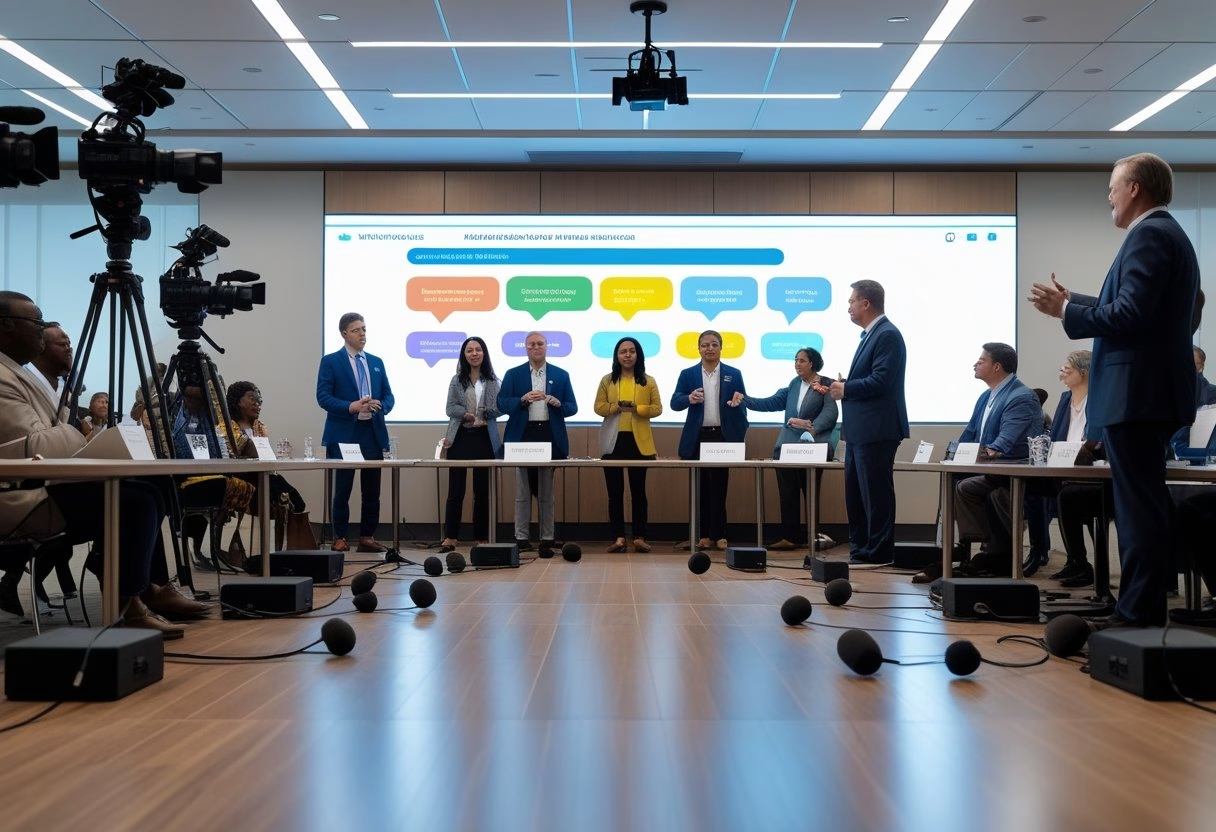
You want townhalls where everyone feels seen and heard. Use multiple camera angles, floor mics, and a clear chat plan so people on-site and remote can join the same conversation. Set up the room and tools so voices are equal — good visuals, distributed mics, and a moderated chat make participation simple and fair.
They’ll notice the difference when people speak naturally, questions get answered, and the session runs without endless technical pauses. This guide explains practical AV choices and chat rules that boost engagement for town halls and all-hands meetings so every employee can take part.
Key Takeaways
- Design the space and camera coverage to show who is speaking.
- Place floor mics and mix audio so both on-site and remote voices are clear.
- Use a moderated, participatory chat to surface meaningful questions.
Core Concepts of Inclusive Townhalls
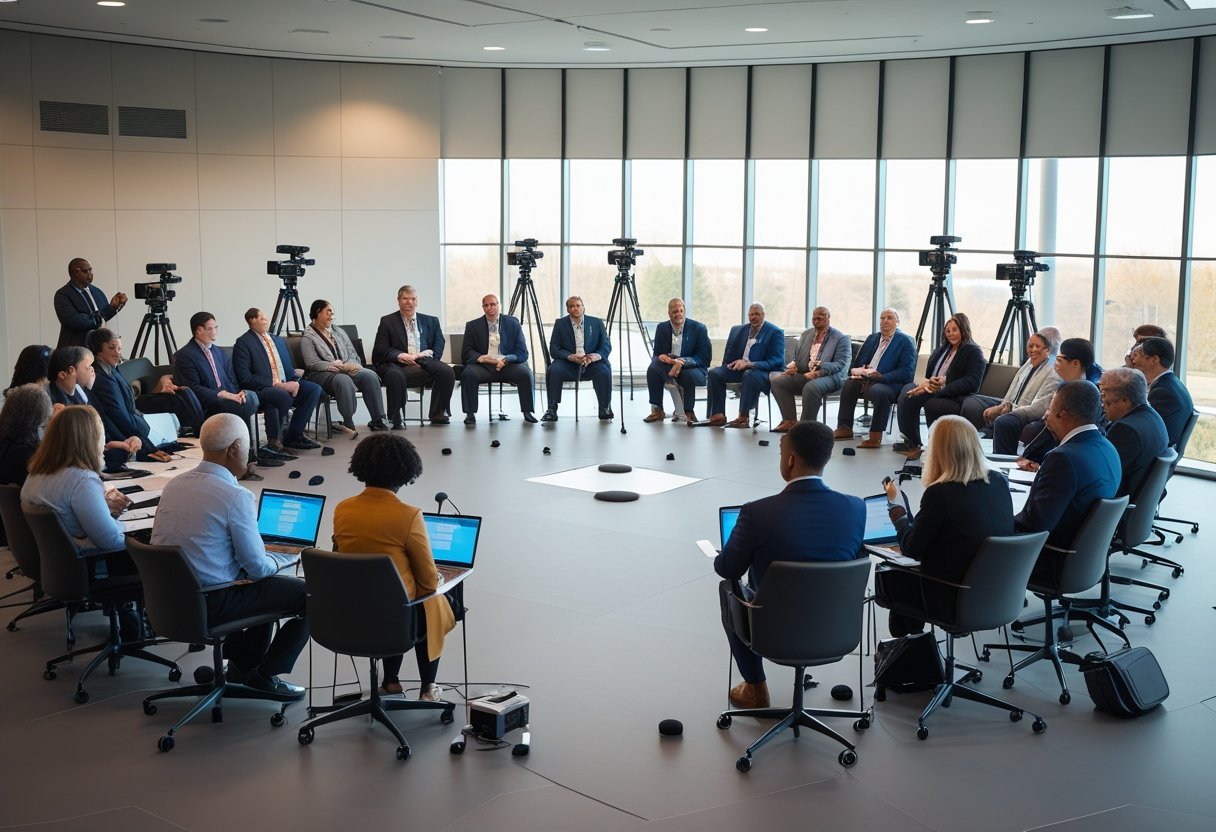
Inclusive townhalls require clear sightlines, reliable audio, and low-friction digital participation so everyone—remote or in-room—can see, hear, and be heard. The design choices below show how to place cameras, mics, and chat tools to boost fairness and engagement.
Multi-Camera Grammar for Audience Visibility
Multi-camera grammar means using camera placement and switching rules that show speakers, audience reactions, and important visuals without bias. A typical setup uses three camera roles: a wide stage camera, a presenter close-up, and an audience/roving camera. The wide camera establishes context. The presenter close-up captures facial expressions and slides. The audience camera scans hands raised, body language, and signage to include diverse attendees.
Operators or automated systems should follow a simple shot list: wide for introductions, presenter for prepared remarks, audience for Q&A and applause. For hybrid town hall streaming to Zoom, Microsoft Teams, or Google Meet, feed the program mix into the conferencing platform and record isolated camera tracks for post-event editing.
Camera framing must respect sightlines: eye-level or slightly above presenters, lower angles avoided. PTZ or robotic cameras help cover multiple zones without obstructing view. Matching color balance and exposure between cameras reduces jarring cuts. Use captions and slide capture alongside video to help remote viewers and for event recording.
Optimizing Floor Microphones and High-Quality Audio
Floor mics and whole-room audio must capture questions without amplifying noise or feedback. Use ceiling or beam-forming arrays for even coverage and reserve wired or wireless handhelds for formal Q&A. Floor microphones can work in open-floor formats but require careful placement and soft acoustics to limit echo.
Set up an audio chain: mic → mixing desk (or digital console) → DSP for gating/eq → conferencing output and PA. Enable echo cancellation for hybrid streams and route a clean mix to the recorder for event recording and live streaming. Use lavalier or headset mics for presenters to keep vocal levels steady.
Test signal flow and latency before the meeting. Keep spare batteries and channels for wireless microphones. Tune room acoustics with absorption panels or carpets to reduce reverberation. Use assistive-listening options and closed captions to improve accessibility for hearing-impaired participants.
Facilitating Participatory Chat and Real-Time Interaction
Participatory chat must feel equal to speaking from the floor. Choose a single chat hub that integrates with the live stream and moderator tools so questions are triaged quickly. For virtual town halls on Zoom, Teams, or Google Meet, enable moderated Q&A and live polling to surface top issues and prevent chat overload.
Assign moderators to these tasks: one to group similar chat items, one to escalate top questions to the mic queue, and one to watch accessibility flags. Use clear rules: how to submit a question, how votes work, and expected response time. Display top chat items on-screen during audience-camera shots so both in-room and remote attendees see the same cues.
Enable multi-language captions or translation when needed and record the chat transcript with the event recording for follow-up. Integrate chat with audience engagement tools like live polls and reaction emojis to capture sentiment without interrupting speakers.
AV Technology and Best Practices for Multi-Format Townhalls
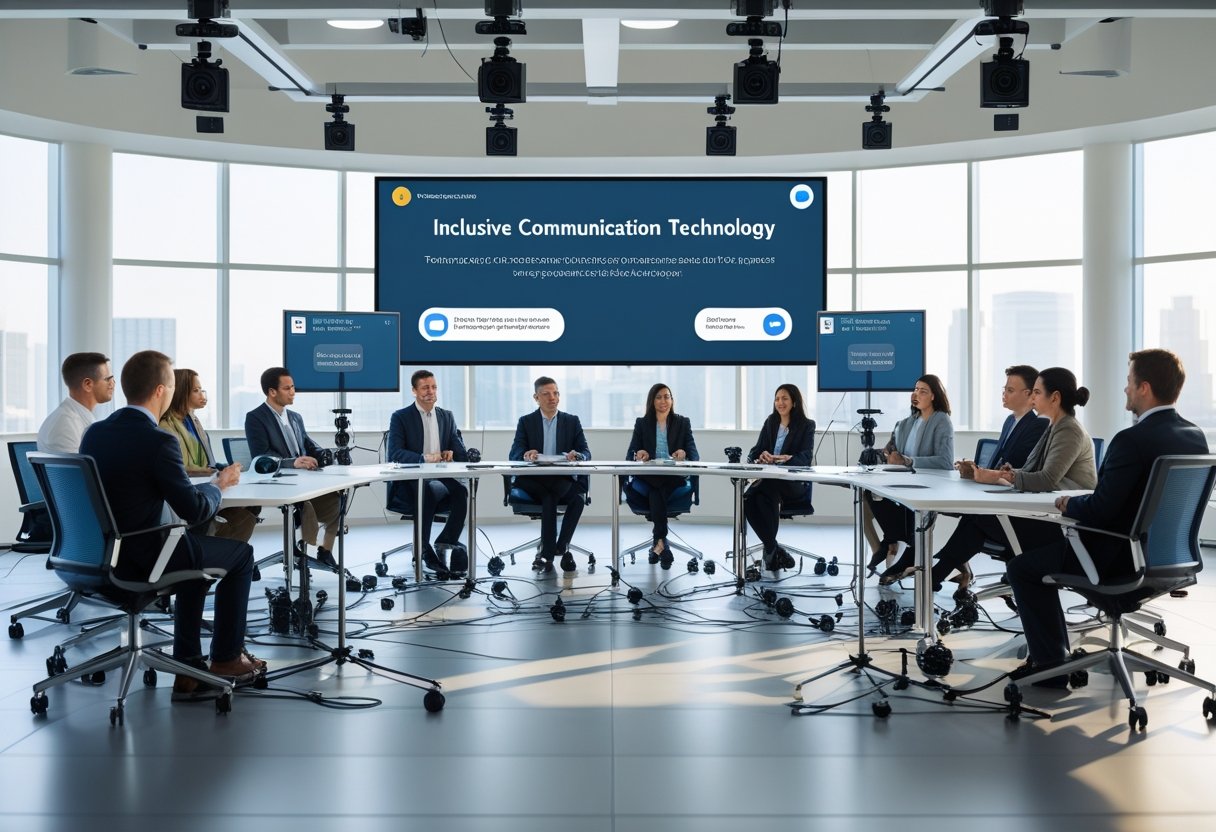
Townhalls need reliable audio, clear visuals, and easy tools for live interaction. Systems should make presenters sound natural, let remote staff join without friction, and let operators switch scenes fast.
Selecting and Integrating AV Equipment
They should choose certified, interoperable gear to reduce last-minute failures. Prioritise a DSP-driven sound system with separate PA and program mixes, lapel mics for presenters, and floor mics for audience Q&A. Ceiling or beamforming mics can fill gaps, but plan mic placement to avoid feedback and preserve clarity.
For visuals, prefer active LED walls or high-brightness projectors with confidence monitors for presenters. Provide multiple HDMI inputs and a reliable switcher or matrix for content sharing from laptops, media players, and remote feeds. Multi-camera PTZs offer preset shots (podium, wide, audience) to automate cuts.
Engage an AV integration partner for wiring, control system programming, and on-site tuning. Include managed services or a support contract to handle firmware updates and network health. Acoustic treatment matters: add absorptive panels or banners where reverberation hurts speech intelligibility.
Managing Hybrid and Virtual Town Hall Platforms
They must pick platforms that support cloud recording, captions, and easy join links. Use certified room kits so in-room devices and the UC platform behave predictably. Run a pre-event tech check for green room guests and remote presenters to confirm audio levels, camera framing, and bandwidth.
Design the run-of-show like a broadcast: pre-program camera presets, lighting scenes, and content layouts. Route separate mixes to the streaming encoder to avoid echo. Use managed streaming or a dedicated encoder with dual uplinks for redundancy. For Teams webinar-style events, configure roles (presenter, producer, attendee) and test screen share from multiple HDMI sources ahead of time.
Provide an operator-friendly control surface so non-technical staff can trigger scenes, roll video, and mute mics. Keep a simple backup plan: a single laptop and USB audio interface that can take program feed if the main switcher fails.
Enhancing Accessibility, Control, and Engagement
They should bake accessibility into every townhall. Offer live captions, cloud transcripts, and recorded VOD with searchable chapters. Provide multi-language translation when needed and ensure keyboard navigation for platform controls.
Use interactive tools to hold attention: timed polls, moderated chat threads, and upvoted Q&A that tie to the town hall agenda. Route audience questions from chat to on-stage moderators and the AV operator so floor mics or lavs can be cued for live answers. Include employee recognition segments with lower-thirds and slides to spotlight winners.
Implement role-based control for stage managers, AV techs, and presenters. Train a small crew on green room workflows and a clear escalation path. These steps make townhalls smoother, fairer, and more engaging for both in-room and virtual participants.