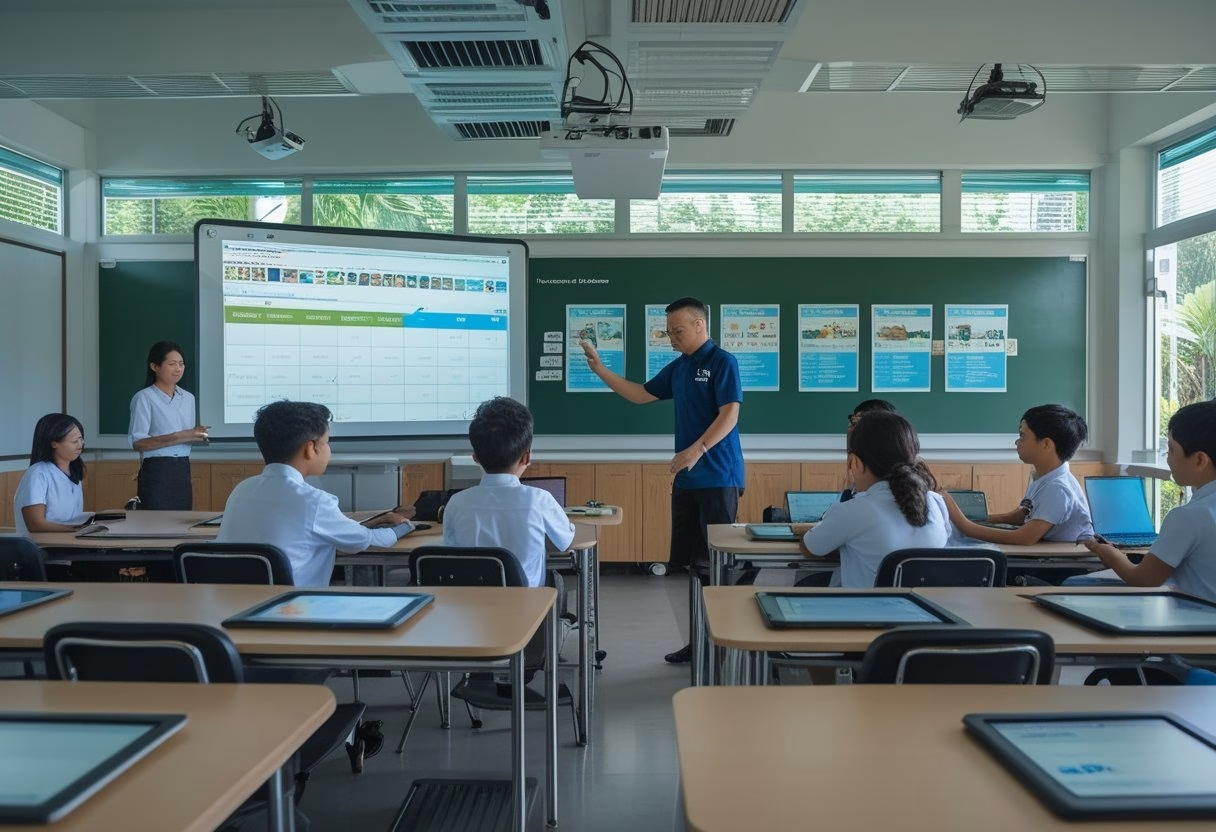
The Role Of AV In Modern Learning Environments
Smart Classroom Technology is changing what you should expect from a classroom: lessons become more visual, more interactive, and easier to access for different types of learners. If you are planning upgrades in Indonesia, the real value is not the display alone, it is the way AV helps teachers explain content, manage attention, and keep learning moving in mixed in-person and hybrid settings. If you want practical support for that kind of rollout, a local partner like MLV Teknologi can help you plan the room, install the system, and keep the deployment coordinated with your campus schedule.
How Interactive Displays And Audio Systems Support Teaching
Interactive displays let you move beyond static slides. You can annotate live, pull up diagrams on the spot, and keep students focused on the same visual reference instead of passing around printed materials. In rooms I have seen perform well, the display works best when paired with clear room audio, so every student hears instructions without strain.
Audio matters more than many teams expect. A teacher who is heard clearly spends less time repeating instructions, and students in the back rows stay more engaged. Good microphones, speakers, and sound tuning also help during guest lectures, language lessons, and hybrid classes.
Why Classroom Technology Now Extends Beyond Projectors
Projectors still have a place, yet classroom needs have moved past simple image display. You now need systems that support touch input, wireless sharing, recording, streaming, and quick switching between devices. That is why many schools and universities are planning around integrated AV instead of buying single hardware items one by one.
The shift is practical. When a room needs to support both teaching and remote access, a projector alone does not solve audio quality, collaboration, or usability. A more complete setup gives you a classroom that can adapt to lectures, group work, and digital content without constant reconfiguration.
The Link Between AV Design, Engagement, And Learning Access
Good AV design shapes how long students stay attentive and how easily they can follow the lesson. When the screen is visible, the audio is clean, and the controls are simple, teachers use the system more often and with less hesitation. That consistency supports better engagement because the technology does not get in the way of the teaching.
Access also improves when you plan for different needs from the start. Captions, larger visuals, replayable content, and assistive listening features can make a real difference for students who learn at different speeds or need additional support. In my experience, schools that treat AV as part of access planning, not just equipment buying, get far better day-to-day results.
Implementation Priorities For Indonesian Schools And Campuses
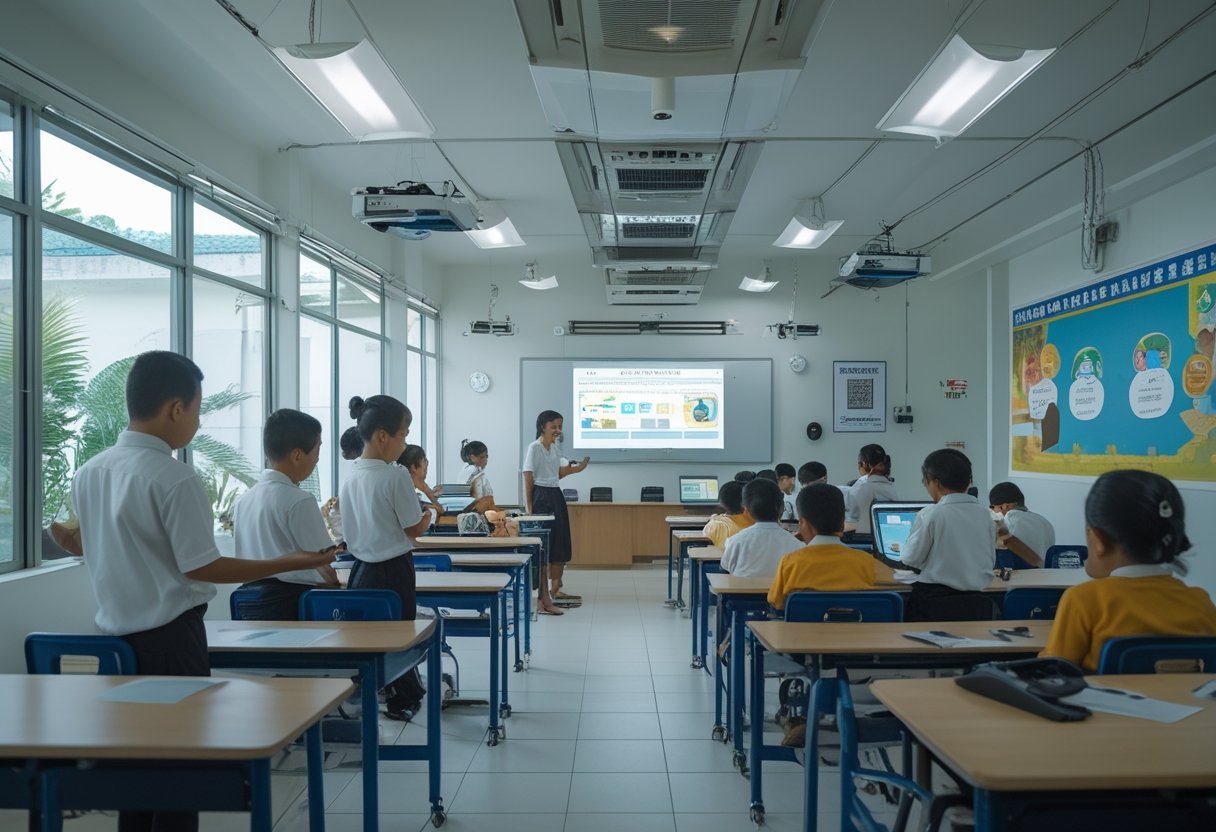
Successful rollouts depend on more than feature lists. You need to check room conditions, prepare teachers for daily use, and choose a rollout model that fits your budget without creating support problems later.
Infrastructure Readiness And Room Planning Considerations
Before you buy equipment, check power, wall strength, cable paths, internet stability, and room acoustics. Many Indonesian schools have mixed building conditions, so one classroom may be ready for a full smart setup while another needs basic electrical or mounting work first. A good plan starts with site surveys, not product brochures.
Room layout matters as much as hardware. Sight lines, seating distance, ambient light, and where the teacher stands all affect whether the system feels natural. If your room design is off, even strong AV equipment can feel awkward in daily use.
Teacher Adoption, Training, And Day-To-Day Usability
Teachers adopt what feels simple. If switching sources, opening a whiteboard app, or adjusting audio takes too many steps, usage drops fast after the first few weeks. The best systems are the ones teachers can run confidently with minimal help from IT.
Training should be short, practical, and tied to real classroom scenarios. I have seen better adoption when staff are shown how to start a lesson, share a laptop, and recover from a common error in under five minutes. Ongoing support matters too, because confidence grows when teachers know help is available during the first term of use.
Balancing Budget, Scalability, And Long-Term Support
Budget pressure is real, so you need to think in phases. A pilot classroom can prove the model before you expand across a campus, which reduces the risk of buying the wrong mix of display, audio, and control gear. This approach also helps procurement teams compare cost against actual classroom use.
Long-term support should be part of the purchasing decision. Replacement parts, warranty handling, remote troubleshooting, and clear maintenance responsibility all affect total cost. For many schools, it is smarter to buy a slightly smaller system that is easier to support than a larger setup that becomes hard to maintain.
What Decision-Makers Should Look For In AV Strategy
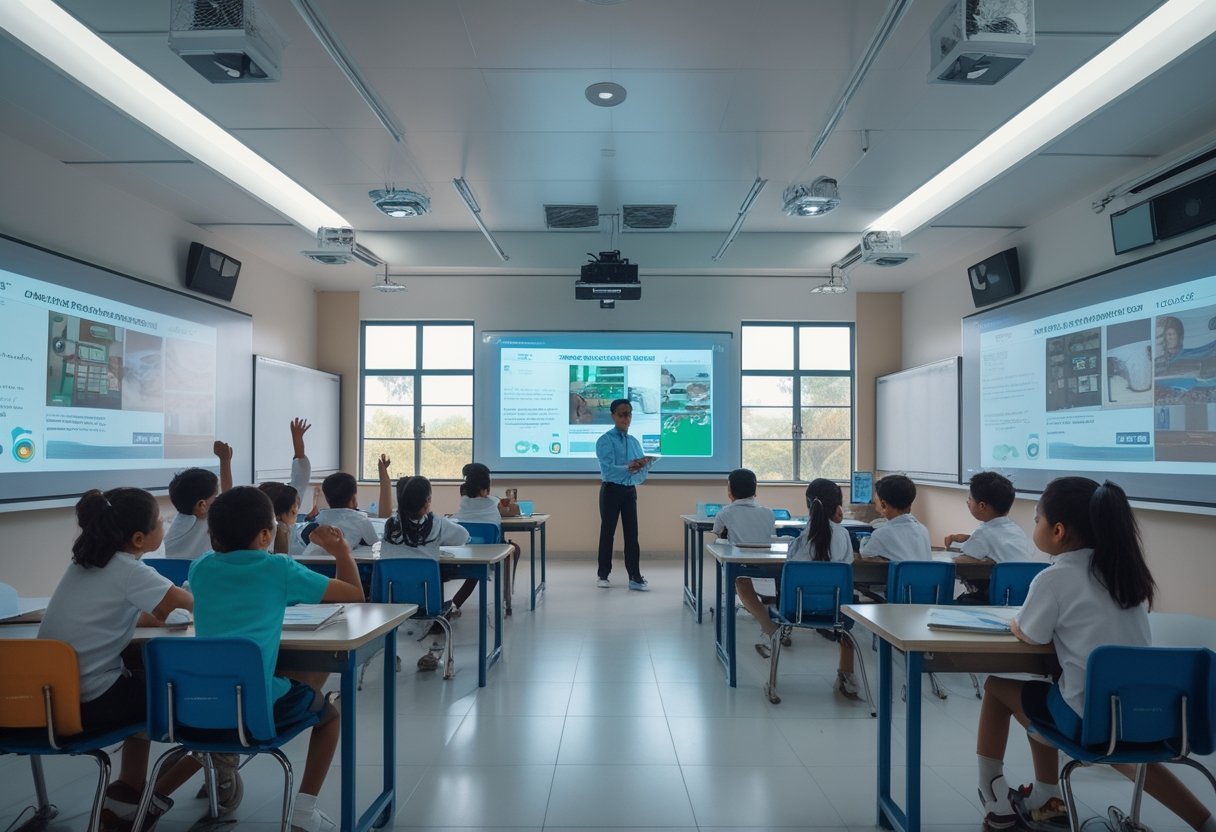
Your AV strategy should be judged by how reliably it supports teaching, how smoothly it fits your building, and how well your team can operate it after go-live. That means looking past equipment specs and testing the full project experience from design through support.
Evaluating Integration Quality And Operational Reliability
Integration quality shows up in small things: one control panel instead of three remotes, stable wireless sharing, consistent audio, and clean device switching. When these pieces work together, teachers spend less time troubleshooting and more time teaching. That is the difference between a room that looks smart and a room that works smart.
Operational reliability is just as important. If a classroom needs repeated resets or constant IT attention, adoption falls and trust drops. You should ask how the system behaves under daily use, not just during a demo.
Reducing Disruption During Installation And Upgrades
Installation should fit the rhythm of the school day. Work that is planned well can often happen with little impact on classes, which matters in active campuses and universities with tight schedules. That kind of execution is one reason teams value partners who are careful on-site and responsive during coordination.
Upgrades also need clear phasing. Start with rooms where the impact will be strongest, then expand once the workflow is proven. In projects where disruption must stay low, local teams such as MLV Teknologi are often useful because they combine consultation, installation, and practical coordination around live operations.
Choosing Partners With Local Responsiveness And Practical Expertise
You should look for partners who understand Indonesia’s real deployment conditions, from older buildings to varied campus standards. Local responsiveness matters when you need fast site visits, straightforward communication, and support that does not stall after installation. A strong partner will help you balance technical design with what is actually maintainable on your campus.
Practical expertise also shows up in how a team talks about constraints. The right partner will discuss room fit, training, service response, and upgrade paths, not just device brands. That mindset is what helps you build a classroom system that stays useful long after the first launch.