The Core Requirements Of A Functional Hybrid Classroom
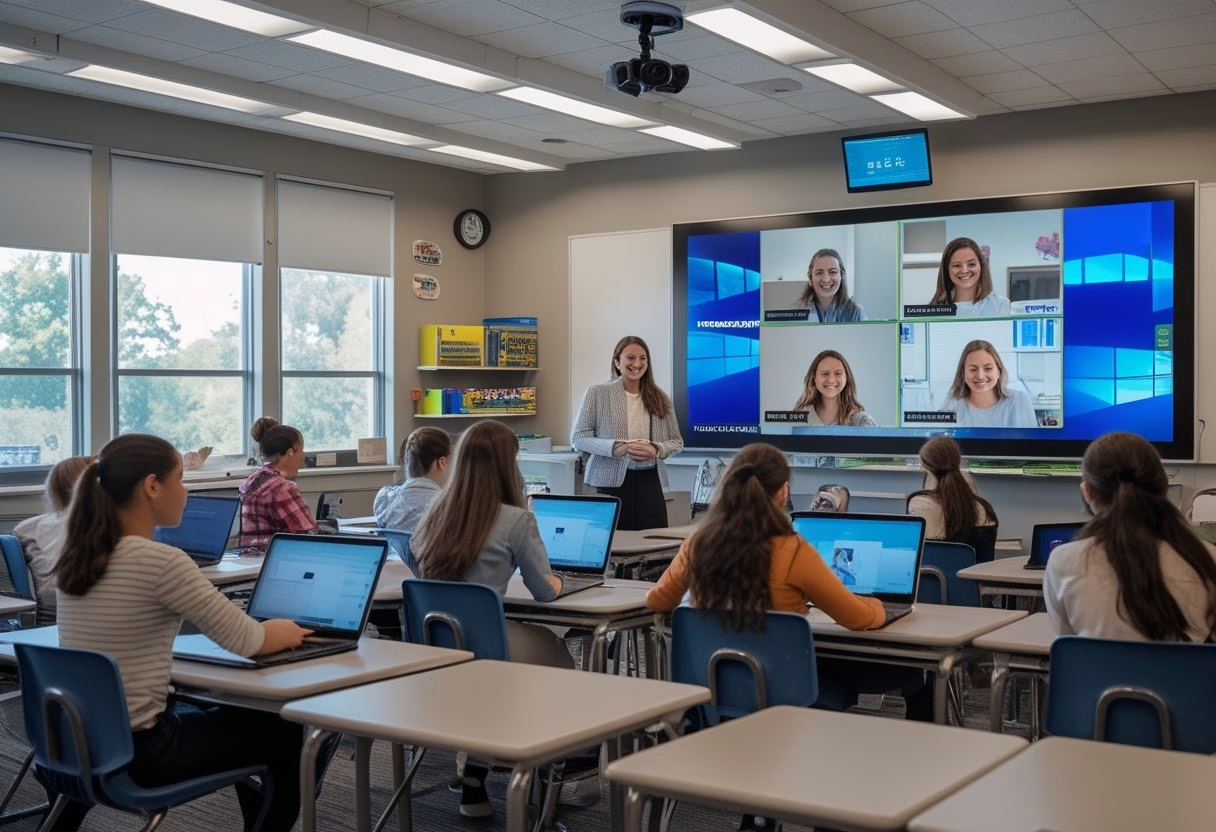
A functional hybrid classroom is built around clear sound, visible content, and controls that teachers can use without slowing the lesson down. If you start with cameras alone, you miss the parts of the room that shape daily teaching quality for both in-person and remote students.
Clear Audio As The First Priority
If remote students cannot hear the teacher clearly, the lesson already starts at a disadvantage. In practice, microphone quality and placement matter more than camera resolution because speech intelligibility drives attention, participation, and comprehension.
A classroom should capture the teacher’s voice evenly, even when they move around the room. For larger spaces, you also need a way to hear student questions without making the teacher repeat everything.
Wide And Natural Room Coverage
Hybrid classrooms work best when the system covers the whole room, not just the front row. That means the setup should capture board work, teacher movement, and student interaction without constant adjustment.
A single fixed camera may be enough for a small room, while larger or active rooms often need a wider view and better placement planning. The goal is not cinematic video; it is a stable view that helps remote students follow the lesson naturally.
Display Visibility For In-Person And Remote Students
Both groups need to see the same lesson content without strain. If the screen is too small, placed too high, or washed out by light, students lose focus fast.
You should plan display size, brightness, and placement together with the room layout. In mixed attendance settings, remote participants also need to be visible enough for teachers to notice reactions and keep the class connected.
Simple Controls For Teachers
Teachers should not need a support ticket to start a class. A hybrid room works best when the controls are clear, labeled, and built for fast use between lessons.
The most practical systems keep audio, video, and content sharing on one simple interface. When you work with an AV solutions partner such as MLV Teknologi, that kind of classroom usability can be planned into the installation from the start.
The Hidden Infrastructure That Determines Daily Success
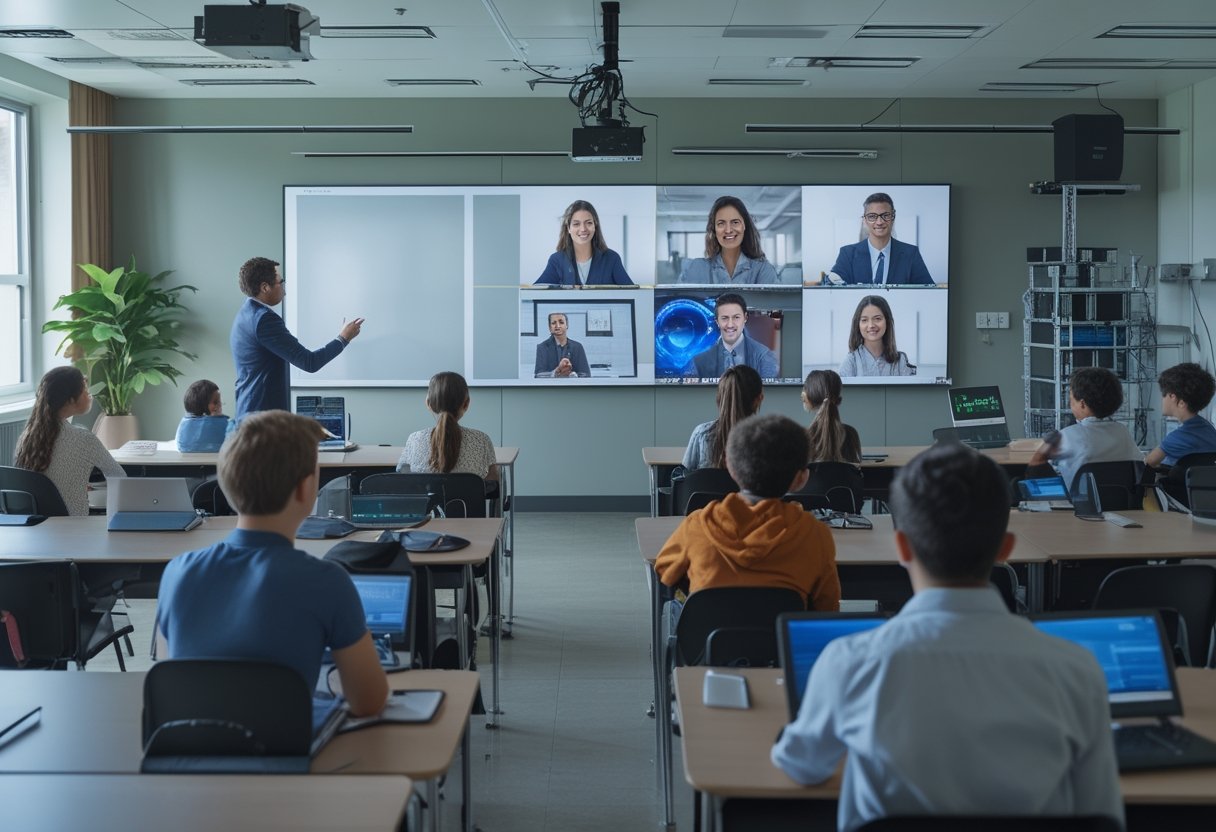
The visible equipment gets attention, yet the hidden layers decide whether the room runs well every day. Network quality, acoustics, cabling, and support readiness can make a good system feel effortless or make a simple class feel unstable.
Network Stability And Platform Compatibility
Hybrid teaching depends on steady bandwidth and clean platform performance. If the network drops, lags, or conflicts with the school’s chosen platform, the lesson loses pace and teacher confidence drops with it.
You should test compatibility with the platforms your staff actually uses, not just the software listed on a spec sheet. Reliable deployment means the AV system, network, and devices all work together without extra steps.
Room Acoustics And Noise Management
A room with echo, fan noise, or hallway spill will weaken even a strong microphone system. The result is tiring audio for remote learners and more effort for teachers who must repeat themselves.
Soft finishes, good speaker placement, and basic noise control can improve the experience more than a hardware upgrade alone. In many schools, this is where classroom planning and interior fitting work need to support the AV design.
Power, Cabling, And Device Placement
Loose cables, poor outlet placement, and crowded equipment areas create avoidable failures. They also make rooms harder to maintain and harder for teachers to trust.
You should plan for clean cable paths, safe mounting, and practical access for servicing. Device placement should support both daily use and quick troubleshooting, especially in active schools where downtime is hard to absorb.
Support Readiness And Rapid Troubleshooting
Even well-designed rooms need quick help when something changes. A remote camera issue or muted microphone can disrupt a lesson if no one knows the first step to fix it.
Schools should document the setup, train staff, and define who responds when problems appear. Responsive installation and support matter here, which is why many institutions prefer partners who can handle consultation, installation, and follow-up without slowing school operations.
How Schools Should Evaluate Long-Term Fit
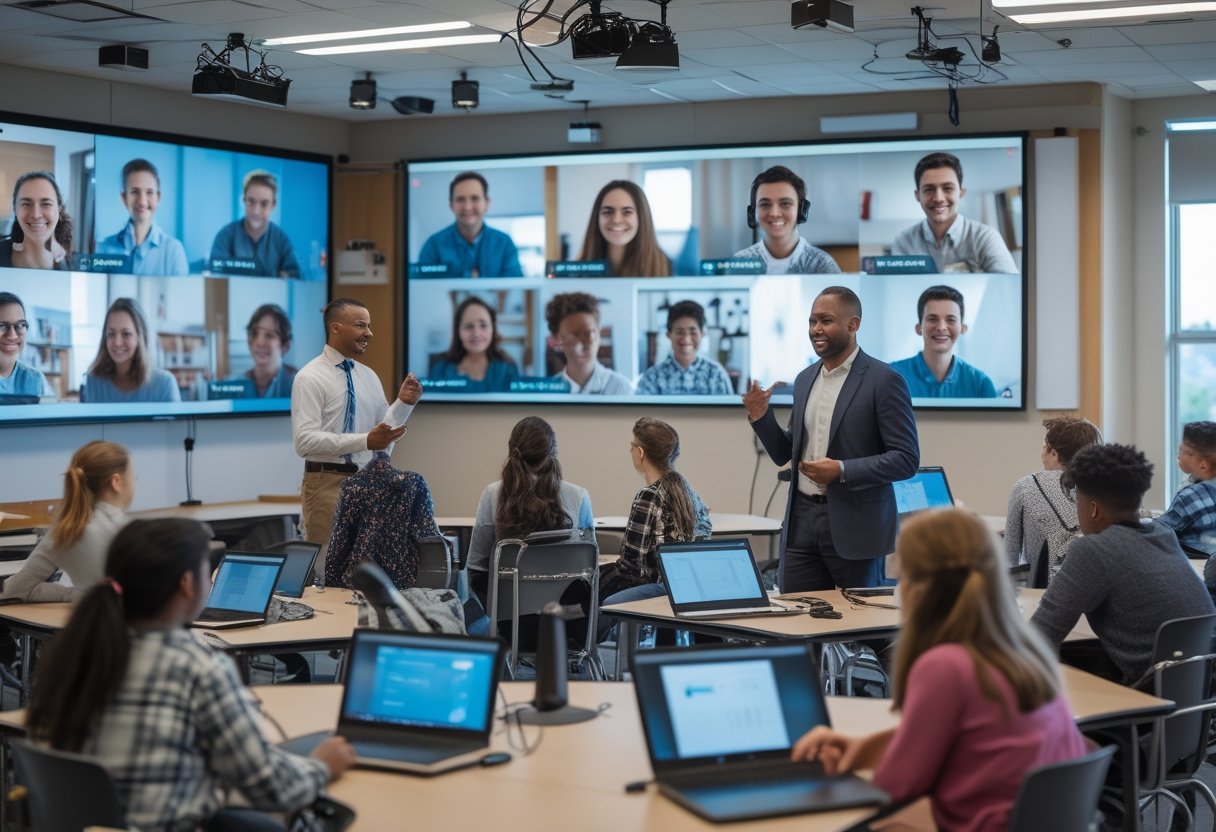
The best hybrid classroom is not the one with the most features. It is the one your staff will use correctly, your IT team can maintain, and your facility can support across different room types.
Teaching Workflow And Staff Adoption
A system fits long term when teachers can use it with little friction. If the lesson flow changes every time someone joins remotely, adoption will stay low.
You should observe how teachers start class, share content, manage questions, and close the session. The right setup supports that workflow instead of forcing a new one.
Scalability Across Different Room Types
A school rarely has one perfect room. You may need hybrid setups for lecture rooms, meeting spaces, small classrooms, or multi-use spaces with different acoustics and layouts.
That is why the design should be flexible enough to scale without rebuilding every room from scratch. Standardized components and consistent control logic make future expansion easier and cheaper to manage.
Installation Planning With Minimal Disruption
In active schools, installation timing matters as much as hardware choice. Work that blocks classes, creates noise, or leaves rooms unusable for too long quickly becomes a problem.
Phased deployment, clear site coordination, and careful scheduling reduce disruption. MLV Teknologi is the kind of AV partner schools often look for when they need consultation and installation that fit around daily operations.
Total Value Beyond Initial Hardware Cost
The lowest quote is not always the best value. You also need to account for uptime, teacher comfort, maintenance, and how quickly the room can recover when something goes wrong.
A better measure is total usable value over time. If a system is easy to run, easy to support, and stable enough for daily use, it saves time and frustration long after the first installation is complete.