How Do Control and AV Distribution Work Together?
Control systems give you one place to operate the room, while AV distribution routes each source to the displays that need it.
Together, they make connected AV equipment easier to use. They also ensure content reliably reaches projectors, interactive displays, or digital signage throughout the building.
Your room design should match the way people present and collaborate. The number of sources, destinations, and routine tasks shapes both the control interface and the signal path.
What Does a Room Control System Manage?
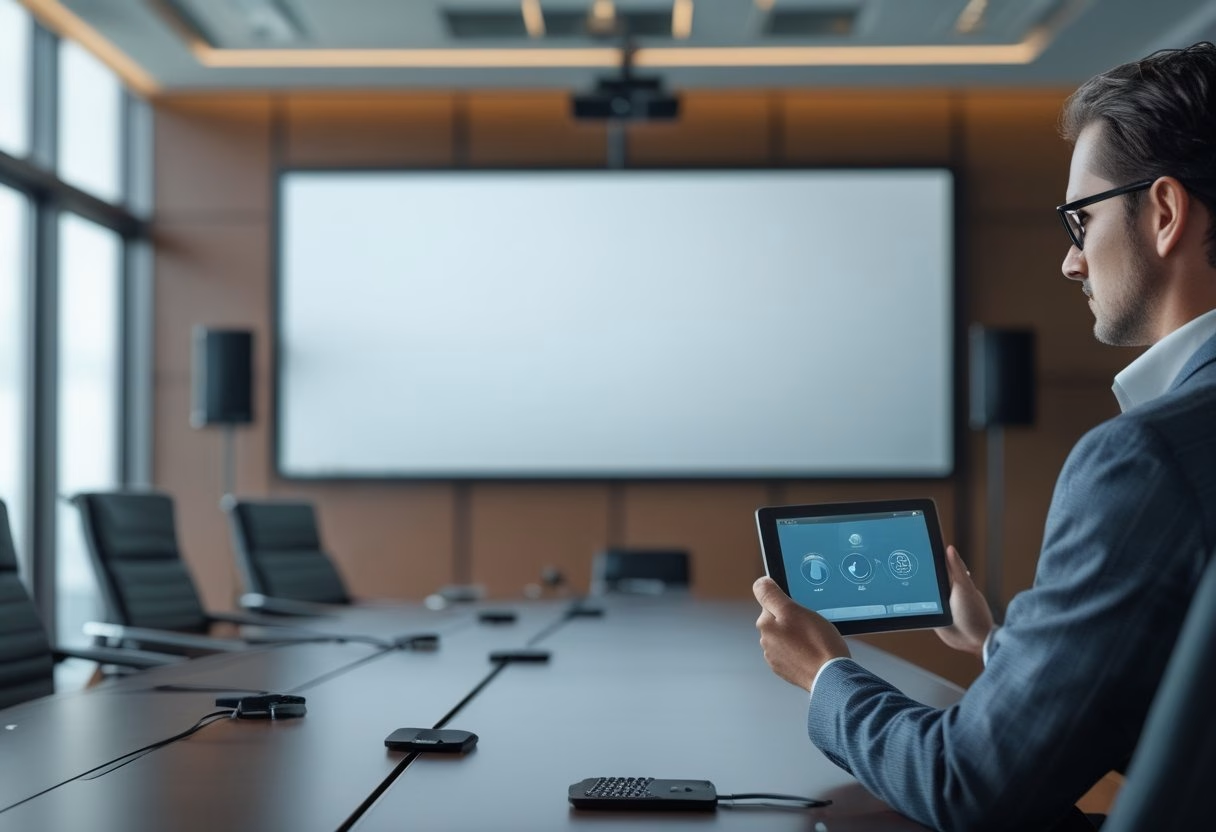
A room control system brings common actions into one interface, so you can start a meeting, switch sources, and adjust room settings from a touch panel. Depending on the design, it can coordinate displays, audio, video conferencing equipment, lighting, and shades.
You can use presets for common activities such as presentation, video call, and standby. Clear labels and consistent layouts also help people move between rooms without learning a different control method each time.
How Does AV Distribution Route Content?
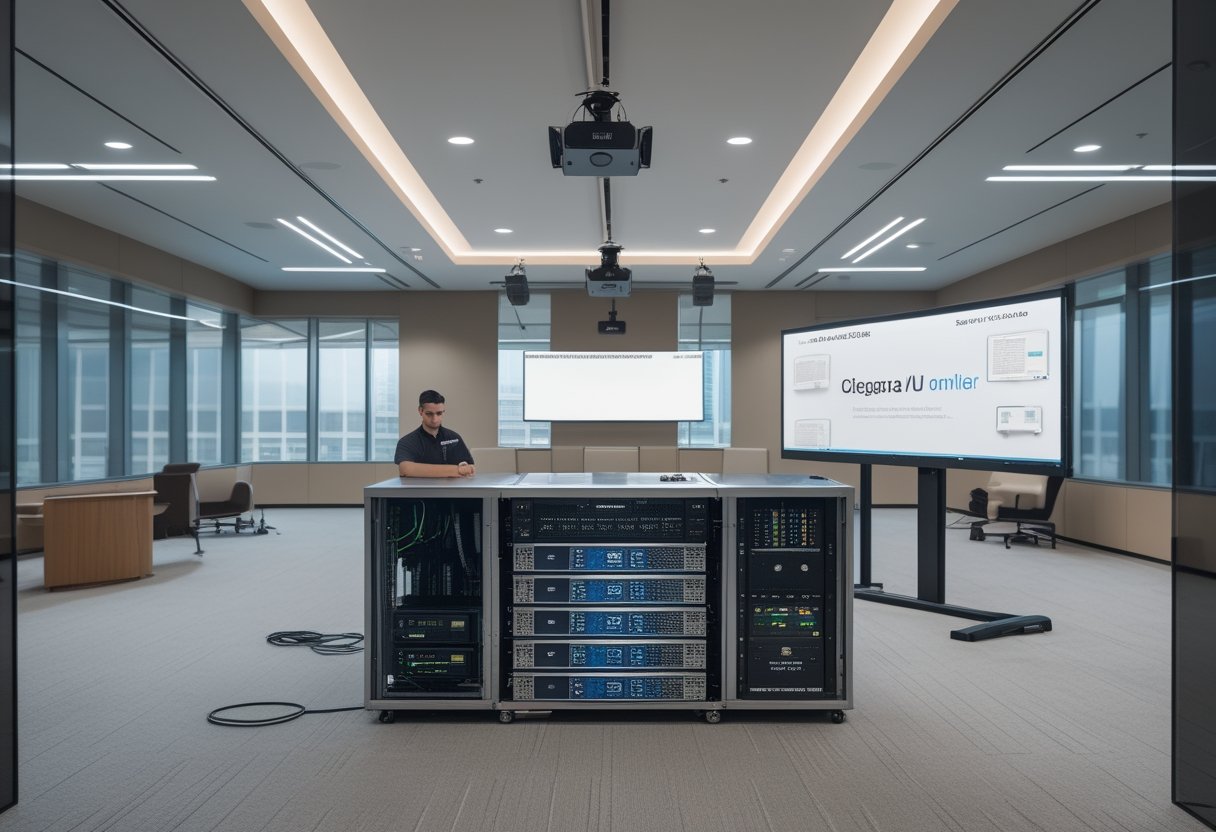
AV distribution sends video and audio from sources such as a room computer or guest laptop to selected displays. A switcher can manage several sources and destinations in one room, while an AV-over-IP design routes compatible signals over a network.
For an enterprise with multiple spaces, you should define the signal formats, number of destinations, and cable distances before choosing equipment. Those details help you determine whether you need direct switching, signal extension, or a broader network-based design. You can review AV switching and distribution equipment in relation to those system needs.
When Is Centralized Distribution Worthwhile?
Centralized distribution is useful when you need to share sources across rooms or manage a larger group of displays from a common equipment location. It can also support consistent routing and administration across an office, campus, or signage network.
For a single meeting room with a few local sources, a compact switching design may be easier to maintain. Choose the architecture after you map where sources live, where content must appear, and who will support the system.
How Should You Choose an Enterprise AV Architecture?
For enterprise AV that needs integrated room workflows, AV-over-IP distribution, and remote visibility, Crestron is a strong fit; Extron suits designs focused on switching, signal management, and configurable room control. Your choice should reflect room tasks, IT standards, and the support model you can maintain.
Both platforms support control and distribution approaches for professional spaces. The comparison below highlights capabilities documented for each platform; the right fit comes from matching those capabilities to your rooms.
Enterprise AV need | Crestron | Extron |
|---|---|---|
Room control | Touch-panel workflows | Control processors and touchpanels |
Distribution | DM NVX AV-over-IP | Switching, scaling, and distribution |
Central management | XiO Cloud for compatible systems | Virtual Control; VCA 100 supports up to 30 virtual processors |
Design emphasis | Integrated control and flexible routing | Signal management and configurable control |
“The most powerful AV ecosystem is invisible to the user,” notes Melvin Halpito, Corporate Audio-Visual Expert. “Whether you implement Crestron or Extron, the true benchmark of enterprise success is whether a presenter can walk into any boardroom and initiate a meeting without calling IT support.”
Which Room and Collaboration Needs Should Guide the Design?
Start with the tasks people perform in each room: presenting from a laptop, joining a call, sharing content, or switching between activities.
List the sources, displays, projectors, microphones, speakers, and room functions each task requires in larger meeting rooms or boardrooms.
That inventory helps you set the control interface and distribution plan. If you need the same experience across many rooms, define shared naming, presets, and support procedures as part of your enterprise AV integration planning.
How Do Video Conferencing Platforms Affect Compatibility?
Your video conferencing platform shapes the room’s compute, camera, audio, and display requirements. For Google Meet or other video conferencing tools, confirm that the chosen room system supports the required platform workflow and that connected devices work with the selected configuration.
Check the complete signal path before purchase, including laptop sharing, content resolution, audio routing, and camera use. A control interface should make the platform’s common meeting actions clear to the people who use the room.
What Should You Consider for Room Compute and Expansion?
Choose room compute based on supported software, room processing requirements, and IT deployment standards. Many dedicated meeting room appliances use Intel processors, while other lightweight appliances rely on ARM hardware.
Because Intel and ARM architectures handle operating environments differently, verify software and peripheral compatibility before purchase.
Plan for future displays, new sources, and changes to room use. You should also confirm network capacity and device management needs before expanding AV-over-IP across more spaces.
How Can Installation Minimize Disruption to Daily Operations?
You can reduce disruption by documenting the existing room setup, agreeing on work windows, and testing the new system before the final cutover. A phased installation lets you keep unaffected rooms available while the team installs and checks each space.
Schedule commissioning around business activity and confirm the full workflow with users before handover. MLV Teknologi’s customer feedback includes praise for careful installation and work completed without interrupting daily operations; its team provides AV consultation, equipment supply, and installation support.
The Best AV Approach Fits the Room and Its Users
The best enterprise AV approach gives your users clear controls and gives your support team a system it can manage. Choose Crestron when integrated control and AV-over-IP routing align with your room plan; choose Extron when its control and signal-management options suit your deployment.
Your room standards should account for user workflows, compatibility, network readiness, and future changes. A user-focused meeting-room technology design helps turn those requirements into controls people can operate with confidence.
For a project in Indonesia, you can contact MLV Teknologi for AV consultation and installation support. Visit mlvteknologi.com.
Follow MLV Teknologi on Instagram, X, and LinkedIn for the latest enterprise AV updates and insights.