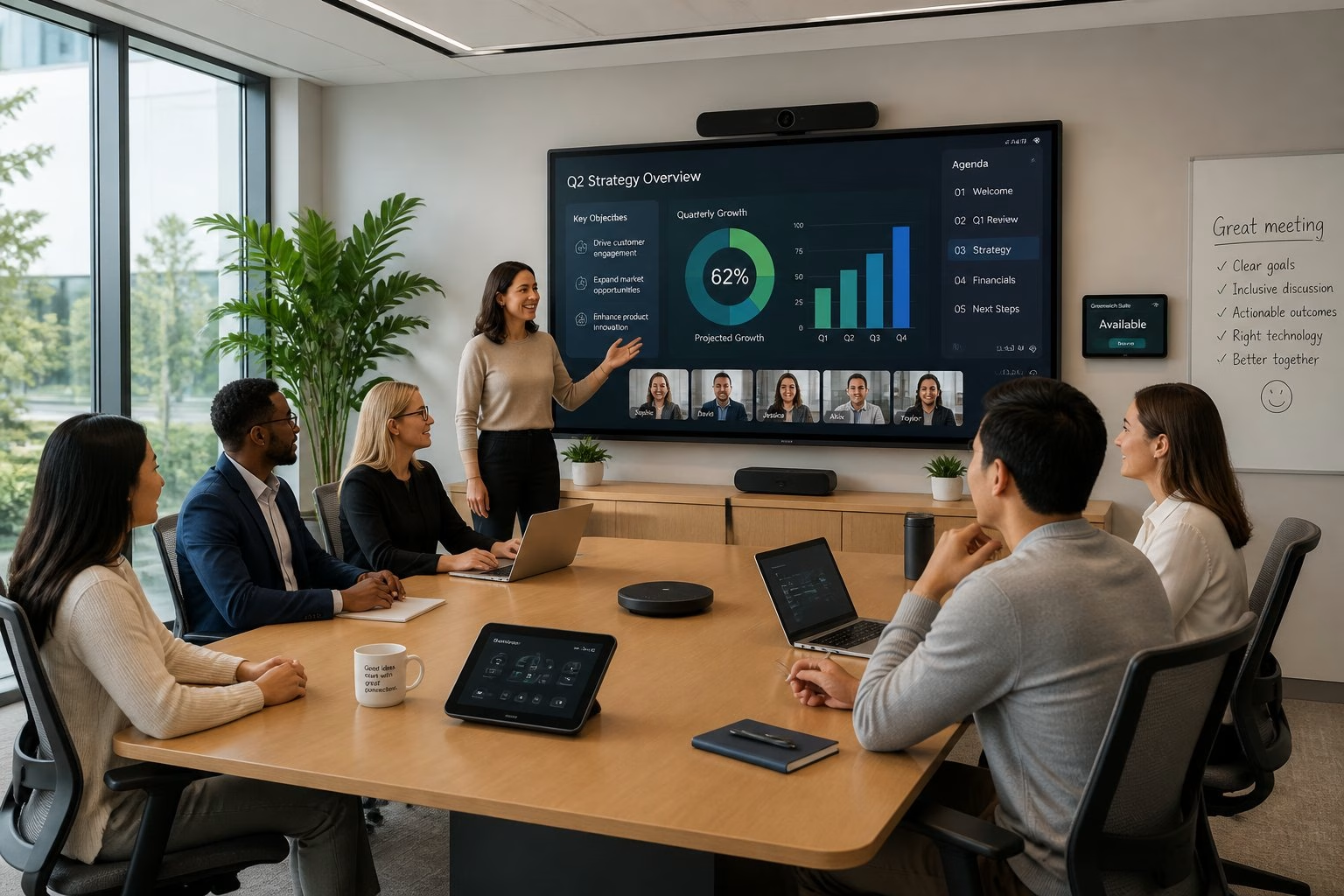
Why User Experience Determines Meeting Room Success
Meeting room technology succeeds when people can use it fast, trust it, and get back to work without asking for help. That is why the Role Of Human-Centered Design in Meeting Room Technology matters so much: it turns devices into a smooth part of the workday, not a daily obstacle. If you are planning upgrades, start with the people in the room, then choose the tools that fit their habits and skill levels. If you want support that matches that mindset, a careful AV partner such as MLV Teknologi can help translate workplace needs into practical room decisions.
From Feature-Rich Systems To Friction-Free Use
A room packed with cameras, microphones, screens, and control panels still fails if users hesitate at the start of every meeting. The best systems feel simple because the key actions are obvious: join, share, speak, and switch sources with little thought. In practice, your team values smooth flow more than extra features they may never touch.
Common Points Of Failure In Everyday Room Interactions
The most common problems are small ones: the wrong cable, unclear labels, touch panels with too many steps, and audio that sounds uneven from seat to seat. These issues create repeated interruptions and train people to avoid the room. Once that happens, adoption drops and support calls rise.
How Design Choices Influence Adoption And Confidence
People trust rooms that behave the same way every time. Consistent layouts, clear visual cues, and predictable startup behavior reduce anxiety for users with mixed technical skill. When a room feels easy, your team uses it more often and with less resistance.
Design Principles For More Intuitive Collaboration Spaces
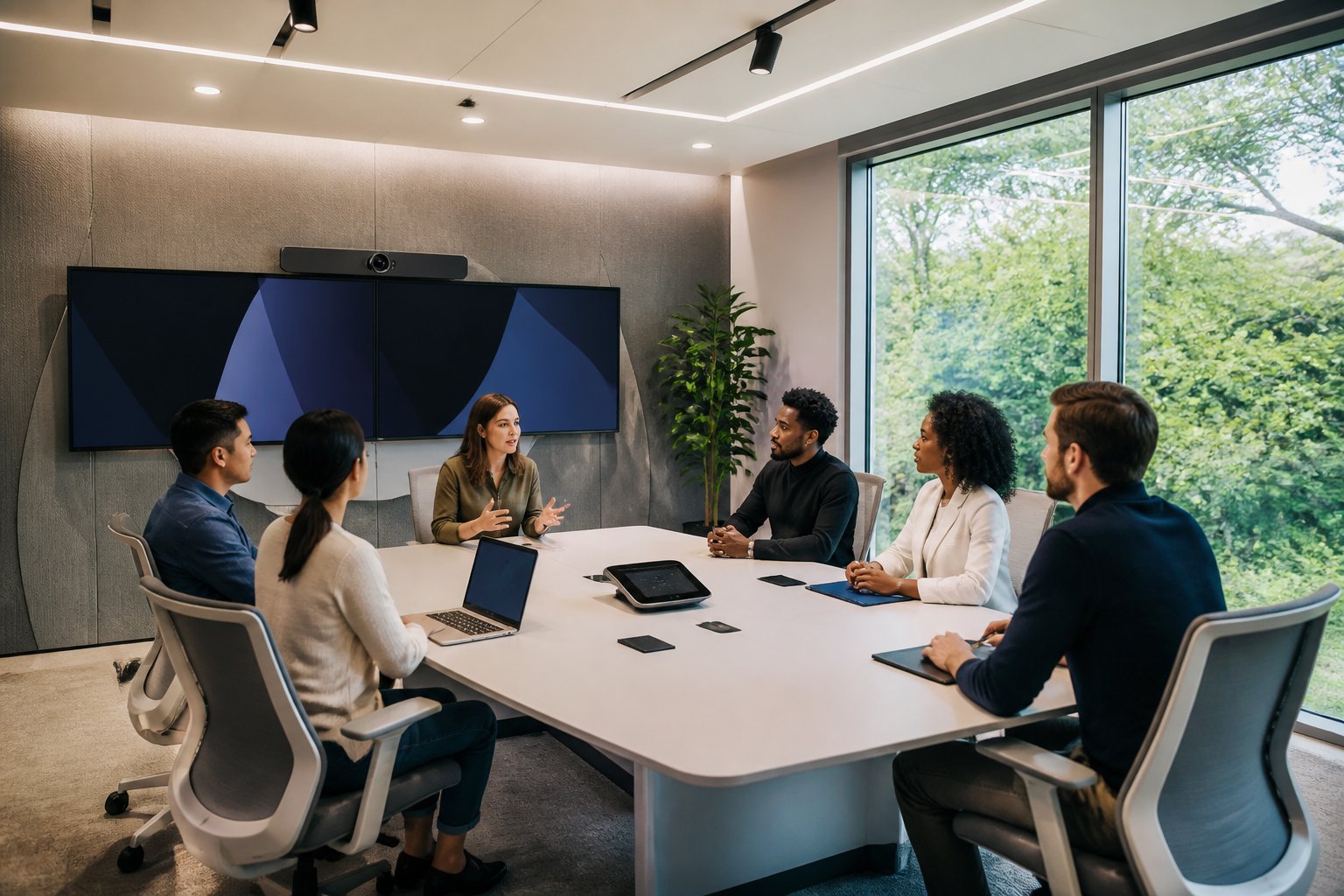
Good room design starts with the way your people actually meet, not with a list of devices. The room should support quick internal check-ins, hybrid calls, executive discussions, and longer workshops without forcing users to relearn the space each time.
Matching Room Technology To Real Meeting Behaviors
A huddle room needs different tools than a boardroom or training space. Small rooms need quick join paths and clear audio pickup, while larger rooms need better sightlines and stronger control of camera coverage. If you match technology to the meeting style, you reduce wasted budget and improve daily use.
Accessibility, Simplicity, And Consistency Across Room Types
Users move between rooms all day, so consistency matters. Keep touch controls, input names, and screen layouts familiar across room sizes, and make sure the core actions sit in the same place. That approach supports accessibility too, since people with different abilities or confidence levels can use the room without confusion.
Planning For Hybrid Meetings, Supportability, And Reliability
Hybrid meetings work best when remote participants can hear clearly, see faces, and follow the conversation without lag or awkward camera cuts. Supportability matters just as much, because your IT team needs a room they can troubleshoot quickly. Reliable hardware, clear documentation, and neat installation lower the burden on day-to-day operations.
Applying Human-Centered Thinking Across The Project Lifecycle

Human-centered design is not a one-time layout choice. It works best when you use it from early discovery through installation and long-term review, with real user behavior guiding each decision.
Discovery And Consultation That Start With Workplace Needs
The best projects begin with questions about workflow, room usage, pain points, and business priorities. You need to know who uses the room, how often they meet, and what usually goes wrong today. A strong consultation process, like the kind you would expect from an experienced AV team, gives you a clearer plan and fewer surprises later.
Installation Approaches That Minimize Operational Disruption
In active offices, installation timing and coordination matter as much as the equipment itself. Work done in phases, with careful site checks and clean handover planning, helps your team keep operations moving. Customers often value installers who work neatly and do not interrupt the business day, and that is a sign of good project discipline.
Measuring Performance Through Usage, Feedback, And Continuous Improvement
After rollout, watch how the room is used, not just whether the hardware powers on. Track support requests, meeting start times, user feedback, and the kinds of rooms people choose first. That data shows whether the design is helping adoption or creating friction, and it gives you a clear path for small fixes that improve long-term performance.