You ask for conflicting instructions: you require second person earlier (“you”) but later require third person point of view (“he, she, it, they”). Please confirm which point of view to use: second person (you) or third person (he/she/they).
Transforming Digital Signage Into Certified Emergency Channels
Digital signage must switch from everyday displays to verified emergency channels that deliver clear, timely instructions. It must connect to trusted alert systems, override normal content instantly, and show concise visuals and text for people to act on immediately.
The Role of Screen Takeover in Emergency Response
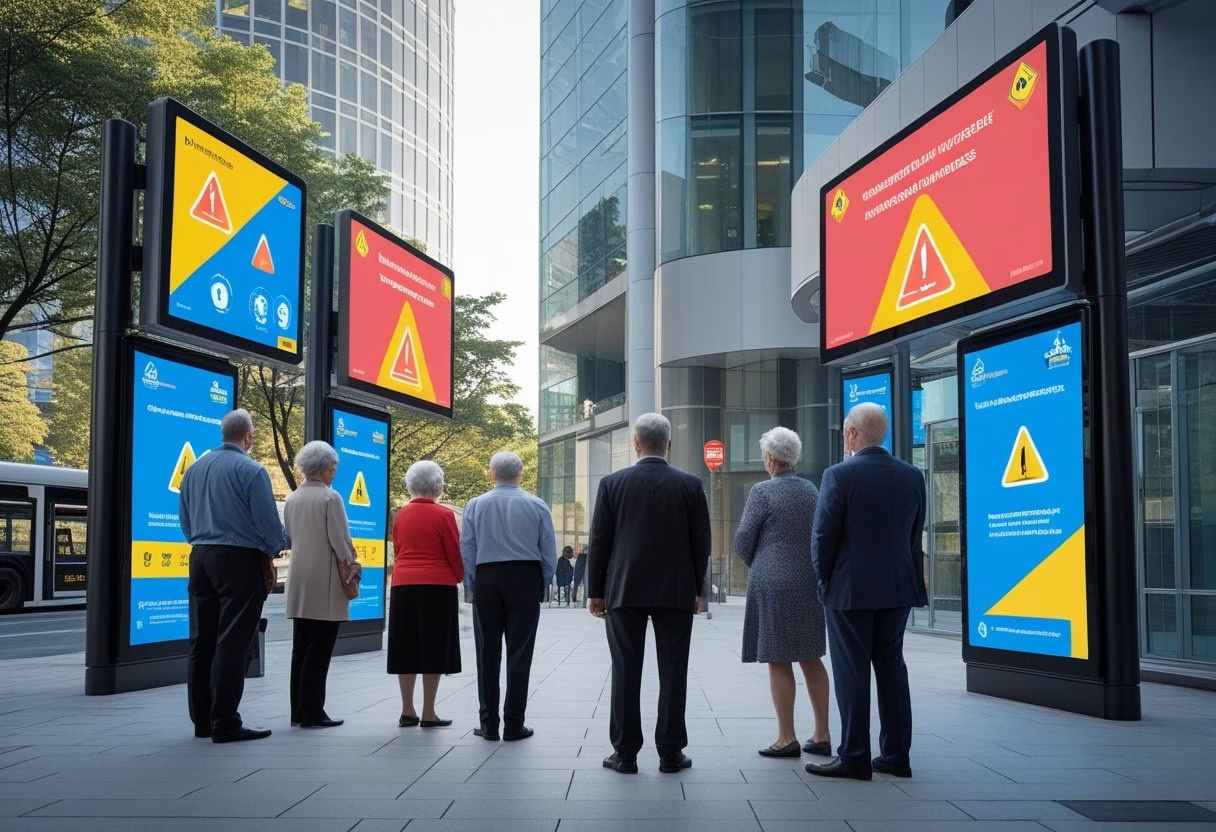
Screen takeover must force emergency content to full-screen across affected displays within seconds. Systems should support an “instant override” function that mutes scheduled playlists, pauses videos, and replaces them with high-contrast text, icons, and route maps. Takeover should include visual hierarchy: large headline, short action line (e.g., “Evacuate now”), and a clear secondary line with location-specific instructions.
Operators must be able to trigger takeovers remotely or let them trigger automatically from integrated alert feeds. Backup power and watchdog software help ensure takeovers succeed during outages. Logs must record who triggered the takeover, when, and which screens were affected for post-incident review.
Integration With CAP and Emergency Alert Platforms
Integration with the Common Alerting Protocol (CAP) and platforms like IPAWS lets digital signage receive authenticated, geo-targeted alerts. CAP messages provide standardized fields—urgency, severity, certainty, and area—that signage software can parse to format messages automatically. The software should map CAP fields to on-screen templates and support multilingual outputs.
Secure connectors, certificate validation, and failover endpoints reduce the risk of false or delayed alerts. Testing with local emergency management agencies ensures CAP feeds display correctly. Organizations can link signage to commercial alert services for campus-wide messaging or to municipal CAP feeds for coordinated public safety notices.
Automated vs Manual Emergency Messaging
Automated messaging gives the fastest delivery when seconds matter. When CAP triggers a display, the system should auto-populate templates and push them immediately. Automation lowers human delay but needs rigorous template governance to avoid misleading text or wrong locations.
Manual messaging gives control when context matters—complex incidents, mixed instructions, or evolving threats. A clear approval workflow with role-based access and pre-made templates shortens manual send times. Hybrid setups let automated messages run by default while allowing on-call staff to edit or cancel messages quickly through mobile or web control panels.
Types of Critical Alerts: Weather, Safety, and Lockdowns
Weather alerts must show hazard type (tornado, flash flood), affected areas, expected time window, and a simple action (e.g., “Move to interior room, lowest level”). Include both text and a weather icon, plus optional audible tone for noisy environments.
Safety alerts cover fires, chemical spills, and active threats. They should display immediate instruction (“Evacuate building via stair A”) and an evacuation map or arrowed route. Tie messages to building maps and public-address systems where possible.
Lockdown instructions require precise wording: reason (if known), duration guidance, and shelter locations. Use consistent phrasing like “Lockdown — Secure in place, doors locked, lights off.” Ensure lockdown messages override other alerts and propagate to all internal displays, elevators, and digital schedules to prevent movement.
Implementing and Optimizing Emergency Digital Signage Networks
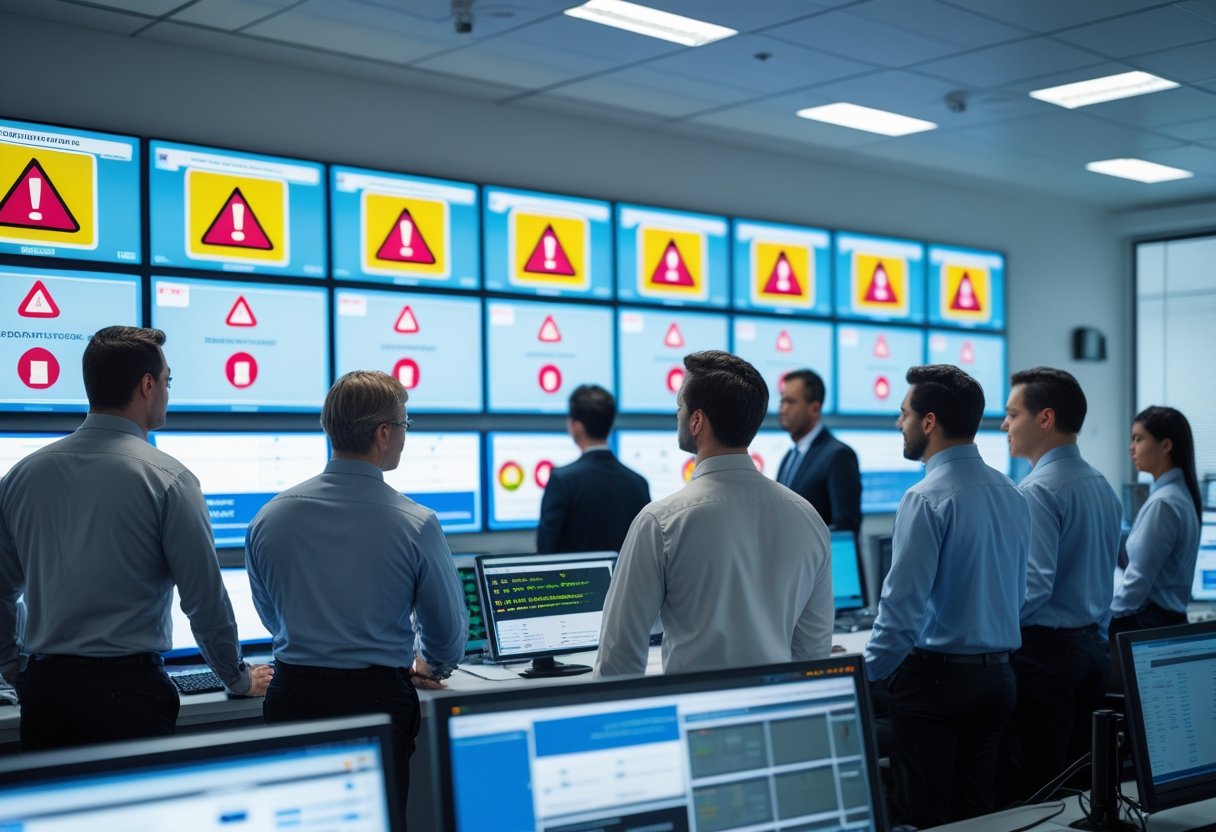
This section explains the technical and operational steps to make digital displays act as reliable emergency channels. It covers system choice, content control, accessibility, and site-level upkeep to keep alerts fast, clear, and trustworthy.
Choosing CAP-Compliant and Mass Notification Systems
They must pick a mass notification system that supports the Common Alerting Protocol (CAP) to receive official alerts from authorities. CAP integration lets systems ingest national or local emergency messages automatically and push them to screens. Vendors such as Informacast, Rave, and Alertus offer CAP-capable options and connectors that can feed a cloud-based digital signage network in real time.
Prioritize vendors with an open API and documented webhook support so the digital signage software or CMS can trigger automated alerts. Check SLA for message delivery time and redundancy. Ensure the mass notification system can target groups of displays (by building, floor, or video wall) and fall back to SMS or PA if a display goes offline. Require audit logs and signed confirmations for compliance and post-incident review.
Content Management and Remote Control Capabilities
A robust content management system (CMS) must allow instant, global or localized overrides of normal playlists. The CMS should support pre-approved emergency templates, automated templates for common incidents (fire, severe weather, active threat), and one-click deployment to defined display groups. Yodeck-style or cloud-based digital signage platforms that offer role-based access help keep approvals fast while limiting who can send live alerts.
Remote management features must include forced wake/power-on, network health checks, and content failover to cached emergency slides when connectivity is lost. The CMS should log all changes and support scheduled drills. Integrations with Informacast, Alertus, or Rave via API/Webhooks let automated alerts bypass manual steps. Test content rendering on different digital displays and video walls to confirm legibility at typical viewing distances and angles.
Accessibility and Multilingual Support for Public Safety
Emergency signage must be readable and usable by everyone. The CMS should support screen reader metadata, high-contrast templates, configurable font sizes, and text-to-speech outputs for key safety messages. Offer simultaneous audio playback on nearby speakers when visual clarity could be compromised.
Implement multilingual layers in the CMS so the same alert appears in priority languages for the site population. Use concise phrasing and standard commands (e.g., “Evacuate — Exit A”); pair text with clear icons, arrows, and simple maps. Ensure automated alerts include language fallbacks and that translations are pre-approved in the crisis communication plan to avoid delays.
Best Practices for Placement, Testing, and Maintenance
Place displays where people gather and on evacuation routes: lobbies, stairwell landings, transit hubs, and near exits. Use a mix of single screens and synchronized video walls to cover large spaces. Label display groups in the CMS by physical zone and ensure each has at least one backup display or speaker.
Run quarterly drills that simulate CAP-triggered alerts and log latency, rendering errors, and human response steps. Include IT, facilities, and security in tests. Maintain remote monitoring with automated alerts for offline devices, and schedule preventive maintenance: firmware updates, power backup checks, and content template reviews. Keep the crisis communication plan and contact lists current in the CMS so automated alerts and manual overrides use correct recipient lists and display groups.