
Integrating Cisco Webex with Crestron systems offers a smooth and efficient way for corporate meetings to run without technical hassles. MLV Teknologi enables businesses to connect these platforms so room controls and meeting functions work together naturally, reducing the need for extra programming or complicated setups. This integration helps users manage calls, share screens, and control meetings from a single interface, improving productivity and user experience.
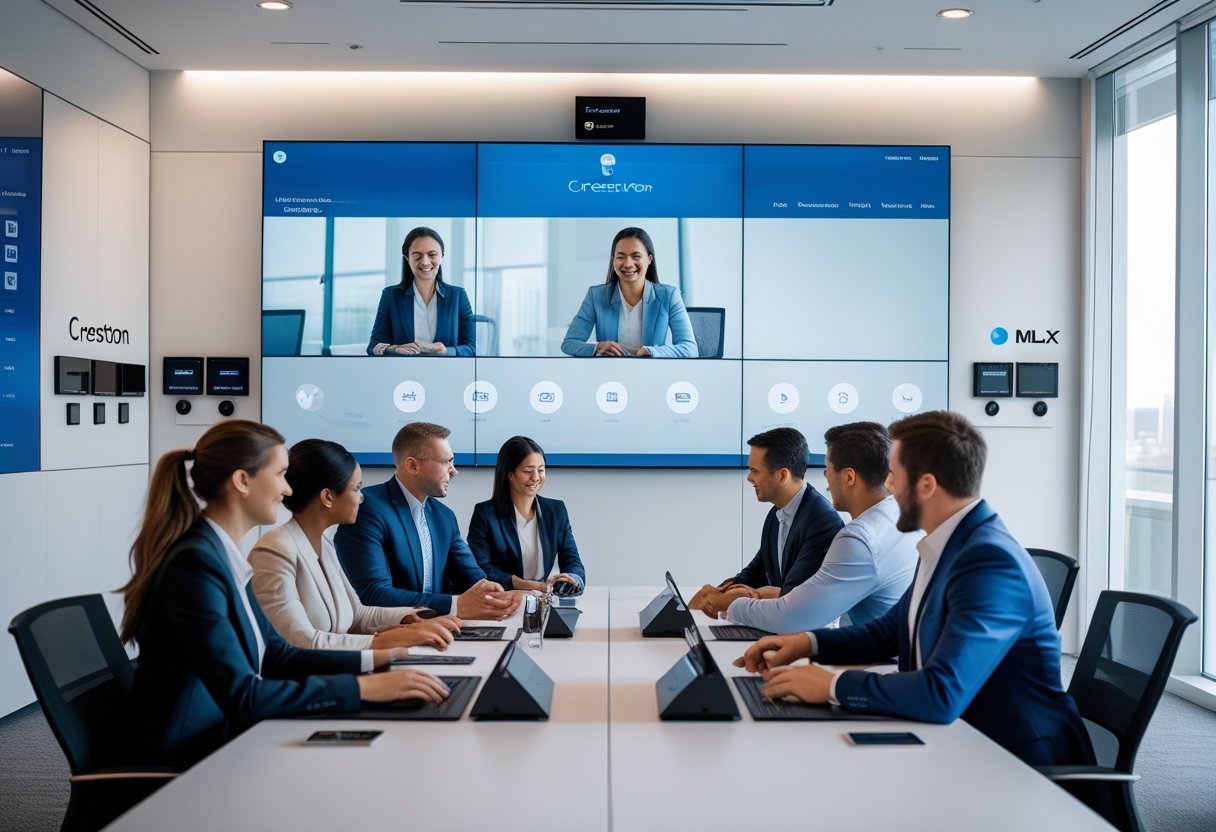
By combining Cisco’s Webex meeting technology with Crestron’s room control hardware, companies can create a unified meeting environment. This allows the use of Crestron touch panels to directly control Webex features, making meetings simpler to start and manage. The setup supports modern meeting needs without adding complexity to the IT infrastructure.
Businesses using this integrated system benefit from reliable communication and streamlined controls that fit into their existing workflows. As UC platforms evolve, having a flexible and easy-to-use meeting room solution is key to staying efficient and connected.
Key Takeways
- Seamless integration improves meeting control and user experience.
- Unified systems reduce technical complexity in conference rooms.
- Effective setup supports current and future communication needs.
Understanding Cisco Webex and Crestron Integration
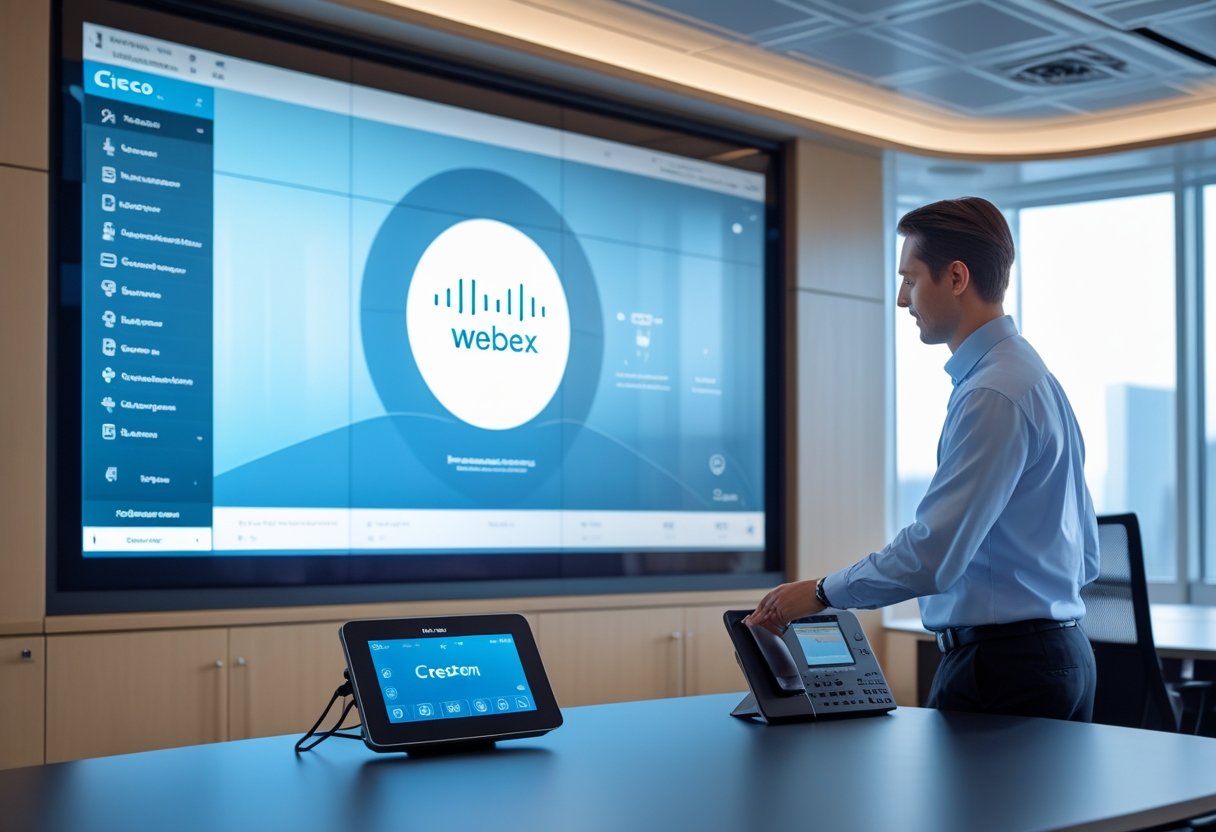
Cisco Webex and Crestron are two leading platforms in the unified communications (UC) space. When combined, they offer streamlined control, improved meeting management, and enhanced user experience. This integration is especially valuable for corporate environments needing efficient and secure collaboration.
Key Features of Cisco Webex and Crestron Platforms
Cisco Webex provides advanced video conferencing, messaging, and collaboration tools. It supports high-quality audio and video, device encryption, and cloud-based management through XiO Cloud®. Crestron offers centralized control systems for meeting rooms, including lighting, audio, and video. Crestron’s DMPS Lite products use the Cisco API for seamless communication with Webex Room Kits and Touch 10 interfaces, enabling direct control without complex programming.
Together, these platforms enable users to manage multiple Webex rooms from a single Crestron control system, securely storing codec credentials and supporting encrypted communication. This combination reduces setup time and simplifies ongoing meeting controls across corporate environments.
How Integration Enhances Corporate Meeting Experiences
Integration allows IT teams and end-users to control Webex meetings through familiar Crestron interfaces. This improves ease of use during meetings, minimizing disruptions caused by switching devices or platforms. Users gain access to core Webex features such as joining calls, muting, and content sharing via Crestron Touch 10 panels.
Additionally, the integration supports centralized monitoring and management of Webex devices, which boosts overall meeting reliability. However, it has some limitations, such as partial feature support on non-Touch 10 interfaces. Still, the ability to control multiple rooms with one Crestron system enhances efficiency and standardizes the meeting experience company-wide.
Role of MLV Teknologi in Enterprise Deployments
MLV Teknologi specializes in deploying integrated UC solutions that bring Cisco Webex and Crestron together in corporate settings. It provides tailored system designs and support, ensuring proper configuration and compatibility between devices. MLV Teknologi assists clients with setting up encrypted, authenticated communication channels for secure meetings.
Their expertise extends to managing connection credentials, device monitoring, and firmware updates, all critical for seamless operation in large enterprises. With MLV Teknologi’s services, companies benefit from optimized user experience, easy scalability, and reduced downtime on their Cisco Webex and Crestron integrated systems. More details on Crestron and Cisco integrations can be found on the Crestron and Cisco collaboration page.
Configuring Room Controls for Seamless Meetings
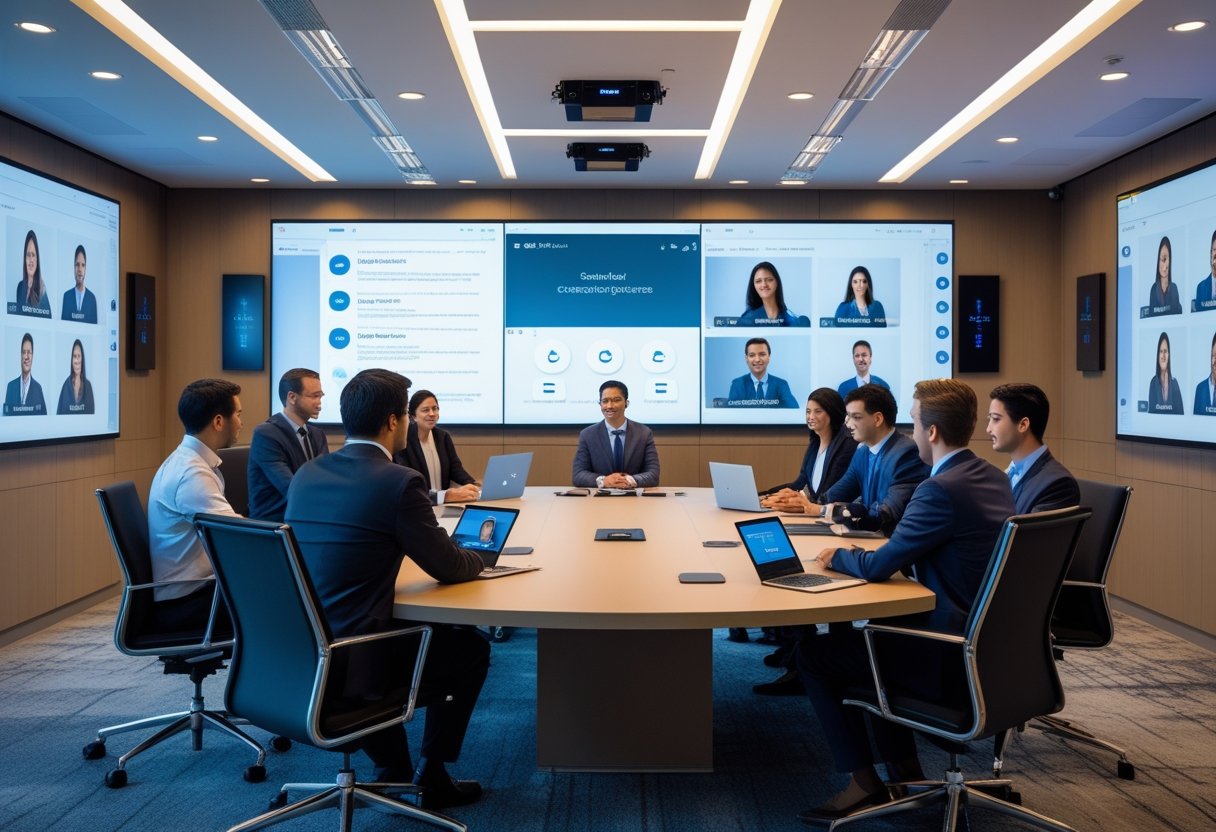
Efficient meeting room controls are essential to maintain smooth communication and workflow. Integrating Crestron Control with Cisco Touch 10 devices allows users to manage the system intuitively. Proper configuration ensures the room system reacts quickly, supports multiple inputs, and offers easy access to meeting features.
Setting Up Crestron Control and Cisco Touch 10
Setting up Crestron Control alongside the Cisco Touch 10 requires connecting both devices to the same network for synchronized communication. The Crestron processor acts as the main control hub, sending commands to the Touch 10 interface, which users operate.
Key steps include configuring device IP addresses, enabling Crestron’s native control features, and calibrating the Touch 10 display. Proper calibration ensures responsive touch control and accurate feedback. Firmware updates for both Crestron and Cisco devices help maintain compatibility and security.
Once set up, users can start, join, or end Webex meetings from the Touch 10 panel easily. This setup reduces complexity, eliminating the need for multiple remotes or app switches.
Optimizing Room System Compatibility
Optimizing compatibility focuses on ensuring all devices work smoothly together. Crestron Control supports in-platform interfaces, allowing a consistent user experience across different room controllers. This flexibility is key for rooms with varying hardware setups.
Functionality such as camera presets, microphone mute, and source switching should be tested to work without failure. It’s important to integrate audio and video devices with the Crestron processor so commands execute instantly.
Using certified devices like Cisco’s Webex Room devices with Crestron hardware helps avoid driver and protocol issues. Regular software updates and network monitoring also help keep the system stable over time. Optimizing compatibility means fewer disruptions and faster troubleshooting.
Utilizing Touch 10 Control for Enhanced Functionality
The Cisco Touch 10 control panel is designed to simplify meeting management. Its clear touchscreen interface gives users quick access to functions like mute, camera control, and call handling. Scheduling and joining meetings directly from the panel minimizes setup time.
Integrating Touch 10 with Crestron Control unlocks advanced features like custom macros and automation. For example, a single button can dim lights, lower blinds, and start a Webex call simultaneously, improving focus and efficiency.
The panel’s intuitive layout reduces user errors during meetings. Touch 10 also supports real-time status feedback, showing call participants or device health. Leveraging these capabilities helps corporate meetings run smoothly with fewer technical interruptions.
More about using Cisco devices to improve meetings can be found at MLV Teknologi’s page on transforming meeting rooms.
Comparing UC Platforms and Room System Solutions
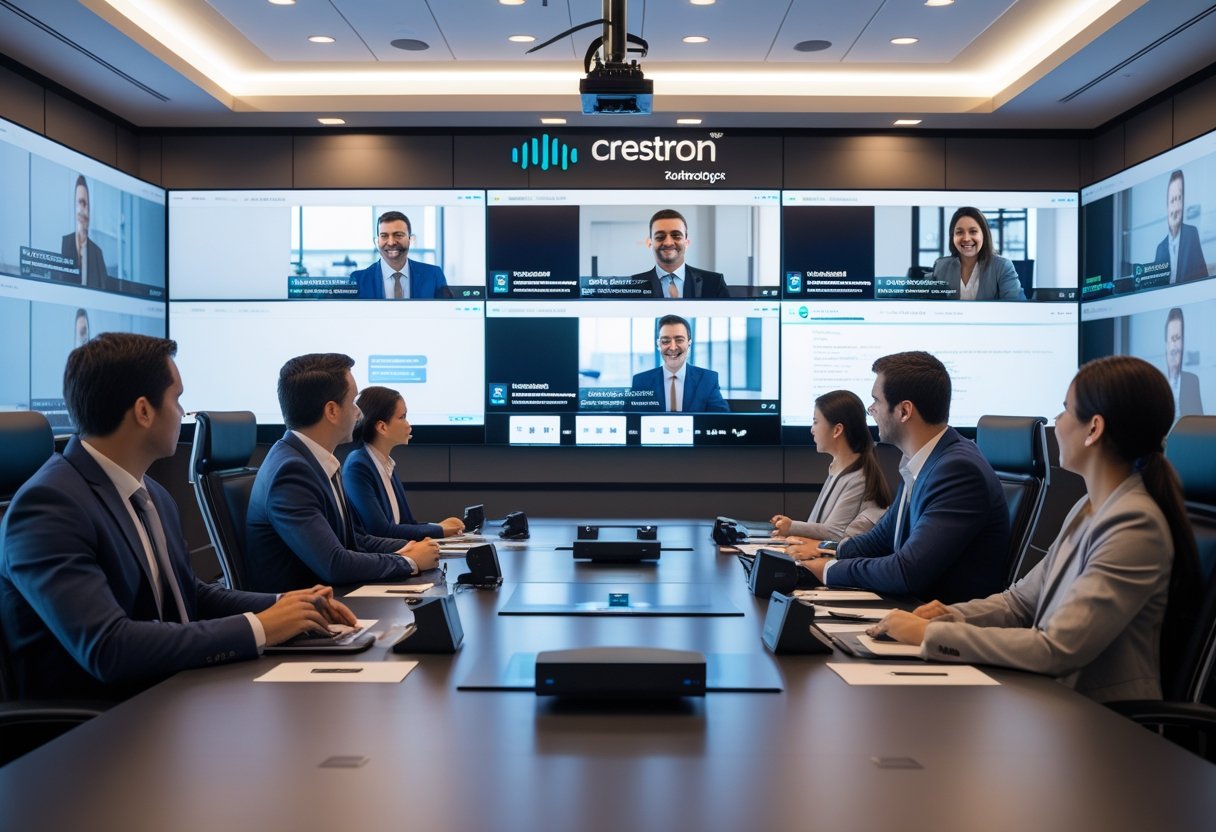
The integration of different unified communication (UC) platforms with room systems varies by features and compatibility. Each platform offers unique advantages that affect control, user experience, and device management. Understanding these differences helps optimize meeting room technology for specific corporate needs.
Integration with Zoom Rooms, Microsoft Teams Rooms, and Google Meet
Zoom Rooms, Microsoft Teams Rooms, and Google Meet all support native integration with Crestron control systems. This allows users to manage audio-visual (AV) equipment, lighting, shades, and HVAC from one interface. These platforms enable smooth transitions between meeting controls and room controls, improving ease of use.
Microsoft Teams Rooms on Windows OS now features Crestron’s control page with page flip integration. Zoom Rooms introduced this functionality earlier, and Google Meet also supports Crestron Control for a unified experience across rooms. This integration increases efficiency by reducing the need to switch between devices or apps during meetings.
Benefits of Crestron Flex and Crestron Construct
Crestron Flex solutions combine hardware and software designed specifically for collaboration spaces. Flex integrates with major UC platforms and includes conference phones, cameras, and touch panels. This creates a consistent user experience regardless of the meeting software.
Crestron Construct is a development framework that helps customize room control workflows easily. It enables IT teams to tailor room automation, such as AV control and environmental settings, matching organizational preferences. Together, Flex and Construct deliver scalable solutions that simplify room management and reduce the time spent on troubleshooting.
Maximizing Performance with Webex Codec Pro and Cisco Webex Room Kit
The Webex Codec Pro and Cisco Webex Room Kit are purpose-built hardware solutions for Cisco Webex meetings. They offer high-quality video and audio, optimized for corporate environments. However, Crestron’s control integration with these devices has some limitations.
Crestron supports older Webex codec models but faces challenges controlling newer versions fully due to limited access to command sets from Cisco. Despite this, combining Webex Room Kit hardware with Crestron Flex solutions can enhance room control and provide reliable meeting experiences when paired correctly. Companies should verify firmware and compatibility to maximize performance with these systems.
For more details, see Crestron Control’s support for major UC platforms including Cisco Webex.
Best Practices and Future Considerations
Effective integration of Cisco Webex and Crestron requires attention to both user experience and resource management. Planning for growth and adaptability will ensure the system remains reliable and efficient as business needs change.
Strategies to Optimize User Experience and Save Resources
To improve user experience, deploying Crestron Flex solutions with Cisco Webex allows for easy, intuitive control of AV, lighting, and HVAC in meeting rooms. Users benefit from a single interface that reduces setup time and technical issues.
Saving resources involves minimizing custom programming by using pre-built Crestron modules compatible with Cisco devices. This approach lowers installation costs and speeds up deployments.
Enabling remote management through tools like XiO Cloud helps IT teams monitor multiple rooms, troubleshooting problems before they affect meetings. This proactive maintenance avoids downtime and saves operational costs.
Providing clear room instructions and consistent device settings also enhances user satisfaction. Well-planned layouts and controls reduce confusion, helping meetings start on time.
Scaling Solutions for Evolving Business Needs
As companies grow, their meeting systems must adapt. Crestron and Cisco support scalable setups, allowing a single Crestron control system to manage up to 10 Cisco Webex rooms.
Future-proofing should include plans for platform interoperability with Zoom, Microsoft Teams, and Google Meet, ensuring flexibility across different software environments.
Investing in encrypted credentials and authenticated communications helps secure sensitive corporate data as the network expands.
When expanding, it is crucial to consult with vendors like MLV Teknologi who specialize in integrating these platforms, ensuring seamless upgrades and consistent performance across all rooms.