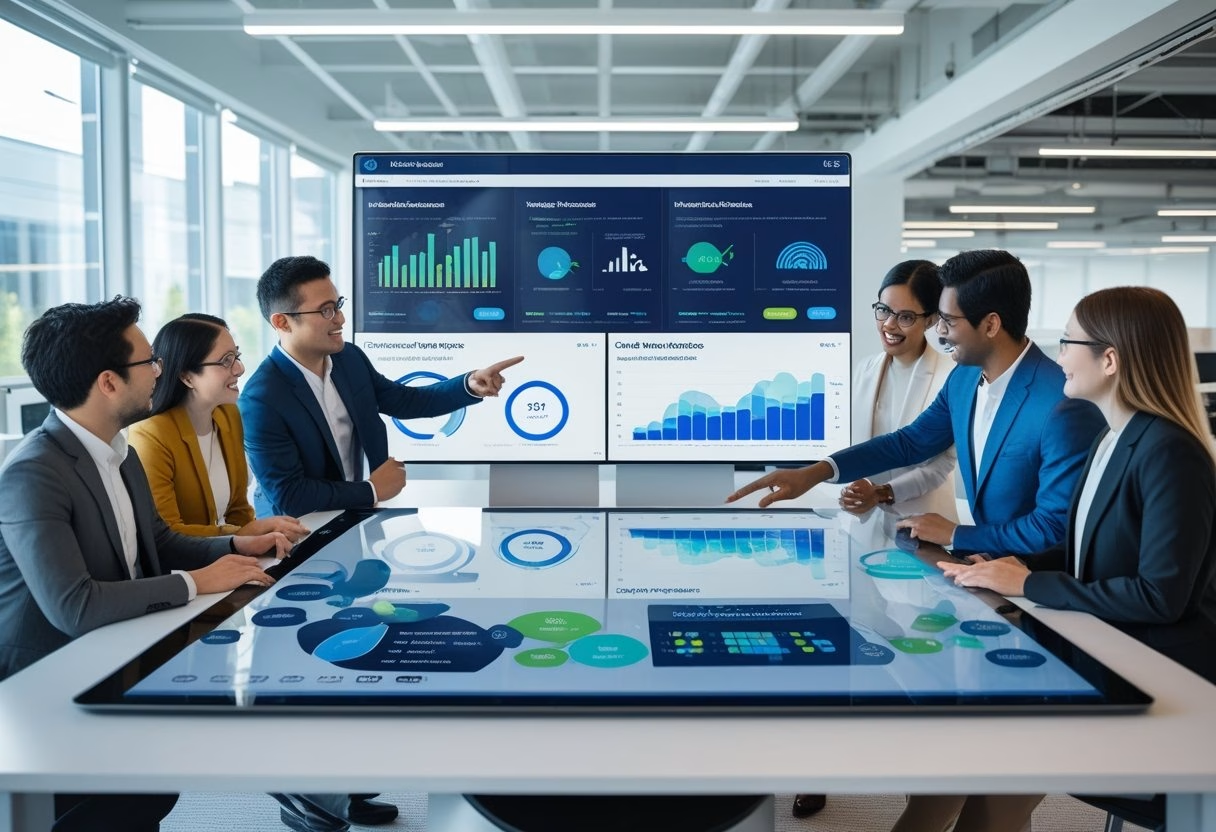
You want workplace data that fuels fast, trusted decisions and AI tools that actually help the business. Build a stack that moves IWMS and operational signals into a single, governed platform so your AI copilots, alerts, and dashboards use the same, up-to-date facts. When systems share a trusted data layer, you get real-time insights executives will act on and AI features that won’t break under scrutiny.
Make choices that cut data friction: capture events in real time, standardize metric definitions, and enforce access controls so teams can safely use data for automation and planning. Tie visual dashboards to the same data products that power AI assistants and operational workflows to turn data into clear, repeatable outcomes.
Key Takeaways
- Align operational systems into one governed data layer for consistent facts.
- Streamline real-time pipelines and metric definitions to enable trusted AI.
- Connect dashboards and AI to the same data products so executives can act quickly.
Building an AI‑Ready Workplace Data Stack

A practical AI‑ready data stack starts with reliable data flows, clear access rules, and tools that let non‑technical teams use insights. It must move data from old systems into fast storage, keep features consistent for models, and make governance and automation easy to apply.
From Legacy Systems to AI-Ready Platforms
They must inventory legacy systems—IWMS, ERP, CAFM, access control, and building sensors—and map data types, update cadence, and owners. Prioritize connectors that preserve event timestamps and change data capture (CDC) so models see the true sequence of events. Use staged ingestion: raw landing zone, curated lakehouse tables, and modeled views for analytics.
Migrations often include lift‑and‑shift to cloud warehouses like Snowflake or BigQuery, or hybrid setups on Azure. Teams should keep raw data for reproducibility while enforcing schema evolution tracking and source lineage. This reduces operational risk and speeds AI integration.
Modular Architecture and Composable Data Fabric
They design a modular stack where ingestion, storage, transformation, feature serving, and serving layers plug together. A composable data fabric lets teams add streaming (Kafka), feature stores, or new compute engines without a rewrite. Emphasize clear contracts: API endpoints, table schemas, and SLAs.
Adopt multi‑cloud patterns to avoid vendor lock‑in and support workloads across Azure and other clouds. Implement orchestrators (Airflow, Dagster) to manage pipelines and enforce retries and backfill logic. The fabric should expose both offline features for training and low‑latency online features for real‑time IWMS actions.
Data Governance, Compliance, and Security Foundations
They set role‑based access control (RBAC) and attribute‑based rules to limit who can see PII or sensitive facility data. Integrate data governance tools for cataloging, lineage, and metric definitions so dashboards and models use the same “single source” metrics. Include audit logs and retention policies to meet compliance needs.
Encryption at rest and in transit, identity federation, and key management on cloud platforms like Azure protect secrets. Define AI governance guardrails: model approval workflows, drift monitoring, and operational risk thresholds. These steps reduce exposure and make compliance checks repeatable.
No-Code Enablement and Automation
They deploy no‑code/low‑code layers so facilities managers and execs build dashboards and automation rules without engineering tickets. Provide governed semantic layers and metric registries so non‑technical users access consistent KPIs. Include templated connectors and drag‑drop pipeline builders for common IWMS tasks.
Automate model retraining triggers, data quality checks, and deployment pipelines. Use automated testing for transformations and feature parity checks between offline and online stores. This reduces time to value and lets business teams iterate quickly while engineers keep the platform stable.
Unlocking Real-Time Value: From IWMS to Dashboards Executives Use

This section explains how a single integrated workplace management system becomes the data backbone, how unifying sources creates real-time, actionable insights, and how AI-powered dashboards drive executive decisions and adoption.
IWMS as the Data Backbone for Space, Asset, and Workplace Management
An Integrated Workplace Management System (IWMS) centralizes records for space inventory, floor plates, asset registers, and move schedules. It tracks space allocation, lease terms, asset lifecycle, and maintenance logs so facilities and real estate teams work from the same dataset.
When IWMS links to badge systems, sensors, and CAFM or CMMS, it turns static records into live operational views. That connection supports real-time occupancy counts, automated work orders, and more accurate depreciation and lifecycle planning.
Teams gain faster move management and space planning because the IWMS stores authoritative room attributes (capacity, amenities) and change history. This reduces manual spreadsheets, cuts double-booking, and speeds approvals. Clear ownership fields in the IWMS also improve accountability for asset management and workplace experience decisions.
Unifying Data for Real-Time Insights and Data-Driven Decisions
Unification pulls badge swipes, sensor feeds, calendar reservations, HR headcount, and maintenance events into one schema. Normalizing timestamps, room IDs, and asset tags makes cross-querying reliable. This lets analysts produce real-time metrics like utilization by floor, mean time to repair, and headcount-to-desk ratios from a single query set.
Good data governance makes these metrics repeatable: consistent naming, access controls, and an audit trail. Data products — curated datasets and APIs — deliver ready-to-use measures to BI tools and AI agents. With those products, executives can run “what-if” scenarios on consolidation, test space-allocation policies, and validate hybrid work rules against real usage rather than assumptions.
AI-Powered Dashboards: Automation, Predictive Analytics, and Executive Adoption
AI-powered dashboards automate routine analysis and surface anomalies—like sudden drops in occupancy or spikes in maintenance costs—so leaders see issues without digging. Predictive models forecast demand for desk types, estimate future maintenance spend, and suggest optimal space reconfigurations. These insights feed directly into planning processes and capital decisions.
Generative AI copilots can answer natural-language queries—e.g., “Show floors with under 40% midweek occupancy”—and produce slide-ready visuals. Embedding those copilots in executive dashboards increases adoption because leaders get clear, fast answers. Privacy-first occupancy sensing and open APIs ensure dashboards update in near real-time while protecting employee data and preserving trust.