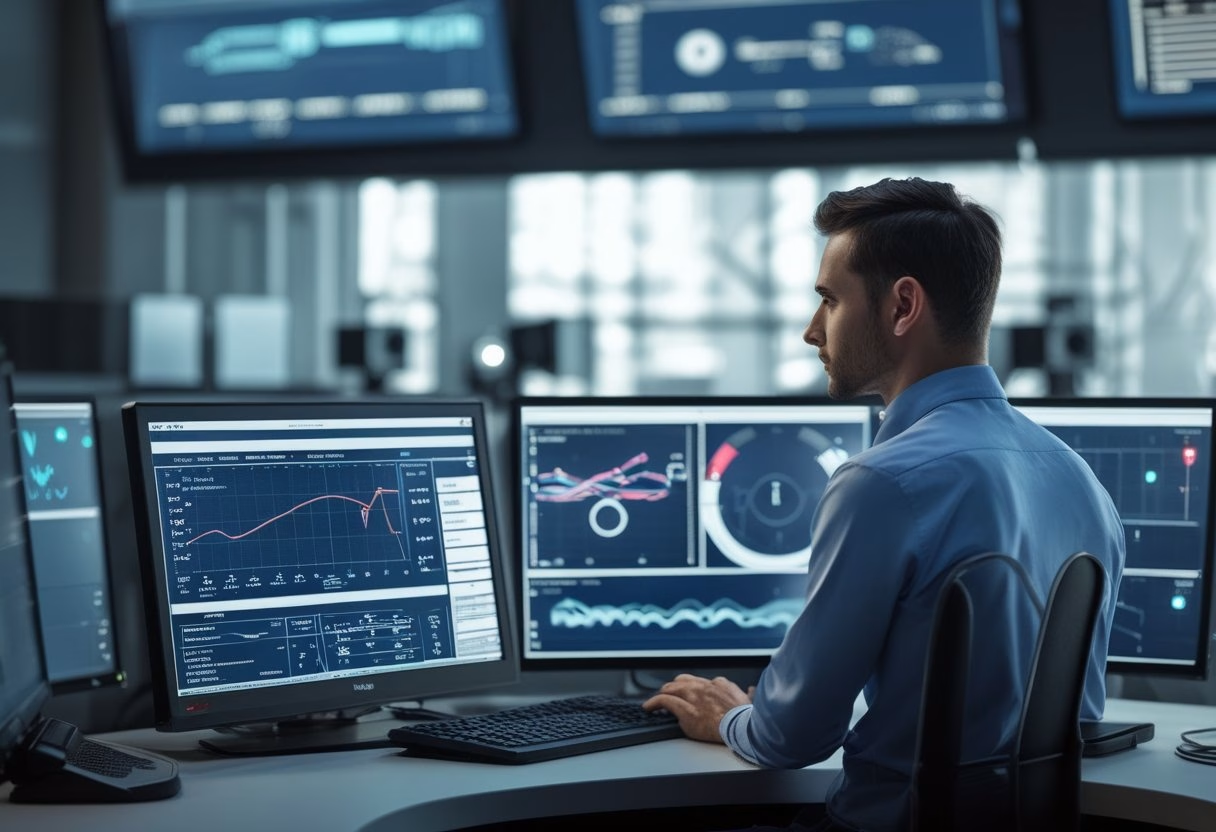
What Predictive Maintenance Means In AV
Predictive maintenance in AV means you use live device data, past service history, and alert rules to spot trouble before a room goes dark. You get the most value when you treat AV health as an operational signal, not just a repair task. If your meetings depend on displays, cameras, DSPs, switchers, and networked audio, early warning signs can help you act before users notice a problem. If your office runs active rooms every day, a practical AV partner such as MLV Teknologi can help you set up monitoring that fits real workplace use, not just lab conditions.
How It Differs From Reactive And Preventive Service
Reactive service waits for failure, which usually means lost time, frustrated users, and urgent calls. Preventive service follows a schedule, such as periodic checks or part replacement, even when the device is still healthy. Predictive maintenance sits between those two models by using condition data to guide action when the equipment shows signs of stress.
That shift matters because AV problems rarely start with a full blackout. They often begin with small clues like rising temperature, weak signal behavior, slower startup, or a room device that drops offline once a week.
Which AV Assets Are Best Suited To Monitoring
The best candidates are networked or high-use devices with clear health signals. Displays, projectors, DSPs, cameras, control processors, switchers, AVoIP endpoints, amplifiers, and touch panels are all good starting points. Equipment in racks also tends to be easier to track because power, heat, and network status are more visible there.
Simple peripherals can still be monitored, yet the strongest gains usually come from assets that affect room availability. If one failed device can cancel a meeting, it deserves attention first.
Why Meeting Rooms And Shared Spaces Benefit First
Meeting rooms and shared spaces show the value of predictive maintenance faster than low-use areas. You can measure the impact in fewer failed calls, fewer delays before presentations, and fewer support tickets from the same rooms. These spaces also have repeat users, so patterns are easier to see.
In active offices, the goal is not to avoid every service visit. It is to keep rooms ready, reduce disruption, and catch the same failure twice only if you have already fixed the root cause.
What Is Possible With Current Tools

Current tools can track useful health data, send alerts, and show patterns that point to early failure. The practical limit is not whether monitoring exists, since it does, but how well you set it up for your rooms, devices, and support workflow. What works in a well-managed office may fail in a noisy, mixed-vendor environment if the data is incomplete.
Device Health Signals Teams Can Track Right Now
You can already track temperature, fan speed, operating hours, power use, network reachability, audio output levels, signal handshakes, and device uptime. In AV-over-IP systems, packet loss and bandwidth behavior can also reveal room stress before users hear or see the issue. These signals are useful because they often change before a full outage occurs.
The most helpful data is the kind you can act on. A temperature warning in a rack, for example, is more valuable than a vague status light with no context.
Remote Monitoring Platforms And Alert Workflows
Remote monitoring platforms let you see device status without walking to each room. Good workflows send alerts to the right people, assign severity, and create a clear next step, such as checking a room, restarting a device, or scheduling a technician visit. That reduces time wasted on guesswork.
The best systems do not just say something is wrong. They help your team know which room is affected, which device is likely involved, and whether the issue is urgent or watchable.
Common Failure Patterns That Can Be Anticipated
Some AV failures show warning signs long before they stop service. Overheating displays, aging projector lamps, failing fans, unstable HDMI handshakes, network drops, and power supply strain are common examples. Audio processors may also show small but repeatable errors before a larger fault appears.
A pattern I see often is a room that “almost works” until load increases. That is usually the point where monitoring pays for itself, because the room is already telling you what will fail next.
Limits Of Today’s Data In Real-World AV Environments
Today’s tools are helpful, yet they are not magic. They depend on proper device integration, clean network design, and baseline settings that match the room’s real usage. A poorly installed system can generate misleading alerts or miss the true source of trouble.
Human inspection still matters. A loose cable, dust buildup, blocked airflow, or a mounting issue may not show up clearly in software, which is why predictive maintenance works best as a support layer, not a replacement for skilled AV service.
How Organizations Can Apply It Practically

Practical use starts small, with rooms and devices that would hurt the business most if they failed. From there, you build a support process that balances cost, alert quality, and response speed. The aim is fewer surprises, not more dashboards.
Starting With High-Uptime Rooms And Critical Equipment
Begin with executive meeting rooms, boardrooms, training spaces, and customer-facing spaces that cannot fail during working hours. Add displays, conferencing bars, DSPs, control systems, and networked endpoints first because these affect room readiness the most. If a room is used daily, it should be near the top of your list.
This approach gives you fast proof without overloading the team. You learn where the real failure points are before expanding to less critical spaces.
Balancing Cost, Complexity, And Operational Risk
Predictive maintenance should save time, not create extra admin. If the platform is too complex for your team to use daily, the value drops quickly. You want enough data to spot risk, not so much data that alerts get ignored.
A simple rule works well: monitor the rooms where downtime costs more than the monitoring effort. That keeps the program tied to business risk instead of feature count.
Working With AV Partners On Support And Escalation
A capable AV partner can help you define alert thresholds, review failure trends, and decide when a device needs replacement rather than another reset. In active workplaces, that support also needs to be low-disruption, which is where a team like MLV Teknologi can be useful because it is used to consultation, installation, and responsive follow-up in live office settings. Clear escalation steps matter as much as the monitoring tool itself.
If your internal team handles IT tickets while a partner handles AV service, the handoff must be clean. The best results come when both sides know who checks first, who replaces parts, and who closes the loop.
What Success Looks Like In Daily Operations
Success looks ordinary, which is the point. You see fewer surprise room outages, faster diagnosis, fewer repeat visits, and fewer complaints from users who just want the meeting to start on time. Your team also spends more time on planned work and less time chasing the same fault.
If predictive maintenance is working, rooms feel more dependable and support feels less urgent. You notice it most when nobody has to scramble before a presentation.