
by MLV Teknologi | Sep 26, 2026 | Article
Cara kerja dan nilai operasional sistem
Distribusi video 4K melalui network paling tepat untuk perusahaan yang perlu mengirim satu atau banyak sumber visual ke beberapa layar atau ruangan dengan kontrol terpusat dan ruang ekspansi. Arsitektur ini membantu Anda menyesuaikan layout, menambah endpoint, serta mengatur rute konten dari satu sistem pengelolaan.
Perubahan sumber atau tujuan tayangan dilakukan melalui jaringan. Dampaknya terasa pada ruang rapat, command center, kampus, ritel, dan fasilitas komersial yang membutuhkan perpindahan konten tanpa penarikan kabel baru untuk setiap perubahan konfigurasi.
Apa yang membedakan AV over IP dari matriks HDMI tradisional?
Matriks HDMI mengatur hubungan input dan output melalui perangkat pusat dengan jumlah port yang sudah ditentukan. Solusi ini sesuai untuk ruang dengan susunan tetap dan jumlah layar yang stabil.
AV over IP mengubah fungsi distribusi menjadi endpoint jaringan. Encoder mengubah sinyal dari laptop, kamera, atau pemutar media menjadi paket data. Switch jaringan meneruskan paket tersebut, sedangkan decoder mengubahnya kembali menjadi sinyal yang diterima layar atau proyektor.
Pendekatan berbasis jaringan memberi Anda fleksibilitas untuk mengirim satu sumber ke beberapa tampilan, memilih sumber berbeda untuk tiap ruangan, atau memindahkan tujuan tayangan melalui sistem kontrol. Kinerja tetap dipengaruhi bandwidth, latency, kualitas switch, dan rancangan jaringan.
Komponen apa yang membentuk ekosistem distribusi video berbasis jaringan?
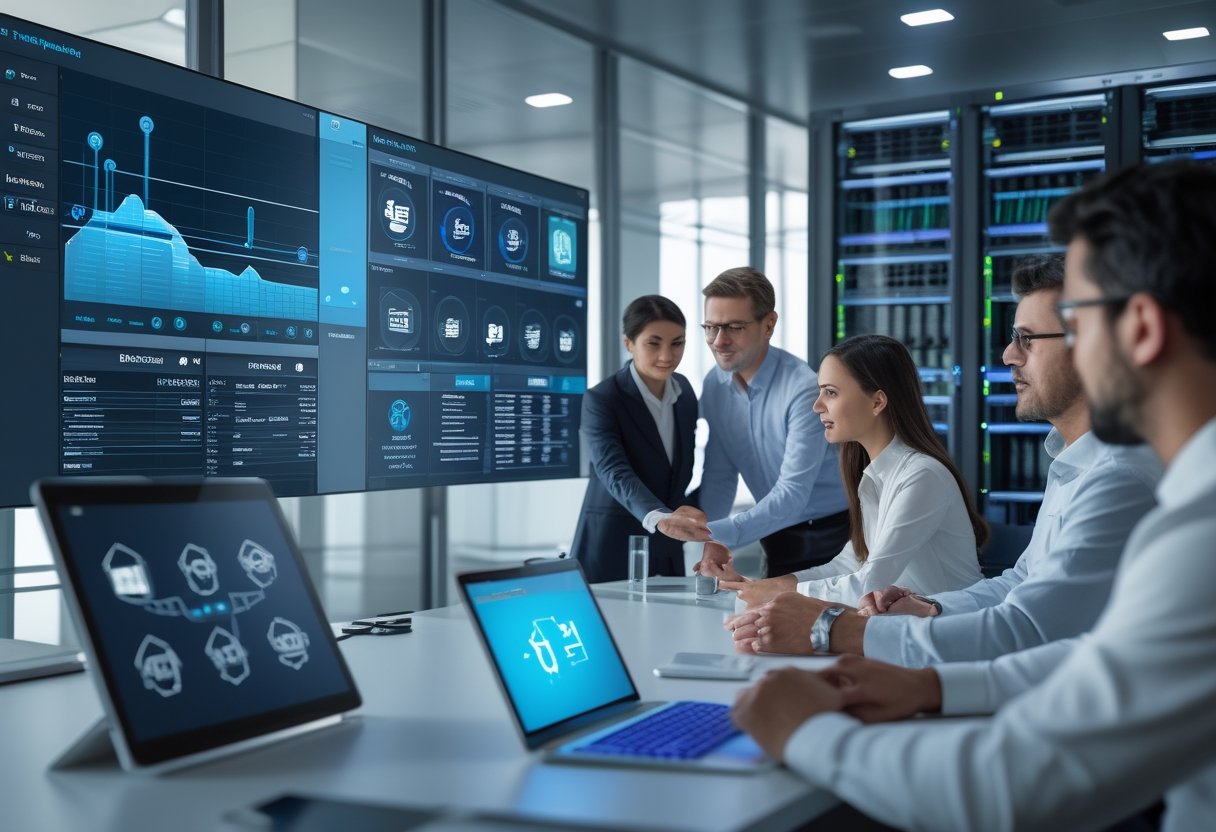
Ekosistem 4K AV over IP terdiri atas beberapa lapisan berikut:
- Sumber visual: laptop, kamera, signage player, server media, atau perangkat konferensi.
- Encoder: mengubah sinyal HDMI atau sumber lain menjadi aliran data jaringan.
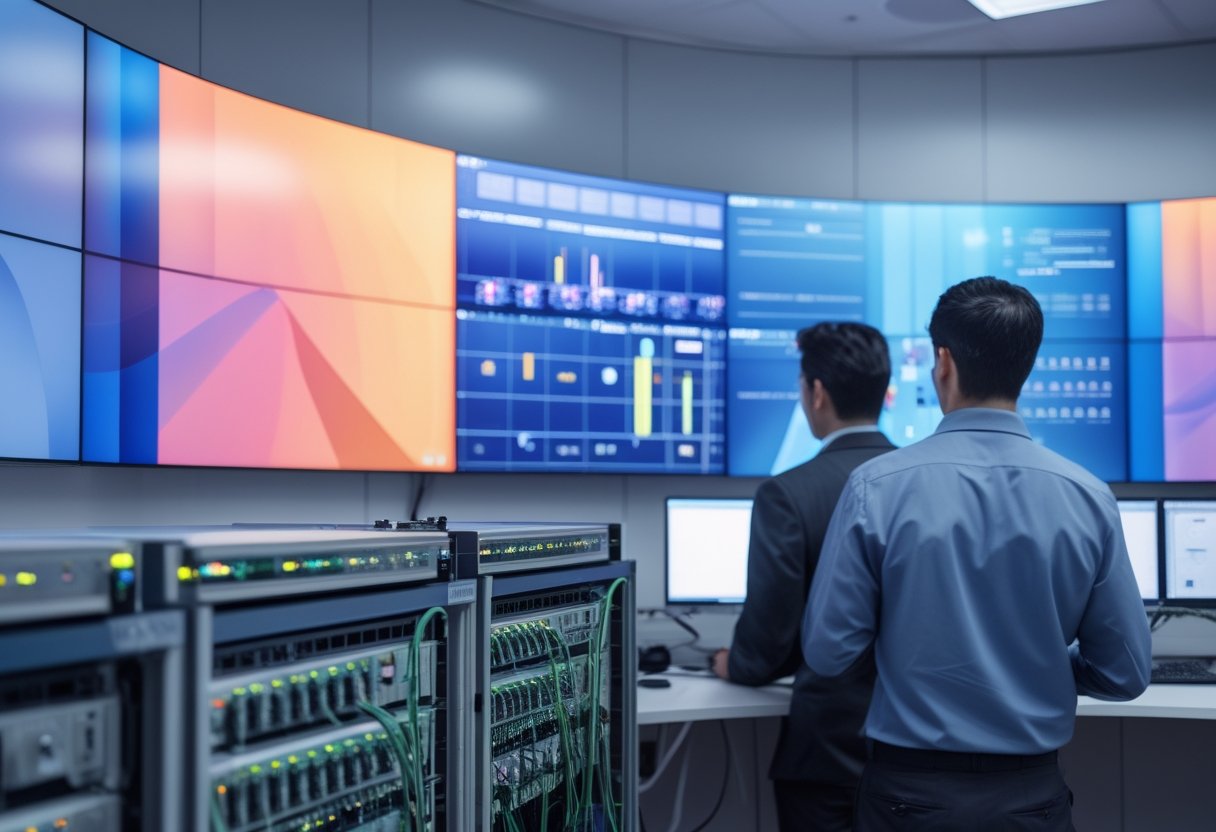
- Switch jaringan: menghubungkan encoder, decoder, dan perangkat pengendali.
- Decoder: mengubah aliran data menjadi output untuk display, videowall, atau proyektor.
- Platform kontrol: mengatur pemilihan sumber, tujuan, preset, dan pemantauan perangkat.
- Infrastruktur pendukung: kabel Ethernet atau fiber, VLAN, daya, rack, serta sistem keamanan jaringan.
Multicast memungkinkan satu aliran data dikirim ke beberapa penerima secara efisien. Anda memerlukan pengaturan seperti IGMP snooping agar trafik multicast tidak menyebar ke port yang tidak membutuhkan tayangan tersebut. Pemisahan AV melalui VLAN juga membantu tim IT mengelola trafik, akses, dan pemantauan secara lebih teratur.
Menilai kesiapan kebutuhan, jaringan, dan investasi
Kesiapan 4K AV over IP ditentukan oleh pola penggunaan ruang, kapasitas switching, kebutuhan kontrol, dan rencana pertumbuhan fasilitas. Resolusi 4K menjadi bagian dari keputusan; desain jaringan dan operasional menentukan kestabilan sistem sehari-hari.

Anda perlu memetakan sumber, layar, jalur kabel, lokasi rack, kebutuhan audio, serta proses pemulihan ketika perangkat mengalami gangguan. Perencanaan ini mencegah investasi perangkat yang tidak didukung infrastruktur.
Tanda bahwa kantor atau fasilitas sudah memerlukan arsitektur yang skalabel
Kebutuhan AV over IP mulai terlihat ketika jumlah layar dan ruangan bertambah, konfigurasi presentasi sering berubah, atau tim operasional perlu mengendalikan konten dari satu lokasi. Indikator lain mencakup:
- Anda mengelola ruang rapat, area publik, dan layar informasi dengan sumber konten yang saling terhubung.
- Layout kantor berubah mengikuti kebutuhan tim atau kapasitas ruang.
- Pimpinan membutuhkan tampilan data yang sama di beberapa lokasi.
- Tim IT perlu memantau perangkat AV melalui jaringan perusahaan.
- Penambahan layar memerlukan proses kabel yang panjang dan mengganggu aktivitas kantor.
- Operasional membutuhkan perpindahan sumber tanpa mendatangi setiap ruangan.
Untuk fasilitas yang hanya memiliki satu sumber dan satu layar dengan susunan tetap, koneksi point-to-point dapat memenuhi kebutuhan. Arsitektur jaringan memberi nilai lebih ketika jumlah endpoint, jarak, dan variasi skenario penggunaan mulai meningkat.
Bagaimana jaringan disiapkan untuk video 4K yang stabil?
Jaringan untuk video 4K membutuhkan perhitungan bandwidth per aliran, kapasitas uplink, kemampuan switch, serta pola trafik unicast atau multicast. Anda perlu memisahkan trafik AV melalui VLAN dan menyiapkan Quality of Service (QoS) untuk memberi prioritas pada aliran yang sensitif terhadap gangguan.
IGMP snooping membantu switch meneruskan multicast hanya ke penerima yang berlangganan. IGMP querier menjaga informasi keanggotaan multicast tetap aktif di segmen jaringan. Pengaturan ini perlu divalidasi bersama tim IT karena konfigurasi berbeda dapat memengaruhi cara trafik berjalan.
Gunakan jalur kabel yang sesuai dengan jarak dan kebutuhan ekspansi. Dokumentasikan port, alamat perangkat, label kabel, konfigurasi VLAN, serta prosedur pemulihan. Pengujian perlu mencakup perpindahan sumber, tampilan serentak, kondisi jaringan sibuk, dan restart perangkat.
Faktor apa yang menentukan ruang lingkup dan biaya implementasi?
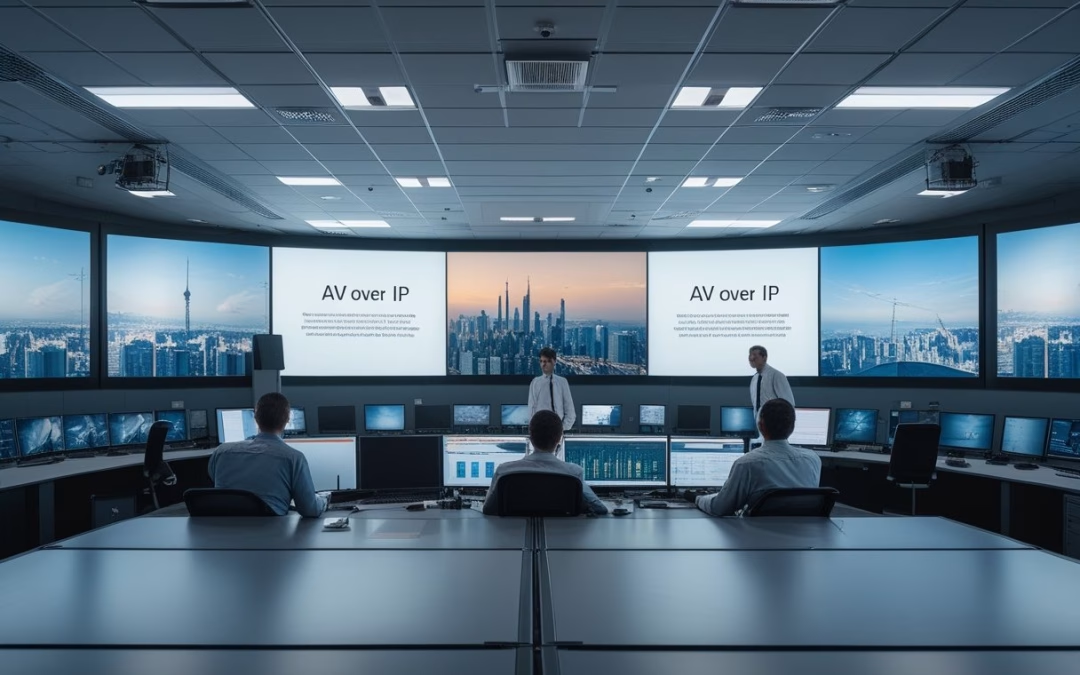
Biaya dipengaruhi oleh jumlah sumber, jumlah endpoint, jenis display, jarak antarruang, kebutuhan audio, spesifikasi switch, lisensi kontrol, kabel, rack, serta pekerjaan instalasi. Videowall dan ruang kontrol membutuhkan perencanaan tambahan untuk sinkronisasi, pemrosesan gambar, dan tata letak perangkat.
Anda juga perlu memasukkan biaya desain, dokumentasi, pelabelan, konfigurasi, pelatihan, dan dukungan setelah pemasangan. MLV Teknologi dapat membantu asesmen kebutuhan, konsultasi desain, pengadaan, dan instalasi AV meeting room di Jakarta dengan koordinasi yang responsif serta perhatian pada kerapian implementasi dan minimnya gangguan operasional.
Memilih fondasi distribusi visual yang siap berkembang
Fondasi terbaik untuk sistem 4K AV over IP adalah rancangan yang menyatukan kebutuhan visual, jaringan, kontrol, keamanan, dan ekspansi sejak tahap awal. Anda perlu menilai sistem sebagai infrastruktur operasional jangka panjang, bukan sekadar kumpulan encoder dan decoder.
Mulailah dari peta penggunaan: sumber apa yang dibagikan, layar mana yang harus menerima tayangan, siapa yang mengendalikan rute, dan seberapa cepat konfigurasi perlu berubah. Setelah itu, cocokkan kebutuhan tersebut dengan kemampuan jaringan yang tersedia.
Perhatikan dukungan resolusi dan refresh rate, format kompresi, latency, sinkronisasi antarlayar, pengelolaan multicast, serta kompatibilitas kontrol. Rancangan yang efisien memberi ruang untuk penambahan endpoint tanpa memaksa Anda mengubah seluruh infrastruktur.
Koordinasi antara tim AV, IT, facility, dan pengguna akhir perlu berlangsung sejak desain. Dokumentasi port dan jalur kabel membantu proses pemeliharaan, sedangkan prosedur akses dan segmentasi VLAN mendukung keamanan operasional.
Untuk proyek kantor, kampus, ritel, atau fasilitas komersial, Anda dapat mengunjungi website MLV Teknologi di www.mlvteknologi.com dan menghubungi langsung melalui nomor WhatsApp yang tertera di website untuk berdiskusi mengenai kebutuhan distribusi video 4K, kesiapan jaringan, serta tahapan implementasi.
by MLV Teknologi | Sep 26, 2026 | Article
Tanda Ruang Rapat Memerlukan Sistem PA
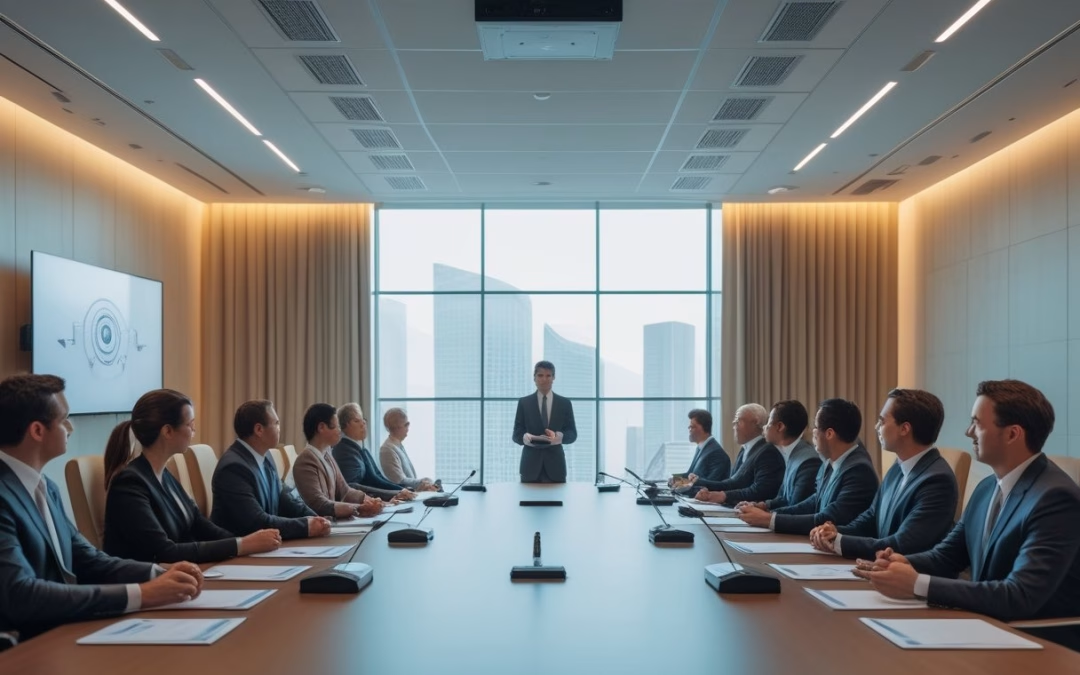
PA system meeting room dibutuhkan ketika suara pembicara tidak terdengar jelas dan merata, terutama pada ruang besar, rapat dengan banyak peserta, atau pertemuan hybrid. Sistem ini mengatur penangkapan, pemrosesan, dan distribusi suara agar peserta di dalam ruangan maupun yang bergabung secara daring dapat mengikuti percakapan tanpa terus meminta pengulangan.
Faktor seperti ukuran ruangan, bentuk ruangan, jumlah peserta, bentuk meja, material dinding, serta pola penggunaan menentukan tingkat kebutuhan perangkat audio profesional.
Kondisi akustik ruangan yang kurang ideal juga sering kali menurunkan kualitas suara pembicara di dalam ruang meeting.
Berbeda dengan konser musik atau acara hiburan seperti resepsi pernikahan yang mengutamakan volume tinggi dan dentuman bass, fokus utama pada ruang rapat modern adalah kejelasan vokal.
Kebutuhan ini juga berbeda dari tata suara di ruang kelas edukasi. Ruang kecil memiliki tantangan berbeda dari boardroom, ruang seminar, atau ruang konferensi dengan peserta jarak jauh.
Bila digunakan untuk acara seminar internal, kejelasan artikulasi setiap pemateri menjadi kunci sukses penyampaian materi.
Kapan Suara Pembicara Tidak Lagi Terdengar Merata?
Masalah mulai terlihat ketika peserta di ujung meja harus mencondongkan tubuh untuk mendengar, volume suara berbeda antara area depan dan belakang, atau pembicara perlu mengulang kalimat. Kondisi ini menunjukkan bahwa suara alami belum menjangkau seluruh area dengan intelligibility yang memadai.
Variasi ukuran ruangan dan bentuk ruangan turut memengaruhi seberapa cepat energi suara melemah di area tertentu. Bentuk ruangan memanjang biasanya menyulitkan distribusi suara alami ke barisan belakang.
Perhatikan juga perubahan fungsi ruangan. Ruang yang dipakai untuk presentasi, diskusi direksi, dan video conference membutuhkan cakupan mikrofon serta speaker yang lebih terencana.
Dalam ruang meeting serbaguna, integrasi perangkat audio profesional memastikan kualitas suara tetap konsisten di setiap sudut ruangan.
Bagaimana Rapat Hybrid Mengubah Kebutuhan Audio?
Rapat hybrid membutuhkan jalur audio dua arah yang bersih. Mikrofon harus menangkap suara peserta di dalam ruangan secara konsisten, sementara speaker harus menyampaikan suara peserta jarak jauh tanpa menciptakan gema bagi mereka.
Kejernihan dan kualitas suara memengaruhi kemampuan peserta daring untuk mengikuti diskusi spontan. Mikrofon meja, ceiling microphone, atau kombinasi beberapa titik perlu dipilih berdasarkan posisi duduk dan pola siapa yang paling sering berbicara.
Integrasi dengan platform video conference seperti Zoom, Microsoft Teams, dan Google Meet harus diuji bersama sistem audio sejak tahap desain demi mendukung efektivitas kolaborasi digital.
Ketika peserta jarak jauh bergabung lewat Zoom atau Microsoft Teams, kejernihan vokal menjadi prioritas utama. Begitu pula pada Google Meet, sistem harus menjaga kualitas suara tetap stabil tanpa distorsi.
Masalah Akustik Apa yang Tidak Bisa Diatasi dengan Volume Lebih Tinggi?
Tingkat reverb yang tinggi, gema, pantulan suara, dengung AC, dan noise dari luar ruangan mengurangi kejelasan kata.
Masalah akustik ruangan seperti ini tidak dapat diselesaikan hanya dengan menaikkan volume perangkat audio.
Menambah tingkat desibel atau menaikkan volume hanya membuat pantulan dan kebisingan ikut terdengar lebih kuat, sehingga peserta tetap kesulitan memahami pembicaraan.
Permukaan kaca, lantai keras, plafon tinggi, dan dinding tanpa peredam suara perlu diperhitungkan secara cermat. Tanpa desain akustik yang tepat dan penambahan panel akustik pada dinding, pantulan suara akan terus mengganggu ucapan.
Penggunaan material lembut seperti karpet pada lantai dapat membantu menyerap pantulan suara langkah kaki dan dengung ruangan.
Panel akustik, karpet, tata letak speaker, pengaturan mikrofon, serta fitur noise reduction bekerja bersama untuk memperbaiki intelligibility. Survei ruangan sebelum pembelian perangkat membantu Anda menghindari konfigurasi yang terlalu keras tetapi tetap tidak jelas.
Merancang Konfigurasi Audio yang Tepat
Konfigurasi audio yang tepat menghubungkan mikrofon, DSP, echo cancellation, amplifier, dan speaker sesuai ukuran ruang, posisi peserta, serta kebutuhan rapat. Setiap komponen perlu dipilih sebagai satu ekosistem agar suara dari pembicara sampai ke pendengar tanpa gangguan.
Perancangan sound system yang matang harus memperhitungkan ukuran ruangan secara akurat agar daya perangkat tidak berlebihan ataupun kurang.
Mulailah dari fungsi ruangan dan perilaku pengguna. Anda dapat memakai kerangka perencanaan meeting room dan huddle room untuk kantor untuk menghubungkan kapasitas, layout, serta kebutuhan konferensi video dengan keputusan teknis.
Komponen Apa Saja yang Dibutuhkan dalam Sistem?
Konfigurasi dasar terdiri dari mikrofon sebagai sumber input, mixer atau audio processor dan DSP untuk pemrosesan sinyal, amplifier bila diperlukan, serta speaker sebagai output.
Unit mixer berfungsi mengatur level gain dan memadukan sinyal audio dari berbagai mikrofon maupun pemutar multimedia.
Untuk rapat hybrid, sistem audio profesional juga membutuhkan antarmuka konferensi, penyetelan EQ yang tepat, dan echo cancellation agar suara speaker tidak kembali masuk ke mikrofon.
Mikrofon dapat berupa boundary microphone, gooseneck microphone, wireless microphone, atau ceiling microphone dengan beamforming. Speaker dapat ditempatkan di plafon, dinding, atau meja sesuai bentuk ruang dan target pemerataan suara.
Sistem kontrol atau control system membantu pengguna menyalakan perangkat, memilih sumber input, dan mengatur volume melalui alur yang mudah dipahami.
Bagaimana Menentukan Mikrofon untuk Format Rapat yang Berbeda?
Untuk huddle room kecil, microphone tabletop atau soundbar konferensi dapat mencukupi ketika seluruh peserta duduk dekat perangkat.
Boardroom membutuhkan cakupan lebih luas melalui mikrofon meja, baik mikrofon kabel untuk instalasi permanen yang stabil maupun mikrofon nirkabel demi fleksibilitas tata letak meja.
Ruang presentasi dan training membutuhkan fleksibilitas lebih tinggi. Wireless handheld, lavalier, atau headset microphone mendukung pembicara yang bergerak, sedangkan mikrofon tambahan diperlukan untuk sesi tanya jawab. Tentukan pilihan berdasarkan jarak sumber suara, jumlah pembicara, pola pergantian pembicara, dan kebutuhan kebersihan meja.
Di Mana Speaker Harus Ditempatkan agar Suara Jelas dan Merata?
Penempatan speaker perlu direncanakan cermat agar distribusi suara menjangkau setiap peserta dengan tingkat desibel yang konsisten. Karakteristik akustik ruangan dan denah ruang meeting menjadi pertimbangan utama dalam penataan ini.
Pola distribusi suara yang teratur mencegah munculnya dead zone di mana suara pembicara terdengar sayup atau hilang.
Anda bisa memilih speaker aktif dengan amplifier terintegrasi atau kombinasi speaker pasif dengan amplifier eksternal.
Ceiling speaker sesuai untuk penyebaran teratur pada ruang dengan plafon yang mendukung, sedangkan wall-mounted speaker berguna ketika pemasangan di plafon terbatas. Penambahan subwoofer juga dapat melengkapi kebutuhan multimedia saat presentasi video agar suara berfrekuensi rendah terdengar optimal.
Hindari menempatkan speaker terlalu dekat dengan mikrofon karena posisi tersebut meningkatkan risiko feedback dan echo. Arah penempatan speaker juga perlu diselaraskan dengan area duduk, layar presentasi, serta posisi pembicara.
Pengaturan delay membantu menyamakan waktu tiba suara ketika beberapa speaker digunakan dalam satu ruang.
Mengapa Akustik, DSP, dan Echo Cancellation Harus Direncanakan Bersama?
Akustik ruangan menentukan seberapa banyak suara dipantulkan, DSP mengatur sinyal, dan echo cancellation menjaga komunikasi dua arah tetap bersih. Ketiganya saling terkait sehingga perubahan pada material ruangan atau posisi perangkat dapat memengaruhi hasil akhir.
Perangkat digital signal processor atau DSP dapat menangani automatic mixing, equalizer atau EQ, noise reduction, automatic gain control, serta acoustic echo cancellation. Penyetelan kurva EQ yang cermat akan membentuk vokal yang jelas sekaligus menekan frekuensi denging.
Melalui kalibrasi equalizer, frekuensi pengganggu dapat dipotong tanpa mengorbankan kejernihan suara percakapan.
Pengaturan noise reduction dan akustik ruangan ini disesuaikan dengan kondisi ruang meeting, lalu diuji dari berbagai posisi duduk demi menjaga kualitas suara prima.
Untuk kantor yang tetap beroperasi selama pekerjaan berlangsung, instalasi sound system yang terencana membantu menjaga gangguan operasional tetap minimal.
Sistem yang Sesuai Membuat Rapat Lebih Jelas dan Produktif
Sistem PA yang dirancang sesuai fungsi ruang membantu Anda menjaga percakapan tetap jelas, mengurangi pengulangan, dan membuat rapat hybrid berjalan lebih lancar. Keputusan konfigurasi perlu berangkat dari ukuran ruang, kapasitas peserta, material akustik, layout meja, serta frekuensi penggunaan.
Evaluasi hasilnya melalui pengujian suara dari setiap area duduk, simulasi percakapan hybrid, dan pemeriksaan feedback pada volume kerja. Pastikan pengguna memahami pengoperasian dasar agar sistem tetap mudah dipakai setelah instalasi.
Penerapan sound system profesional berstandar audio profesional dengan perangkat berkualitas dari distributor resmi seperti CSA Indonesia memastikan keandalan sistem dalam jangka panjang.
MLV Teknologi dapat membantu survei kebutuhan, konsultasi, integrasi AV, dan instalasi sistem audio visual untuk ruang rapat. Timnya dikenal responsif, profesional, dan mampu mengerjakan instalasi dengan rapi sambil meminimalkan gangguan terhadap aktivitas kantor.
Untuk mendiskusikan kebutuhan ruang rapat Anda, kunjungi website MLV Teknologi di www.mlvteknologi.com dan hubungi langsung melalui nomor WhatsApp yang tertera di website kami.
by MLV Teknologi | Sep 25, 2026 | Article
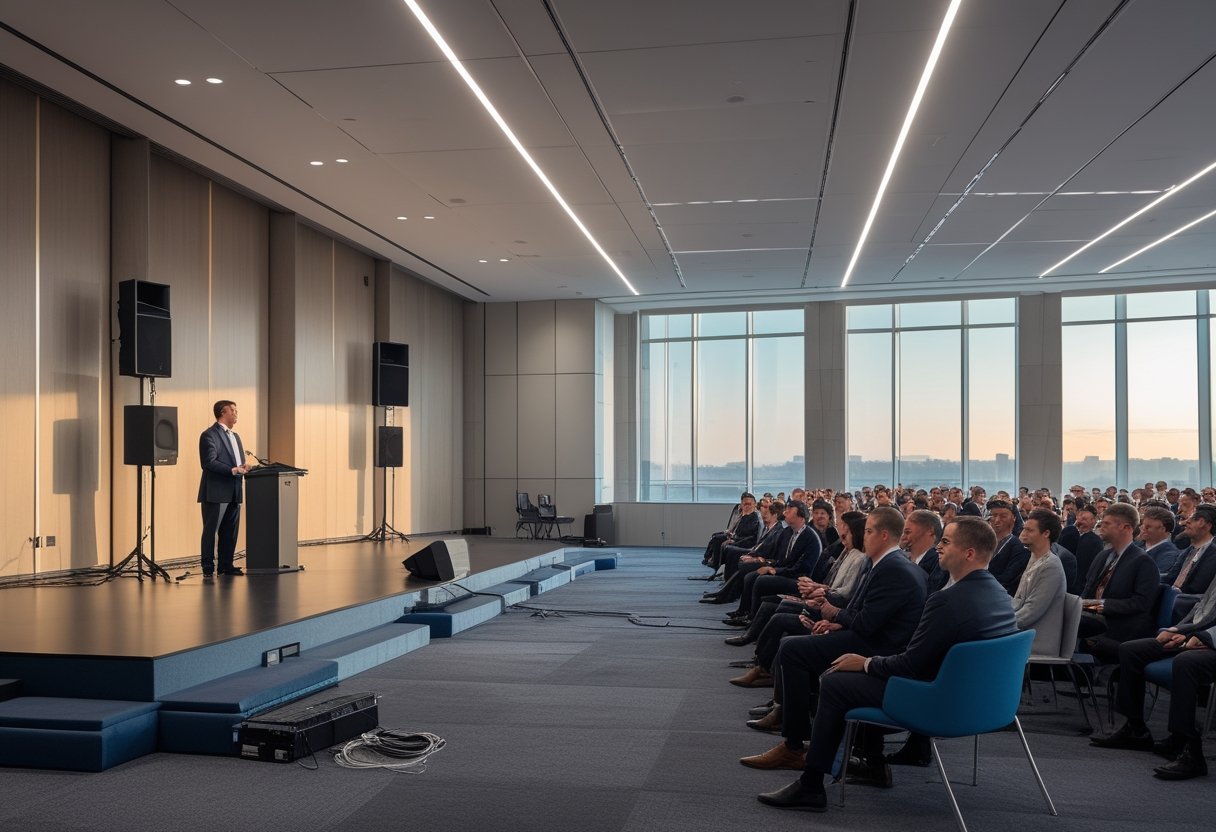
Komponen dan Standar Kinerja untuk Town Hall Perusahaan
Untuk town hall perusahaan, Anda membutuhkan sound system profesional terintegrasi dengan mikrofon yang mencakup seluruh area, speaker berdistribusi merata, serta DSP dengan acoustic echo cancellation. Sistem ini perlu mendukung pidato pimpinan, presentasi, sesi tanya jawab, dan komunikasi dua arah melalui video conference.
Kualitas audio dinilai dari kejelasan ucapan, kestabilan volume, cakupan suara, serta kemudahan operator mengelola acara. Setiap peserta perlu mendengar suara tanpa harus memusatkan perhatian pada posisi speaker atau menyesuaikan volume secara manual.
Standar ini berlaku untuk berbagai fasilitas, mulai dari ruang rapat harian, conference room, training center, ruang serbaguna korporat, hingga penerapan sound system ruang meeting berukuran besar dan auditorium utama.
Penerapan sistem audio profesional memastikan setiap agenda korporat berjalan dengan lancar dan pesan tersampaikan utuh. Konfigurasi sistem audio profesional yang tepat juga mempermudah adaptasi kebutuhan antar divisi.
Hasil Audio Seperti Apa yang Dibutuhkan Peserta di Dalam dan Daring?
Peserta di dalam aula membutuhkan suara yang merata dari baris depan hingga area paling belakang. Volume yang terlalu tinggi di dekat panggung dapat mengganggu, sedangkan volume rendah di bagian belakang membuat pesan sulit dipahami.
Peserta daring membutuhkan sinyal suara yang bersih dari mikrofon pembicara dan audiens. Suara yang masuk ke platform konferensi perlu bebas dari gema, dengung, dan percakapan ganda. Untuk mencapainya, Anda perlu memisahkan jalur suara mikrofon, suara peserta remote, serta audio dari materi video.
Kejelasan ucapan juga bergantung pada akustik ruangan. Permukaan kaca, lantai keras, dan dinding beton memantulkan suara sehingga kata-kata terdengar bercampur.
Melalui analisis akustik yang terukur, reverberation time (RT60) dapat diturunkan ke rentang ideal.
Pemasangan panel akustik, diffuser suara, dan acoustic treatment yang tepat sangat membantu menjaga inteligibilitas bicara serta menekan echo.
Kebutuhan ini serupa dengan tata suara pada gereja, rumah ibadah, atau gedung pertemuan besar yang memiliki tantangan pantulan suara tinggi.
Karakteristik ruangan tinggi seperti aula besar dan gereja memerlukan kontrol arah pantulan agar suara tidak bergema ke mana-mana.
Perangkat Apa yang Membentuk Sistem Audio Meeting Hall?
Sistem audio meeting hall terdiri dari beberapa perangkat yang bekerja sebagai satu alur:
- Mikrofon: Mikrofon podium, wireless handheld, headset, boundary, atau ceiling array berteknologi beamforming menangkap suara pembicara secara terarah.
- Speaker: Sebagai transduser output, speaker ceiling cocok untuk distribusi merata, wall-mount speaker ideal untuk dinding samping, sedangkan line array speaker sangat efektif untuk aula besar dengan jangkauan suara jauh.
- Mixer atau audio interface: Perangkat ini mengatur sumber suara, level, routing, serta koneksi ke sistem video conference.
- DSP: Digital signal processor mengelola equalization, delay, automixing, dan pembagian zona audio meeting. Proses equalization memastikan kejernihan artikulasi vokal di seluruh frekuensi.
- Amplifier: Amplifier harus menyediakan headroom yang cukup agar tidak terjadi distorsi atau clipping saat volume vokal memuncak mendadak. Pengaturan gain yang rapi melindungi sinyal dari clipping berbahaya.
- Perangkat jaringan dan kabel: Penerapan jaringan audio digital seperti Dante network melalui kabel data mempermudah pengiriman sinyal audio berkapasitas tinggi secara stabil.
Jika ruangan kecil cukup memakai soundbar serbaguna, aula dan ruang meeting modern membutuhkan distribusi audio terencana agar suara merata tanpa menumpuk di depan.
Subwoofer diperlukan ketika acara memutar video atau musik dengan frekuensi rendah yang kuat. Untuk town hall yang berfokus pada pidato, pengarahan, dan tanya jawab, prioritas pertama tetap kejelasan vokal.
Mengapa DSP, Echo Cancellation, dan Automixing Penting?
Digital signal processor menjadi pusat pengolahan audio digital yang menjaga suara tetap bersih dan konsisten. DSP digunakan untuk mengatur EQ parametrik, equalizer, delay antar-zona, limiter, noise reduction, serta routing audio ke speaker dan platform konferensi.
Pengaturan kurva EQ yang disesuaikan dengan respon ruangan memastikan suara terdengar natural dan bebas feedback.
Teknologi AEC (acoustic echo cancellation) menghapus pantulan suara peserta remote yang kembali masuk ke mikrofon ruangan. Tanpa echo cancellation, percakapan dua arah mudah menghasilkan gema yang mengganggu jalannya hybrid meeting.
Automixing mengatur mikrofon aktif berdasarkan suara yang masuk. Dilengkapi feedback suppression otomatis, sistem membuka kanal yang dibutuhkan dan menurunkan kanal lain sehingga noise serta risiko feedback berkurang. Operator dapat fokus pada alur acara tanpa terus-menerus menaikkan atau menurunkan banyak fader.
Merancang Sistem yang Sesuai dengan Ruang dan Pola Penggunaan
Dalam proses perencanaan sistem audio untuk meeting hall, perancangan harus dimulai dari ukuran ruang, kondisi akustik, posisi peserta, dan skenario acara. Integrator kerap memanfaatkan denah CAD dan simulasi software EASE untuk memetakan sebaran gelombang suara secara akurat.
Survei lokasi membantu menentukan cakupan speaker, jumlah mikrofon, jalur kabel, dan integrasi teknologi pada sistem audio visual kelas korporat.
Pilihan sistem juga perlu mengikuti pola penggunaan dan kebutuhan setiap event korporat. Fasilitas yang dirancang sebagai smart meeting room atau ruang rapat serbaguna membutuhkan integrasi kontrol yang terpadu dan otomatis.
Konfigurasi fleksibel ini juga ideal untuk ruang rapat eksekutif, aula, maupun auditorium korporat.
Fasilitas yang difungsikan sebagai ruang kelas pelatihan, panel diskusi, dan meeting hybrid memerlukan routing audio dan konektivitas yang fleksibel.
Bagaimana Ukuran, Bentuk, dan Akustik Ruangan Memengaruhi Desain?
Panjang, lebar, tinggi plafon, serta bentuk aula menentukan jenis dan posisi speaker. Ruang memanjang membutuhkan perhatian pada jarak area belakang agar suara tetap jelas tanpa membuat area depan terlalu keras.
Permukaan keras meningkatkan pantulan dan waktu dengung. Karpet, tirai tebal, atau panel akustik membantu mengendalikan pantulan sebelum Anda menambah amplifier atau speaker berdaya tinggi.
Penanganan akustik ruangan yang tepat membuat kualitas audio lebih nyaman dan mengurangi kebutuhan volume tinggi.
Perhatikan pula tingkat kebisingan dari pendingin udara, koridor, perangkat mekanis, dan aktivitas di luar ruangan. Data tersebut membantu Anda menetapkan target level suara dan memilih mikrofon yang sesuai.
Bagaimana Menentukan Penempatan Speaker dan Mikrofon?
Penataan dan speaker placement harus disesuaikan dengan kontur aula agar menghasilkan cakupan yang merata. Penerapan speaker placement yang tepat meminimalkan titik mati suara di sudut ruangan.
Speaker depan mendukung panggung, sedangkan speaker ceiling membantu area belakang dengan delay audio yang selaras.
Teknik penempatan speaker yang cermat dengan memperhatikan dispersi suara memastikan seluruh audiens menerima SPL (Sound Pressure Level) yang seimbang tanpa area mati.
Target nilai SPL yang seragam di seluruh area tempat duduk menjaga kenyamanan mendengar tanpa memicu kelelahan telinga.
Mikrofon podium harus dekat dengan sumber suara tanpa menghalangi pandangan. Jaga jarak dan sudut mikrofon terhadap speaker guna mengurangi feedback serta noise yang tidak diinginkan.
Bagaimana Mendukung Presentasi, Sesi Tanya Jawab, dan Video Conference?
Presentasi membutuhkan konektivitas yang stabil dari laptop menuju display visual utama seperti videotron atau layar besar dan sound system aula. Pengaturan lighting ruangan juga perlu diselaraskan agar materi pada display tetap terlihat jelas oleh audiens.
Kombinasi tata suara yang jernih dan pencahayaan lighting yang proporsional membuat audiens tetap fokus sepanjang pemaparan materi.
Untuk kebutuhan video conference, kamera konferensi berdefinisi tinggi perlu dipadukan dengan mikrofon ruangan secara harmonis. Suara dari peserta daring dialirkan ke speaker dengan level yang nyaman.
Preset DSP untuk presentasi, panel diskusi, dan konferensi membantu operator beralih mode dengan cepat di ruang meeting perusahaan.
Mengapa Survei Lokasi, Tuning, dan Pelatihan Operator Tidak Boleh Dilewatkan?
Survei lokasi menemukan kondisi yang tidak terlihat dari denah, termasuk pantulan suara, sumber noise, posisi panel listrik, jalur kabel, serta area yang membutuhkan speaker tambahan. Hasil survei menjadi dasar pemilihan perangkat dan metode instalasi.
Setelah pemasangan, tuning dilakukan dengan mengatur level, equalizer, delay, zona speaker, sensitivitas mikrofon, dan parameter DSP. Pengujian harus mencakup kursi depan, tengah, belakang, panggung, podium, serta koneksi peserta daring.
Pelatihan operator membantu tim internal menguasai kontrol smart meeting room, mengelola preset, dan menangani mute secara tepat.
Bekerja sama dengan system integrator berpengalaman dan distributor terpercaya seperti IndoProAV maupun CSA Indonesia memastikan pemilihan perangkat bermutu, seperti seri produk Audio One, untuk menekan Total Cost of Ownership (TCO) secara menyeluruh.
MLV Teknologi menyediakan solusi sound system profesional, instalasi sistem audio visual, hingga layanan purna jual dan paket service & maintenance berkala.
Sistem Audio yang Mendukung Keterlibatan di Town Hall
Sistem audio yang baik membuat peserta lebih mudah menyimak, bertanya, dan mengikuti percakapan tanpa hambatan teknis. Kejelasan suara perlu hadir di setiap tahap acara, mulai dari pembukaan pimpinan hingga pertanyaan peserta daring.
Gunakan mikrofon yang sesuai dengan gaya pembicara. Podium cocok untuk pidato terarah, headset mendukung pembicara yang aktif bergerak, dan handheld memudahkan sesi tanya jawab. Sediakan alur microphone priority agar pembicara utama tetap terdengar ketika beberapa mikrofon aktif.
Operator juga perlu melihat indikator level dan status mute dari posisi yang mudah dijangkau. Label kabel, preset acara, serta jalur cadangan mempercepat penanganan ketika sumber audio berubah.
Untuk ruang yang terus berkembang, pilih sistem yang mendukung penambahan zona speaker, mikrofon, atau koneksi jaringan. Pendekatan ini membantu Anda menyesuaikan aula untuk town hall, pelatihan, pengarahan, dan rapat hybrid tanpa mengganti seluruh infrastruktur.
Anda dapat berkonsultasi dengan MLV Teknologi melalui website MLV Teknologi dan menghubungi langsung nomor WhatsApp yang tertera di website untuk membahas kebutuhan ruang, survei lokasi, serta rancangan sistem audio.
by MLV Teknologi | Sep 25, 2026 | Article
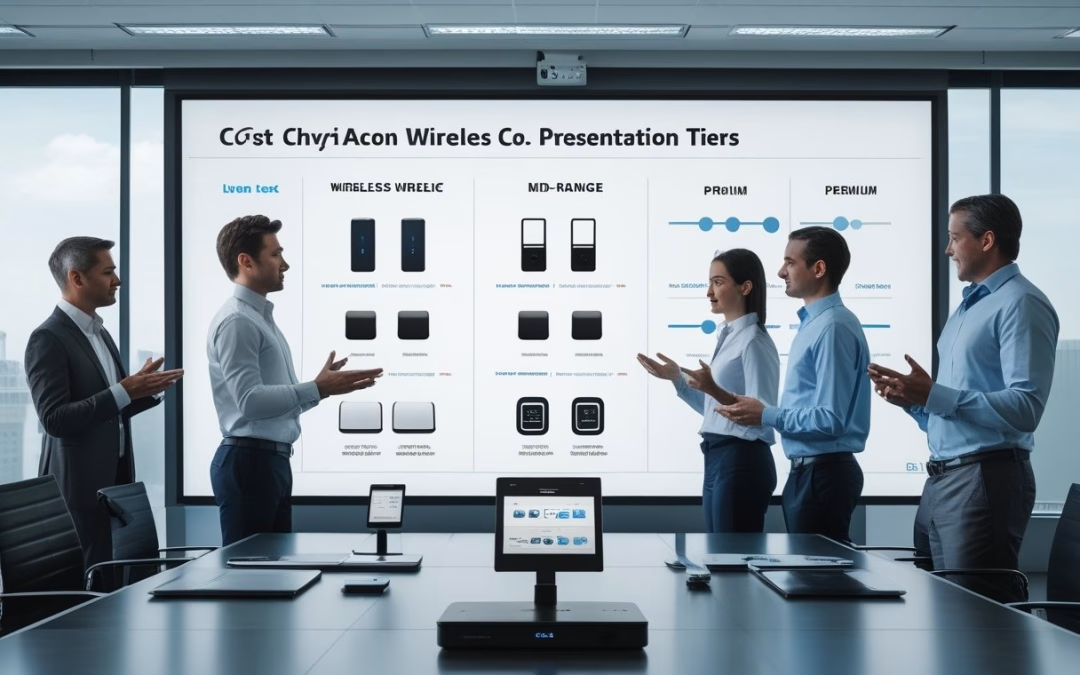
Berapa Kisaran Biaya untuk Setiap Kelas Solusi?
Wireless HDMI sekitar Rp1–3 jutaan sesuai untuk presentasi dasar, sedangkan sistem enterprise memerlukan anggaran lebih besar karena mencakup keamanan, pengelolaan perangkat, integrasi ruang, dan konfigurasi jaringan. Harga perangkat saja belum menggambarkan biaya penggunaan jangka panjang. Anda perlu memasukkan display, jaringan, instalasi, lisensi, dukungan, serta risiko waktu rapat yang hilang.
Perangkat wireless HDMI murah cocok untuk ruangan kecil dengan satu monitor atau TV dan pola presentasi sederhana. Untuk rapat harian, wireless presentation system (wps) mempermudah konsep bring your own device secara mulus tanpa repot gonta-ganti kabel.
Dengan integrasi WPS yang tepat, nilai investasi diukur dari kestabilan koneksi, kemudahan berbagi layar, dan berkurangnya beban tim IT.
Perangkat Wireless HDMI untuk Kebutuhan Presentasi Dasar
Kisaran Rp1–3 jutaan banyak ditemukan pada model video transmitter receiver sederhana di pasaran. Perangkat plug-and-play seperti PX WTR-HD membantu Anda menampilkan layar laptop, tablet, atau HP ke TV, monitor, dan proyektor tanpa kabel HDMI.
Solusi hardware-based dengan transmitter dan receiver fisik ini bekerja tanpa memerlukan aplikasi tambahan di komputer. Pengguna laptop Windows maupun macOS dapat langsung menampilkan materi rapat ke proyektor tanpa konfigurasi rumit.
Kelas ini sesuai untuk ruang kecil, penggunaan sesekali, dan satu presenter dalam satu waktu. Jarak jangkauan nirkabel umumnya berada di kisaran 60 meter hingga 100 meter, sementara unit tertentu sanggup mencapai 200 meter di area terbuka.
Sebelum membeli, pastikan kompatibilitas sistem operasi, resolusi keluaran, jarak koneksi, kebutuhan jaringan, serta metode pengaturan.
Biaya tambahan dapat muncul dari adaptor, kabel, konfigurasi display, dan penggantian unit ketika koneksi tidak stabil. Untuk rapat yang melibatkan tamu atau perangkat beragam, proses pairing nirkabel juga perlu Anda masukkan dalam penilaian.
Sistem Kolaborasi Ruang Rapat untuk Penggunaan Harian
Sistem kolaborasi ruang rapat dirancang untuk pemakaian berulang dengan beberapa presenter. Fitur seperti button pemancar, screen mirroring instan, moderasi, multi-presenter, dan kontrol sumber membantu rapat dimulai lebih cepat.
Harga meningkat karena perangkat perlu bekerja bersama interactive flat panel, sistem audio dengan microphone array, kamera, dan jaringan kantor. Pilihan seperti PX WTR-PRO3 atau PX WTR-2100-4K mendukung alur BYOD tanpa kabel berserakan di meja.
Konsep BYOD mempermudah peserta membagikan materi dari laptop, tablet, hingga smartphone Android secara bergantian. Alur kerja yang cepat ini terbukti meningkatkan produktivitas tim selama rapat berlangsung.
Sistem ini sering dilengkapi modul Wi-Fi ganda untuk memisahkan transmisi presentasi dari lalu lintas data utama kantor.
Kategori ini juga sangat mendukung kelancaran video conference di ruang rapat harian. Anda perlu menilai stabilitas koneksi, kemudahan pengelolaan oleh tim IT, serta ketersediaan dukungan teknis agar rapat bebas gangguan.
Solusi Enterprise dengan Keamanan dan Integrasi UC
Solusi enterprise memiliki biaya tertinggi karena mencakup enkripsi data tingkat tinggi, kontrol akses, pengelolaan terpusat, serta integrasi Unified Communications (UC). Integrasi UC memadukan presentasi nirkabel dengan platform video conference seperti Microsoft Teams atau Zoom sesuai standar perusahaan.
Organisasi dengan perhatian khusus pada keamanan data memerlukan security protocol yang ketat, isolasi jaringan tamu, dan autentikasi berlapis. Standar keamanan data tingkat tinggi ini melindungi file penting saat karyawan menghubungkan laptop perusahaan ke display.
Perangkat canggih seperti PX WTR-5500 maupun HDMI wireless presentation system enterprise juga mendukung interaktivitas touchback pada interactive flat panel atau layar sentuh interaktif.
Anggaran perlu mencakup desain, survei lokasi, konfigurasi jaringan, instalasi, pelatihan, pemeliharaan, dan dukungan purna jual. MLV Teknologi dapat membantu memetakan kebutuhan ruang, jaringan, display, serta implementasi AV dengan koordinasi yang rapi dan minim gangguan terhadap operasional.
Fitur Apa yang Paling Mempengaruhi Nilai Investasi?
Nilai investasi paling dipengaruhi oleh kestabilan koneksi, keamanan jaringan, dukungan multi-presenter, serta biaya pengelolaan setelah perangkat terpasang. Spesifikasi resolusi penting, tetapi dampak bisnis muncul dari seberapa cepat Anda memulai rapat dan seberapa sedikit bantuan IT yang diperlukan.
Bandingkan fitur berdasarkan pola penggunaan ruang, jumlah perangkat, jenis data, dan target waktu pemulihan. Pendekatan ini membantu Anda menghindari pembelian perangkat murah yang menambah pekerjaan operasional.
Metode Koneksi: Dongle, Aplikasi, dan Mirroring Bawaan
Dongle plug-and-play memberi alur berbagi yang cepat karena presenter cukup menghubungkan transmitter USB atau HDMI ke laptop atau MacBook. Pengguna hanya perlu menekan button pada unit transmitter untuk langsung menampilkan layar. Metode fisik ini sangat ideal bagi tamu yang tidak diizinkan mengunduh software tambahan.
Aplikasi memberi fleksibilitas lebih besar untuk perangkat Windows, macOS, iOS, Android, dan Chrome OS. Anda perlu memeriksa proses instalasi, izin keamanan, pembaruan, serta dukungan jaringan kantor.
Protokol screen mirroring seperti AirPlay dan Chromecast mempermudah koneksi nirkabel melalui jaringan Wi-Fi lokal. Pengguna perangkat iOS seperti iPhone atau iPad serta laptop dengan macOS dapat langsung memproyeksikan tampilan ke layar tanpa aplikasi khusus.
Bagi pengguna smartphone dan tablet Android, fitur mirroring bawaan membuat proses proyeksi materi berjalan mulus melalui koneksi Wi-Fi yang stabil.
Kualitas Tampilan, Latensi, dan Dukungan Multi-Presenter
Resolusi keluaran perlu mengikuti kemampuan display. Jika Anda menggunakan layar 4K, perangkat presentasi harus mampu mempertahankan ketajaman teks pada resolusi 4K tersebut.
Dukungan resolusi 4K juga sangat krusial saat konten diproyeksikan ke proyektor ruang rapat berukuran besar. Saat membagikan bagan detail dari tablet atau laptop, tampilan visual tetap tampak jernih dan profesional.
Latensi adalah jeda antara tindakan di perangkat pengirim dan tampilan di layar. Latensi rendah membantu Anda mengendalikan slide, video, atau anotasi pada layar sentuh dengan respons yang terasa langsung. Dukungan multi-presenter memungkinkan peserta berpindah sumber atau menampilkan beberapa konten sesuai kapasitas sistem.
Uji alur presentasi dengan file kantor, video, font kecil, dan perangkat berbeda. Pengujian seperti ini memberi gambaran lebih berguna daripada hanya membaca angka resolusi.
Keamanan Jaringan dan Pengelolaan Perangkat
Penerapan enkripsi data melindungi kerahasiaan materi saat konten dikirim dari perangkat ke layar. Kebijakan keamanan data ini mencegah penyusupan dan menjaga integritas jaringan internal kantor.
Kontrol PIN, autentikasi, izin moderator, dan pemisahan jaringan membantu membatasi akses ke ruang presentasi. Arsitektur keamanan Wi-Fi tingkat enterprise juga memisahkan akses tamu agar tidak menyentuh infrastruktur internal.
Tim IT juga perlu melihat cara perangkat menerima pembaruan, mencatat status koneksi, mengatur hak akses, serta mengelola beberapa unit. Pengelolaan terpusat menjadi penting ketika Anda memiliki banyak ruang atau kantor cabang.
Tanyakan lokasi pemrosesan data, kebutuhan koneksi internet, metode integrasi jaringan, dan prosedur ketika perangkat hilang. Kejelasan konfigurasi sejak awal mengurangi risiko perubahan mendadak saat sistem digunakan.
Biaya Implementasi, Lisensi, dan Total Cost of Ownership
Kalkulasi TCO (total cost of ownership) mencakup harga perangkat, instalasi, konfigurasi, lisensi, pemeliharaan, dan dukungan teknis. Biaya monitor tambahan, kabel terstruktur, jaringan, audio, kamera, serta kontrol ruangan juga perlu masuk dalam perhitungan.
Lisensi berulang dapat mengubah biaya awal yang terlihat rendah menjadi beban tahunan. Anda perlu memastikan komponen mana yang membutuhkan langganan dan bagaimana biaya bertambah ketika jumlah ruang meningkat.
Bandingkan waktu instalasi, kebutuhan pelatihan, durasi dukungan, dan biaya pemulihan gangguan. Pada perusahaan yang mengadakan banyak rapat setiap hari, beberapa menit keterlambatan berulang dapat memengaruhi produktivitas dan persepsi profesional.
Memilih perangkat yang tepat akan menjaga produktivitas kerja seluruh tim sekaligus menghindari hambatan teknis yang merugikan.
Memilih Sistem yang Sesuai dengan Kebutuhan Ruang Rapat
Pilih perangkat wireless HDMI untuk presentasi sederhana, sistem kolaborasi untuk ruang yang dipakai setiap hari, dan solusi enterprise untuk kebutuhan keamanan, banyak pengguna, serta integrasi UC. Keputusan ini perlu berangkat dari pola pemakaian ruang, bukan dari harga unit paling rendah.
Untuk ruang kecil dengan satu display dan presenter terbatas, perangkat dasar dapat memenuhi kebutuhan. Presentasi dari laptop Windows, tablet, maupun proyektor sederhana dapat langsung berjalan.
Ruang rapat yang dipakai untuk kolaborasi harian memerlukan perpindahan presenter yang cepat, dukungan lintas platform seperti Android, macOS, dan iOS, serta kemudahan bagi tamu.
Dukungan ekosistem BYOD yang menyeluruh akan memastikan setiap rapat berjalan lancar demi meningkatkan produktivitas organisasi.
Boardroom dan ruang enterprise membutuhkan perencanaan jaringan, kebijakan keamanan, integrasi Teams atau Zoom, pengelolaan terpusat, dan dukungan purna jual. Sertakan ukuran ruang, jumlah peserta, jenis display, kebutuhan audio-video, jumlah lokasi, serta target pemulihan gangguan dalam dokumen pengadaan.
Memahami wireless presentation system price: faktor harga dan fitur yang perlu dibandingkan membantu Anda mengevaluasi solusi resmi seperti lini IndoProAV maupun ekosistem AV lainnya secara objektif.
Anda dapat meninjau pilihan wireless presentation system dan menghubungkannya dengan kebutuhan solusi ruang meeting modern untuk kantor. MLV Teknologi menyediakan konsultasi, suplai perangkat, dan instalasi AV dengan tim yang responsif, cepat, serta rapi dalam pelaksanaan.
Kunjungi website MLV Teknologi: www.mlvteknologi.com dan hubungi langsung melalui nomor WhatsApp yang tertera di website kami untuk berdiskusi langsung dengan kami.
by MLV Teknologi | Sep 24, 2026 | Article
Prinsip Dasar yang Menentukan Keberhasilan Sistem
Room Booking System Design yang efektif dimulai dari kebijakan operasional, data ruang yang konsisten, dan alur pemesanan yang mencegah bentrok jadwal. Penerapan sistem pemesanan ruang meeting perlu menghubungkan kebutuhan pengguna dengan aturan fasilitas, kesiapan ruang, serta cara perusahaan mengelola rapat setiap hari.
Fondasi ini mempermudah pengelolaan ruang meeting di berbagai divisi kantor.
Masalah operasional yang harus diselesaikan sejak awal
Petakan masalah sebelum memilih fitur atau memulai pengembangan aplikasi sistem pemesanan ruang meeting. Tahap analisis dan perancangan sistem membantu memetakan proses bisnis pemesanan ruang meeting secara rinci.
Tim perancang dapat memvisualisasikan alur menggunakan Activity Diagram atau Business Process Model and Notation (BPMN) sebelum sistem dibangun.
Dalam perancangan sistem informasi, tim juga menyusun Use Case Diagram untuk memetakan peran pengguna dan kebutuhan fungsional sistem informasi tersebut.
Jika tim memilih model pengembangan seperti waterfall, penyusunan dokumentasi perancangan sistem yang lengkap menjadi acuan utama sebelum penulisan kode dimulai.
Langkah ini mengatasi kelemahan proses manual yang sering memicu bentrokan jadwal, informasi ruang tidak akurat, serta waktu tunggu lama bagi pengguna saat melakukan booking ruang meeting.
Tentukan hasil yang ingin dicapai: pemesanan lebih cepat, status ketersediaan ruang meeting yang jelas, persetujuan tertib, dan pelaporan akurat. Libatkan administrator, manajer fasilitas, tim IT, dan pengguna agar aturan sistem sesuai alur kerja nyata.
Bagaimana alur pemesanan mencegah bentrok jadwal
Sebagai meeting room scheduler yang andal, sistem perlu memeriksa ketersediaan ruang meeting secara langsung saat pengguna memilih waktu. Proses validasi jadwal otomatis mencegah terjadinya bentrokan jadwal antar-rapat yang diajukan bersamaan.
Keberhasilan alur booking meeting room maupun booking ruang meeting secara umum sangat bergantung pada keandalan validasi instan tersebut.
Setelah validasi berhasil, sistem mengunci slot dan menyimpan data booking ke dalam basis data utama agar status ketersediaan langsung terbarui bagi semua pengguna. Mekanisme ini menyederhanakan pengelolaan data pemesanan harian bagi tim operasional.
Pemodelan alur ini dapat digambarkan dengan Sequence Diagram untuk memverifikasi interaksi antar komponen mulai dari permintaan booking hingga respon basis data.
Atur durasi rapat, waktu persiapan, serta jeda antarjadwal bila ruang memerlukan penataan ulang. Untuk rapat yang membutuhkan perangkat khusus, alur booking juga perlu mencatat kebutuhan seperti konferensi video, mikrofon, layar, atau bantuan teknisi.
Data ruang, kapasitas, dan fasilitas yang perlu distandardkan
Setiap ruang perlu memiliki data yang seragam, meliputi nama, lokasi, kapasitas, layout, jenis meja, aksesibilitas, dan fasilitas AV. Kapasitas harus mencerminkan penggunaan yang nyaman sehingga pengguna tidak memilih ruang yang terlalu kecil untuk jumlah peserta.
Pengelolaan data ruang meeting yang konsisten membutuhkan pemodelan Entity Relationship Diagram yang tepat. Melalui ERD, tim dapat merumuskan struktur basis data yang menghubungkan relasi antar-ruangan, fasilitas, dan jadwal pemesanan.
Kelengkapan data ruang meeting ini memastikan pengguna mendapatkan ruangan yang paling sesuai dengan kebutuhan rapat mereka.
Gunakan kategori yang mudah dipahami, misalnya ruang huddle untuk kelompok kecil, ruang rapat standar, dan boardroom untuk pertemuan formal. Sertakan foto, denah, serta status perangkat agar pilihan pengguna sesuai dengan kebutuhan rapat.
Perencanaan ruang yang terhubung dengan pola kolaborasi membantu Anda menentukan kapasitas dan konfigurasi secara lebih tepat. Anda dapat melihat panduan perencanaan meeting room dan huddle room untuk kantor sebagai rujukan saat menyusun katalog ruang.
Peran kebijakan pembatalan, persetujuan, dan hak akses
Kebijakan menentukan siapa yang boleh memesan ruang, kapan persetujuan diperlukan, dan bagaimana pembatalan diproses. Administrator dapat mengatur hak akses berdasarkan unit kerja, jenis ruang, tingkat kerahasiaan rapat, atau kebutuhan acara khusus.
Dashboard admin memudahkan pemantauan hak akses dan persetujuan jadwal secara terpusat untuk kebutuhan operasional harian. Melalui panel ini, admin dapat mengelola pemesanan ruang meeting serta memvalidasi hak pengguna dengan lebih efisien.
Tetapkan batas waktu pembatalan dan aturan untuk booking yang tidak digunakan. Analisis data booking dan pembatalan membantu tim fasilitas memperbaiki pengelolaan ruang meeting serta meningkatkan ketersediaan ruang meeting secara optimal.
Merancang Pengalaman Pengguna dan Integrasi Ruang Meeting
Pengalaman pengguna yang baik membuat proses booking dapat diselesaikan dalam beberapa langkah, sementara integrasi sistem memastikan informasi jadwal dan kesiapan ruang tetap selaras. Antarmuka, notifikasi, kalender, perangkat AV, serta laporan perlu dirancang sebagai satu alur operasional.
Tampilan ketersediaan ruang yang cepat dipahami
Tampilkan kalender dengan penanda waktu kosong, terisi, menunggu persetujuan, dan tidak dapat digunakan. Filter berdasarkan kapasitas, lokasi, fasilitas, serta jenis rapat membantu pengguna menemukan ruang yang sesuai tanpa membuka setiap jadwal satu per satu.
Gunakan nama ruang dan ikon fasilitas yang konsisten. Warna perlu disertai teks atau simbol agar informasi tetap terbaca oleh pengguna dengan kebutuhan aksesibilitas berbeda.
Tahap prototyping antarmuka biasanya dirancang terlebih dahulu di Figma agar tim dapat menguji tata letak jadwal dan alur interaksi sebelum masuk tahap pengembangan.
Pengujian prototipe ini juga memastikan kemudahan navigasi saat sistem diakses melalui web browser maupun aplikasi mobile.
Notifikasi otomatis untuk konfirmasi, perubahan, dan pengingat
Notifikasi perlu dikirim saat booking berhasil, menunggu persetujuan, diubah, dibatalkan, atau mendekati waktu rapat. Isi pesan harus mencantumkan nama ruang, waktu, penyelenggara, peserta, serta kebutuhan perangkat yang sudah dicatat.
Pengingat sebelum rapat membantu peserta datang tepat waktu dan memberi kesempatan untuk membatalkan ruang yang tidak jadi digunakan. Notifikasi perubahan juga mencegah peserta datang ke ruangan atau jadwal yang sudah diperbarui.
Integrasi kalender, direktori pengguna, dan sistem internal
Integrasi kalender menyelaraskan jadwal ruang dengan agenda pengguna. Direktori pengguna membantu mengisi identitas pemesan dan peserta secara konsisten, sementara koneksi ke sistem internal dapat menyesuaikan struktur unit kerja serta alur persetujuan.
Tetapkan sumber data utama untuk jadwal dan identitas agar perubahan tidak menghasilkan informasi yang berbeda antarplatform. Pengujian sinkronisasi perlu mencakup perubahan waktu, pembatalan, penggantian penyelenggara, dan rapat berulang.
Pada tahap implementasi sistem, arsitektur backend dapat dimodelkan memakai Class Diagram untuk memperjelas struktur kelas dan logika kode. Pemisahan layer menggunakan pola repository juga mempermudah tata kelola data saat aplikasi dibangun menggunakan PHP maupun teknologi lainnya.
Pola repository ini memisahkan logika data dari proses bisnis dalam pengembangan aplikasi. Hal ini menjadikan arsitektur sistem pemesanan ruang meeting lebih mudah diuji, dirawat, dan dikembangkan secara bertahap.
Menghubungkan status booking dengan perangkat AV dan ruang fisik
Status booking dapat menjadi pemicu untuk menyiapkan ruang sesuai jadwal. Ruang yang dipesan untuk rapat hybrid, misalnya, perlu memiliki kamera, mikrofon, layar, serta koneksi yang sudah diperiksa sebelum peserta masuk.
Hubungkan informasi booking dengan panel ruang, sistem kontrol, atau prosedur pemeriksaan teknisi sesuai kemampuan infrastruktur Anda. MLV Teknologi dapat membantu menilai kesiapan sistem AV, instalasi, dan koordinasi implementasi supaya penggunaan ruang berjalan tanpa mengganggu operasional harian.
Pembahasan tentang manfaat integrasi sistem audio visual untuk ruang rapat modern dapat membantu Anda mengaitkan kebutuhan booking dengan pengalaman rapat di dalam ruang.
Keamanan data serta pelaporan utilisasi ruang
Batasi akses berdasarkan peran dan lindungi data pengguna serta rincian rapat yang bersifat sensitif. Pengaturan hak yang terstruktur menjamin kelancaran akses informasi jadwal tanpa mengorbankan privasi karyawan.
Simpan riwayat perubahan, persetujuan, serta pembatalan agar tim fasilitas dapat menelusuri kejadian tanpa membuka detail rapat yang tidak diperlukan.
Laporan utilisasi perlu menunjukkan tingkat pemakaian per ruang, jam sibuk, durasi rata-rata, pembatalan, dan booking tanpa kehadiran. Gunakan data tersebut untuk menyesuaikan kapasitas, jadwal perawatan, pembagian ruang, serta kebutuhan perangkat AV.
Sistem Booking yang Mendukung Rapat Lebih Andal
Sistem booking yang mendukung rapat lebih andal harus menghubungkan jadwal, kebijakan, pengguna, kondisi fisik ruang, dan kesiapan perangkat dalam satu proses yang mudah dipantau. Aplikasi kalender menjadi bagian dari solusi, sementara keberhasilan operasional ditentukan oleh kualitas data, aturan yang jelas, dan tindak lanjut saat terjadi perubahan.
Mulailah dengan pemetaan alur kerja dan inventaris ruang. Uji proses booking menggunakan kebutuhan nyata dari berbagai tim, termasuk rapat internal, pertemuan dengan tamu, rapat hybrid, serta acara yang memerlukan dukungan teknis.
Tetapkan pemilik data untuk kapasitas, fasilitas, dan status ruang. Buat prosedur untuk pemeliharaan perangkat, penanganan gangguan, perubahan jadwal, serta pemulihan ketika sistem tidak tersedia. Dengan cara ini, pengguna memperoleh informasi yang dapat dipercaya dan tim fasilitas memiliki dasar yang jelas untuk bertindak.
Penerapan analisis dan perancangan sistem yang matang memastikan seluruh data ruang meeting selalu akurat. Langkah ini memberi kemudahan bagi pengguna maupun admin dalam setiap proses pemesanan ruang meeting harian.
Ruang meeting yang siap digunakan membutuhkan koordinasi antara desain, sistem AV, instalasi, dan kebijakan pemakaian. Untuk membahas kebutuhan tersebut, kunjungi website MLV Teknologi di www.mlvteknologi.com dan hubungi langsung melalui nomor WhatsApp yang tertera di website kami untuk berdiskusi langsung dengan kami.


Recent Comments