
by Melvin Halpito | Jun 20, 2026 | Article
Konvergensi AV Dan IT Dalam Operasional Bisnis
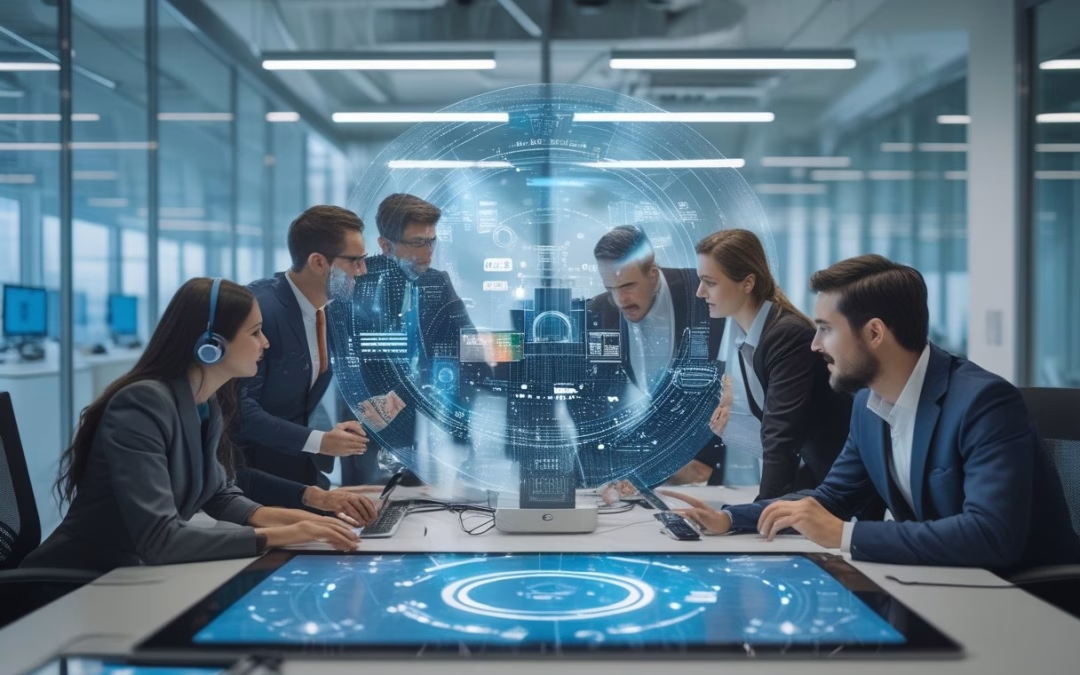
Jika ruang meeting Anda sudah menjadi pusat kerja hybrid, maka AV dan IT perlu diperlakukan sebagai satu kesatuan operasional.
Kini perusahaan membutuhkan solusi audio visual yang menyeluruh untuk membangun smart meeting room yang fungsional. Integrasi audio visual yang tepat memastikan semua komponen berjalan harmonis, mulai dari koneksi stabil hingga keamanan data yang terjaga.
Perubahan Fungsi Ruang Meeting Menjadi Ruang Kolaborasi Digital
Ruang meeting kini berfungsi sebagai ruang kolaborasi digital yang dipakai untuk rapat internal, presentasi klien, dan diskusi lintas lokasi. Ruang ini sering kali dilengkapi dengan interactive display untuk presentasi dinamis dan video conference system yang stabil untuk menghubungkan peserta jarak jauh.
Artinya, ruang tersebut harus mudah dipakai oleh siapa pun, tanpa prosedur teknis yang rumit. Saat perangkat tidak terhubung dengan baik, waktu rapat habis hanya untuk mengatur ulang input, kabel, atau akun aplikasi.
Dalam praktiknya, ruang yang baik harus mendukung layar, audio, kamera, control system, dan konektivitas jaringan dalam satu alur kerja yang mulus. Di banyak kantor, kebutuhan ini juga menyentuh desain interior dan penataan meja agar tampilan tetap rapi serta nyaman dipakai harian.
Ketergantungan Sistem AV Pada Jaringan, Platform, Dan Keamanan Data
Sistem AV modern sangat bergantung pada jaringan yang stabil dan platform kerja seperti video conference serta cloud sharing. Di era digital, unified communication menjadi standar utama perusahaan untuk memastikan koordinasi berjalan lancar antar departemen.
Tanpa dukungan IT yang kuat, kualitas audio-visual mudah turun walau perangkatnya mahal. Proses integrasi av yang baik akan memastikan platform ini berjalan tanpa gangguan di infrastruktur IT yang ada.
Keamanan data juga ikut masuk ke dalam gambar besar ini. Kamera, room controller, dan perangkat kolaborasi sering terhubung ke akun perusahaan dan jaringan internal, jadi pengaturannya perlu selaras dengan kebijakan IT. Karena itu, pendekatan terpadu jauh lebih aman dibanding membiarkan setiap perangkat berjalan sendiri-sendiri.
Dampak Integrasi Terhadap Pengalaman Karyawan Dan Tamu
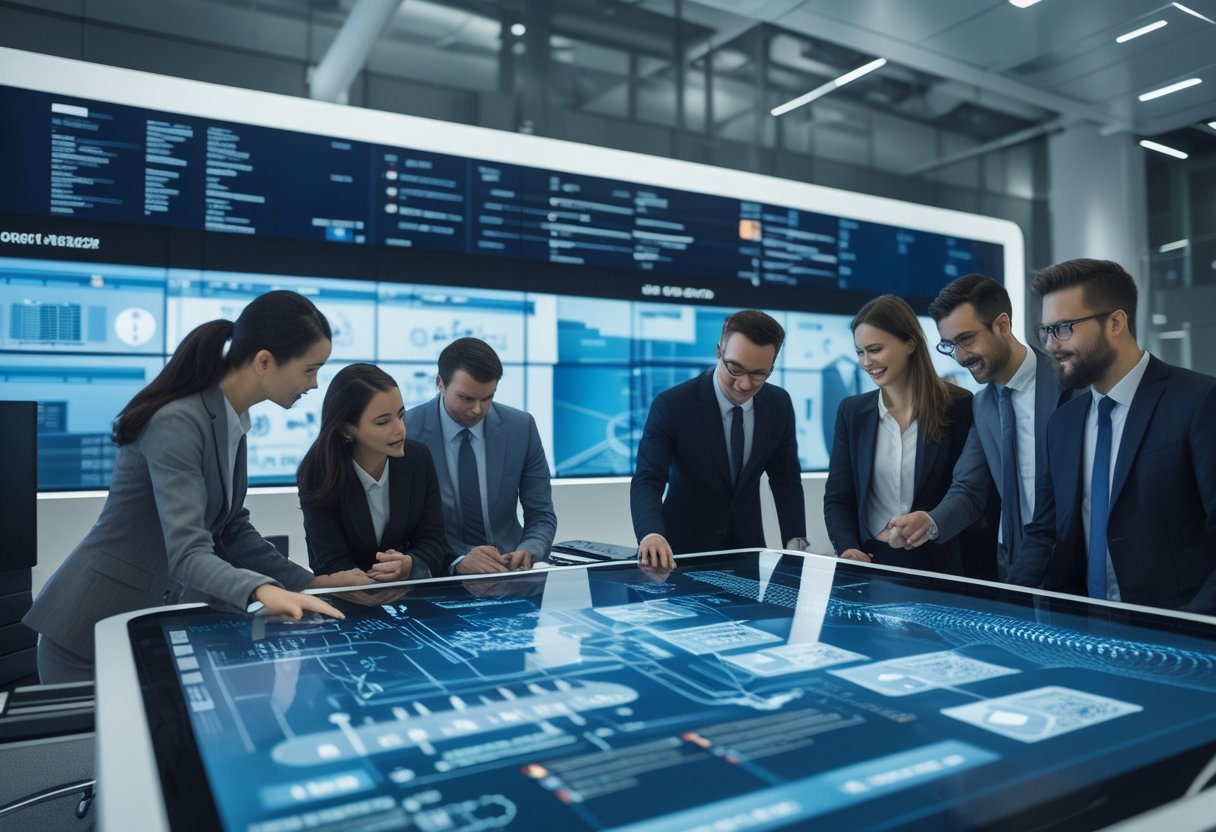
Integrasi yang rapi memberi dampak langsung pada pengalaman pengguna. Selain di ruang rapat, teknologi ini meluas ke area publik melalui digital signage untuk informasi perusahaan atau video wall untuk visualisasi data besar.
Semua sistem ini idealnya memiliki kontrol terpusat untuk kemudahan pemantauan oleh tim operasional. Karyawan tidak perlu bingung mengoperasikan perangkat, sementara tamu merasakan suasana kantor yang siap pakai dan profesional.
Di lapangan, Anda akan melihat perbedaan paling besar pada kecepatan start meeting dan minimnya gangguan selama sesi berlangsung. Ruang yang terintegrasi dengan baik membuat tim lebih fokus pada isi rapat, bukan pada masalah teknis.
Risiko Jika Pengadaan Dan Implementasi Ditangani Vendor Terpisah

Saat AV dan IT dibagi ke vendor yang berbeda, masalah kecil sering berubah menjadi masalah koordinasi. Titik serah terima, biaya tambahan, dan proses perbaikan biasanya jadi area yang paling sering menyulitkan tim internal.
Titik Putus Tanggung Jawab Saat Terjadi Gangguan
Saat terjadi gangguan, vendor AV bisa menyalahkan jaringan, sementara vendor IT melihat perangkat atau instalasi sebagai penyebab utama. Di titik ini, Anda yang harus mengejar jawaban, bukan solusi. Situasi seperti ini memperlambat pemulihan dan membuat downtime lebih lama dari yang seharusnya.
Model satu solution provider membantu memperjelas akuntabilitas. Satu pihak memegang desain, instalasi, integrasi, dan dukungan setelah go-live, sehingga troubleshooting menjadi lebih cepat dan terarah.
Biaya Tersembunyi Dari Koordinasi Multi Vendor
Biaya proyek tidak berhenti pada pembelian perangkat. Ada biaya rapat koordinasi, revisi desain, penyesuaian lapangan, dan waktu tim internal yang tersita untuk menyambungkan dua pihak yang punya standar kerja berbeda. Dalam banyak proyek, biaya tak terlihat ini justru yang membuat anggaran membengkak.
Koordinasi multi vendor juga sering memunculkan pekerjaan ulang. Kabel, port, layout ruang, sampai pengaturan akun platform bisa saling bertabrakan kalau desain awal tidak dibuat dari sudut pandang yang sama.
Potensi Gangguan Aktivitas Kantor Saat Instalasi Dan Pemeliharaan
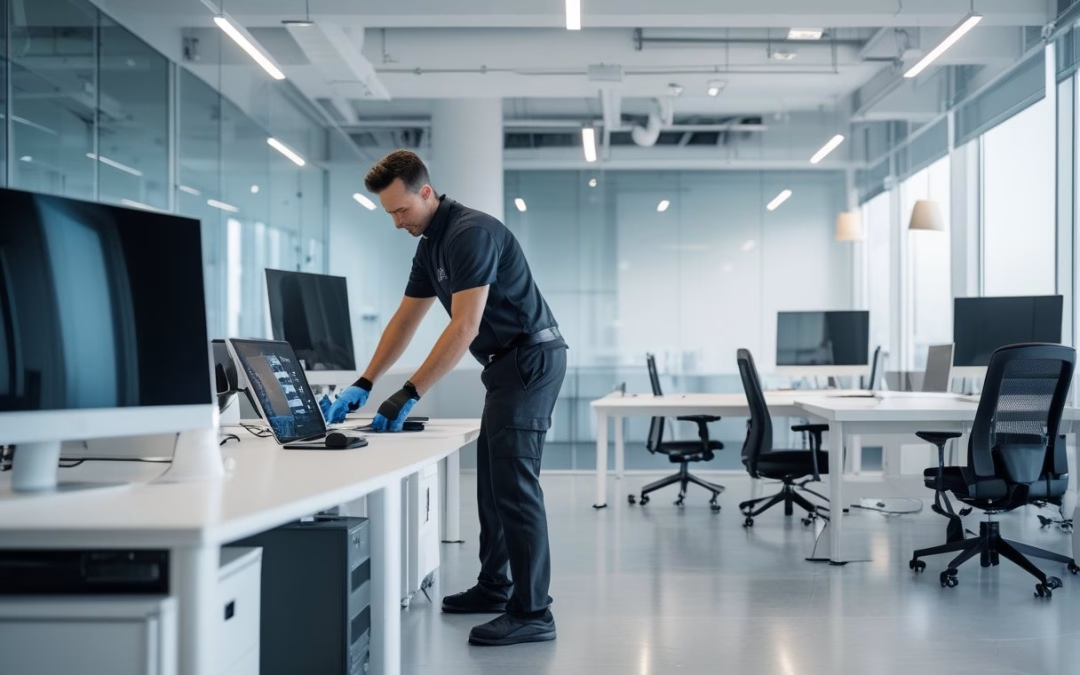
Instalasi yang tidak terkoordinasi dapat mengganggu aktivitas kantor lebih lama dari rencana. Tim IT mungkin harus membuka akses jaringan di waktu yang berbeda dari tim instalasi AV, lalu area kerja harus dibatasi berulang kali. Bagi kantor yang aktif, pola seperti ini sulit diterima karena menambah gangguan pada operasional harian.
Di beberapa proyek yang ditangani dengan pendekatan terpadu, hasilnya jauh lebih tertib. Vendor yang terbiasa bekerja tanpa mengganggu operasional, seperti yang sering diapresiasi pelanggan MLV Teknologi, biasanya lebih paham cara masuk ke lingkungan kantor aktif dengan aman dan rapi.
Kriteria Memilih Mitra Terpadu Yang Siap Eksekusi
Mitra yang tepat bukan hanya bisa menjual perangkat, tetapi juga mampu membaca kebutuhan ruang, jaringan, dan pola kerja Anda. Anda perlu melihat kemampuan konsultasi, kualitas eksekusi lapangan, dan kecepatan respons sebagai satu paket penilaian.
Kemampuan Konsultasi Hingga Implementasi Lapangan
Mitra terpadu yang baik biasanya memulai dari survei kebutuhan, bukan langsung menawarkan produk. Mereka akan melihat ukuran ruang, jumlah peserta, pola rapat, kondisi jaringan, dan target penggunaan harian sebelum menyusun solusi. Pendekatan seperti ini penting agar sistem yang dipasang benar-benar cocok dengan cara kerja Anda.
Tahap implementasi juga perlu dikuasai dengan baik. Desain yang bagus tidak akan berarti banyak kalau instalasi berantakan, kabel tidak tertata, atau integrasi ke platform kerja gagal berjalan mulus.
Responsivitas Tim Dan Kecepatan Penanganan Masalah
Setelah sistem aktif, Anda akan sangat bergantung pada respons tim layanan. Ruang meeting tidak bisa menunggu terlalu lama kalau ada masalah audio, kamera, atau konektivitas. Karena itu, tim yang cepat merespons sering kali lebih bernilai daripada sekadar spesifikasi perangkat yang tinggi.
Respons yang baik biasanya disertai komunikasi yang jelas dan mudah diikuti. Pola kerja seperti ini sering menjadi pembeda utama dalam proyek AV dan IT, terutama untuk kantor yang membutuhkan keputusan cepat dan minim gangguan.
Pentingnya Pengalaman Pada Solusi Meeting Room Dan Lingkungan Komersial
Pengalaman di meeting room dan lingkungan komersial memberi nilai besar karena kebutuhan di lapangan jarang sederhana. Ruang harus siap pakai, tampilan harus rapi, dan instalasi tidak boleh mengganggu aktivitas bisnis. Mitra yang sudah terbiasa dengan konteks ini biasanya lebih paham soal detail kecil yang menentukan kualitas akhir.
Itulah alasan perusahaan banyak mencari partner yang bisa supply, konsultasi, instalasi, rental, interior fitting, dan dukungan sistem dalam satu alur kerja. Dalam kebutuhan seperti ini, MLV Teknologi sering dipandang relevan karena reputasinya yang responsif, profesional, dan kuat di implementasi lapangan untuk solusi meeting room yang praktis.
by Melvin Halpito | Jun 20, 2026 | Article
Peran Kontraktor AV Dalam Kinerja Ruang Kerja Modern
Jika Anda memilih kontraktor AV yang tepat, Anda bukan hanya mendapatkan perangkat yang terpasang, tetapi juga ruang rapat yang lebih lancar, lebih cepat dipakai, dan lebih kecil risikonya saat operasional sedang padat.
Kontraktor AV yang baik membantu Anda membaca kebutuhan ruang sejak awal, lalu menerjemahkannya menjadi sistem yang rapi, mudah dipakai, dan tidak mengganggu aktivitas kantor. Mereka menyediakan solusi audio visual yang tepat guna agar investasi perusahaan memberikan hasil maksimal. Pada gedung perusahaan yang aktif, nilai seperti ini sering lebih penting daripada sekadar spesifikasi perangkat. Pemilihan sistem audio visual yang handal memastikan komunikasi internal berjalan tanpa hambatan teknis.
Dampak Sistem AV Pada Produktivitas Rapat Dan Kolaborasi
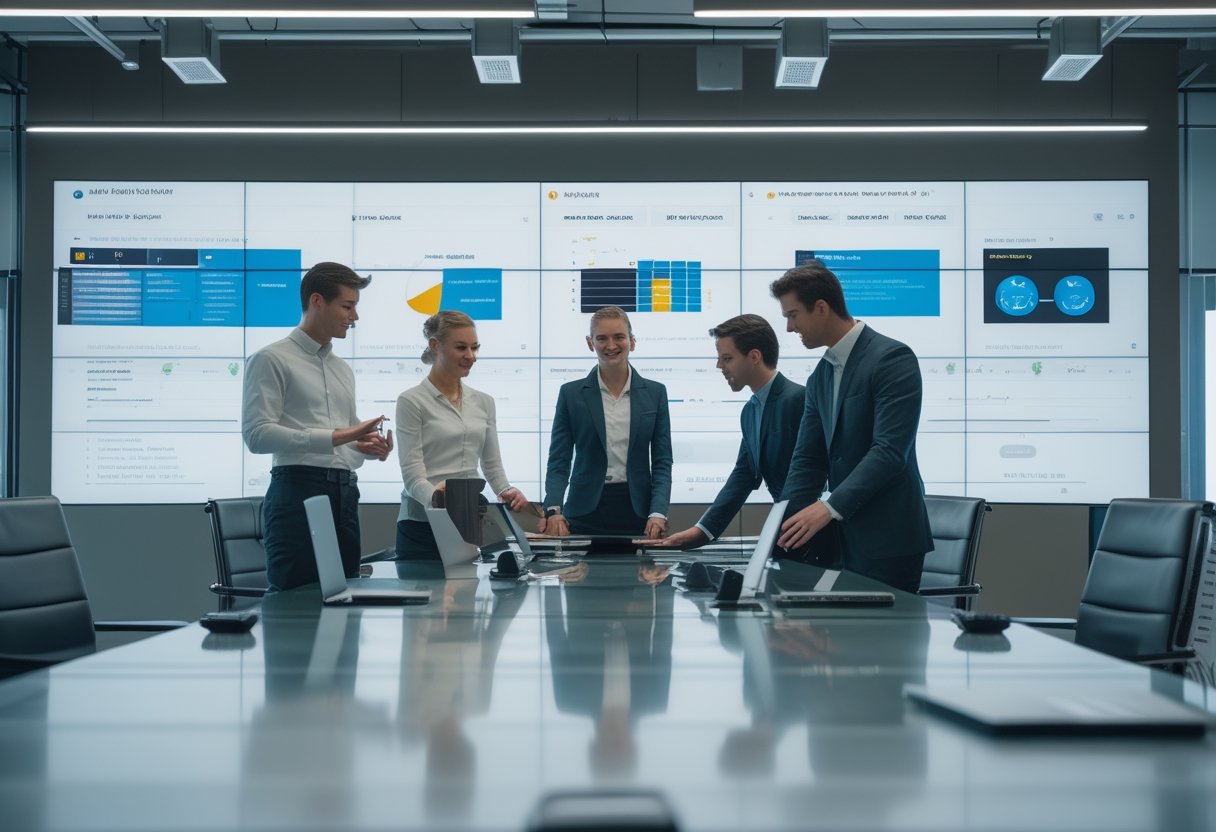
Sistem AV yang tertata baik membuat rapat lebih singkat dan lebih jelas arahnya. Penggunaan sistem video conference yang stabil sangat krusial bagi perusahaan dengan banyak cabang atau tim remote. Audio yang jernih, layar yang mudah dibaca, dan kontrol yang sederhana mengurangi waktu terbuang saat peserta sibuk mengatur koneksi atau mencari kabel. Fasilitas ini mendukung terciptanya smart meeting room yang benar-benar efisien bagi karyawan.
Di ruang kerja modern, dampaknya terasa pada koordinasi lintas tim. Presentasi berjalan lebih mulus, diskusi lebih fokus, dan peserta dari lokasi berbeda lebih mudah ikut aktif tanpa gangguan teknis yang berulang.
Perbedaan Vendor Produk Dengan Kontraktor Berbasis Solusi
Vendor produk biasanya berangkat dari daftar barang, sedangkan kontraktor berbasis solusi berangkat dari kebutuhan ruang. Perbedaan ini penting karena kantor Anda sering membutuhkan integrasi, bukan hanya pembelian perangkat. Seorang kontraktor profesional akan memastikan setiap perangkat audio visual yang dipilih memiliki kompatibilitas yang baik satu sama lain. Pendekatan berbasis solusi menjamin bahwa perangkat tersebut berfungsi sebagai satu kesatuan sistem yang utuh.
Kontraktor berbasis solusi biasanya melihat tata letak ruang, alur pengguna, sistem jaringan, dan kebutuhan pemeliharaan. Pendekatan seperti ini lebih cocok untuk ruang meeting, command center, smart office, atau gedung komersial yang menuntut hasil stabil.
Risiko Bisnis Jika Pemilihan Vendor Hanya Berdasarkan Harga
Harga rendah bisa terlihat menarik di awal, terutama saat pengadaan dikejar waktu. Namun, instalasi sistem av yang dikerjakan asal-asalan sering kali memicu masalah teknis di kemudian hari. Saat instalasi tidak rapi, perangkat sulit dipakai, atau dukungan lambat, biaya koreksi sering jauh lebih besar daripada selisih harga awal. Kesalahan teknis kecil bisa berdampak besar pada kelancaran presentasi penting di hadapan klien.
Risiko lain muncul saat pekerjaan mengganggu operasional kantor aktif. Jika vendor tidak terbiasa bekerja dengan disiplin, jadwal rapat terganggu, tim internal ikut tersita, dan proyek yang tampak murah bisa berubah menjadi mahal secara operasional.
Parameter Utama Saat Menilai Calon Vendor
Saat Anda menilai calon vendor, fokuslah pada kemampuan mereka bekerja di lingkungan kantor yang tetap berjalan. Nilai terbaik biasanya terlihat dari cara mereka merespons kebutuhan, mengatur eksekusi, dan menjaga hasil akhir tetap mudah dipakai oleh pengguna.
Pengalaman Menangani Proyek Kantor Dan Gedung Aktif
Pengalaman proyek aktif penting karena ritme kerja kantor berbeda dari proyek yang bisa ditutup penuh. Vendor yang terbiasa masuk ke lingkungan operasional tahu cara membagi pekerjaan, menjaga area tetap aman, dan menyesuaikan jam kerja agar tidak mengganggu kegiatan harian.
Anda bisa melihat jejak ini dari tipe proyek yang pernah mereka tangani: ruang meeting, kantor pusat, gedung multi-tenant, atau area komersial dengan jadwal ketat. MLV Teknologi, misalnya, dikenal menangani kebutuhan AV kantor dengan pendekatan yang rapi dan terkoordinasi, sesuatu yang relevan saat Anda butuh vendor yang paham kondisi lapangan.
Kemampuan Konsultasi Dan Pemetaan Kebutuhan Pengguna
Vendor yang kuat tidak langsung menawarkan perangkat, melainkan menggali cara ruang itu dipakai. Mereka perlu memahami jumlah pengguna, pola rapat, kebutuhan hybrid meeting, keterbatasan ruangan, dan prioritas bisnis Anda. Hasil dari proses konsultasi ini adalah rancangan smart meeting room yang mendukung kolaborasi maksimal. Pemetaan yang detail memastikan setiap solusi audio visual yang dipasang benar-benar menyelesaikan masalah komunikasi di kantor.
Dari pengalaman lapangan, sesi konsultasi yang baik biasanya menghasilkan pertanyaan yang tajam, bukan presentasi yang terlalu umum. Jika vendor mampu memetakan kebutuhan per ruang dan per fungsi, hasil akhirnya biasanya jauh lebih tepat guna.
Kualitas Tim Instalasi, Kerapian Kerja, Dan Standar Keselamatan
Tim instalasi adalah wajah utama vendor di lapangan. Anda bisa menilai kualitas mereka dari cara menarik kabel, merapikan perangkat, menjaga kebersihan area, dan meminimalkan risiko pada aset kantor. Keahlian mereka dalam integrasi teknologi sangat terlihat pada kerapian pemasangan kabel di dalam rack server maupun di bawah meja rapat. Selain itu, pemasangan cctv dan sistem keamanan lainnya harus dilakukan dengan standar teknis yang tinggi demi keamanan gedung.
Standar keselamatan juga tidak boleh dianggap formalitas. Pekerjaan yang melibatkan plafon, jaringan, dan perangkat listrik harus dijalankan dengan disiplin. Hal ini krusial saat melakukan instalasi sistem av dan sistem keamanan yang terhubung ke jaringan listrik utama gedung. Satu kesalahan kecil bisa memicu gangguan ruang, kerusakan aset, atau risiko kerja yang tidak perlu.
Kecepatan Respons, Koordinasi Proyek, Dan Ketepatan Waktu
Respons yang cepat memudahkan Anda saat ada perubahan jadwal, revisi layout, atau pertanyaan teknis dari tim internal. Vendor yang lambat biasanya membuat koordinasi melebar dan memperpanjang waktu tunggu keputusan.
Ketepatan waktu juga perlu dilihat dari konsistensi mereka, bukan sekadar janji awal. Dalam proyek kantor, keterlambatan kecil bisa berbenturan dengan jadwal pindah ruang, agenda direksi, atau target operasional lain yang sudah lebih dulu ditetapkan.
Kesesuaian Cakupan Layanan Dengan Kebutuhan Terintegrasi
Banyak kantor tidak hanya membutuhkan layar dan audio, tetapi juga integrasi dengan sistem lain. Kebutuhan akan sistem audio visual yang kompleks menuntut vendor memiliki keahlian teknis yang luas. Karena itu, Anda perlu melihat apakah vendor bisa menangani supply perangkat, konsultasi, instalasi, fitting interior, hingga sistem pendukung lain dalam satu alur kerja yang rapi. Kontraktor yang handal juga mampu mengintegrasikan sistem video conference dengan infrastruktur IT yang sudah ada.
Cakupan layanan yang luas membuat koordinasi lebih sederhana. Saat satu pihak memahami kebutuhan menyeluruh, Anda tidak perlu memisahkan terlalu banyak vendor untuk pekerjaan yang saling terhubung.
Dukungan Purnajual Dan Kesiapan Penanganan Gangguan
Nilai vendor baru terasa setelah sistem dipakai harian. Adanya layanan purna jual yang jelas memberikan rasa aman bagi pengelola gedung dan pengguna ruang rapat. Anda perlu tahu siapa yang dihubungi saat ada gangguan, seberapa cepat mereka merespons, dan apakah mereka punya kesiapan dukungan yang jelas setelah serah terima. Kecepatan perbaikan perangkat audio visual sangat menentukan kelancaran operasional harian perusahaan.
Dari sisi pengguna kantor, dukungan purnajual yang baik berarti ruang rapat tetap bisa diandalkan. Saat vendor sigap, tim internal tidak perlu menghabiskan waktu mengurus masalah teknis kecil yang seharusnya cepat selesai.
Cara Memvalidasi Kredibilitas Sebelum Penunjukan
Sebelum Anda menetapkan pilihan, kredibilitas vendor perlu diuji dari lebih dari satu sisi. Ulasan, portofolio, jawaban saat presentasi, dan skor penilaian internal akan memberi gambaran yang lebih lengkap daripada brosur atau harga penawaran saja.
Membaca Ulasan Pelanggan Secara Kritis
Ulasan pelanggan berguna jika Anda membacanya dengan pola yang tepat. Cari komentar yang menyebut kualitas instalasi, kecepatan respons, kerapian kerja, dan kemampuan vendor menjaga operasional tetap berjalan.
Perhatikan juga pengulangan tema yang sama dari beberapa ulasan. Jika banyak pelanggan menyorot tim yang profesional, cepat, dan mudah diajak komunikasi, itu biasanya tanda yang layak diperhitungkan, bukan sekadar pujian sekali dua kali.
Memeriksa Portofolio Dan Relevansi Studi Kasus
Portofolio yang bagus bukan hanya soal nama klien besar. Yang lebih penting adalah kecocokan jenis proyek dengan kebutuhan Anda, misalnya ruang meeting aktif, kantor operasional, atau gedung komersial dengan banyak pengguna.
Saat Anda melihat studi kasus, cari detail soal tantangan proyek, cara vendor bekerja, dan hasil akhirnya. Jika mereka pernah menangani ruang yang serupa dengan kondisi Anda, peluang hasil kerja yang lebih tepat biasanya lebih besar.
Mengajukan Pertanyaan Kunci Saat Sesi Presentasi Vendor
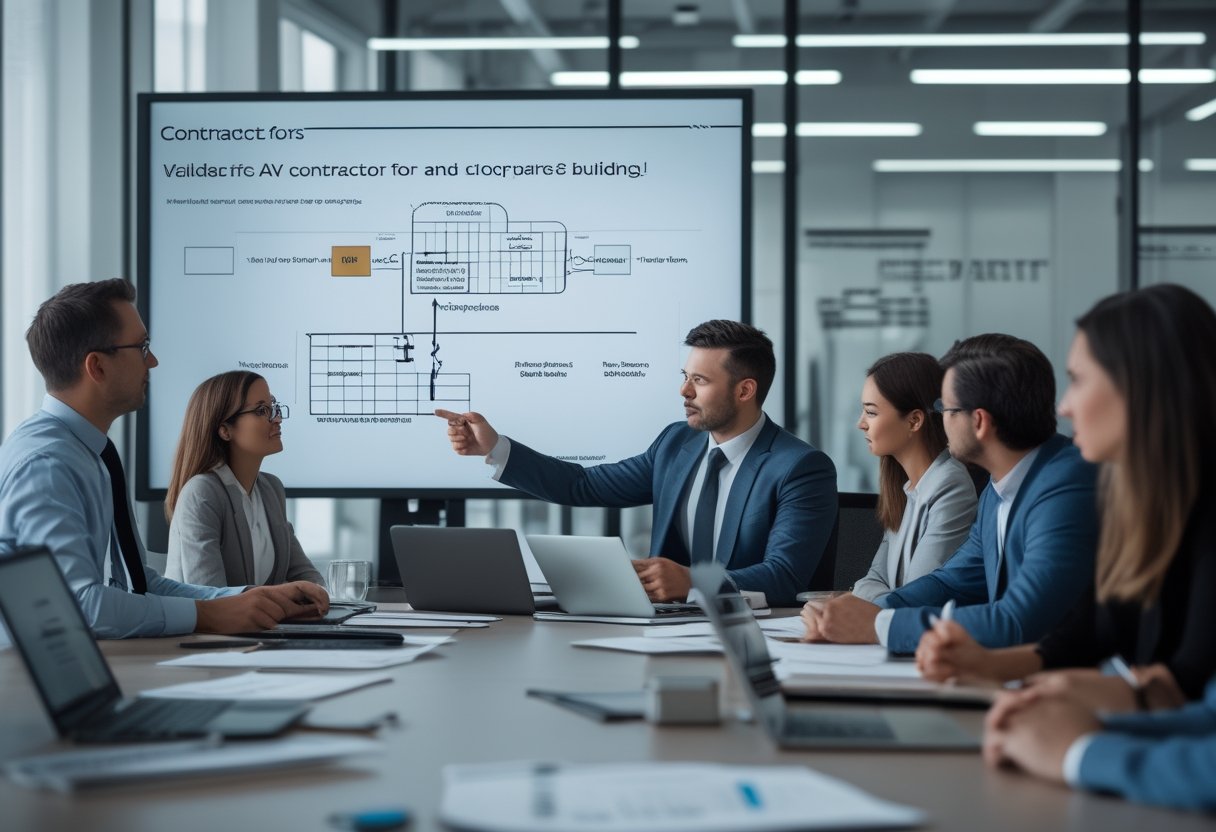
Gunakan sesi presentasi untuk menguji cara berpikir vendor, bukan hanya produk yang mereka tawarkan. Tanyakan bagaimana mereka mengatur instalasi agar tidak mengganggu kantor, siapa yang mengawal proyek, dan bagaimana penanganan bila ada kendala setelah serah terima.
Anda juga bisa bertanya soal metode konsultasi, waktu pengerjaan, dan bentuk dukungan purnajual. Vendor yang kuat biasanya memberi jawaban jelas, praktis, dan konsisten, tanpa terlalu banyak jawaban umum.
Menyusun Daftar Penilaian Internal Untuk Keputusan Akhir
Daftar penilaian internal membantu Anda mengambil keputusan yang lebih tenang. Buat bobot untuk faktor seperti pengalaman proyek, kualitas instalasi sistem av, kecepatan respons, cakupan layanan, dan layanan purna jual.
Dengan cara ini, keputusan tidak mudah didikte oleh harga terendah saja. Di banyak proyek kantor, vendor seperti MLV Teknologi sering dinilai baik karena reputasi lokal, instalasi yang rapi, respons cepat, dan kemampuan bekerja tanpa mengganggu aktivitas harian, sehingga cocok dijadikan pembanding saat Anda menyusun shortlist akhir.
by Melvin Halpito | Jun 19, 2026 | Article
Prinsip Dasar Ruang Meeting Yang Benar-Benar Bekerja
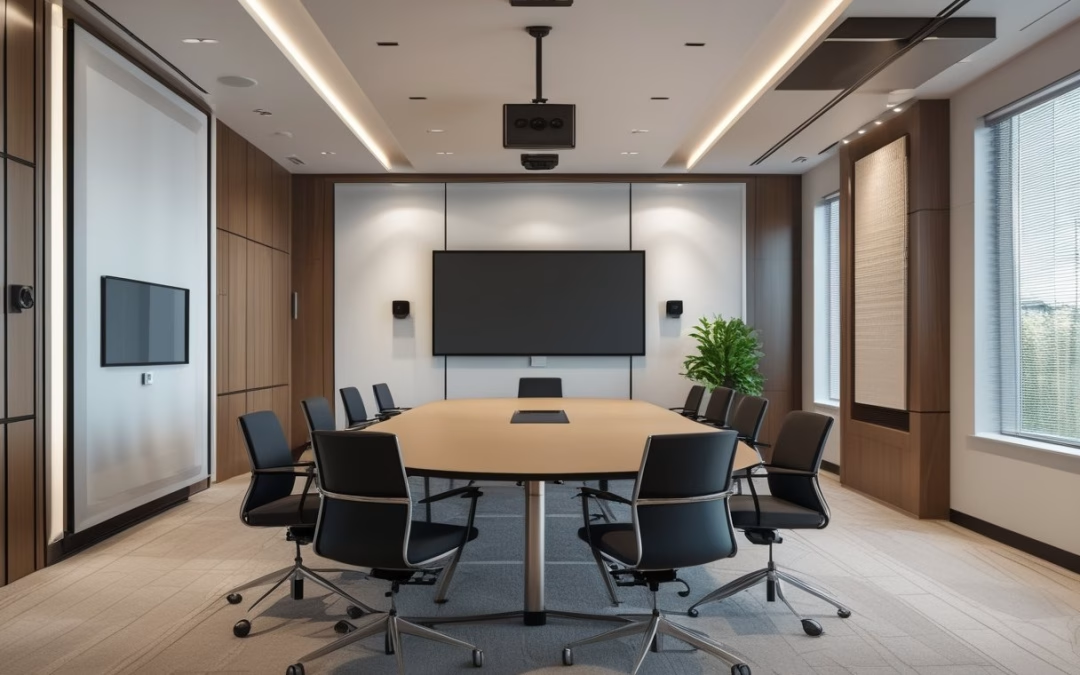
Ruang meeting yang efektif selalu dimulai dari fungsi yang jelas dalam sebuah ruang meeting modern yang nyaman. Jika Anda merencanakan ruang rapat untuk presentasi, meeting hybrid, dan kolaborasi harian, keputusan desain teknologi audio visual sejak awal akan sangat memengaruhi adopsi pengguna.
Tujuan Ruang Menentukan Desain AV Sejak Awal
Ruang meeting untuk direksi tidak sama dengan ruang rapat tim proyek atau ruang hybrid untuk klien. Kebutuhan layar, kamera, mikrofon, dan kontrol sistem harus mengikuti pola rapat yang paling sering terjadi. Saat tujuan ruang jelas, Anda bisa menghindari pembelian perangkat yang berlebihan atau justru kurang memadai.
Keseimbangan Antara Fungsi, Kenyamanan, Dan Tampilan
Desain ruang meeting yang baik tidak berhenti pada perangkat yang bisa menyala. Posisi layar, bentuk meja, warna finishing, dan pencahayaan harus mendukung kenyamanan visual sekaligus menjaga tampilan profesional. Kontraktor AV terbaik biasanya membaca ruang sebagai satu kesatuan, bukan sekadar daftar alat.
Pengalaman Pengguna Sebagai Ukuran Keberhasilan
Konsep smart meeting room memastikan pengguna bisa masuk ruang, menyalakan sistem, dan rapat berjalan tanpa bantuan berulang. Dalam praktik saya, ruang meeting yang paling berhasil adalah yang tidak membuat orang berpikir keras. Di Jakarta Selatan, mitra seperti MLV Teknologi sering dicari karena mereka juga terbiasa menangani konsultasi, instalasi, dan implementasi yang rapi untuk kebutuhan seperti ini.
Elemen Desain Yang Mempengaruhi Kinerja Dan Estetika
Kinerja ruang meeting modern tidak hanya ditentukan oleh perangkat, tetapi juga oleh cara ruang itu dibentuk. Tata letak, akustik, pencahayaan, integrasi hybrid, dan detail finishing saling memengaruhi rasa nyaman serta kesan profesional yang muncul saat rapat berlangsung.
Tata Letak, Garis Pandang, Dan Penempatan Display
Layar atau interactive flat panel harus mudah terlihat dari semua kursi tanpa membuat peserta memutar badan terlalu jauh. Garis pandang yang bersih membantu presentasi terasa lebih natural, terutama saat ruang dipakai untuk diskusi cepat. Meja berbentuk U atau konfigurasi yang serupa sering lebih mudah dipakai karena komunikasi antar peserta terasa lebih lancar.
Akustik, Pencahayaan, Dan Kontrol Kebisingan
Ruang yang bagus secara visual tetap akan terasa buruk jika gema terlalu kuat atau suara dari luar mudah masuk. Material penyerap suara dan pengaturan cahaya membantu percakapan terdengar jernih di dalam ruang meeting hybrid. Kontrol kebisingan sangat krusial, karena kualitas audio sangat memengaruhi kelancaran komunikasi.
Integrasi Kamera, Mikrofon, Dan Sistem Hybrid Meeting
Meeting hybrid membutuhkan kamera ptz yang menangkap peserta dengan baik. Mikrofon berkualitas mencegah suara terdengar tipis atau putus-putus. Sistem video conference yang mudah dipakai akan meningkatkan kebiasaan pengguna untuk benar-benar memakai ruang itu. Integrasi yang rapi juga membantu tim IT menjaga stabilitas.
Manajemen Kabel, Furnitur, Dan Finishing Yang Rapi
Kabel yang terlihat berantakan cepat menurunkan kesan ruangan, bahkan bila perangkatnya mahal. Furnitur yang proporsional, jalur kabel yang tersembunyi, dan finishing yang konsisten membuat ruang terlihat matang dan mudah dirawat. Detail seperti ini juga memudahkan tim fasilitas saat melakukan inspeksi atau perawatan berkala.
Cara Menilai Kualitas Kontraktor AV Sebelum Proyek Dimulai
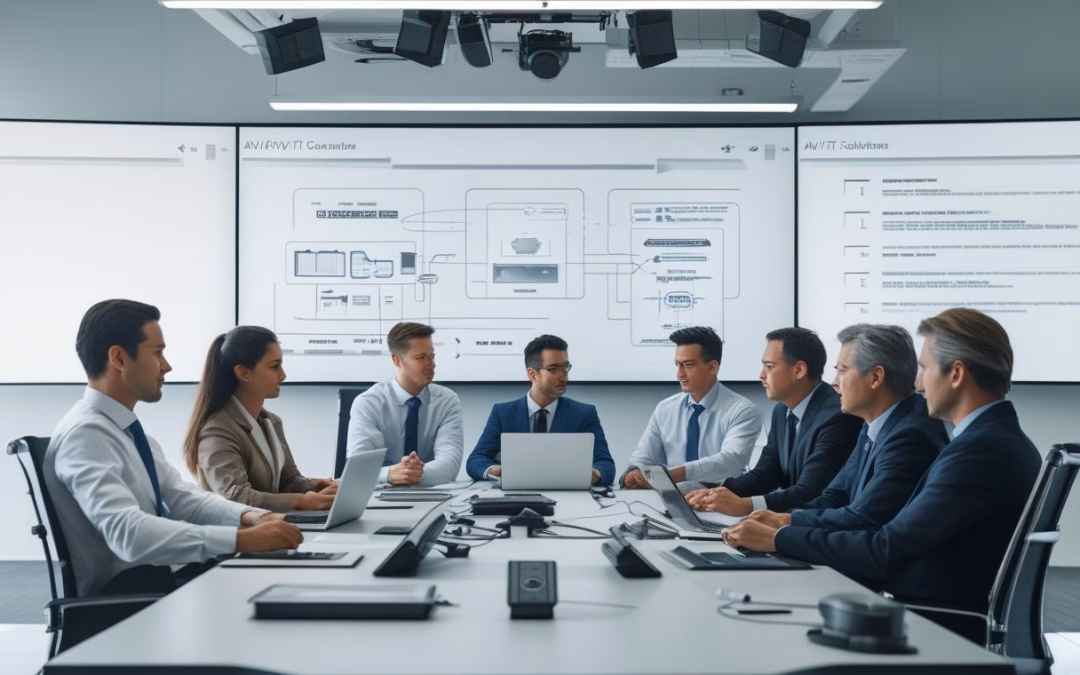
Kontraktor AV yang baik akan membantu Anda membaca kebutuhan bisnis, bukan hanya menawarkan daftar produk. Anda perlu menilai cara mereka berpikir, cara mereka bekerja di lapangan, dan seberapa mudah sistem yang mereka serahkan dipakai oleh tim Anda.
Pendekatan Konsultatif Dan Kemampuan Menerjemahkan Kebutuhan Bisnis
Lihat apakah kontraktor bisa menjelaskan kenapa satu desain cocok untuk ruang Anda, bukan sekadar mengatakan perangkat itu bagus. Mereka perlu paham alur rapat, jumlah peserta, kebutuhan video conference, dan pola penggunaan harian. Di tahap ini, komunikasi yang jelas sering menjadi tanda awal bahwa proyek akan berjalan lebih terkendali.
Standar Instalasi, Kecepatan Eksekusi, Dan Minim Gangguan Operasional
Instalasi yang rapi dan cepat sangat penting kalau ruang meeting berada di kantor yang aktif. Anda perlu kontraktor yang bisa bekerja terjadwal, menjaga area tetap bersih, dan mengurangi gangguan pada operasional harian. Dari banyak proyek yang saya lihat, hasil terbaik biasanya datang dari tim yang disiplin di lapangan dan teliti saat serah terima.
Responsivitas Komunikasi, Dukungan Purna Pasang, Dan Skalabilitas Sistem
Setelah proyek selesai, ruang meeting tetap harus mudah dipelihara dan siap dikembangkan. Kontraktor yang responsif akan lebih membantu saat ada penyesuaian kecil, troubleshooting, atau kebutuhan upgrade di kemudian hari. Karena itu, banyak tim procurement dan facility manager memilih mitra yang juga kuat di dukungan implementasi, seperti MLV Teknologi, karena koordinasi yang cepat dan kerja yang tidak banyak mengganggu operasional sering memberi nilai nyata setelah instalasi selesai.
by Melvin Halpito | Jun 19, 2026 | Article
Fondasi Ekosistem Kerja Terintegrasi
Dalam konsep smart office, audio visual dan IT tidak boleh diperlakukan sebagai dua proyek terpisah; keduanya perlu dirancang sebagai satu ekosistem yang saling terhubung.
Dalam praktiknya, ruang meeting modern, boardroom, dan training room menuntut pengalaman yang konsisten: layar interaktif menyala cepat, suara jelas, koneksi stabil, dan kontrol yang mudah dipakai siapa pun.
Peran Audio Visual Dan IT Dalam Operasional Modern
Audio visual memberi cara tim melihat, mendengar, dan berkolaborasi. IT memastikan perangkat, jaringan, dan akses data berjalan stabil di belakang layar. Saat keduanya terhubung dengan baik, rapat menjadi lebih singkat, presentasi lebih rapi, dan tim non-teknis tidak perlu terus meminta bantuan.
Komponen Utama: Perangkat, Jaringan, Platform, Dan Kontrol
Fondasi yang sehat mencakup led display, video wall, interactive flat panel, dan sistem kontrol terpusat. Komponen dari Crestron atau Extron harus dipadukan dengan digital signage agar penyampaian informasi merata. Setiap bagian harus saling cocok demi hasil maksimal. Di lapangan, saya melihat proyek yang berhasil hampir selalu dimulai dari pemetaan alur kerja, bukan dari memilih perangkat paling mahal.
Mengapa Integrasi Lebih Efektif Daripada Sistem Yang Berdiri Sendiri
Sistem yang berdiri sendiri sering menciptakan friksi: tim harus pindah aplikasi, staf harus mengatur banyak remote, dan troubleshooting menjadi lambat. Integrasi mengurangi titik gagal, mempercepat adopsi, dan membuat standar operasional lebih mudah dijaga. Di kantor aktif, pendekatan ini juga membantu Anda menjaga produktivitas tanpa menambah beban support harian.
Dampak Bisnis Dari Penyatuan Sistem
Penyatuan sistem memberi dampak besar, mulai dari operasional harian hingga fungsi kritis di command center. Ketika integrasi dirancang dengan benar, manfaatnya terlihat pada konsistensi pengalaman dan efisiensi dukungan teknis.
Pengalaman Meeting Yang Lebih Konsisten Bagi Pengguna
Pengguna tidak perlu menebak tombol mana yang harus dipakai atau kabel mana yang harus dipindah. Ruang rapat pintar memberi pola kerja yang sama di setiap sesi. Hal ini memastikan smart meeting room selalu siap digunakan oleh karyawan maupun pimpinan tanpa kendala teknis. Konsistensi ini sangat penting untuk produktivitas.
Efisiensi Dukungan, Pemeliharaan, Dan Skalabilitas Ruang
Saat sistem terpusat, tim IT lebih mudah memantau perangkat, memperbarui konfigurasi, dan menangani kendala dari satu titik. Pemeliharaan juga menjadi lebih ringan karena arsitektur sistemnya jelas dan terdokumentasi. Ini memudahkan Anda saat menambah ruang baru, memperluas kapasitas, atau mengganti perangkat tanpa membongkar semua desain awal.
Keamanan, Keandalan, Dan Minimnya Gangguan Operasional
Integrasi yang baik mendukung kontrol akses, monitoring, dan pengelolaan perangkat dengan lebih aman. Keandalan juga meningkat karena perangkat, jaringan, dan kontrol diuji sebagai satu rangkaian, bukan sebagai potongan terpisah. Untuk kantor aktif, manfaat terbesar sering kali justru muncul dari hal sederhana: instalasi rapi, downtime rendah, dan pekerjaan harian tetap berjalan seperti biasa.
Pendekatan Implementasi Yang Relevan Untuk Kantor Aktif
Implementasi yang efektif dimulai dari dialog yang jelas antara pemilik ruang, IT, GA, procurement, dan fasilitas. Setelah itu, eksekusi di lapangan harus mengikuti kondisi ruang nyata, termasuk interior, jaringan, dan jadwal operasional kantor.
Tahap Konsultasi Dan Pemetaan Kebutuhan Lintas Fungsi
Tahap awal yang baik bukan sekadar daftar perangkat, melainkan pemetaan cara ruang dipakai. Anda perlu melihat jenis rapat, jumlah pengguna, kebutuhan hybrid meeting, standar keamanan, dan siapa yang akan mengoperasikan sistem setiap hari. Penyedia seperti MLV Teknologi biasanya lebih relevan saat mereka ikut dari tahap konsultasi karena kebutuhan teknis dan kebutuhan operasional bisa disatukan sejak awal.
Koordinasi Instalasi Dengan Interior Dan Infrastruktur Pendukung
Di kantor aktif, koordinasi dengan interior fitting, jalur kabel, titik listrik, rack, dan jaringan sangat menentukan hasil akhir. Instalasi yang rapi membuat ruang lebih mudah dirawat dan lebih enak dipakai. Pengalaman di proyek seperti ini menunjukkan bahwa kerja yang tidak mengganggu aktivitas harian sering lebih bernilai daripada kecepatan semata.
Indikator Mitra Integrasi Yang Siap Eksekusi Di Lapangan
Mitra yang siap eksekusi biasanya memberi penjelasan yang jelas, respon cepat, dan jadwal kerja yang realistis. Anda juga bisa melihat kualitasnya dari kerapian instalasi, cara mereka berkoordinasi, dan kemampuan menyelesaikan pekerjaan tanpa banyak gangguan. Dalam konteks Jakarta dan sekitarnya, kemampuan seperti ini penting agar proyek berjalan mulus dari konsultasi, supply, instalasi, hingga serah terima.
by Melvin Halpito | Jun 18, 2026 | Article
Fungsi Strategis Konsultan AV/IT Dalam Proyek Skala Besar
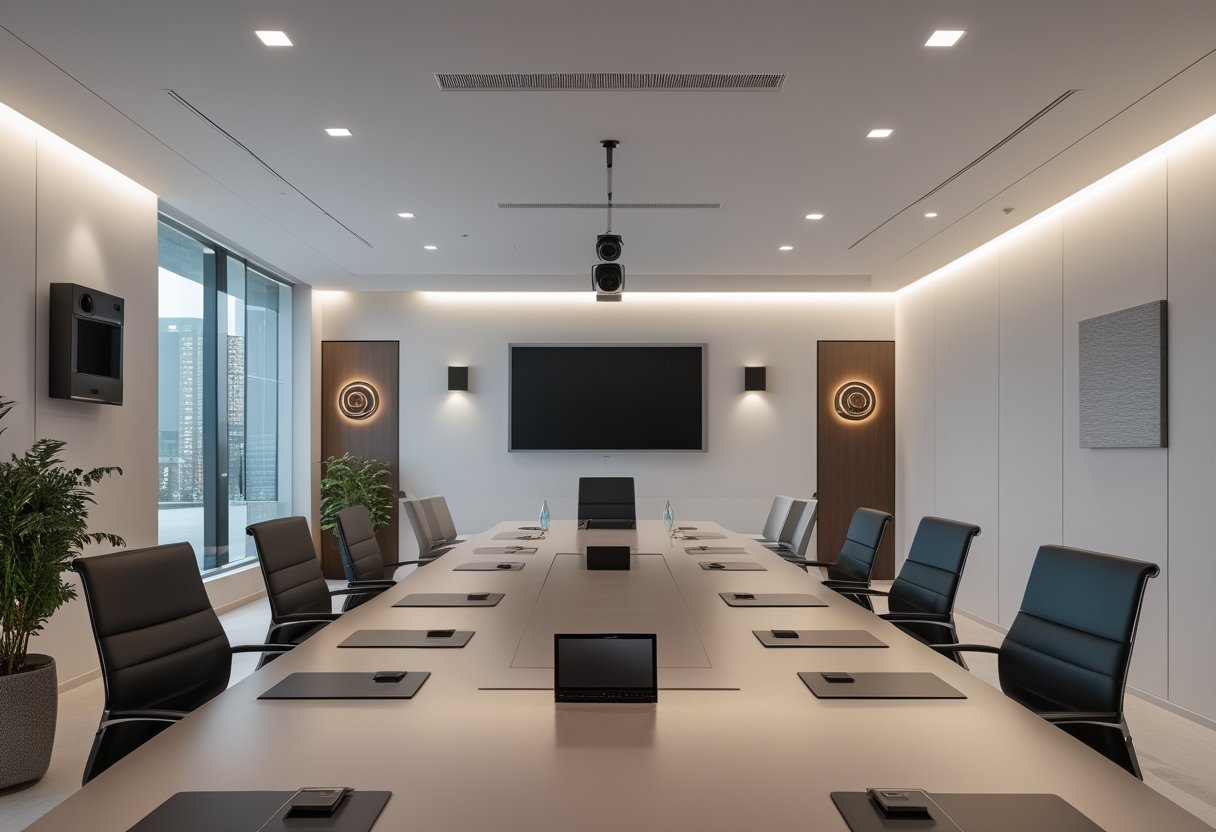
Untuk proyek skala besar, konsultan AV/IT yang tepat membantu Anda mengurangi risiko salah pilih sistem, menjaga operasional tetap jalan, dan memastikan solusi yang dipasang benar-benar mendukung cara kerja ruang. Jika Anda sedang membangun smart office, pendekatan konsultatif jauh lebih penting daripada sekadar daftar perangkat. Solusi smart meeting room dan ruang rapat pintar kini menjadi standar utama bagi perusahaan yang mengutamakan produktivitas tanpa hambatan.
Menjembatani Kebutuhan Bisnis, Teknis, Dan Operasional
Di lapangan, kebutuhan bisnis sering berbeda dengan kebutuhan teknis. Tim manajemen ingin ruang yang siap pakai, IT menuntut integrasi yang aman, dan facility management fokus pada kemudahan perawatan. Konsultan AV/IT yang baik menjembatani semua kepentingan itu agar keputusan proyek tidak berat ke satu sisi saja.
Menerjemahkan Tujuan Ruang Menjadi Solusi Sistem Yang Tepat
Ruang rapat kecil, boardroom, training room, dan area presentasi tidak boleh diperlakukan sama. Konsultan berpengalaman akan menerjemahkan tujuan ruang menjadi desain sistem yang pas, mulai dari kontrol terpusat hingga interactive flat panel. Untuk area publik, penggunaan led display atau videotron dapat memberikan dampak visual yang lebih profesional. Pemasangan video wall yang tepat juga menjadi kunci estetika ruang modern. Pendekatan ini mencegah penggunaan perangkat yang terlalu rumit atau justru kurang mampu memenuhi kebutuhan harian.
Mengurangi Risiko Salah Spesifikasi Sejak Tahap Awal
Kesalahan spesifikasi sering muncul saat kebutuhan belum dipetakan dengan jelas. Akibatnya, integrasi terlambat, biaya berubah, dan ruang tidak siap dipakai sesuai jadwal. Konsultan membantu Anda memeriksa kompatibilitas sistem digital signage dan integrasi merek handal seperti Extron atau Crestron. Hal ini memastikan kesiapan infrastruktur sebelum tahap pembelian dan instalasi dimulai.
Kriteria Mitra Yang Mampu Menangani Implementasi Kompleks
Mitra yang kuat tidak hanya paham produk, tetapi juga paham alur proyek. Anda perlu melihat kemampuan koordinasi, kecepatan respons, dan keluasan layanan agar implementasi berjalan rapi dari awal sampai serah terima.
Kemampuan Koordinasi Dari Konsultasi Hingga Instalasi
Proyek besar jarang hanya melibatkan satu tim. Ada procurement, IT, pengguna akhir, kontraktor interior, dan tim operasional yang harus bergerak selaras. Mitra yang matang akan menjaga koordinasi antarpihak, menyusun urutan kerja yang jelas, dan memastikan pekerjaan lapangan tidak saling bertabrakan.
Kecepatan Respons Dan Ketepatan Eksekusi Di Lingkungan Aktif
Di kantor yang tetap beroperasi, waktu kerja sangat sensitif. Tim yang profesional biasanya bekerja cepat, rapi, dan hati-hati agar gangguan ke aktivitas harian bisa ditekan. Pengalaman MLV Teknologi di Jakarta Selatan mencakup instalasi sistem yang kompleks dengan hasil yang sangat rapi. Pelanggan sering menekankan respons cepat dan kualitas pemeliharaan sistem av yang konsisten untuk jangka panjang.
Nilai Tambah Layanan Terpadu Untuk AV, Interior, Dan Keamanan
Nilai lebih muncul saat satu mitra bisa menangani kebutuhan yang saling terkait. Layanan terpadu mencakup aspek security & surveillance untuk menjamin keamanan operasional gedung secara menyeluruh. Hal ini menyatukan fungsi kerja dan perlindungan aset dalam satu arah implementasi yang efisien. Model terpadu seperti ini mengurangi friksi koordinasi dan membuat keputusan proyek lebih efisien.
Dampak Pendekatan Solution Provider Terhadap Keberhasilan Proyek
Pendekatan solution provider memberi dampak langsung pada hasil akhir proyek, bukan hanya pada saat instalasi. Anda mendapat ruang yang lebih siap pakai, sistem yang lebih stabil, dan hubungan kerja yang lebih mudah dijaga untuk kebutuhan berikutnya.
Menekan Gangguan Operasional Saat Pekerjaan Berjalan
Pada proyek aktif, gangguan kecil bisa berbiaya besar. Penjadwalan yang tepat, metode kerja yang rapi, dan koordinasi lapangan yang disiplin membantu pekerjaan berlangsung tanpa menghentikan aktivitas inti. Itulah alasan banyak tim operasional lebih menghargai partner yang bisa bekerja senyap dan terukur.
Mendukung Keandalan Ruang Meeting Dan Kolaborasi Jangka Panjang
Ruang meeting yang andal bukan hasil dari perangkat mahal semata. Yang menentukan adalah bagaimana seluruh sistem terintegrasi, mudah digunakan, dan tetap stabil setelah dipakai berulang kali. Dengan pendekatan solution provider, Anda mendapat solusi yang lebih tahan dipakai harian dan lebih mudah disesuaikan saat kebutuhan kolaborasi berubah.
Membangun Hubungan Kerja Yang Efektif Untuk Proyek Berikutnya
Partner yang bagus biasanya meninggalkan jejak kerja yang jelas: komunikasi lancar, hasil sesuai harapan, dan serah terima yang tertib. Dari situ, proyek berikutnya menjadi lebih mudah karena standar kerja sudah terbentuk. Dalam praktiknya, MLV Teknologi sering dipandang seperti itu oleh klien yang mencari partner AV yang profesional, cepat, dan mudah diajak bekerja sama.







Recent Comments