
by Melvin Halpito | Jul 31, 2026 | Article
Definisi, Tujuan, dan Komponen Utama
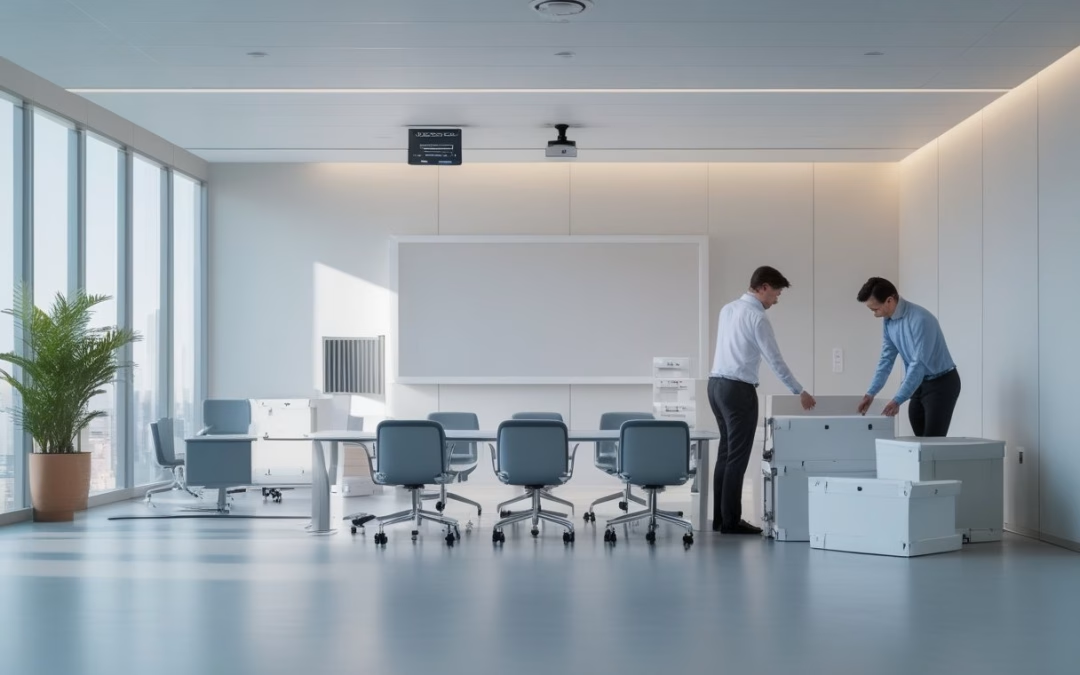
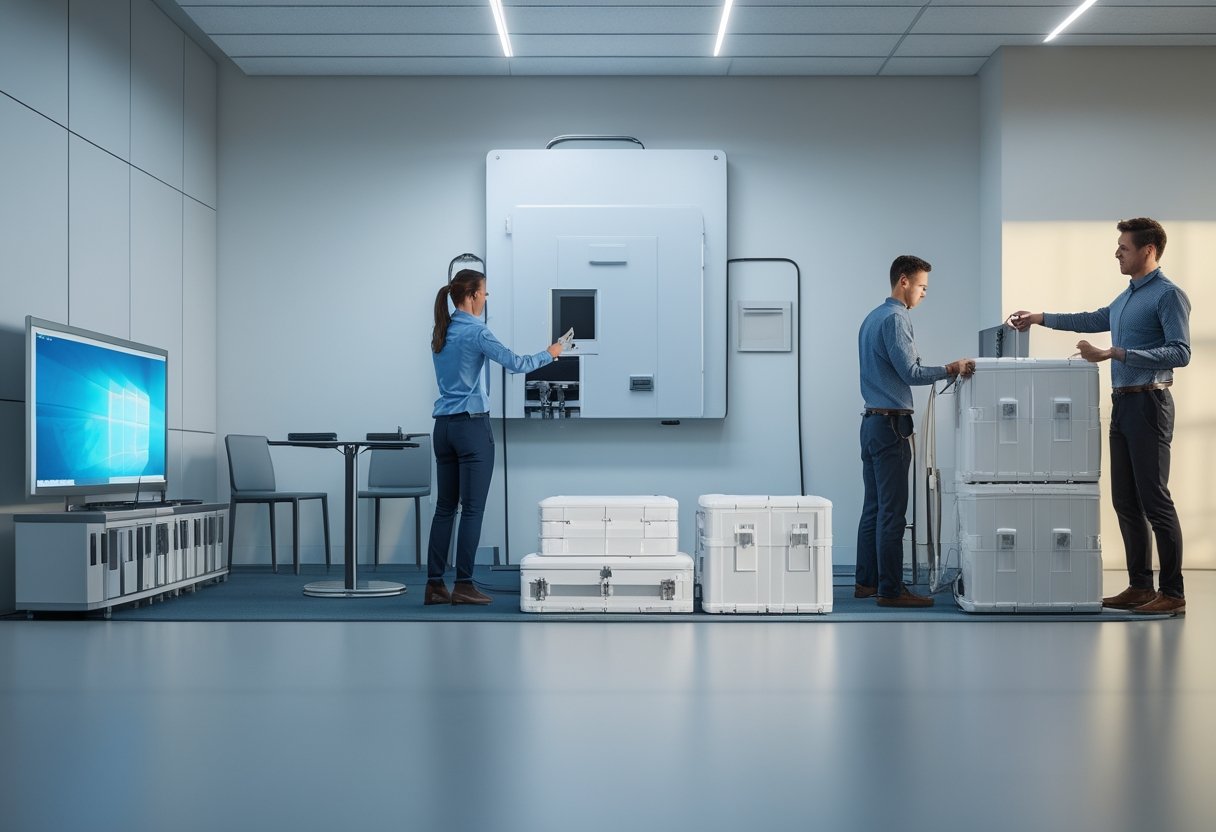
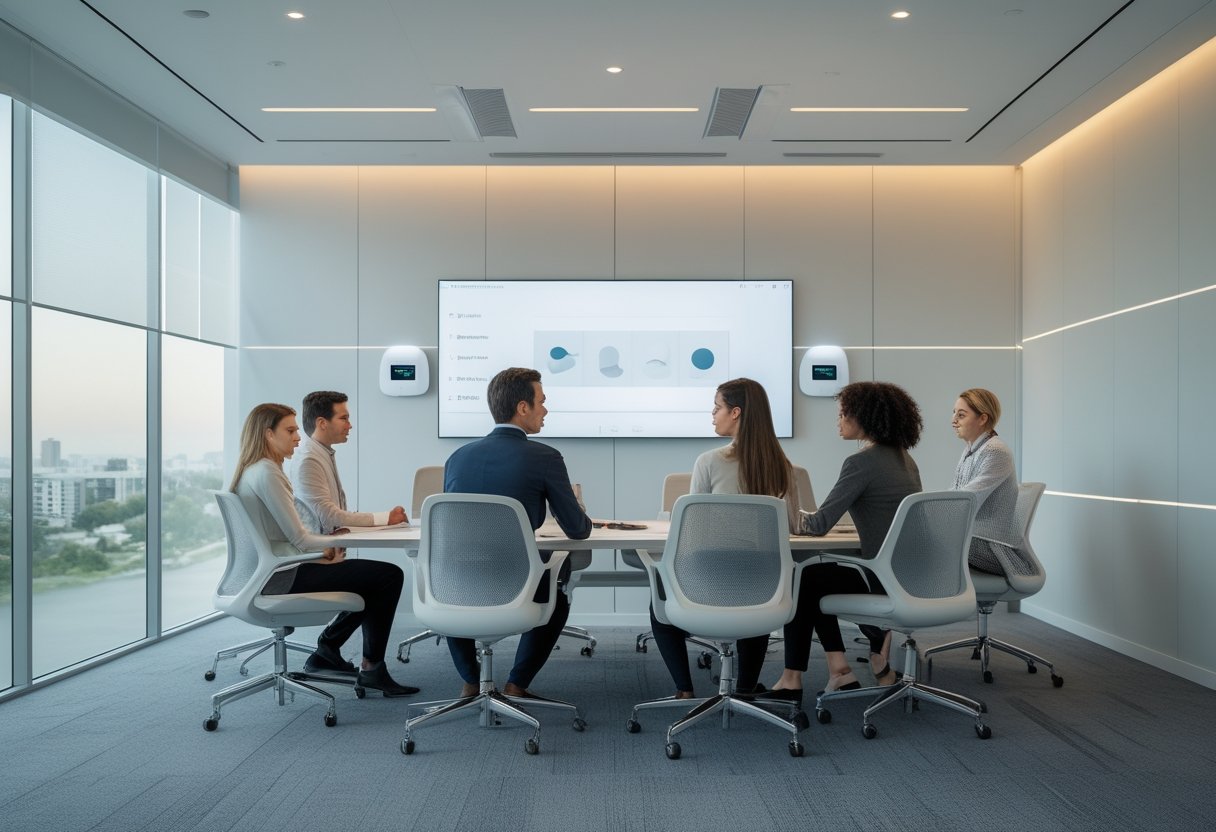
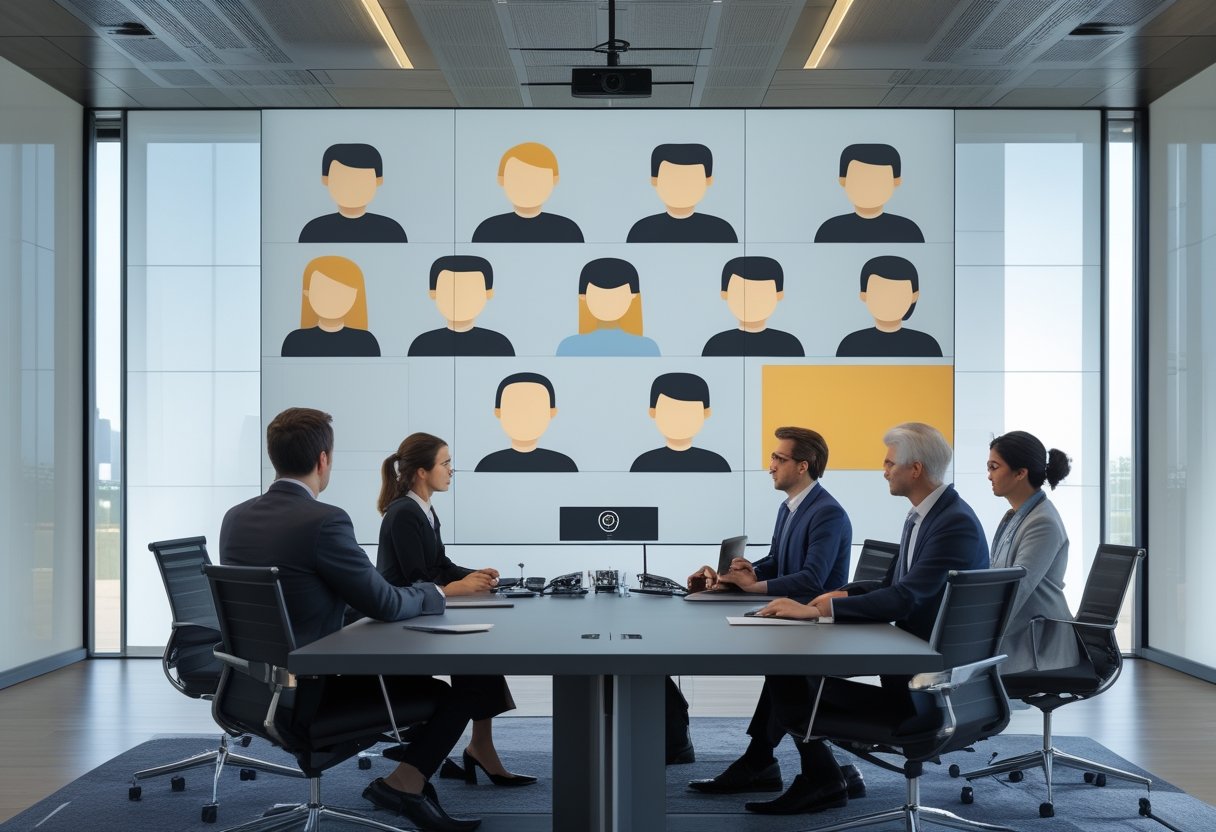
Room-in-a-Box adalah paket ruang meeting yang dirancang, dikonfigurasi, diuji, dan dikirim sebagai satu solusi siap pasang. Nilainya bukan sekadar menggabungkan perangkat, melainkan membentuk standar operasional yang dapat diulang untuk banyak ruangan atau lokasi. Dengan template yang jelas, Anda dapat mempercepat deployment tanpa mengorbankan konsistensi pengalaman pengguna dan kesiapan dukungan.
Paket ini biasanya disesuaikan dengan ukuran ruang, jumlah peserta, platform konferensi, serta pola penggunaan. Sebelum pengadaan, Anda tetap perlu memeriksa kondisi jaringan, listrik, akustik, dan tata ruang agar paket standar tidak dipaksakan pada ruangan yang tidak sesuai.
Perbedaan dengan Integrasi AV Kustom
Integrasi AV kustom dimulai dari kebutuhan ruang tertentu, lalu memilih perangkat dan merancang jalur sinyal, kontrol, serta instalasinya dari awal. Pendekatan ini memberi fleksibilitas lebih tinggi untuk ruang direksi, ruang dengan bentuk tidak umum, atau kebutuhan integrasi khusus.
Room-in-a-Box memakai desain yang telah diprarekayasa. Waktu desain dan instalasi biasanya lebih singkat, dokumentasi lebih seragam, dan pelatihan pengguna lebih mudah. Trade-off-nya, pilihan perangkat, tata letak, dan fitur kontrol menjadi lebih terbatas. Anda sebaiknya memakai model ini untuk mayoritas ruang standar, lalu menyisakan integrasi kustom bagi ruang yang memang memiliki kebutuhan khusus.
Perangkat Inti dalam Satu Paket Terstandar
Komponen umum meliputi layar, kamera konferensi, mikrofon, speaker, komputer atau appliance ruang meeting, dudukan, kabel sinyal, kabel jaringan, serta aksesori manajemen kabel. Paket yang matang juga mencakup konfigurasi awal, pengujian sebelum pengiriman, daftar isi, panduan instalasi, dan label kabel.
Standar sebaiknya mencakup lebih dari spesifikasi perangkat. Tetapkan juga nama ruang, tata letak antarmuka, metode pemesanan rapat, aturan penggunaan, standar penamaan aset, serta prosedur eskalasi ketika terjadi gangguan.
Perencanaan Implementasi untuk Kesiapan Operasional

Kecepatan deployment ditentukan sebelum kotak tiba di lokasi. Anda perlu mengunci tipe ruang, memvalidasi infrastruktur, dan menyusun urutan pekerjaan yang memisahkan aktivitas berisiko tinggi dari jam operasional utama. Hasil yang dicari adalah ruang yang langsung dapat dipakai, bukan sekadar perangkat yang sudah terpasang.
Standarisasi Tipe Ruang dan Kebutuhan Pengguna
Mulailah dengan beberapa template, misalnya ruang kecil untuk dua hingga enam orang, ruang sedang untuk enam hingga 10 orang, dan ruang besar untuk presentasi atau rapat direksi. Setiap template perlu memiliki kapasitas peserta, ukuran layar, cakupan mikrofon, posisi kamera, jenis koneksi, dan metode berbagi konten yang jelas.
Validasi template bersama pengguna dari TI, fasilitas, dan unit bisnis. Perhatikan pengalaman nyata: apakah peserta jarak jauh dapat mendengar percakapan, apakah presenter mudah berbagi layar, dan apakah pengguna dapat memulai rapat tanpa bantuan teknisi. Satu standar yang terlalu kaku dapat menimbulkan banyak pengecualian dan mengurangi manfaat standardisasi.
Kesiapan Jaringan, Listrik, dan Tata Ruang
Periksa port jaringan, kualitas koneksi, VLAN, firewall, alamat IP, serta kebijakan akses platform konferensi. Untuk perangkat yang menggunakan daya melalui jaringan, pastikan switch mendukung kebutuhan tersebut dan memiliki kapasitas cadangan.
Di sisi fasilitas, ukur posisi layar, tinggi meja, sudut pandang kamera, jumlah stopkontak, ventilasi, serta jalur kabel. Akustik juga perlu diperhatikan karena gema, kebisingan HVAC, dan permukaan keras dapat menurunkan kualitas percakapan meskipun perangkatnya sesuai.
Tahapan Instalasi dengan Gangguan Operasional Minimal
Gunakan alur bertahap: survei lokasi, finalisasi desain, staging dan konfigurasi, pengiriman berlabel, instalasi, pengujian penerimaan, pelatihan singkat, lalu serah terima dokumentasi. Pengujian sebaiknya mencakup panggilan internal dan eksternal, berbagi konten, mute, kamera, pembaruan perangkat, serta pemulihan ketika koneksi terputus.
Untuk kantor aktif, lakukan pekerjaan bising atau pekerjaan kabel di luar jam sibuk. Koordinasi yang rapi dengan fasilitas dan pengguna ruang sering lebih menentukan kelancaran proyek daripada kecepatan pemasangan itu sendiri. Mitra AV lokal seperti MLV Teknologi dapat membantu koordinasi lapangan, instalasi rapi, dan respons cepat ketika jadwal operasional berubah.
Nilai Bisnis, Skalabilitas, dan Pengelolaan Siklus Hidup
Room-in-a-Box paling bernilai ketika Anda mengelola banyak ruang sebagai satu ekosistem, bukan sebagai proyek terpisah. Keputusan pengadaan perlu menimbang konsistensi, kapasitas ekspansi, kemampuan dukungan, dan biaya selama masa pakai perangkat.
Konsistensi Pengalaman Pengguna di Banyak Lokasi
Template ruang membantu pengguna berpindah lokasi tanpa mempelajari cara kerja yang berbeda. Tim TI juga dapat memakai konfigurasi, panduan, dan prosedur pemecahan masalah yang sama. Konsistensi ini mengurangi tiket dukungan yang muncul hanya karena perbedaan antarmuka atau pemasangan.
Tetapkan matriks standar untuk setiap tipe ruang, termasuk perangkat yang disetujui, versi firmware, konfigurasi akun, aksesori cadangan, dan kriteria penerimaan. Untuk cabang dengan kondisi gedung berbeda, izinkan variasi terbatas yang terdokumentasi, bukan perubahan bebas tanpa kendali.
Biaya Total Kepemilikan dan Strategi Pengadaan
Jangan menilai paket hanya dari harga perangkat. Hitung biaya desain, pengiriman, instalasi, lisensi, pelatihan, dukungan, suku cadang, konsumsi daya, pembaruan, serta penggantian pada akhir masa pakai. Standardisasi dapat menurunkan biaya pelatihan dan inventaris, meskipun pembelian awal mungkin lebih tinggi daripada memilih perangkat secara terpisah.
Pengadaan bertahap sering lebih aman untuk jaringan multi-lokasi. Uji satu atau dua ruang sebagai pilot, ukur waktu instalasi, tingkat keberhasilan panggilan, jumlah tiket dukungan, dan penerimaan pengguna. Gunakan hasil tersebut untuk memperbaiki template sebelum peluncuran yang lebih luas.
Dukungan Teknis, Pemeliharaan, dan Pembaruan Teknologi
Tetapkan siapa yang memantau perangkat, menangani insiden, menyimpan suku cadang, dan menyetujui perubahan konfigurasi. Dokumentasi harus mencakup diagram koneksi, nomor aset, versi perangkat lunak, kredensial yang dikelola secara aman, serta riwayat pemeliharaan.
Rancang siklus hidup sejak awal. Tentukan jadwal pemeriksaan kabel, kamera, mikrofon, layar, dan sistem operasi; buat kebijakan pembaruan; serta siapkan rencana penggantian komponen yang sudah tidak didukung. Dengan cara ini, Room-in-a-Box menjadi standar operasional yang dapat dikelola, bukan paket perangkat yang kehilangan konsistensi setelah beberapa tahun.
by Melvin Halpito | Jul 30, 2026 | Article
Fondasi Ruang Rapat Adaptif
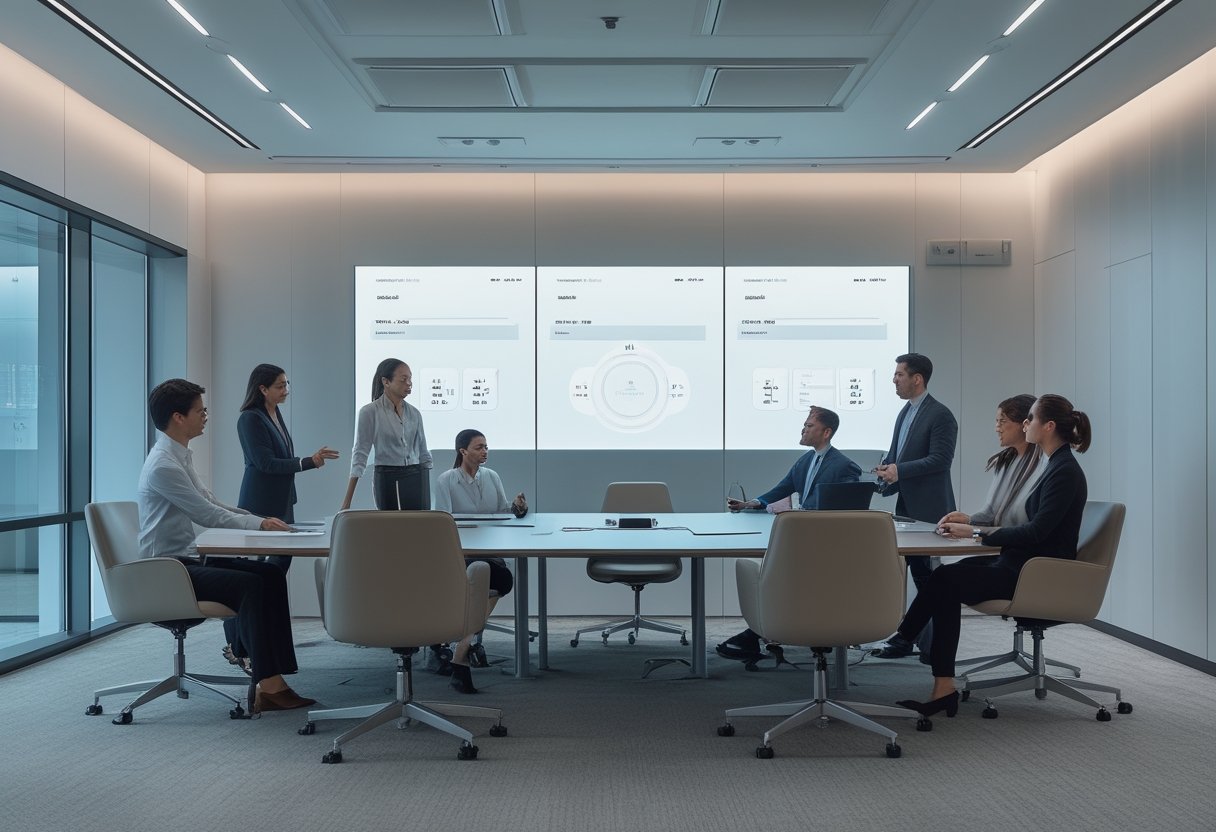
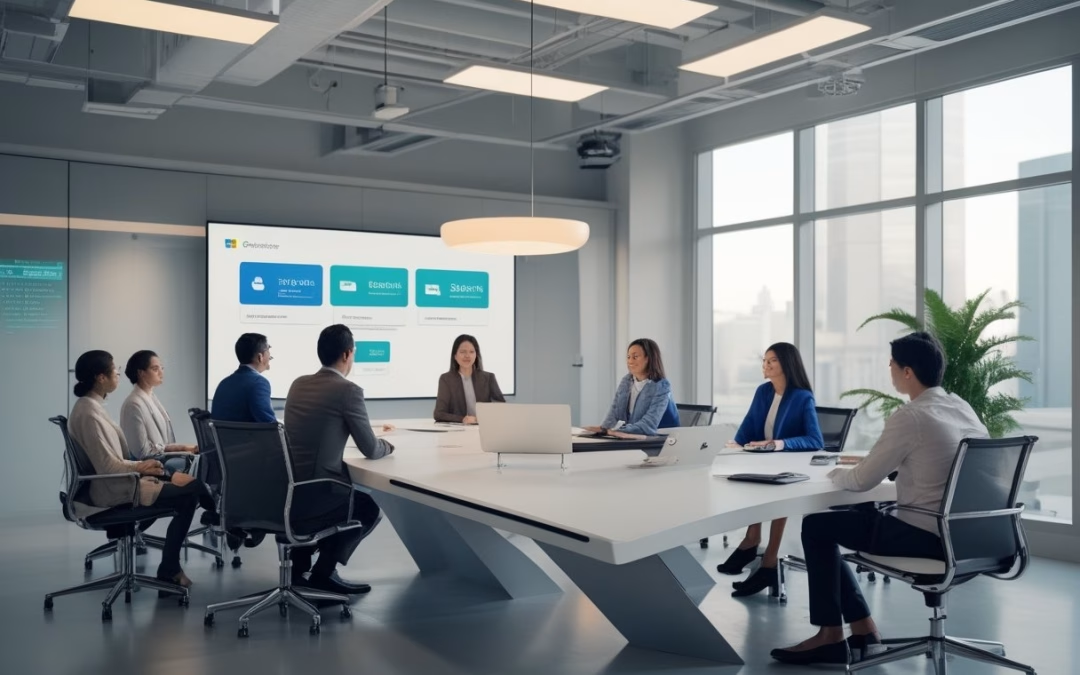
Ruang rapat adaptif mengubah perangkat yang sebelumnya berdiri sendiri menjadi satu lingkungan yang merespons konteks penggunaan. Konsep smart office ini mengandalkan smart meeting room yang adaptif untuk mendukung hybrid work. Di dalam ruang meeting modern, efisiensi kerja hybrid sangat bergantung pada teknologi terintegrasi. Fasilitas konferensi video yang andal kini menjadi standar utama dalam setiap ruang kolaborasi masa kini. Penerapan smart office yang matang akan membantu optimalisasi setiap sudut kantor. Keberhasilannya ditentukan oleh kualitas data, desain AV, interoperabilitas, dan aturan operasional yang jelas.
Definisi dan Prinsip Otomasi Kontekstual
Otomasi kontekstual melalui automation system berarti ruang merespons situasi nyata. Sistem dengan dukungan AI dapat mengenali apakah ruang sedang dipakai untuk presentasi, video conference, atau diskusi. Penggunaan kamera konferensi yang cerdas akan menyesuaikan sudut pandang secara otomatis. Hal ini memastikan setiap peserta dalam hybrid meeting terlihat dengan jelas di layar. Integrasi AI juga membantu mengatur volume speaker agar tetap terdengar natural bagi seluruh peserta.
Saat rapat dimulai, satu perintah melalui kontrol terpusat dapat mengaktifkan video conference system secara instan. Kontrol perangkat yang efisien akan menyalakan layar, kamera, mikrofon, audio system, lighting, dan pendingin ruangan. Otomasi ini memanfaatkan jaringan IoT untuk menghubungkan berbagai perangkat fisik secara cerdas. Langkah ini sangat membantu dalam meminimalkan hambatan teknis saat memulai sesi konferensi video penting. Integrasi dengan platform seperti Zoom, Microsoft Teams, dan Google Meet juga terjadi secara otomatis. Penggunaan Zoom dan Microsoft Teams yang terintegrasi mengurangi langkah manual yang berisiko. Selain itu, fitur noise cancellation akan aktif untuk memastikan suara tetap jernih dari gangguan luar.
Data Pengguna, Sensor, dan Sistem Kontrol
Pemasangan occupancy sensor membantu membaca keberadaan orang guna meningkatkan user experience. Data penggunaan ruang meeting ini menjadi aset berharga bagi manajemen fasilitas kantor. Kumpulan data penggunaan ruangan memungkinkan kontrol terpusat mengatur suhu dan cahaya melalui sistem IoT yang efisien. Dengan dukungan AI, sistem dapat memberikan rekomendasi pengaturan ruang berdasarkan kebiasaan tim di smart meeting room Anda. Dengan dukungan AI, sistem dapat memberikan rekomendasi pengaturan ruang berdasarkan kebiasaan tim. Selain itu, Anda bisa menemukan ruang yang sering kosong untuk memperbaiki perencanaan kapasitas kantor.
Data tersebut perlu dipakai secara proporsional tanpa harus melanggar privasi individu. Sistem kontrol sebaiknya mengutamakan data agregat dan akses berbasis peran. Sensor juga dapat memantau tingkat desibel suara agar lingkungan kerja tetap kondusif bagi semua orang. Kebijakan penyimpanan yang mudah diaudit akan memastikan operasional tetap berjalan sesuai standar keamanan perusahaan.
Integrasi Perangkat AV dengan Platform Kolaborasi
Penerapan integrated av system mencakup kamera konferensi, mikrofon array, ceiling microphone, speaker, serta display berkualitas tinggi. Layar sentuh interaktif atau layar interaktif ini memudahkan kolaborasi jarak jauh secara langsung. Penggunaan interactive display sangat krusial untuk mendukung efektivitas kerja hybrid. Ini sangat penting di setiap ruang kolaborasi agar tim dapat bekerja sama melalui video conference dengan lancar. Instalasi perangkat yang rapi juga menentukan kenyamanan pengguna saat berinteraksi di dalam ruangan. Integrasi audio visual yang matang memastikan setiap komponen bekerja melalui alur yang konsisten. Peserta di lokasi maupun jarak jauh pun akan memperoleh kualitas komunikasi yang setara. Dukungan wireless presentation dan berbagi layar tanpa kabel membuat materi rapat lebih mudah diakses. Fitur ini memastikan transisi antar presenter berjalan mulus tanpa kendala teknis kabel yang rumit. Selain itu, penggunaan proyektor berkualitas tinggi tetap menjadi pilihan utama untuk visualisasi di ruangan yang lebih luas.
Dalam implementasi nyata, masalah sering muncul pada kompatibilitas perangkat. Mitra berpengalaman seperti CSA Indonesia dapat membantu mulai dari tahap konsultasi hingga instalasi rapi. Proses commissioning juga sangat krusial untuk memastikan seluruh fitur ruang meeting modern berfungsi optimal sebelum digunakan oleh karyawan.
Pengalaman Pengguna dan Tata Kelola
Ruang yang adaptif harus terasa mudah dipakai sejak pengguna memesan hingga meninggalkan ruangan. Anda perlu menyatukan pengalaman pengguna dengan tata kelola privasi dan standar teknis. Prosedur dukungan yang jelas juga harus dapat dijalankan dengan mudah oleh tim operasional kantor.
Alur Rapat dari Pemesanan hingga Penutupan
Optimalisasi penggunaan ruang meeting dimulai dari kalender digital atau panel pemesanan yang praktis. Sistem manajemen ruang rapat dan pengelolaan ruang meeting yang baik akan mencegah terjadinya jadwal bentrok. Hal ini sangat mendukung kelancaran aktivitas kolaborasi jarak jauh setiap harinya.
Sebelum rapat, ruang dapat menyiapkan perangkat video conference berdasarkan agenda yang telah ditentukan. Ketika rapat selesai, sistem secara otomatis mematikan perangkat yang tidak diperlukan. Alur otomatis ini membantu mencegah ruang tertahan oleh pemesanan yang tidak digunakan. Hal ini secara langsung berkontribusi pada peningkatan produktivitas tim secara keseluruhan. Pengelolaan yang baik juga akan berdampak positif pada efisiensi biaya operasional kantor.
Personalisasi yang Tetap Menjaga Privasi
Personalisasi tidak harus berarti sistem mengenali setiap individu secara detail. Preferensi yang aman dapat diterapkan berdasarkan jenis rapat atau ukuran kelompok. Pilihan mode presentasi, mode diskusi, dan mode konferensi jarak jauh dapat diakses dengan cepat tanpa mengorbankan privasi.
Penting untuk menetapkan siapa yang memiliki akses terhadap data sensor di area kerja. Pemberitahuan yang jelas kepada pengguna mengenai penggunaan kamera atau analitik okupansi juga diperlukan. Transparansi ini membangun kepercayaan pengguna terhadap teknologi cerdas yang diterapkan di kantor.
Standarisasi Antar Ruang dan Kemudahan Dukungan
Standarisasi membuat pengguna tidak perlu mempelajari ulang cara kerja setiap ruang rapat. Posisi panel sentuh, touch panel, istilah tombol, tata letak kabel, dan alur memulai rapat sebaiknya dibuat konsisten. Termasuk penggunaan proyektor pada ruangan yang lebih besar agar visual tetap terlihat jelas. Kualitas fitur berbagi layar harus tetap konsisten di setiap tipe ruangan, mulai dari huddle room, lingkungan kampus, hingga auditorium yang luas. Spesifikasi perangkat yang digunakan pun tetap mudah dioperasikan berkat standar yang sama.
Pemantauan jarak jauh serta prosedur pemulihan cepat sangat membantu tim TI dan fasilitas. Dokumentasi sederhana seperti diagram koneksi dan panduan gangguan umum dapat mengurangi kendala teknis. Kemudahan dukungan ini memastikan produktivitas kerja tidak terhambat oleh masalah perangkat AV yang sepele.
Nilai Bisnis dan Langkah Implementasi
Otomasi ruang rapat perlu dinilai melalui dampaknya terhadap peningkatan produktivitas kerja. Pendekatan bertahap membantu Anda menguji asumsi serta mengendalikan biaya operasional perusahaan. Hasil yang terukur melalui data IoT menjadi landasan untuk memperluas sistem smart meeting room. Dengan teknologi AI, manajemen dapat memantau efektivitas penggunaan setiap ruang kolaborasi secara akurat. Implementasi yang tepat akan menjamin keberlanjutan investasi teknologi dalam jangka panjang.
Produktivitas, Pemanfaatan Ruang, dan Efisiensi Energi
Fasilitas yang mumpuni sangat penting untuk mendukung tren hybrid meeting serta budaya kerja hybrid yang semakin umum. Rapat dapat dimulai lebih cepat ketika sistem konferensi video aktif melalui satu skenario otomatis. Audio yang jernih dari speaker berkualitas dan kamera yang tepat membantu mengurangi gangguan komunikasi. Hal ini sangat krusial untuk menjaga kelancaran hybrid work di lingkungan perusahaan yang dinamis.
Data okupansi membantu Anda membandingkan kapasitas ruang dengan penggunaan aktual. Jika ruang besar sering dipakai oleh kelompok kecil, konfigurasi ruangan dapat segera ditinjau ulang. Otomasi juga membantu mengurangi konsumsi energi saat ruang kosong tanpa menghilangkan opsi kendali manual.
Prioritas Implementasi Berdasarkan Kebutuhan Organisasi
Mulailah dari masalah yang paling sering menghambat jalannya rapat di kantor Anda. Untuk kantor dengan mobilitas tinggi, prioritas utama terletak pada sistem video conference yang mumpuni. Bagi yang kesulitan mengelola jadwal, pemasangan occupancy sensor adalah solusi yang sangat efektif. Pastikan proses instalasi dilakukan oleh tenaga ahli agar integrasi perangkat berjalan tanpa hambatan.
Pilih satu atau dua ruang sebagai proyek percontohan sebelum melakukan peluncuran skala besar. Libatkan berbagai departemen seperti TI, fasilitas, dan HR sejak tahap desain awal. Setelah sistem stabil, standar yang sama dapat diterapkan ke ruang lain secara lebih efisien.
Metrik Keberhasilan dan Pengembangan Bertahap
Gunakan metrik yang jelas seperti waktu rata-rata persiapan rapat dan jumlah tiket gangguan AV. Data mengenai utilisasi ruang dan penghematan konsumsi energi juga menjadi indikator keberhasilan investasi. Evaluasi berkala memastikan teknologi yang digunakan tetap relevan dengan kebutuhan bisnis.
Umpan balik dari pengguna sangat berharga untuk menilai pengalaman peserta rapat jarak jauh. Data tersebut membantu menentukan langkah perbaikan berikutnya, seperti penyempurnaan antarmuka kontrol. Pengembangan bertahap memungkinkan organisasi untuk beradaptasi dengan teknologi baru tanpa gangguan operasional yang berarti.
by Melvin Halpito | Jul 29, 2026 | Article
Memahami Interoperabilitas dalam Kolaborasi Video
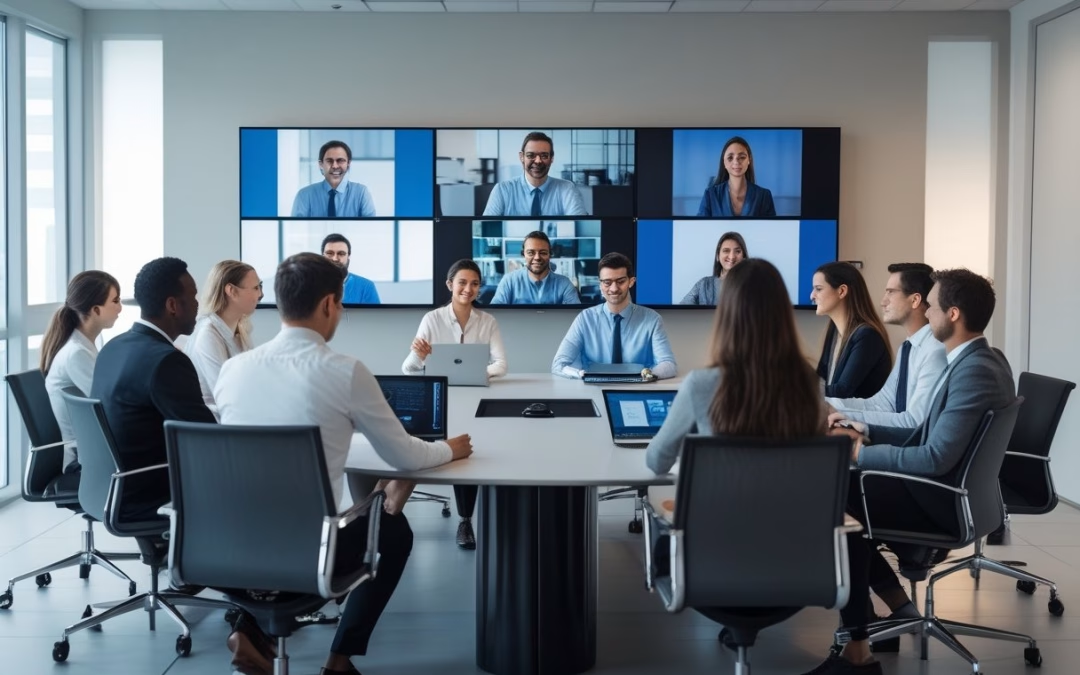
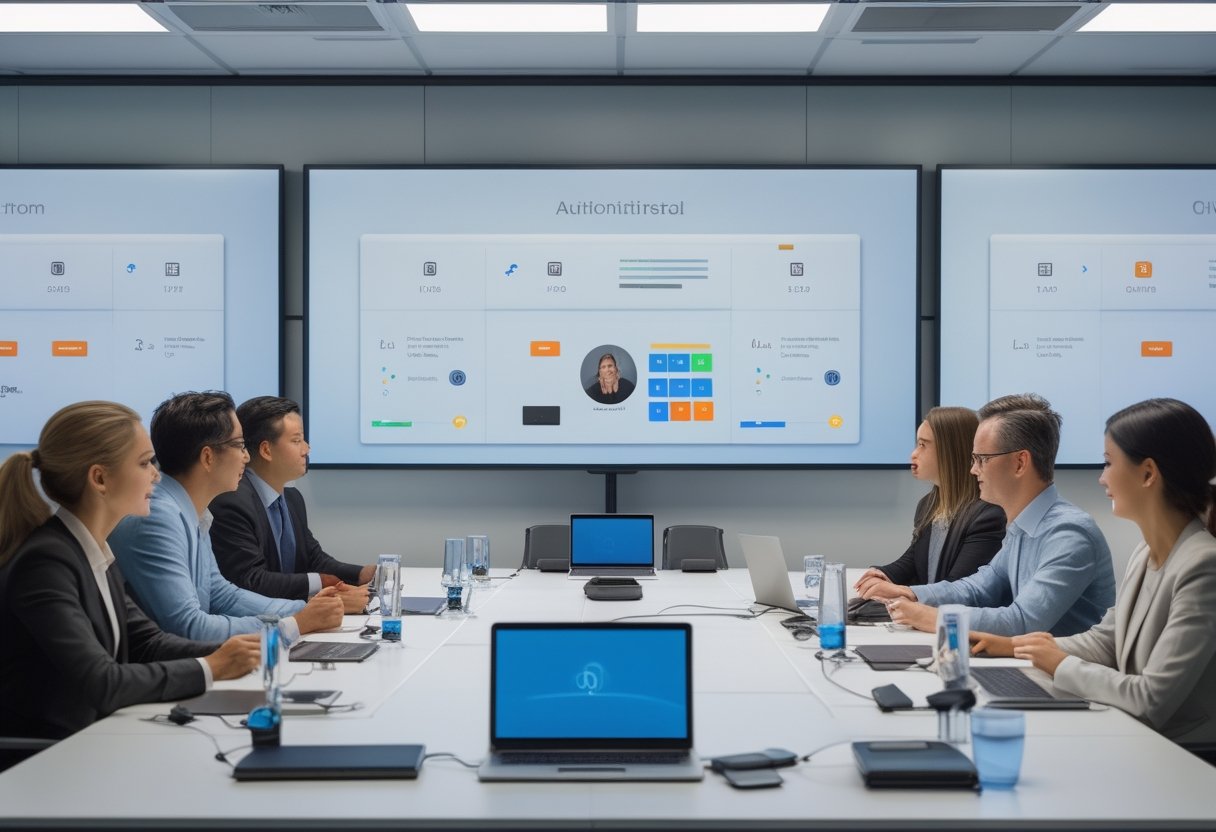
Interoperabilitas berarti sebuah ruang meeting modern tetap dapat digunakan saat peserta memakai platform atau perangkat yang berbeda. Hal ini krusial untuk mendukung kebutuhan kerja hybrid dan hybrid meeting yang makin fleksibel. Setiap platform meeting yang tersedia harus dapat terintegrasi dengan perangkat keras tanpa hambatan teknis.
Membangun sistem video conference yang andal menuntut pemahaman mendalam tentang kebutuhan pengguna dan pemilihan perangkat meeting yang tepat. Hal ini memastikan investasi teknologi selaras dengan tujuan bisnis perusahaan.
Kebutuhan akan kolaborasi digital yang lancar sangat bergantung pada sistem komunikasi digital yang mumpuni. Perkembangan konferensi video saat ini memungkinkan interaksi yang lebih imersif dan produktif di berbagai lokasi.
Ukuran keberhasilannya bukan sekadar video conference bisa tersambung, melainkan peserta dapat bekerja tanpa mempelajari ulang alur setiap kali.
Perbedaan Kompatibilitas, Integrasi, dan Pengalaman Pengguna
Kompatibilitas menjawab pertanyaan dasar: apakah perangkat dan platform dapat terhubung? Integrasi melangkah lebih jauh dengan menyatukan kamera, mikrofon, layar, kontrol ruang, serta aplikasi dalam alur kerja yang terkelola.
Saat ini, platform populer seperti Microsoft Teams, Zoom, hingga Cisco Webex telah mendominasi pasar. Penggunaan perangkat dari brand seperti Yealink, Poly, Neat, atau Logitech memberikan kemudahan akses bagi pengguna untuk berpindah antar platform.
Aspek user experience terlihat pada menit-menit pertama rapat di sebuah ruang meeting modern. Jika sistem ruangan terkunci, interoperabilitas belum memberi manfaat nyata. Penggunaan control system yang handal seperti crestron dapat memastikan konsistensi proses bergabung dan berbagi layar di berbagai jenis undangan.
Model Ruang Native, BYOD, dan Hybrid
Ruang native memakai perangkat yang dirancang khusus untuk satu platform tertentu. Model seperti Zoom Rooms biasanya menawarkan kontrol yang rapi dan pengalaman konsisten bagi pengguna saat memulai Zoom meeting.
Namun, fleksibilitasnya dapat terbatas saat perusahaan harus menerima rapat eksternal. Konsep huddle room, training room, hingga boardroom yang multifungsi sering kali membutuhkan solusi dinamis. Di area boardroom yang lebih formal, kemudahan operasional menjadi prioritas utama bagi para eksekutif. Perangkat dari Yealink untuk ekosistem Microsoft Teams seringkali menjadi pilihan utama untuk fleksibilitas ini.
Salah satu kunci kemudahan adalah adanya wireless presentation system. Dengan wireless presentation, peserta bisa langsung berbagi layar tanpa perlu repot mencari kabel di atas meja.
BYOD memungkinkan peserta membawa laptop dan menggunakan perangkat ruangan melalui USB atau koneksi lain. Anda memperoleh fleksibilitas tinggi, meski perlu mengelola kabel, pemilihan perangkat, keamanan, dan variasi kemampuan pengguna.
Model hybrid menggabungkan sistem native dengan koneksi BYOD atau gateway. Pendekatan ini sangat efektif untuk memfasilitasi meeting hybrid di lingkungan smart office modern.
Setiap platform meeting yang digunakan harus bisa berjalan lancar tanpa kendala teknis yang rumit. Hal ini sangat krusial dalam mendukung ekosistem kerja hybrid yang mengandalkan fleksibilitas akses.
Trade-off dari sistem video conference yang multi-platform adalah desain dan dukungan teknis menjadi lebih kompleks.
Prinsip Desain Sistem yang Siap untuk Berbagai Platform
Membangun sebuah smart meeting room yang multi-platform perlu dirancang sebagai satu sistem utuh melalui system design yang matang. Hal ini berlaku baik untuk conference room besar maupun ruang kolaborasi tim kecil.
Selain layar standar, penggunaan interactive display dapat meningkatkan kolaborasi antar departemen.
Penerapan arsitektur sistem yang tepat akan menentukan stabilitas jangka panjang di setiap ruang konferensi. Setiap elemen harus terintegrasi dengan mulus untuk menciptakan pengalaman meeting room modern yang efisien.
Komponen penting lainnya adalah DSP atau digital signal processor untuk mengoptimalkan sistem audio dari berbagai sumber. Penerapan dsp yang tepat memastikan suara tetap jernih meski dalam kondisi ruang yang menantang. Anda harus menghubungkan kualitas gambar dengan jaringan, keamanan, dan kendali pengguna secara menyeluruh.
Peran Kamera, Audio, Display, dan USB Switching
Kamera sebaiknya dilengkapi fitur auto framing dan speaker tracking agar fokus pada pembicara. Fitur speaker tracking membantu audiens jarak jauh tetap terlibat aktif dalam diskusi. Penggunaan kamera PTZ atau PTZ camera berkualitas tinggi sangat menentukan kualitas visual selama sesi berlangsung. Kamera ptz memberikan fleksibilitas sudut pandang yang luas untuk berbagai tipe ruangan.
Selain itu, kehadiran kamera AI membantu mengoptimalkan sudut pandang secara otomatis. Teknologi ini membuat interaksi digital terasa lebih profesional bagi semua peserta.
Selain itu, sistem audio yang jernih sangat bergantung pada echo cancellation yang efektif. Pemasangan ceiling speaker yang strategis dapat membantu meratakan distribusi suara di seluruh area rapat.
Kualitas suara juga dipengaruhi oleh kondisi akustik ruangan agar komunikasi tetap natural bagi semua partisipan.
Display menunjukkan konten dan peserta remote dengan ukuran yang nyaman. USB switching menjadi penting pada ruang BYOD atau hybrid karena memungkinkan laptop menggunakan kamera, mikrofon, dan speaker ruangan tanpa proses sambung yang membingungkan.
Dalam pengujian lapangan, label kabel, port yang mudah dijangkau, dan satu tombol pemilihan sumber sering memberi dampak lebih besar bagi user experience daripada fitur tambahan yang jarang dipakai.
Jaringan, Keamanan, dan Akses Tamu
Interoperabilitas membutuhkan jaringan yang stabil, kapasitas yang cukup, serta pemisahan akses untuk perangkat internal dan tamu. Anda perlu menetapkan aturan firewall, pembaruan firmware, autentikasi, dan pengelolaan akun sebelum ruang digunakan secara rutin.
Akses tamu sebaiknya sederhana, tetapi tidak boleh mengabaikan perlindungan data. Uji rapat eksternal dengan perangkat perusahaan, laptop pribadi, dan koneksi tamu untuk memastikan proses bergabung tetap aman serta dapat diprediksi.
Standarisasi Antarmuka untuk Mengurangi Friksi Pengguna
Gunakan tata letak kontrol yang sama di setiap ruang: tombol mulai rapat, berbagi konten, mute, volume, dan panggilan keluar harus mudah ditemukan. Ikon, warna, penamaan sumber, dan posisi perangkat sebaiknya mengikuti standar internal.
Standarisasi juga membantu tim dukungan dalam mempercepat proses perbaikan. Dengan perencanaan deployment yang matang, implementasi teknologi di banyak ruangan sekaligus menjadi lebih konsisten.
Saat ruang di beberapa lantai memiliki alur yang serupa, teknisi dapat mendiagnosis masalah lebih cepat.
Mitra lokal seperti CSA Indonesia atau MLV Teknologi dapat membantu menerjemahkan kebutuhan tersebut ke desain yang presisi. Proses commissioning yang mendalam memastikan setiap komponen berfungsi optimal sebelum ruang resmi digunakan oleh karyawan.
Mengelola Adopsi dan Keandalan Ruang Meeting
Keandalan ruang ditentukan setelah instalasi selesai. Anda perlu memastikan karyawan dan tamu memahami alurnya, perangkat dapat dipantau, dan keputusan investasi tetap relevan saat platform atau pola kerja berubah.
Alur Penggunaan yang Konsisten untuk Karyawan dan Tamu
Sediakan alur singkat yang dapat dipahami tanpa pelatihan panjang, terutama pada ruang rapat kecil yang sering digunakan secara spontan. Langkahnya sederhana: masuk ruangan, pilih rapat, sambungkan perangkat bila perlu, lalu mulai.
Petunjuk kecil pada meja atau layar dapat membantu tamu tanpa membuat ruang terlihat penuh.
Uji skenario nyata, termasuk rapat internal, undangan dari platform berbeda, berbagi dari laptop pribadi, dan pergantian presenter. Jika satu alur sering gagal, perbaiki desainnya daripada mengandalkan kemampuan pengguna untuk mengatasi masalah.
Pemantauan, Dukungan Teknis, dan Pemeliharaan Sistem
Sistem kontrol terpusat dapat menunjukkan status perangkat secara real-time. Penggunaan zoom rooms appliances memudahkan pengelolaan hardware secara remote melalui satu dashboard tunggal.
Melalui programming yang tepat pada control system, automation system dapat mengatur pencahayaan dan perangkat AV hanya dengan satu ketukan. Keahlian programming ini memastikan alur kerja di huddle room tetap sederhana dan efisien. Sistem crestron sering menjadi pilihan utama untuk fleksibilitas integrasi ini.
Data tersebut membantu Anda menemukan pola masalah sebelum menghambat rapat penting. Pemantauan proaktif memastikan setiap sesi kolaborasi berjalan tanpa gangguan teknis.
Tetapkan jalur dukungan yang jelas, waktu respons, dan jadwal maintenance yang rutin. Proses maintenance yang terjadwal akan meminimalisir risiko kegagalan teknis saat rapat berlangsung. Periksa kabel, konektor, mikrofon, kamera, layar, serta sistem kontrol secara berkala agar performa tetap prima.
Dokumentasi konfigurasi juga sangat penting untuk mempermudah pemeliharaan jangka panjang. Hal ini memastikan penggantian perangkat tidak mengharuskan tim IT memulai semua proses integrasi dari awal lagi.
Menilai Investasi Berdasarkan Fleksibilitas Jangka Panjang
Jangan menilai ruang hanya dari harga perangkat atau jumlah fitur. Bandingkan waktu yang dihemat, tingkat pemakaian ruang, kebutuhan pelatihan, biaya dukungan, dan kemampuan menggunakan kembali perangkat saat platform berubah.
Investasi yang baik memberi ruang untuk pertumbuhan: port USB dan jaringan cukup, perangkat dapat diperbarui, serta sistem mendukung native, BYOD, atau hybrid sesuai kebutuhan. Dengan pendekatan ini, Anda membeli kesinambungan operasional, bukan sekadar koneksi untuk rapat hari ini.
by Melvin Halpito | Jul 28, 2026 | Article
Fondasi Ruang Kerja Hibrida yang Terhubung
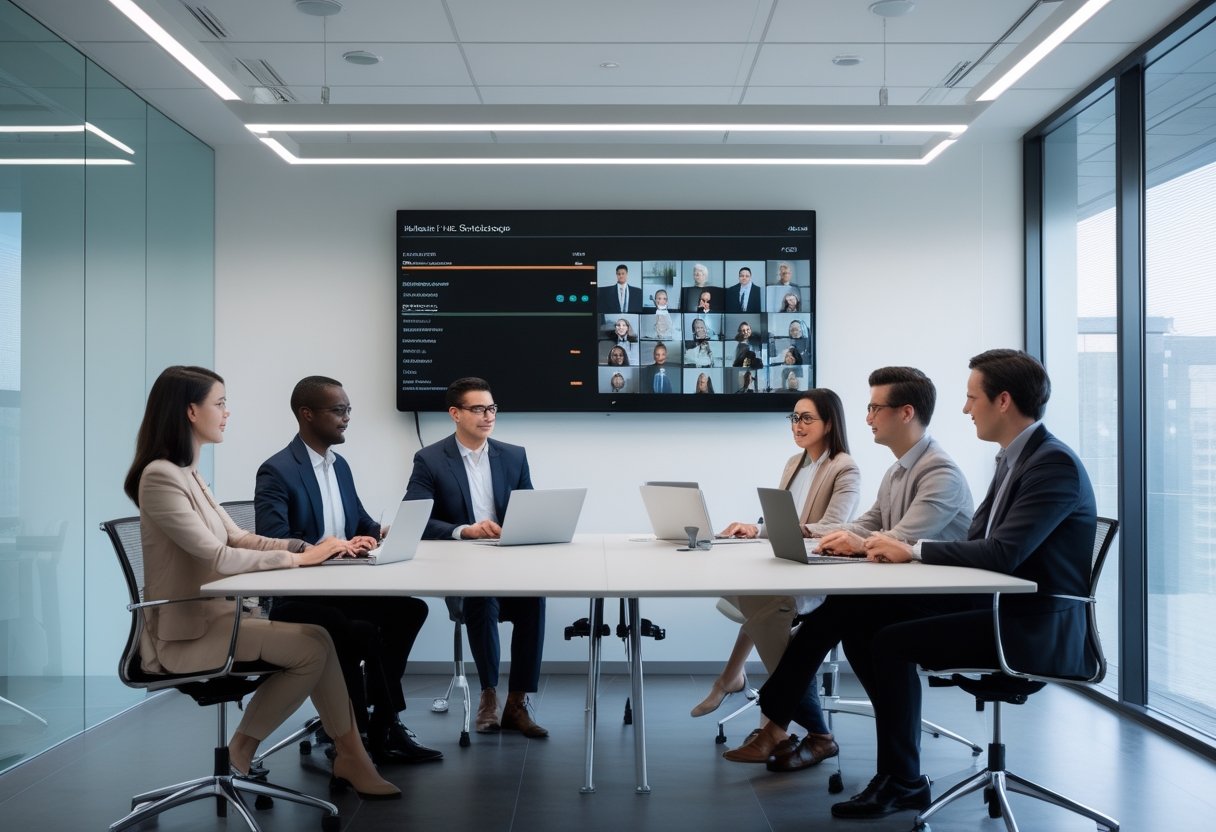
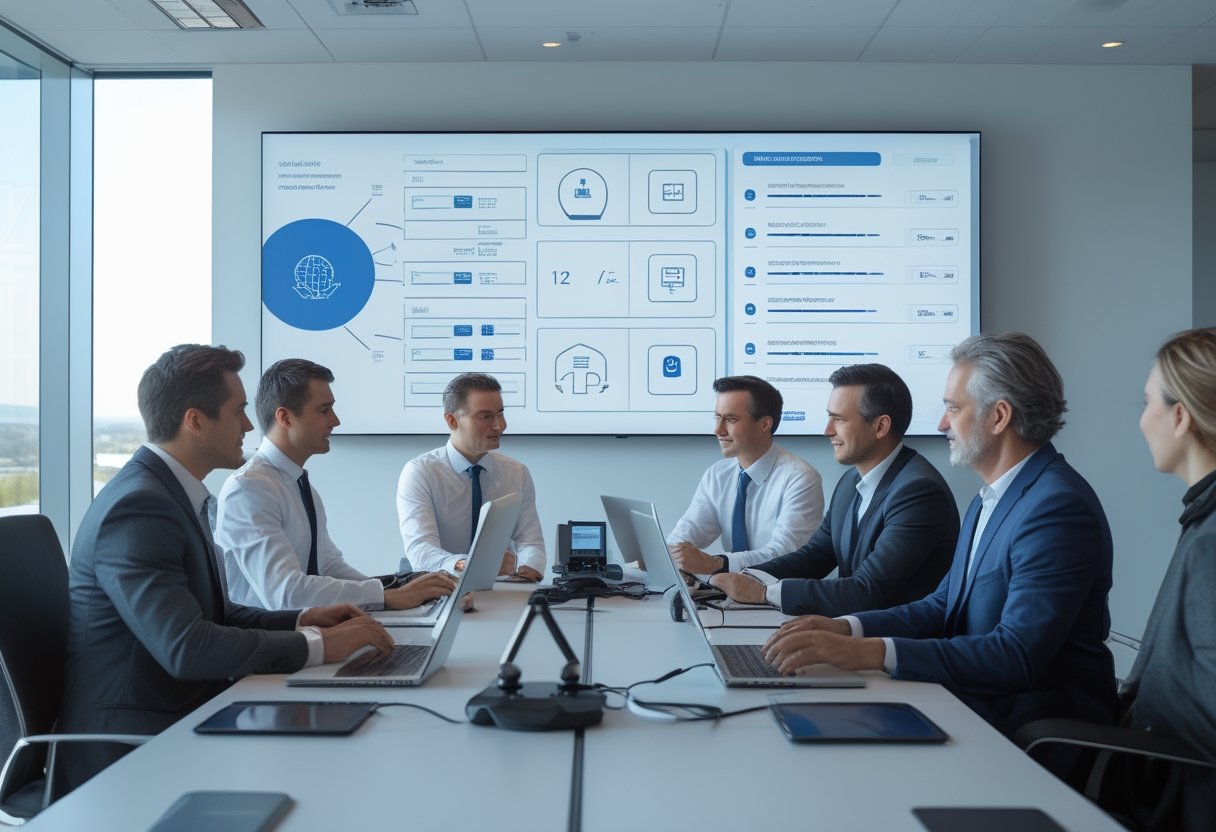
Integrasi AV dengan Platform Workplace (Microsoft 365, Google Workspace, Zoom) perlu dimulai dari pengalaman rapat, bukan dari daftar perangkat. Keberhasilan integrasi audio visual dan sistem audio visual sangat bergantung pada seberapa mudah pengguna berinteraksi dengan teknologi tersebut.
Anda perlu memastikan peserta di ruangan dan peserta jarak jauh dapat mendengar, melihat, berbagi konten, serta bergabung tanpa proses teknis yang menghambat. Hal ini sangat krusial bagi distributed teams yang mengandalkan konektivitas stabil serta akustik ruangan yang optimal untuk tetap produktif setiap hari dalam model hybrid work atau kerja hybrid.
Fondasi yang kuat mencakup perangkat endpoint, jaringan, perangkat lunak, tata letak ruang, dan standar pengoperasian. Setiap keputusan sebaiknya dikaitkan dengan kapasitas ruangan, pola kerja, keamanan data, dan kemampuan tim internal untuk mengelolanya.
Implementasi teknologi yang tepat akan menciptakan sebuah ruang rapat modern yang mendukung kolaborasi tanpa batas. Dengan desain yang matang, hambatan fisik antara karyawan yang bekerja di kantor dan di rumah dapat diminimalisir secara efektif.
Peran AV dalam Menyatukan Rapat Tatap Muka dan Virtual
AV berfungsi sebagai penghubung antara interaksi fisik dan digital dalam ekosistem remote collaboration. Kamera perlu menangkap pembicara dengan sudut yang tepat, mikrofon harus menjangkau suara secara merata, dan integrasi sistem kontrol yang intuitif memudahkan pengguna mengelola perangkat.
Pengalaman rapat akan terasa setara ketika peserta daring dapat melihat ekspresi, membaca materi, dan mengikuti percakapan tanpa terus meminta pengulangan. Dalam praktiknya, penempatan kamera, akustik, dan fitur screen sharing sering lebih menentukan daripada sekadar memilih resolusi tertinggi.
Komponen Ekosistem: Perangkat, Jaringan, dan Perangkat Lunak
Ekosistem AV terdiri dari kamera, display, mikrofon, speaker, prosesor audio, sistem presentasi nirkabel, komputer ruangan, serta kontrol pengguna. Penggunaan perangkat berkualitas seperti Poly serta proses deployment yang terencana dapat memastikan integritas sinyal audio dan video tetap terjaga selama sesi berlangsung.
Pemanfaatan teknologi AI kini semakin umum untuk meningkatkan kualitas pertemuan secara otomatis. Fitur AI dapat membantu dalam pembingkaian subjek secara cerdas serta peredaman suara latar belakang yang mengganggu konsentrasi peserta.
Dashboard terpusat dapat membantu tim IT memantau status perangkat, memperbarui firmware, dan menemukan gangguan sebelum menghambat rapat. Fasilitas digital signage juga dapat diintegrasikan untuk menyampaikan informasi penting di seluruh area kantor saat layar tidak digunakan untuk rapat.
Interactive Flat Panel dapat menambah fungsi whiteboard dan berbagi konten, tetapi nilainya bergantung pada kompatibilitas, kebiasaan pengguna, serta dukungan operasional. Fitur call recording juga menjadi komponen penting untuk kebutuhan dokumentasi dan pelatihan tim di masa mendatang.
Standar Pengalaman Pengguna di Setiap Ruang Rapat
Standar ruang rapat sebaiknya mencakup waktu mulai rapat, cara bergabung, metode berbagi layar, kualitas audio, dan prosedur penanganan gangguan. Pengguna perlu menemukan pola yang sama di ruang kecil, ruang dewan, maupun ruang pelatihan.
Pendekatan ini mengurangi ketergantungan pada staf teknis. Saat merancang proyek, Anda dapat menggunakan alur sederhana seperti one-touch join, pemilihan sumber otomatis, dan indikator status yang jelas.
Mitra lokal seperti MLV Teknologi dapat membantu menerjemahkan kebutuhan tersebut ke konsultasi, suplai, instalasi, serta koordinasi proyek. Hal ini memastikan operasional tetap terkendali dan hasil akhir sesuai dengan ekspektasi organisasi.
Kesesuaian Sistem untuk Microsoft 365, Google Workspace, dan Zoom
Pemilihan platform tidak berhenti pada aplikasi konferensi video. Anda perlu menilai kalender, identitas pengguna, perangkat ruangan, kebijakan keamanan, cara berbagi konten, dan kebutuhan peserta yang memakai platform berbeda.
Tidak ada satu konfigurasi yang selalu paling tepat. Sistem yang efektif biasanya ditentukan oleh platform utama organisasi, tingkat keterbukaan terhadap tamu eksternal, serta kebutuhan interoperabilitas dalam kegiatan sehari-hari.
Microsoft Teams dan Kebutuhan Ruang Kolaborasi
Microsoft Teams umumnya efektif ketika organisasi telah menggunakan Microsoft 365 secara menyeluruh. Penggunaan Microsoft Teams Rooms memungkinkan integrasi yang mulus antara perangkat keras dengan ekosistem perangkat lunak yang sudah ada.
Integrasi kalender melalui Microsoft Outlook, Outlook Calendar, dan Microsoft 365 calendar, serta sinkronisasi dengan exchange melalui protokol ews, dapat menyederhanakan penjadwalan ruang rapat secara otomatis. Kapabilitas ini semakin kuat dengan dukungan Outlook Calendar API dan sinkronisasi data dengan Dynamics 365. Pengelolaan identitas pengguna yang aman dapat dikelola secara terpusat melalui Microsoft Entra ID.
Organisasi juga dapat memperluas kapabilitas sistem mereka dengan mengunduh aplikasi tambahan melalui Microsoft Marketplace. Untuk kebutuhan telepon kantor yang fleksibel, solusi Direct Routing as a Service dapat diimplementasikan ke dalam infrastruktur yang ada.
Ruang Teams yang nyaman mampu menampilkan konten dari aplikasi produktivitas seperti Word dan PowerPoint secara langsung. Hal ini membantu peserta rapat untuk melakukan kolaborasi dokumen secara real-time melalui akses langsung ke onedrive dan sharepoint di dalam ruang kolaborasi tersebut.
Google Meet untuk Lingkungan Kerja Berbasis Cloud
Google Meet sesuai dipertimbangkan ketika Google Workspace menjadi pusat email, kalender, identitas, dan penyimpanan dokumen. Penggunaan perangkat yang mendukung Meet dapat membuat peserta lebih mudah bergabung dari kalender dan mengakses materi kerja berbasis cloud.
Perhatian perlu diberikan pada pengelolaan perangkat dan pola penggunaan lintas sistem operasi. Jika sebagian tim masih memakai aplikasi lain, Anda perlu menetapkan aturan kalender, identitas, dan akses ruang agar undangan tetap konsisten.
Zoom Rooms untuk Rapat Video yang Konsisten
Zoom Rooms merupakan bagian integral dari ekosistem Zoom Workplace yang dirancang untuk kemudahan penggunaan. Layanan ini menyatukan Zoom Meetings dengan perangkat keras ruangan, sementara fitur zoom ai hadir untuk mengoptimalkan ringkasan rapat secara otomatis.
Fitur kolaborasi seperti Zoom Whiteboard memungkinkan tim untuk bertukar ide secara visual selama diskusi berlangsung. Integrasi dengan Workvivo juga dapat meningkatkan keterlibatan karyawan melalui platform komunikasi internal yang terintegrasi.
Untuk kebutuhan bisnis yang lebih kompleks, Zoom Contact Center menyediakan solusi layanan pelanggan yang modern demi meningkatkan customer experience secara menyeluruh. Solusi queue management juga dapat diterapkan untuk efisiensi layanan. Sementara itu, Zoom Revenue Accelerator dapat membantu tim penjualan mengoptimalkan interaksi mereka melalui analisis percakapan yang cerdas.
Kemudahan penjadwalan dapat ditingkatkan dengan menggunakan Zoom for Outlook add-in yang terpasang pada aplikasi email pengguna. Proses Zoom meeting scheduling otomatis menghasilkan Zoom meeting links, meeting ids, dan passcodes yang aman. Tersedia juga dial-in information bagi peserta di lokasi minim sinyal serta opsi untuk recurring zoom meetings secara efisien. Selain video, integrasi dengan zoom mail dan Zoom Chat memungkinkan komunikasi yang cepat sebelum atau sesudah rapat berlangsung.
Organisasi juga dapat mengintegrasikan Zoom Phone untuk solusi telepon awan yang terpadu. Pengembang juga dapat memanfaatkan Zoom API untuk integrasi kustom. Pengelolaan ruang fisik juga semakin efisien dengan adanya fitur zoom workspace reservation untuk mengatur jadwal penggunaan meja atau ruangan.
Interoperabilitas Saat Platform Berbeda Digunakan Bersamaan
Interoperabilitas menjadi penting ketika satu organisasi menggunakan berbagai platform secara bersamaan. Pengujian perlu mencakup audio dua arah, tampilan konten, tata letak peserta, kontrol kamera, berbagi layar, serta kemampuan bergabung sebagai tamu.
Implementasi conference room interoperability memastikan berbagai perangkat keras dapat terhubung ke berbagai layanan video conferencing. Solusi cloud video interop juga sering digunakan untuk menjembatani perangkat legacy dengan platform cloud modern seperti Teams atau Zoom.
Saat ini, fitur transkripsi otomatis semakin populer untuk mendokumentasikan diskusi secara instan. Dengan dukungan AI yang semakin canggih, hasil transkrip kini menjadi lebih akurat dan dapat digunakan untuk keperluan arsip perusahaan.
Anda dapat memilih platform utama untuk perangkat ruang, lalu menyediakan metode bergabung lintas platform sesuai kebutuhan. Pendekatan ini umumnya lebih mudah dikelola daripada memasang konfigurasi berbeda di setiap ruang rapat.
Strategi Implementasi, Keamanan, dan Pengelolaan Jangka Panjang
Implementasi AV yang berkelanjutan membutuhkan keputusan bertahap: audit kebutuhan, desain instalasi, pengamanan akses, dan rencana dukungan. Anda perlu menilai biaya siklus hidup perangkat untuk meminimalisir beban tim IT di masa depan.
Dokumentasi, pelatihan, serta evaluasi berkala membantu menjaga kualitas ruang ketika jumlah pengguna, platform, dan kebijakan kerja berubah.
Audit Kebutuhan Berdasarkan Tipe dan Kapasitas Ruangan
Mulailah dengan memetakan tipe ruangan, kapasitas, frekuensi penggunaan, jarak peserta, dan jenis rapat. Kebutuhan untuk command center tentu berbeda dengan ruang kecil yang memerlukan strategi pickup mikrofon dan framing yang berbeda dari ruang dewan atau ruang pelatihan.
Catat juga platform yang paling sering digunakan, akses tamu, serta kebutuhan perekaman. Anda juga bisa mempertimbangkan solusi workspace reservation untuk manajemen meja kerja dan ruang rapat yang lebih terorganisir.
Desain Instalasi yang Meminimalkan Gangguan Operasional
Instalasi sebaiknya dirancang dengan jalur kabel yang rapi, akses servis yang mudah, dan titik listrik serta jaringan yang memadai. Pekerjaan dapat dijadwalkan di luar jam sibuk atau dilakukan bertahap agar aktivitas kantor tetap berjalan.
Pengalaman proyek menunjukkan bahwa koordinasi awal antara berbagai divisi sangatlah penting. MLV Teknologi dikenal melalui respons cepat, pekerjaan yang rapi, dan pendekatan instalasi yang berupaya meminimalkan gangguan terhadap operasional harian.
Keamanan Akses, Privasi, dan Pengelolaan Perangkat
Keamanan mencakup akun, izin kalender, firmware, keamanan jaringan, data rapat, dan akses fisik ke perangkat. Terapkan prinsip akses minimum, autentikasi yang sesuai, segmentasi jaringan, serta penghapusan data lokal secara berkala.
Kamera dan mikrofon juga perlu memiliki indikator status yang jelas bagi pengguna. Kebijakan penggunaan harus menjelaskan kapan perekaman diperbolehkan, siapa yang dapat mengakses hasilnya, serta bagaimana perangkat dinonaktifkan saat ruangan tidak digunakan.
Dukungan Teknis dan Evaluasi Kinerja Sistem
Tetapkan jalur dukungan, waktu respons, daftar aset, dan prosedur penggantian perangkat sebelum sistem digunakan. Tim internal perlu mengetahui langkah dasar seperti pemeriksaan kabel, pemilihan sumber, pengaturan volume, dan eskalasi gangguan.
Evaluasi dapat dilakukan melalui data kegagalan rapat, waktu setup, tiket bantuan, kualitas audio, dan umpan balik pengguna.
Dari hasil tersebut, Anda dapat memperbarui standar ruangan, jadwal pemeliharaan, serta roadmap teknologi tanpa mengganti seluruh sistem secara reaktif.
by Melvin Halpito | Jul 27, 2026 | Article
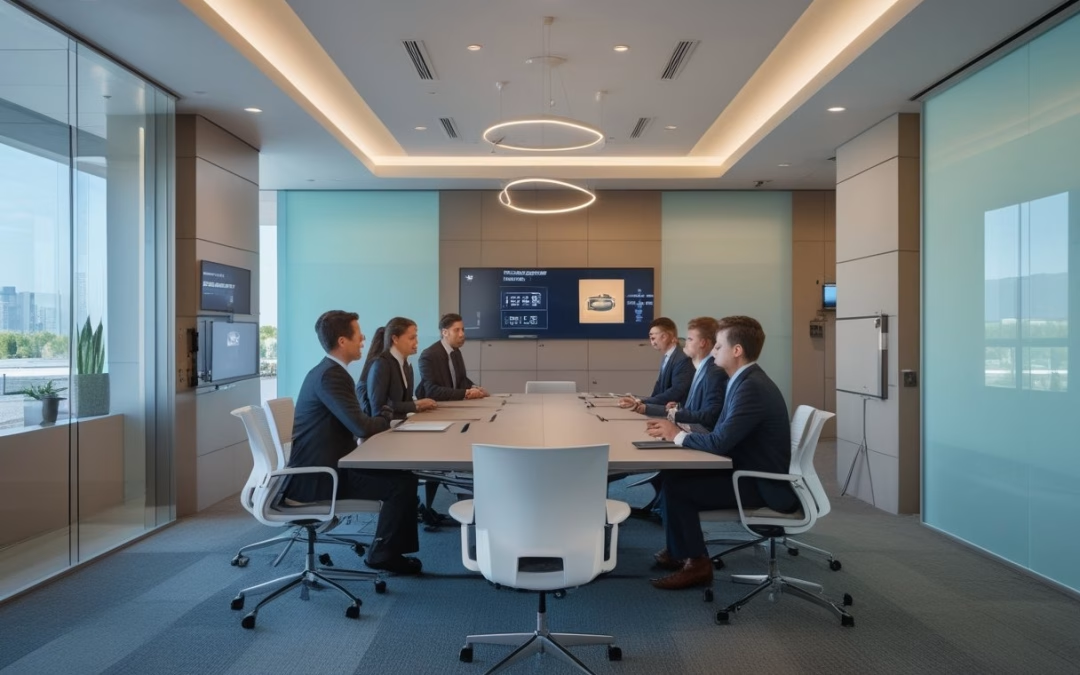
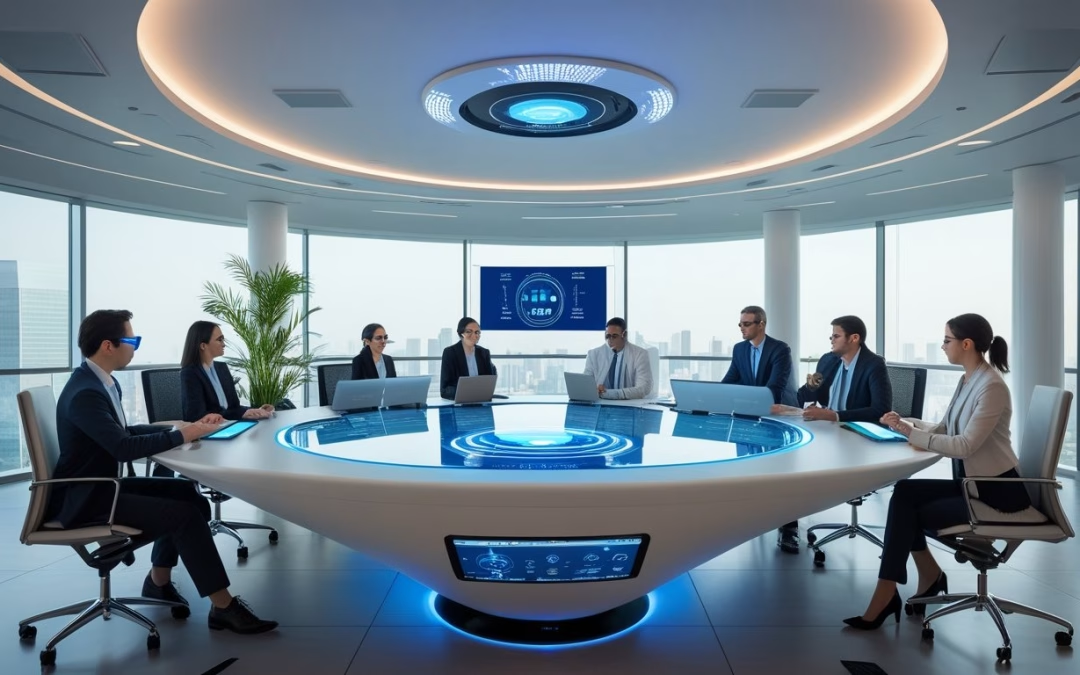
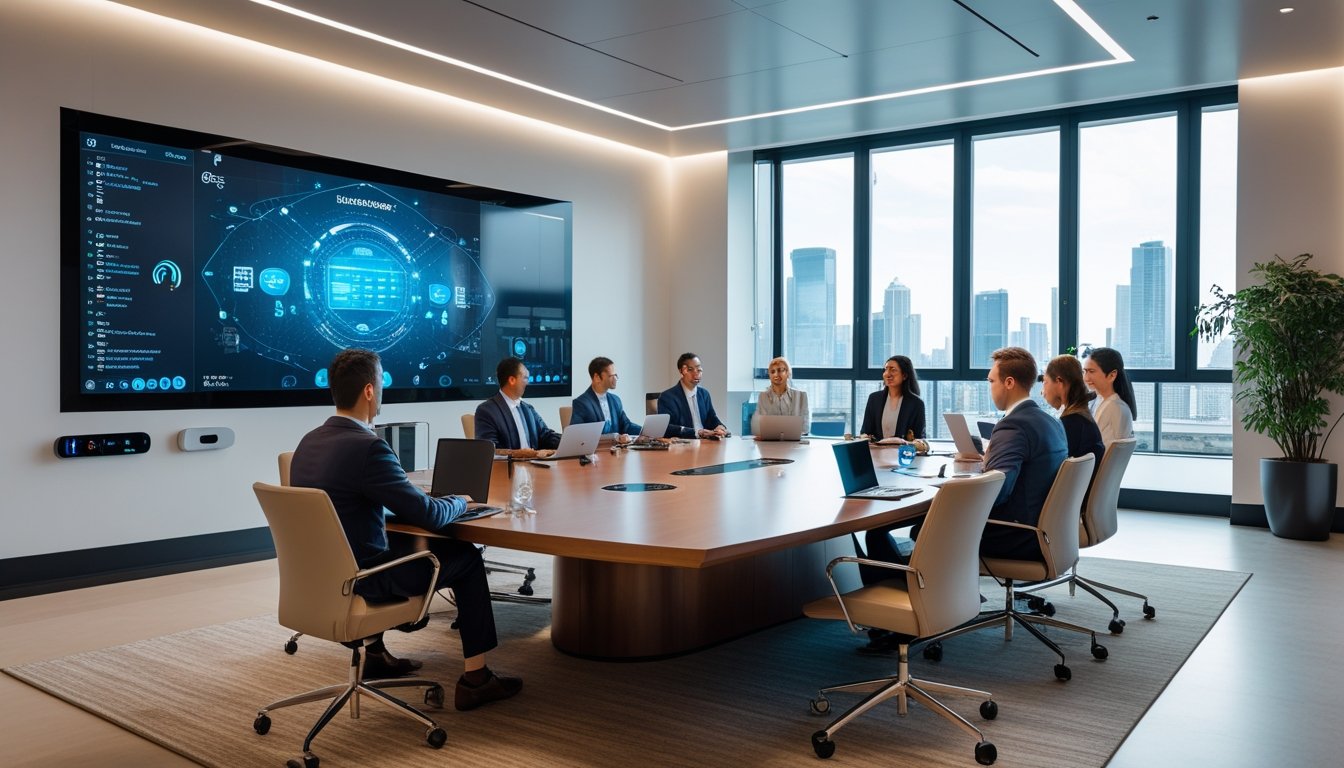
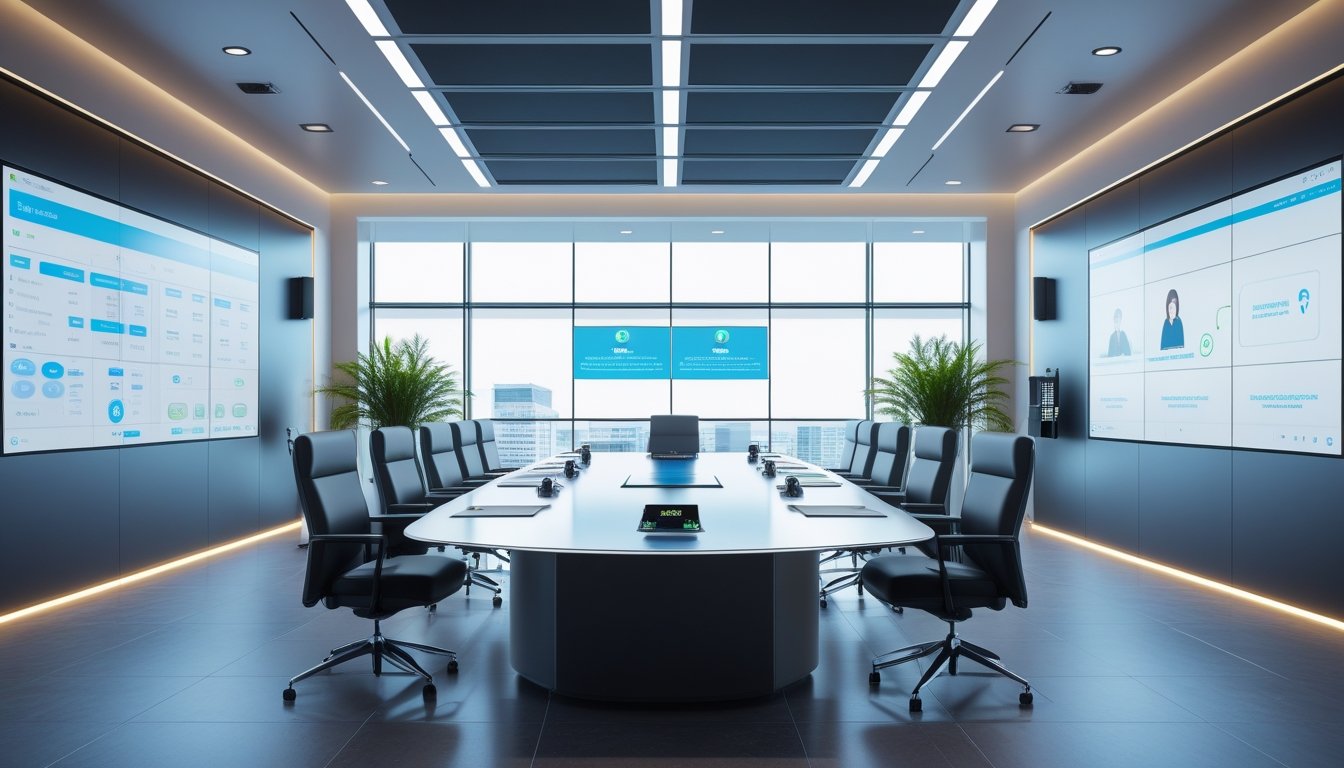
Smart Meeting Room 2026: Standar Baru Ruang Rapat Modern menjadi topik penting bagi perusahaan yang ingin menjaga kualitas kerja hybrid. Pada 2026, ruang rapat tidak lagi cukup hanya memiliki meja, kursi, dan proyektor, karena kebutuhan kolaborasi digital menuntut audio yang jelas, visual yang tajam, dan kontrol yang mudah dipakai.
Standar ruang rapat modern kini bergerak ke arah smart meeting room yang menyatukan sistem audio visual, wireless presentation, kamera pintar, dan otomasi ruang agar rapat lebih efisien dan siap untuk kerja hybrid.
Perubahan ini terlihat jelas di banyak tim transformasi digital. Mereka tidak hanya mencari perangkat, melainkan sistem yang stabil, mudah digunakan, dan cocok untuk meeting online maupun tatap muka.
Key Takeaways
- Smart meeting room adalah standar kerja hybrid yang lebih praktis.
- Audio, video, dan kontrol terpusat menjadi elemen utama.
- TKDN dan instalasi profesional memengaruhi hasil implementasi.
Introduction
Standar Baru Smart Meeting Room 2026

Smart meeting room pada 2026 dipandang sebagai ruang kerja yang mengurangi hambatan rapat, bukan sekadar ruang presentasi. Di banyak perusahaan, perubahan ini muncul karena kerja hybrid menuntut pengalaman yang sama baiknya untuk peserta di ruangan dan peserta jarak jauh.
Apa yang Membuat Smart Meeting Room Menjadi Standar Baru
Ruang rapat modern kini harus mendukung komunikasi dua arah yang stabil, cepat, dan jelas. Itulah sebabnya solusi seperti sistem video conference modern untuk ruang rapat hybrid semakin dicari oleh perusahaan yang ingin menekan waktu setup dan mengurangi gangguan teknis.
Smart meeting room juga dipakai untuk mempercepat kolaborasi tim. Dengan teknologi meeting room yang tepat, presentasi interaktif, diskusi lintas lokasi, dan manajemen rapat dapat berjalan lebih lancar.
Fitur Wajib untuk Meeting Hybrid yang Lancar
Fitur yang paling relevan di 2026 mencakup video conference, wireless presentation, noise cancellation, dan noise reduction. Untuk ruangan yang sering dipakai rapat lintas cabang, kualitas speaker dan microphone menjadi penentu utama kelancaran komunikasi.
Kamera pintar dengan auto framing juga makin penting. Fitur ini membantu peserta online melihat pembicara dengan lebih natural tanpa operator khusus.
Komponen Inti: Audio, Video, Display, dan Kontrol
Sebuah smart meeting room yang baik biasanya bertumpu pada empat elemen, yaitu audio, video, display, dan kontrol. Sistem audio visual yang terintegrasi akan lebih stabil dibanding kombinasi perangkat yang berdiri sendiri.
Pada sisi audio, mikrofon array dan beamforming membantu menangkap suara secara lebih fokus. Pada sisi visual, interactive display, interactive flat panel, dan video conference system memberi ruang untuk kolaborasi digital yang lebih aktif.
Peran Interactive Display dan Presentasi Tanpa Kabel
Interactive display dan whiteboard digital memudahkan brainstorming, review dokumen, dan presentasi interaktif. Tim tidak perlu lagi bergantung pada kabel HDMI yang sering memakan waktu saat perpindahan perangkat.
Wireless presentation system membuat presentasi tanpa kabel terasa lebih cepat dan rapi. Pada praktiknya, ini sangat membantu saat meeting berlangsung singkat dan banyak peserta bergantian berbagi layar.
Tren 2026: Kamera Pintar, Auto Framing, dan Otomasi Ruang
Tren 2026 bergerak ke arah kamera pintar yang bisa menyesuaikan sudut secara otomatis. Auto framing membantu menjaga fokus ke pembicara, sementara pencahayaan otomatis membuat tampilan video lebih konsisten.
Otomasi ruang juga makin umum. Tablet control dipakai untuk mengatur audio system, display, pencahayaan, dan sistem video conference dari satu panel yang mudah dipahami pengguna non-teknis.
Panduan Upgrade Ruang Rapat Modern yang Tepat
Upgrade ruang meeting yang tepat dimulai dari kebutuhan nyata, bukan dari daftar perangkat paling mahal. Untuk IT manager, GA, procurement, dan facility manager, keputusan terbaik biasanya lahir dari analisis ukuran ruang, pola rapat, serta sistem existing yang sudah dipakai.
Cara Menilai Kebutuhan Berdasarkan Ukuran dan Skenario Rapat
Ruang kecil untuk 4 sampai 6 orang memerlukan pendekatan berbeda dari ruang rapat besar atau ruang boardroom. Ukuran ruangan memengaruhi pilihan speaker berkualitas, microphone, layar interaktif, dan penempatan kamera pintar.
Skenario rapat juga penting. Jika ruang sering dipakai untuk kolaborasi jarak jauh dan meeting online, maka video conference system dan noise cancellation perlu diprioritaskan.
Memilih Solusi Terintegrasi yang Mudah Digunakan
Banyak proyek gagal karena perangkat bagus dipasang tanpa integrasi yang rapi. Solusi audio visual terintegrasi jauh lebih efektif karena user hanya perlu satu alur kerja yang jelas untuk memulai rapat.
Saat memilih upgrade ruang meeting, fokus pada kemudahan pakai, stabilitas sistem, dan kompatibilitas software kolaborasi. Sistem yang sederhana dipakai biasanya lebih sering digunakan secara konsisten oleh tim.
Prioritas Investasi untuk Produktivitas dan Pengalaman Pengguna
Investasi paling masuk akal biasanya dimulai dari audio system, video conference system, lalu interactive display. Urutan ini penting karena suara yang jelas dan video yang stabil memberi dampak langsung pada efisiensi rapat.
Pencahayaan otomatis, tablet control, dan wireless presentation system bisa masuk tahap berikutnya. Untuk ruang yang sering dipakai presentasi eksekutif, videotron juga dapat dipertimbangkan jika kebutuhan visualnya besar.
Kesalahan Umum Saat Upgrade Ruang Meeting
Kesalahan yang sering muncul adalah membeli perangkat terpisah tanpa desain sistem. Akibatnya, pengguna harus berpindah-pindah aplikasi, kabel, dan remote.
Kesalahan lain adalah mengabaikan noise reduction, akustik ruangan, dan alur penggunaan harian. Upgrade yang baik harus membuat kolaborasi tim, presentasi tanpa kabel, dan manajemen rapat terasa lebih sederhana, bukan lebih rumit.

Recent Comments