
by MLV Teknologi | Sep 29, 2026 | Article
Cara Kerja Sensor Gerak di Ruang Kantor
Lampu kantor dengan sensor gerak membantu menekan pemborosan listrik dengan menyalakan atau meredupkan pencahayaan berdasarkan keberadaan pengguna dan kondisi ruang. Penerapan motion sensor office lights: integrasi sensor untuk efisiensi energi kantor menjadi langkah nyata guna menekan konsumsi listrik tanpa mengorbankan kenyamanan visual staf.
Sensor membaca perubahan di area deteksinya, lalu mengirimkan sinyal ke pengendali lampu. Penggunaan sensor gerakan memastikan pencahayaan kantor tetap aktif saat staf beraktivitas, sekaligus mendukung pencahayaan otomatis saat ruangan ditinggalkan.
Perbedaan motion sensor, occupancy sensor, dan vacancy sensor
Motion sensor mengandalkan keandalan deteksi gerakan saat seseorang berjalan atau berpindah tempat. Sensor ini cocok untuk koridor, toilet, tangga, dan ruang penyimpanan yang memiliki pola masuk-keluar singkat.
Occupancy sensor dirancang untuk mengenali keberadaan orang di dalam ruangan. Sistem dapat menyalakan lampu saat ruang digunakan dan mempertahankannya selama penghuni masih terdeteksi. Teknologi yang digunakan dapat mencakup sensor PIR, ultrasonik, atau kombinasi beberapa metode deteksi.
Vacancy sensor meminta pengguna menyalakan lampu secara manual, lalu mematikannya otomatis ketika ruangan kosong. Pola ini memberi kontrol lebih besar kepada pengguna dan sesuai untuk ruang kerja yang membutuhkan pencahayaan stabil dalam durasi panjang.
Komponen yang menghubungkan sensor dengan lampu
Rangkaian dasar mencakup sensor, pengendali atau relay, driver lampu, dan lampu LED. Pada tahap purwarupa, mikrokontroler seperti Arduino sering digunakan sebelum beralih ke kontroler terintegrasi. Untuk sistem yang lebih luas, pengendali dapat terhubung melalui ekosistem Internet of Things dan protokol gedung modern.
Lampu LED dimmable menambah pilihan kontrol dalam sistem smart lighting. Penerapan smart office lighting ini mengatur tingkat terang sesuai keberadaan orang, cahaya alami, jadwal, atau mode rapat.
Solusi lighting automation tersebut sangat relevan untuk desain integrasi AV dan IoT sebagai pilar smart office modern.
Mengapa waktu tunda dan jangkauan deteksi menentukan hasil
Time delay menentukan berapa lama lampu tetap menyala setelah gerakan terakhir terdeteksi. Waktu terlalu singkat memicu false-off, yaitu lampu padam ketika pengguna masih bekerja. Waktu terlalu panjang mengurangi peluang penghematan di ruang yang cepat kosong.
Jangkauan sensor perlu mencakup area aktivitas tanpa menangkap gerakan dari koridor atau ruang sebelah. Perhatikan tinggi plafon, sudut deteksi, pembatas furnitur, pintu kaca, dan posisi meja. Pengaturan sensitivitas, durasi nyala, serta ambang cahaya perlu diuji di kondisi kerja sebenarnya.
Merancang Otomasi Pencahayaan yang Tidak Mengganggu Produktivitas

Otomasi pencahayaan yang efektif dimulai dari pemetaan pola hunian dan aktivitas, lalu diterapkan bertahap dengan pengujian pengguna. Anda perlu menilai fungsi setiap ruang, durasi pemakaian, ketersediaan pencahayaan alami, serta dampak pemasangan terhadap operasional kantor.
Langkah ini memastikan efisiensi energi kantor tercapai seiring peningkatan produktivitas kerja. Keseimbangan distribusi cahaya juga mempertahankan kenyamanan visual sepanjang hari.
Area awal yang tepat memberi data yang lebih mudah dibaca. Setelah pengaturan stabil, pola yang berhasil dapat diterapkan pada zona lain dengan karakteristik serupa.
Area kantor yang paling tepat untuk penerapan awal
Mulailah dari toilet, pantry, gudang, tangga, koridor, dan ruang meeting kecil dengan jadwal penggunaan yang berubah-ubah. Area tersebut memiliki periode kosong yang jelas sehingga manfaat kontrol otomatis lebih mudah terlihat.
Ruang kerja terbuka membutuhkan pendekatan zona. Kelompokkan lampu berdasarkan area meja, jalur sirkulasi, dan titik aktivitas. Ruang rapat perlu mempertimbangkan presentasi, konferensi video, serta kondisi ketika peserta duduk diam dalam waktu lama.
Penempatan sensor untuk mencegah lampu padam saat ruangan masih digunakan
Tempatkan sensor pada posisi yang dapat membaca area kerja utama, bukan hanya jalur masuk. Di ruang rapat, arahkan deteksi ke meja dan kursi peserta. Hindari lokasi yang terhalang kabinet tinggi, balok, atau partisi.
Gunakan sensor dengan cakupan yang sesuai ukuran ruangan. Untuk area luas, beberapa zona deteksi dapat membantu menjaga lampu tetap menyala tanpa membuat seluruh lantai aktif ketika hanya satu bagian yang digunakan.
Integrasi dengan sensor cahaya, LED dimmable, jadwal, dan sistem gedung
Sensor gerak menjawab pertanyaan tentang keberadaan pengguna, sedangkan sensor cahaya atau daylight sensor mengukur masukan dari cahaya alami. Penerapan instrumen seperti sensor Spectrue bersama modul kontrol Elita dapat memaksimalkan pencahayaan otomatis yang presisi.
Kombinasi tersebut mendukung daylight harvesting dan integrasi pencahayaan alami secara mulus. Hal ini menghasilkan penghematan energi signifikan tanpa membuat ruangan terasa terlalu redup.
LED dimmable memungkinkan perubahan tingkat terang secara bertahap. Jadwal kantor dapat mengatur mode sebelum jam kerja, jam operasional, lembur, dan pembersihan. Integrasi dengan sistem gedung atau occupancy-driven automation untuk menyesuaikan audio, video, dan lighting membantu menyelaraskan pencahayaan kantor dengan kebutuhan ruang.
Penerapan arsitektur Internet of Things memungkinkan setiap perangkat pencahayaan berkomunikasi dengan sistem manajemen gedung. Pengelola fasilitas dapat memantau status operasional serta konsumsi daya di setiap ruangan secara langsung.
Langkah pengujian, commissioning, dan evaluasi konsumsi energi
Mulai dengan pencatatan kondisi awal: jam nyala lampu, jumlah zona, jenis lampu, pola penggunaan, dan keluhan pengguna. Setelah pemasangan, uji beberapa kondisi seperti pengguna duduk diam, rapat berlangsung lama, ruangan kosong, pintu terbuka, serta cahaya matahari yang berubah.
Pada tahap commissioning, sesuaikan sensitivitas, time delay, tingkat dimming, dan ambang sensor cahaya. Minta umpan balik dari facility manager, tim IT, dan pengguna ruang untuk mengukur penurunan konsumsi listrik.
Evaluasi konsumsi energi menggunakan data meter atau sistem monitoring dalam periode yang konsisten. Melalui platform Internet of Things, tim fasilitas dapat menganalisis grafik beban daya harian secara akurat. Bandingkan pola operasional sebelum dan sesudah otomasi untuk memverifikasi tingkat penghematan energi yang diperoleh.
Peningkatan efisiensi ini berdampak langsung terhadap pengurangan biaya operasional listrik gedung secara berkelanjutan.
Untuk integrasi AV dan smart meeting room, MLV Teknologi dapat membantu menilai kebutuhan di lokasi, merencanakan sistem, serta mengoordinasikan pemasangan dengan rapi agar gangguan terhadap aktivitas kantor tetap rendah.
Otomasi yang Tepat Menjadikan Efisiensi Energi Terasa Tanpa Mengurangi Kenyamanan
Efisiensi energi terasa nyaman ketika lampu merespons penggunaan ruang secara akurat, mempertahankan pencahayaan saat aktivitas berlangsung, dan mengurangi daya pada area yang kosong. Keberhasilan sistem ditentukan oleh kesesuaian antara sensor, tata letak, jenis pekerjaan, dan aturan kontrol.
Facility manager dan pemilik bisnis perlu memulai dari area dengan pola hunian yang jelas. Tim IT perlu memastikan konektivitas, keamanan akses, serta pemantauan berjalan baik. Pengelola ruang rapat perlu menguji skenario presentasi dan konferensi video agar perubahan cahaya tidak mengganggu layar atau kamera.
Perencanaan praktis, commissioning yang teliti, dan evaluasi berbasis data membantu Anda memperluas otomasi secara terukur. Untuk berdiskusi mengenai integrasi AV, smart meeting room, dan kebutuhan pencahayaan di lokasi Anda, kunjungi website MLV Teknologi di www.mlvteknologi.com dan hubungi langsung melalui nomor WhatsApp yang tertera di website kami.
by MLV Teknologi | Sep 28, 2026 | Article
Menentukan Kebutuhan Ruang, Perangkat, dan Lisensi
Microsoft Teams Rooms paling tepat diterapkan dengan memulai dari ukuran ruang, pola rapat, dan kebutuhan pengelolaan, lalu memilih perangkat bersertifikasi Teams yang sesuai. Proses microsoft teams room setup yang terencana membantu Anda menjaga kualitas suara, sudut pandang kamera, kenyamanan peserta, serta anggaran sejak tahap planning untuk berbagai meeting spaces.
Pelaksanaan teams rooms deployment yang terstruktur memastikan konsistensi pengalaman kolaborasi di seluruh cabang organisasi.
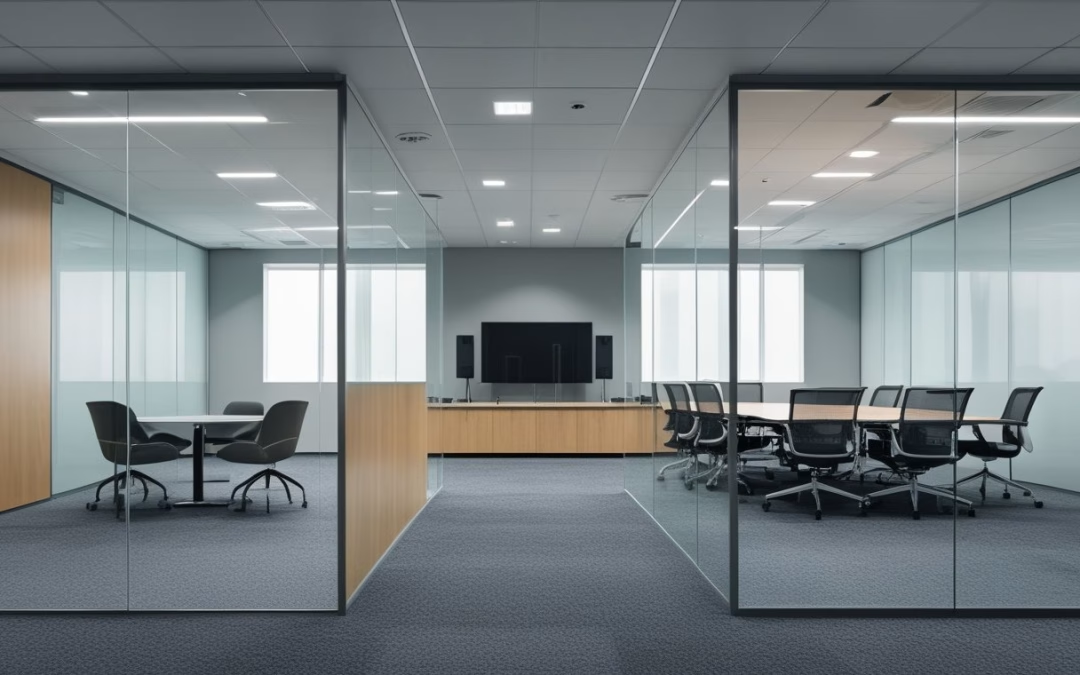
Bagaimana Memetakan Small Room, Medium Room, dan Boardroom?
Proses planning yang matang menjadi kunci utama dalam merancang berbagai meeting spaces agar sesuai dengan alur kerja tim. Kategori focus room atau huddle room cocok untuk rapat singkat dengan jumlah peserta terbatas.
Penetapan room standards untuk berbagai meeting rooms berdasarkan room size membantu menyelaraskan pengalaman kolaborasi di tengah tren flexible work environments. Penyesuaian terhadap room size yang tepat memastikan jarak pandang layar dan jangkauan audio tetap ideal.
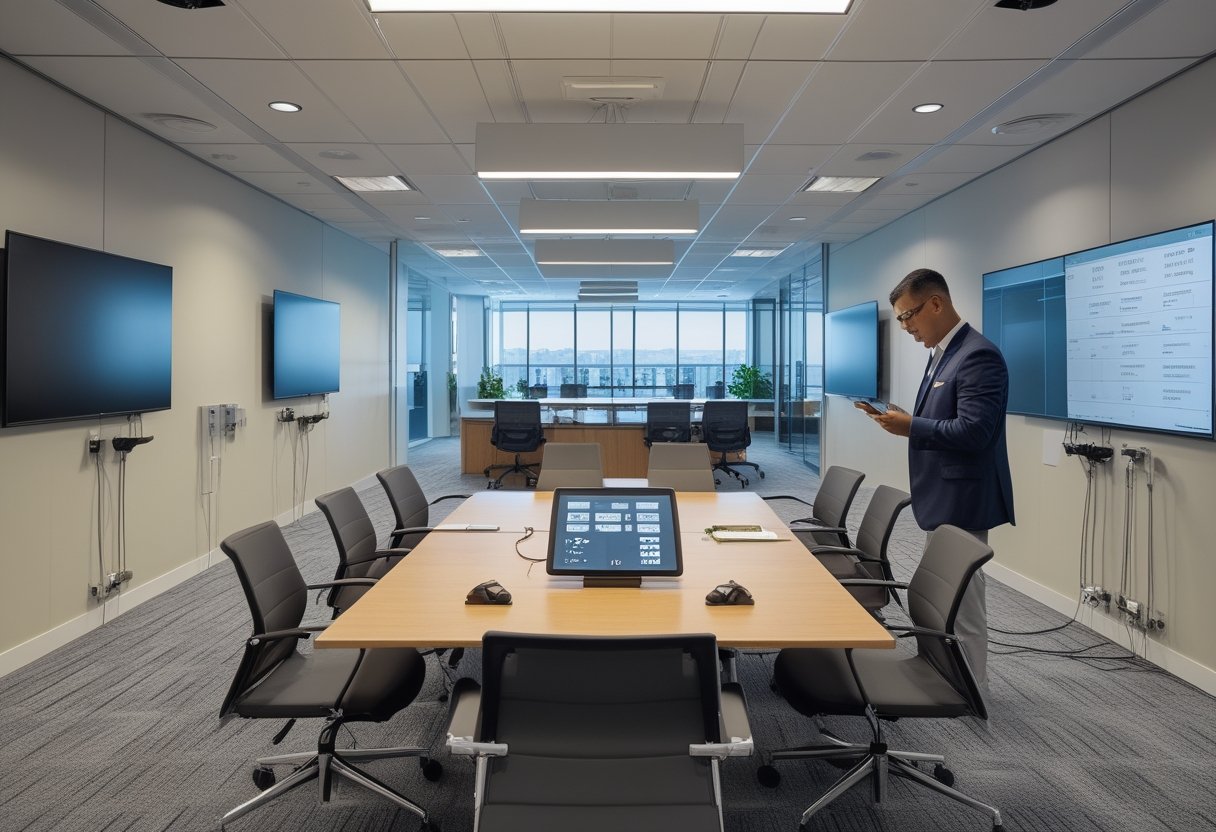
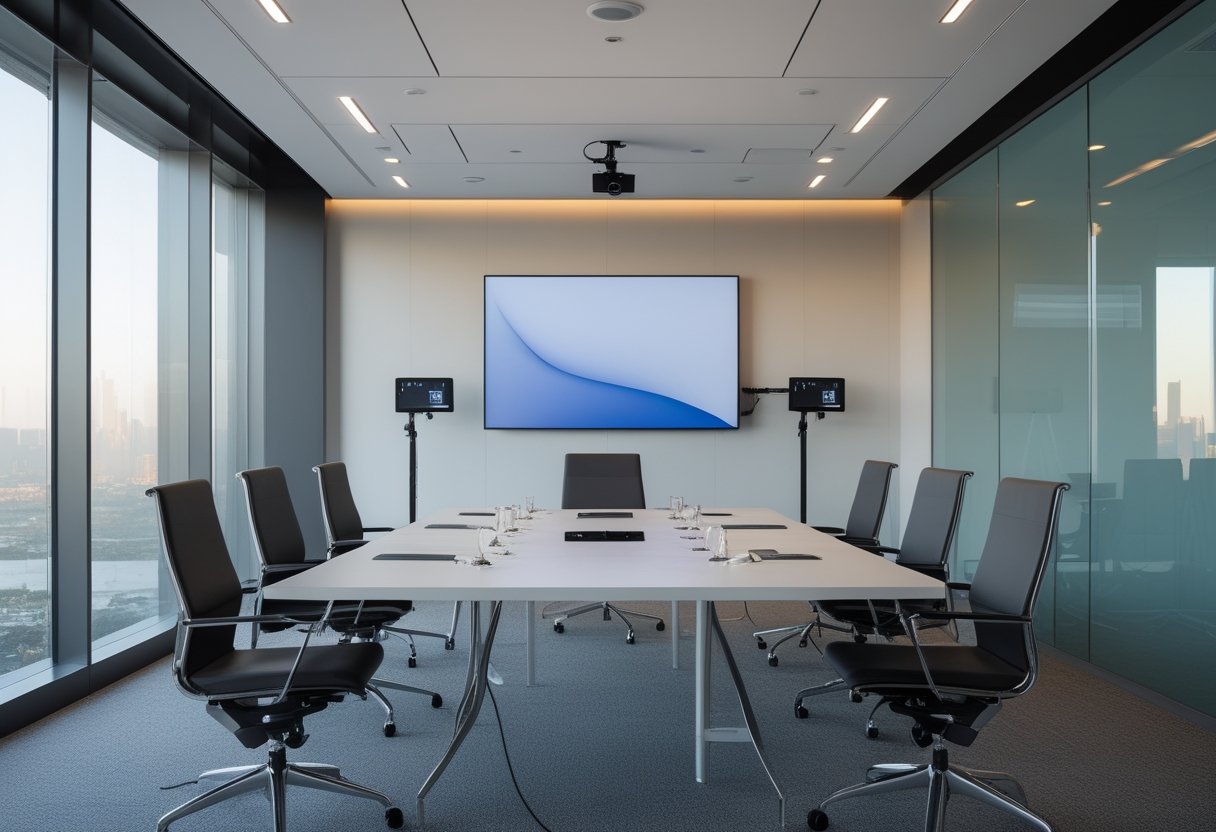
Gunakan perangkat all-in-one dengan kamera sudut lebar, mikrofon beamforming, speaker terintegrasi, display, dan console. Sistem microphone array terpadu memastikan setiap peserta berada dalam jangkauan mikrofon agar suara tetap jelas.
Medium room atau medium conference room memerlukan cakupan kamera dan audio yang lebih luas agar interaksi dengan remote participants tetap lancar. Konfigurasi medium conference room umumnya menampung 6 hingga 12 peserta dengan posisi meja dan display yang seimbang.
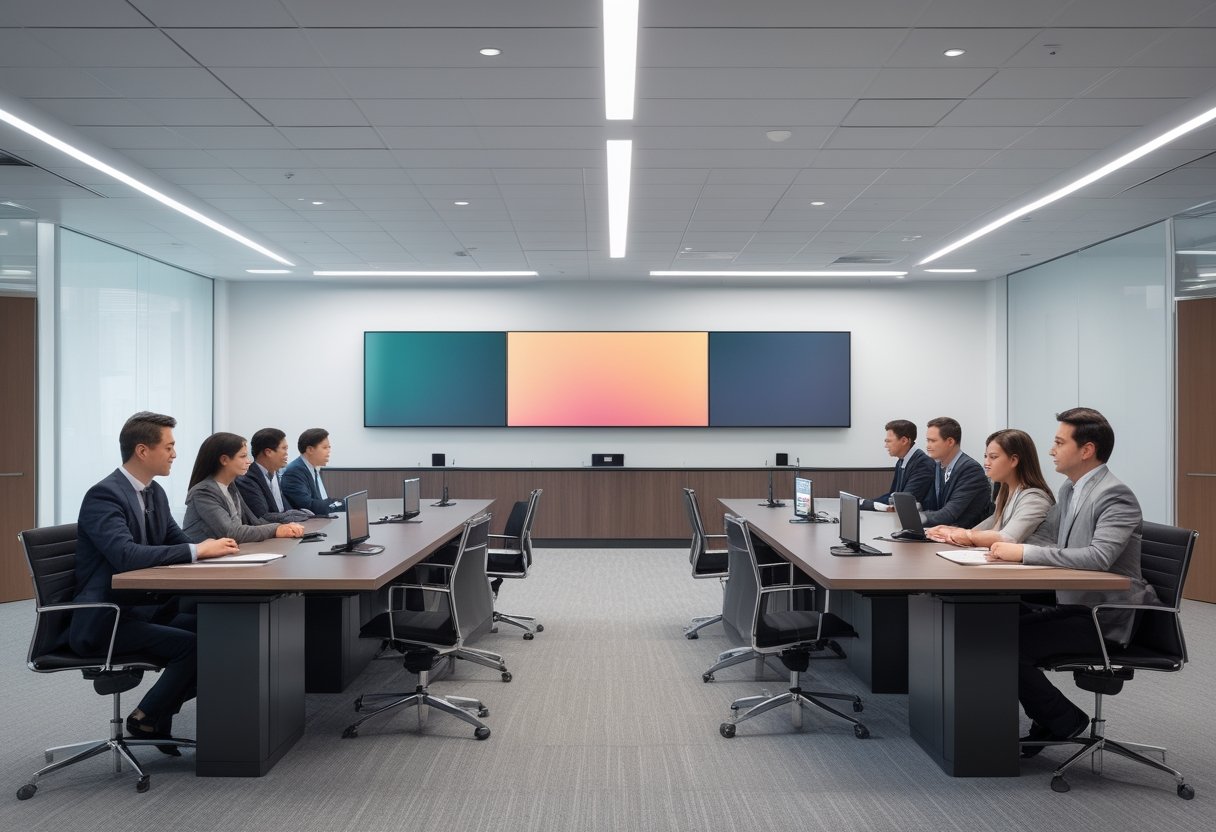
Kebutuhan untuk large conference room dan executive boardroom membutuhkan perencanaan modular. Tata letak large conference room memerlukan beberapa perangkat audio-video, kamera tambahan, dan pengaturan akustik yang lebih terarah.
Petakan setiap ruang menggunakan data berikut:
- Dimensi dan kedalaman ruang
- Jumlah peserta dan bentuk meja
- Jarak peserta ke mikrofon
- Posisi display dan kamera
- Sumber cahaya, pantulan kaca, serta kebisingan HVAC
- Pola rapat internal, eksternal, dan hybrid
Komponen Microsoft Teams Rooms yang Wajib Disiapkan
Sistem Teams Rooms membutuhkan compute unit khusus berbasis Windows 11 atau platform Android yang menjalankan Teams Rooms app. Solusi komputasi berbasis Windows memberikan fleksibilitas integrasi enterprise serta kendali sistem operasi yang luas.
Solusi ini dilengkapi display, kamera, mikrofon, speaker, touch controller di meja, koneksi jaringan, serta resource account. Menggunakan Microsoft Teams Rooms devices yang tersertifikasi memastikan performa Teams Rooms app berjalan mulus dan stabil.
Ekosistem Microsoft Teams Rooms devices dari mitra seperti Poly, DTEN, Logitech, dan Yealink menyediakan ragam solusi teruji. Berbagai pilihan Teams devices bersertifikasi ini memudahkan standarisasi ruang rapat di seluruh kantor. Perangkat modular dari Yealink atau Logitech maupun all-in-one DTEN memberikan fleksibilitas tinggi.
Penggunaan 4K touch display seperti DTEN D7X AI Board sangat ideal untuk mendukung kolaborasi visual dan sentuhan langsung.
Kombinasi perangkat seperti DTEN Bar Connect dengan pengontrol meja DTEN Mate Gen 2 berbasis DTEN Mate OS juga memberikan kemudahan operasional ruang rapat modern. Di ruang yang lebih panjang, kamera pendukung seperti DTEN Vue Pro dapat dipadukan untuk memberikan sudut pandang sejajar mata peserta.
Ruang yang lebih besar memerlukan sistem modular dengan teams rooms devices seperti kamera eksternal, DSP audio, mikrofon tambahan, dan speaker terdistribusi. Pemasangan dual displays sangat disarankan agar peserta dapat melihat konten dan galeri video secara berdampingan.
Siapkan juga:
- Kabel HDMI, USB, Ethernet, dan kabel daya sesuai layout
- Pemasangan Teams panels untuk room booking serta integrasi platform cerdas seperti Microsoft Places guna memantau okupansi ruang kerja
- Mounting yang sesuai dengan berat display, atau unit mobile AV cart untuk ruang dinamis
- Akustik ruangan untuk mengurangi gema dan pantulan suara
- Pencatatan ke dalam room inventory dan asset register yang berisi nama ruang, nomor seri, port, dan resource account
Memilih Lisensi Teams Rooms Basic atau Pro
Penentuan teams rooms license yang tepat mempengaruhi ketersediaan fitur operasional serta kendali jarak jauh. Lisensi MTR Basic tersedia tanpa biaya untuk perangkat Teams tersertifikasi dan terbatas hingga 25 ruangan.
Opsi ini mendukung one-touch join, screen sharing nirkabel yang praktis, kemudahan content sharing, serta kolaborasi real-time melalui kanvas digital bersama. Fitur screen sharing memungkinkan presentasi dokumen berjalan instan tanpa kendala teknis.
Kepemilikan MTR Pro atau Teams Rooms Pro license berharga USD$40.00 per kamar per bulan dengan pembayaran tahunan. Memilih MTR Pro license menambahkan fitur rapat tingkat lanjut, portal management jarak jauh, analitik perangkat, serta kontrol keamanan komprehensif.
Fitur Pro juga mencakup integrasi ITSM, efisiensi device management terpusat, pembaruan otomatis, deteksi masalah, dan resolusi berbasis operasi cerdas.
| Kriteria | Teams Rooms Basic | Teams Rooms Pro |
|---|
| Harga | Gratis | USD$40.00/kamar/bulan |
| Batas ruang | Hingga 25 ruangan | Sesuai skala kebutuhan |
| One-touch join | Ya | Ya |
| Manajemen jarak jauh | Fitur dasar | Tingkat lanjut |
| Analitik dan operasi cerdas | Terbatas | Ya |
Pilih Basic untuk lingkungan kecil dengan kebutuhan pengelolaan sederhana. Pilih Pro saat Anda mengelola banyak ruang, membutuhkan pemantauan terpusat, atau memerlukan fitur rapat dan keamanan tingkat perusahaan.
Kapan Memilih Sistem All-in-One atau Modular?
Perangkat all-in-one berbasis Android sesuai untuk small room dan medium conference room yang membutuhkan instalasi ringkas, kabel minimal, serta waktu pasang singkat. Perangkat ini menggabungkan compute unit, kamera, mikrofon, speaker, dan kadang display dalam satu sistem.
Sistem modular lebih tepat diterapkan pada large conference room, boardroom, atau ruang dengan layout kompleks. Anda dapat menempatkan compute unit mandiri, kamera, mikrofon, DSP, speaker, dan display pada posisi yang menghasilkan cakupan lebih baik. Konsekuensinya, desain kabel, konfigurasi audio, integrasi perangkat, dan pemeliharaan memerlukan koordinasi teknis lebih matang.
Checklist Implementasi dari Kesiapan Lokasi hingga Go-Live
Go-live Teams Rooms membutuhkan koordinasi fasilitas, IT, dan AV sejak kesiapan lokasi hingga pengujian rapat. Setiap ruang perlu melewati pemeriksaan daya, jaringan, perangkat, resource account, instalasi, serta pengalaman pengguna sebelum diserahkan untuk operasional.
Kesiapan Daya, Furnitur, Display, dan Jalur Kabel
Pastikan outlet listrik berada dekat lokasi display dan perangkat utama. Sediakan koneksi wired Ethernet 1 Gbps di posisi perangkat, lalu siapkan jalur kabel yang terlindungi dari tarikan, panas, dan area lalu lintas.
Periksa tinggi meja, posisi kursi, sudut pandang peserta, serta titik pemasangan display. Untuk display, ukuran 55 inci sesuai untuk ruang dengan kedalaman hingga sekitar 15 kaki, sedangkan 75 inci sesuai untuk ruang dengan kedalaman sekitar 20 kaki atau lebih. Sesuaikan kembali dengan jarak peserta terjauh dan kondisi pencahayaan.
Standar Kamera, Mikrofon, Speaker, dan Akustik untuk Setiap Ukuran Ruang
Gunakan kamera bersertifikasi Teams dengan sudut pandang yang mencakup seluruh peserta. Untuk ruang dengan kedalaman di bawah 15 kaki, HFOV minimum 90° membantu menangkap peserta dalam jarak dekat. Tempatkan kamera di atas display agar garis pandang terasa natural.
Pemanfaatan 4K camera dengan sudut pandang dinamis serta Cloud IntelliFrame membantu menampilkan setiap individu secara jernih kepada remote participants. Teknologi cerdas IntelliFrame memecah feed video ruang rapat menjadi bingkai individu terpisah. Kemampuan camera framing otomatis juga memastikan pembicara tetap berada di tengah layar secara presisi.
Perangkat kamera canggih juga dapat mengandalkan depth sensor dan vision system untuk mengenali batas area rapat serta mendeteksi posisi orang secara akurat.
Gunakan beamforming microphone array dengan dukungan AI noise suppression untuk memblokir suara bising latar belakang. Algoritma noise suppression canggih membantu menyaring bunyi ketikan keyboard maupun pendingin udara. Pastikan seluruh peserta berada dalam jangkauan microphone pickup yang optimal agar ucapan tertangkap jelas.
Ruang besar dapat memerlukan unit mikrofon tambahan, relay speakers terdistribusi di meja atau plafon, serta hardware acoustic echo cancellation atau AEC untuk mengendalikan gema.
Penerapan acoustic echo cancellation berkualitas tinggi menjaga audio dua arah tetap jernih tanpa gangguan gema ruangan atau distorsi feedback. Konfigurasi AEC yang optimal mencegah feedback vokal saat volume speaker dinaikkan.
Pemasangan front-facing speakers di bawah display membantu menghadirkan arah audio yang natural bagi peserta. Tambahkan material akustik pada dinding atau plafon bila ruang memiliki pantulan suara tinggi agar suara merata tanpa menaikkan volume berlebihan.
Konfigurasi Jaringan, QoS, Firewall, dan Resource Account
Pemenuhan network requirements yang tepat sangat krusial sebelum perangkat diaktifkan. Kepatuhan terhadap network requirements memastikan latensi rendah dan transmisi data yang konsisten.
Gunakan koneksi wired Ethernet yang andal untuk memastikan kestabilan rapat. Jika jaringan perusahaan menggunakan kontrol akses 802.1X, siapkan validasi certificates autentikasi yang sesuai pada sistem.
Sediakan alokasi bandwidth minimum 10 Mbps untuk setiap endpoint Teams Rooms. Ruang dengan 4K camera perlu ketersediaan bandwidth 20 hingga 30 Mbps agar kualitas video tetap prima.
Buka UDP port 3478 hingga 3481 pada firewall untuk media Teams, serta TCP port 443 dan 80 untuk autentikasi dan konektivitas Microsoft 365. Hindari merutekan lalu lintas rapat real-time melalui proxy server agar tidak terjadi delay transmisi. Konfigurasikan bypass proxy untuk seluruh endpoint Microsoft 365 yang menangani aliran media.
Gunakan VLAN atau kebijakan QoS (Quality of Service) untuk memprioritaskan trafik AV ketika jaringan kantor sedang padat. Penerapan Quality of Service menjamin kelancaran suara dan video saat bandwidth digunakan bersamaan oleh aktivitas kantor lainnya.
Kelola Teams Rooms resource accounts secara terstruktur untuk setiap lokasi fisik. Buat satu resource account khusus di lingkungan Microsoft 365 yang terhubung dengan room mailbox pada Exchange Online, kalender ruang, serta lisensi Teams Rooms.
Pastikan penetapan Teams Rooms license sesuai dengan tipe ruangan dan skenario pemakaian. Pastikan room resource mailbox dan resource mailbox diatur agar menerima undangan rapat secara otomatis.
Instalasi Fisik yang Meminimalkan Gangguan Operasional
Keberhasilan teams rooms deployment bergantung pada perencanaan jadwal instalasi yang tepat. Setiap langkah deployment perlu meminimalkan gangguan terhadap aktivitas operasional harian.
Tandai jalur kabel, titik bor, posisi perangkat, dan akses teknisi sebelum pekerjaan pemasangan dimulai.
Gunakan checklist serah terima yang mencatat nama ruang, nomor seri perangkat, port yang digunakan, nama komputer, resource account, serta tanggal pemasangan.
MLV Teknologi dapat membantu konsultasi AV, pemilihan perangkat, instalasi, penataan interior terkait, dan dukungan implementasi dengan koordinasi yang rapi serta gangguan minimal terhadap operasional kantor.
Pengujian Pengalaman Rapat, Kalender, dan Berbagi Konten
Jalankan serangkaian test calls dari dalam dan luar organisasi untuk mengevaluasi keandalan panggilan. Langkah ini krusial untuk menjaga meeting quality tetap konsisten di setiap sesi rapat.
Periksa stabilitas antarmuka Teams Rooms app, one-touch join, tampilan kalender, kamera, framing peserta, kualitas suara, speaker, serta kelancaran screen sharing dan content sharing melalui kabel maupun nirkabel.
Uji skenario Meet Now, rapat terjadwal, perubahan jadwal, serta alur room booking melalui Teams panels. Integrasi kalender dengan Microsoft Places juga perlu divalidasi agar koordinasi pemakaian meeting spaces berjalan lancar.
Pastikan ruang muncul di Teams Admin Center dan Teams Rooms Pro Management Portal bila lisensi Pro digunakan.
Mintalah beberapa pengguna mencoba console tanpa instruksi teknis panjang. Catat titik yang membingungkan, lalu perbaiki label, posisi perangkat, atau panduan singkat sebelum go-live.
Monitoring Perangkat dan Rencana Dukungan Pasca-Implementasi
Tetapkan pemilik layanan untuk setiap ruang, termasuk kontak IT, fasilitas, dan AV. Simpan room inventory serta konfigurasi port agar penggantian komponen dan penanganan insiden lebih cepat.
Administrator dapat memanfaatkan Teams Admin Center untuk pembaruan profil serta inventaris perangkat secara teratur. Pemantauan rutin terhadap Teams devices memastikan performa rapat tetap prima di setiap ruangan.
Teams Rooms Pro Management Portal mempermudah device management terpusat, kontrol akses berbasis peran, serta device health monitoring untuk mendeteksi gangguan secara proaktif. Sistem device management ini juga mempermudah pemantauan status perangkat Logitech, Yealink, maupun DTEN di seluruh cabang.
Untuk perangkat berbasis Windows, integrasi Intune memperluas efisiensi management, kepatuhan sistem, dan distribusi pembaruan software. Perangkat Teams Rooms Android serta panel juga menjalani proses enrollment sesuai konfigurasi organisasi.
Buat prosedur dukungan untuk masalah sign-in, koneksi jaringan, audio, kamera, display, dan kalender. Jadwalkan pemeriksaan berkala pada kabel, mounting, firmware, kebersihan lensa, serta kondisi akustik ruang.
Ruang Rapat Teams yang Siap Dipakai Harus Mudah Digunakan dan Dikelola
Ruang rapat Teams yang siap dipakai menggabungkan pengalaman pengguna yang intuitif dengan pengelolaan teknis yang terukur. Peserta harus dapat menemukan rapat dari kalender, bergabung dengan satu sentuhan, melakukan content sharing tanpa kendala, dan berbicara tanpa memikirkan konfigurasi perangkat.
Mulailah dari perilaku pengguna di ruangan, kemudian terjemahkan ke posisi kamera, jarak mikrofon, ukuran display, pencahayaan, akustik, dan jalur kabel. Keputusan ini menghindarkan Anda dari ruang yang memiliki perangkat lengkap tetapi sulit digunakan atau menghasilkan suara yang kurang jelas.
Gunakan dokumentasi ruang yang mudah dipahami oleh IT, facility manager, dan vendor. Cantumkan layout, daftar aset, resource account, lisensi, konfigurasi jaringan, prosedur restart, serta jalur eskalasi dukungan.
Untuk implementasi lintas ruang, pilih standar desain yang dapat diulang sambil memberi ruang bagi penyesuaian boardroom. Kunjungi website MLV Teknologi: www.mlvteknologi.com dan hubungi langsung melalui nomor WhatsApp yang tertera di website kami untuk berdiskusi langsung dengan kami.
by MLV Teknologi | Sep 28, 2026 | Article
Menentukan Sistem Sesuai Format dan Skala Acara
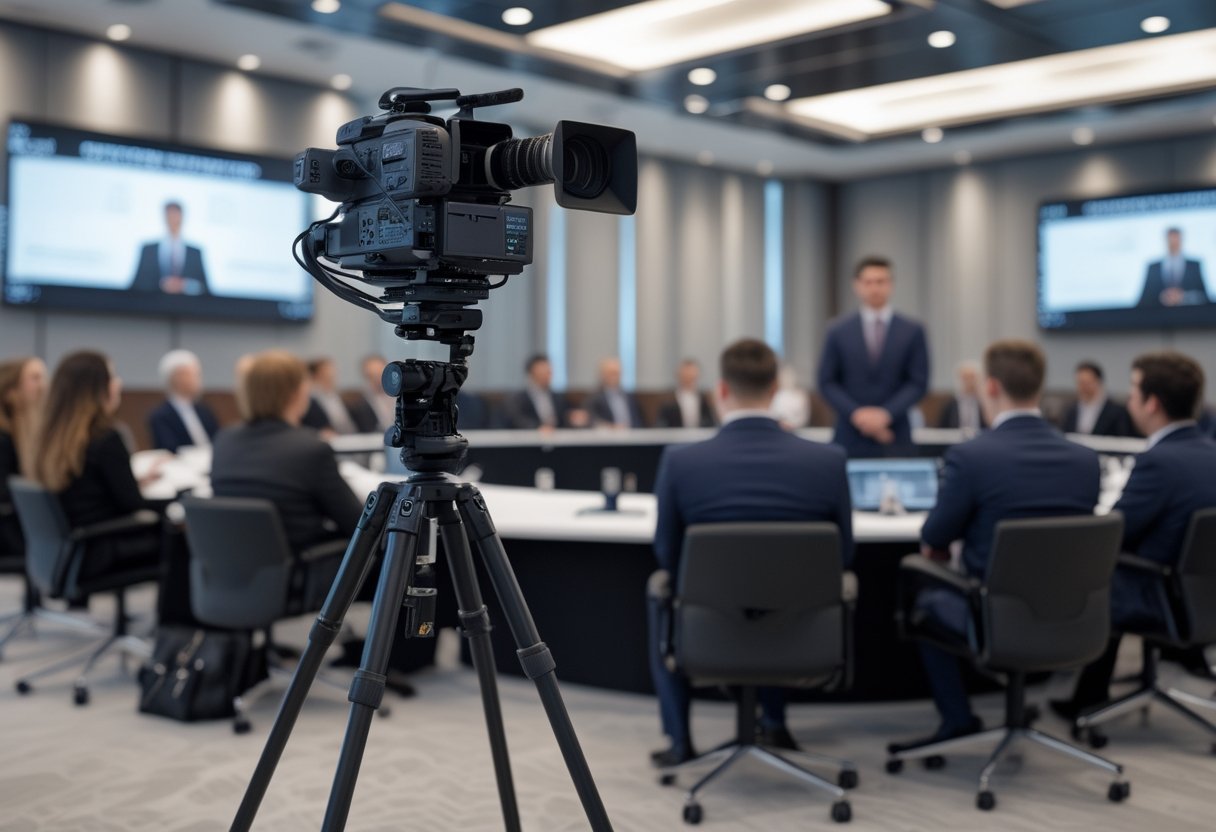
Untuk event hybrid, webinar, dan town hall, gunakan sistem kamera profesional yang terhubung dengan audio, switcher, jaringan stabil, operator, serta rencana cadangan agar peserta daring dan luring menerima pengalaman yang setara. Kamera menjadi sumber gambar, sedangkan kualitas siaran ditentukan oleh cara seluruh perangkat bekerja sebagai satu sistem.
Format acara menentukan kebutuhan Anda, mulai dari sesi training internal, seminar, workshop edukasi, hingga agenda formal tahunan seperti Rapat Umum Pemegang Saham (RUPS) dan RAT.
Untuk format seminar hybrid dan webinar berskala besar, koordinasi visual menjadi kunci keterlibatan peserta. Penataan kamera dinamis sangat penting agar audiens tidak merasa jenuh.
Format interaktif seperti sesi talkshow atau training karyawan juga membutuhkan sudut pandang beragam. Sementara itu, sesi webinar mandiri dengan satu pembicara dapat memakai satu kamera dengan framing rapi.
Event hybrid membutuhkan perpindahan tampilan antara pembicara, panel, materi presentasi, dan peserta daring di Zoom Meeting. Town hall perusahaan memerlukan cakupan ruang lebih luas, visual panggung yang konsisten, serta pengelolaan beberapa sumber video secara terpadu.
Kebutuhan Kamera untuk Webinar, Event Hybrid, dan Town Hall
Webinar berukuran kecil dapat berjalan dengan satu kamera profesional yang menghadap pembicara. Tambahkan kamera kedua ketika Anda perlu menampilkan sudut berbeda, materi presentasi di screen utama, atau demonstrasi produk.
Event hybrid maupun live event korporat memerlukan sistem multicam yang menjaga perhatian audiens jarak jauh. Konfigurasi multicam membantu menampilkan close-up pembicara, sudut panggung, dan suasana ruangan secara bergantian untuk siaran live streaming yang dinamis.
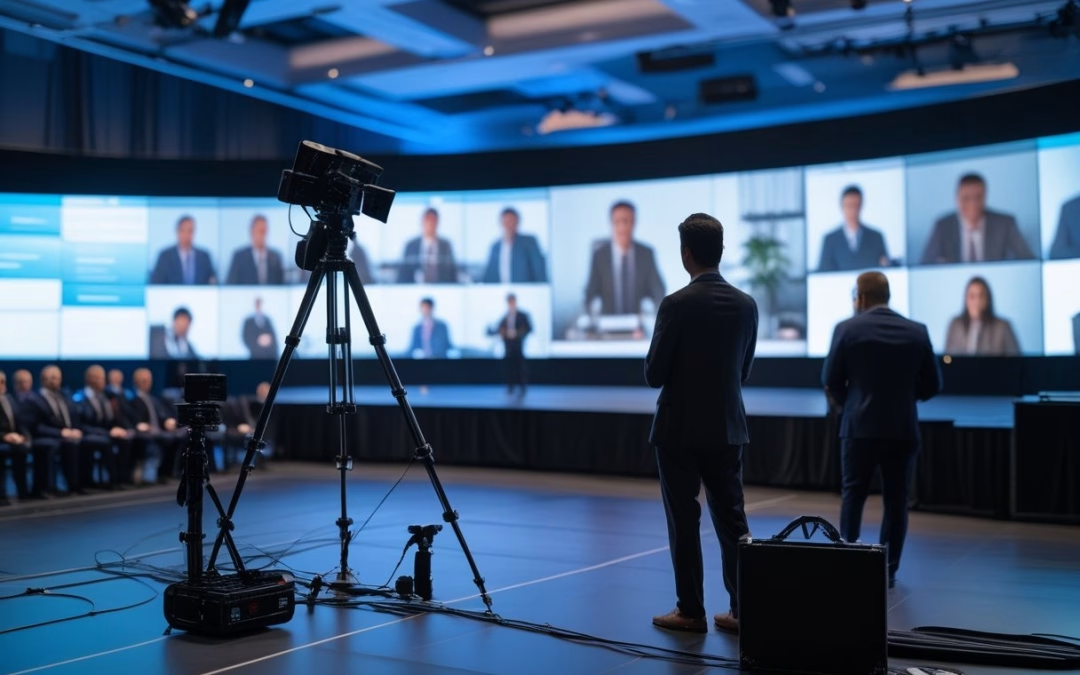
Town hall membutuhkan perencanaan lebih rinci. Area panggung, podium, panel diskusi, layar presentasi, serta interaksi dengan peserta daring perlu masuk dalam alur produksi. Anda dapat melihat referensi teknologi untuk town hall meeting dan employee gathering untuk menyesuaikan sistem dengan format komunikasi internal perusahaan.
Untuk kebutuhan presentasi kreatif atau siaran korporat khusus, Anda dapat memadukan backdrop fisik yang rapi dengan screen proyektor. Selain itu, Anda bisa memanfaatkan virtual green screen dan tata panggung virtual studio.
Kapan Kamera PTZ, Kamera Profesional, atau Multikamera Dibutuhkan
Kamera PTZ sesuai untuk ruang rapat, sesi teleconference, sidang RAT koperasi, dan panggung yang membutuhkan pergerakan pan, tilt, serta zoom dari posisi tetap. Preset kamera membantu operator berpindah dari pembicara ke area audiens secara cepat.
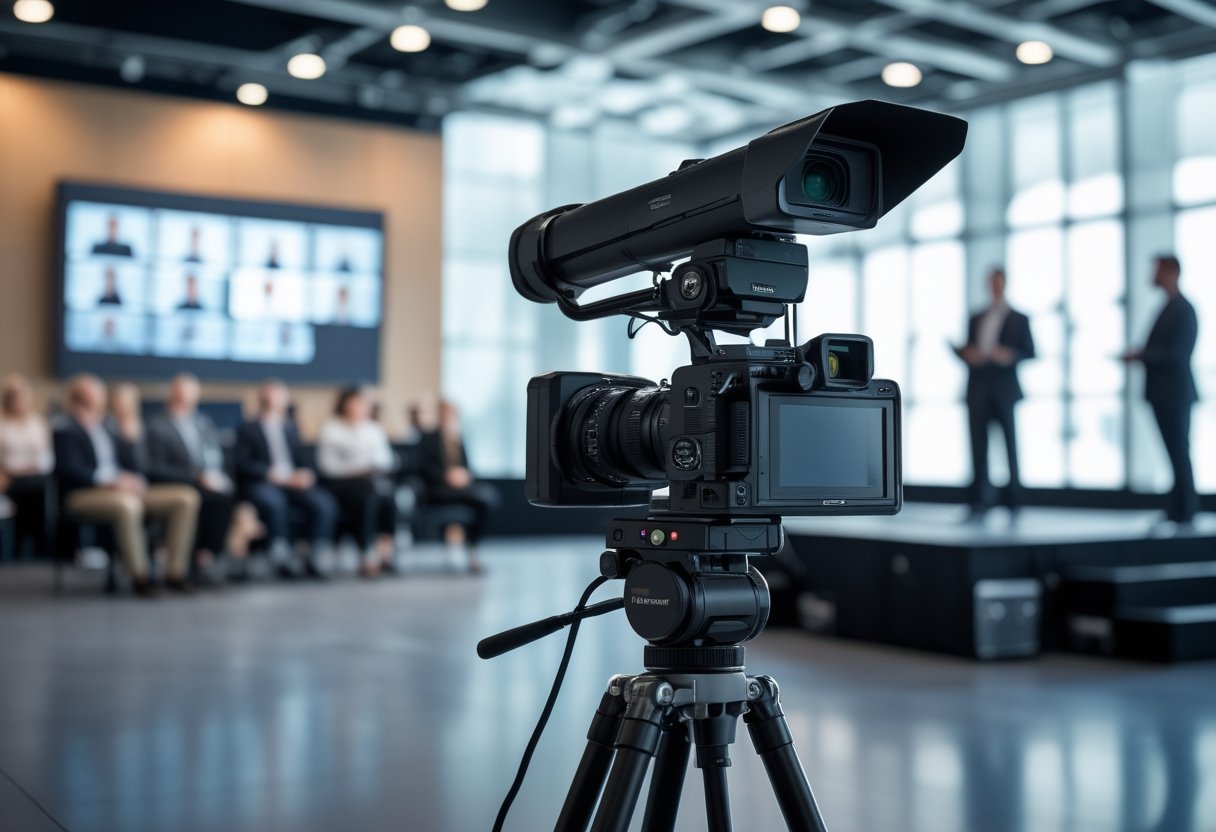
Pilihan kamera pro atau kamera profesional lebih tepat saat Anda membutuhkan kontrol lensa dan framing presisi, seperti pada forum RUPS tahunan. Menggunakan kamera pro memastikan detail ekspresi pembicara tertangkap jelas meski pencahayaan panggung berubah-ubah.
Untuk kebutuhan ruang meeting kecil atau huddle room, opsi webcam berkualitas dan kamera USB plug-and-play juga kerap digunakan karena praktis dan cepat dikonfigurasi.
Sistem multicam dan multikamera diperlukan ketika satu sudut tidak mampu menyampaikan dinamika acara. Switcher atau mixer video menggabungkan beberapa input kamera multicam melalui kabel HDMI, SDI, dan perangkat video converter, presentasi multimedia, serta sumber video daring sehingga operator dapat memilih tampilan yang tepat untuk live streaming.
Koneksi kabel HDMI dari laptop narasumber langsung terhubung ke switcher untuk perpindahan materi tanpa jeda. Distribusi sinyal HDMI yang stabil mencegah layar berkedip di hadapan audiens daring.
Komponen Pendukung yang Menentukan Kualitas Siaran
Kamera berkualitas membutuhkan audio yang jelas agar kualitas video dan kualitas audio siaran tetap seimbang. Integrasi audio conference dan audio system yang andal memastikan suara setiap peserta daring maupun luring terdengar jelas.
Gunakan microphone wireless, lavalier, atau handheld untuk pembicara, mixer audio untuk mengatur level, serta pemrosesan suara yang membantu mengurangi gema dan kebisingan.
Pencahayaan menjaga wajah pembicara tetap terlihat saat kondisi ruang berubah. Display visual seperti TV monitor panggung, proyektor, wall display, LED videotron, atau screen presentasi juga perlu diatur agar tidak memicu pantulan atau mengganggu eksposur kamera.
Tambahkan TV floor monitor atau confidence monitor agar pembicara dapat memantau waktu dan slide presentasi dengan nyaman. Layar TV preview di meja operator juga mempermudah pemantauan hasil visual secara real-time.
Koneksi internet stabil sangat penting untuk kelancaran live streaming dan pengiriman video tanpa jeda. Siapkan backup internet dan jalur komunikasi teknis untuk mengurangi dampak gangguan jaringan. Platform konferensi seperti Zoom Meeting dan YouTube dapat dipilih sesuai kebutuhan audiens.
Bagaimana Merencanakan Rental yang Andal?
Layanan rental kamera yang andal dimulai dari survei ruang, peta alur acara, uji audio-video, dan penugasan operator yang memahami setiap perpindahan tampilan. Perencanaan ini membantu Anda menghindari kamera yang salah posisi, suara pembicara yang tidak masuk, atau waktu setup yang terlalu sempit.
Paket rental kamera untuk seminar, workshop, maupun town hall biasanya sudah mencakup tripod, kabel, dan pengujian pra-acara. Memilih jasa rental kamera yang berpengalaman menjamin ketersediaan unit cadangan serta dukungan teknisi bersertifikat.
Tentukan sejak awal posisi panggung, meja panel, screen proyektor, jalur kabel, area operator, serta titik koneksi internet. Rundown juga perlu mencatat momen perubahan kamera, pemutaran video, sesi tanya jawab Zoom Meeting, atau interaksi peserta daring.
Menyesuaikan Sudut Pengambilan Gambar dengan Ruang dan Audiens
Mulai dengan daftar tampilan yang harus diterima peserta daring. Pembicara utama memerlukan medium shot atau close-up, panel membutuhkan wide shot, sedangkan sesi tanya jawab memerlukan kamera yang dapat mengikuti mikrofon atau pembicara dari lokasi berbeda.
Periksa tinggi panggung, jarak kamera, arah cahaya, serta kemungkinan kepala peserta menghalangi gambar. Kamera utama sebaiknya memiliki garis pandang bersih ke pembicara. Kamera tambahan dapat ditempatkan untuk mengambil sudut samping, peserta, atau tampilan layar.
Buat shot list sederhana untuk operator multicam. Catat nama pembicara, preset kamera, urutan pergantian gambar, dan waktu setiap sesi agar produksi siaran berjalan konsisten.
Pada penyelenggaraan seminar korporat, panel diskusi interaktif membutuhkan kombinasi sudut pengambilan gambar yang dinamis. Unit kamera pro dengan sensor andal sangat membantu menghasilkan visual yang jernih dan berkelas.
Menjaga Kejelasan Audio, Pencahayaan, dan Koneksi Internet
Audio perlu diuji bersama ruangan, mikrofon, sound system, speaker, dan mixer. Atur level suara pembicara agar stabil, lalu periksa potensi gema ketika suara dari peserta daring masuk ke sistem ruangan.
Pencahayaan harus menerangi wajah tanpa membuat latar terlalu terang. Pastikan screen monitor atau layar LED presentasi tidak menimbulkan pantulan yang mengganggu kamera. Pengujian melalui Zoom Meeting membantu Anda melihat hasil dari sisi peserta daring.
Kabel HDMI berkualitas tinggi memastikan transmisi sinyal ke unit TV panggung bebas delay. Jalur distribusi HDMI dan SDI yang terpasang rapi mencegah gangguan interferensi kabel selama siaran.
Koneksi internet perlu memiliki kapasitas yang sesuai dengan resolusi dan jumlah aliran video. Siapkan backup internet serta jalur komunikasi antara operator kamera, audio, stage manager, dan PIC perusahaan.
Peran Operator dan Rencana Cadangan Saat Acara Berlangsung
Operator menjalankan perpindahan kamera, framing, audio, presentasi, proses recording arsip, dan monitoring siaran selama acara. Untuk event hybrid, koordinasi antartim perlu mengikuti cue yang sama agar perubahan tampilan tidak terlambat.
Rencana cadangan mencakup kamera pengganti, kabel cadangan, baterai, media penyimpanan, jalur internet alternatif, dan prosedur ketika platform mengalami gangguan. Perlengkapan administrasi registrasi seperti printer ID card atau tiket juga perlu dicek sebelum peserta masuk ke ruangan.
Jadwalkan setup beberapa jam sebelum acara sederhana seperti training staf atau workshop. Agenda besar seperti RUPS, RAT, ceremony peresmian, hingga konser musik hybrid membutuhkan waktu lebih panjang untuk rehearsal dan briefing teknis.
Tim yang responsif dan rapi memberikan dukungan teknis yang menyeluruh selama live streaming. Kehadiran tim dukungan teknis di lokasi memastikan seluruh rangkaian acara terlaksana dengan gangguan operasional minimal.
Memilih Rental yang Mendukung Acara Profesional Tanpa Gangguan
Pilih penyedia rental yang mampu mengelola perangkat, instalasi, operator, dan koordinasi teknis sebagai satu layanan untuk menjaga acara tetap berjalan sesuai rundown. Harga kamera saja tidak menggambarkan kesiapan sistem yang Anda perlukan.
Tanyakan cakupan layanan secara spesifik: survei lokasi, konsultasi format acara, setup, operator, uji teknis, dukungan selama siaran, pembongkaran, serta opsi redundansi. Pastikan penyedia memahami kebutuhan peserta daring dan luring, bukan hanya pengambilan gambar di lokasi.
Periksa pula cara vendor berkomunikasi sebelum acara. Respons cepat membantu Anda menyelesaikan perubahan rundown, layout ruang, kebutuhan branding, atau tambahan pembicara dengan lebih teratur.
MLV Teknologi menyediakan konsultasi audio visual, sewa video conference, rental kamera berkualitas, live streaming, penyediaan perangkat, rental audiovisual, dan dukungan teknis untuk kebutuhan acara perusahaan di Jakarta dan sekitarnya. Reputasinya di Google Maps tercatat dengan rating 4,9 dari 19 ulasan, dengan pelanggan yang menyoroti pekerjaan rapi, cepat, profesional, dan minim gangguan terhadap operasional.
Cakupan rental kamera dan sewa kamera video conference kini menjangkau Jakarta, Jakarta Barat, Tangerang, Depok, Bekasi, serta Bogor dan wilayah lain di Jawa Barat dan Banten. Klien di kawasan Bogor dan sekitarnya dapat mengandalkan tim kami untuk agenda rapat maupun pelatihan korporat. Layanan ini juga dapat diperluas ke Jawa Tengah, Yogyakarta, Jawa Timur, dan Bali.
Untuk kebutuhan korporat berskala nasional, koordinasi teknis dapat menjangkau wilayah Aceh, Riau, Lampung, serta pulau Kalimantan, Sulawesi, Maluku, hingga Papua. Sampaikan jumlah peserta, ukuran ruang, jumlah pembicara, platform siaran, jadwal, serta kebutuhan multimedia Anda sejak awal.
Kunjungi website MLV Teknologi: www.mlvteknologi.com dan hubungi langsung melalui nomor WhatsApp yang tertera di website kami untuk berdiskusi langsung dengan kami.
by MLV Teknologi | Sep 27, 2026 | Article
Berapa kisaran anggaran untuk setiap ukuran ruang rapat?
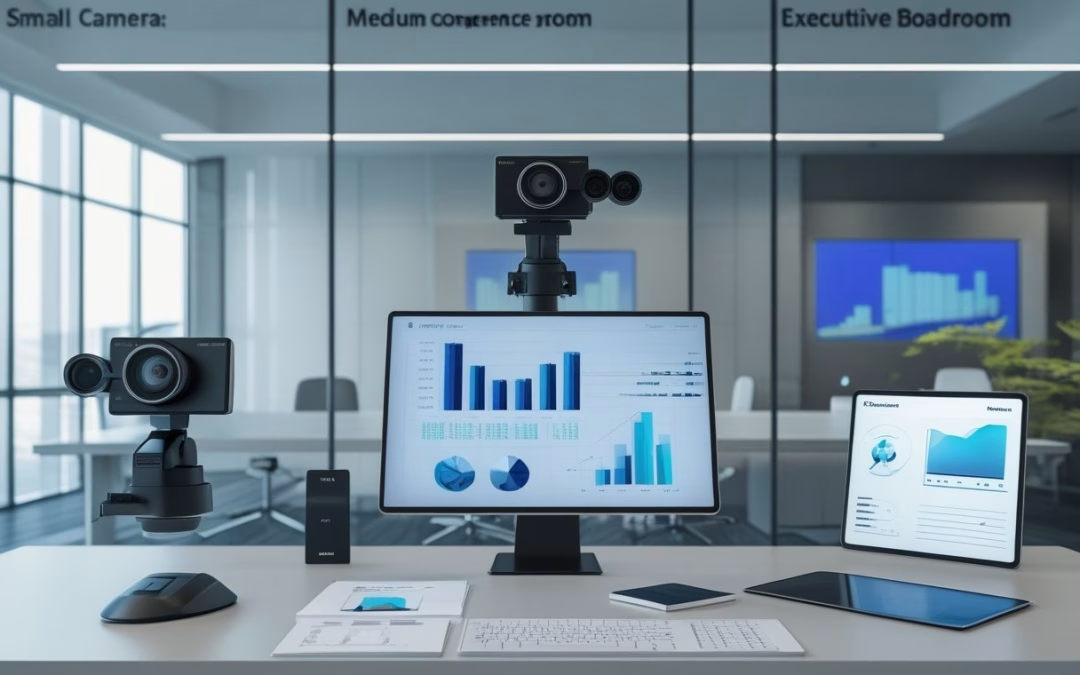
Kamera konferensi mandiri berada di kisaran sekitar Rp4,9 juta hingga Rp23,5 juta, sedangkan total sistem ruang profesional dapat berkembang dari puluhan hingga ratusan juta rupiah sesuai ukuran ruang dan tingkat integrasinya. Angka tersebut menjadi dasar awal, bukan harga tetap, karena kebutuhan audio, display, jaringan, instalasi, dan kontrol ikut membentuk total investasi.
Untuk menyusun anggaran yang proporsional, hitung jumlah peserta, jarak kamera ke meja, serta pola penggunaan ruang meeting. Memilih perangkat video conference dan solusi video conference yang tepat sejak awal akan mencegah pemborosan anggaran.
Small room: kamera all-in-one dan kebutuhan peserta 4–6 orang
Untuk ruang berisi 4–6 orang, anggaran perangkat inti dapat dimulai dari sekitar Rp4,9 juta hingga Rp23,5 juta. Kamera all-in-one menggabungkan kamera, mikrofon, dan speaker dalam satu unit sehingga kebutuhan meeting online menjadi ringkas dan pengoperasian lebih mudah.
Pilihan conference camera ringkas seperti Jete Auto Frame Pro sangat cocok untuk huddle room karena mendukung resolusi 1080p Full HD hingga 2K. Fitur auto frame berbasis AI pada unit ini dapat mendeteksi peserta secara otomatis tanpa perlu pengaturan rumit.
Sebagai alternatif ringkas, produk all-in-one seperti Jete MeetBar juga menjadi opsi populer untuk menghadirkan audio visual berkualitas dalam satu perangkat terpadu.
Model conference webcam modern dari brand seperti Poly atau Yealink juga menawarkan teknologi auto-framing cerdas. Pabrikan seperti Poly dan Yealink melengkapi lini produk mereka dengan algoritma AI untuk mengenali suara dan wajah secara presisi.
Penerapan AI tersebut menjadikan solusi video conference di ruang meeting mungil terasa interaktif dan otomatis.
Anda juga dapat memadukan video conference camera mandiri dengan mini group speaker agar jangkauan microphone lebih dekat ke peserta. Konfigurasi fleksibel ini menjaga kejernihan vokal sekaligus menghemat ruang meja.
Biaya total dapat meningkat saat Anda menambahkan interactive flat panel, bracket, mini PC, maupun lisensi platform. Dukungan platform populer seperti Google Meet dan Microsoft Teams juga mempermudah kolaborasi digital di ruang kecil.
Selain itu, perhatikan sudut pandang kamera dan cakupan mikrofon agar setiap peserta terdengar jelas tanpa harus mendekat ke perangkat.
Medium room: kamera PTZ, perluasan audio, dan peserta 8–15 orang
Ruang dengan 8–15 peserta membutuhkan cakupan gambar dan suara yang lebih luas. Kamera PTZ dapat mengarahkan gerakan pan, tilt, dan zoom melalui kontrol jarak jauh. Fitur ini membantu Anda menampilkan pembicara atau area meja tertentu secara lebih jelas.
Paket terintegrasi seperti Logitech Group atau Tevo VA612U-Group menjadi opsi favorit karena sudah mencakup speakerphone dan kabel ekstensi. Pilihan lainnya adalah menggunakan standalone PTZ camera, seperti Jete PTZ camera yang didukung optical zoom fleksibel.
Untuk meeting room yang membutuhkan fleksibilitas visual lebih tinggi, solusi seperti Logitech Rally atau AVer menghadirkan kamera zoom berkualitas premium. Kamera AVer unggul dalam ketajaman lensa serta mekanisme PTZ halus untuk cakupan sudut ruangan.
Kamera modern di kelas ini juga sering dibekali auto tracking pintar berbasis AI untuk mengikuti presenter secara dinamis. Penambahan fitur ini mempermudah recording sesi diskusi serta siaran live streaming acara kantor tanpa membutuhkan operator manual.
Fitur recording otomatis sangat membantu dokumentasi arsip pelatihan di setiap ruang meeting perusahaan.
Anggaran bertambah ketika instalasi video conference memerlukan mikrofon tambahan, speaker terpisah, audio DSP, dan konfigurasi jaringan. Audio DSP memproses suara agar percakapan dari beberapa mikrofon tetap jernih sebelum diteruskan ke sistem video conference.
Boardroom: sistem terintegrasi untuk peserta 16 orang atau lebih
Boardroom untuk 16 orang atau lebih dapat memerlukan sistem terintegrasi dengan beberapa kamera, mikrofon meja atau ceiling, DSP, display besar, perangkat komputasi, kontrol ruangan, serta instalasi khusus. Total investasi dapat bergerak dari puluhan hingga ratusan juta rupiah, bergantung pada desain dan tingkat otomasi.
Pemasangan kamera zoom beresolusi kamera 4K dengan optical zoom tinggi memastikan peserta di ujung meja tetap terlihat tajam. Integrasi ceiling microphone dan speaker ceiling yang terhubung ke DSP juga menjamin seluruh percakapan tertangkap merata tanpa kabel berserakan di meja.
Sistem ini perlu dioptimalkan untuk ekosistem seperti Zoom Rooms atau Microsoft Teams Rooms. Konfigurasi dual display juga kerap dipasang agar tampilan peserta dan materi presentasi dapat dipisah secara nyaman.
Kemudahan kontrol dapat diwujudkan melalui touch panel terpusat di meja rapat utama. Standar integrasi audio visual tingkat tinggi ini bahkan dapat diperluas untuk kebutuhan auditorium korporat atau hall serbaguna.
Pada area auditorium berkapasitas besar, konfigurasi multi kamera dengan sistem recording khusus memastikan tayangan tersimpan dalam resolusi tinggi.
Penerapan solusi video conference skala boardroom dan auditorium membutuhkan perangkat berstandar industri dengan garansi resmi. Dukungan instalasi profesional memastikan kenyamanan ruang meeting eksekutif tetap terjaga.
Faktor apa yang menentukan total investasi sistem?
Total investasi ditentukan oleh kesesuaian seluruh sistem terhadap ruangan, bukan oleh harga kamera saja. Kamera dengan spesifikasi tinggi tetap menghasilkan pengalaman rapat yang kurang baik jika mikrofon tidak menjangkau peserta, jaringan tidak stabil, atau display tidak sesuai jarak pandang.
Sebelum meminta penawaran, siapkan data ukuran ruang, jumlah peserta, tata letak meja, platform rapat, jenis aktivitas, serta rencana pengembangan kapasitas. Brief ini membantu setiap vendor menghitung komponen yang setara.
Mengapa harga kamera bukan satu-satunya komponen biaya
Harga kamera hanya mencakup satu bagian dari sistem. Anda juga perlu menghitung perangkat video conference pendukung, audio, display, komputasi, konektivitas, bracket, kabel, dan konfigurasi.
Dua penawaran dengan kamera yang sama dapat memiliki total berbeda karena jumlah mikrofon, panjang kabel, kondisi plafon, tipe display, atau tingkat integrasi yang digunakan. Minta rincian per komponen agar Anda dapat membandingkan nilai secara adil.
Kualitas audio, cakupan mikrofon, dan akustik ruangan
Peserta rapat jarak jauh membutuhkan suara yang jelas dari seluruh area meja. Cakupan mikrofon dipengaruhi oleh bentuk meja, jarak antar peserta, sumber kebisingan, serta material dinding dan plafon.
Ruangan dengan pantulan suara tinggi mungkin memerlukan perbaikan akustik, mikrofon tambahan, atau pengaturan DSP. Prioritaskan uji cakupan suara pada posisi duduk terjauh sebelum menetapkan jumlah perangkat.
Zoom optik, resolusi 4K, auto-tracking, dan kompatibilitas platform
Penerapan optical zoom mempertahankan ketajaman visual saat memperbesar objek secara fisik tanpa noise digital. Keberadaan kamera zoom beresolusi kamera 4K bersama auto tracking dan auto frame membantu conference camera mengarahkan fokus ke pembicara secara otomatis.
Fitur teknologi AI dengan kemampuan auto framing cerdas sangat berguna ketika ruang memiliki jarak pandang panjang atau banyak pembicara aktif. Merek ternama seperti Poly, Yealink, dan AVer terus menyempurnakan fitur AI ini untuk mendeteksi pembicara aktif.
Kecerdasan buatan tersebut juga mengoptimalkan fungsi recording rapat dan streaming di ruang meeting agar hasil rekaman tampak profesional. Pastikan video conference camera kompatibel dengan Zoom Rooms, Google Meet, dan platform live streaming agar kolaborasi berjalan lancar.
Display, perangkat komputasi, jaringan, kontrol ruangan, dan instalasi
Pilihan layar dapat berupa proyektor, monitor komersial, maupun interactive flat panel untuk kemudahan kolaborasi sentuh. Perangkat komputasi seperti mini PC Asus menjalankan sistem video conference, sedangkan jaringan stabil memastikan transmisi audio visual lancar.
Control system memungkinkan Anda mengatur kamera, display, sumber presentasi, dan audio melalui antarmuka yang terpusat. Keberhasilan instalasi video conference mencakup penarikan kabel, mounting, rack, konfigurasi, serta training pengguna agar meminimalkan gangguan operasional.
Cara menyusun spesifikasi yang tepat tanpa membeli fitur berlebih
Mulailah dari aktivitas utama: rapat internal, presentasi klien, pelatihan, atau rapat hybrid dengan banyak pembicara. Setelah itu, tetapkan kapasitas, posisi peserta, cakupan kamera, cakupan mikrofon, ukuran display, dan kebutuhan kontrol.
Gunakan spesifikasi bertahap sesuai tipe ruang meeting. Small room dapat memakai kamera all-in-one, medium room dapat menggunakan PTZ dengan audio tambahan, sedangkan boardroom hingga auditorium membutuhkan integrasi yang lebih luas.
Pastikan setiap pengadaan memilih solusi video conference yang dilengkapi garansi resmi dan perlindungan suku cadang. MLV Teknologi dapat membantu asesmen ruang, pemilihan perangkat, dan instalasi dengan koordinasi responsif agar rancangan sesuai kebutuhan operasional.
Menentukan investasi yang sepadan dengan cara kerja tim
Investasi yang sepadan adalah sistem yang membuat peserta mudah bergabung, terdengar jelas, terlihat baik, dan dapat digunakan konsisten sesuai pola kerja tim. Anda dapat menilai kecocokan melalui kapasitas ruang, frekuensi rapat, peran peserta jarak jauh, kebutuhan presentasi, serta rencana perubahan organisasi.
Buat brief pengadaan yang memuat ukuran ruang rapat, platform meeting, cakupan audio, kebutuhan perangkat video conference, serta garansi resmi. Tahapan instalasi video conference juga harus direncanakan bersama vendor yang menyediakan jaminan purna jual terpercaya.
Ketersediaan layanan purna jual yang andal memastikan jika terjadi kendala teknis, tim Anda mendapat respon perbaikan yang cepat.
Dengan komitmen layanan purna jual yang menyeluruh, investasi solusi video conference di setiap ruang meeting perusahaan dapat beroperasi maksimal.
Untuk ruang yang aktif digunakan, jadwal kerja dan metode instalasi perlu disepakati sejak awal. Mitra AV seperti MLV Teknologi dapat membantu konsultasi praktis, koordinasi proyek, serta eksekusi instalasi yang rapi dengan gangguan operasional minimal. Kunjungi website MLV Teknologi di www.mlvteknologi.com dan hubungi langsung melalui nomor WhatsApp yang tertera di website untuk mendiskusikan kebutuhan ruang Anda.
by MLV Teknologi | Sep 27, 2026 | Article
Contoh Konfigurasi untuk Ruang Kecil, Sedang, dan Besar
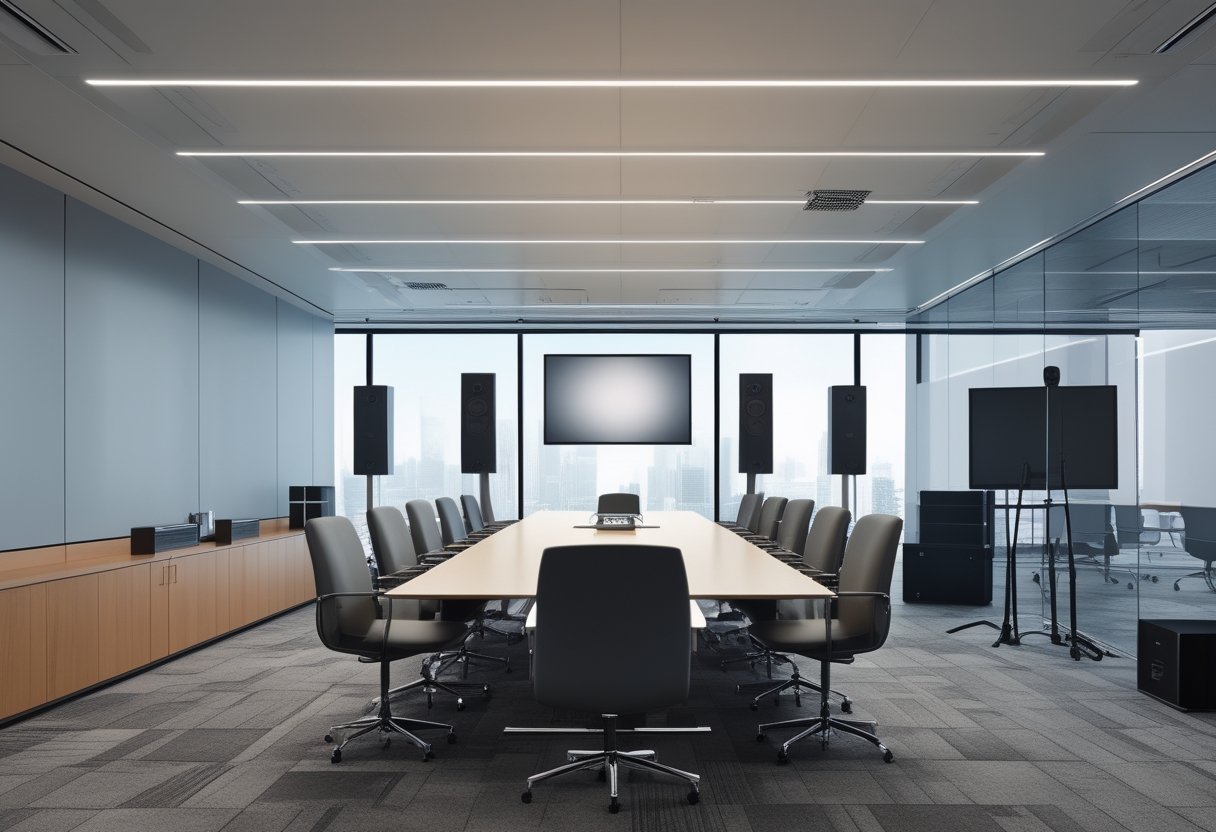
Untuk paket sound system meeting room, rancang konfigurasi sound system dengan speaker plafon atau dinding pada ruang kecil, distribusi speaker yang merata pada ruang sedang, serta sistem mikrofon konferensi dan speaker terarah pada ruang besar. Pilihan ini membantu menjaga suara pembicara tetap jelas tanpa membuat sistem terlalu bertenaga atau mudah memicu feedback.
Ukuran ruangan menjadi titik awal, lalu Anda perlu menyesuaikannya dengan jumlah peserta, tinggi plafon, tata meja, dan kebutuhan rapat hybrid. Sistem yang tepat menyebarkan suara secara konsisten ke posisi duduk peserta dan memberi mikrofon jarak tangkap yang sesuai.
Ruang kecil: speaker plafon atau speaker dinding untuk 4–8 peserta
Karakteristik akustik pada ruangan kecil memungkinkan instalasi audio yang lebih sederhana. Untuk 4–8 peserta, speaker plafon cocok ketika Anda menginginkan tampilan rapi dan suara menyebar dari atas.
Speaker dinding atau unit speaker aktif ringkas sesuai untuk ruang meeting berplafon rendah, sedangkan speaker portable fleksibel untuk tata ruang fleksibel. Penataan kabel yang rapi di balik meja rapat juga menjaga kenyamanan visual.
Konfigurasi praktisnya mencakup satu atau dua speaker dengan amplifier terintegrasi, mikrofon meja, serta mixer audio. Terapkan pengaturan volume secukupnya agar kualitas suara dan kualitas audio percakapan tetap natural tanpa memantul berlebihan.
Anda dapat memilih speaker aktif mandiri ataupun speaker pasif yang dipadukan dengan power amplifier eksternal yang ringkas. Penggunaan speaker pasif mempermudah perawatan berkala karena perangkat kontrol dan daya terpusat di satu rak.
Karakteristik akustik ruang pada ruangan kecil relatif mudah dikendalikan sehingga potensi pantulan suara atau echo dapat ditekan dengan penataan tirai sederhana.
Ruang sedang: distribusi suara merata untuk 8–20 peserta
Ruang berkapasitas 8–20 peserta membutuhkan distribusi suara merata yang lebih terencana. Perencanaan cakupan suara yang matang mencegah munculnya dead zone di sudut-sudut ruangan agar seluruh posisi duduk mendengar materi dengan jelas.
Beberapa speaker plafon atau speaker dinding yang dipadukan dengan amplifier berdaya sesuai membantu peserta di seluruh meja mendengar materi presentasi dengan kualitas suara prima. Pendekatan serupa juga banyak diadopsi pada ruang kelas maupun ruang kuliah modern.
Gunakan mikrofon meja, mikrofon wireless atau wireless microphone genggam, serta sistem konferensi sesuai pola rapat. Distribusi SPL yang seimbang di seluruh area duduk memastikan suara terdengar jelas tanpa harus memekakkan telinga.
Perhatikan penempatan speaker agar terhindar dari arah tangkap mikrofon untuk menekan risiko feedback. Penerapan equalizer atau penyesuaian kurva EQ pada mixer digital membantu menjaga artikulasi vokal tetap jernih dan bebas gangguan echo.
Jika ruangan sering dipakai memutar video atau materi multimedia, unit subwoofer tambahan dapat melengkapi sistem audio agar suara frekuensi rendah terdengar lebih mantap.
Bila tata letak meja cukup panjang, instalasi speaker tambahan di area belakang membantu mempertahankan SPL yang stabil. Penyesuaian volume pada setiap zona memastikan kualitas audio tetap optimal saat ruangan difungsikan untuk seminar kantor.
Ruang besar: sistem mikrofon dan speaker untuk boardroom atau ruang konferensi
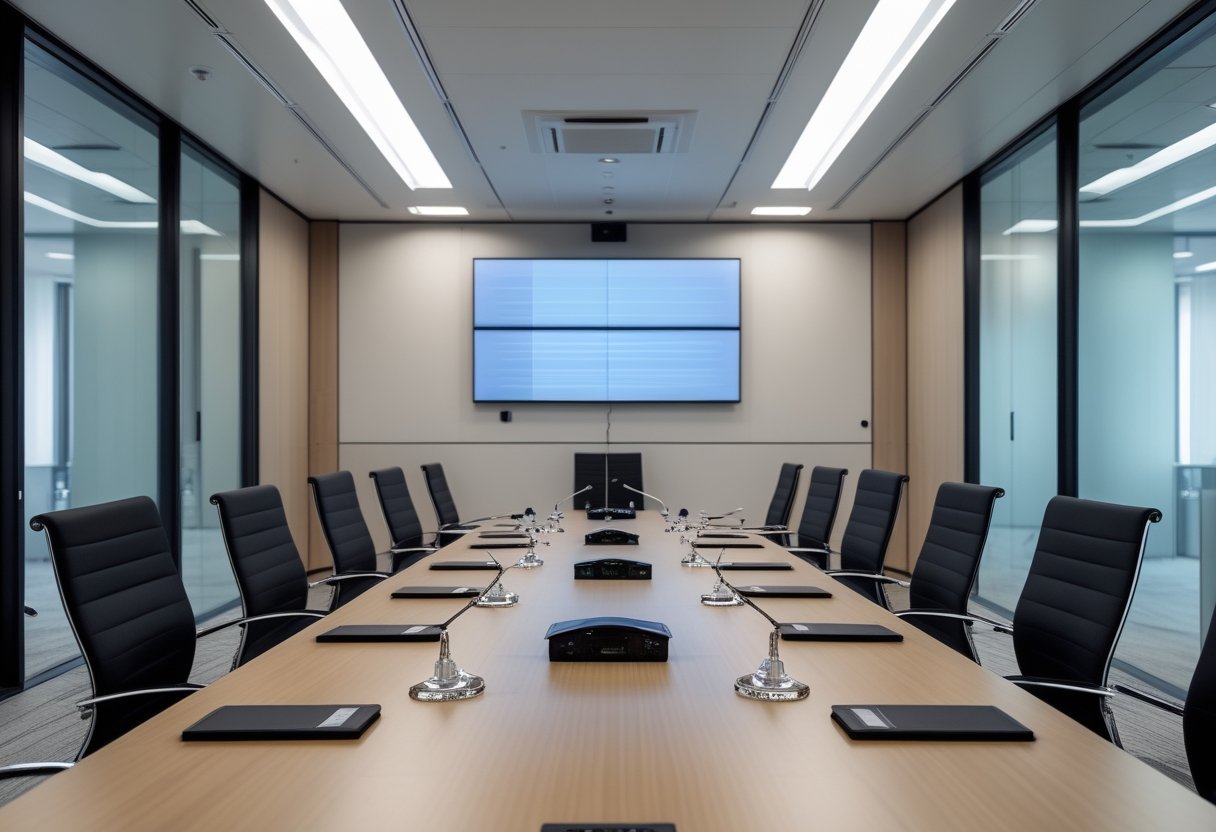
Boardroom dan ruang konferensi membutuhkan sistem mikrofon yang mendukung banyak posisi bicara. Anda dapat mempertimbangkan mikrofon meja per peserta, mikrofon leher angsa pada meja utama, atau sistem konferensi dengan kontrol berbicara.
Pada ruangan besar atau ruang seminar, speaker utama dipasang di depan untuk mengarahkan vokal secara jelas kepada audiens. Pengelolaan suara di ruangan besar memerlukan pengaturan jarak lemparan agar barisan belakang mendengar pada level volume yang ideal.
Pada ruang serbaguna, aula kantor, gedung serbaguna, hingga ballroom hotel, penggunaan line array speaker atau konfigurasi line array terarah membantu mencakup seluruh area rapat yang luas. Sistem line array speaker memberikan dispersi vertikal yang terkontrol sehingga energi suara tidak memantul liar ke langit-langit aula.
Pengadaan sound system profesional menjadi kunci agar aula atau ruang pertemuan siap memfasilitasi acara hiburan, resepsi pernikahan, hingga performa DJ. Pilihan speaker pasif berdaya besar yang ditenagai amplifier terpusat sering diandalkan untuk kemudahan instalasi di venue berkapasitas ratusan orang.
Perangkat digital signal processor atau DSP bersama amplifier multi-kanal membantu mengelola rute audio dengan presisi. Pengaturan crossover yang cermat membagi alokasi sinyal vokal dan frekuensi rendah ke subwoofer untuk kebutuhan multimedia serta video conference.
Di area berskala besar seperti ballroom, speaker utama dipadukan dengan speaker tambahan untuk menjangkau setiap sudut. Penyelarasan delay lewat unit DSP menjaga penempatan speaker selaras dengan bentuk ruangan sehingga kualitas audio tetap konsisten.
Penempatan speaker yang terencana menjaga distribusi suara dan SPL tetap stabil di setiap sudut ruangan.
Faktor yang Mengubah Pilihan Perangkat dan Anggaran
Pilihan perangkat dan anggaran paling banyak dipengaruhi oleh geometri ruang, kondisi akustik, pola percakapan, serta integrasi dengan sistem video conference. Jumlah speaker atau mikrofon saja belum cukup untuk menentukan konfigurasi yang nyaman digunakan setiap hari.
Sebelum meminta penawaran, siapkan denah, jumlah kursi, tinggi plafon, jenis rapat, dan perangkat presentasi yang sudah tersedia. Hal ini berlaku baik untuk ruang meeting kantor maupun ruang kelas pelatihan.
Informasi detail tersebut membantu Anda menghindari pembelian perangkat yang berlebihan atau tidak sesuai dengan karakteristik ruangan.
Ukuran, tinggi plafon, dan bentuk meja rapat
Panjang meja menentukan jarak peserta dari mikrofon. Meja panjang membutuhkan cakupan mikrofon yang lebih luas atau beberapa unit yang diatur dengan tepat. Meja berbentuk U, oval, dan modular juga menghasilkan kebutuhan penempatan yang berbeda.
Tinggi plafon dan bentuk ruangan turut memengaruhi pilihan speaker. Ruang dengan tata letak memanjang atau bersekat memiliki tantangan akustik menyerupai auditorium, gereja, atau tempat ibadah lainnya sehingga membutuhkan penempatan speaker yang lebih terfokus.
Evaluasi menyeluruh terhadap bentuk ruangan memastikan speaker utama dan pengeras suara pendukung mampu menghasilkan jangkauan seimbang. Prinsip penataan ini juga umum diterapkan pada tempat ibadah maupun ballroom saat menggelar seminar berskala nasional.
Plafon tinggi membutuhkan pengaturan cakupan dan kendali volume yang cermat, sedangkan plafon rendah rentan terhadap pantulan suara. Sisakan akses perawatan saat penataan kabel, speaker, dan perangkat kontrol dipasang.
Akustik ruangan dan pencegahan gema atau feedback
Kaca, lantai keras, dan dinding kosong memantulkan suara sehingga ucapan terdengar bergaung. Pemasangan peredam suara seperti panel akustik, karpet, dan tirai membantu mengendalikan kondisi akustik ruang dari gema, reverb berlebih, dan pantulan suara.
Peredaman yang baik juga mencegah munculnya echo yang kerap mengganggu jalannya video conference. Karakter akustik ruang yang tidak diolah dengan benar dapat melipatgandakan echo dan menurunkan kejelasan percakapan.
Feedback muncul ketika suara dari speaker kembali tertangkap mikrofon lalu diperkuat berulang. Penyetelan equalizer dan pengaturan kurva EQ yang teliti berguna untuk meredam frekuensi bermasalah sebelum feedback muncul.
Dengan melakukan kalibrasi EQ melalui equalizer digital, teknisi dapat menyelaraskan respons audio dengan akustik ruangan secara presisi.
Berbeda dengan kebutuhan arena masif seperti stadion, ruang rapat lebih menuntut artikulasi vokal yang jernih. Pemodelan akustik dengan software seperti EASE dapat membantu memetakan distribusi suara sebelum perangkat dipasang.
Pelaksanaan setting sound system yang tepat memastikan sistem audio bekerja optimal di setiap sudut ruangan.
Kebutuhan mikrofon kabel, nirkabel, atau sistem konferensi
Mikrofon kabel memberi posisi yang stabil dan mudah dipantau untuk meja tetap. Sementara itu, mikrofon wireless memberikan fleksibilitas bergerak bagi presenter di ruang rapat atau ruang meeting, lengkap dengan kemudahan modulasi volume bicara.
Sistem konferensi sesuai ketika peserta perlu berbicara dari banyak posisi atau rapat terhubung ke peserta jarak jauh. Pilih berdasarkan jumlah pembicara aktif, metode kontrol, dan cara sistem terhubung ke platform konferensi yang digunakan kantor.
Integrasi dengan layar, video conference, dan ruang rapat gabungan
Integrasi audio perlu dirancang bersama layar dan kamera agar sistem sound system meeting berjalan harmonis saat video conference. Pemilihan amplifier, mikrofon, dan tata letak speaker yang tepat membuat seluruh perangkat presentasi mudah dikendalikan.
Ruang yang dapat digabung memerlukan pembagian zona yang adaptif untuk berbagai format, termasuk presentasi produk atau stan pameran. Pilihan produk dari Audio One serta dukungan distributor sound system meeting tepercaya seperti PT. Soundlab Indonesia turut menjamin ketersediaan suku cadang dan kualitas perangkat.
Konsultasi dengan spesialis audio visual untuk presentasi profesional membantu Anda menerjemahkan pola penggunaan ruang menjadi sistem yang mudah dirawat.
Sistem Audio yang Tepat Membuat Rapat Lebih Efektif
Sistem audio yang tepat membuat setiap peserta mendengar pembicaraan dengan jelas, mengikuti presentasi tanpa menaikkan volume berlebihan, dan berkomunikasi lebih lancar dalam rapat hybrid. Fokus desainnya berada pada kejernihan suara dan kemudahan penggunaan, bukan sekadar jumlah perangkat.
Mulailah dengan memetakan posisi duduk, sumber suara, dan jalur koneksi ke layar atau video conference. Setelah itu, tentukan jenis speaker, mikrofon, mixer, prosesor, serta kontrol yang sesuai dengan pola rapat Anda.
Untuk kantor di Jakarta, MLV Teknologi dapat membantu konsultasi, pengadaan, dan instalasi sound system AV dengan koordinasi yang responsif. Tim instalasi yang rapi juga membantu meminimalkan gangguan operasional saat pekerjaan berlangsung.
Kunjungi website MLV Teknologi di www.mlvteknologi.com dan hubungi langsung melalui nomor WhatsApp yang tertera di website untuk mendiskusikan kebutuhan ruang Anda.


Recent Comments