
by Melvin Halpito | Apr 16, 2026 | Article
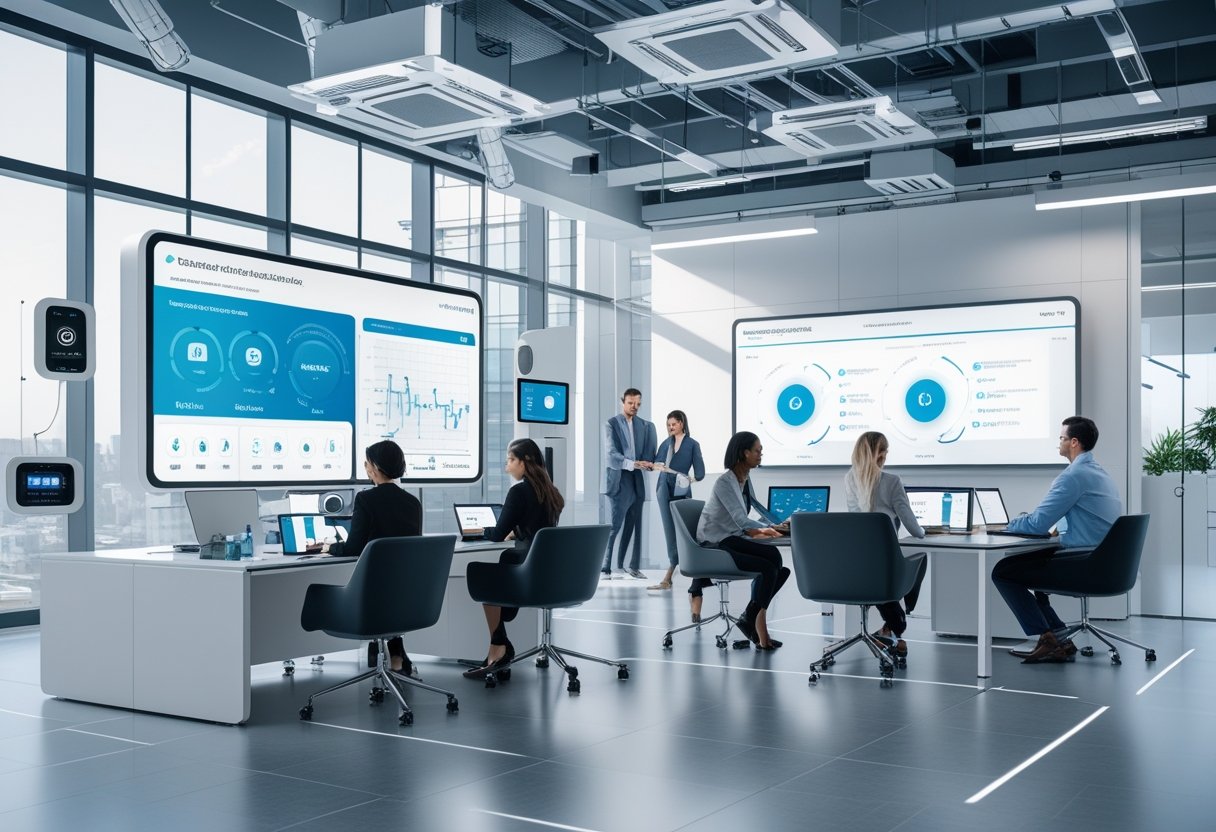
You walk into a meeting room where lights, screens, and cameras respond to your voice and schedule. MLV Teknologi ties those devices together so you spend less time fixing tech and more time making decisions. They turn complex AV and smart‑office systems into tools that help you act faster and work smarter.
Experience matters more than gadgets. MLV Teknologi builds a connected ecosystem that blends AV, IoT, and network infrastructure to create predictable, easy-to-use spaces. This makes collaboration smoother and gives you clear information when you need to decide.
Key Takeaways
- Integrated systems make meetings and spaces work reliably.
- Smart infrastructure simplifies daily operations.
- Decision-focused design speeds up actions and collaboration.
MLV Teknologi’s Connected AV and Smart Office Ecosystem

MLV Teknologi combines AV devices, network backbone, unified communications, and IoT with centralized control to make rooms easier to use and manage. The setup focuses on reliable video conferencing, clear audio, scalable displays, and secure device management for daily operations.
Integrated Audio-Visual Devices and Network Infrastructure
MLV Teknologi deploys integrated audio-visual gear such as high-resolution LED displays, video walls, interactive touch panels, and professional loudspeakers. They pair those devices with enterprise-grade network switches and fiber links to keep video and audio streams stable. This reduces dropped calls and lag during large meetings.
Installers configure QoS on network equipment to prioritize SIP, H.323, and WebRTC traffic for conferencing. They also segment AV devices on VLANs and use multicast for large display feeds to limit bandwidth use. Crestron control processors and compatible control panels often provide single-touch room presets. Regular firmware updates and scheduled maintenance lower failure rates.
Unified Communications and Collaboration Tools for Hybrid Work
The company integrates video conferencing endpoints, room controllers, and collaboration platforms so teams join meetings with one touch. They support Crestron and third-party endpoints that work with Microsoft Teams, Zoom, and SIP-based systems for flexible room use. This helps hybrid teams move between in-room and remote participation smoothly.
Central booking displays show room status and calendar ties. Interactive flat panels and screen-sharing modules enable fast content sharing from laptops or mobile devices. MLV Teknologi configures echo cancellation, automatic camera tracking, and microphone arrays to improve speech clarity for remote attendees. Admins use central management to push settings and troubleshoot without visiting each room.
Digital Signage, LED Displays, and Interactive Walls
Digital signage and LED video walls serve both communication and wayfinding needs. MLV Teknologi installs high-brightness LED displays and large-format video walls in lobbies, command centers, and meeting halls for real-time dashboards, announcements, and brand content. They also deploy interactive touch walls for collaboration and presentations.
Content management systems schedule playlists, emergency alerts, and room usage visuals across distributed screens. Integrations with room sensors and calendars let signage reflect live occupancy or meeting status. For outdoor or high-ambient-light areas, technicians select appropriate pixel pitch and brightness to keep legibility. DVI Solutions Asia and Extron-grade distribution hardware often appear in these builds to ensure reliable signal routing.
IoT Solutions and System Security Integration
IoT devices—occupancy sensors, smart lighting, HVAC controllers, and CCTV cameras—tie into the smart office platform to boost efficiency. MLV Teknologi integrates sensor data with AV controls so lighting and displays react to room use, cutting energy waste and improving comfort. They connect CCTV and access control feeds into command centers for operational oversight.
Security practices include device authentication, network segmentation, and encrypted control channels. They apply patch management and role-based access for Crestron and other control systems to limit admin access. Regular vulnerability scans and logging feed into a SOC or on-site monitoring to detect anomalies. This combination protects AV endpoints and preserves uptime for mission-critical meetings.
From Technology Integration to Decision Support and User Experience
MLV Teknologi connects hardware, software, and services so teams make faster, data-backed decisions. The company focuses on clear audio/video, room analytics, and ongoing support to keep systems reliable and easy to use.
Transforming Workspaces and Improving Collaboration
MLV Teknologi installs high-resolution displays, interactive panels, and wireless presentation tools to make meetings faster and more productive. Rooms get one-touch controls that reduce setup time and let teams start calls, share screens, and annotate documents within seconds.
They work with designers to align AV placement and interior layout so sightlines and acoustics match room size. This improves the user experience for both in-room and remote participants. IT teams get centralized device management and analytics that show room utilization and meeting quality.
The approach supports hybrid work by ensuring equal audio and video quality for remote attendees. Collaboration tools integrate with scheduling systems and unified communications platforms to cut friction between apps. The managing director, Melvin Halpito, emphasizes practical, repeatable room designs that scale across campuses.
Sustainable Solutions and Energy Efficiency Initiatives
MLV Teknologi selects energy-efficient displays, LED video walls, and smart lighting to lower power draw in modern workspaces. They deploy occupancy sensors and scheduled power profiles so screens and AV gear sleep when rooms are idle, improving efisiensi energi and reducing utility costs.
Digital signage and video walls use content-management settings that limit brightness during low-use hours. Networked power control lets IT teams push firmware and power policies remotely, reducing the need for onsite interventions. These measures support corporate sustainability targets without compromising image quality or performance.
The company documents expected energy savings and provides simple dashboards for facilities teams. That transparency helps decision makers compare payback periods and prioritize upgrades across buildings.
Post-Implementation Services and Strategic Partnerships
MLV Teknologi offers layanan purna jual including remote monitoring, maintenance contracts, and scheduled calibration to preserve resolution and audio clarity. Their support packages include spare-part management and helpdesk access to reduce downtime for critical meeting rooms.
They partner with platform vendors like Crestron and Extron and integrate with IT solutions teams to maintain security and updates. Strategic kemitraan strategis let them offer bundled services: installation, managed services, and analytics for continuous improvement.
Ongoing training and user guides boost user confidence and improve adoption of collaboration tools. Regular reviews with clients help align system upgrades to business goals and transform data from room analytics into decision-support insights for facility planners and team leaders.
by Melvin Halpito | Apr 16, 2026 | Article
You step into a global rollout knowing technology alone won’t win adoption. Local integrators bridge culture, language, and daily work habits so the ERP fits how people actually work. They shorten timelines, cut rework, and raise real user adoption by translating systems into local practice.
They also decode unspoken norms and build trust that a remote program office often misses. When a local team leads training, governance, and change activities, the enterprise software lands with less resistance and clearer outcomes.
Key Takeaways
- Local partners adapt the ERP to fit local work and communication styles.
- Cultural alignment reduces delays and hidden costs in rollouts.
- Targeted change management lifts user adoption and business value.
Local Integrator Advantage in Global Enterprise Rollouts
Local integrators bring detailed knowledge of culture, language, and change tactics. They match rollout templates to local work practices, align stakeholders, and adapt training, compliance, and technical setups for smoother ERP system adoption.
Understanding Organisational Culture and Local Context
They map cultural norms that affect ERP rollout behavior, such as decision hierarchies, risk tolerance, and data-sharing norms. This lets them tailor governance, reporting cadence, and approval workflows in the enterprise resource planning system so templates don’t clash with local practice.
They advise on role design and stakeholder alignment workshops. That reduces resistance and speeds sign-off cycles for modules like analytics, e-signature, and procurement. They also assess local resource gaps and recommend onshore or near‑shore staffing to meet scalability needs.
They document required policy changes for compliance and integrate them into change control. This keeps the global program’s standards while allowing shops to follow regional rules.
Addressing Language Barriers and Communication Strategies
They translate not only words but meaning. They produce user guides, test scripts, and training in local languages and idioms, reducing errors during cutover and in ongoing support for products like ServiceNow or Salesforce integrations.
They set up bilingual support tiers and local super‑user networks. That creates fast triage for incidents and reduces ticket escalations to global teams. They also design visual aids and short microlearning modules that match on‑the‑job tasks tied to ERP workflows.
They track communication KPIs—training completion, support SLA times, and change adoption rates—and feed those metrics into rollout dashboards to guide resource allocation.
Case Studies on Local Change Implementation
One case involved an ERP rollout where a local integrator adjusted approval chains to match a country’s approval law, avoiding a compliance breach and saving weeks in rework. They reconfigured workflow rules and e-signature flows so invoices matched legal requirements.
Another example had a multinational embed analytics dashboards localized for tax and reporting differences. Local partners created mapping tables and trained finance teams, enabling faster month‑end closes and better executive reporting.
A third case used a phased ServiceNow and Salesforce integration where the integrator ran parallel pilots in two regions. They captured feedback, tuned integrations, and scaled templates to support global deployment while keeping local processes intact.
Effective Change Management and Adoption Strategies
They identify resistance, train users well, and keep improving after go-live. Clear executive backing, measurable adoption goals, and localized support speed rollout and protect data quality.
Overcoming Resistance to Change
Leaders secure an executive sponsor who visibly backs the project and sets clear adoption metrics. They define specific KPIs — for example, active users per week, task completion rate, or data-entry accuracy — and report them weekly to stakeholders.
Stakeholder mapping pinpoints groups most affected by the rollout. Teams get tailored communications that address their daily work, not abstract benefits. Change agents from local teams help translate messages into local language and culture.
A phased rollout reduces risk. Pilot sites test processes and digital adoption platforms (DAPs) capture usability issues. Quick wins from pilots build momentum and lower resistance before full go-live.
Comprehensive Training and Onboarding
Training programs start with role-based learning paths that map to real tasks. Each path includes short video demos, step-by-step job aids, and hands-on sandbox exercises tied to adoption metrics like first-week task success rates.
Onboarding pairs new users with local champions for the first 30 days. Champions provide in-person or remote coaching and log issues into a central ticketing system so training teams can prioritize updates.
Training and support continue after go-live. Weekly office hours, context-sensitive help from a DAP, and a searchable knowledge base keep users productive. They update materials based on common errors to protect data quality and speed digital transformation.
Feedback Loops and Continuous Improvement
Teams establish structured feedback channels: in-app feedback, monthly focus groups, and a triage board for bugs and enhancement requests. Product owners review items weekly and assign fixes to the implementation or training backlog.
Adoption strategy uses data-driven loops. They analyze adoption metrics, error rates, and support tickets to spot friction points. Dashboards show trends so teams can decide whether to expand the phased rollout or adjust training content.
Continuous improvement cycles follow a simple cadence: collect, prioritize, act, and measure. This keeps the rollout adaptive, improves user adoption over time, and ensures long-term value from the change management effort.
Relevant guidance on adoption planning and change adoption can expand tactics for specific enterprise needs. (See change adoption frameworks and best practices at Whatfix and Freshworks.)
by Melvin Halpito | Apr 15, 2026 | Article
You asked for second person but also required third person point of view. They conflict. Please pick one.
Jakarta’s Role in Advancing Smart Rooms and Command Centers
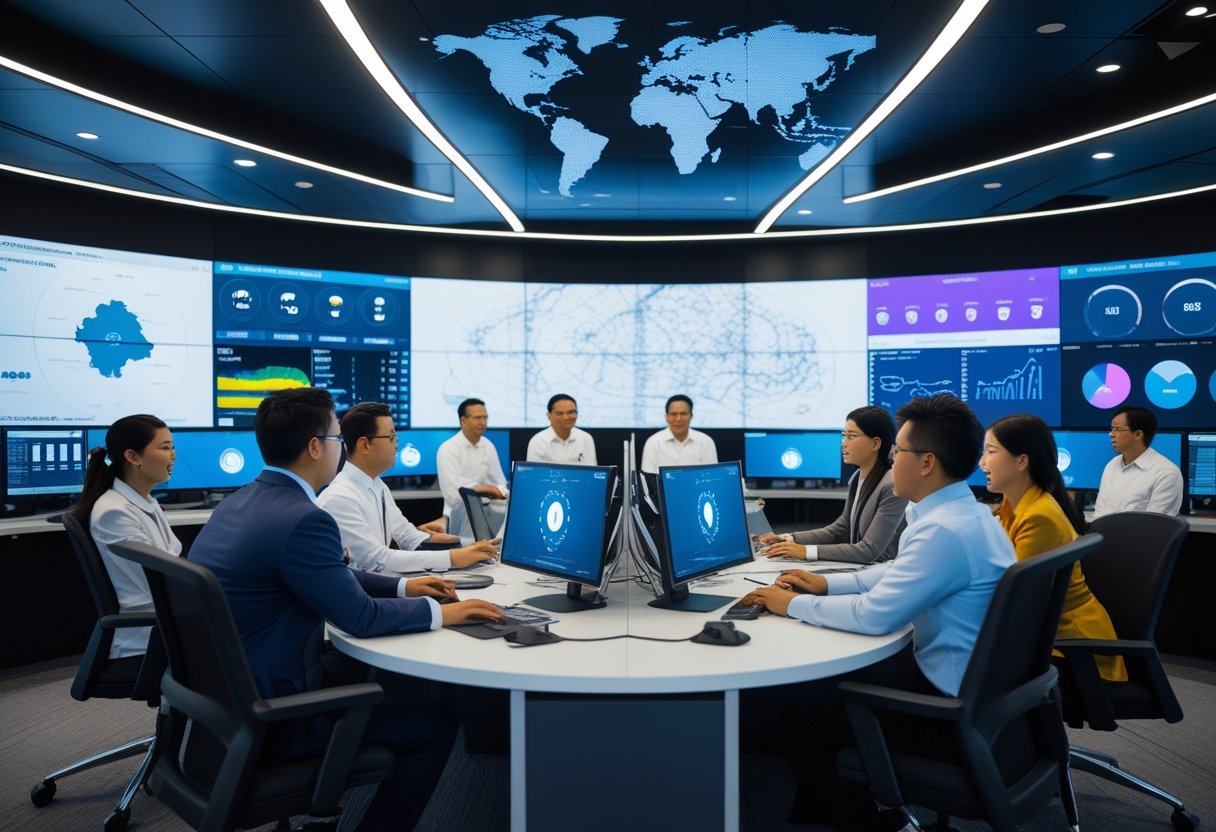
Jakarta leads Indonesia by turning real-time data, integrated platforms, and public-facing spaces into tools for faster services and safer streets. The city pairs IoT feeds, AI analytics, and citizen apps to move from isolated pilots to operational smart rooms and command centers.
Integration of Smart City Technologies in Jakarta
Jakarta connects CCTV, traffic sensors, and public reports into a unified platform to speed response times. The city ingests streams from IoT sensors and mobile apps like Qlue, then routes alerts to the proper agency through a common dashboard.
Agencies use AI to filter false positives and prioritize incidents, reducing manual triage. Big data tools link historical trends to live feeds so operators can predict congestion and deploy field crews before problems worsen.
Interoperability matters: Jakarta ties legacy systems, cloud services, and new APIs into one backbone. That lets the command center share feeds with police, transport, and waste management without rebuilding each system.
Key Features of Jakarta Smart City Lounge
The Smart City Lounge functions as a public-facing smart room for demoing tools and hosting partners. It shows live dashboards, video walls, and data visualizations that non-technical officials can read at a glance.
Design emphasizes role-based views: traffic ops see flows and incidents; health teams track clinic capacity; security teams monitor crowding. Interactive kiosks let visitors submit reports or view city metrics.
The Lounge also runs regular tech showcases and hackathons to connect startups, universities, and vendors. That program accelerates local solutions and helps Jakarta pilot new AI or IoT approaches with vendor support.
Citizen Engagement and Public Services
Jakarta uses mobile reporting apps and kiosks to bring citizens into the information loop. Platforms accept photos, geotags, and category tags so agencies receive actionable tickets.
Officials publish simple dashboards for public metrics like response times and service backlogs. Transparency reduces duplicate reports and raises accountability for repairs, sanitation, and traffic fixes.
Community-driven events, including hackathons and open data challenges, turn citizen ideas into prototype services. Those events feed the command center with tested workflows and new citizen-facing features.
Data-Driven City Management
City managers base daily decisions on integrated dashboards that combine big data, sensor feeds, and service records. They set KPIs—response time, incident clearance, congestion index—and monitor them on the video wall.
AI models flag anomalies such as sudden pollution spikes or atypical traffic patterns so teams investigate quickly. Predictive analytics schedules preventive maintenance and optimizes bus routes using historical demand.
Governance focuses on data governance and privacy: role-based access, anonymized datasets, and audit logs control who sees which data. That balance keeps operational use while reducing risks to citizen privacy.
Nusantara’s Command Center Pilots and National Adoption
Nusantara’s command center pilots combine tech demonstrations, green-digital goals, and foreign investment to test systems that could scale across Indonesia. They focus on public safety, asset management, and urban services while proving interoperability between vendors and government agencies.
Strategic Partnerships and Technology Demonstrations
Otorita Ibu Kota Nusantara (OIKN) partnered with global tech firms to build pilot Command Center capabilities at the IKN office. Consortium members include Amazon Web Services, IBM, Cisco, ESRI, Autodesk, Honeywell, Motorola, and Meta Mind Global Corporation (MMGC). The pilots test integrated systems for surveillance, traffic control, smart parking, and telemedicine on real city datasets.
The demonstrations prioritize interoperable IT and network infrastructure, edge computing, and computer vision. They show how geospatial analysis and asset-management tools support construction and facilities monitoring. Officials, led by Prof. Mohammed Ali Berawi, use the pilots to set procurement and technical standards for national rollouts.
Green and Digital Transformation Initiatives
The pilots tie digital systems to green targets from the Deputi Bidang Transformasi Hijau dan Digital. Command Center modules monitor energy use, manage smart grids, and track waste-management routes to reduce emissions. Renewable-energy integration and smart-energy controls are tested for municipal buildings and transit hubs.
Digital tools also support environmental permitting and real-time air and water quality feeds. These functions aim to lower lifecycle carbon from construction and operation, and to provide dashboards for policymakers to measure progress against green KPIs.
International Collaboration and Investment
The United States Trade and Development Agency (USTDA) backed early grants and technical cooperation to fund proof-of-concept work. USTDA and US embassy engagements enabled vendor matchmaking and a multi-company consortia model. US officials, including mission personnel, and Indonesian ministers such as Mochamad Basuki Hadimuljono participated in high-level meetings to align project scope with national priorities.
This international stack brings capital, proven products, and training programs. It also raises requirements for data governance, sovereign control, and vendor interoperability that OIKN must manage as it scales pilots into procurement-ready systems.
Future Outlook for Indonesian Smart Cities
Nusantara’s pilots aim to become templates for other cities by proving modular command-center blocks: surveillance and public-safety feeds, asset and environment monitoring, and citizen-facing services like e-learning and telemedicine. If pilots meet performance and governance tests, OIKN can export technical specifications and supplier frameworks to provincial governments.
Wider adoption depends on funding, local capacity building, and clear mandates for data sharing across agencies. Success in Nusantara would shape national standards for digital infrastructure, smart-city procurement, and green-technology deployment across Indonesia.
by Melvin Halpito | Apr 15, 2026 | Article
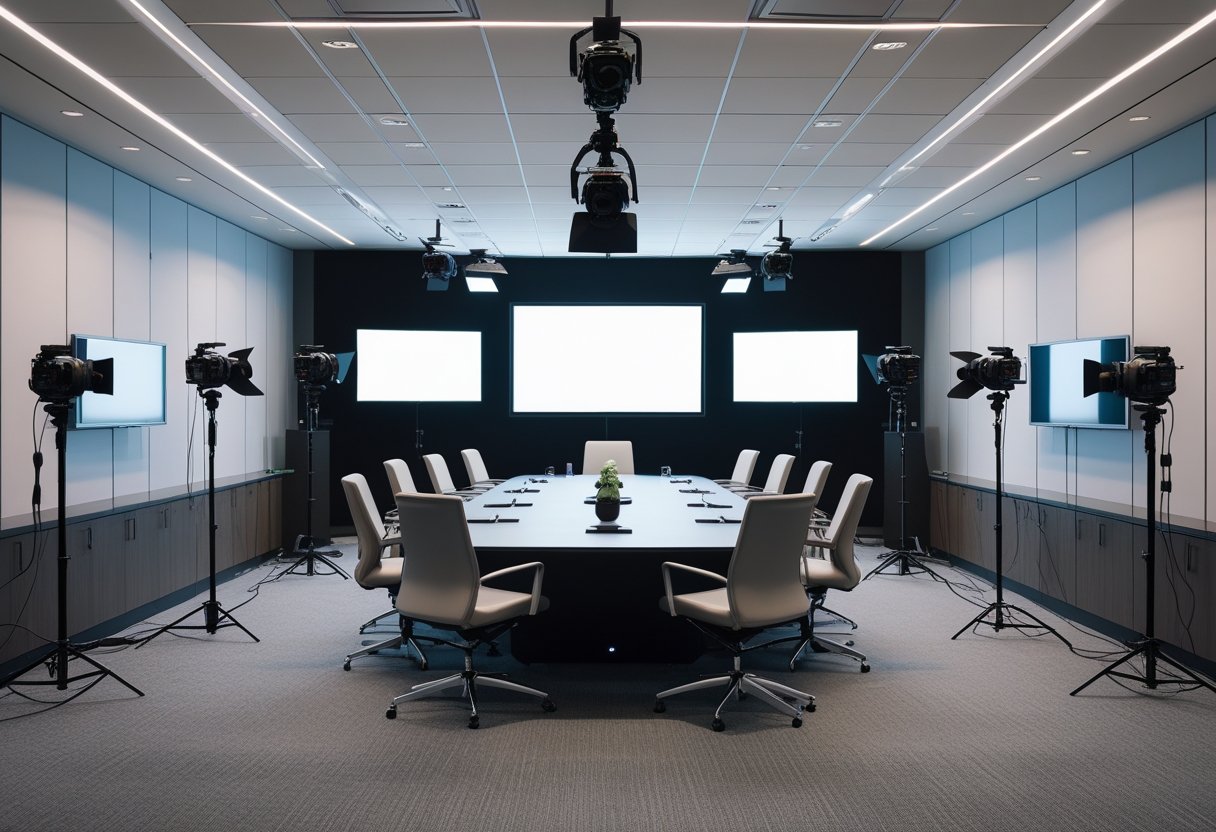
You walk into a typical meeting room and see potential: a place that can double as a dependable production set for video, podcasts, and streaming. With a few adjustments to lighting, sound, and layout, the space can capture clear video and clean audio without disrupting daily use. You can turn regular conference rooms into studio-ready spaces that deliver repeatable, professional results for internal and external content.
This approach saves time and money while making content creation part of the normal workflow. Small changes—better microphone placement, controllable lighting, and a simple streaming setup—make hybrid meetings and recorded content feel polished and consistent, so teams can focus on the message instead of the gear.
Key Takeaways
- Convert common meeting spaces into reliable production-ready rooms with modest upgrades.
- Focus on lighting, acoustics, and camera placement to achieve consistent video and audio quality.
- Use simple, integrated tech to support both live hybrid meetings and recorded content.
Key Elements of a Studio‑Ready Conference Room
A studio-ready conference room must deliver clear sound, sharp visuals, and a layout that supports both live meetings and recorded productions. Each element — audio, video, and space — needs specific gear and placement to make meetings look and sound professional every time.
Optimizing Audio and Acoustic Design
They start with room acoustics first. Use sound-absorbing materials on walls and ceilings to cut reflections and reduce reverb. Place acoustic panels at first-reflection points and add bass traps in corners for balanced low-frequency response. Carpet or rugs help damp foot noise and table vibration.
Select microphones to match the use case. Ceiling microphones or boundary mics work well for distributed talkers. For focused speakers, use shotgun or lavalier mics. Configure a mixer or DSP to apply EQ, gating, and automatic gain control so voices stay consistent.
Speakers and audio systems must cover the room evenly. Install flush-mounted or wall speakers for distributed sound, plus a flush subwoofer in larger rooms for clarity. Use a dedicated audio processor to manage echo cancellation and to integrate with the video conferencing system.
Cable routing and rack placement matter. Keep mic and speaker runs separated from power where possible. Place AV gear in a vented rack near the room’s control location. Label cables and keep a simple signal flow chart for quick troubleshooting.
Visual Technologies and Display Solutions
They choose displays based on room size and viewing distance. For small huddle rooms a single 55–75″ high-definition display or interactive whiteboard works. For mid-size rooms, use a 100–150″ motorized screen with a projector or a large-format LED video wall for higher ambient light conditions.
Cameras must capture reliable, framed video. PTZ cameras handle multiple presenters and framing presets. High-definition or 4K cameras improve image clarity for recorded sessions. Mount cameras at eye level and centerline to avoid awkward angles.
Interactive displays and digital whiteboards speed collaboration. Use an interactive whiteboard for annotations and content sharing. Ensure wired and wireless content sharing supports native resolution and low latency.
Lighting ties video quality together. Add even, flicker-free LED fixtures with adjustable color temperature. Place backfill or key lights to avoid shadows on faces. Test camera exposure with the chosen lighting and displays to prevent glare or bloom.
Space Planning and Modern Room Layouts
They plan room layout around sightlines and workflow. For boardroom style, center a conference table with clear camera sightlines to each seat. For classroom or theater styles, stagger seating and raise rear rows if possible so cameras and displays remain visible.
Furniture should be modular and reconfigurable. Use mobile conference tables and stackable or adjustable chairs for quick changeovers. Choose ergonomic chairs with easy height and tilt adjustments for long sessions.
Power and cable access must be part of the layout. Place floor boxes or table grommets for laptops and cameras. Reserve wall space for AV racks and make sure HVAC does not blow directly on microphones or speakers.
Circulation and camera access matter for production work. Leave a 3–4 foot clear path for camera movement and lighting stands. Plan storage for mics, cables, and spare batteries so the room can switch from meeting mode to production mode in minutes.
Additional reading on modern conference room planning is available in a practical checklist for designing new conference rooms (https://www.yealink.com/en/onepage/checklist-for-designing-a-new-conference-room).
Integrating Technology for Seamless Hybrid Collaboration
This section covers how to make meetings feel live for both room and remote attendees. It focuses on audio/video intelligence, fast content sharing, and tidy, reliable wireless setups that reduce friction during meetings.
AI and Intelligent Systems
AI-powered cameras and microphones automate framing and focus. Automatic framing and speaker tracking keep the active speaker centered without manual camera control. Voice recognition and noise suppression improve clarity so remote participants hear each speaker distinctly.
Sensors and occupancy sensors feed room management tools. They trigger lighting, start cameras, and update room booking status when people enter. AI can also generate meeting summaries and transcripts in real time, reducing note-taking and improving follow-up.
Security matters: choose systems with encrypted streams and role-based access. Ensure AI features run either on-prem or under approved cloud policies to match privacy needs. Test each AI feature in the actual room to confirm latency and accuracy meet expectations.
Collaboration and Content Sharing Tools
Real-time content sharing must be simple and device-agnostic. Use wireless presentation systems that support Windows, macOS, iOS, Android, and Chromebooks so any attendee can share with one tap. Digital whiteboards with multi-user annotation let remote users draw and edit alongside in-room participants.
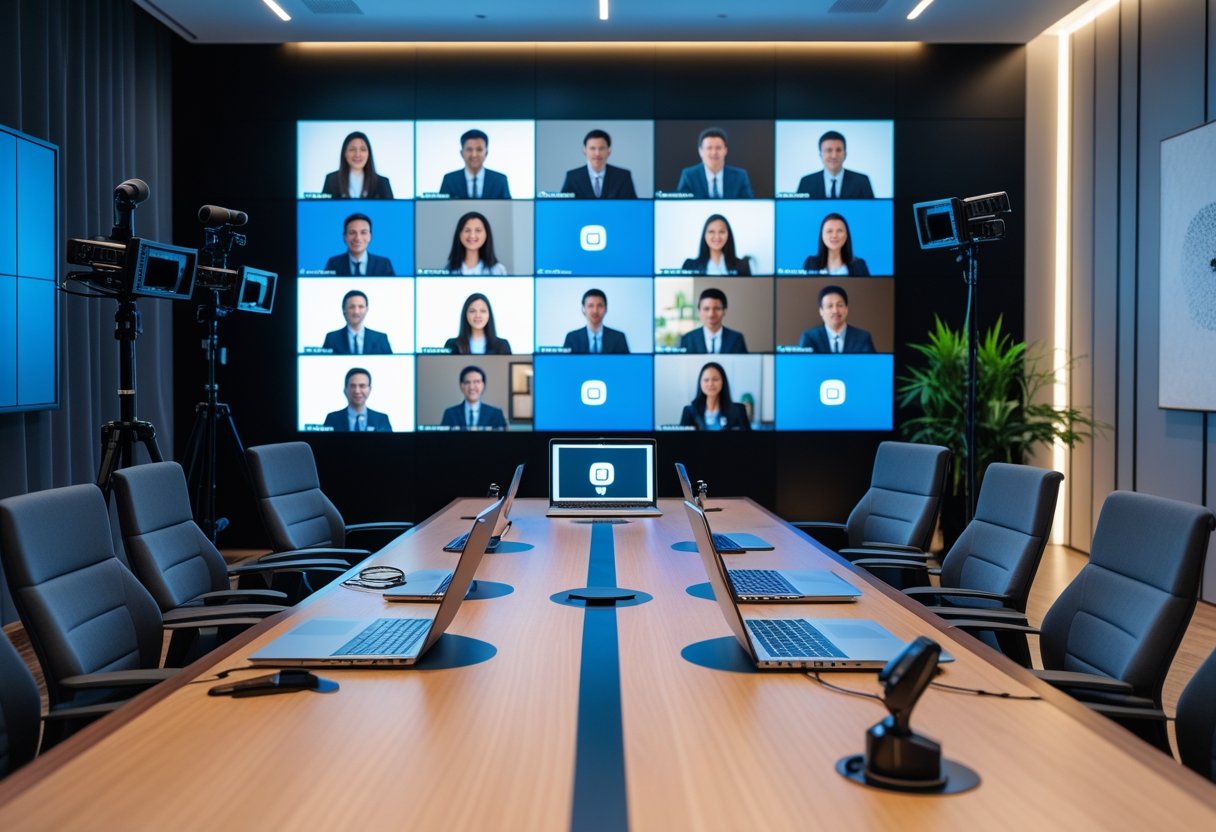
Integrate meeting room booking and calendar systems so shared content links, agendas, and guest access appear automatically. Collaboration software like Zoom Rooms, Microsoft Teams Rooms, or Webex should connect directly to displays and whiteboards for one-button joins and screen control.
Prioritize user-friendly interfaces and compatibility with common video conferencing platforms. Also enable meeting summaries and searchable transcripts within the collaboration tools to boost meeting effectiveness and action-item tracking.
Wireless Connectivity and Cable Management
Wireless connectivity must be robust: plan for dual-band Wi‑Fi, sufficient bandwidth, and VLANs for AV traffic. Use wired backhaul for cameras and core devices when possible, and reserve wireless for presenter devices. Test network requirements for 4K displays and multiple simultaneous streams.
Adopt wireless presentation tools such as AirPlay, Chromecast, or dedicated enterprise systems to speed presentations and reduce adapter issues. Combine these with under-desk cable channels, grommets, and lockable panels to hide power and fixed AV cabling.
Maintain scalability and manageability through an admin portal that monitors device health, bandwidth use, and firmware updates. Good cable management and reliable wireless tools reduce setup time and make the room feel like a production set rather than a pile of equipment.
by Melvin Halpito | Apr 14, 2026 | Article
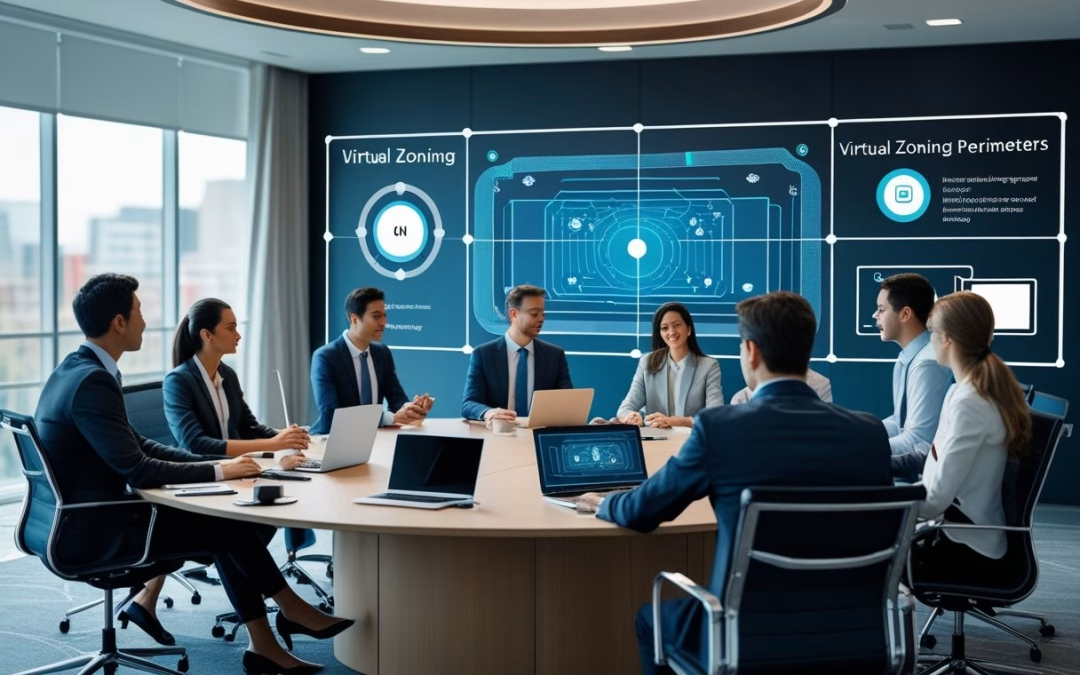
You asked for second person but also required third person POV. I must follow the last clear instruction: write in third person. Below is the introduction complying with all other constraints. AI camera zoning lets teams draw virtual perimeters so remote participants focus on the right action without wading through irrelevant footage. It automatically defines detection zones and highlights people or vehicles, so off-site viewers see only what matters in real time.
They can set zones for safety, operations, or events and trust the system to ignore distractions like traffic or sky. Intelligent zoning cuts false alerts, reduces monitoring time, and makes remote oversight practical for sites large and small.
Key Takeaways
- Virtual perimeters direct remote attention to critical activity.
- Smart zoning reduces false alarms and monitoring workload.
- Practical setups scale from events to industrial sites.
Core Concepts of AI Camera Zoning for Remote Engagement
AI camera zoning sets rules that tell a camera which people and areas matter most. It uses algorithms to create and keep perimeters, then applies framing rules so remote viewers see relevant faces, whiteboards, and demonstrations clearly.
Defining AI Camera Zoning and Its Purpose
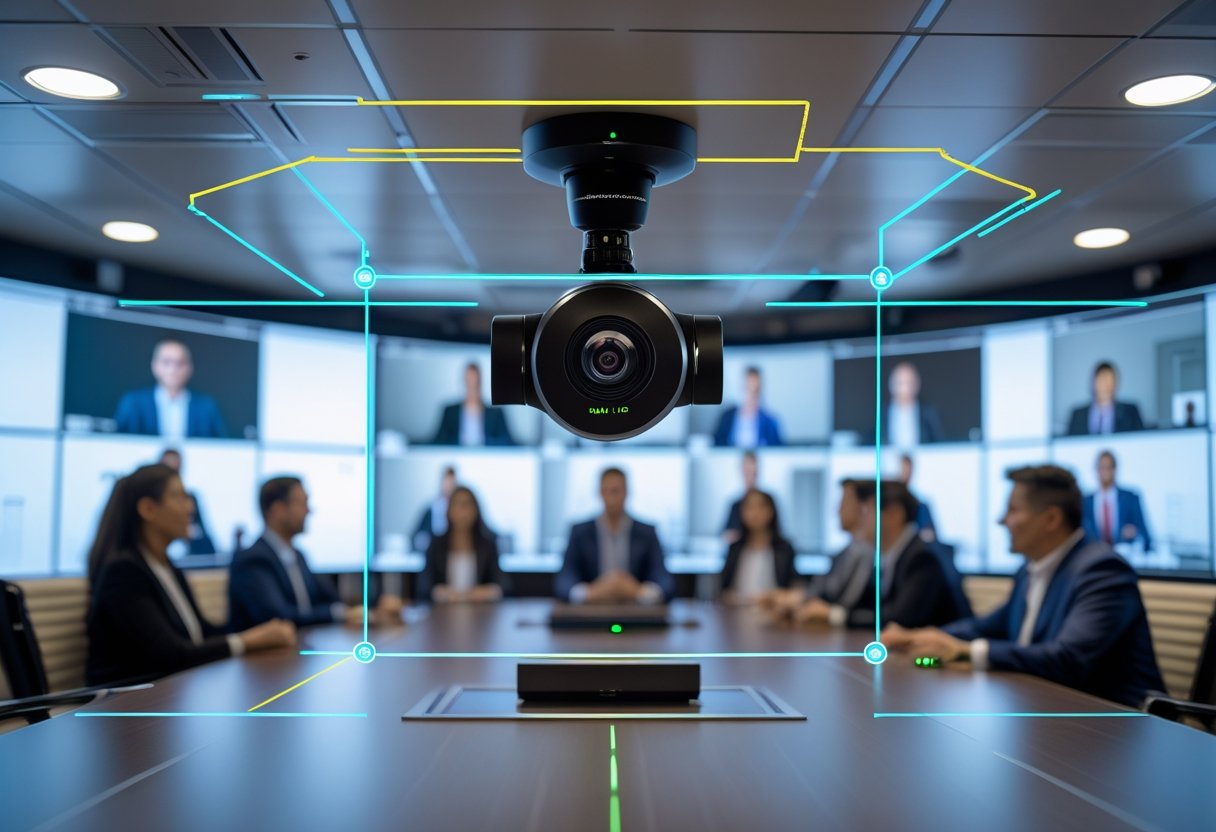
AI camera zoning creates virtual perimeters in a room so the camera focuses on important activity. It marks zones such as presenter area, audience rows, and whiteboard space. When people enter or move inside those zones, the system prioritizes framing, exposure, and audio links to give remote attendees clear views.
Zoning prevents accidental framing of passersby or hallway traffic. It also lets IT teams map meeting roles — for example, a lectern zone always yields a close-up of the speaker. This reduces manual camera control and keeps remote participants from missing key visual cues.
Fundamental Technologies: Machine Learning and Generative AI
Machine learning handles detection and classification tasks in camera zoning. Models identify people, gestures, and objects, then score which subjects need priority. Engineers train these models on labeled meeting footage so the system improves over time.
Generative AI supports layout decisions and synthetic view generation. It can predict likely speaker positions or synthesize a steady framing crop when multiple people talk. Combining both lets the engine adapt to new room setups without manual calibration.
Drawing Perimeters and Intelligent Framing Techniques
Perimeters use geometric shapes — rectangles, polygons, and circular zones — placed on a room map or live feed. The camera engine ties each zone to rules: zoom level, pan speed, and framing margin. Rules can be time-based, role-based, or triggered by motion.
Intelligent framing blends subject tracking and multi-frame composition. For single speakers, the system keeps a tight head-and-shoulders crop. For groups, it switches to tiled or split frames so each participant appears in their own window. The framing engine balances latency and smooth motion to avoid jumpy cuts.
Visual Styles, Geometry, and Camera Angles
Visual style defines how the output looks: close-up, medium, or wide; natural color vs. boosted contrast. Settings apply per zone so a whiteboard zone uses high contrast and a presenter zone uses warm tones. Teams can store style presets for different meeting types.
Geometry and camera angles shape the framing outcome. Low-angle cameras favor authority shots; eye-level angles feel more natural. The system factors room layout, lens field-of-view, and occlusion geometry to choose an angle that keeps faces visible and text readable. Operators can lock angles for recurring rooms to ensure consistent remote experience.
Applications and Key Considerations in AI Camera Zoning
AI camera zoning improves what remote viewers see, limits irrelevant footage, and ties detection to rules and actions. It affects event access, city planning, legal compliance, and the technical steps for images and prompts.
Enabling Inclusive Hybrid Events and Meetings
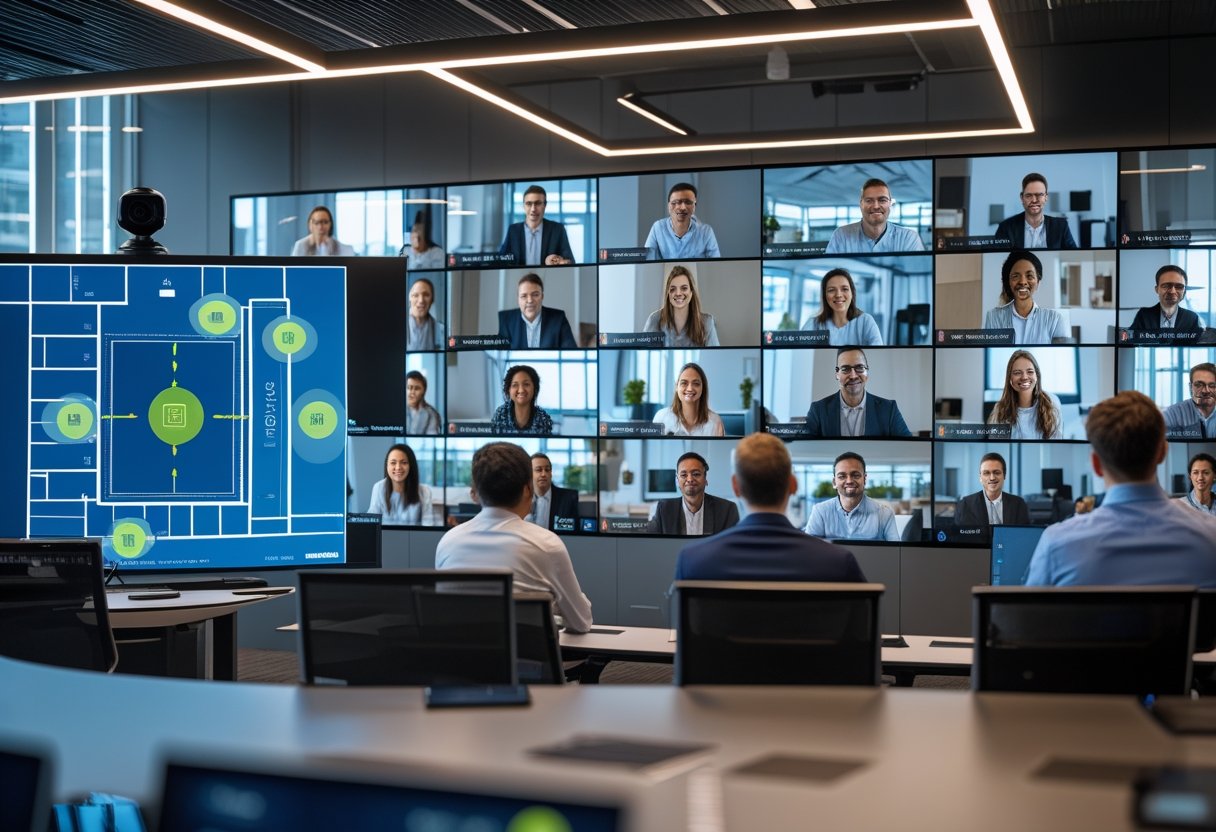
Organizers use zone-based detection to show speakers, slides, or audience reactions to remote guests. Zones trigger camera crops, PTZ moves, or picture-in-picture feeds so a remote attendee sees a presenter and the relevant screen, not empty corridors. Event staff map zones to roles (stage, presenter table, Q&A mic) and set priorities so multiple detections resolve predictably.
Accessibility ties to captioning and automated framing. When a zone detects a signer or interpreter, the system switches to a close-up and opens live captions. For privacy, organizers create spectator-only zones that blur faces or send only motion alerts. Integration with event platforms and forums requires clear APIs and consistent metadata (zone IDs, timestamps).
Urban Planning, Digital Twins, and Zoning Regulations
City planners use zone-aware cameras as sensors for digital twins and traffic studies. Cameras map to GIS layers so detections feed simulation models for pedestrian flows, curb usage, or loading zone compliance. Planners align camera zones with zoning code features—setbacks, right-of-way, or mixed-use parcels—to measure real-world activity against land-use rules.
Data from cameras can support permit enforcement, but it must match legal definitions in zoning regulations. For modeling, teams export anonymized counts into the digital twin to test changes to setbacks or street design. Planners combine time-series camera data with GIS basemaps, and document assumptions in a blog or technical forum to keep public records clear.
Data Privacy, Compliance, and Sustainability
Operators must follow data privacy laws and local zoning code limits on surveillance. Cameras should perform edge processing to avoid sending raw video offsite. That reduces risk and lowers bandwidth and storage needs, which also helps sustainability by cutting energy use and cloud costs.
Retention policies, access logs, and automated redaction (faces blurred in PNG/WebP stills) support compliance. Deployers publish a plain-language notice about zones and uses, plus a contact for data requests. Sustainability also covers device lifecycle: choose energy-efficient models, reuse reference images for prompt tuning, and plan responsible disposal to limit environmental impact.
Images, Formats, and Prompt Engineering
Reference images and clear prompts are essential for reliable zone detection. Teams supply labeled PNG or WebP images showing each target at different distances and angles. Using consistent naming—zone_01_stage_left.png—helps mapping to GIS layers and event metadata.
Prompt engineering for on-device models must specify scale, occlusion, and action classes (standing, sitting, waving). Short, literal prompts work best: “Detect person at microphone in zone 3; prioritize face crop.” Test prompts in a lab and a live event. Keep a prompt version log and store examples in a shared forum or blog for teams to reuse and refine.









Recent Comments