by Melvin Halpito | Jun 7, 2026 | Draft
The Core Requirements Of A Functional Hybrid Classroom

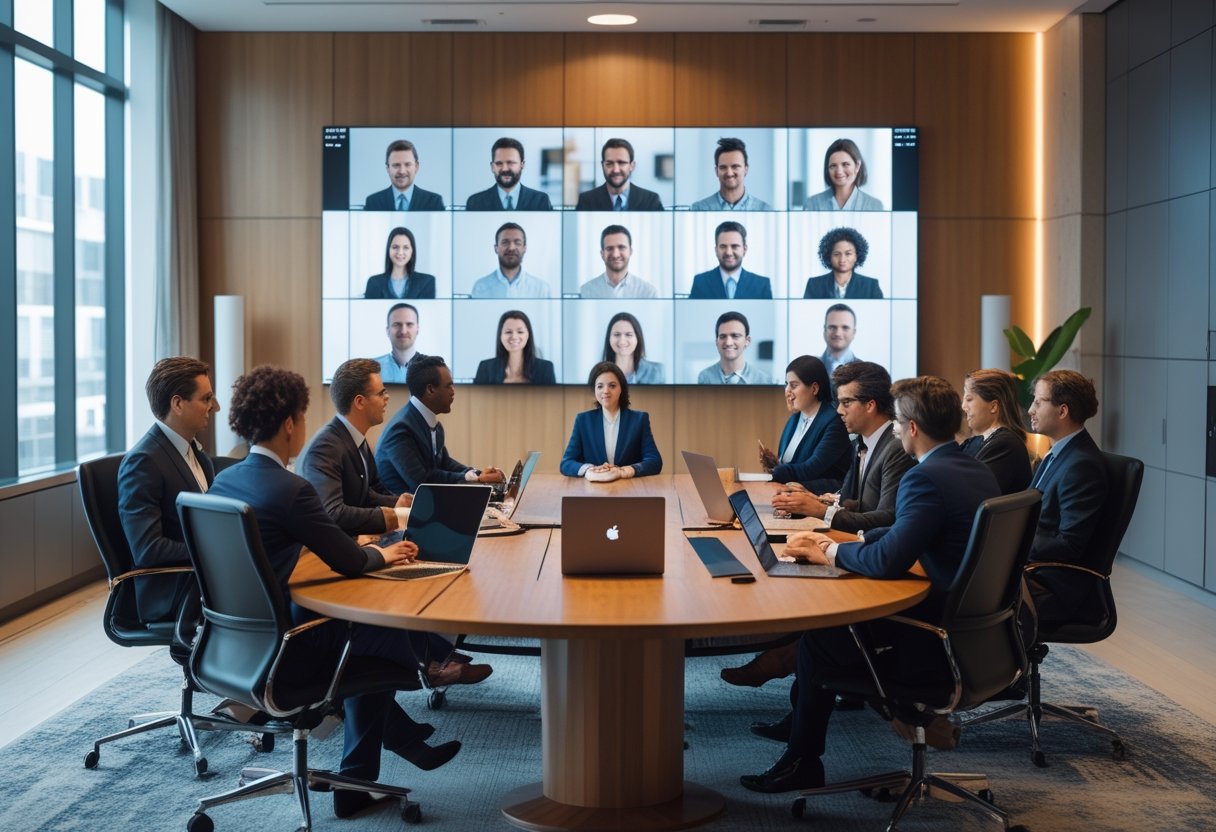
A functional hybrid classroom is built around clear sound, visible content, and controls that teachers can use without slowing the lesson down. If you start with cameras alone, you miss the parts of the room that shape daily teaching quality for both in-person and remote students.
Clear Audio As The First Priority
If remote students cannot hear the teacher clearly, the lesson already starts at a disadvantage. In practice, microphone quality and placement matter more than camera resolution because speech intelligibility drives attention, participation, and comprehension.
A classroom should capture the teacher’s voice evenly, even when they move around the room. For larger spaces, you also need a way to hear student questions without making the teacher repeat everything.
Wide And Natural Room Coverage
Hybrid classrooms work best when the system covers the whole room, not just the front row. That means the setup should capture board work, teacher movement, and student interaction without constant adjustment.
A single fixed camera may be enough for a small room, while larger or active rooms often need a wider view and better placement planning. The goal is not cinematic video; it is a stable view that helps remote students follow the lesson naturally.
Display Visibility For In-Person And Remote Students
Both groups need to see the same lesson content without strain. If the screen is too small, placed too high, or washed out by light, students lose focus fast.
You should plan display size, brightness, and placement together with the room layout. In mixed attendance settings, remote participants also need to be visible enough for teachers to notice reactions and keep the class connected.
Simple Controls For Teachers
Teachers should not need a support ticket to start a class. A hybrid room works best when the controls are clear, labeled, and built for fast use between lessons.
The most practical systems keep audio, video, and content sharing on one simple interface. When you work with an AV solutions partner such as MLV Teknologi, that kind of classroom usability can be planned into the installation from the start.
The Hidden Infrastructure That Determines Daily Success

The visible equipment gets attention, yet the hidden layers decide whether the room runs well every day. Network quality, acoustics, cabling, and support readiness can make a good system feel effortless or make a simple class feel unstable.
Network Stability And Platform Compatibility
Hybrid teaching depends on steady bandwidth and clean platform performance. If the network drops, lags, or conflicts with the school’s chosen platform, the lesson loses pace and teacher confidence drops with it.
You should test compatibility with the platforms your staff actually uses, not just the software listed on a spec sheet. Reliable deployment means the AV system, network, and devices all work together without extra steps.
Room Acoustics And Noise Management
A room with echo, fan noise, or hallway spill will weaken even a strong microphone system. The result is tiring audio for remote learners and more effort for teachers who must repeat themselves.
Soft finishes, good speaker placement, and basic noise control can improve the experience more than a hardware upgrade alone. In many schools, this is where classroom planning and interior fitting work need to support the AV design.
Power, Cabling, And Device Placement
Loose cables, poor outlet placement, and crowded equipment areas create avoidable failures. They also make rooms harder to maintain and harder for teachers to trust.
You should plan for clean cable paths, safe mounting, and practical access for servicing. Device placement should support both daily use and quick troubleshooting, especially in active schools where downtime is hard to absorb.
Support Readiness And Rapid Troubleshooting
Even well-designed rooms need quick help when something changes. A remote camera issue or muted microphone can disrupt a lesson if no one knows the first step to fix it.
Schools should document the setup, train staff, and define who responds when problems appear. Responsive installation and support matter here, which is why many institutions prefer partners who can handle consultation, installation, and follow-up without slowing school operations.
How Schools Should Evaluate Long-Term Fit

The best hybrid classroom is not the one with the most features. It is the one your staff will use correctly, your IT team can maintain, and your facility can support across different room types.
Teaching Workflow And Staff Adoption
A system fits long term when teachers can use it with little friction. If the lesson flow changes every time someone joins remotely, adoption will stay low.
You should observe how teachers start class, share content, manage questions, and close the session. The right setup supports that workflow instead of forcing a new one.
Scalability Across Different Room Types
A school rarely has one perfect room. You may need hybrid setups for lecture rooms, meeting spaces, small classrooms, or multi-use spaces with different acoustics and layouts.
That is why the design should be flexible enough to scale without rebuilding every room from scratch. Standardized components and consistent control logic make future expansion easier and cheaper to manage.
Installation Planning With Minimal Disruption
In active schools, installation timing matters as much as hardware choice. Work that blocks classes, creates noise, or leaves rooms unusable for too long quickly becomes a problem.
Phased deployment, clear site coordination, and careful scheduling reduce disruption. MLV Teknologi is the kind of AV partner schools often look for when they need consultation and installation that fit around daily operations.
Total Value Beyond Initial Hardware Cost
The lowest quote is not always the best value. You also need to account for uptime, teacher comfort, maintenance, and how quickly the room can recover when something goes wrong.
A better measure is total usable value over time. If a system is easy to run, easy to support, and stable enough for daily use, it saves time and frustration long after the first installation is complete.
by Melvin Halpito | Jun 7, 2026 | Draft
What Predictive Maintenance Means In AV

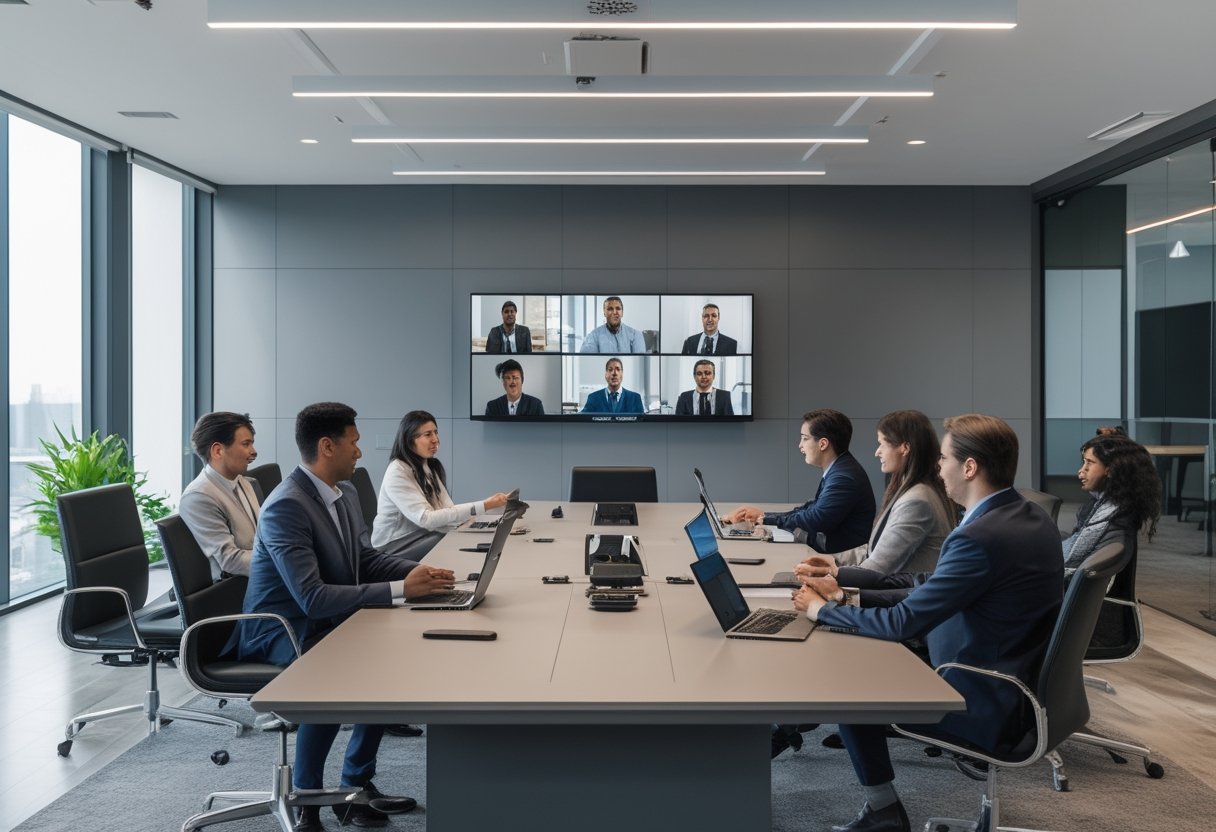
Predictive maintenance in AV means you use live device data, past service history, and alert rules to spot trouble before a room goes dark. You get the most value when you treat AV health as an operational signal, not just a repair task. If your meetings depend on displays, cameras, DSPs, switchers, and networked audio, early warning signs can help you act before users notice a problem. If your office runs active rooms every day, a practical AV partner such as MLV Teknologi can help you set up monitoring that fits real workplace use, not just lab conditions.
How It Differs From Reactive And Preventive Service
Reactive service waits for failure, which usually means lost time, frustrated users, and urgent calls. Preventive service follows a schedule, such as periodic checks or part replacement, even when the device is still healthy. Predictive maintenance sits between those two models by using condition data to guide action when the equipment shows signs of stress.
That shift matters because AV problems rarely start with a full blackout. They often begin with small clues like rising temperature, weak signal behavior, slower startup, or a room device that drops offline once a week.
Which AV Assets Are Best Suited To Monitoring
The best candidates are networked or high-use devices with clear health signals. Displays, projectors, DSPs, cameras, control processors, switchers, AVoIP endpoints, amplifiers, and touch panels are all good starting points. Equipment in racks also tends to be easier to track because power, heat, and network status are more visible there.
Simple peripherals can still be monitored, yet the strongest gains usually come from assets that affect room availability. If one failed device can cancel a meeting, it deserves attention first.
Why Meeting Rooms And Shared Spaces Benefit First
Meeting rooms and shared spaces show the value of predictive maintenance faster than low-use areas. You can measure the impact in fewer failed calls, fewer delays before presentations, and fewer support tickets from the same rooms. These spaces also have repeat users, so patterns are easier to see.
In active offices, the goal is not to avoid every service visit. It is to keep rooms ready, reduce disruption, and catch the same failure twice only if you have already fixed the root cause.
What Is Possible With Current Tools

Current tools can track useful health data, send alerts, and show patterns that point to early failure. The practical limit is not whether monitoring exists, since it does, but how well you set it up for your rooms, devices, and support workflow. What works in a well-managed office may fail in a noisy, mixed-vendor environment if the data is incomplete.
Device Health Signals Teams Can Track Right Now
You can already track temperature, fan speed, operating hours, power use, network reachability, audio output levels, signal handshakes, and device uptime. In AV-over-IP systems, packet loss and bandwidth behavior can also reveal room stress before users hear or see the issue. These signals are useful because they often change before a full outage occurs.
The most helpful data is the kind you can act on. A temperature warning in a rack, for example, is more valuable than a vague status light with no context.
Remote Monitoring Platforms And Alert Workflows
Remote monitoring platforms let you see device status without walking to each room. Good workflows send alerts to the right people, assign severity, and create a clear next step, such as checking a room, restarting a device, or scheduling a technician visit. That reduces time wasted on guesswork.
The best systems do not just say something is wrong. They help your team know which room is affected, which device is likely involved, and whether the issue is urgent or watchable.
Common Failure Patterns That Can Be Anticipated
Some AV failures show warning signs long before they stop service. Overheating displays, aging projector lamps, failing fans, unstable HDMI handshakes, network drops, and power supply strain are common examples. Audio processors may also show small but repeatable errors before a larger fault appears.
A pattern I see often is a room that “almost works” until load increases. That is usually the point where monitoring pays for itself, because the room is already telling you what will fail next.
Limits Of Today’s Data In Real-World AV Environments
Today’s tools are helpful, yet they are not magic. They depend on proper device integration, clean network design, and baseline settings that match the room’s real usage. A poorly installed system can generate misleading alerts or miss the true source of trouble.
Human inspection still matters. A loose cable, dust buildup, blocked airflow, or a mounting issue may not show up clearly in software, which is why predictive maintenance works best as a support layer, not a replacement for skilled AV service.
How Organizations Can Apply It Practically

Practical use starts small, with rooms and devices that would hurt the business most if they failed. From there, you build a support process that balances cost, alert quality, and response speed. The aim is fewer surprises, not more dashboards.
Starting With High-Uptime Rooms And Critical Equipment
Begin with executive meeting rooms, boardrooms, training spaces, and customer-facing spaces that cannot fail during working hours. Add displays, conferencing bars, DSPs, control systems, and networked endpoints first because these affect room readiness the most. If a room is used daily, it should be near the top of your list.
This approach gives you fast proof without overloading the team. You learn where the real failure points are before expanding to less critical spaces.
Balancing Cost, Complexity, And Operational Risk
Predictive maintenance should save time, not create extra admin. If the platform is too complex for your team to use daily, the value drops quickly. You want enough data to spot risk, not so much data that alerts get ignored.
A simple rule works well: monitor the rooms where downtime costs more than the monitoring effort. That keeps the program tied to business risk instead of feature count.
Working With AV Partners On Support And Escalation
A capable AV partner can help you define alert thresholds, review failure trends, and decide when a device needs replacement rather than another reset. In active workplaces, that support also needs to be low-disruption, which is where a team like MLV Teknologi can be useful because it is used to consultation, installation, and responsive follow-up in live office settings. Clear escalation steps matter as much as the monitoring tool itself.
If your internal team handles IT tickets while a partner handles AV service, the handoff must be clean. The best results come when both sides know who checks first, who replaces parts, and who closes the loop.
What Success Looks Like In Daily Operations
Success looks ordinary, which is the point. You see fewer surprise room outages, faster diagnosis, fewer repeat visits, and fewer complaints from users who just want the meeting to start on time. Your team also spends more time on planned work and less time chasing the same fault.
If predictive maintenance is working, rooms feel more dependable and support feels less urgent. You notice it most when nobody has to scramble before a presentation.
by Melvin Halpito | Jun 7, 2026 | Draft
What Defines An Autonomous Meeting Room
\
An autonomous meeting room is built to run with very little manual setup. The room should handle audio, video, room control, and monitoring so people can focus on the meeting instead of the equipment. In practice, that means fewer cables to touch, fewer button presses, and fewer moments where someone has to pause the meeting to fix a device.
Core Capabilities And System Components
A strong autonomous room usually starts with ceiling microphones, intelligent cameras, room control, and connected displays. Beamforming audio helps capture speech from the room without putting bulky gear on the table, while camera tracking keeps remote participants engaged. Scheduling tools, occupancy data, and AI features such as auto notes or language support add another layer of usefulness for busy teams.
For you as a decision-maker, the real value is not the individual device. It is the way the devices work as one system. When the room can start quickly, track speakers cleanly, and stay stable through daily use, you reduce friction for both users and support teams.
How Autonomy Differs From Standard Smart Meeting Rooms
A standard smart meeting room may give you automation features, yet it still expects people to manage more of the experience. An autonomous room goes further by reducing the number of choices users must make at the start of each meeting. It aims for a near-automatic flow, from room entry to call setup to post-meeting reporting.
That difference matters in real offices. A smart room can be convenient; an autonomous room is designed to be dependable under pressure. In many projects, MLV Teknologi helps organizations bridge that gap through consultation and installation that keep the system practical for daily use, not just impressive on paper.
Business Drivers Behind Adoption
\
The push toward autonomous meeting rooms is driven by work patterns, cost pressure, and user expectations. Hybrid teams want meetings to start cleanly, and IT teams want fewer support calls tied to simple room issues. At the same time, leaders expect the room to feel easy for both in-person and remote participants.
Hybrid Work And Collaboration Demands
Hybrid work has changed what a meeting room must do. Your room now needs to serve people in the office and people joining from elsewhere with equal clarity. That means better audio pickup, smarter camera behavior, and consistent access to the same meeting tools no matter who is present.
In my experience, the weakest rooms are the ones that work only when the “right” person is in the room to manage them. Autonomous design removes that dependency. It helps meetings feel more predictable, which is important when teams are spread across sites, floors, or cities.
Operational Efficiency And Reduced IT Burden
For IT and facilities teams, the best room is one that needs less rescue. Remote monitoring, proactive alerts, and interoperable devices reduce the number of small failures that interrupt the workday. That is where autonomous design can cut real operating load, especially in offices with many rooms to support.
The business case also improves when rollout is scalable. A room that is simple to commission once is useful; a room design that can be repeated across many spaces is far more valuable. That is why careful planning, standard components, and responsive installation support matter as much as the hardware itself.
User Experience Expectations In Modern Offices
People now expect meeting rooms to behave like modern apps: quick, clear, and low effort. If the room takes too long to start or requires repeated troubleshooting, adoption drops fast. That is especially true in fast-moving business districts where time between meetings is tight.
A well-designed autonomous room gives people confidence. They walk in, tap once or not at all, and get to work. When the experience is smooth, the room feels like part of the business process rather than a separate technical task.
Implementation Risks, Readiness, And Future Direction
\
The promise of autonomous meeting rooms is strong, yet the result depends on how well you handle integration, layout, and change management. Security and privacy also need early attention, especially when rooms use cameras, microphones, and analytics. The teams that plan for these issues up front usually get better adoption and fewer surprises later.
Integration, Security, And Privacy Considerations
Autonomy only works when the devices speak the same language. If control systems, microphones, cameras, and software platforms are mismatched, the room will feel fragile no matter how advanced the parts look. That is why interoperability and network design should be part of the first planning conversation, not the last.
Security matters just as much. Any room that records presence data, meeting notes, or voice traffic needs clear rules for access, storage, and user consent. You should also check how firmware updates, remote management, and user permissions are handled before rollout.
Space Design And Change Management Requirements
Room design still shapes the user experience. Ceiling microphone placement, display sightlines, seating layout, and acoustic treatment can all affect how “automatic” the room feels. If the physical space is poorly designed, software will not fully fix it.
Change management is also real work. People need simple guidance, clear room naming, and a short transition period to build confidence. In projects like these, a practical AV partner such as MLV Teknologi can help align design, installation, and handover so the room works smoothly from day one.
What Organizations Should Expect Over The Next Few Years
The next few years should bring better AI support, stronger remote monitoring, and more room data that helps with planning. Expect systems to become easier to manage across multiple rooms, with fewer manual steps needed from staff. Camera tracking, speech tools, and automatic diagnostics will likely become more common in standard business deployments.
What will matter most is not the novelty of the features. It will be the degree to which the room fades into the background and supports reliable work. For organizations in Indonesia and similar urban markets, that shift can improve meeting quality, support load, and day-to-day workplace confidence.
by Melvin Halpito | Jun 7, 2026 | Draft
What AI Video Analytics Actually Does

AI video analytics turns camera feeds into usable security signals instead of leaving your team to watch live screens all day. It helps you spot the right event faster, send the right alert sooner, and reduce the chance that an important moment gets missed in a busy workplace.
Core Capabilities Beyond Passive CCTV
Traditional CCTV records what happened. AI video analytics goes a step further by spotting movement patterns, identifying people or vehicles, and flagging unusual activity in near real time. In a corporate setting, that can mean detecting loitering near an entry, an object left in a hallway, or movement in a restricted area after hours.
For office managers and facilities leaders, the value is not just security. The same system can support meeting room control, access checks, and monitoring of shared spaces where foot traffic changes throughout the day. That makes it useful in active offices, mixed-use buildings, and sites where disruption needs to stay low.
How Detection, Classification, And Alerts Work
The system first reads the video stream, then classifies what it sees, such as a person, car, or unattended object. It can compare that activity against rules you set, then trigger an alert when something falls outside normal behavior. Some systems also link with access control or building platforms, which helps connect a camera event to a door event or an after-hours access request.
In practice, the best results come when alerts are specific. A good system should tell your team what happened, where it happened, and why it matters, instead of sending a flood of vague notifications. That keeps incident response faster and more focused.
Where Human Monitoring Still Matters
AI can reduce routine watching, not replace judgment. Your security staff still needs to review context, confirm incidents, and decide on the next step when a camera event is unclear or sensitive. Lighting changes, crowded scenes, and unusual layouts can still confuse automated detection.
The strongest setup is a human-plus-system model. AI handles the first pass, while your team handles escalation, verification, and coordination with operations. That balance matters in corporate environments where a false alarm can interrupt work, meetings, or access flow.
Security Outcomes For Corporate Environments

AI video analytics creates value when it shortens response time and improves awareness without adding noise to daily operations. For corporate sites, the strongest gains usually come from quicker detection, better perimeter control, and stronger support for safety and compliance routines.
Faster Incident Detection And Response
When something unusual happens, seconds matter. AI-based alerts help your team notice a problem before someone spots it manually, which is useful for trespass, tailgating, stolen items, or unsafe movement in a lobby or corridor. That speed gives your team more time to verify the event and act before it spreads.
This also helps with incident reporting. Instead of searching through hours of footage, your team can jump straight to the time and place of the alert. In day-to-day operations, that can save real time for IT, security, and facilities staff.
Access Control, Perimeter, And After-Hours Monitoring
In corporate environments, AI video analytics works best when it supports access control instead of sitting apart from it. You can use it to watch for unauthorized entry, open doors in restricted zones, or activity near loading areas, parking zones, and boundaries after business hours. It is especially useful where multiple tenants, vendors, or visitors move through the same site.
Meeting rooms and executive areas also benefit from better monitoring. You can reduce blind spots around entrances, track unusual occupancy patterns, and improve accountability in shared spaces. A well-planned setup should protect movement without making the office feel overly monitored.
Loss Prevention, Safety, And Compliance Support
AI analytics can help you reduce shrinkage, protect equipment, and document safety events. It can also flag slip-and-fall risks, blocked exits, and overcrowding in shared spaces. That matters in offices, clinics, campuses, and commercial facilities where safety checks must stay consistent.
For compliance, the biggest value is evidence. You get clearer records of who entered, what happened, and when it happened, which helps during audits or internal reviews. A business like MLV Teknologi can be helpful here because practical installation, consultation, and integration matter as much as the camera features themselves.
Implementation Considerations And Common Pitfalls

A good AI video analytics project starts with the site, not the software. Camera angles, lighting, network load, and integration points shape whether the system becomes useful or just expensive monitoring hardware.
Camera Placement, Lighting, And System Integration
If the camera cannot see the right zone clearly, the AI will not perform well. Entry points, corridors, parking areas, and loading zones usually need different placement than meeting rooms or open offices. Low light, glare, and backlighting can also reduce accuracy, so you need to test real conditions, not just spec sheets.
Integration matters just as much. If your video platform does not work with access control, alarms, or your existing monitoring process, the workflow becomes clumsy. The strongest deployments connect the alert to a clear response path so your team knows who acts, how fast, and with what authority.
Privacy, Data Governance, And False Positive Risks
AI analytics can create privacy concerns if you collect more than you need or keep footage longer than required. You should define who can view recordings, how long data stays stored, and which events need escalation. Clear rules help protect staff trust as well as legal and internal policy standards.
False positives are another real issue. A system that over-alerts loses credibility fast, especially in active offices where people move through the space all day. The fix is careful rule setting, testing, and regular tuning after the system goes live.
Choosing A Solution Partner For Real-World Operations
The right partner should think beyond product specs and ask how your workplace actually runs. You want support with site survey, installation quality, integration, and response planning, especially if your office must stay open during deployment. That is where a practical AV and systems partner can make a difference.
For example, a team like MLV Teknologi is often a better fit when you need responsive coordination and minimal disruption in active workplaces. The goal is not just to install cameras, but to make the system fit your operations cleanly from day one.
by Melvin Halpito | Jun 7, 2026 | Draft
Core Operational Shifts in AI-Enabled Control Rooms

AI changes your control room from a place that watches events to a place that helps you anticipate them. It also changes how you assign people, how quickly you respond, and how much confidence you place in each alert. The biggest practical shift is that your operators spend less time hunting for signals and more time acting on the right ones.
From Passive Monitoring to Predictive Oversight
Traditional control rooms depend on steady human attention and a lot of screen watching. AI adds pattern detection, trend spotting, and early warning logic, so you can see risk before it becomes a visible failure. In practice, that means you can move from reacting to incidents toward planning around likely issues, such as equipment drift, crowding, access anomalies, or system faults.
For facility and operations teams, this matters because real environments rarely stay still. A good AI layer can spot small changes across video, sensors, access logs, and building systems that a person would miss during a busy shift. That gives you more lead time, which is often the difference between a short interruption and a bigger service problem.
How AI Changes Operator Decision Support
AI does not replace judgment; it changes the shape of judgment. Instead of forcing your team to interpret raw data from multiple systems, AI can surface likely causes, rank alerts by urgency, and suggest the next step. That reduces cognitive load and helps newer operators act with more confidence.
You still need trained people to confirm context and make final calls. In a live environment, that human check is critical because the same alert can mean very different things depending on occupancy, time of day, or maintenance activity. Teams that work with partners like MLV Teknologi often see the best results when the system design supports clear escalation paths and clean handoff between software and operator action.
The New Balance Between Automation and Human Judgment
The practical goal is not full automation. It is a better split between what software should do quickly and what people should decide carefully. AI is strongest at pattern recognition, alert filtering, and repetitive analysis, while your team remains best at exceptions, policy decisions, and cross-functional coordination.
That balance changes staffing as well. You may need fewer people staring at status boards, yet stronger people for oversight, escalation, and system tuning. The control room becomes less about constant watching and more about managed intervention, with humans staying in charge of risk and accountability.
System Design and Workflow Implications

AI only works well when the surrounding workflow is designed for it. That means cleaner data feeds, clearer alarm logic, faster interfaces, and room layouts that support quick decisions rather than distraction. The design work matters as much as the model itself.
Data Integration Across AV, Security, and Building Systems
Your AI system becomes much more useful when it can read across AV, security, and building management platforms. A meeting room camera, access control event, environmental sensor, and room booking system can each tell part of the story. AI adds value by connecting those signals into one operational view.
This is where many projects succeed or stall. If your systems are poorly integrated, AI will still give you fragments instead of context. A strong implementation usually starts with interoperability, reliable data mapping, and a clear plan for which systems are trusted sources versus supporting inputs.
Alert Prioritization and Escalation Logic
Alert overload is a common control room problem, and AI can help if it is configured carefully. The system should filter noise, group related events, and push only the alerts that need attention. You want fewer interruptions, not just more notifications with a new label.
Escalation logic should match your business rules, not just technical thresholds. For example, a minor fault during low occupancy may need a different response than the same fault during peak use. Good workflow design turns alerting into decision support, while weak design creates new confusion.
Control Room Interface Changes for Faster Response
AI changes the interface as much as it changes the backend. Operators need dashboards that show what changed, why it matters, and what action comes next. That usually means fewer cluttered screens, clearer status grouping, and better visual cues for priority and confidence.
The room itself may also need adjustment. Lighting, screen placement, seating, and sight lines all affect how fast your team can interpret AI-assisted information. In active office environments, low-disruption installation and careful coordination matter a lot, which is why practical AV delivery experience is as important as software selection.
Adoption Risks, Governance, and Readiness

AI can improve control room performance, yet it also creates new exposure points. You need to treat accuracy, cyber risk, and governance as operational issues, not side topics. The teams that plan for these risks early tend to deploy with less friction and fewer surprises.
Accuracy, Bias, and False Alarm Management
AI systems are only useful if their outputs stay reliable in your actual environment. False alarms, missed detections, and biased pattern recognition can make operators lose trust fast. Once that trust drops, people stop using the tool the way it was intended.
You should test the system against your own data, your own shift patterns, and your own exception cases. A model that performs well in a demo can still struggle with local workflows or unusual operating conditions. A phased rollout with human review is usually safer than a wide cutover.
Cybersecurity and Operational Resilience
AI expands the attack surface because it depends on data feeds, APIs, user access, and connected systems. If one of those layers is weak, the control room can inherit the risk. Gartner-style adoption trends show why this matters: faster AI rollout often arrives before governance and security controls are fully mature.
Operational resilience should include fallback procedures, logging, access controls, and a clear way to run the room if the AI layer fails. You need to know what happens when the model goes offline, gives a bad recommendation, or receives bad input. That planning is part of uptime, not separate from it.
What Organizations Should Assess Before Deployment
Before deployment, check five things: data quality, system interoperability, operator readiness, escalation policy, and cybersecurity controls. If any one of these is weak, AI will add complexity instead of reducing it. The most successful projects start with one use case, one room, and one clear business goal.
You should also assess whether your implementation partner can work cleanly inside a live environment. In South Jakarta and similar commercial settings, practical delivery often depends on responsive coordination, careful installation timing, and minimal disruption to daily operations. That is the kind of execution standard that separates a workable control room upgrade from a difficult one.
Recent Comments