
by MLV Teknologi | Sep 1, 2026 | Article
Peran Layar LED dalam Komunikasi Presentasi
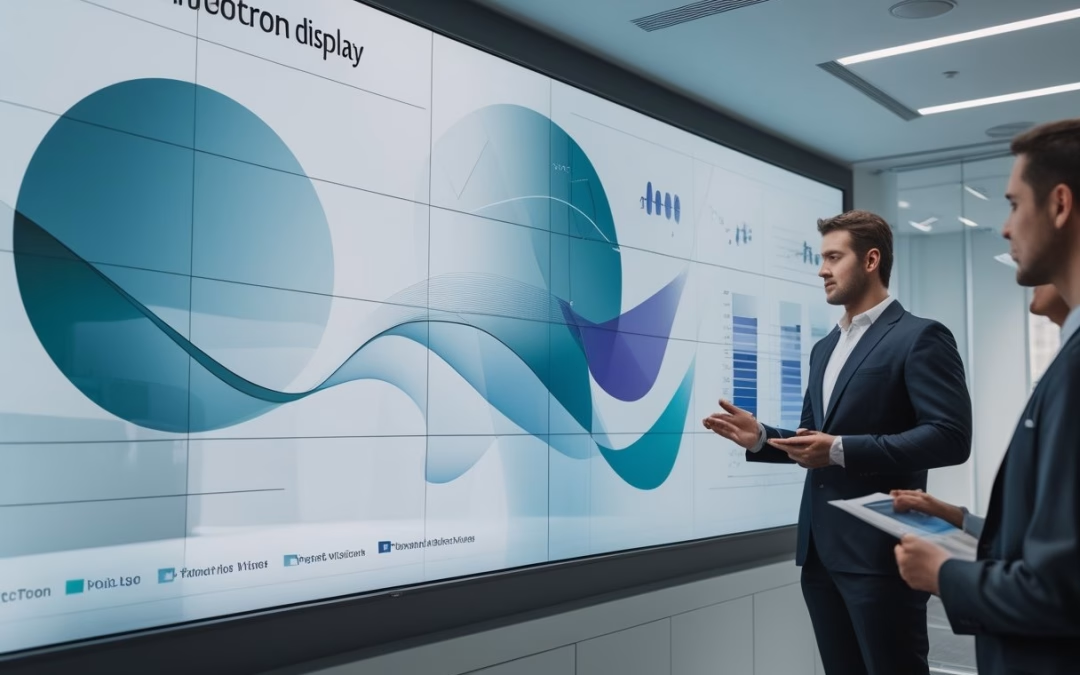
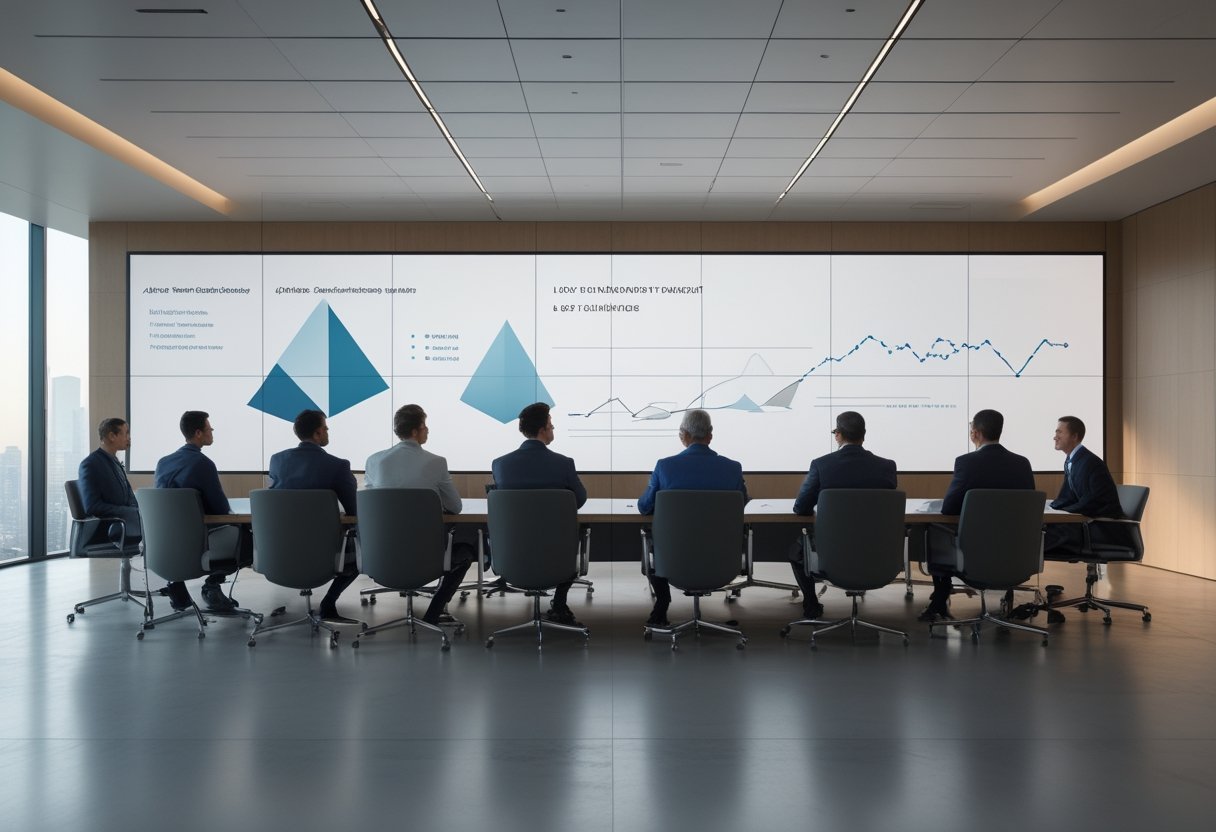
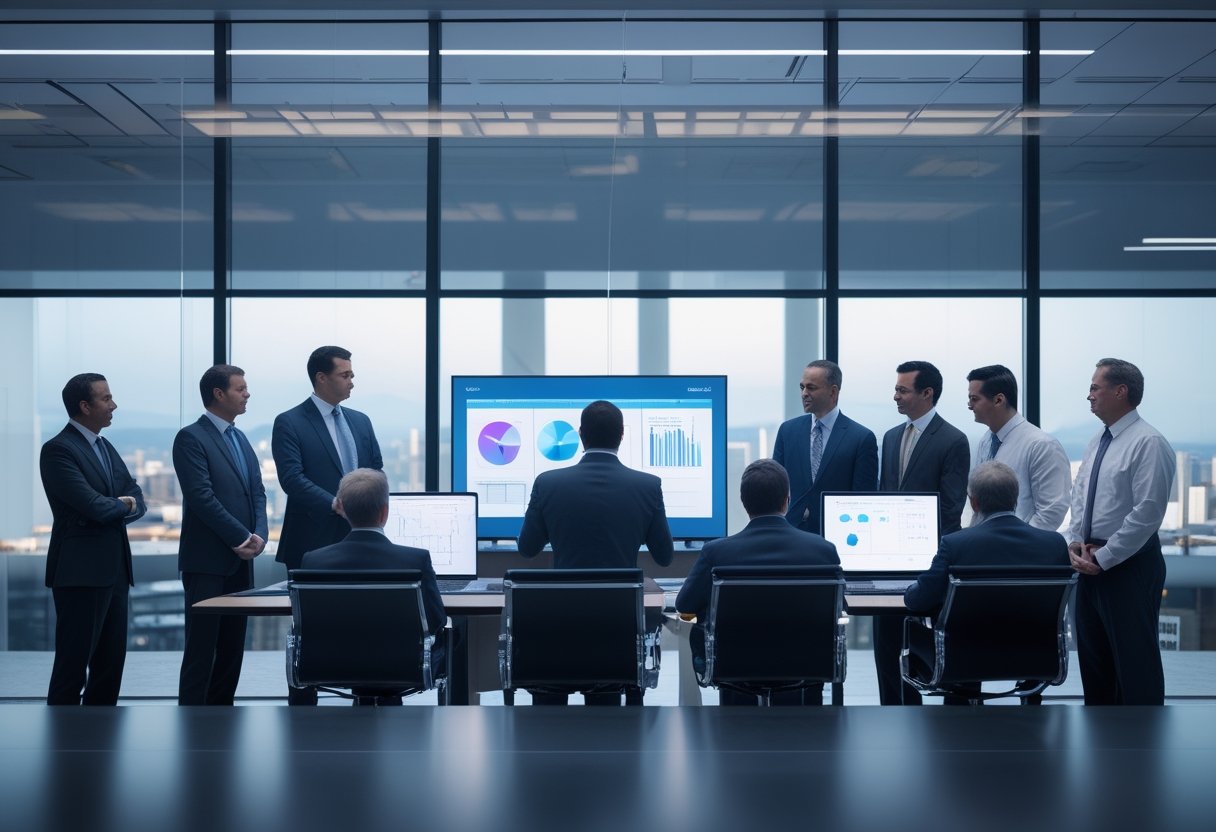
LED videotron berperan sebagai bagian dari rancangan komunikasi, bukan sekadar layar berukuran besar. LED videotron berperan sebagai bagian dari rancangan komunikasi visual, bukan sekadar layar berukuran besar. Penggunaan videotron indoor sangat krusial dalam seminar dan peluncuran produk untuk memperkuat branding perusahaan. Sebagai media promosi yang efektif dalam acara modern, layar ini menampilkan konten multimedia yang menarik bagi audiens. Keputusan mengenai format konten, termasuk integrasi siaran langsung dan live camera, perlu disesuaikan dengan jumlah audiens dan alur presentasi. Dengan pengaturan yang tepat, pesan promosi dapat tersampaikan secara maksimal kepada seluruh peserta acara.
Dampak Visual Skala Besar terhadap Fokus Audiens
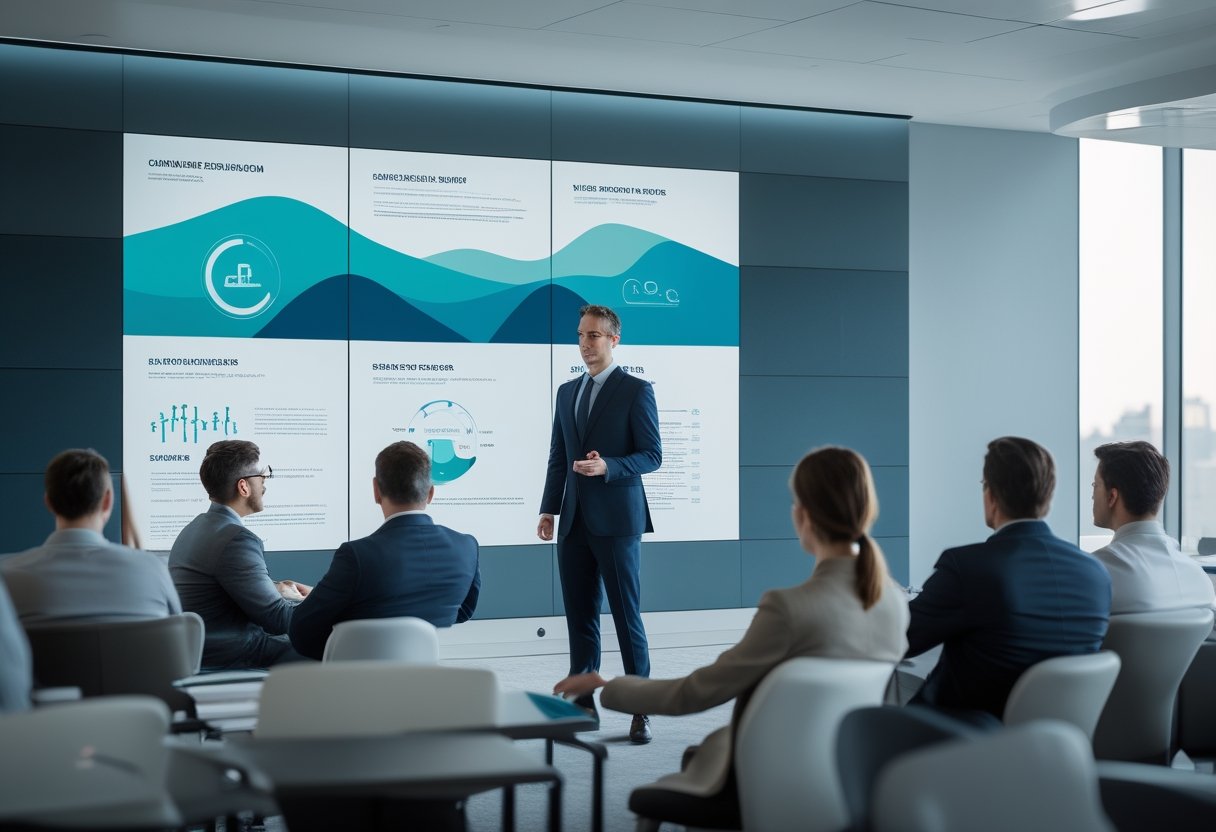
Layar besar dengan resolusi tinggi membantu memastikan audiens tetap melihat materi dengan jelas. Pemanfaatan teknologi led terbaru membuat grafik, video, dan animasi tampak lebih tajam secara proporsional. Tampilan visual yang jernih meningkatkan kualitas gambar yang ditampilkan di panggung utama. Dengan kualitas visual yang prima, pembicara tidak perlu terus mengulang informasi yang sulit terlihat. Kualitas tampilan yang unggul memastikan setiap detail presentasi bisnis dapat dipahami dengan baik oleh audiens.
Pengalaman praktis menunjukkan bahwa ukuran layar saja tidak cukup. Konten harus memiliki hierarki visual yang jelas, teks yang ringkas, dan perpindahan tampilan yang tidak terlalu cepat. Sebagai media visual yang dinamis, LED videotron mendukung fokus tanpa membuat audiens terbebani oleh terlalu banyak elemen.
Kesesuaian untuk Ruang Rapat, Aula, dan Area Komersial
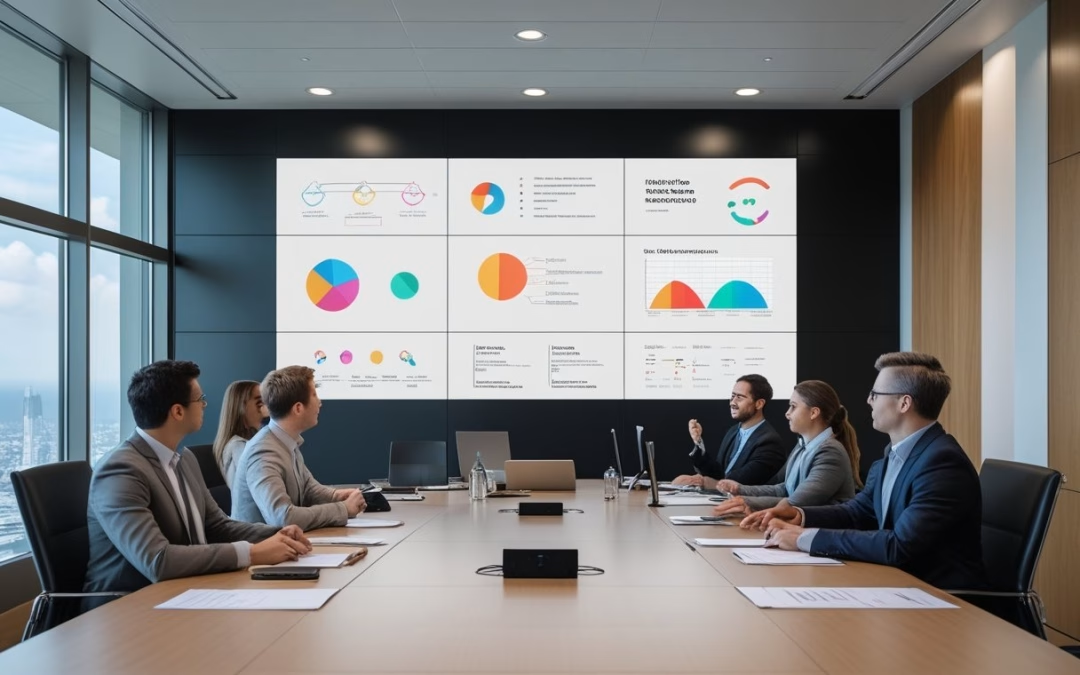
Di ruang rapat, LED videotron dapat membantu peserta mengikuti data, konferensi video, dan materi diskusi dari berbagai posisi. Di aula atau ruang acara, layar ini mendukung presentasi dengan banyak peserta. Teknologi ini juga sering digunakan dalam workshop interaktif, expo, atau pameran besar karena fleksibilitas konten yang ditawarkannya. Selain materi presentasi, layar dapat menampilkan logo sponsor dengan sangat jelas untuk kebutuhan komersial. Untuk kebutuhan temporer seperti acara wisuda, layanan sewa led videotron seperti Konova videotron menjadi solusi praktis bagi penyelenggara acara. Layanan ini memudahkan pengaturan panggung untuk berbagai skala kegiatan profesional.
Area komersial seperti lobby juga membutuhkan pertimbangan berbeda. Konten dapat berisi sambutan tamu, informasi acara, atau pesan merek, sehingga kualitas tampilan perlu selaras dengan citra ruang. MLV Teknologi dapat menjadi contoh mitra yang membantu menghubungkan kebutuhan konten, penyediaan perangkat, dan penerapan solusi AV secara rapi.
Prinsip Perancangan Presentasi yang Mudah Dipahami

Efektivitas LED videotron sangat dipengaruhi oleh cara Anda merancang materi. Keterbacaan, kontras, resolusi, dan kecerahan harus diputuskan berdasarkan kondisi nyata ruang, bukan hanya spesifikasi perangkat.
Keterbacaan Konten dari Berbagai Jarak Pandang
Mulailah dengan memetakan posisi audiens terdekat dan terjauh dari layar. Gunakan ukuran huruf, ketebalan font, serta jarak antarobjek yang tetap terbaca dari titik pandang paling jauh. Teks panjang lebih baik dipindahkan ke dokumen pendukung agar layar berfokus pada pesan utama. Saat memaparkan laporan, data teknis, atau slide PowerPoint, keterbacaan adalah kunci utama. Penggunaan konten interaktif yang digabungkan dengan efek visual membantu membangun citra profesional bagi pembicara. Presentasi yang efektif juga mendorong kolaborasi aktif dan interaksi audiens yang lebih baik sepanjang sesi.
Untuk presentasi bisnis, satu layar sebaiknya menyampaikan satu gagasan inti. Grafik perlu memiliki label yang jelas, sedangkan gambar dan video harus memiliki kualitas yang sesuai dengan ukuran tampilan. Pengujian dari beberapa kursi sebelum acara sering menemukan masalah yang tidak terlihat saat materi diperiksa dari laptop.
Pengaturan Kontras, Resolusi, dan Kecerahan Tampilan
Kontras yang memadai membantu membedakan teks dari latar belakang, terutama ketika ruang memiliki lighting panggung yang kuat. Kecerahan tinggi sangat dibutuhkan agar materi tetap terlihat jelas meski terdapat cahaya dari jendela. Resolusi juga perlu dipilih berdasarkan ukuran layar dan jarak pandang agar detail tidak tampak pecah atau mengganggu perhatian. Penyesuaian teknis ini sangat menentukan kenyamanan komunikasi visual bagi audiens di dalam ruangan.
Kecerahan sebaiknya dapat disesuaikan dengan kondisi ruangan. Tampilan yang terlalu redup sulit dibaca, sedangkan layar yang terlalu terang dapat mengurangi kenyamanan rapat. Integrasi fitur interaktif seperti polling langsung dapat meningkatkan keterlibatan audiens secara signifikan. Gunakan pengaturan tampilan yang tepat untuk hasil konsisten.
Pertimbangan Implementasi untuk Hasil yang Andal
Implementasi yang andal membutuhkan perencanaan sejak survei lokasi hingga dukungan saat sistem digunakan. Ukuran layar, infrastruktur, kontrol konten, dan prosedur operasional harus dipandang sebagai satu kesatuan agar presentasi berjalan lancar.
Pemilihan Ukuran dan Spesifikasi Berdasarkan Ruang
Ukur dimensi dinding, tinggi plafon, posisi kursi, serta sudut pandang utama sebelum menentukan ukuran layar. Jarak pandang membantu menentukan kepadatan piksel yang sesuai untuk audiens. Tampilkan juga pesan promosi yang menarik jika layar dipasang di area publik. Evaluasi kebutuhan spesifik antara acara indoor di dalam gedung atau acara outdoor untuk festival dan konser musik yang memerlukan daya tahan cuaca ekstra. Penyelenggaraan acara yang sukses juga sering kali mempertimbangkan potensi konten untuk dibagikan di media sosial guna memperluas jangkauan.
Perhatikan pula pencahayaan, ventilasi, akses perawatan, dan kapasitas listrik. Untuk penggunaan indoor, karakteristik kecerahan dan desain kabinet perlu disesuaikan dengan lingkungan agar nyaman dilihat dan mudah dirawat.
Integrasi Sistem, Instalasi, dan Dukungan Operasional
LED videotron perlu terhubung dengan sumber presentasi, kamera konferensi, sistem audio, pengendali tampilan, dan jaringan bila diperlukan. Uji perpindahan sumber, rasio gambar, sinkronisasi suara, serta pemulihan saat perangkat mengalami gangguan sebelum sistem diserahkan kepada pengguna.
Instalasi yang rapi juga mengurangi risiko kabel terlepas dan gangguan terhadap aktivitas kantor. Mitra seperti MLV Teknologi dapat membantu melalui konsultasi, penyediaan, instalasi, dan integrasi solusi AV dengan koordinasi yang responsif. Dokumentasi konfigurasi dan pelatihan singkat bagi tim IT atau pengelola ruang akan memudahkan operasional harian serta pemeliharaan berikutnya.
by MLV Teknologi | Aug 31, 2026 | Article
Menciptakan ekosistem smart office memerlukan perencanaan matang dalam membangun ruang rapat modern. Sebagai langkah transformasi ruang kerja, MLV Teknologi menyediakan sistem kolaborasi modern untuk meningkatkan produktivitas tim secara signifikan melalui solusi audio visual yang tepat.
Kriteria Teknis untuk Memilih Layar Kolaborasi
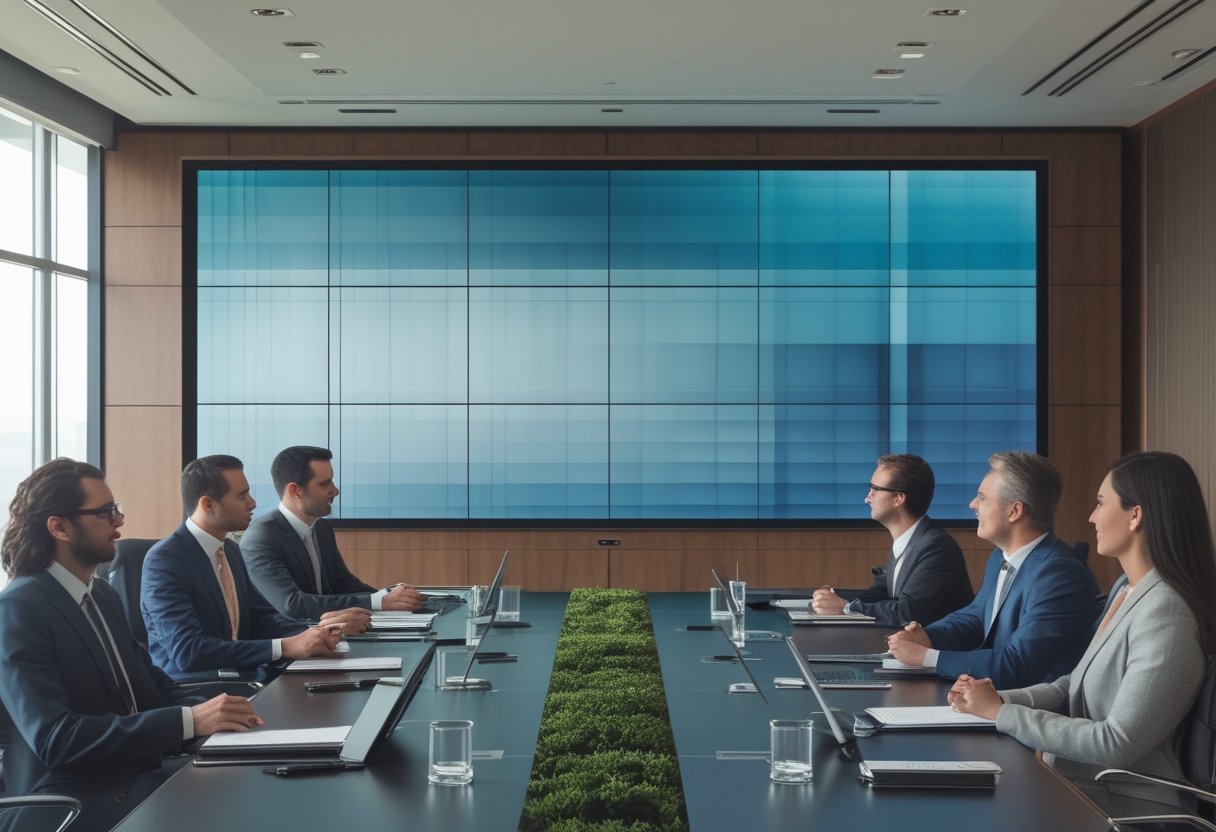
Dalam ruang rapat besar, pemilihan interactive display sangat menentukan efektivitas integrasi perangkat secara keseluruhan. Hal ini penting untuk menciptakan ruang rapat pintar yang mendukung efisiensi kerja. Display yang tepat harus membuat setiap peserta dapat melihat data, mengikuti diskusi, berkontribusi, dan mengambil keputusan tanpa hambatan visual.
Ukuran Layar Berdasarkan Jarak Pandang dan Kapasitas Peserta
Mulailah dari posisi peserta terjauh, bukan dari luas dinding yang tersedia. Layar yang tampak besar dari baris depan belum tentu nyaman dibaca oleh peserta di belakang, terutama saat menampilkan spreadsheet atau teks kecil.
Organisasi besar seperti PT Kia Sales Indonesia sering membutuhkan kejernihan visual maksimal untuk presentasi laporan performa tahunan. Pastikan sudut pandang tidak memaksa peserta terus menoleh, karena hal itu mengurangi fokus dan keterlibatan dalam proses kolaborasi.
Resolusi, Kecerahan, dan Keterbacaan Konten Data
Resolusi tinggi membantu teks, grafik, dan detail visual tetap tajam. Selain untuk rapat, layar berkualitas tinggi juga bisa berfungsi sebagai digital signage untuk memberikan informasi dinamis kepada karyawan saat tidak digunakan untuk diskusi.
Kecerahan harus disesuaikan dengan cahaya alami dan lampu ruangan. Perhatikan pula lapisan anti-silau dan kontras agar pantulan tidak menutupi informasi penting pada layar interaktif yang Anda gunakan.
LED Videowall, Proyektor Laser, atau Layar Interaktif
LED videowall serta solusi led display dan video wall lainnya cocok untuk ruangan besar yang membutuhkan visual berdampak tinggi. Namun, untuk sesi brainstorming yang dinamis, penggunaan interactive flat panel atau sebuah interactive collaboration board seringkali menjadi pilihan yang lebih praktis.
Proyektor laser memberi fleksibilitas ukuran gambar untuk bidang proyeksi luas. Teknologi ini tetap memerlukan perencanaan posisi yang matang untuk menghindari bayangan yang dapat mengganggu jalannya presentasi di ruang rapat.
Merancang Pengalaman Visual yang Mendukung Keputusan
Display akan memberi nilai bisnis jika bekerja sebagai bagian dari sistem rapat yang utuh. Dukungan untuk kolaborasi hybrid kini menjadi standar wajib dalam setiap ruang meeting korporasi modern. Anda perlu menghubungkan tampilan dengan kamera dan platform video conference secara konsisten agar alur komunikasi tetap lancar.
Penempatan Display dan Estetika Ruangan
Penempatan display harus selaras dengan desain interior ruang meeting agar menciptakan suasana kerja yang kondusif. Sentuhan estetika seperti canary design dapat memberikan kesan profesional sekaligus nyaman bagi para eksekutif yang sedang berkumpul.
Tempatkan layar pada garis pandang yang nyaman untuk mengurangi kelelahan fisik. Kamera yang terlalu rendah atau tidak sejajar dengan peserta dapat membuat komunikasi jarak jauh terasa tidak natural bagi lawan bicara.
Kecanggihan Perangkat dan Integrasi Sistem
Dalam sesi video conference, penggunaan perangkat seperti Poly Studio E60 smart camera sangat membantu. Fitur 4K MPTZ camera dengan 12x optical zoom dan smart framing memastikan semua peserta terlihat jelas. Teknologi noise reduction pada sistem audio juga membantu menghilangkan gangguan suara latar selama diskusi berlangsung.
Untuk mempermudah koneksi antar perangkat, HP Thunderbolt 4 Ultra 280W G6 Dock menjadi solusi satu kabel yang sangat efisien. Perangkat ini mendukung pengisian daya cepat dan transmisi data video tanpa hambatan dari laptop ke display utama.
Keandalan Operasional dan Pengelolaan Konten
Tanyakan bagaimana perangkat dinyalakan dan dikendalikan saat terjadi gangguan teknis. Pengelola information technology membutuhkan akses yang sederhana, sementara pengguna rapat memerlukan pengalaman mulai yang cepat melalui control system yang terintegrasi.
Mitra AV seperti MLV Teknologi dapat membantu menerjemahkan kebutuhan pengguna menjadi desain dan instalasi terintegrasi. Koordinasi yang rapi sangat diperlukan agar sistem tetap andal selama digunakan dalam jadwal kantor yang padat.
Pertimbangan Implementasi untuk Ruang Rapat Aktif
Ruang rapat aktif menuntut perencanaan yang menjaga jadwal bisnis tetap berjalan demi produktivitas perusahaan. Keberhasilan proyek tidak hanya terlihat dari layar yang menyala, melainkan dari infrastruktur av profesional dan instalasi teknis yang aman, rapi, serta mudah digunakan setiap hari. Dalam hal ini, peran sistem integrator sangat penting untuk memastikan semua komponen bekerja secara harmonis.
Survei Ruang dan Perencanaan Infrastruktur
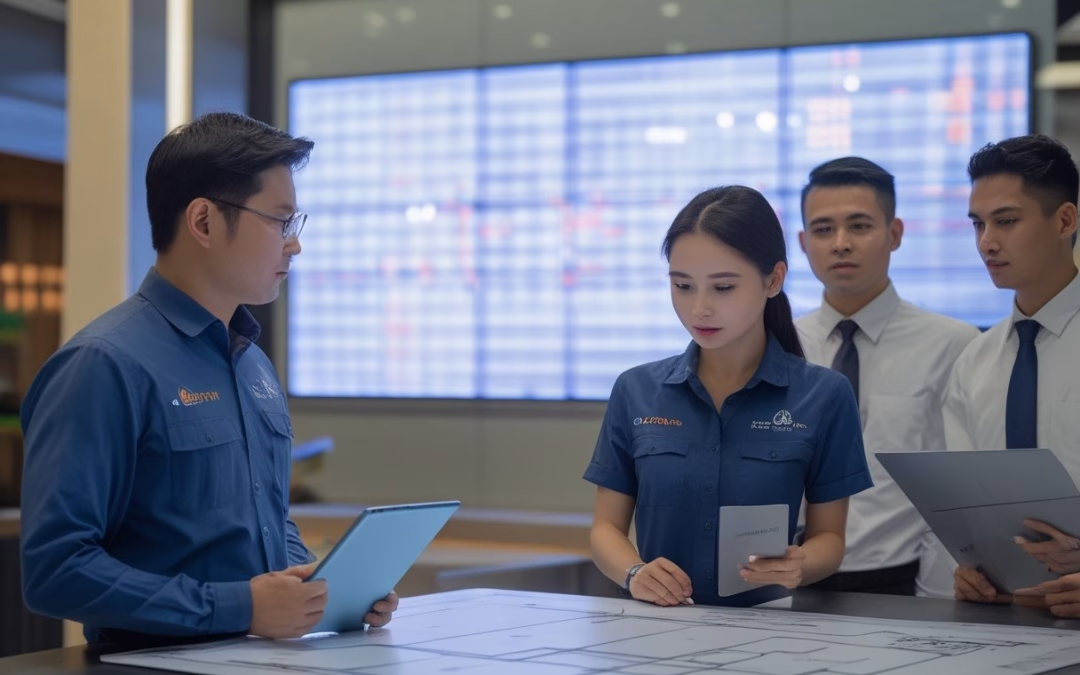
Survei perlu mencakup ukuran ruang, posisi meja, pencahayaan, jalur kabel, dan kapasitas listrik. Catat pula pola penggunaan ruangan, apakah lebih sering dipakai untuk rapat hybrid, presentasi strategis, atau sekadar pemantauan data operasional.
Dari data tersebut, Anda dapat menentukan jumlah display dan titik kontrol yang paling efektif. Perencanaan infrastruktur yang matang sejak awal akan mencegah terjadinya perubahan mahal ketika proses pemasangan sudah mulai berjalan.
Tahapan Instalasi dan Dukungan Teknis
Susun pekerjaan berdasarkan dampaknya terhadap jadwal operasional kantor. Pengukuran akhir dan pra-konfigurasi perangkat sebaiknya dilakukan sebelum pemasangan di lokasi agar waktu kerja di ruang rapat menjadi lebih efisien.
Setelah sistem digunakan, evaluasi pengalaman peserta dan pengelola secara berkala. MLV Teknologi, yang berbasis di Jakarta Selatan, dapat menjadi mitra untuk konsultasi dan dukungan AV sesuai kebutuhan ruang Anda.
Sediakan dokumentasi teknis dan pelatihan singkat bagi staf agar mereka mampu mengoperasikan sistem secara mandiri. Hubungi +62 817-0818-006 atau kunjungi situs MLV Teknologi untuk membahas rencana implementasi ruang meeting Anda di Jakarta.
by MLV Teknologi | Aug 30, 2026 | Article
Peran LED Videotron dalam Komunikasi Visual Bisnis
LED videotron berfungsi sebagai media komunikasi yang aktif, bukan sekadar elemen dekorasi. MLV Teknologi menghadirkan solusi audio-visual komprehensif untuk mendukung transformasi digital di berbagai sektor industri.
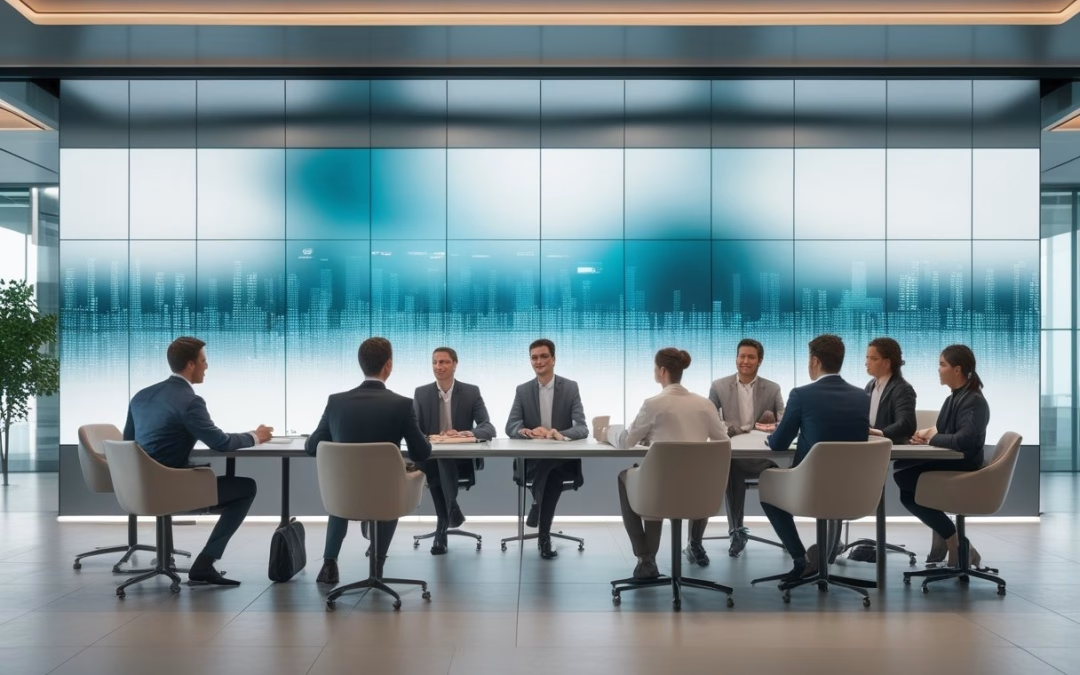
Penggunaan led videotron indoor serta led display indoor sebagai digital signage membantu Anda menyambut tamu melalui lobby display yang menarik. Penggunaan di ruang corporate, meeting room eksekutif, hingga conference hall memperkuat identitas merek melalui sistem audio-visual yang terintegrasi.
Unit berkualitas tinggi seperti Absen LED memberikan tampilan visual memukau bagi pengunjung. Layar led atau layar interaktif juga dapat diimplementasikan untuk mendukung presentasi interaktif yang lebih dinamis. Investasi ini memberikan ROI serta return on investment yang nyata melalui peningkatan prestise perusahaan.
Kapan Videotron Lebih Tepat daripada Layar Display Konvensional
Sebuah video wall lebih tepat ketika Anda membutuhkan ukuran besar dan sudut pandang luas. Dibandingkan dengan proyektor tradisional, layar LED menawarkan tingkat kecerahan yang jauh lebih unggul, bahkan di ruangan dengan cahaya terang sekalipun.
Susunan modul LED dengan sistem modular memberi fleksibilitas dimensi layar dengan aspect ratio 16:9 untuk lobi, ballroom, serta large venue lainnya. Teknologi ini sangat ideal untuk kebutuhan command center, training center, hingga live streaming acara besar.
Pesan visual dapat menjangkau viewing distance yang nyaman bagi audiens di ruangan luas. Hal ini memungkinkan penyesuaian layar yang presisi sesuai arsitektur ruangan. Layar display konvensional tetap memadai untuk ruang kecil atau kebutuhan presentasi personal. Namun, videotron menawarkan kontrol pencahayaan yang lebih fleksibel untuk berbagai kondisi ruangan.
Anda sebaiknya memilih videotron ketika pesan harus terbaca oleh banyak orang secara bersamaan. Meskipun fokus pada penggunaan dalam ruangan, keahlian kami pada videotron outdoor memberikan perspektif teknis yang kuat dalam hal durabilitas perangkat.
Dengan sistem manajemen konten yang terintegrasi, informasi dapat diperbarui secara terpusat dan tampil konsisten. Kemudahan manajemen ini sangat mendukung komunikasi visual yang cepat di lingkungan bisnis yang kompetitif.
Dampak Jarak Pandang, Ukuran Ruang, dan Konten terhadap Pengalaman Audiens
Viewing distance menentukan pixel pitch yang sesuai untuk audiens Anda. Untuk lobi dengan jarak dekat, pixel pitch lebih kecil membantu menghasilkan resolusi tinggi agar teks tampak tajam. Pada auditorium besar, pixel pitch yang lebih besar menjadi pilihan rasional bagi audiens jarak jauh.
Ukuran ruang juga memengaruhi proporsi layar, ketinggian pemasangan, serta jalur pergerakan audiens. Konten harus dirancang mengikuti konteks tersebut; teks singkat, kontras yang baik, dan animasi yang terukur biasanya lebih efektif daripada tampilan yang terlalu padat.
Keputusan yang baik menilai fungsi layar, kondisi ruang, dan pola audiens secara bersamaan. Teknologi seperti 4k ultra hd, teknologi hdr, serta high dynamic range dapat meningkatkan kualitas visual secara signifikan.
Kemampuan layar untuk menampilkan konten 4k/8k memastikan setiap detail gambar terlihat sangat nyata. Rasio kontras yang tinggi, fitur kontras tinggi yang dinamis, dan cakupan color gamut yang luas memastikan warna tampil akurat dan hidup.
Tingkat kecerahan yang adaptif memastikan pesan tersampaikan dengan sempurna tanpa menyilaukan mata. Proses color calibration yang akurat juga memastikan uniformitas warna di seluruh permukaan layar tetap konsisten dengan standar warna brand Anda.
Pertimbangan Desain Sistem yang Tepat
Desain LED videotron perlu dimulai dari kebutuhan operasional, lalu diterjemahkan ke spesifikasi teknis. Sebagai kontraktor audio-visual profesional, MLV Teknologi memulai setiap proyek dengan analisis kebutuhan yang mendalam.
Kami menerapkan prinsip design and build untuk memastikan setiap detail terencana dengan baik. Anda perlu menghitung kualitas gambar, pencahayaan, tata ruang, sistem kontrol, serta pemeliharaan sistem av sebelum menentukan perangkat.
Menentukan Pixel Pitch, Brightness, dan Dimensi Layar
Pixel pitch menunjukkan jarak antar-LED pada panel, baik menggunakan teknologi LED COB maupun teknologi SMD yang modern. Implementasi cob led menawarkan daya tahan yang lebih tinggi terhadap benturan fisik di area publik.
Penggunaan pitch yang tepat membantu menjaga efisiensi energi sistem secara keseluruhan agar tetap hemat energi. Untuk area luas, pilihan pitch yang lebih besar dapat mengendalikan anggaran tanpa mengurangi pengalaman visual.
Penggunaan komponen dari Nationstar atau Epistar menjamin performa visual yang stabil dan tahan lama. Brightness harus mengikuti pencahayaan ruang dengan dukungan auto-brightness adjustment untuk kenyamanan visual audiens.
Kecerahan yang tepat dipadukan dengan thermal management yang baik akan meminimalisir heat generation dan memperpanjang umur layar. Dimensi layar sebaiknya ditentukan dari jarak pandang, rasio konten, dan kebutuhan akses servis. Pemilihan komponen seperti SMD3535 atau SMD2727 disesuaikan dengan kebutuhan kerapatan pixel.
Pilih perangkat dengan standar ip43 untuk perlindungan optimal di lingkungan indoor. Dengan perencanaan yang matang, payback period dari pengadaan unit ini akan lebih terukur bagi perusahaan. Kejelasan spesifikasi teknis sejak awal sangat membantu dalam mencapai hasil akhir yang diinginkan.
Merancang Integrasi Audio Visual, Kontrol, dan Infrastruktur Ruang
Videotron perlu terhubung dengan sistem audio, jaringan, dan sistem kontrol yang relevan. Integrasi dengan perangkat kendali seperti Extron memastikan operasional sistem av menjadi lebih intuitif dan stabil bagi pengguna harian.
Integrasi perangkat juga memerlukan pemilihan processing unit yang handal untuk mengolah sinyal video. Perangkat ini harus memiliki input yang beragam seperti hdmi, displayport, dan sdi untuk fleksibilitas sumber konten.
Untuk kebutuhan khusus, penambahan touch capability dapat mengubah layar menjadi alat kolaborasi yang efektif. MLV Teknologi bertindak sebagai value add partner untuk memastikan integrasi video conference berjalan lancar. Periksa kapasitas listrik, ventilasi, dan jalur kabel untuk menekan biaya maintenance serta total cost of ownership di masa depan.
Koordinasi awal dengan tim interior mencegah perubahan mahal yang tidak perlu. MLV Teknologi menggabungkan konsultasi, penyediaan perangkat, dan instalasi dalam satu alur koordinasi. Hal ini menjamin infrastruktur pendukung siap sebelum panel LED dipasang.
Standar Implementasi dan Keandalan Jangka Panjang
Kualitas sistem tidak berhenti pada panel yang menyala saat serah terima. Anda perlu memastikan instalasi aman, pengujian terdokumentasi, dan dukungan teknis tersedia. Layar yang andal akan terus mendukung aktivitas bisnis dalam penggunaan harian secara maksimal.
Tahapan Instalasi yang Meminimalkan Gangguan Operasional
Instalasi yang baik dimulai dengan site survey mendalam, pemeriksaan struktur oleh structural engineer, dan pemetaan jalur kabel. Penggunaan sistem rigging yang tepat sangat krusial untuk keamanan pemasangan di area luas. MLV Teknologi menyiapkan layanan purna jual sejak tahap perencanaan.
Proses instalasi videotron indoor di kantor atau ritel dapat dibagi per zona agar aktivitas tetap berjalan. Pemasangan harus memperhatikan kerataan panel, kekuatan rangka, koneksi daya, ventilasi, dan kerapian kabel. Tim yang komunikatif memberi Anda informasi jelas tentang tahapan kerja dan risiko sebelum teknisi mulai bekerja.
Pendekatan rapi dan responsif seperti ini membantu mengurangi gangguan operasional selama proyek berlangsung. Instalasi videotron yang profesional memastikan setiap komponen terpasang sesuai standar keamanan yang ketat. Kualitas pemasangan adalah kunci utama untuk performa visual yang mulus.
Pengujian, Pemeliharaan, dan Dukungan Teknis Setelah Pemasangan
Sebelum digunakan, sistem perlu melewati pengujian refresh rate, sumber input, dan sinkronisasi. Proses kalibrasi warna dan pengujian warna memastikan tampilan tetap nyaman. Kami juga memberikan pelatihan pengguna serta training operator agar tim internal Anda mahir mengoperasikan sistem secara mandiri.
Jadwal pemeliharaan berkala membantu mendeteksi modul bermasalah atau konektor longgar sejak awal. Melakukan perawatan videotron secara rutin melalui maintenance preventif akan menjamin performa visual tetap optimal. Pastikan ketersediaan spare parts dan simpan dokumentasi konfigurasi agar penanganan masalah lebih cepat.
Dukungan backup power supply sangat disarankan untuk menjaga layar tetap menyala saat terjadi gangguan listrik. Selain itu, program pemeliharaan sistem av kami dirancang untuk memperpanjang usia pakai aset teknologi Anda.
Tim technical support kami siap memberikan bantuan responsif untuk menjaga kelancaran operasional Anda. Layanan technical support 24/7 kami memastikan setiap kendala teknis dapat segera diatasi kapan pun dibutuhkan untuk mendukung produktivitas perusahaan.
by MLV Teknologi | Aug 29, 2026 | Article
Peran Layar LED dalam Komunikasi Ruang Kerja Modern
Layar LED videotron dapat berfungsi sebagai media komunikasi visual, digital signage, dan teknologi visual untuk lobby display guna mendukung transformasi visual korporasi. Sebagai led display indoor, instalasi videotron indoor ini menghadirkan layar digital berkualitas tinggi. Memilih produk led branded memastikan ketahanan jangka panjang dan standar kualitas yang diakui secara internasional.
Penggunaan kustomisasi desain memungkinkan layar menyatu sempurna dengan arsitektur ruangan. Penerapan seamless display meningkatkan estetika fungsional dan memperkuat pengalaman audiens di area publik. Keputusan yang baik tidak hanya menilai ukuran layar, tetapi juga bagaimana layar mendukung alur kerja, citra perusahaan, dan kesiapan operasional harian.
Memilih value add partner sangat penting untuk hasil jangka panjang. Mitra yang tepat akan membantu dalam memilih spesifikasi yang sesuai dengan kebutuhan kantor dan komersial Anda.
Kebutuhan Visual yang Adaptif untuk Rapat dan Kolaborasi
Di ruang corporate seperti ruang rapat, auditorium, hingga ballroom, layar perlu menangani berbagai sumber konten. Selain presentasi, layar ini juga berfungsi untuk wayfinding dan directional signage yang memudahkan navigasi pengunjung. Hal ini meningkatkan efisiensi operasional harian melalui visualisasi informasi yang cepat.
Mulai dari presentasi, panggilan video, hingga data visual kompleks dengan resolusi 4k ultra hd. Kualitas gambar yang stabil membantu peserta membaca detail tanpa harus berpindah posisi. Untuk lobby, large venue, dan convention center, implementasi video wall memberikan fleksibilitas tinggi.
Konten digital signage dapat berubah sesuai jadwal acara atau pengumuman internal perusahaan. Sistem LED sebaiknya memiliki refresh rate yang tinggi untuk menghilangkan flicker dan terhubung dengan controller yang mudah dikendalikan. Teknologi hdr memastikan tampilan tetap hidup meski berada di area komersial dengan pencahayaan dinamis.
Pada ruang hybrid, perhatian juga perlu diberikan pada sudut pandang kamera, pantulan cahaya, serta keterbacaan wajah dan teks. Layar yang terlihat baik secara langsung belum tentu menghasilkan tampilan kamera yang nyaman bagi peserta jarak jauh.
Dampak Pengalaman Visual terhadap Citra Perusahaan
Tamu menilai ruang sejak beberapa detik pertama. Layar dengan warna konsisten, pemasangan rapi, dan konten yang relevan dapat memperkuat kesan profesional tanpa membuat interior terasa berlebihan.
Di sisi internal, visual yang mudah diperbarui membantu menyampaikan agenda, pencapaian, kebijakan, dan informasi keselamatan secara lebih menarik. Pengalaman ini mendukung komunikasi perusahaan sekaligus menjaga ruang tetap aktif dan informatif.
Pertimbangan Teknis Sebelum Memilih Sistem Tampilan
Spesifikasi perlu ditentukan berdasarkan fungsi ruang, termasuk pemilihan sistem modular dan desain modular seperti n plus series atau a27 plus series. Anda juga perlu memperhatikan kontrol pencahayaan agar tampilan tetap optimal. Evaluasi total cost of ownership mencakup biaya operasional, maintenance cost, listrik, dan pemeliharaan jangka panjang.
Ukuran Pixel Pitch dan Jarak Pandang
Pixel pitch adalah jarak antar pusat piksel pada modul LED. Nilai yang lebih kecil biasanya menghasilkan detail lebih halus dari jarak dekat, sedangkan nilai yang lebih besar dapat sesuai untuk area dengan jarak pandang lebih jauh.
Untuk ruang rapat atau lobby dengan jarak pandang dekat, Anda perlu menguji keterbacaan teks dan detail wajah secara langsung. Jangan memilih berdasarkan ukuran diagonal saja. Posisi kursi, tinggi pemasangan, sudut pandang, serta jenis konten ikut menentukan kebutuhan sistem.
Anda dapat memakai konfigurator LED videotron untuk memvisualisasikan ukuran dan susunan layar sebelum masuk ke tahap pengadaan.
Kecerahan, Resolusi Tinggi, dan Konsistensi Warna
Tingkat kecerahan atau brightness harus sesuai dengan cahaya ruangan. Layar yang terlalu terang dapat melelahkan mata, sedangkan layar yang kurang terang akan sulit dibaca di area dengan cahaya alami yang kuat.
Resolusi perlu dinilai bersama ukuran layar. Untuk kebutuhan corporate, kalibrasi warna dan color gamut yang luas sangat penting. Teknologi high dynamic range membantu menghidupkan setiap detail konten dengan rentang warna yang lebih luas.
Keunggulan uniformitas warna serta kontras tinggi memastikan logo tampil seragam di seluruh permukaan videotron. Fitur kalibrasi warna otomatis juga mempermudah penyesuaian visual untuk menjaga roi investasi Anda. Mintalah uji tampilan dengan konten nyata dan periksa failure rate pada modul untuk memastikan keandalan jangka panjang.
Integrasi Konten, Kontrol, dan Infrastruktur Ruangan
Sistem perlu memiliki jalur sinyal yang jelas dari sumber konten menuju controller dan panel LED. Periksa kompatibilitas dengan perangkat konferensi, sistem audio, jaringan, serta platform kontrol ruangan melalui sistem kontrol yang terintegrasi. Penggunaan system management terpusat memungkinkan tim teknis mengelola seluruh layar secara efisien.
Kontrol terpusat memudahkan distribusi konten ke berbagai lantai dalam satu gedung sekaligus. Anda juga perlu menyiapkan sistem thermal management dan memperhatikan efisiensi energi. Pengaturan suhu yang baik sangat penting untuk meminimalkan heat generation yang berlebih pada panel.
Pengaturan konsumsi daya yang cerdas membantu menekan pengeluaran operasional. Dengan fitur remote monitoring, teknisi dapat memantau status perangkat secara real-time dari jarak jauh. Untuk area luar ruangan, videotron outdoor memerlukan perlindungan lebih tinggi dibanding spesifikasi ip43 standar untuk menjamin kelancaran operasional led videotron indoor dan outdoor Anda.
Implementasi yang Mendukung Operasional Bisnis
Implementasi yang baik menghubungkan keputusan desain dengan dukungan teknis yang berkelanjutan. Anda perlu menilai proses instalasi, koordinasi lintas fungsi, serta keandalan sistem selama masa pakai. Perencanaan yang matang akan meminimalkan hambatan saat proses pemasangan berlangsung.
Perencanaan Instalasi dengan Gangguan Minimum
Mulailah dengan survei lokasi yang mencakup struktur dinding, daya listrik, dan jaringan. Pemilihan mounting system yang tepat sangat krusial untuk memastikan layar terpasang dengan aman dan rata.
Jadwal kerja sebaiknya disusun bersama pengelola gedung agar aktivitas kantor tetap berjalan. Untuk venue besar yang aktif, pekerjaan dapat dibagi menjadi beberapa tahap mulai dari persiapan hingga pengujian. Di area masuk, penggunaan led absen mempercepat proses presensi karyawan atau tamu.
Rutinitas maintenance yang terjadwal sangat krusial untuk menjaga performa sistem. Metode ini membantu Anda mengisolasi gangguan dan menguji sistem sebelum digunakan dalam rapat penting atau acara perusahaan besar.
Koordinasi Konsultan, Tim Interior, dan Teknisi AV
Layar bukan komponen yang berdiri sendiri. Dimensi panel, dudukan, material dinding, akses servis, dan posisi perangkat lain perlu disepakati sejak tahap desain. Komunikasi intensif antar departemen memastikan tidak ada kesalahan teknis saat eksekusi di lapangan.
Mitra AV seperti MLV Teknologi dapat dilibatkan untuk menghubungkan konsultasi, instalasi, dan koordinasi interior. Didukung oleh jaringan mitra teknologi yang luas, pengerjaan dapat dilakukan dengan standar profesional yang tinggi. Koordinasi yang rapi membantu mengurangi perubahan desain serta risiko pekerjaan ulang.
Dukungan Pasca-Instalasi untuk Keandalan Jangka Panjang
Setelah serah terima, pastikan ketersediaan spare parts dan layanan purna jual yang responsif. Program training operator perlu diberikan agar tim internal dapat mengoperasikan sistem secara mandiri. Dukungan teknis yang jelas serta integrasi sistem seperti absen digital akan menjaga kelancaran komunikasi visual di kantor.
Technical support yang sigap memastikan setiap kendala segera teratasi tanpa mengganggu produktivitas. Investasi pada perangkat dengan upgrade compatibility yang baik akan meningkatkan resale value sistem di masa mendatang. Jadwal acara dan format konten mungkin berkembang seiring waktu, sehingga fleksibilitas sistem menjadi kunci utama.
by MLV Teknologi | Aug 28, 2026 | Article
Kriteria Keahlian untuk Proyek LED Videotron Korporat
Keahlian LED videotron korporat tidak cukup dinilai dari resolusi atau harga panel semata. Anda perlu melihat cara mitra menerjemahkan fungsi ruang menjadi solusi led videotron indoor yang optimal guna memperkuat komunikasi visual organisasi melalui layar led yang berkualitas.
Layar berkualitas tinggi tidak hanya terletak pada fisiknya, tetapi bagaimana sistem tersebut mendukung komunikasi organisasi. Kehadiran lobby display yang memukau memberikan kesan pertama yang profesional bagi setiap tamu perusahaan yang berkunjung.
Komitmen pada kualitas dimulai dari pemilihan komponen chip Epistar dan pengemasan LED dari Nationstar untuk keandalan jangka panjang. Kualitas panel ditentukan oleh viewing angle yang luas dan uniformitas warna yang konsisten di seluruh modul.
Perencanaan Tampilan yang Selaras dengan Ruang dan Audiens
Perencanaan teknis dimulai dengan melakukan site survey untuk memahami kondisi cahaya dan jarak pandang audiens. Penentuan resolusi layar yang tepat untuk menghasilkan resolusi tinggi sangat krusial sebelum memulai konstruksi fisik di lokasi proyek.
Konsep sistem modular dan modular design memudahkan penyesuaian bentuk layar sesuai arsitektur ruangan. Ukuran layar led yang tepat di ruang meeting memerlukan spesifikasi berbeda dari layar di area lobi atau command center perusahaan.
Pemilihan pixel pitch yang tepat sangat krusial agar teks tetap terbaca jelas dari jarak dekat. Pilihan seperti pixel pitch p1.25 atau pixel pitch p1.8 menjadi favorit untuk memberikan ketajaman visual yang luar biasa.
Penggunaan aspect ratio 16:9 memastikan tampilan konten dari laptop tidak terdistorsi. Untuk hasil maksimal, dukungan resolusi 4k ultra hd memberikan detail visual memukau bagi audiens di dalam training center maupun conference hall.
Teknologi ini kini juga banyak diimplementasikan pada auditorium, ballroom, dan event space corporate berskala besar. Dimensi panel, struktur, dan jalur kabel harus dirancang sejak awal agar tidak mengganggu estetika interior gedung.
Fitur auto-brightness adjustment sangat penting untuk menjaga kenyamanan visual karyawan sepanjang hari. Selain fitur auto-brightness adjustment, integrasi kontrol pencahayaan ruangan juga diperlukan untuk menciptakan suasana kerja yang produktif.
Sensor ini secara otomatis menyesuaikan tingkat brightness serta tingkat kecerahan agar tampilan tetap optimal. Dukungan teknologi hdr dan rasio kontras yang tinggi memastikan kedalaman warna yang membuat tampilan visual di ruang corporate tampak lebih hidup.
Integrasi Sistem AV untuk Operasional yang Andal
Penggunaan led display indoor akan lebih bernilai ketika terhubung dengan sistem audio visual yang komprehensif. Kemampuan integrasi dengan sistem video conference dan platform live streaming sangat krusial bagi operasional bisnis modern.
Penggunaan konektivitas hdmi, displayport, hingga sdi menjamin fleksibilitas input dari berbagai sumber. Dukungan konten 4k/8k, standar ntsc, akurasi srgb, dan color gamut yang luas memastikan kualitas gambar tetap tajam dan akurat.
Anda dapat menggunakannya sebagai digital signage atau presentasi interaktif dengan fitur touch capability. Penggunaan video wall di area large venue sangat efektif untuk menyampaikan pesan secara massal, bahkan dapat terintegrasi dengan building automation gedung.
Mitra seperti MLV Teknologi berperan sebagai value add partner melalui konsultasi teknologi terbaru seperti cob led. Mereka memberikan solusi menyeluruh yang melampaui sekadar pengadaan perangkat keras untuk kebutuhan visual perusahaan.
Sistem pendinginan yang baik menggunakan heat sink berkualitas dan intelligent fan control memastikan perangkat tetap dingin. Hal ini berdampak langsung pada konsumsi daya yang lebih efisien serta umur pakai komponen yang lebih lama.
Eksekusi Instalasi yang Meminimalkan Gangguan Bisnis
Di lingkungan corporate, kualitas desain harus diikuti pelaksanaan instalasi videotron yang tertib dan aman. Proses ini harus meminimalkan gangguan bisnis dengan perencanaan jadwal yang ketat dan koordinasi yang baik.
Anda perlu menilai kemampuan mitra mengatur pekerjaan di ruang aktif tanpa mengganggu aktivitas harian. Penggunaan sistem kontrol yang terpusat memungkinkan akses software manajemen konten dari mana saja secara praktis dan aman.
Koordinasi Proyek, Kecepatan Respons, dan Ketelitian Tim
Koordinasi yang baik melibatkan komunikasi dengan tim fasilitas, IT, keamanan, serta seluruh pengguna ruang. Pekerjaan pemasangan melibatkan pembuatan struktur rigging yang aman serta pemilihan komponen chip smd2727 atau smd3535. Standar ketelitian yang sama juga diterapkan MLV Teknologi pada proyek videotron outdoor berskala besar.
Keandalan sistem juga didukung oleh fitur monitoring remote untuk memantau status layar secara real-time. Keandalan operasional semakin terjamin dengan adanya dual processing unit dan sistem redundansi untuk mencegah kegagalan sinyal.
Ketersediaan backup power supply juga memastikan layar tetap menyala meskipun terjadi gangguan daya singkat. Detail pada kerapian kabel dan pemeriksaan led absen sangat menentukan kualitas visual akhir saat serah terima proyek.
Kecepatan instalasi tidak boleh mengorbankan aspek teknis seperti kalibrasi warna dan pengaturan refresh rate yang tinggi. Penerapan color calibration yang presisi memastikan konsistensi visual di seluruh permukaan layar videotron Anda.
Umpan balik pelanggan terhadap MLV Teknologi sering menyoroti dukungan teknis yang profesional. Hasil pemasangan yang rapi dan pengecekan absen led yang teliti menjadi bukti komitmen mereka terhadap standar kualitas yang ketat.
Pentingnya Dukungan Implementasi dari Konsultasi hingga Serah Terima
Dukungan yang komprehensif mencakup desain teknis, pengujian mendalam, hingga sistem thermal management. Ahli juga menyiapkan panduan troubleshooting dan jadwal perawatan videotron yang rutin untuk menjaga performa perangkat.
Pelaksanaan maintenance preventif akan menjamin investasi teknologi Anda tetap terjaga dalam kondisi prima. Tahap pengujian harus melibatkan konten asli untuk memastikan performa maksimal sebelum sistem digunakan secara penuh.
Sertifikasi protection rating ip43 memberikan perlindungan tambahan terhadap debu untuk unit videotron indoor tertentu. Ketersediaan spare parts yang lengkap dan jaminan technical support 24/7 sangat krusial bagi keberlangsungan operasional bisnis.
Mintalah dokumentasi konfigurasi lengkap serta kepastian layanan purna jual untuk pemeliharaan sistem di masa depan. Mitra yang mendampingi dari awal membantu mengurangi celah tanggung jawab antara vendor dan tim internal perusahaan.
Menilai Mitra Teknologi dari Rekam Jejak dan Nilai Jangka Panjang
Rekam jejak mitra perlu dibaca dari kualitas proses, bukan hanya daftar merek atau foto proyek saja. Anda dapat memeriksa bagaimana mereka menangani ruang corporate, menjelaskan risiko, dan menjaga sistem setelah digunakan.
Profesionalisme tampak dalam ketepatan waktu, perlindungan area kerja, dan komunikasi dengan penanggung jawab gedung. Tim yang bekerja rapi biasanya juga lebih disiplin dalam aspek pengujian serta penyediaan dokumen teknis.
MLV Teknologi memiliki layanan pemasokan perangkat AV, konsultasi, penyewaan, serta dukungan sistem keamanan yang andal. Penilaian pelanggan yang menyebut respons cepat dapat menjadi masukan berharga saat Anda memilih mitra teknologi.
Peran Solusi Terintegrasi bagi Kebutuhan Corporate
Nilai jangka panjang dipengaruhi oleh efisiensi energi dan kemudahan pengelolaan konten. Anda perlu menghitung return on investment (roi) dan total cost of ownership secara cermat agar teknologi memberikan dampak positif bagi finansial.
Analisis payback period membantu manajemen menentukan nilai strategis dari investasi led videotron ini. Umur operasional led yang panjang dan efisiensi power supply membantu menekan biaya operasional secara signifikan.
Solusi yang terintegrasi membantu Anda mengurangi perangkat yang berdiri sendiri dan alur kerja manual yang rumit. Saat mengevaluasi ahli LED videotron corporate, bandingkan kualitas perencanaan, kesiapan operasional, serta dukungan pascaproyek.
Anda dapat menghubungi MLV Teknologi di +62 817-0818-006 untuk membahas kebutuhan ruang dan kondisi lokasi Anda. Konsultasikan kebutuhan videotron anda untuk mendapatkan solusi yang paling efektif dan efisien sesuai anggaran perusahaan.

Recent Comments