
by Melvin Halpito | Aug 2, 2025 | Article
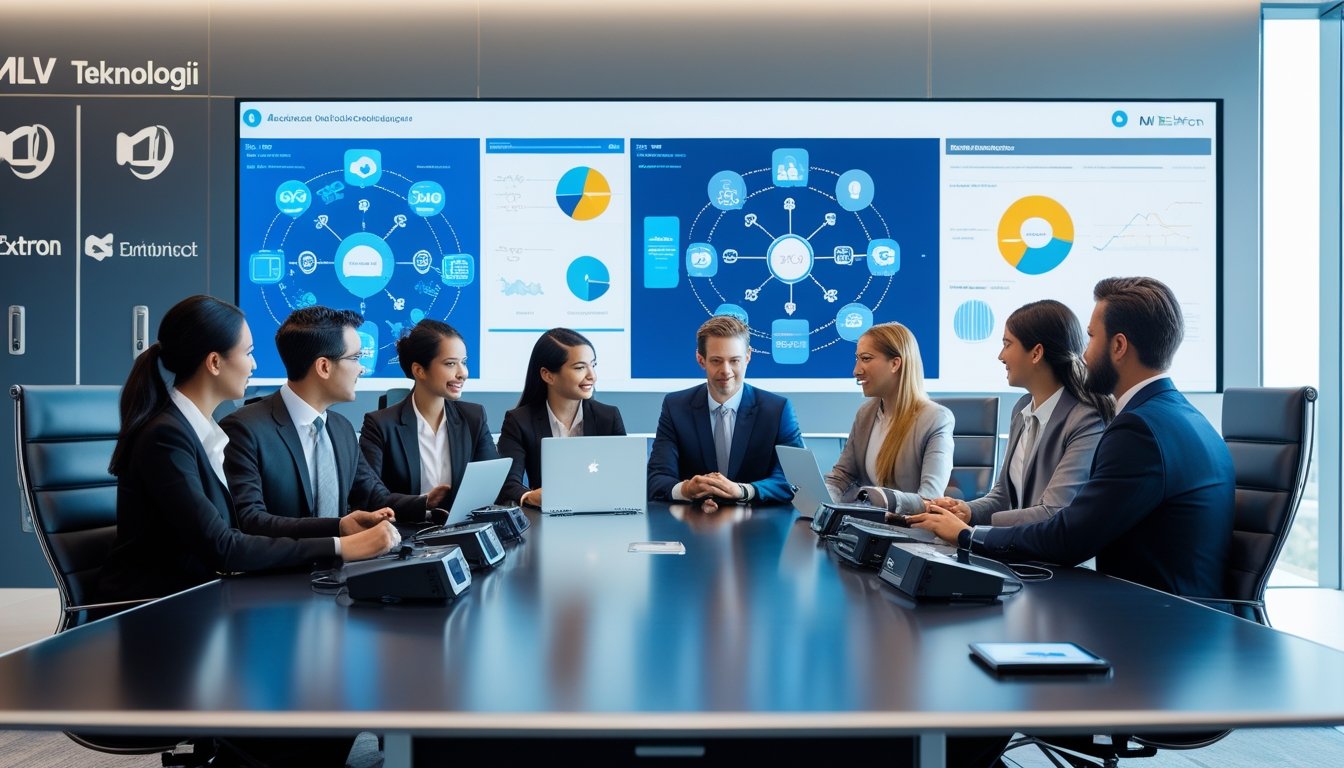
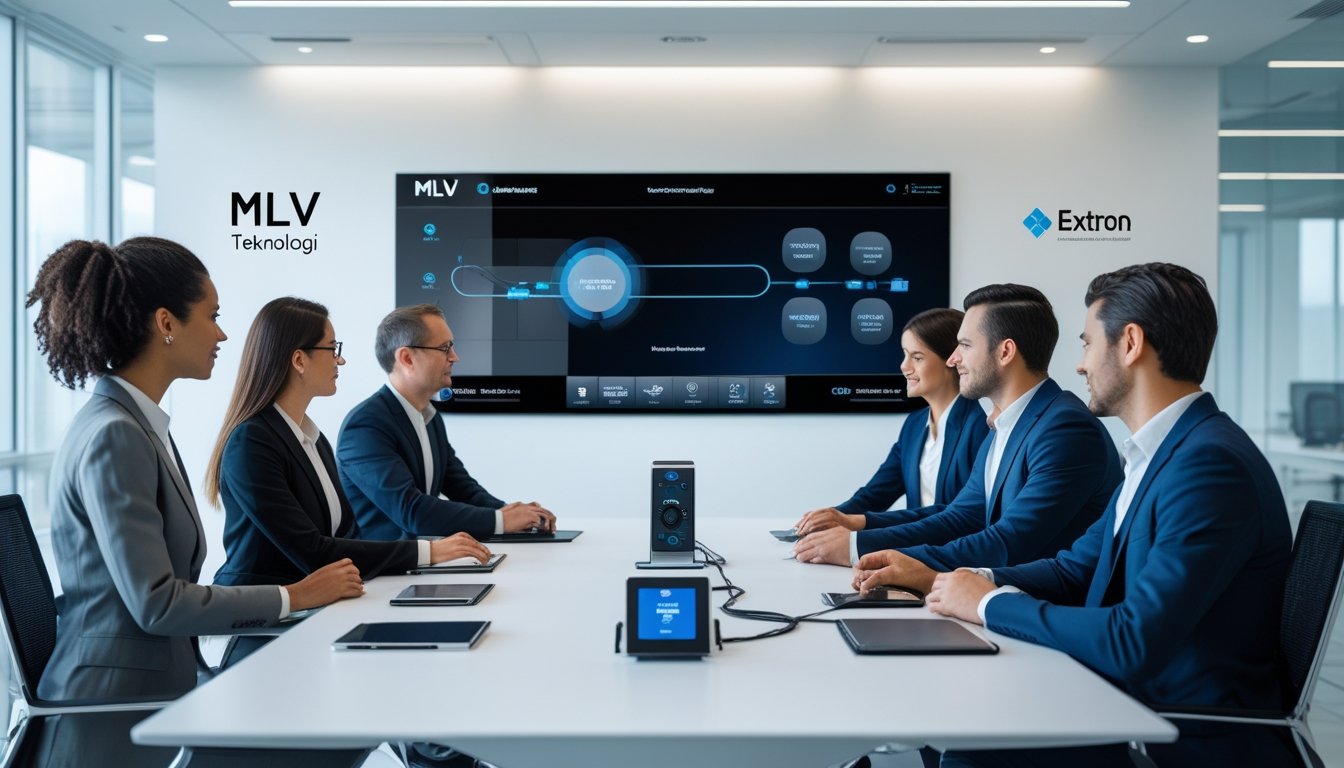
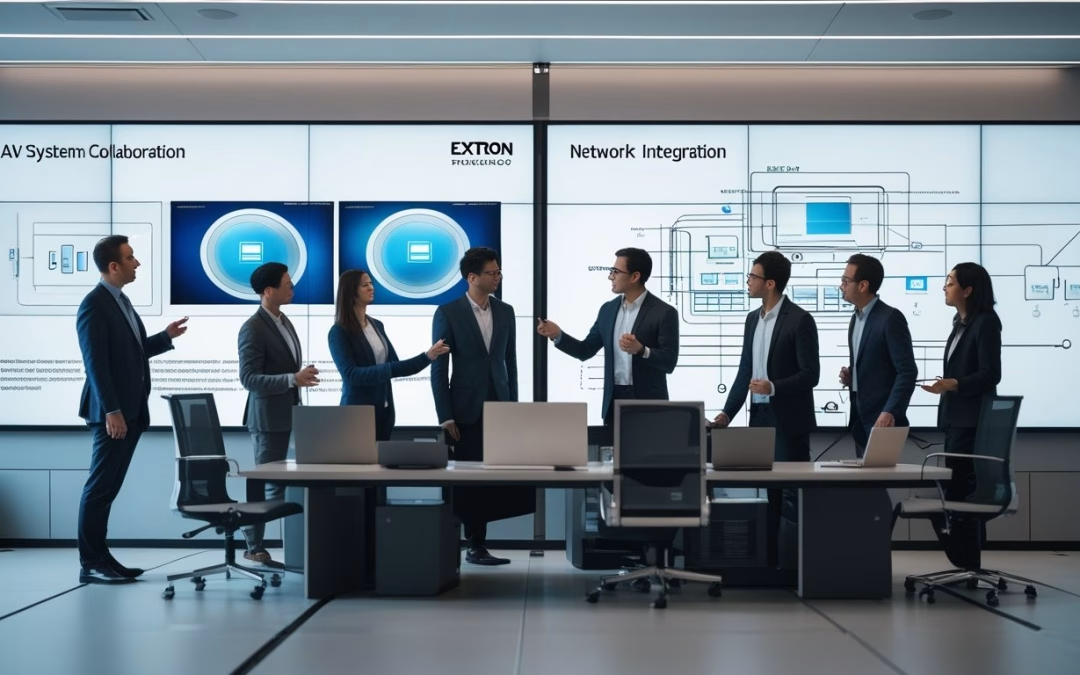
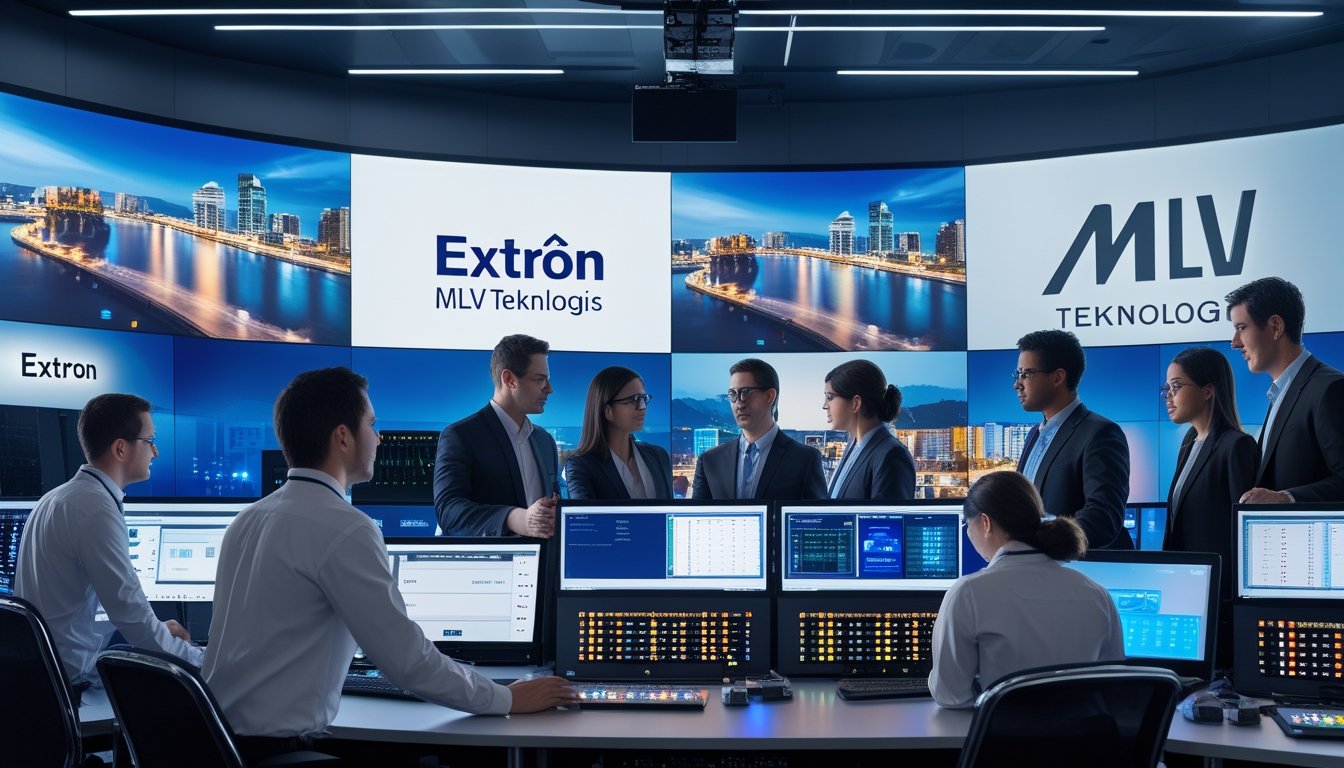
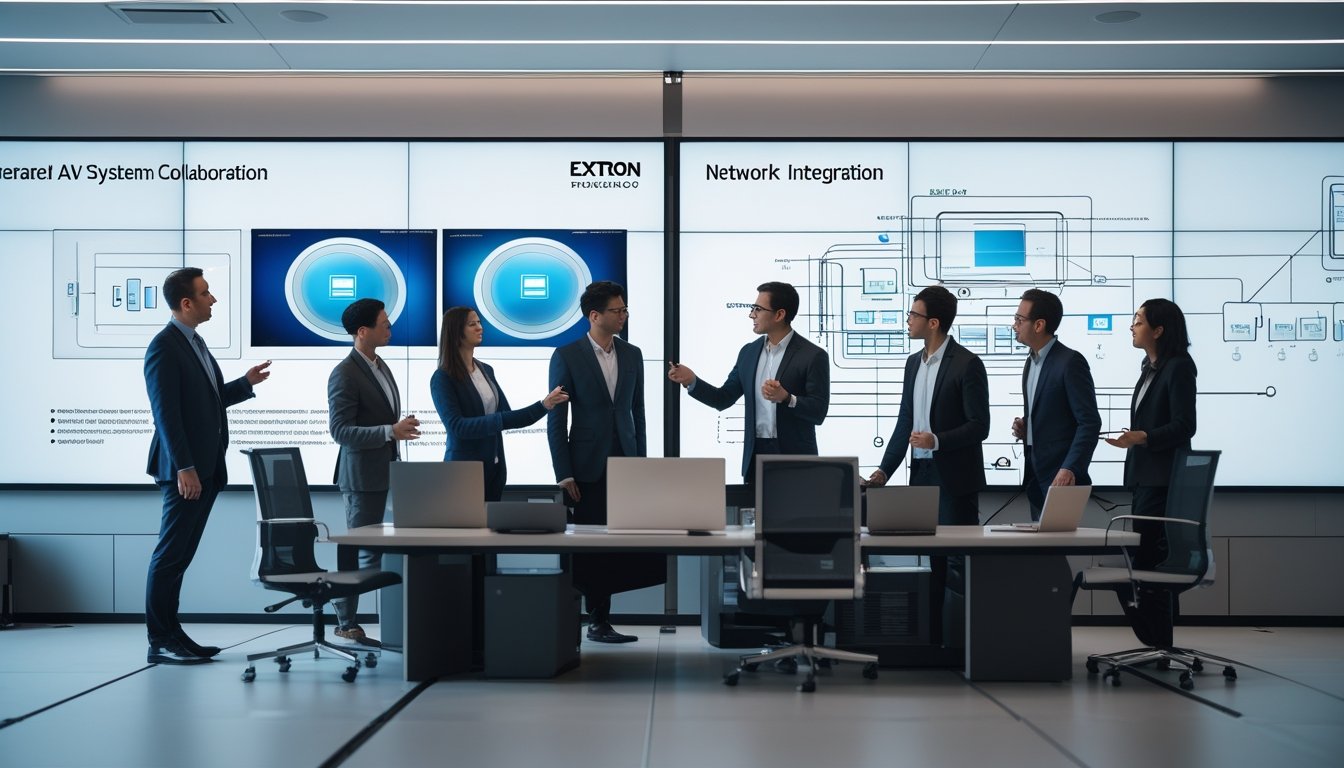
MLV Teknologi dan Extron telah menjalin kemitraan strategis yang bertujuan menyederhanakan sistem Audio Visual (AV) dengan teknologi terbaru. Kolaborasi ini menghadirkan solusi AV yang inovatif untuk meningkatkan produktivitas dan efisiensi bagi berbagai jenis bisnis di Indonesia. Dengan teknologi mutakhir, kedua perusahaan menawarkan sistem yang mudah digunakan dan andal.

Kerja sama ini membawa teknologi smart office dan sistem manajemen ruang yang canggih, memudahkan komunikasi dan kolaborasi dalam lingkungan kerja modern. Solusi ini tidak hanya meningkatkan kualitas audio dan visual, tapi juga menghadirkan keamanan dan kinerja optimal sesuai kebutuhan perusahaan masa kini.
MLV Teknologi dan Extron fokus pada pengembangan sistem AV yang fleksibel dan siap menghadapi tantangan digital di masa depan. Dengan pendekatan ini, mereka membantu bisnis di Indonesia bertransformasi menjadi lebih efisien dan responsif terhadap perkembangan teknologi.
Key Takeways
- Kemitraan ini memperkuat distribusi solusi AV inovatif di pasar Indonesia.
- Teknologi terbaru mempermudah kolaborasi dan komunikasi dalam bisnis.
- Sistem AV yang ditawarkan dirancang agar fleksibel dan siap masa depan.
Kemitraan Strategis MLV Teknologi dan Extron di Indonesia
MLV Teknologi dan Extron menggabungkan keahlian mereka untuk menghadirkan solusi audio visual (AV) yang canggih dan praktis bagi perusahaan di Indonesia. Kemitraan ini berfokus pada pengembangan teknologi smart office yang dapat meningkatkan produktivitas dan efisiensi kerja. Peran kepemimpinan dan strategi digital menjadi kunci dalam kolaborasi ini.
Sejarah dan Latar Belakang Kolaborasi
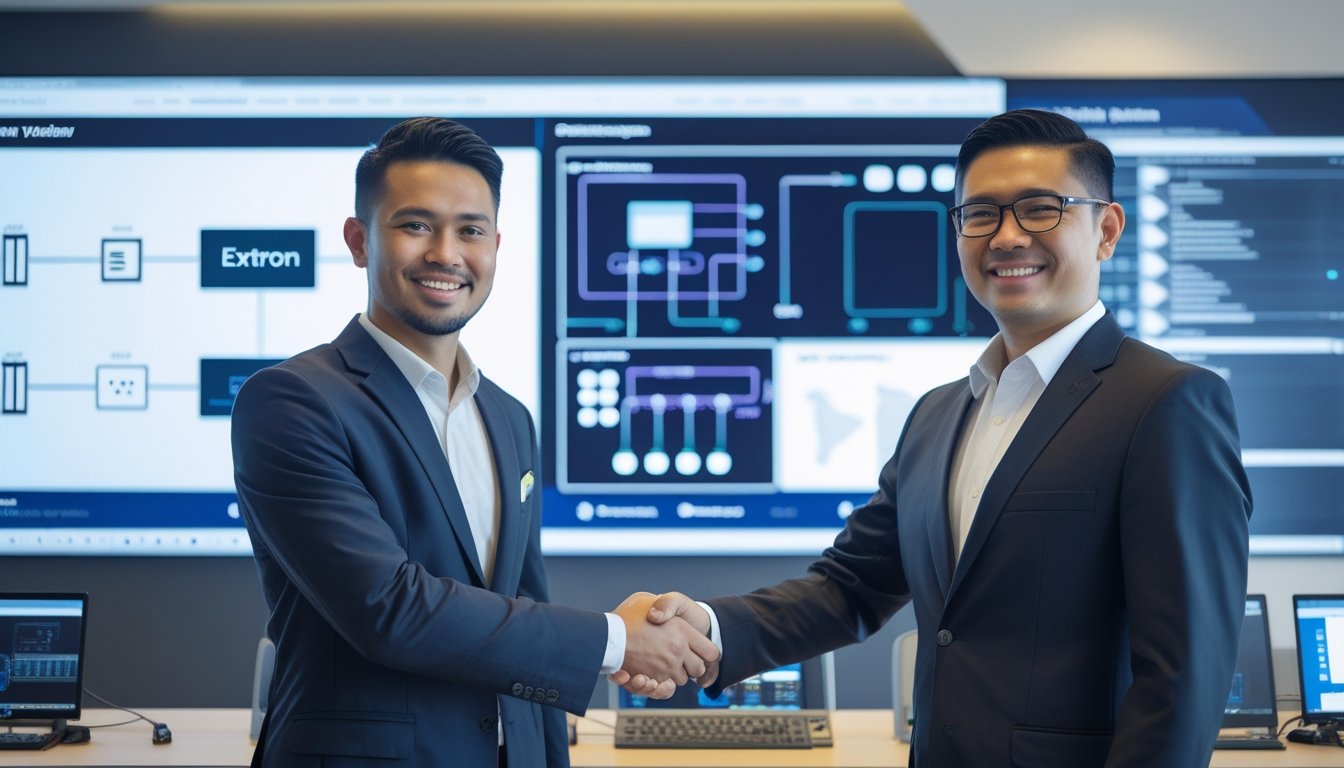
Kerjasama antara MLV Teknologi dan Extron resmi diumumkan pada awal 2025. MLV Teknologi, yang telah lama dikenal sebagai penyedia solusi teknologi terkemuka di Indonesia, dipilih sebagai reseller resmi Extron di pasar lokal.
Tujuannya adalah membawa teknologi AV mutakhir milik Extron ke dalam pengguna bisnis Indonesia. Dengan solusi AV yang terintegrasi, perusahaan dapat menggunakan teknologi konferensi video, sistem manajemen ruang, dan perangkat audio visual yang lebih canggih. Hubungan ini memperkuat posisi kedua perusahaan dalam industri teknologi digital dan audiovisual di Indonesia.
Peran Melvin Halpito dalam Kepemimpinan
Melvin Halpito, Managing Director MLV Teknologi, memegang peran penting dalam memimpin inisiatif kemitraan ini. Dia menekankan bahwa smart office lebih dari sekadar teknologi; ini adalah upaya menciptakan lingkungan kerja yang mendukung kolaborasi dan kreativitas.
Melvin memperlihatkan visi untuk membantu perusahaan agar tidak hanya meningkatkan efisiensi operasional tetapi juga membangun budaya kerja yang adaptif di era digital. Kepemimpinannya mendorong pengembangan produk dan layanan yang fleksibel, responsif, serta sesuai dengan kebutuhan pasar Indonesia.
Dampak bagi Transformasi Digital Perusahaan
Kerjasama MLV Teknologi dan Extron berkontribusi langsung dalam mempercepat transformasi digital berbagai perusahaan di Indonesia. Dengan penawaran sistem AV yang terintegrasi dan smart office, banyak organisasi mampu meningkatkan komunikasi internal dan kerja tim.
Transformasi digital yang didukung oleh teknologi ini mengarah pada peningkatan produktivitas dan efisiensi penggunaan fasilitas kantor. Selain itu, MLV Teknologi dan Extron juga mengadakan seminar dan workshop untuk membantu perusahaan memahami pentingnya inovasi digital dalam operasional sehari-hari mereka.
Solusi AV Terkini untuk Kolaborasi dan Efisiensi Bisnis
MLV Teknologi dan Extron menghadirkan teknologi audio-visual yang mengoptimalkan fungsi ruang kerja modern. Sistem yang terintegrasi memungkinkan kolaborasi lebih efisien dan mendukung berbagai kebutuhan perusahaan, terutama dengan model kerja hibrid dan ruang rapat pintar.
Modernisasi Ruang Rapat Pintar dan Konferensi
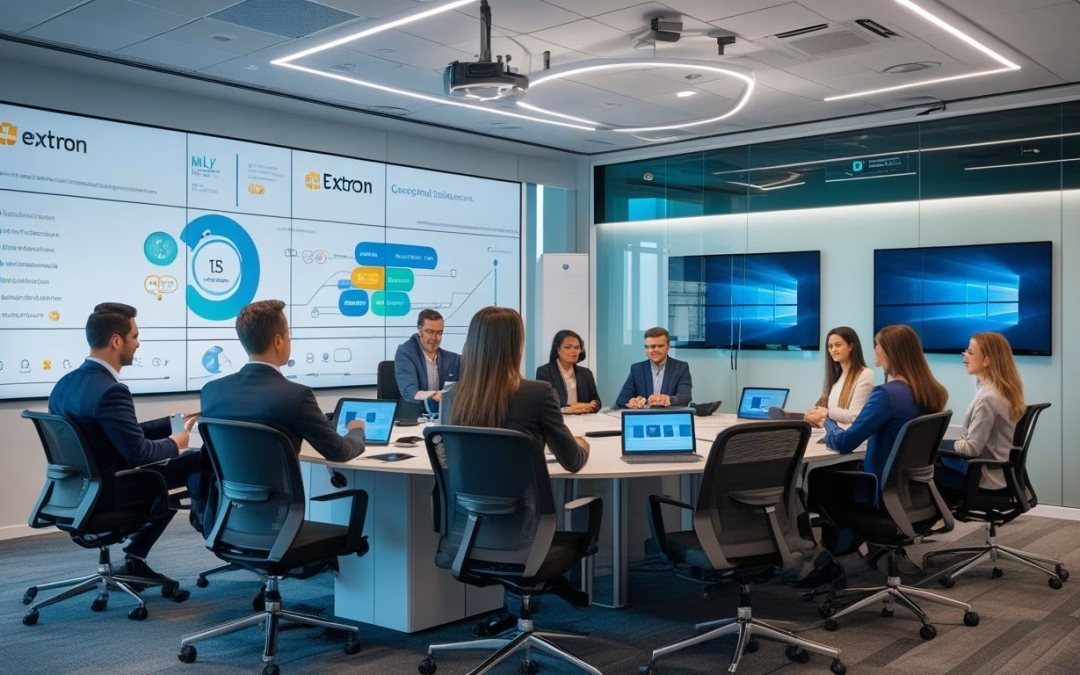
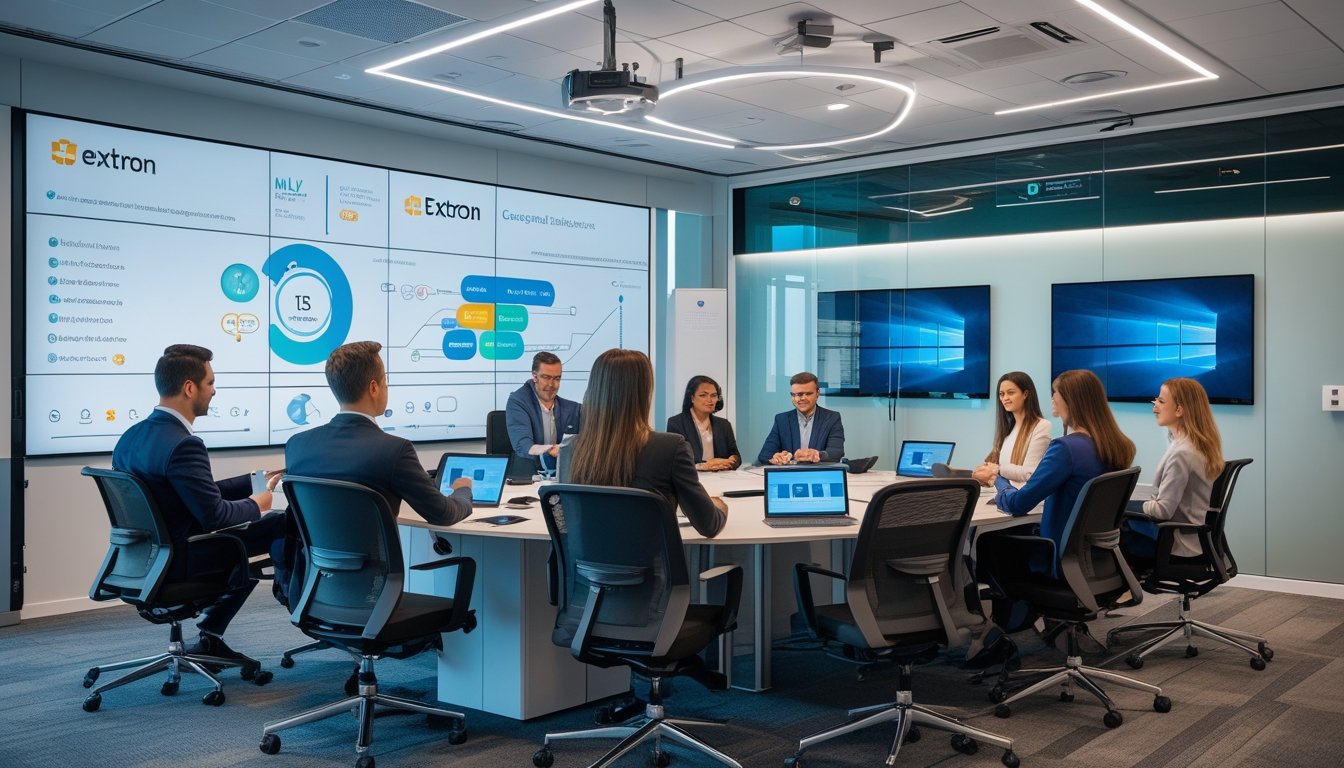
Teknologi AV terbaru mempermudah penggunaan ruang rapat pintar dan smart conference room. Produk Extron dan integrasi sistem AV MLV Teknologi menggabungkan kontrol layar, proyektor, pencahayaan, dan audio dalam satu sistem yang mudah dioperasikan.
Smart meeting room menggunakan interactive whiteboard dan microphone ceiling untuk presentasi yang interaktif. Sistem ini juga kompatibel dengan aplikasi konferensi seperti Zoom dan Teams. Otomatisasi ruang rapat dengan pengaturan suhu dan pencahayaan meningkatkan kenyamanan peserta.
Konektivitas cloud memungkinkan akses meeting dari mana saja, sesuai tren kerja hibrid. Hal ini mempercepat pengambilan keputusan dan memaksimalkan efisiensi rapat tanpa hambatan teknis.
Smart Office dan Pengembangan Ruang Kerja Pintar
Ruangan kantor pintar yang dirancang oleh MLV Teknologi menggunakan teknologi smart office dari Extron untuk mengontrol berbagai perangkat secara terpadu. Sistem ini memudahkan pengelolaan ruang kerja dengan fitur seperti room booking system dan monitoring real-time.
Penggunaan teknologi ini memungkinkan penyesuaian otomatis terhadap kebutuhan kerja, seperti pengaturan pencahayaan dan suhu yang responsif. Solusi AV juga mendukung kolaborasi korporat dengan integrasi perangkat mobile dan cloud.
Smart office memastikan produktivitas tinggi dengan memberikan kenyamanan sekaligus keamanan lewat sistem smart security terintegrasi. Pengelolaan AV secara jarak jauh memudahkan pemeliharaan dan pembaruan sistem tanpa mengganggu aktivitas kerja.
Penerapan Digital Signage, Video Wall, dan Sistem Interaktif
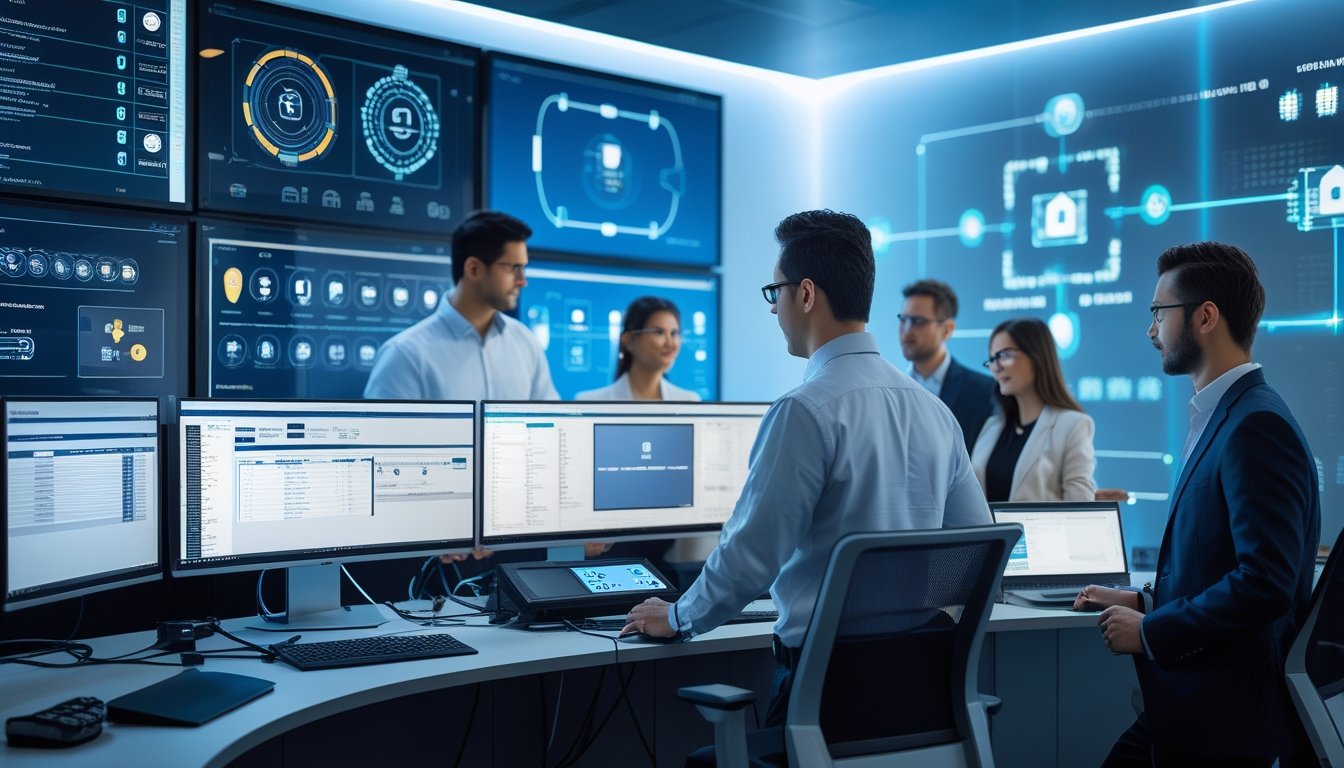
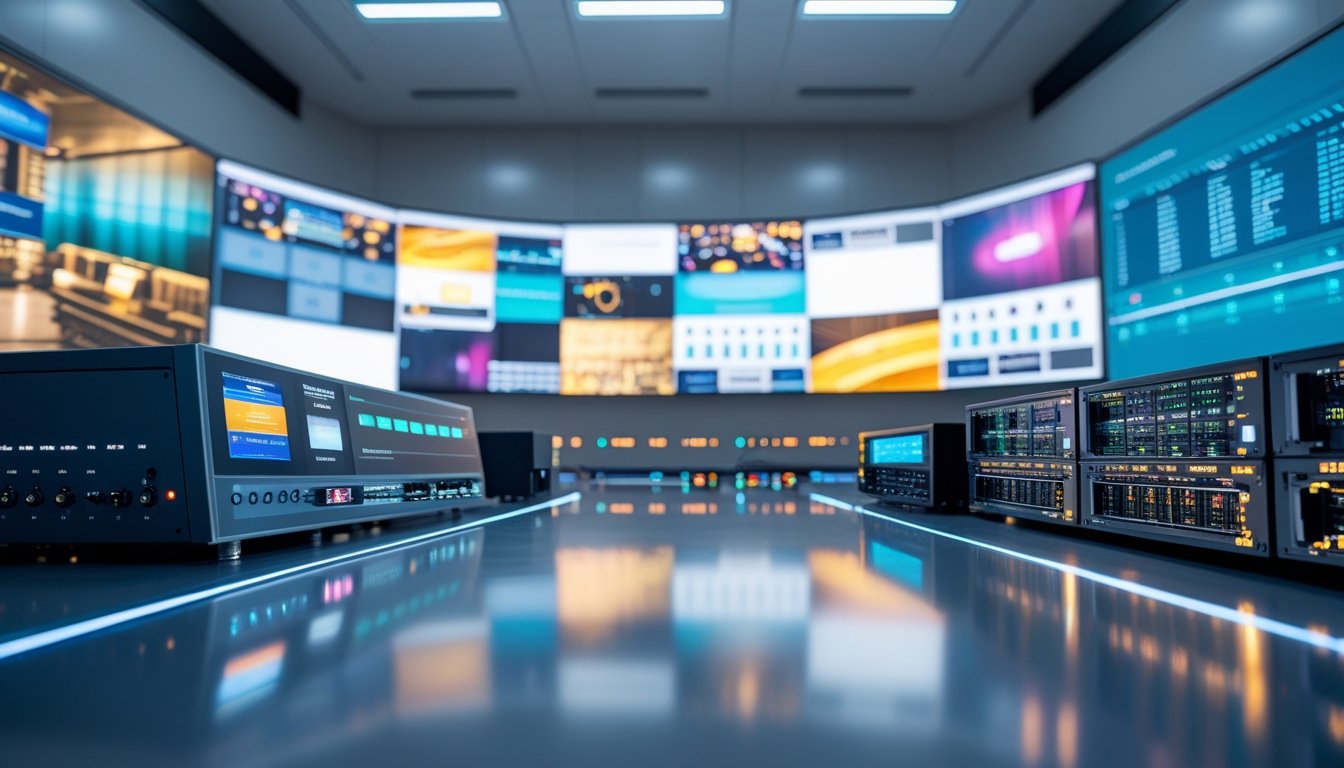
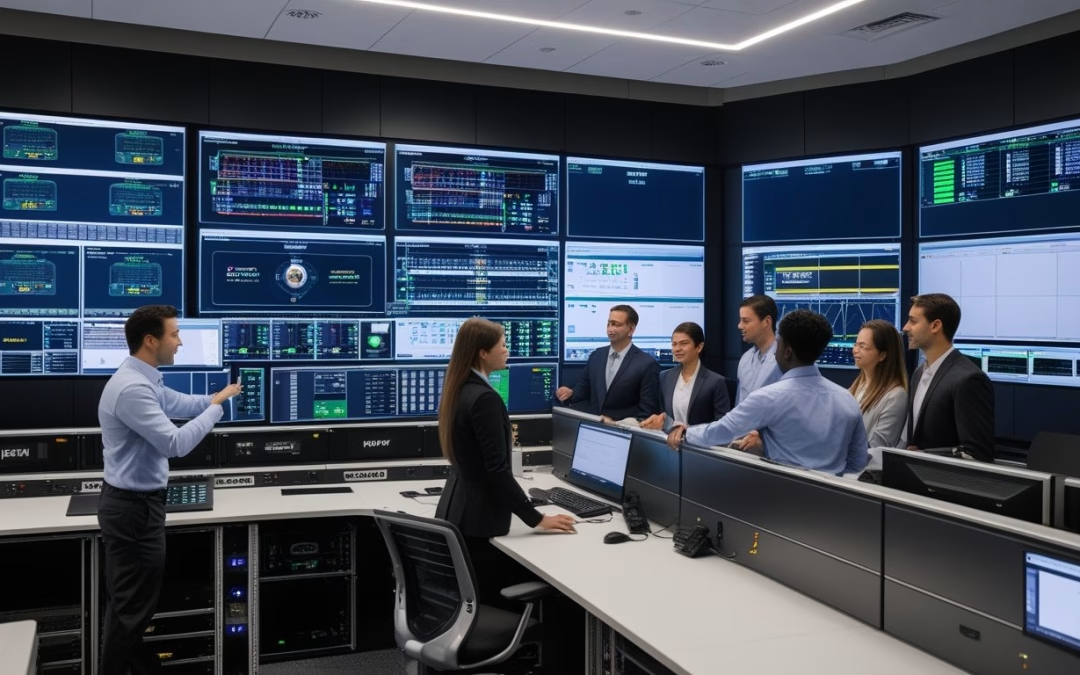
Digital signage dan video wall dari merek seperti Planar dan Samsung dipasang untuk komunikasi internal dan presentasi informasi secara visual menarik. Command center dengan large display memonitor aktivitas penting dan mendukung pengambilan keputusan cepat.
Sistem interaktif seperti interactive whiteboard dan smartboard meningkatkan keterlibatan dalam presentasi dan pelatihan. Konten dapat dibagikan secara real-time untuk mendukung kolaborasi tim, baik di ruang rapat maupun kerja jarak jauh.
Integrasi digital signage dengan sistem AV juga membantu menyampaikan pesan korporat secara efektif tanpa gangguan. Solusi ini memperkuat komunikasi bisnis dan memberikan pengalaman pengguna yang lebih baik dalam ruang kerja pintar.
Inovasi Teknologi AV Extron: Fitur, Keamanan, dan Kinerja Optimal
Extron menawarkan teknologi audio visual yang menggabungkan kualitas tinggi dan keamanan yang ketat. Sistem ini menggunakan arsitektur berbasis IP untuk distribusi audio-video efisien dan pengendalian sistem yang mudah. Dukungan protokol standar serta layanan lengkap memperkuat keandalan dalam komunikasi dan kolaborasi digital.
Keunggulan Extron NAV System dan AV Over IP
Extron NAV System merupakan solusi AV over IP yang unggul dalam fleksibilitas dan skalabilitas. Dengan arsitektur IP, perusahaan dapat menambah saluran audio dan video tanpa perlu kabel tambahan yang rumit. Sistem ini mendukung resolusi hingga 4K UHD dan memiliki latensi rendah untuk transmisi data yang halus.
Kemudahan integrasi dengan perangkat lain menggunakan protokol seperti Control Protocol dan RS-232 memungkinkan pengelolaan sistem secara terpusat dengan perangkat lunak Control Professional. Manajemen bandwidth adaptif menjaga performa jaringan tetap stabil meski banyak perangkat tersambung.
Kualitas Audio-Video, Kompresi, dan Transmisi Data
Sistem Extron mengoptimalkan kualitas audio dan video dengan teknologi kompresi H.264 dan H.265. Kompresi ini mengurangi ukuran data tanpa kehilangan kualitas, penting untuk presentasi dan komunikasi yang jelas. Transmisi mendukung standar 4K UHD sehingga gambar dan suara yang diterima tajam dan detail.
Transmisi audio dan video berlangsung dengan latensi rendah, memastikan sinkronisasi yang tepat. Penggunaan digital sound processor dan integrasi di jaringan infrastruktur yang kuat memberikan pengalaman AV yang optimal dalam lingkungan kerja modern, termasuk dalam solusi seperti all in one LED display dan interactive flat panel.
Keamanan Data: Enkripsi, Protokol, dan Manajemen Akses
Extron NAV System dilengkapi dengan enkripsi data menggunakan protokol keamanan seperti HTTPS dan SRTP. Sistem ini memastikan transmisi audio dan video aman dari akses tidak sah. Autentikasi pengguna yang ketat juga diterapkan untuk membatasi akses hanya pada pengguna resmi.
Manajemen akses dapat dilakukan melalui antarmuka berbasis web yang mudah digunakan. Sistem mampu mendeteksi dan mencegah potensi ancaman, yang sangat penting dalam pengelolaan data dan pengawasan keamanan, termasuk penggunaan CCTV dalam integrasi sistem AV dan security & surveillance.
Layanan Pra Penjualan dan Purna Jual
MLV Teknologi menyediakan layanan lengkap sebelum dan sesudah pemasangan sistem Extron. Pra penjualan meliputi analisis kebutuhan dan demonstrasi produk agar konfigurasi sesuai dengan teknis dan bisnis perusahaan. Ini membantu memastikan solusi yang dipilih optimal dan efektif.
Setelah pemasangan, layanan purna jual mencakup pelatihan pengguna dan dukungan teknis responsif. Perawatan dan pembaruan sistem juga disediakan secara berkala untuk menjamin kelangsungan operasional. Pendekatan ini memastikan sistem tetap hemat energi dan berfungsi maksimal sesuai perkembangan teknologi terbaru.
Implementasi dan Masa Depan Integrasi AV di Indonesia
Integrasi audio-visual di Indonesia terus berkembang dengan dukungan teknologi terbaru yang meningkatkan efisiensi dan kenyamanan ruang kerja. Sistem yang terhubung dengan cloud dan digitalisasi layanan menjadi kunci dalam menunjang produktivitas perusahaan.
Peran AV System Integrator dan Audio Visual Kontraktor
AV system integrator dan audio visual kontraktor memegang peran penting dalam menggabungkan berbagai perangkat seperti LED display, videotron, dan ceiling microphone menjadi satu sistem yang mudah dikendalikan. Mereka bertanggung jawab merancang dan mengimplementasikan solusi yang sesuai dengan kebutuhan perusahaan.
Integrasi ini membantu mengurangi kompleksitas pengoperasian teknologi dan meningkatkan efisiensi operasional. Dalam proyek smart office, system integrator audio-visual juga mengelola room booking system yang meningkatkan penggunaan ruang rapat secara optimal. MLV Teknologi, sebagai AV system integrator, fokus pada penerapan solusi tersebut agar teknologi dapat digunakan secara efektif dan lancar.
Tren Teknologi Audiovisi dan Smart Office
Tren terbaru menunjukkan penggunaan teknologi AV yang semakin canggih di kantor modern. Smart office kini mengintegrasikan berbagai sistem audio-visual yang mendukung kolaborasi, seperti ceiling microphone untuk menangkap suara dengan jelas dan LED display untuk presentasi interaktif.
Teknologi ini memungkinkan penggunaan ruangan lebih efisien dan mendukung komunikasi yang lebih baik antar tim. Sistem integrasi audio-visual yang terkoordinasi membantu menciptakan lingkungan kerja yang nyaman dan produktif, sekaligus mempermudah pengelolaan fasilitas kantor.
Solusi Cloud dan Digitalisasi Layanan Perusahaan
Penggunaan solusi cloud dalam integrasi sistem AV memungkinkan kontrol dan pengelolaan perangkat secara remote. Perusahaan dapat memonitor kondisi perangkat dan mengatur jadwal penggunaan ruangan tanpa kehadiran fisik di lokasi.
Digitalisasi layanan ini mendukung operasi yang lebih fleksibel dan cepat. Sistem seperti room booking berbasis cloud mengurangi tumpang tindih jadwal dan memaksimalkan pemakaian ruang kantor. Hal ini juga membantu audio visual kontraktor dalam menyediakan layanan pemeliharaan yang responsif dan efisien.
by Melvin Halpito | Aug 2, 2025 | Article
MLV Teknologi dan Extron telah bekerja sama untuk menghadirkan sistem AV terbaru yang dirancang untuk meningkatkan keunggulan kompetitif perusahaan. Kolaborasi ini fokus pada solusi teknologi audiovisual yang mampu meningkatkan produktivitas, efisiensi, dan fleksibilitas di lingkungan kerja modern. Dengan menghadirkan integrasi sistem AV yang canggih, mereka membantu perusahaan menjalani transformasi digital yang semakin penting di era saat ini.
Sistem AV dari MLV Teknologi dan Extron tidak hanya menawarkan kualitas audio dan video yang tinggi, tapi juga kemudahan dalam pengelolaan dan penggunaan ruang kerja. Solusi ini mendukung smart office dan kerja kolaboratif yang memungkinkan komunikasi lebih efektif antar tim. Dengan teknologi ini, perusahaan dapat menciptakan lingkungan kerja yang responsif dan mendukung kreativitas serta kolaborasi tanpa hambatan.
Keunggulan lain yang ditawarkan adalah kemampuan sistem untuk beradaptasi dengan berbagai kebutuhan bisnis, baik dari segi keamanan, inovasi, maupun konektivitas. Hal ini menjadikan sistem AV terbaru sebagai investasi strategis yang tepat untuk perusahaan yang ingin tetap kompetitif dan maju dalam dunia bisnis yang serba cepat.
Key Takeways
- Sistem AV terbaru dari MLV Teknologi dan Extron meningkatkan produktivitas perusahaan.
- Solusi AV mendukung lingkungan kerja smart office dan kolaborasi yang efektif.
- Teknologi ini menghadirkan keamanan, inovasi, dan konektivitas yang adaptif untuk bisnis.
Peran MLV Teknologi dan Extron dalam Transformasi Digital AV
MLV Teknologi dan Extron Electronics bekerja sama untuk menghadirkan solusi audiovisual yang membantu perusahaan di Indonesia beradaptasi dengan kebutuhan digital saat ini. Mereka fokus pada pengembangan sistem AV yang meningkatkan komunikasi, kolaborasi, dan efisiensi operasional. Pendekatan ini didukung oleh inovasi produk dan strategi yang sinergis antara keduanya.
Profil MLV Teknologi sebagai Pemimpin Integrasi AV di Indonesia
MLV Teknologi adalah perusahaan yang sudah dikenal luas sebagai penyedia solusi teknologi integrasi AV di Indonesia. Berbasis di Jakarta, perusahaan ini sejak 2013 menawarkan berbagai layanan yang mendukung operasi bisnis melalui teknologi audiovisual canggih.
Fokus utama MLV Teknologi adalah menciptakan ruang kerja pintar yang mendorong produktivitas dan kolaborasi. Mereka menyediakan layanan yang meliputi instalasi sistem konferensi video, integrasi perangkat audio dan video, serta manajemen ruang kerja.
Sebagai reseller resmi Extron Electronics, MLV Teknologi juga memperkuat jaringannya dengan produk global berkualitas yang sesuai kebutuhan lokal. Hal ini menjadikan mereka salah satu mitra utama untuk transformasi digital di sektor korporat Indonesia.
Extron Electronics: Inovator Solusi Audio Visual Global
Extron Electronics adalah perusahaan global yang berfokus pada teknologi audiovisual dengan inovasi tinggi. Mereka dikenal luas karena mengembangkan perangkat keras dan perangkat lunak yang membantu berbagai organisasi mengelola komunikasi visual dan audio secara efisien.
Produk Extron saat ini banyak digunakan untuk berbagai kebutuhan, mulai dari ruang konferensi, ruang kelas, hingga pusat kontrol. Teknologi mereka memungkinkan integrasi sistem yang mulus, meningkatkan pengalaman pengguna dan memudahkan manajemen perangkat.
Inovasi terbaru Extron mendukung konsep smart office dengan fitur yang mendukung kolaborasi jarak jauh dan pengelolaan ruang kerja yang responsif. Eksistensi Extron di pasar global memberikan nilai tambah bagi mitra lokal seperti MLV Teknologi dalam menyediakan solusi AV modern.
Strategi dan Komitmen Kolaborasi untuk Solusi Korporat
Kolaborasi antara MLV Teknologi dan Extron menitikberatkan pada integrasi teknologi untuk menciptakan solusi AV yang lengkap dan mudah digunakan. Mereka menghadirkan produk dan layanan mulai dari sistem konferensi video mutakhir, manajemen ruang kerja, hingga perangkat audio visual canggih.
Keduanya berkomitmen untuk menyediakan solusi yang bukan hanya meningkatkan efisiensi, tetapi juga mampu menciptakan lingkungan kerja yang mendukung inovasi dan kreatifitas. Perusahaan-perusahaan di Indonesia dapat mengandalkan mereka untuk transformasi digital yang berkesinambungan.
Selain menyediakan produk, MLV Teknologi dan Extron juga aktif mengadakan seminar dan workshop untuk mengedukasi pasar. Kegiatan ini bertujuan agar pelaku bisnis memahami pentingnya sistem AV dalam mendukung operasional modern dan membangun kompetensi teknologi.
Peranan Melvin Halpito dalam Mendorong Inovasi
Melvin Halpito sebagai Managing Director MLV Teknologi memainkan peran penting dalam mengembangkan strategi inovasi perusahaan. Dia menekankan pentingnya adaptasi teknologi untuk menghadapi tuntutan era digital yang cepat berubah.
Melvin melihat teknologi smart office bukan sebatas perangkat, tetapi bagian dari menciptakan budaya kerja yang produktif dan kolaboratif. Dia mendorong penggunaan solusi AV untuk memudahkan komunikasi dan memperkuat kerja tim di berbagai organisasi.
Di bawah kepemimpinannya, MLV Teknologi terus memperkuat kerja sama dengan Extron dan fokus pada pengembangan solusi yang relevan dengan kebutuhan bisnis Indonesia sekarang. Pengaruh Melvin memastikan perusahaan tetap berada di garis depan transformasi digital audiovisual di pasar lokal.
Solusi AV Terkini untuk Smart Office dan Kolaborasi Modern
MLV Teknologi dan Extron menghadirkan berbagai teknologi audiovisual yang dirancang untuk mendukung ruang kerja pintar dan kolaborasi efektif. Fokusnya adalah pada sistem yang mengintegrasikan otomasi, komunikasi canggih, dan pengelolaan ruang agar memudahkan kerja hibrid dan meningkatkan produktivitas.
Smart Office: Konsep, Implementasi, dan Manfaat Bisnis
Smart office memanfaatkan teknologi digital untuk otomatisasi dan pengelolaan ruang kerja. Sistem ini menggabungkan perangkat AV dengan software manajemen yang berbasis cloud untuk mengoptimalkan penggunaan ruang dan fasilitas.
Implementasi smart office membuat aktivitas sehari-hari lebih efisien, seperti pemesanan ruang virtual dan kontrol perangkat secara otomatis. Hal ini juga membantu perusahaan menciptakan lingkungan kerja yang fleksibel dan aman.
Manfaat bisnisnya antara lain peningkatan produktivitas, pengurangan waktu yang terbuang, dan penghematan biaya operasional. Dengan smart office, kolaborasi korporat dapat berlangsung lebih lancar, tanpa batasan ruang maupun waktu.
Fitur Unggulan Ruang Rapat Pintar dan Meeting Room Canggih
Ruang rapat pintar mengintegrasikan perangkat audiovisual canggih dan sistem kontrol terpusat. Kamera otomatis, mikrofon dengan pengurangan noise, dan layar interaktif menjadi fitur utama.
Meeting room canggih memudahkan presentasi, konferensi video, serta berbagi materi secara real-time. Sistem ini dirancang agar mudah digunakan tanpa memerlukan konfigurasi yang rumit.
Selain untuk rapat internal, ruang ini mendukung kolaborasi dengan mitra eksternal melalui koneksi yang stabil dan aman. Fungsi manajemen ruang yang terintegrasi juga mempermudah penjadwalan dan pemantauan penggunaan fasilitas.
Teknologi Smart Conference Room dan Command Center
Smart conference room menggunakan teknologi audiovisual yang lengkap, termasuk sensor dan sistem otomasi untuk mengontrol pencahayaan dan suhu. Ini meningkatkan kenyamanan serta fokus selama rapat.
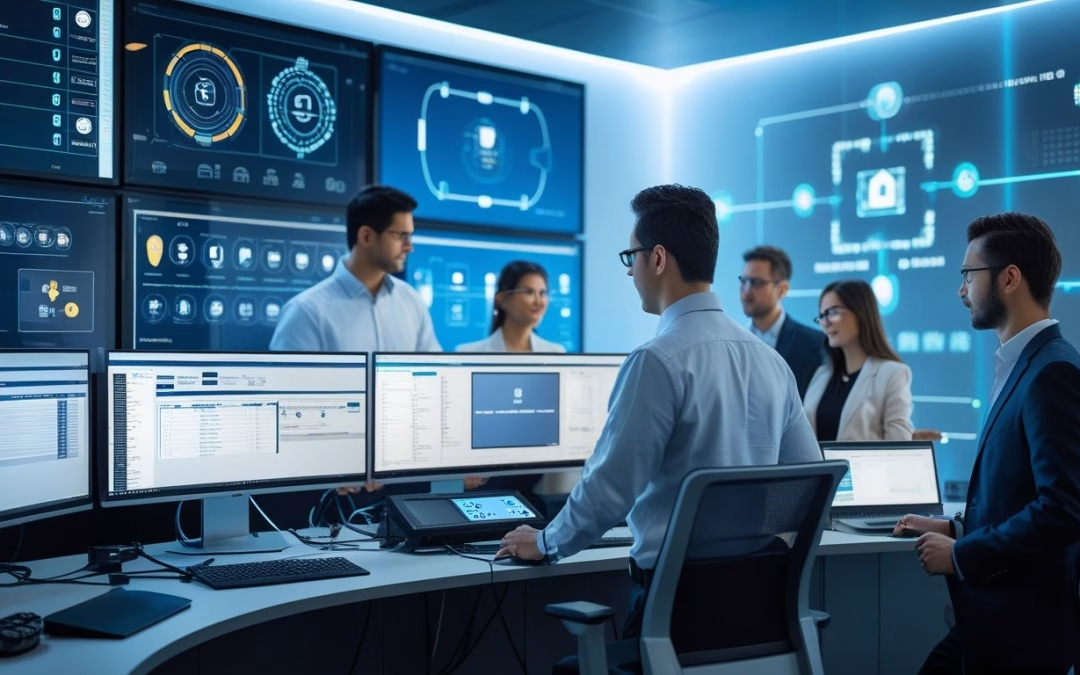
Command center berfungsi sebagai pusat kendali komunikasi dan pengawasan data untuk perusahaan. Dengan teknologi integrasi ini, seluruh aktivitas di smart office dapat dipantau dan diatur dari satu titik kontrol.
Kombinasi smart conference room dan command center memperkuat pengambilan keputusan dan respons cepat, sangat penting dalam lingkungan kerja dinamis dan kolaborasi korporat yang intens.
Tren Integrasi AV pada Model Kerja Hibrid dan Modern Workspace
Model kerja hibrid semakin populer dan membutuhkan solusi AV yang mendukung fleksibilitas antarlokasi. Integrasi audiovisual memungkinkan kolaborasi tanpa kendala jarak, meningkatkan keterlibatan tim remote dan on-site.
Modern workspace kini difokuskan pada sistem yang adaptif dan mudah diakses. Pemanfaatan teknologi smart office membantu perusahaan mengoptimalkan ruang dengan perangkat yang terhubung dan dapat dikontrol dari berbagai perangkat.
Tren ini juga mencakup penggunaan alat kolaborasi yang menggabungkan audio, video, dan data secara real-time. Dengan integrasi tersebut, perusahaan dapat mempertahankan produktivitas dan budaya kerja yang kuat meski dalam sistem kerja campuran.
Integrasi Sistem AV: Keamanan, Inovasi, dan Konektivitas
Sistem AV terbaru menggabungkan aspek keamanan yang ketat, solusi inovatif berbasis cloud, dan infrastruktur jaringan yang kuat. Hal ini memungkinkan perusahaan menjaga data aman sambil meningkatkan kemampuan komunikasi dan distribusi konten secara efisien.
Keamanan Data: Protokol, Enkripsi, dan Proteksi Informasi
Keamanan data dalam sistem AV sangat penting untuk melindungi informasi perusahaan dari akses tidak sah. Protokol keamanan digunakan untuk mengatur otentikasi dan kontrol akses pada perangkat AV.
Enkripsi data menjadi langkah utama dalam menjaga komunikasi agar tetap rahasia. Sistem juga menerapkan teknologi enkripsi data end-to-end, sehingga informasi yang dikirimkan terlindungi dari intersepsi.
Pengawasan tambahan seperti integrasi CCTV dan fitur security & surveillance membantu mengawasi fisik ruang kerja sekaligus perangkat AV. Ini memperkuat sistem keamanan menyeluruh.
Konektivitas AV: Cloud-Based Solutions dan Network Infrastructure
Solusi AV terkini memanfaatkan cloud-based solutions untuk mengoptimalkan kolaborasi tim, terutama yang bekerja jarak jauh. Sistem cloud ini memungkinkan akses konten dan kontrol perangkat AV bisa dilakukan kapan saja dan dari mana saja.
Infrastruktur jaringan didesain untuk mengatasi kebutuhan bandwidth tinggi dan keterlambatan yang rendah. Koneksi yang stabil memastikan transfer audio dan video berjalan tanpa gangguan.
MLV Teknologi dan Extron fokus pada integrasi sistem AV yang mendukung skalabilitas melalui jaringan yang aman serta dapat dikelola secara terpusat. Ini mengurangi risiko kegagalan dan meningkatkan efisiensi operasional.
Infrastruktur Audio Video dan Distribusi Digital Canggih
Distribusi audio video modern memanfaatkan teknologi AV mutakhir yang mampu mengirimkan sinyal berkualitas tinggi ke berbagai perangkat secara serentak. Hal ini mendukung presentasi dan komunikasi yang lebih jelas dan hidup.
Solusi distribusi digital mempermudah pengaturan sumber dan tujuan audio video tanpa perlu instalasi kabel rumit. Sistem AV inovatif ini kompatibel dengan berbagai perangkat untuk penggunaan fleksibel di kantor dan ruang konferensi.
Dengan integrasi sistem AV yang terencana, perusahaan mendapatkan kontrol penuh atas perangkat, termasuk kemampuan monitoring dan pemeliharaan yang lebih efektif, menjaga stabilitas dan kualitas komunikasi kerja.
Produk dan Teknologi Terkemuka dalam Sistem AV Modern
Sistem audio visual (AV) modern mengandalkan berbagai perangkat canggih yang dirancang untuk meningkatkan kualitas tampilan, interaksi, dan pengelolaan ruang. Perangkat dan teknologi ini membantu organisasi mengoptimalkan komunikasi, kolaborasi, dan efisiensi kerja dengan solusi yang terintegrasi dan mudah digunakan.
Daftar Perangkat Andalan: Video Wall, Digital Signage, dan LED Display
Video wall menjadi solusi utama untuk menampilkan konten dalam ukuran besar dengan resolusi tinggi. Sistem ini biasa digunakan dalam ruang kontrol, pusat perbelanjaan, dan kantor korporat yang memerlukan tampilan visual yang jelas dan menarik.
Digital signage menawarkan cara dinamis untuk menampilkan informasi promosi atau pengumuman. Dengan teknologi LED display dan All In One LED Display, tampilan menjadi lebih terang dan hemat energi.
Videotron, tipe LED luar ruangan, sering dipakai untuk iklan dan event besar. Semua perangkat ini mendukung integrasi sistem yang memungkinkan kontrol terpadu dan pengaturan konten secara real-time.
Solusi Interaktif: Interactive Whiteboard dan Interactive Flat Panel
Interactive whiteboard dan interactive flat panel adalah teknologi penting dalam ruang rapat modern. Kedua perangkat ini memungkinkan pengguna menulis, menggambar, dan berkolaborasi langsung di layar sentuh besar.
Interactive whiteboard sering digunakan dalam pendidikan dan rapat bisnis karena kemudahannya dalam menggabungkan presentasi dan anotasi. Sedangkan interactive flat panel menawarkan kualitas gambar yang tajam dan respon layar yang cepat.
Teknologi ini mendukung berbagai aplikasi kolaborasi dan dapat terhubung dengan sistem AV lain, meningkatkan pengalaman interaktif dan produktivitas tim.
Sistem Pendukung: Ceiling Microphone, Digital Sound Processor, dan Room Booking System
Ceiling microphone membantu menangkap suara dalam ruangan dengan jangkauan yang luas tanpa mengganggu estetika ruang. Perangkat ini penting untuk konferensi video dan presentasi yang membutuhkan audio jernih.
Digital sound processor digunakan untuk mengatur dan meningkatkan kualitas suara. Pengolahan sinyal audio secara digital dapat menghilangkan gangguan dan menyesuaikan suara berdasarkan kebutuhan ruangan.
Room booking system mempermudah pengelolaan ruang rapat dengan sistem otomatis. Ini memungkinkan penjadwalan, pemantauan ketersediaan, dan penggunaan ruang secara efisien melalui aplikasi yang terintegrasi.
Keunggulan Brand: Samsung, Barco, Hisense, Extron di Dunia AV
Samsung dikenal dengan kualitas display yang tajam dan tahan lama, khususnya dalam produk LED display dan digital signage yang dapat diandalkan untuk berbagai lingkungan.
Barco menawarkan teknologi video wall dan solusi visual untuk aplikasi profesional. Produk mereka terkenal stabil dan mudah dikontrol dalam sistem terintegrasi.
Hisense menyediakan berbagai LED display yang efisien dan berkualitas tinggi untuk pasar korporat dan ritel.
Extron, yang kini didistribusikan melalui reseller resmi seperti MLV Teknologi, memimpin dalam solusi pro audio visual. Produk Extron meliputi perangkat kontrol, sound processor, dan sistem integrasi AV yang canggih. Kolaborasi ini menguatkan kehadiran teknologi canggih yang dapat diandalkan di pasar Indonesia.
by Melvin Halpito | Aug 2, 2025 | Article
MLV Teknologi dan Extron bekerja sama untuk menghadirkan sistem Audio Visual yang dirancang agar tahan lama dan fleksibel. Kolaborasi ini fokus pada solusi AV yang dapat beradaptasi dengan perkembangan teknologi dan kebutuhan bisnis yang terus berubah, sehingga mampu memberikan performa maksimal dalam jangka panjang. Sistem ini memudahkan berbagai organisasi untuk meningkatkan komunikasi, kolaborasi, dan pengelolaan ruang kerja mereka.
Dengan menggabungkan teknologi canggih seperti video processor, video wall, dan audio processing, keduanya menciptakan sistem AV yang dapat diintegrasikan secara mulus di berbagai lingkungan, mulai dari ruang rapat hingga pusat kendali (command center). Pendekatan ini memastikan setiap komponen bekerja secara optimal untuk mendukung produktivitas dan efisiensi operasional.
Selain teknologi, MLV Teknologi dan Extron juga menyediakan dukungan teknis yang handal dan layanan berstandar tinggi. Hal ini menjadikan solusi mereka bukan hanya inovatif, tapi juga dapat dipercaya untuk memenuhi kebutuhan sistem AV yang kompleks.
Key Takeaways
- Sistem AV dirancang untuk tahan lama dan mudah beradaptasi.
- Integrasi teknologi memastikan performa optimal di berbagai lingkungan.
- Dukungan teknis kuat menjamin keandalan dan kemudahan penggunaan.
Konsep Sistem AV Future-Proof Bersama MLV Teknologi dan Extron
MLV Teknologi dan Extron mengembangkan sistem audio-visual (AV) yang dirancang agar mudah disesuaikan dengan kebutuhan masa depan. Sistem ini menawarkan solusi yang fleksibel, dapat ditingkatkan, dan mengintegrasikan teknologi terkini untuk menjaga relevansi jangka panjang.
Pentingnya Fleksibilitas dan Skalabilitas dalam Sistem AV
Sistem AV harus mampu mengikuti perubahan teknologi dan kebutuhan pengguna. Fleksibilitas memungkinkan perangkat dan platform diintegrasikan dengan mudah tanpa perlu penggantian menyeluruh.
Skalabilitas menjadi kunci agar sistem dapat berkembang sesuai ukuran dan kompleksitas ruang kerja. MLV Teknologi dan Extron menyediakan solusi yang dapat diperbesar atau diperkecil sesuai kebutuhan perusahaan, dari ruang kecil hingga jaringan besar.
Dengan sistem yang fleksibel dan skalabel, perusahaan dapat menghemat biaya operasional jangka panjang dan memastikan investasi teknologi tidak cepat usang.
Pendekatan Future-Proof: Inovasi dan Adaptasi Teknologi
Future-proof berarti sistem AV dirancang untuk tahan lama dengan kemampuan adaptasi tinggi. MLV Teknologi dan Extron mengedepankan inovasi dalam perangkat keras dan perangkat lunak yang mudah diperbarui.
Mereka menggunakan arsitektur modular untuk memudahkan integrasi perangkat baru tanpa mengganggu sistem yang sudah berjalan. Ini membantu perusahaan mengikuti tren teknologi terbaru dengan mengadopsi komponen baru lebih cepat.
Selain itu, pendekatan ini mengurangi risiko kegagalan teknologi dan mempermudah perawatan sistem AV sehingga produktivitas tetap optimal.
Peran AI, IoT, dan IT dalam Transformasi Solusi Audio-Visual
Teknologi AI, IoT, dan IT menjadi pilar utama dalam pengembangan sistem AV modern oleh MLV Teknologi dan Extron. AI memungkinkan otomatisasi kontrol dan pengaturan suara sehingga pengalaman pengguna lebih personal dan efisien.
IoT menghubungkan berbagai perangkat AV dan sistem keamanan dalam satu jaringan yang terintegrasi, memudahkan monitoring dan pengelolaan ruang kerja secara real-time.
Sisi IT mendukung infrastruktur jaringan yang kuat dan aman, memastikan konektivitas dan pertukaran data berjalan lancar. Kombinasi ketiga teknologi ini memperkuat solusi AV menjadi lebih cerdas, responsif, dan mudah diatur.
Integrasi Komponen Utama: Video Processor, Video Wall, dan Audio Processing
MLV Teknologi dan Extron menghadirkan solusi yang terintegrasi dengan ketelitian tinggi dalam pengelolaan konten visual dan audio. Penggunaan perangkat unggulan dari merek seperti Planar dan Samsung memastikan tampilan gambar yang jelas dan pengolahan suara yang tajam. Sistem ini dirancang untuk fleksibilitas dan kemudahan pengendalian dalam berbagai skala ruang kerja dan command center.
Solusi Video Processor dalam Mengelola Konten Multi-Sumber
Video processor berfungsi mengatur berbagai sumber video dari perangkat berbeda menjadi tampilan yang utuh dan rapi pada video wall. MLV Teknologi menggunakan video processor dari Extron yang mampu mengelola input video secara simultan dengan kualitas tetap terjaga.
Perangkat ini memungkinkan transisi antar sumber video tanpa lag dan menjaga resolusi tinggi. Video processor juga mengoptimalkan tampilan konten agar sesuai dengan konfigurasi layar, baik itu video wall besar maupun LED videotron.
Contohnya, video processor dapat menggabungkan sumber video dari komputer, kamera, dan perangkat streaming secara real-time untuk memastikan operator memiliki gambaran lengkap.
LED Videotron dan Video Wall untuk Tampilan Visual Maksimal
MLV Teknologi memanfaatkan LED videotron dan video wall dari Planar dan Samsung guna menghadirkan visual beresolusi tinggi dengan warna yang akurat. Video wall digunakan di ruang-ruang kontrol untuk menampilkan data secara simultan dan jelas.
LED videotron cocok untuk ruang terbuka atau area besar karena ukurannya yang bisa disesuaikan dan tingkat kecerahan yang tinggi. Keduanya memberikan fleksibilitas dalam penempatan dan desain ruang.
Keunggulan utama adalah kemampuan menampilkan konten dinamis serta berbagai informasi secara bersamaan sehingga memudahkan monitoring dan pengambilan keputusan cepat.
Optimalisasi Audio Processing untuk Komunikasi Jernih
Aspek audio sangat penting dalam sistem command center dan ruang kerja terintegrasi. MLV Teknologi menggunakan solusi audio processing dari Extron yang mengolah suara agar tetap jernih dan mudah dipahami.
Sistem ini memfasilitasi distribusi suara ke berbagai titik dengan kualitas stabil dan minim gangguan. Dengan konfigurasi yang tepat, suara dapat diatur sesuai kebutuhan ruang dan situasi.
Optimalisasi audio processing memungkinkan komunikasi lancar dan efektif, yang esensial dalam pengambilan keputusan dan koordinasi tim. Sistem ini juga mendukung integrasi perangkat audio lain untuk respons teknis yang cepat.
Penerapan Sistem AV di Command Center dan Lingkungan Korporat
Sistem AV di command center dan kantor modern harus mampu memberikan kendali pusat yang mudah digunakan, distribusi audio-visual yang efisien, dan dukungan teknis yang andal. Integrasi berbagai perangkat dan teknologi penting untuk menjaga fleksibilitas serta kesiapan menghadapi kebutuhan masa depan.
Rancangan Command Center Modern dan Terintegrasi
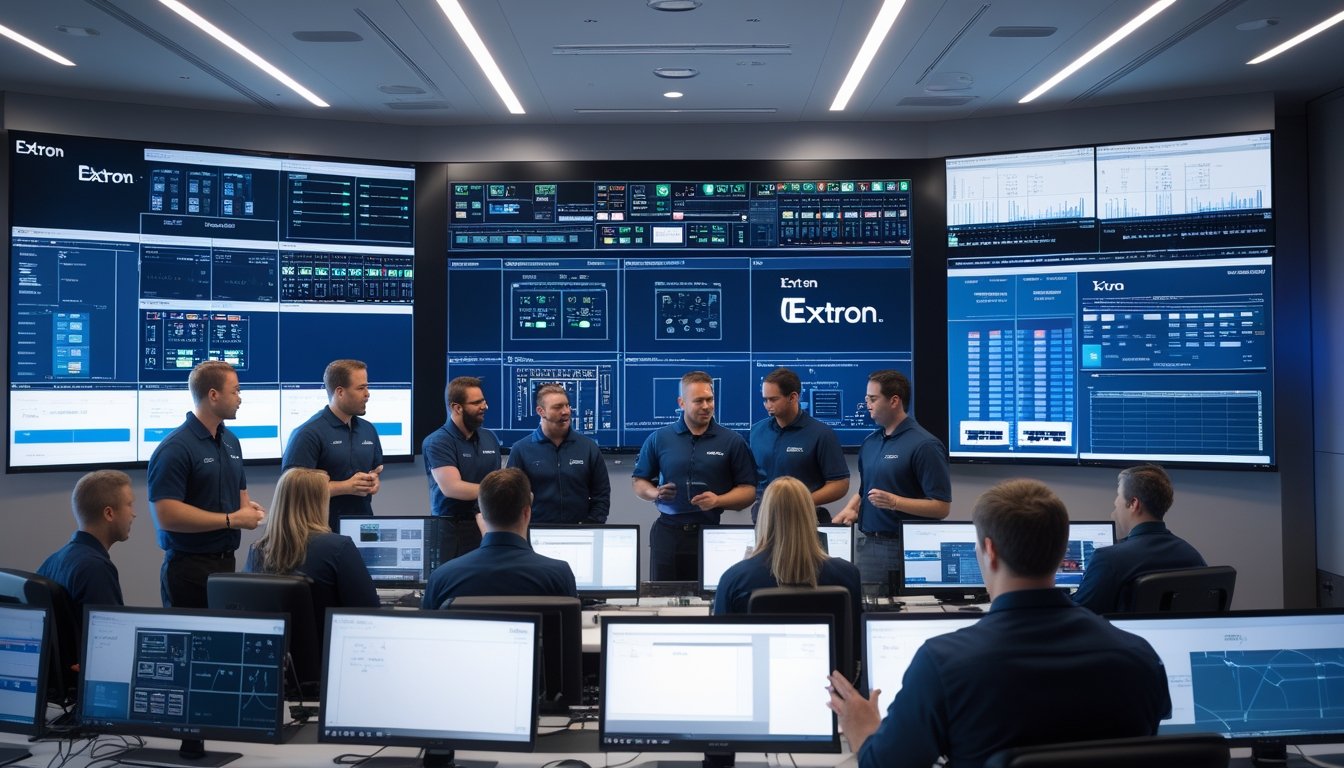
Command center yang modern menggabungkan teknologi audio-visual dengan sistem kontrol terpusat. Perangkat seperti Extron dan Crestron dipilih untuk menyediakan pengoperasian yang mudah sekaligus kemampuan upgrade.
Desain ini mengutamakan fleksibilitas agar command center dapat beradaptasi dengan perubahan teknologi dan kebutuhan operasional. Pengaturan perangkat dan jaringan disusun agar monitoring dan pengendalian berjalan tanpa hambatan.
Teknologi yang dipakai memungkinkan pengawasan real-time dan koordinasi respons yang lebih cepat. Hal ini sangat penting untuk lingkungan yang membutuhkan ketepatan dan kecepatan pengambilan keputusan.
Manfaat Distribusi Audio-Visual dan Sistem Kontrol Terpusat
Sistem distribusi audio-visual yang baik memastikan sinyal suara dan gambar tersebar merata ke berbagai titik dalam ruang kerja. Sistem kontrol terpusat memudahkan pengelolaan semua perangkat AV dari satu tempat.
Keuntungan utama meliputi efisiensi waktu, pengurangan kesalahan operasional, dan peningkatan produktivitas. Pengguna bisa mengendalikan layar, suara, dan presentasi dengan satu interface yang intuitif.
Teknologi seperti Crestron dan Extron mendukung otomatisasi ruang yang meminimalkan intervensi manual. Ini meningkatkan keamanan dan kenyamanan pengguna saat beraktivitas di lingkungan kerja.
Kolaborasi Antar Perangkat: Crestron, Extron, dan Teknologi Terkini
Crestron dan Extron sering digunakan bersama untuk menghasilkan sistem AV yang komprehensif. Crestron fokus pada kontrol sistem dan otomatisasi, sementara Extron memberikan pengelolaan sinyal audio dan video yang handal.
Kombinasi ini memudahkan integrasi berbagai perangkat dan memaksimalkan fungsi yang tersedia. Teknologi terkini juga memungkinkan akses jarak jauh dan pemantauan sistem secara real-time.
Dukungan teknis dari kedua merek ini membantu pemeliharaan dan pembaruan sistem secara lancar. Ketersediaan layanan ini sangat penting agar sistem AV terus berfungsi optimal tanpa gangguan.
Dukungan Teknis, Keandalan, dan Brand Terkemuka dalam Sistem AV
MLV Teknologi dan Extron menempatkan dukungan teknis dan keandalan sebagai prioritas utama dalam setiap solusi AV yang mereka tawarkan. Sistem yang dirancang mengutamakan fleksibilitas dan masa depan teknologi, didukung oleh merk terpercaya seperti Crestron, Planar, dan Samsung. Ini memastikan kompatibilitas, kemudahan penggunaan, dan kinerja yang stabil dalam berbagai kondisi.
Pelatihan, Pemeliharaan, dan Layanan Purna Jual
MLV Teknologi menyediakan pelatihan intensif bagi pengguna dan teknisi agar dapat mengoperasikan perangkat seperti layar Planar dan sistem kontrol Crestron dengan optimal. Pelatihan ini termasuk cara mengatur, troubleshooting, dan memaksimalkan fitur yang tersedia untuk mendukung produktivitas.
Pemeliharaan rutin menjadi bagian penting dari layanan mereka. MLV menawarkan jadwal pengecekan dan update perangkat lunak untuk menjaga performa sistem tetap prima dan mengurangi risiko gangguan. Selain itu, layanan purna jual yang responsif membantu mempercepat penanganan masalah teknis.
Komitmen pada layanan servis ini memastikan bahwa investasi perusahaan dalam teknologi AV tetap bernilai dan dapat diandalkan dalam jangka panjang, mendukung operasi tanpa gangguan.
by Melvin Halpito | Aug 2, 2025 | Article
Mengintegrasikan produk Extron dalam sistem audio visual (AV) bersama MLV Teknologi memberikan solusi yang efisien dan mudah digunakan untuk berbagai kebutuhan komunikasi dan kolaborasi. Kolaborasi ini menghadirkan teknologi canggih yang meningkatkan kualitas audio dan video, serta memberikan kontrol yang lebih simpel dan fleksibel dalam pengelolaan ruang kerja.
Dengan dukungan dari MLV Teknologi sebagai reseller resmi di Indonesia, perusahaan dapat memanfaatkan keunggulan sistem AV yang terintegrasi secara optimal. Solusi yang dihasilkan memungkinkan peningkatan produktivitas melalui perangkat konferensi video dan sistem manajemen ruang yang responsif dan inovatif.
Kemitraan ini juga mendorong transformasi digital di lingkungan kerja, membuat proses komunikasi dan koordinasi menjadi lebih lancar. Penggunaan teknologi Extron dalam konteks smart office membuka peluang bagi berbagai organisasi untuk beradaptasi dengan kebutuhan kerja modern yang menuntut fleksibilitas dan kemudahan penggunaan.
Key Takeways
- Integrasi produk Extron meningkatkan kualitas AV dan kemudahan kontrol.
- Sistem terintegrasi membuat ruang kerja lebih produktif dan responsif.
- Kolaborasi ini mendukung transformasi digital di lingkungan bisnis.
Inti Keunggulan Integrasi Produk Extron dalam Sistem Audio Visual
Integrasi produk Extron dalam sistem AV yang didukung oleh MLV Teknologi memberikan kombinasi teknologi audiovisual yang dapat memenuhi kebutuhan komunikasi dan kolaborasi modern. Fokus utama terletak pada kualitas transmisi, kemampuan menyesuaikan sistem sesuai kebutuhan, dan kemudahan penggabungan dengan perangkat lain melalui protokol standar industri.
Transmisi Sistem Audio Visual Berkualitas Tinggi
Produk Extron dirancang untuk memberikan transmisi audio dan video dengan kualitas tinggi, mendukung hingga resolusi 4K UHD. Mereka menggunakan teknologi kompresi canggih seperti H.264 dan H.265 yang mengoptimalkan ukuran data tanpa mengurangi detail gambar dan suara. Hal ini penting untuk memastikan pesan tersampaikan dengan jelas dan tanpa gangguan.
Latensi dalam transmisi juga sangat rendah, yang membuat pengalaman pengguna lebih lancar, terutama dalam aplikasi rapat dan presentasi. Sistem ini mampu menyesuaikan penggunaan bandwidth agar tetap efisien dan stabil, bahkan saat banyak pengguna mengakses simultan. Kualitas stabil ini sangat mendukung transformasi digital di perusahaan yang mengandalkan sistem audiovisual.
Fleksibilitas dan Skalabilitas Sistem
Extron dan MLV Teknologi menyediakan solusi yang mudah dikembangkan. Mulai dari instalasi dasar, sistem dapat diperluas sesuai kebutuhan perusahaan tanpa perlu mengganti seluruh infrastruktur kabel. Penambahan saluran AV menjadi cepat dan tanpa gangguan operasional.
Kemampuan ini membuat perusahaan lebih mudah menyesuaikan sistem dengan pertumbuhan bisnis. Sistem berbasis IP memungkinkan integrasi perangkat tambahan secara fleksibel. Ini juga membantu mengurangi biaya karena tidak perlu membeli peralatan baru secara lengkap setiap kali ada perubahan kebutuhan.
Interoperabilitas dan Integrasi Protokol Standar
Produk Extron mendukung berbagai protokol industri seperti IP-based Control Protocol dan RS-232. Ini memudahkan integrasi dengan perangkat lain seperti layar, sistem suara, kontrol pencahayaan, dan platform konferensi video yang sudah ada di perusahaan.
Software kontrol terpusat dari Extron mempermudah pengelolaan seluruh sistem AV dari satu antarmuka. Integrasi ini memungkinkan penggunaan perangkat yang sudah ada secara optimal, menghemat investasi, dan menyederhanakan pengoperasian. Sistem ini mendukung otomatisasi sehingga ruang rapat dapat dikontrol dengan mudah menggunakan panel atau perangkat mobile.
Manfaat Bisnis dan Operasional melalui Kolaborasi Extron & MLV Teknologi
Integrasi produk Extron dalam solusi audiovisual (AV) yang ditawarkan MLV Teknologi membantu perusahaan memperkuat efisiensi dan kinerja. Kolaborasi ini mendukung berbagai aspek operasional, mulai dari peningkatan produktivitas tim hingga manajemen ruang kerja yang lebih efektif, sekaligus memberikan layanan purna jual yang andal.
Peningkatan Produktivitas dan Kolaborasi Tim
Penggunaan alat kolaborasi canggih dari Extron, seperti sistem AV dan smart meeting room, memungkinkan komunikasi lebih lancar antar tim. Ini mendukung kolaborasi secara real-time, baik dalam rapat fisik maupun virtual.
MLV Teknologi menggabungkan solusi smart office dengan perangkat Extron untuk menciptakan ruang kerja pintar yang memudahkan interaksi dan berbagi informasi.
Pengalaman pengguna menjadi lebih baik karena sistem konferensi video dan kontrol perangkat dapat dioperasikan dengan mudah. Hal ini membantu mempercepat pengambilan keputusan dan meningkatkan produktivitas tim secara keseluruhan.
Efisiensi Manajemen Ruang Kerja dan Operasional
Sistem manajemen ruang yang terintegrasi memungkinkan perusahaan memonitor dan mengatur penggunaan ruang kerja secara optimal. Dengan perangkat IoT dan kontrol otomatis dari Extron, ruang rapat dan command center dapat digunakan secara efisien tanpa konflik jadwal.
MLV Teknologi menyediakan perangkat lunak manajemen ruang yang bisa membantu mengurangi pemborosan sumber daya dan memastikan ruangan selalu siap digunakan.
Efisiensi operasional meningkat karena proses pengaturan ruang menjadi lebih cepat dan akurat, mendukung kegiatan perusahaan sesuai kebutuhan dinamis di era digital.
Dukungan Layanan Ahli serta Purna Jual
MLV Teknologi menyediakan dukungan teknis yang kuat mulai dari instalasi hingga pemeliharaan. Kolaborasi dengan Extron memastikan produk dan solusi yang diterapkan selalu mendapat update dan servis berkala.
Layanan purna jual termasuk pelatihan dan workshop, yang membantu perusahaan memahami teknologi lebih dalam dan memaksimalkan pemanfaatannya.
Melvin Halpito dan timnya di MLV Teknologi berkomitmen untuk menjaga kepuasan klien melalui layanan yang responsif dan profesional, memastikan investasi teknologi berjalan lancar dan berkelanjutan.
Solusi Inovatif dan Aplikasi Produk Extron untuk Lingkungan Kerja Modern
Integrasi produk Extron bersama MLV Teknologi menghadirkan solusi yang efisien dan terintegrasi untuk kebutuhan kantor modern. Produk-produk ini membantu meningkatkan komunikasi, otomatisasi, dan keamanan dengan teknologi yang mudah digunakan dan dapat disesuaikan dengan kebutuhan perusahaan.
Sistem Konferensi Video dan Komunikasi
Sistem konferensi video Extron dirancang untuk mendukung kolaborasi jarak jauh dengan kualitas audio dan visual tinggi. Perangkat ini kompatibel dengan berbagai platform konferensi, memungkinkan penggunaan yang fleksibel tanpa gangguan.
Dengan integrasi sistem manajemen ruang dari MLV Teknologi, pengaturan jadwal ruangan menjadi lebih mudah dan efisien. Fitur kontrol terpadu dari Extron digunakan untuk mengelola mikrofon, speaker, dan kamera secara otomatis, sehingga konferensi berjalan lancar.
Teknologi ini juga mendukung interactive whiteboard dan interactive flat panel yang memfasilitasi presentasi dan diskusi yang interaktif, membantu tim bekerja lebih kreatif dan produktif dalam ruang rapat modern.
Implementasi Digital Signage, Video Wall, dan LED Display
Extron menyediakan perangkat digital signage yang dapat digunakan untuk menampilkan informasi dinamis secara real-time. Sistem ini cocok untuk display di lobi, ruang tunggu, dan area publik kantor.
Penggunaan video wall dan LED display dari merek seperti Samsung dan Planar menawarkan visual yang tajam dan terlihat profesional. Produk ini bisa diintegrasikan dengan perangkat lunak manajemen ruang untuk menampilkan jadwal, pengumuman, atau materi presentasi secara otomatis.
Setup yang fleksibel memungkinkan pengaturan ukuran dan konfigurasi display sesuai kebutuhan. Infrastruktur ini mendukung komunikasi efektif dan promosi internal yang berkelanjutan tanpa perlu intervensi manual yang kompleks.
Automasi dan IoT dalam Smart Office
Automasi ruang kerja menggunakan teknologi IoT dari Extron membantu mengatur pencahayaan, suhu, dan perangkat audiovisual secara otomatis. Ini mendukung kenyamanan pengguna sekaligus menekan konsumsi energi yang tidak perlu.
Sistem ini terhubung dengan perangkat lunak manajemen ruang yang memantau dan mengontrol penggunaan fasilitas secara real-time. Karyawan dapat mengakses kontrol melalui aplikasi mobile atau panel sentuh yang responsif.
Integrasi IoT juga mendukung solusi berkelanjutan dengan mengoptimalkan energi dan sumber daya lainnya, sehingga perusahaan bisa meningkatkan efisiensi operasional sekaligus mengurangi dampak lingkungan.
Keamanan Data dan Pengawasan Modern
Extron dan MLV Teknologi menyediakan solusi CCTV yang terintegrasi dengan sistem audiovisual untuk pengawasan yang efisien. Kamera dengan resolusi tinggi dapat dipasang di titik strategis untuk memantau aktivitas kantor secara real-time.
Sistem ini juga dapat dihubungkan dengan perangkat lunak pengelolaan untuk merekam dan menyimpan data dengan aman, mempermudah akses dan analisis bila diperlukan. Keamanan data dan informasi disiapkan untuk menjaga kerahasiaan perusahaan.
Selain itu, produk Extron mendukung akses kontrol berbasis jaringan yang mengurangi risiko pelanggaran dan memungkinkan pengelolaan hak akses secara terpusat di lingkungan kerja modern.
Pandangan Masa Depan terhadap Integrasi AV bersama Extron & MLV Teknologi
Integrasi produk Extron dengan layanan MLV Teknologi menawarkan solusi yang terus beradaptasi dengan kebutuhan digital dan ruang kerja modern. Fokusnya bukan hanya pada teknologi saat ini, tapi juga pada dukungan pertumbuhan dan inovasi berkelanjutan yang penting bagi perusahaan.
Tren Transformasi Digital dan Ruang Kerja Hybrid
Transformasi digital memaksa perusahaan untuk mengadopsi solusi AV yang mendukung ruang kerja hybrid dan kolaborasi jarak jauh. Extron dan MLV Teknologi menghadirkan sistem AV yang memungkinkan komunikasi lancar dengan kualitas audio dan video tinggi, penting untuk rapat online dan presentasi.
Ruang kerja pintar menjadi fokus utama, dengan teknologi yang mudah diintegrasikan dan dikelola. Sistem ini mendukung fleksibilitas pengguna dalam mengakses perangkat dari berbagai lokasi. Hal ini memudahkan produktivitas tanpa mengurangi kualitas pengalaman kerja, sebuah kebutuhan yang makin sering muncul di era hybrid.
Dukungan untuk Skala dan Inovasi Berkelanjutan
Sistem Audio Visual dari Extron yang didukung MLV Teknologi dirancang agar bisa tumbuh seiring kebutuhan perusahaan. Perusahaan dapat mulai dengan konfigurasi dasar, lalu menambah fitur dan saluran tanpa gangguan operasional. Ini memungkinkan adaptasi mudah dalam menghadapi perubahan bisnis.
Pendekatan berkelanjutan juga penting. Produk Extron hemat energi dan mampu diupgrade secara berkala. Hal ini mengurangi limbah elektronik dan biaya penggantian perangkat. Selain itu, MLV Teknologi menyediakan layanan purna jual dan pelatihan yang membantu perusahaan memaksimalkan penggunaan teknologi secara efisien dan inovatif.
by Melvin Halpito | Aug 2, 2025 | Article
MLV Teknologi dan Extron dikenal sebagai mitra handal dalam menangani proyek sistem AV yang kompleks dengan tingkat profesionalisme tinggi. Dengan pengalaman dan keahlian yang kuat, keduanya mampu menghadirkan solusi teknologi AV yang tidak hanya canggih, tetapi juga terintegrasi dengan mulus untuk berbagai kebutuhan korporat.
Kolaborasi ini memastikan setiap proyek sistem AV dikelola secara serius dan tepat, mulai dari perencanaan hingga implementasi, sehingga hasilnya efisien dan dapat memenuhi ekspektasi klien. Solusi yang ditawarkan meliputi teknologi terbaru seperti Extron NAV System dan platform AV over IP yang mendukung komunikasi dan kolaborasi dalam lingkungan kerja modern.
Selain fokus pada kualitas teknis, MLV Teknologi dan Extron juga mengutamakan keamanan dan pengalaman pengguna agar setiap solusi yang diterapkan memberikan dampak positif bagi produktivitas dan fleksibilitas ruang kerja yang didukung teknologi. Proyek AV yang mereka tangani selalu mengedepankan inovasi tanpa mengabaikan kemudahan penggunaan.
Key Takeways
- MLV Teknologi dan Extron mengelola proyek AV dengan profesional dan terintegrasi.
- Teknologi terbaru mendukung komunikasi dan kolaborasi perusahaan.
- Keamanan dan pengalaman pengguna menjadi prioritas utama dalam solusi AV.
Keunggulan MLV Teknologi dan Extron dalam Sistem AV Korporat
MLV Teknologi dan Extron membawa kombinasi keahlian yang kuat dalam sistem audio visual (AV) untuk perusahaan. Mereka fokus pada pengiriman solusi yang tepat untuk kebutuhan komunikasi dan kolaborasi korporat dengan teknologi modern dan layanan profesional. Hal ini mencakup pengalaman yang mendalam, kerja sama strategis, dan dorongan kuat terhadap transformasi digital.
Profil dan Pengalaman MLV Teknologi
MLV Teknologi didirikan pada tahun 2013 dan sejak itu menjadi penyedia solusi teknologi terkemuka di Indonesia. Mereka memiliki pengalaman luas dalam integrasi sistem AV yang komplek, fokus pada penggunaan teknologi terkini untuk memenuhi kebutuhan klien dari berbagai industri.
Dengan spesialis yang handal dan layanan pendukung yang kuat, MLV Teknologi mampu mengelola proyek besar, mulai dari instalasi sistem manajemen ruang hingga perangkat audio dan visual canggih. Komitmen mereka adalah memastikan sistem berjalan optimal, mudah digunakan, dan mendukung produktivitas ruang kerja.
Kolaborasi Strategis dengan Extron Electronics
MLV Teknologi menjalin kemitraan erat dengan Extron Electronics, perusahaan global yang dikenal dengan perangkat AV berkualitas tinggi. Extron menyediakan teknologi unggul seperti sistem manajemen jaringan audio dan video yang efisien melalui protokol AV over IP.
Kolaborasi ini memungkinkan MLV Teknologi mengakses alat komunikasi terintegrasi dan solusi smart office inovatif. Produk Extron, seperti Extron NAV System, menawarkan fleksibilitas tinggi dan transmisi audio-video yang stabil guna memenuhi kebutuhan ruang kerja modern. Sinergi ini meningkatkan kemampuan MLV Teknologi dalam melayani klien secara profesional dan tepat waktu.
Komitmen pada Transformasi Digital Perusahaan
MLV Teknologi dan Extron berkomitmen untuk mendukung perusahaan dalam perjalanan transformasi digital. Mereka tidak hanya menyediakan perangkat keras, tetapi juga solusi lengkap yang meningkatkan kolaborasi dan efisiensi melalui teknologi cerdas.
Melvin Halpito, Managing Director MLV Teknologi, menekankan pentingnya menciptakan ruang kerja pintar yang responsif terhadap perubahan bisnis. Melalui seminar dan workshop, mereka mengedukasi perusahaan tentang penerapan sistem AV dan teknologi yang mendukung komunikasi efektif, memaksimalkan pemanfaatan ruang, dan meningkatkan produktivitas secara keseluruhan.
Solusi AV Terkini: Extron NAV System dan AV Over IP
Extron NAV System menghadirkan teknologi distribusi audio-visual yang mengedepankan kualitas tinggi, efisiensi jaringan, dan operasional hemat energi. Sistem ini menggunakan arsitektur berbasis IP yang memungkinkan fleksibilitas tinggi serta pengendalian bandwidth adaptif untuk menjaga performa jaringan tetap optimal.
Kualitas Audio dan Video Unggul hingga 4K UHD
Extron NAV System mendukung resolusi hingga 4K UHD untuk video, memastikan tampilan gambar yang sangat tajam dan rinci. Sistem ini juga mengutamakan kualitas audio yang presisi, sesuai kebutuhan ruang konferensi dan presentasi perusahaan. Teknologi kompresi H.264 dan H.265 digunakan untuk mengurangi ukuran data tanpa menurunkan kualitas.
Dengan latensi rendah, sistem ini cocok untuk komunikasi langsung dan presentasi real-time. Pengguna dapat menikmati pengalaman AV yang mulus karena sinyal audio dan video dikirim secara efisien dan stabil melalui jaringan perusahaan.
Arsitektur Berbasis IP dan Bandwidth Adaptif
NAV System menggunakan arsitektur jaringan berbasis IP yang memudahkan penambahan perangkat tanpa perlu kabel tambahan yang rumit. Sistem ini fleksibel dan skalabel, memungkinkan ekspansi ruang atau fitur tanpa mengganggu operasional.
Pengendalian bandwidth adaptif menjadi kunci utama dalam menjaga kestabilan sistem. NAV System secara otomatis menyesuaikan penggunaan bandwidth sesuai jumlah pengguna dan jenis media yang diputar. Ini membantu menghindari kemacetan jaringan dan memastikan kualitas tetap tinggi sepanjang waktu.
Hematan Energi dan Efisiensi Operasional
Extron NAV System dirancang untuk hemat energi dengan penggunaan perangkat yang efisien dan tahan lama. Sistem ini juga mendukung pemeliharaan dan upgrade secara berkala, mengurangi kebutuhan penggantian perangkat secara cepat.
Dengan desain ramah lingkungan, solusi AV ini membantu perusahaan menekan konsumsi listrik dan mengurangi jejak karbon. Efisiensi operasional juga didukung dengan pengelolaan terpusat yang memudahkan monitoring dan pengaturan sistem secara real-time, sehingga menghemat waktu dan sumber daya teknis.
Integrasi, Keamanan, dan Pengalaman Pengguna dalam Proyek AV Kompleks
MLV Teknologi dan Extron memastikan integrasi sistem audiovisual berjalan lancar dengan kontrol yang mudah dan aman. Sistem mereka dirancang untuk melindungi data penting dan memberikan pengalaman pengguna yang efisien. Perangkat yang digunakan mendukung pengelolaan jarak jauh dan kolaborasi interaktif.
Keamanan Data: Enkripsi dan Autentikasi Pengguna
Keamanan data menjadi fokus utama dalam proyek AV kompleks. MLV Teknologi dan Extron menerapkan protokol enkripsi untuk melindungi komunikasi dan transfer data, termasuk penggunaan enkripsi end-to-end. Ini menjaga kerahasiaan informasi dari akses tidak sah.
Selain enkripsi, sistem juga menerapkan autentikasi pengguna yang ketat. Pengguna harus melalui verifikasi identitas sebelum mengakses kontrol perangkat atau data. Hal ini mencegah penyusup yang dapat mengganggu operasi AV.
Penggunaan RS-232 sebagai standar komunikasi juga disesuaikan dengan sistem keamanan. Protokol ini mendukung integrasi perangkat dengan autentikasi tambahan sehingga menjaga stabilitas dan keamanan pengendalian peralatan.
Antarmuka Web dan Pengelolaan Fleksibel
Pengelolaan sistem AV di MLV Teknologi dan Extron menggunakan antarmuka berbasis web yang mudah diakses melalui browser. Ini memungkinkan pengguna mengontrol perangkat dari jarak jauh tanpa perlu perangkat khusus.
Antarmuka ini bersifat responsif dan user-friendly, sehingga memudahkan pengelolaan ruang dan jadwal penggunaan perangkat. Fungsi seperti monitoring status perangkat dan konfigurasi dapat dilakukan dengan cepat dan efisien.
Fitur pengelolaan yang fleksibel ini mendukung kebutuhan perubahan cepat dalam ruang kerja modern. Pengaturan yang otomatis dan terpusat membantu mengoptimalkan penggunaan ruang dan mengurangi downtime.
Peningkatan Pengalaman Pengguna dan Kolaborasi
Sistem AV dari MLV Teknologi dan Extron dirancang untuk meningkatkan kenyamanan dan produktivitas pengguna dalam konferensi video dan presentasi. Penggunaan teknologi yang terintegrasi memudahkan proses kolaborasi antar tim.
Antarmuka yang intuitif dan otomatisasi perangkat seperti kontrol suara dan layar menjadikan pengalaman pengguna lebih lancar. Sistem juga mendukung berbagai format media dan perangkat, membuat kolaborasi menjadi lebih fleksibel.
Selain itu, pengaturan ruang yang adaptif mengikuti kebutuhan pengguna membantu meningkatkan interaksi dan efisiensi kerja. Integrasi ini berfokus pada kemudahan penggunaan tanpa mengorbankan performa atau keamanan.

Recent Comments