by Melvin Halpito | Jun 7, 2026 | Draft
The New Role Of AI In Meeting Room Operations

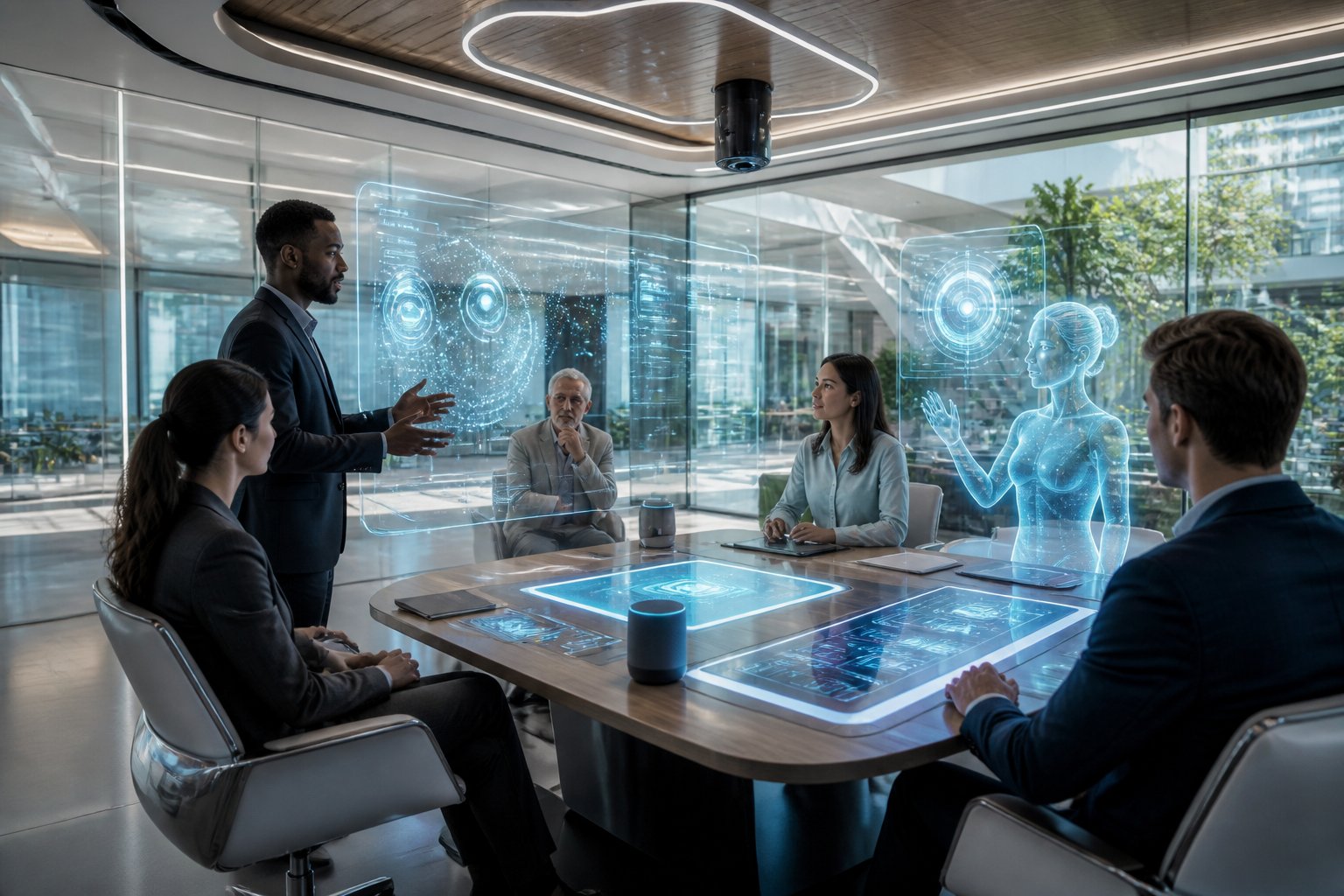
By 2030, the meeting room you manage will matter less as a collection of devices and more as an adaptive service layer that supports people, content, and decisions in real time. That shift changes how you plan rooms, support users, and justify investment.
From Static AV Setups To Adaptive Environments
Traditional rooms still rely on fixed presets, manual control, and a user hoping everything works on first try. AI changes that by letting the room respond to occupancy, speaking patterns, room type, and meeting mode. A small huddle room, a hybrid boardroom, and a training space will no longer need the same behavior from the same hardware stack.
How AI Will Change Scheduling, Room Control, And User Support
The first visible change is not a flashy device; it is less friction. AI can help detect empty-booked rooms, adjust camera framing, tune audio, and guide users through setup without calling IT for every issue. In active offices, that means fewer delays, fewer support tickets, and fewer meetings lost to simple setup mistakes.
Why Data And Automation Will Matter More Than Individual Devices
By 2030, the value will come from how systems work together. A great camera alone will not solve poor meeting equity if audio pickup, room control, and booking data sit in separate silos. The strongest room designs will use AI to connect AV, workplace systems, and usage data so you can see what is happening and act on it quickly.
The Biggest Functional Shifts Teams Will Notice
The changes your teams notice first will be practical. Better audio, more stable video, and real-time meeting help will reduce everyday friction long before any room feels truly “intelligent.”
Smarter Audio, Video, And Camera Behavior
AI will improve how rooms hear and see people without constant manual adjustment. Microphones can focus on active speakers, cameras can frame participants more naturally, and video layouts can adapt so remote attendees feel less like spectators. In my experience, this kind of consistency matters more than feature count because users remember when a room simply works.
Real-Time Assistance For Hybrid Collaboration
Meeting rooms will increasingly act like quiet assistants. Live transcription, note capture, speaker identification, and action-item support can reduce the gap between discussion and follow-through. If your organization runs hybrid meetings often, this can make it easier to keep remote and in-room participants aligned without asking someone to manage every detail by hand.
Better Space Utilization Through Usage Insights
AI-driven analytics will show which rooms are overbooked, underused, or mismatched to meeting style. That gives facilities and IT teams better evidence when planning future layouts, room sizes, and support levels. Teams that already work with an AV partner like MLV Teknologi often see the value of this early because consultation and installation are tied to real room behavior, not just equipment lists.
What Organizations Should Prepare For Before 2030
The biggest risk is not that AI will arrive too soon. The risk is buying pieces of it without preparing your AV, IT, and workplace environment to support it cleanly.
Integration Challenges Across AV, IT, And Workplace Systems
Future-ready rooms will depend on interoperability. Your booking platform, network, identity system, room controller, cameras, microphones, and occupancy tools need to work as one environment, not as separate projects. If those layers are not aligned, AI will add confusion instead of reducing it.
Privacy, Security, And Governance Considerations
AI in meeting rooms can process video, audio, transcripts, and usage data, so governance matters from the start. You need clear rules for recording, retention, access, and consent, especially in client-facing or sensitive internal meetings. Security teams should review not just the devices, but also where data is stored and who can reach it.
How To Plan Future-Ready Meeting Rooms Without Overbuilding
The best approach is to design for upgrade paths, not hype. Choose rooms that can support AI features later through software, modular hardware, and good network design. That keeps you from overspending now while still protecting your ability to expand when the business case becomes clear.
by Melvin Halpito | Jun 7, 2026 | Draft
Why User Experience Determines Meeting Room Success
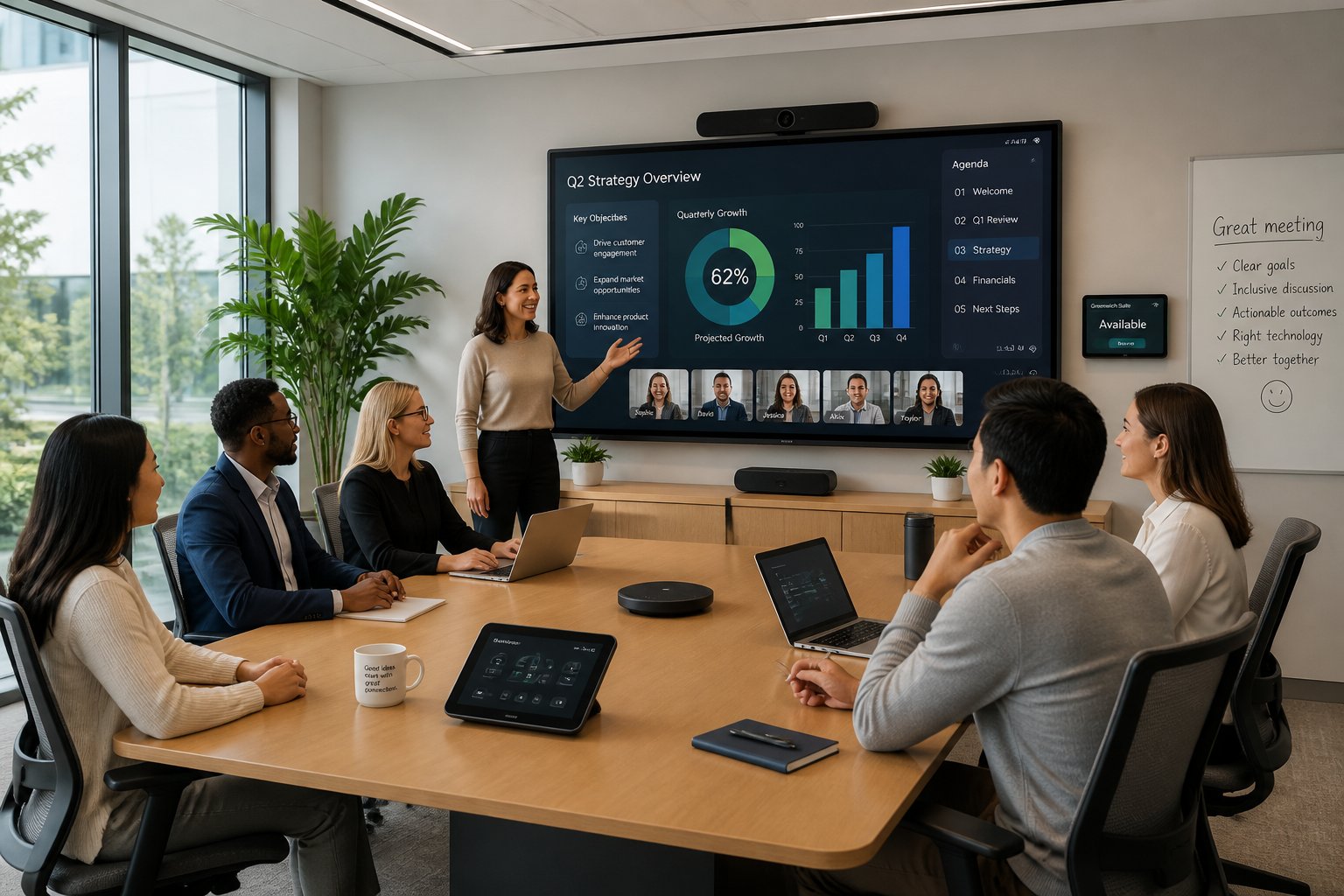
Meeting room technology succeeds when people can use it fast, trust it, and get back to work without asking for help. That is why the Role Of Human-Centered Design in Meeting Room Technology matters so much: it turns devices into a smooth part of the workday, not a daily obstacle. If you are planning upgrades, start with the people in the room, then choose the tools that fit their habits and skill levels. If you want support that matches that mindset, a careful AV partner such as MLV Teknologi can help translate workplace needs into practical room decisions.
From Feature-Rich Systems To Friction-Free Use
A room packed with cameras, microphones, screens, and control panels still fails if users hesitate at the start of every meeting. The best systems feel simple because the key actions are obvious: join, share, speak, and switch sources with little thought. In practice, your team values smooth flow more than extra features they may never touch.
Common Points Of Failure In Everyday Room Interactions
The most common problems are small ones: the wrong cable, unclear labels, touch panels with too many steps, and audio that sounds uneven from seat to seat. These issues create repeated interruptions and train people to avoid the room. Once that happens, adoption drops and support calls rise.
How Design Choices Influence Adoption And Confidence
People trust rooms that behave the same way every time. Consistent layouts, clear visual cues, and predictable startup behavior reduce anxiety for users with mixed technical skill. When a room feels easy, your team uses it more often and with less resistance.
Design Principles For More Intuitive Collaboration Spaces
Good room design starts with the way your people actually meet, not with a list of devices. The room should support quick internal check-ins, hybrid calls, executive discussions, and longer workshops without forcing users to relearn the space each time.
Matching Room Technology To Real Meeting Behaviors
A huddle room needs different tools than a boardroom or training space. Small rooms need quick join paths and clear audio pickup, while larger rooms need better sightlines and stronger control of camera coverage. If you match technology to the meeting style, you reduce wasted budget and improve daily use.
Accessibility, Simplicity, And Consistency Across Room Types
Users move between rooms all day, so consistency matters. Keep touch controls, input names, and screen layouts familiar across room sizes, and make sure the core actions sit in the same place. That approach supports accessibility too, since people with different abilities or confidence levels can use the room without confusion.
Planning For Hybrid Meetings, Supportability, And Reliability
Hybrid meetings work best when remote participants can hear clearly, see faces, and follow the conversation without lag or awkward camera cuts. Supportability matters just as much, because your IT team needs a room they can troubleshoot quickly. Reliable hardware, clear documentation, and neat installation lower the burden on day-to-day operations.
Applying Human-Centered Thinking Across The Project Lifecycle
Human-centered design is not a one-time layout choice. It works best when you use it from early discovery through installation and long-term review, with real user behavior guiding each decision.
Discovery And Consultation That Start With Workplace Needs
The best projects begin with questions about workflow, room usage, pain points, and business priorities. You need to know who uses the room, how often they meet, and what usually goes wrong today. A strong consultation process, like the kind you would expect from an experienced AV team, gives you a clearer plan and fewer surprises later.
Installation Approaches That Minimize Operational Disruption
In active offices, installation timing and coordination matter as much as the equipment itself. Work done in phases, with careful site checks and clean handover planning, helps your team keep operations moving. Customers often value installers who work neatly and do not interrupt the business day, and that is a sign of good project discipline.
Measuring Performance Through Usage, Feedback, And Continuous Improvement
After rollout, watch how the room is used, not just whether the hardware powers on. Track support requests, meeting start times, user feedback, and the kinds of rooms people choose first. That data shows whether the design is helping adoption or creating friction, and it gives you a clear path for small fixes that improve long-term performance.
by Melvin Halpito | Jun 7, 2026 | Draft
Where AV Planning Failures Start
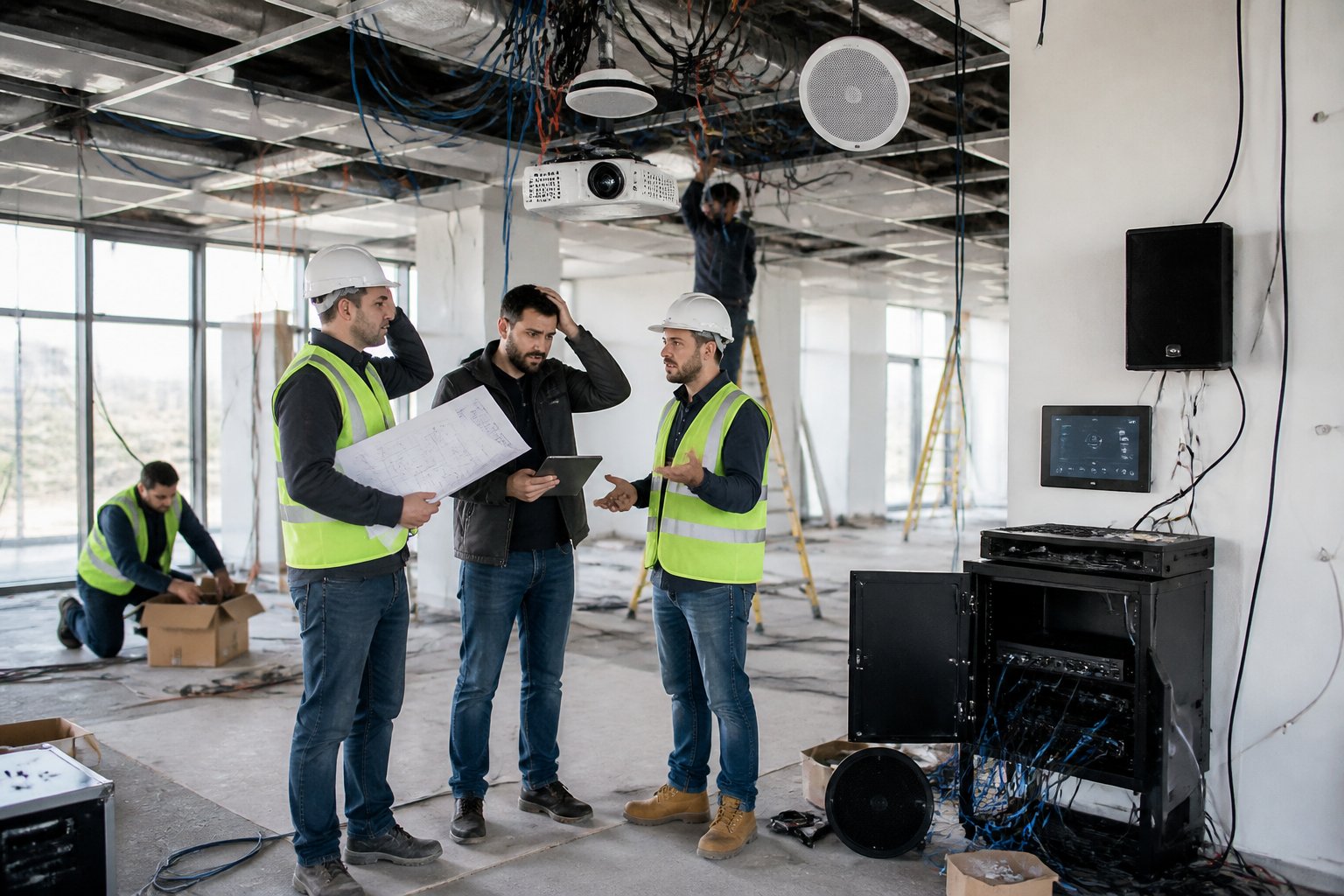
Poor AV planning usually starts when audiovisual needs are treated as a purchase decision instead of a space-planning decision. When you wait until late in the build, you pay for avoidable reroutes, awkward room layouts, and equipment that fits the budget on paper but not the workplace.
Treating AV As A Late-Stage Procurement Item
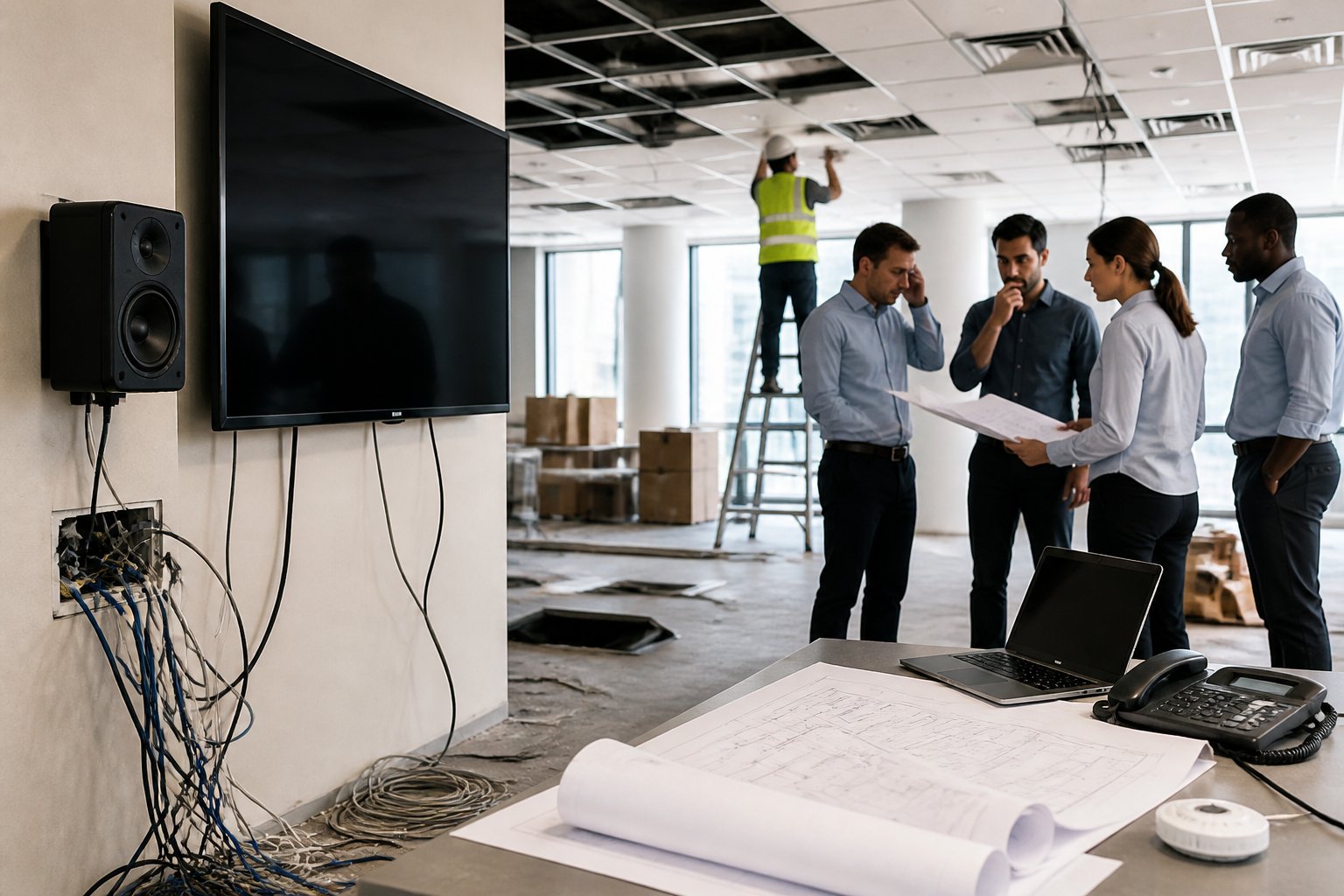
AV is often brought in after walls, ceilings, and furniture plans are already locked. At that point, even simple changes can mean cutting into finished surfaces, moving power points, or accepting weaker equipment placement. The result is not just delay; it is a system built around compromise.
Missing Coordination Between AV, Interior, IT, And MEP Teams
The biggest failures I see come from teams working in silos. If AV is not aligned with interior design, IT network planning, and MEP routing, you end up with cable clashes, weak signal paths, and power that lands in the wrong place. In active projects, that gap can turn a clean plan into a sequence of site fixes.
Overlooking Room Function, User Flow, And Meeting Behavior
A room should be designed around how people actually use it. A boardroom, huddle space, training room, and hybrid meeting room all need different camera angles, display sizes, audio coverage, and control logic. When you ignore user flow and meeting behavior, the room may look finished, yet still feel awkward to use.
The Real Business Impact Of Poor Early Decisions
The cost of poor planning shows up long after handover. You see it in redesign work, weak room performance, frustrated users, and the extra support load that keeps pulling your team back into the same problems.
Rework, Change Orders, And Construction Delays
Once construction is underway, small AV changes can become expensive. A moved display wall may need fresh conduit, new data points, and revised joinery, while a late speaker change can trigger rework across ceiling, electrical, and finishing trades. Those are the hidden costs that quietly stretch the schedule.
Acoustic, Power, And Cabling Constraints That Limit Performance
If the room was not planned for AV early, the technical limits become permanent. You may end up with echo-heavy spaces, underpowered circuits, or cable routes that restrict where devices can be placed. I have seen projects where the hardware was strong, yet the room still performed poorly because the building fabric and infrastructure were never prepared for it.
Low Room Adoption, User Frustration, And Support Burden
A room that is hard to join, hard to hear in, or hard to control will be avoided. Staff then fall back to personal laptops, separate calls, and ad hoc fixes that reduce the value of the investment. That creates more tickets for IT and facilities, more meeting delays, and more time spent explaining a system that should have been simple from the start.
How To Reduce Risk Before Handover
The best time to reduce AV risk is before finishes are closed and handover dates get tight. Early decisions about requirements, growth, and implementation control most of the cost you will face later.
Defining AV Requirements During Space Planning
AV needs should be part of the first space-planning conversations, not the last procurement round. At this stage, you can still shape room sizes, display positions, network routes, acoustic treatment, and power access without paying retrofit prices. That gives you a cleaner build and fewer surprises near completion.
Aligning System Design With Daily Operations And Growth
Your AV design should match how your teams work today and how the office may expand next year. If you expect more hybrid meetings, training sessions, or multi-room use, the system should be able to scale without a full rebuild. A modular plan is usually cheaper than replacing a rigid setup after the space is already in use.
Choosing Implementation Partners Who Can Execute With Minimal Disruption
You need a partner who can coordinate cleanly with other trades and work inside an active project without slowing everyone down. That is where practical delivery matters as much as product choice. In Jakarta, teams like MLV Teknologi are often valued for consultation, supply, installation, and meeting room execution that stays responsive and careful around live business operations, which helps reduce disruption during fit-out and handover.
by Melvin Halpito | Jun 7, 2026 | Draft
How People Actually Use AV Spaces
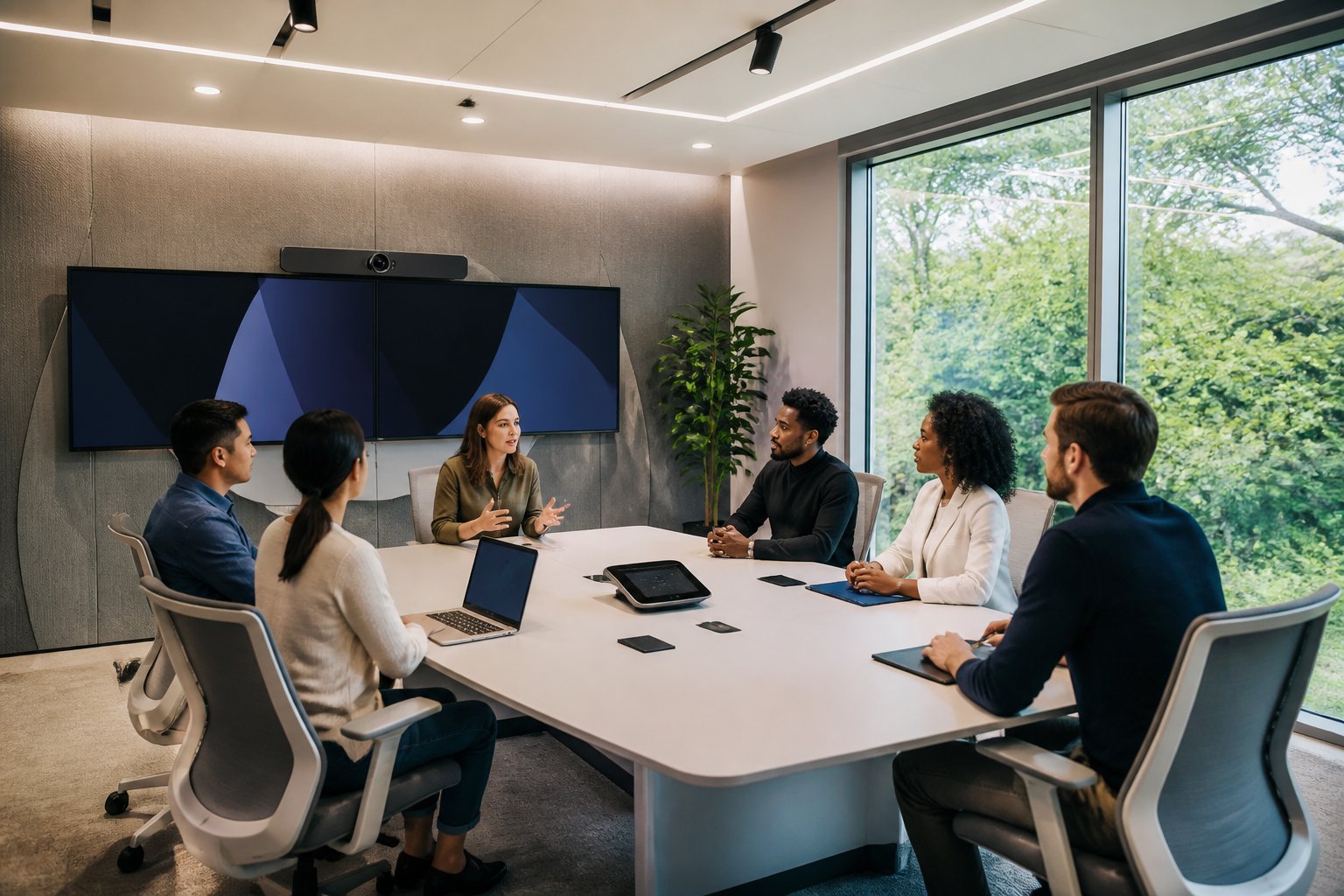
The best AV design starts with what people do in the room, not with a list of devices you want to buy. When you watch real teams in action, you notice repeated patterns: one person joins late from a laptop, another shares from a phone, someone else needs the camera to focus fast, and the meeting host wants everything to work without a long setup.
Common Behavior Patterns In Meeting Rooms
People usually want a room that is easy to enter, quick to start, and simple to leave. In active offices, meetings often begin with mixed devices, short time windows, and low patience for extra steps. That means the room must support a predictable flow, even when users change from one meeting to the next.
Why Workflows Matter More Than Device Lists
A long equipment list does not guarantee a usable room. What matters is how the system supports the way your team books rooms, joins calls, presents content, and switches between speakers. If your workflow is slow, the newest display or camera will not fix the experience.
The Cost Of Designing For Ideal Users Instead Of Real Users
Many AV plans assume everyone will use the room perfectly. Real users skip instructions, rush meetings, and avoid anything that feels complex. When design is built around ideal behavior, you get support calls, wasted time, and low adoption. In projects where MLV Teknologi supports consultation and installation, the strongest results usually come from matching the system to daily behavior, not to a neat spec sheet.
How Behavior Shapes Better System Decisions
Behavior gives you a practical filter for every AV choice. It helps you decide what the room must do, what users should never have to think about, and where a little automation can save a lot of time.
Matching Room Functions To User Needs
A boardroom, huddle room, training space, and reception area all ask for different behavior. A boardroom may need polished video calls and clean presentation sharing, while a huddle room may need fast connect-and-go use. When you match room function to actual user needs, you avoid overbuilding one room and under-serving another.
Designing For Ease Of Use And Faster Adoption
Simple controls matter more than flashy features. Users adopt AV systems faster when the interface is clear, the steps are short, and the room behaves the same way every time. That is why good design often looks invisible: the technology fades, and the meeting stays on track.
Reducing Friction During Installation And Daily Operations
Behavior-led design also helps during deployment. If your office cannot stop work, you need installation planning that limits noise, access issues, and downtime. A practical AV partner can coordinate that work carefully, which is one reason teams value responsive execution and low-disruption installation in active environments.
What A Behavior-Led AV Planning Process Looks Like
A good planning process starts with questions about people, routines, and business goals. Hardware comes later, after you know who uses the space, what they need to do, and where the current friction sits.
Questions To Ask Before Selecting Hardware
Ask who uses the room most, how meetings begin, which devices people bring, and where support issues usually happen. You should also ask what must happen in under one minute, because that is where many AV systems succeed or fail. These questions reveal whether you need simplicity, flexibility, automation, or stronger operational support.
Signals That An AV Design Is Aligned With Business Goals
You can usually see alignment when the room saves time, reduces help requests, and supports work without interrupting it. If people can start meetings quickly, share content easily, and trust the system during busy hours, the design is serving the business. That is the real test, not whether the room has the latest hardware brand.
Choosing An AV Partner That Can Translate User Needs Into Execution
The right partner listens well, asks practical questions, and can turn user needs into a working system. You want a team that can handle consulting, supply, installation, and ongoing support with the same level of care. In South Jakarta and beyond, MLV Teknologi is a useful example of this kind of partner because it combines AV consultation with hands-on meeting room delivery and responsive project execution.
by Melvin Halpito | Jun 7, 2026 | Draft
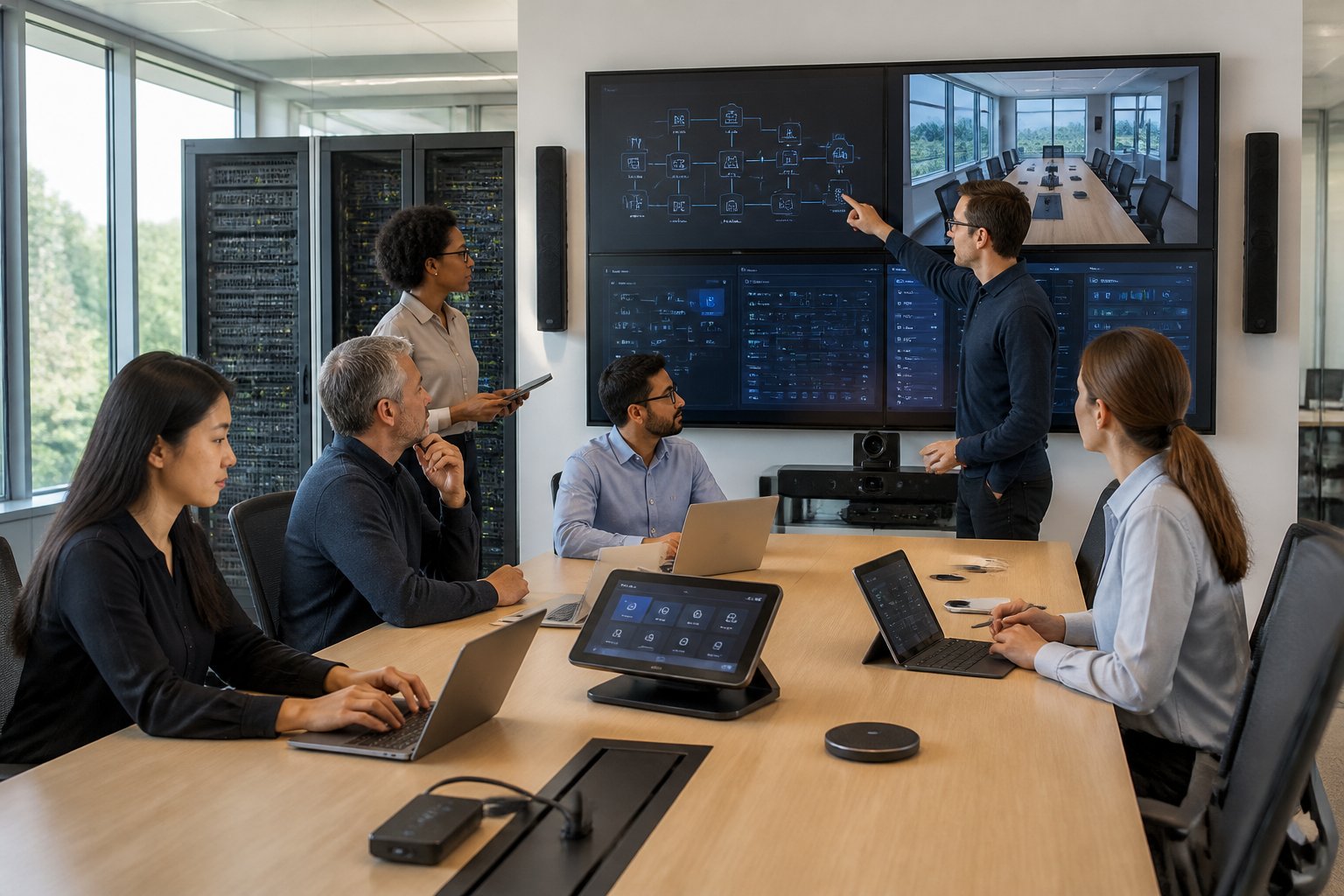
You can no longer treat AV and IT as separate projects. In modern meeting rooms, collaboration spaces, and hybrid work setups, the same network that carries business data also carries audio, video, control, and security traffic. That shift changes who owns the risk, who supports the system, and what success looks like after installation.
If you are planning workplace technology in Indonesia, you need an integrator who can handle both the network side and the user experience side, because a good-looking room that drops calls or disrupts daily work is still a failed room. If you are evaluating partners in Jakarta, it is worth speaking with teams like MLV Teknologi that combine AV consultation, installation, and responsive coordination in active office environments.
How AV And IT Responsibilities Now Overlap
The old model was simple: AV handled screens, sound, and cabling, while IT handled networks, access, and security. That split no longer fits most workplaces. Today, room systems run on IP networks, connect to cloud platforms, and depend on policies that live inside your IT environment.
From Standalone Rooms To Connected Platforms
Meeting rooms now behave more like endpoints in a larger digital workplace. A room system may need authentication, remote monitoring, content sharing, firmware updates, and links to calendar and collaboration tools. That means the room is not a closed box anymore; it is part of your wider operating environment.
Why User Experience Depends On Network Performance
A polished display means little if audio lags, video freezes, or a meeting fails to connect. In practice, user experience depends on bandwidth, switch configuration, latency, and traffic priorities as much as it depends on the hardware itself. When the network is not designed with AV in mind, the room may look complete while still failing users every day.
The Rising Importance Of Security, Manageability, And Support
Every AV endpoint is now also an IP device, which creates new responsibilities for patching, passwords, segmentation, and access control. IT teams want systems they can monitor and support without special exceptions, while facilities teams want fast recovery when a room goes down. That is why the best integration work now includes lifecycle planning, not just installation.
What Organizations Should Expect From Modern Integration Partners
A modern integrator should reduce uncertainty, not add it. The right partner helps you design for the network, deploy in live environments, and support the system after handover with clear accountability.
Cross-Functional Design And Consultation Skills
You should expect your partner to speak with IT, facilities, procurement, and business leaders in one project flow. Strong AV consulting is not just about choosing devices; it is about mapping user needs to network limits, room use, support process, and budget reality. This is where a team with both AV and IT fluency creates real value.
Delivery That Minimizes Operational Disruption
In active offices, timing matters as much as technical quality. A capable integrator plans work so staff can keep using the space, which may mean phased installation, careful scheduling, and neat coordination with site teams. Customers often value this most when the project is completed cleanly without interrupting daily operations, which is the kind of delivery approach you should look for from partners like MLV Teknologi.
Long-Term Service Models For Hybrid Work Environments
Hybrid work changes support expectations. You need a partner who can help after go-live with troubleshooting, tuning, refreshes, and room standardization across sites. The strongest model is one where your integrator stays available as systems evolve, because the room that works today still needs support when workflows, apps, and user habits change.









Recent Comments