
by MLV Teknologi | Jun 15, 2026 | Article
What AI Video Analytics Actually Does
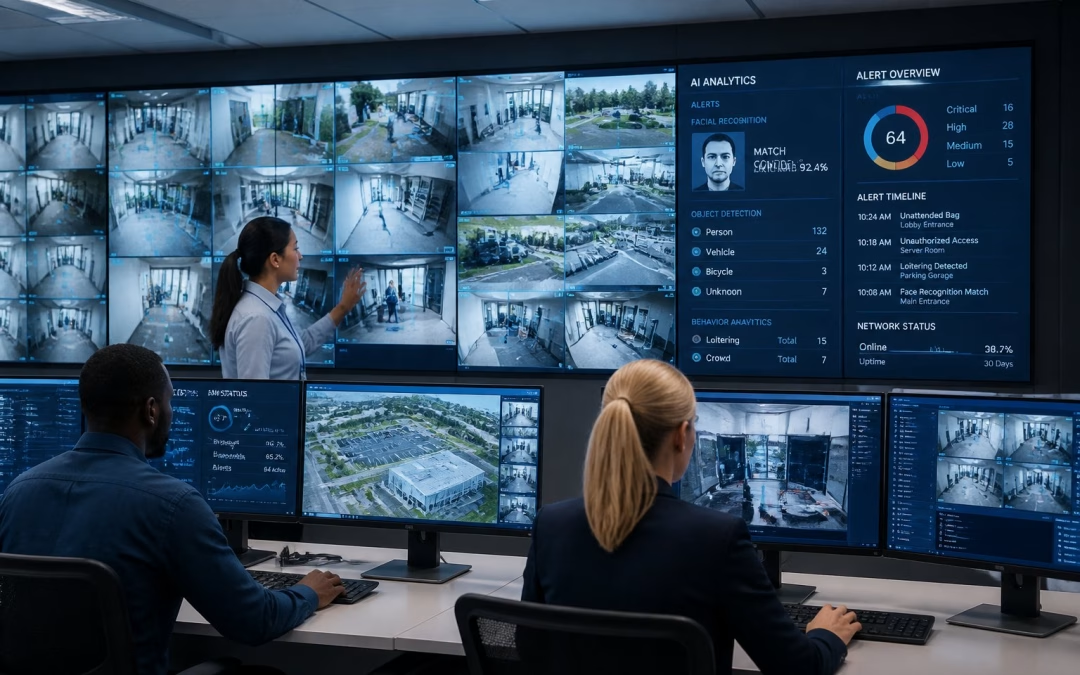
AI video analytics turns camera feeds into usable security signals instead of leaving your team to watch live screens all day. It helps you spot the right event faster, send the right alert sooner, and reduce the chance that an important moment gets missed in a busy workplace.
Core Capabilities Beyond Passive CCTV
Traditional CCTV records what happened. AI video analytics goes a step further by spotting movement patterns, identifying people or vehicles, and flagging unusual activity in near real time. In a corporate setting, that can mean detecting loitering near an entry, an object left in a hallway, or movement in a restricted area after hours.
For office managers and facilities leaders, the value is not just security. The same system can support meeting room control, access checks, and monitoring of shared spaces where foot traffic changes throughout the day. That makes it useful in active offices, mixed-use buildings, and sites where disruption needs to stay low.
How Detection, Classification, And Alerts Work
The system first reads the video stream, then classifies what it sees, such as a person, car, or unattended object. It can compare that activity against rules you set, then trigger an alert when something falls outside normal behavior. Some systems also link with access control or building platforms, which helps connect a camera event to a door event or an after-hours access request.
In practice, the best results come when alerts are specific. A good system should tell your team what happened, where it happened, and why it matters, instead of sending a flood of vague notifications. That keeps incident response faster and more focused.
Where Human Monitoring Still Matters
AI can reduce routine watching, not replace judgment. Your security staff still needs to review context, confirm incidents, and decide on the next step when a camera event is unclear or sensitive. Lighting changes, crowded scenes, and unusual layouts can still confuse automated detection.
The strongest setup is a human-plus-system model. AI handles the first pass, while your team handles escalation, verification, and coordination with operations. That balance matters in corporate environments where a false alarm can interrupt work, meetings, or access flow.
Security Outcomes For Corporate Environments

AI video analytics creates value when it shortens response time and improves awareness without adding noise to daily operations. For corporate sites, the strongest gains usually come from quicker detection, better perimeter control, and stronger support for safety and compliance routines.
Faster Incident Detection And Response
When something unusual happens, seconds matter. AI-based alerts help your team notice a problem before someone spots it manually, which is useful for trespass, tailgating, stolen items, or unsafe movement in a lobby or corridor. That speed gives your team more time to verify the event and act before it spreads.
This also helps with incident reporting. Instead of searching through hours of footage, your team can jump straight to the time and place of the alert. In day-to-day operations, that can save real time for IT, security, and facilities staff.
Access Control, Perimeter, And After-Hours Monitoring
In corporate environments, AI video analytics works best when it supports access control instead of sitting apart from it. You can use it to watch for unauthorized entry, open doors in restricted zones, or activity near loading areas, parking zones, and boundaries after business hours. It is especially useful where multiple tenants, vendors, or visitors move through the same site.
Meeting rooms and executive areas also benefit from better monitoring. You can reduce blind spots around entrances, track unusual occupancy patterns, and improve accountability in shared spaces. A well-planned setup should protect movement without making the office feel overly monitored.
Loss Prevention, Safety, And Compliance Support
AI analytics can help you reduce shrinkage, protect equipment, and document safety events. It can also flag slip-and-fall risks, blocked exits, and overcrowding in shared spaces. That matters in offices, clinics, campuses, and commercial facilities where safety checks must stay consistent.
For compliance, the biggest value is evidence. You get clearer records of who entered, what happened, and when it happened, which helps during audits or internal reviews. A business like MLV Teknologi can be helpful here because practical installation, consultation, and integration matter as much as the camera features themselves.
Implementation Considerations And Common Pitfalls
A good AI video analytics project starts with the site, not the software. Camera angles, lighting, network load, and integration points shape whether the system becomes useful or just expensive monitoring hardware.
Camera Placement, Lighting, And System Integration
If the camera cannot see the right zone clearly, the AI will not perform well. Entry points, corridors, parking areas, and loading zones usually need different placement than meeting rooms or open offices. Low light, glare, and backlighting can also reduce accuracy, so you need to test real conditions, not just spec sheets.
Integration matters just as much. If your video platform does not work with access control, alarms, or your existing monitoring process, the workflow becomes clumsy. The strongest deployments connect the alert to a clear response path so your team knows who acts, how fast, and with what authority.
Privacy, Data Governance, And False Positive Risks
AI analytics can create privacy concerns if you collect more than you need or keep footage longer than required. You should define who can view recordings, how long data stays stored, and which events need escalation. Clear rules help protect staff trust as well as legal and internal policy standards.
False positives are another real issue. A system that over-alerts loses credibility fast, especially in active offices where people move through the space all day. The fix is careful rule setting, testing, and regular tuning after the system goes live.
Choosing A Solution Partner For Real-World Operations
The right partner should think beyond product specs and ask how your workplace actually runs. You want support with site survey, installation quality, integration, and response planning, especially if your office must stay open during deployment. That is where a practical AV and systems partner can make a difference.
For example, a team like MLV Teknologi is often a better fit when you need responsive coordination and minimal disruption in active workplaces. The goal is not just to install cameras, but to make the system fit your operations cleanly from day one.
by MLV Teknologi | Jun 14, 2026 | Article
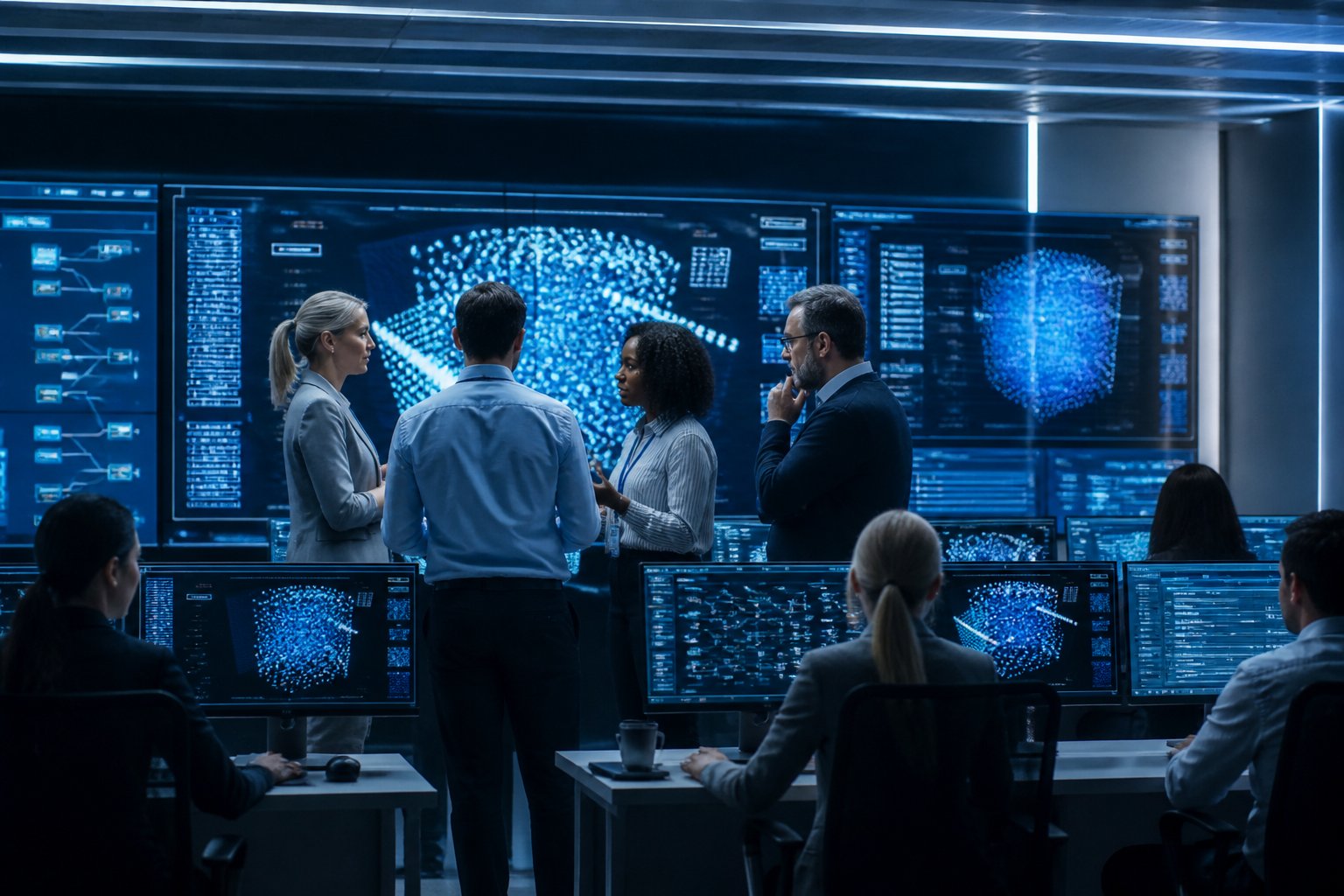
Core Operational Shifts in AI-Enabled Control Rooms
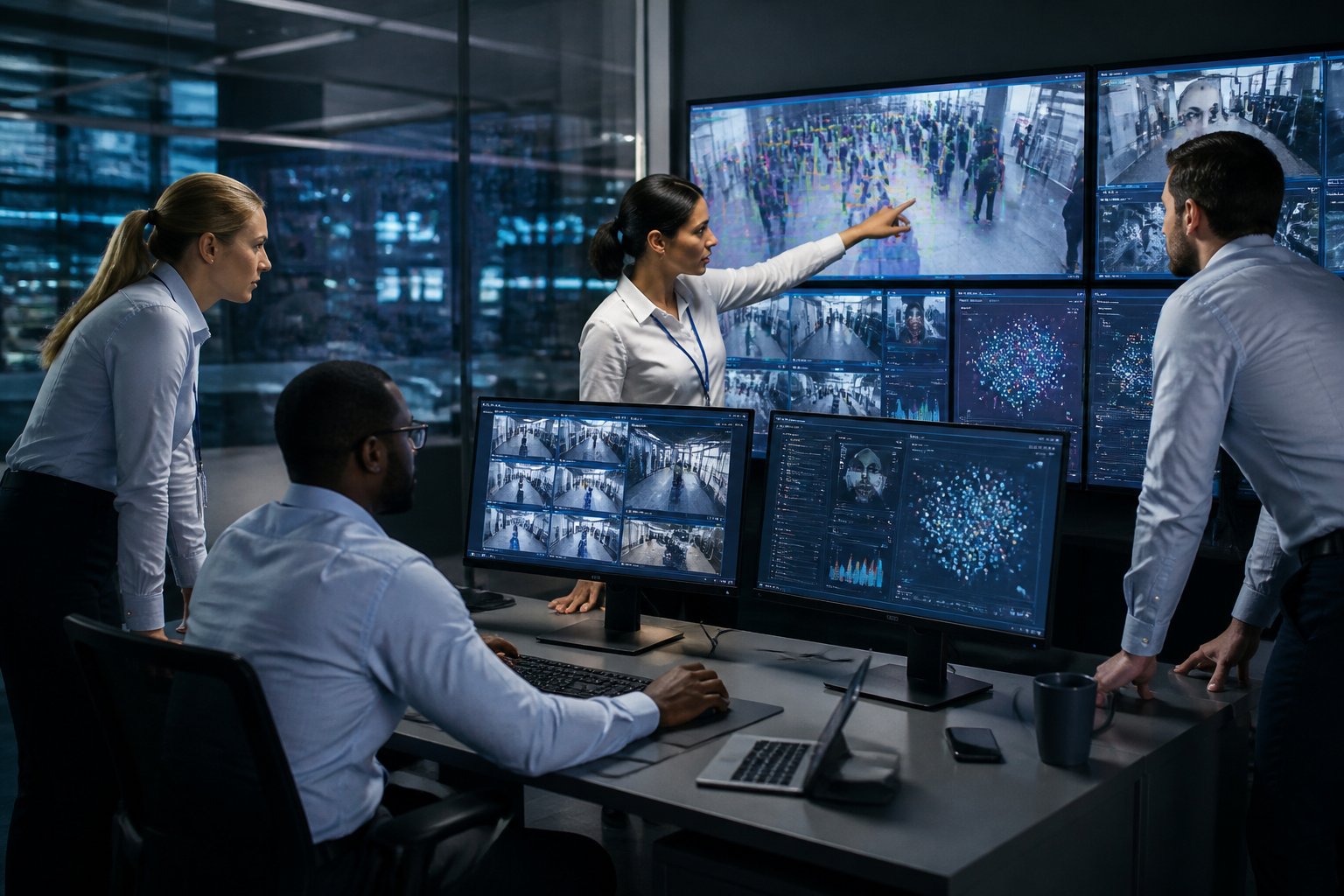
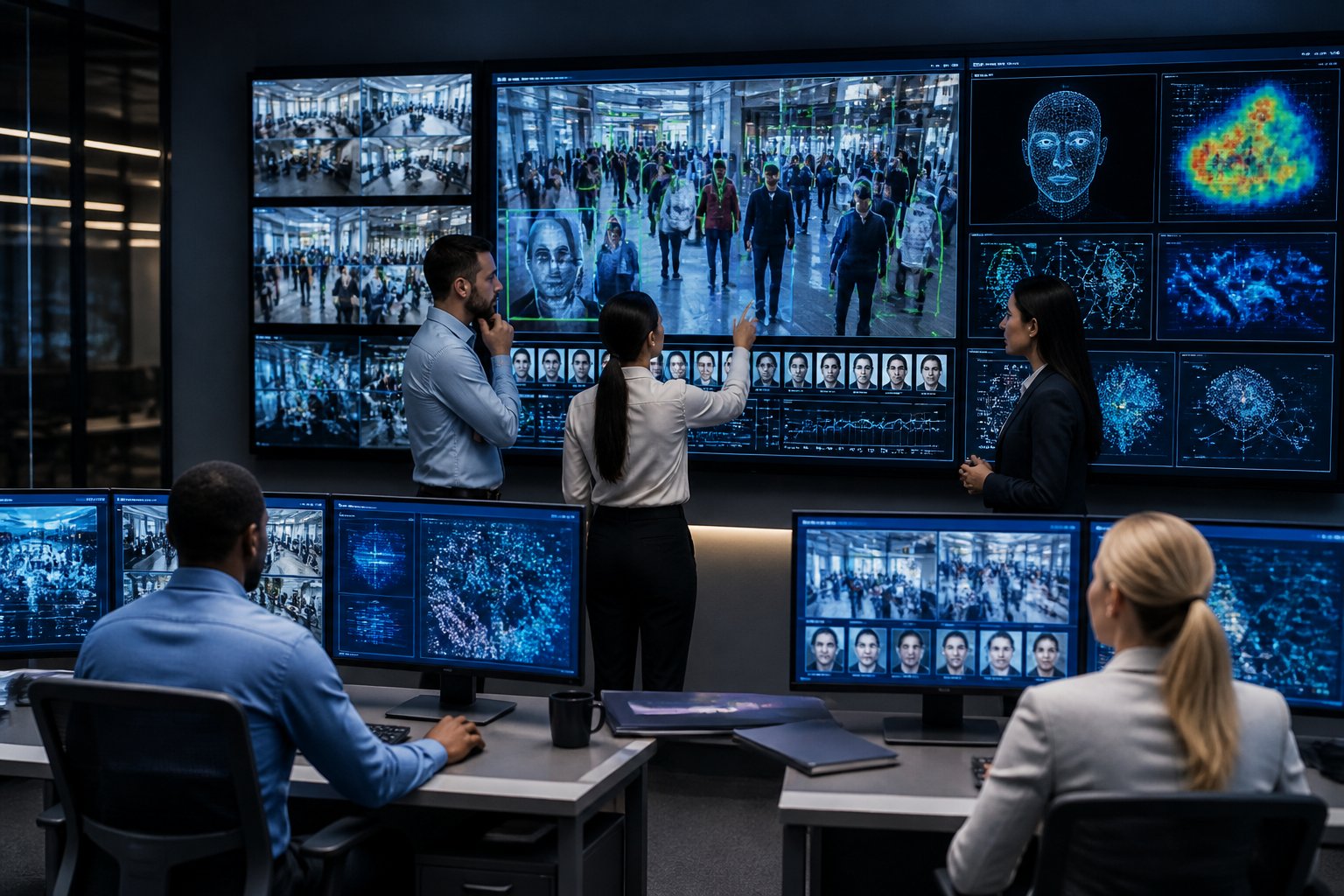
AI changes your control room from a place that watches events to a place that helps you anticipate them. It also changes how you assign people, how quickly you respond, and how much confidence you place in each alert. The biggest practical shift is that your operators spend less time hunting for signals and more time acting on the right ones.
From Passive Monitoring to Predictive Oversight
Traditional control rooms depend on steady human attention and a lot of screen watching. AI adds pattern detection, trend spotting, and early warning logic, so you can see risk before it becomes a visible failure. In practice, that means you can move from reacting to incidents toward planning around likely issues, such as equipment drift, crowding, access anomalies, or system faults.
For facility and operations teams, this matters because real environments rarely stay still. A good AI layer can spot small changes across video, sensors, access logs, and building systems that a person would miss during a busy shift. That gives you more lead time, which is often the difference between a short interruption and a bigger service problem.
How AI Changes Operator Decision Support
AI does not replace judgment; it changes the shape of judgment. Instead of forcing your team to interpret raw data from multiple systems, AI can surface likely causes, rank alerts by urgency, and suggest the next step. That reduces cognitive load and helps newer operators act with more confidence.
You still need trained people to confirm context and make final calls. In a live environment, that human check is critical because the same alert can mean very different things depending on occupancy, time of day, or maintenance activity. Teams that work with partners like MLV Teknologi often see the best results when the system design supports clear escalation paths and clean handoff between software and operator action.
The New Balance Between Automation and Human Judgment
The practical goal is not full automation. It is a better split between what software should do quickly and what people should decide carefully. AI is strongest at pattern recognition, alert filtering, and repetitive analysis, while your team remains best at exceptions, policy decisions, and cross-functional coordination.
That balance changes staffing as well. You may need fewer people staring at status boards, yet stronger people for oversight, escalation, and system tuning. The control room becomes less about constant watching and more about managed intervention, with humans staying in charge of risk and accountability.
System Design and Workflow Implications
AI only works well when the surrounding workflow is designed for it. That means cleaner data feeds, clearer alarm logic, faster interfaces, and room layouts that support quick decisions rather than distraction. The design work matters as much as the model itself.
Data Integration Across AV, Security, and Building Systems
Your AI system becomes much more useful when it can read across AV, security, and building management platforms. A meeting room camera, access control event, environmental sensor, and room booking system can each tell part of the story. AI adds value by connecting those signals into one operational view.
This is where many projects succeed or stall. If your systems are poorly integrated, AI will still give you fragments instead of context. A strong implementation usually starts with interoperability, reliable data mapping, and a clear plan for which systems are trusted sources versus supporting inputs.
Alert Prioritization and Escalation Logic
Alert overload is a common control room problem, and AI can help if it is configured carefully. The system should filter noise, group related events, and push only the alerts that need attention. You want fewer interruptions, not just more notifications with a new label.
Escalation logic should match your business rules, not just technical thresholds. For example, a minor fault during low occupancy may need a different response than the same fault during peak use. Good workflow design turns alerting into decision support, while weak design creates new confusion.
Control Room Interface Changes for Faster Response
AI changes the interface as much as it changes the backend. Operators need dashboards that show what changed, why it matters, and what action comes next. That usually means fewer cluttered screens, clearer status grouping, and better visual cues for priority and confidence.
The room itself may also need adjustment. Lighting, screen placement, seating, and sight lines all affect how fast your team can interpret AI-assisted information. In active office environments, low-disruption installation and careful coordination matter a lot, which is why practical AV delivery experience is as important as software selection.
Adoption Risks, Governance, and Readiness
AI can improve control room performance, yet it also creates new exposure points. You need to treat accuracy, cyber risk, and governance as operational issues, not side topics. The teams that plan for these risks early tend to deploy with less friction and fewer surprises.
Accuracy, Bias, and False Alarm Management
AI systems are only useful if their outputs stay reliable in your actual environment. False alarms, missed detections, and biased pattern recognition can make operators lose trust fast. Once that trust drops, people stop using the tool the way it was intended.
You should test the system against your own data, your own shift patterns, and your own exception cases. A model that performs well in a demo can still struggle with local workflows or unusual operating conditions. A phased rollout with human review is usually safer than a wide cutover.
Cybersecurity and Operational Resilience
AI expands the attack surface because it depends on data feeds, APIs, user access, and connected systems. If one of those layers is weak, the control room can inherit the risk. Gartner-style adoption trends show why this matters: faster AI rollout often arrives before governance and security controls are fully mature.
Operational resilience should include fallback procedures, logging, access controls, and a clear way to run the room if the AI layer fails. You need to know what happens when the model goes offline, gives a bad recommendation, or receives bad input. That planning is part of uptime, not separate from it.
What Organizations Should Assess Before Deployment
Before deployment, check five things: data quality, system interoperability, operator readiness, escalation policy, and cybersecurity controls. If any one of these is weak, AI will add complexity instead of reducing it. The most successful projects start with one use case, one room, and one clear business goal.
You should also assess whether your implementation partner can work cleanly inside a live environment. In South Jakarta and similar commercial settings, practical delivery often depends on responsive coordination, careful installation timing, and minimal disruption to daily operations. That is the kind of execution standard that separates a workable control room upgrade from a difficult one.
by MLV Teknologi | Jun 14, 2026 | Article
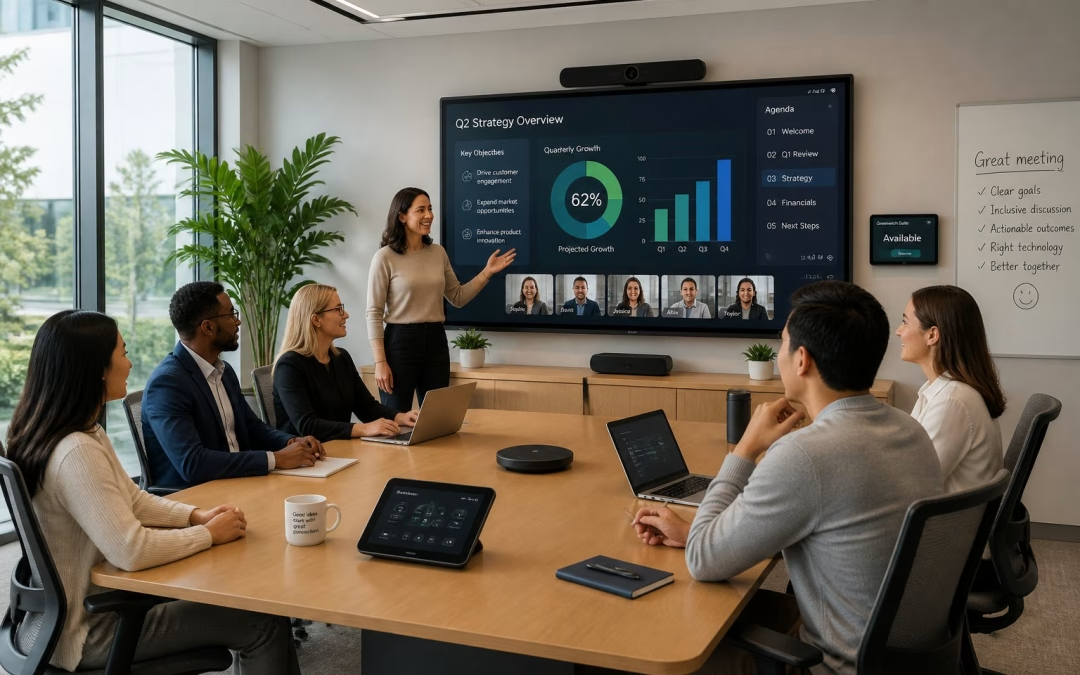
Why User Experience Determines Meeting Room Success
Meeting room technology succeeds when people can use it fast, trust it, and get back to work without asking for help. That is why the Role Of Human-Centered Design in Meeting Room Technology matters so much: it turns devices into a smooth part of the workday, not a daily obstacle. If you are planning upgrades, start with the people in the room, then choose the tools that fit their habits and skill levels. If you want support that matches that mindset, a careful AV partner such as MLV Teknologi can help translate workplace needs into practical room decisions.
From Feature-Rich Systems To Friction-Free Use
A room packed with cameras, microphones, screens, and control panels still fails if users hesitate at the start of every meeting. The best systems feel simple because the key actions are obvious: join, share, speak, and switch sources with little thought. In practice, your team values smooth flow more than extra features they may never touch.
Common Points Of Failure In Everyday Room Interactions
The most common problems are small ones: the wrong cable, unclear labels, touch panels with too many steps, and audio that sounds uneven from seat to seat. These issues create repeated interruptions and train people to avoid the room. Once that happens, adoption drops and support calls rise.
How Design Choices Influence Adoption And Confidence
People trust rooms that behave the same way every time. Consistent layouts, clear visual cues, and predictable startup behavior reduce anxiety for users with mixed technical skill. When a room feels easy, your team uses it more often and with less resistance.
Design Principles For More Intuitive Collaboration Spaces
Good room design starts with the way your people actually meet, not with a list of devices. The room should support quick internal check-ins, hybrid calls, executive discussions, and longer workshops without forcing users to relearn the space each time.
Matching Room Technology To Real Meeting Behaviors
A huddle room needs different tools than a boardroom or training space. Small rooms need quick join paths and clear audio pickup, while larger rooms need better sightlines and stronger control of camera coverage. If you match technology to the meeting style, you reduce wasted budget and improve daily use.
Accessibility, Simplicity, And Consistency Across Room Types
Users move between rooms all day, so consistency matters. Keep touch controls, input names, and screen layouts familiar across room sizes, and make sure the core actions sit in the same place. That approach supports accessibility too, since people with different abilities or confidence levels can use the room without confusion.
Planning For Hybrid Meetings, Supportability, And Reliability
Hybrid meetings work best when remote participants can hear clearly, see faces, and follow the conversation without lag or awkward camera cuts. Supportability matters just as much, because your IT team needs a room they can troubleshoot quickly. Reliable hardware, clear documentation, and neat installation lower the burden on day-to-day operations.
Applying Human-Centered Thinking Across The Project Lifecycle
Human-centered design is not a one-time layout choice. It works best when you use it from early discovery through installation and long-term review, with real user behavior guiding each decision.
Discovery And Consultation That Start With Workplace Needs
The best projects begin with questions about workflow, room usage, pain points, and business priorities. You need to know who uses the room, how often they meet, and what usually goes wrong today. A strong consultation process, like the kind you would expect from an experienced AV team, gives you a clearer plan and fewer surprises later.
Installation Approaches That Minimize Operational Disruption
In active offices, installation timing and coordination matter as much as the equipment itself. Work done in phases, with careful site checks and clean handover planning, helps your team keep operations moving. Customers often value installers who work neatly and do not interrupt the business day, and that is a sign of good project discipline.
Measuring Performance Through Usage, Feedback, And Continuous Improvement
After rollout, watch how the room is used, not just whether the hardware powers on. Track support requests, meeting start times, user feedback, and the kinds of rooms people choose first. That data shows whether the design is helping adoption or creating friction, and it gives you a clear path for small fixes that improve long-term performance.
by MLV Teknologi | Jun 14, 2026 | Article
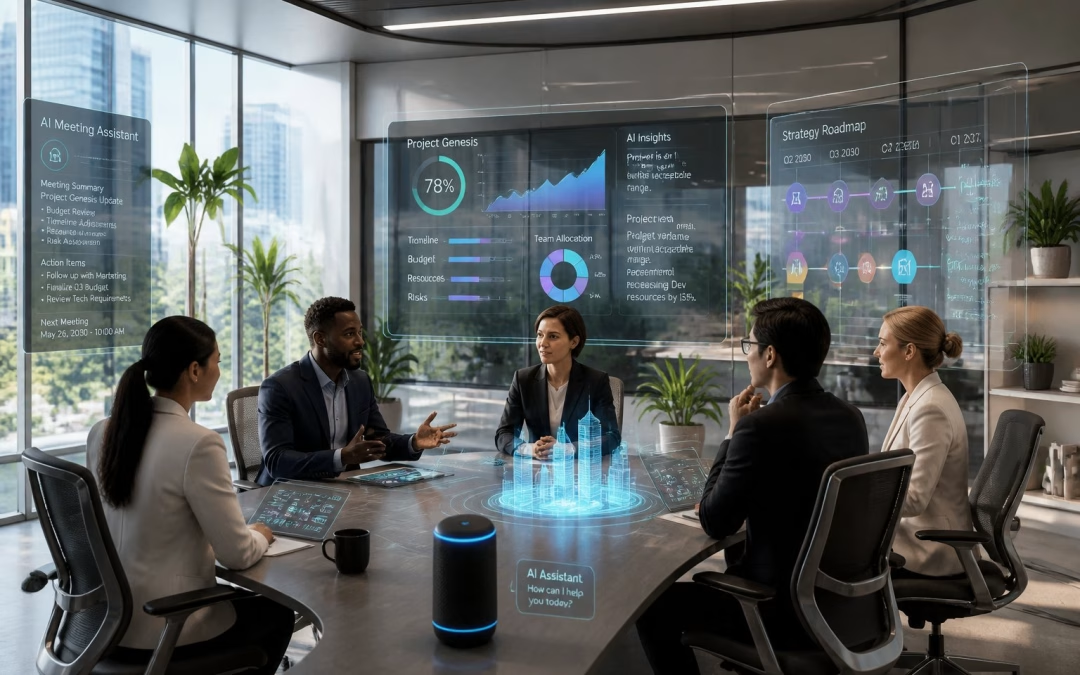
The New Role Of AI In Meeting Room Operations
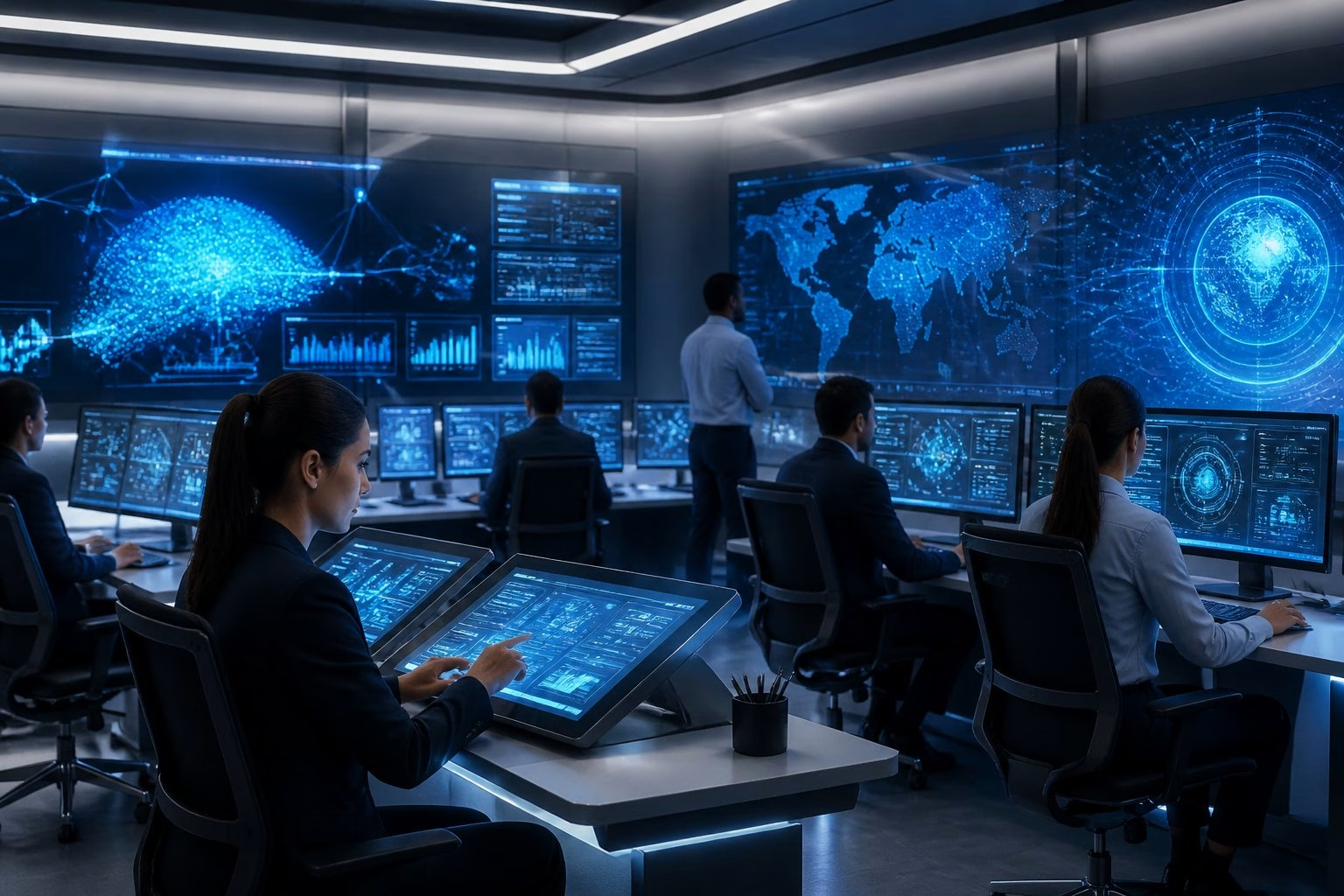
By 2030, the meeting room you manage will matter less as a collection of devices and more as an adaptive service layer that supports people, content, and decisions in real time. That shift changes how you plan rooms, support users, and justify investment.
From Static AV Setups To Adaptive Environments
Traditional rooms still rely on fixed presets, manual control, and a user hoping everything works on first try. AI changes that by letting the room respond to occupancy, speaking patterns, room type, and meeting mode. A small huddle room, a hybrid boardroom, and a training space will no longer need the same behavior from the same hardware stack.
How AI Will Change Scheduling, Room Control, And User Support
The first visible change is not a flashy device; it is less friction. AI can help detect empty-booked rooms, adjust camera framing, tune audio, and guide users through setup without calling IT for every issue. In active offices, that means fewer delays, fewer support tickets, and fewer meetings lost to simple setup mistakes.
Why Data And Automation Will Matter More Than Individual Devices
By 2030, the value will come from how systems work together. A great camera alone will not solve poor meeting equity if audio pickup, room control, and booking data sit in separate silos. The strongest room designs will use AI to connect AV, workplace systems, and usage data so you can see what is happening and act on it quickly.
The Biggest Functional Shifts Teams Will Notice
The changes your teams notice first will be practical. Better audio, more stable video, and real-time meeting help will reduce everyday friction long before any room feels truly “intelligent.”
Smarter Audio, Video, And Camera Behavior
AI will improve how rooms hear and see people without constant manual adjustment. Microphones can focus on active speakers, cameras can frame participants more naturally, and video layouts can adapt so remote attendees feel less like spectators. In my experience, this kind of consistency matters more than feature count because users remember when a room simply works.
Real-Time Assistance For Hybrid Collaboration
Meeting rooms will increasingly act like quiet assistants. Live transcription, note capture, speaker identification, and action-item support can reduce the gap between discussion and follow-through. If your organization runs hybrid meetings often, this can make it easier to keep remote and in-room participants aligned without asking someone to manage every detail by hand.
Better Space Utilization Through Usage Insights
AI-driven analytics will show which rooms are overbooked, underused, or mismatched to meeting style. That gives facilities and IT teams better evidence when planning future layouts, room sizes, and support levels. Teams that already work with an AV partner like MLV Teknologi often see the value of this early because consultation and installation are tied to real room behavior, not just equipment lists.
What Organizations Should Prepare For Before 2030
The biggest risk is not that AI will arrive too soon. The risk is buying pieces of it without preparing your AV, IT, and workplace environment to support it cleanly.
Integration Challenges Across AV, IT, And Workplace Systems
Future-ready rooms will depend on interoperability. Your booking platform, network, identity system, room controller, cameras, microphones, and occupancy tools need to work as one environment, not as separate projects. If those layers are not aligned, AI will add confusion instead of reducing it.
Privacy, Security, And Governance Considerations
AI in meeting rooms can process video, audio, transcripts, and usage data, so governance matters from the start. You need clear rules for recording, retention, access, and consent, especially in client-facing or sensitive internal meetings. Security teams should review not just the devices, but also where data is stored and who can reach it.
How To Plan Future-Ready Meeting Rooms Without Overbuilding
The best approach is to design for upgrade paths, not hype. Choose rooms that can support AI features later through software, modular hardware, and good network design. That keeps you from overspending now while still protecting your ability to expand when the business case becomes clear.
by MLV Teknologi | Jun 13, 2026 | Article
Where AV Planning Failures Start
Poor AV planning usually starts when audiovisual needs are treated as a purchase decision instead of a space-planning decision. When you wait until late in the build, you pay for avoidable reroutes, awkward room layouts, and equipment that fits the budget on paper but not the workplace.
Treating AV As A Late-Stage Procurement Item
AV is often brought in after walls, ceilings, and furniture plans are already locked. At that point, even simple changes can mean cutting into finished surfaces, moving power points, or accepting weaker equipment placement. The result is not just delay; it is a system built around compromise.
Missing Coordination Between AV, Interior, IT, And MEP Teams
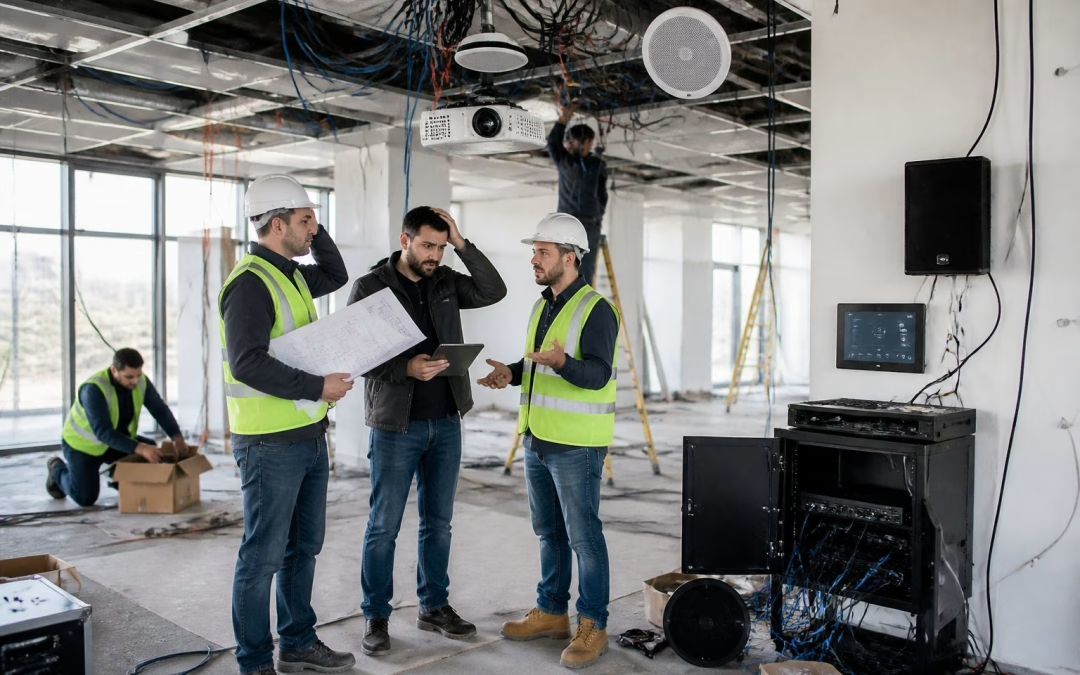
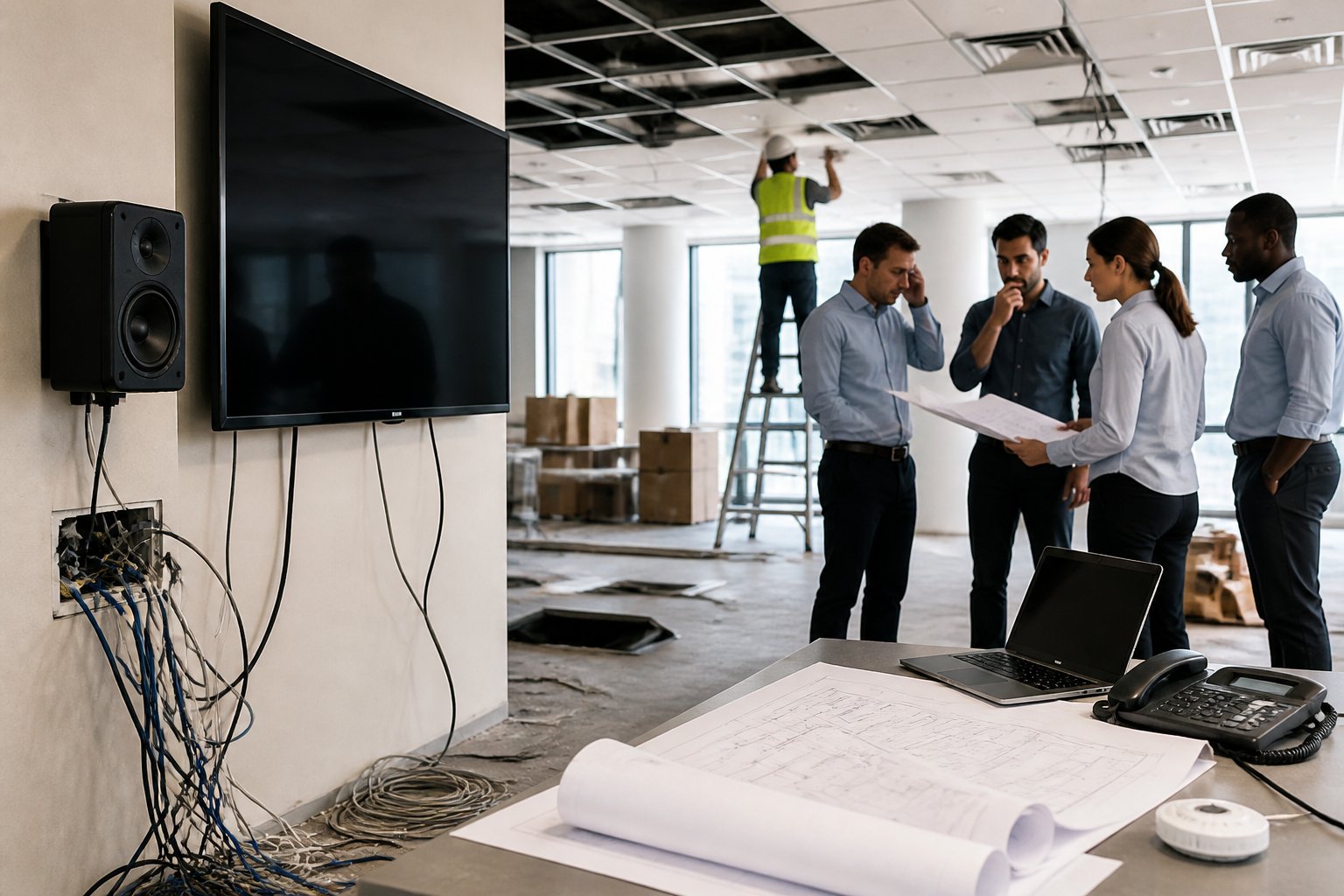
The biggest failures I see come from teams working in silos. If AV is not aligned with interior design, IT network planning, and MEP routing, you end up with cable clashes, weak signal paths, and power that lands in the wrong place. In active projects, that gap can turn a clean plan into a sequence of site fixes.
Overlooking Room Function, User Flow, And Meeting Behavior
A room should be designed around how people actually use it. A boardroom, huddle space, training room, and hybrid meeting room all need different camera angles, display sizes, audio coverage, and control logic. When you ignore user flow and meeting behavior, the room may look finished, yet still feel awkward to use.
The Real Business Impact Of Poor Early Decisions
The cost of poor planning shows up long after handover. You see it in redesign work, weak room performance, frustrated users, and the extra support load that keeps pulling your team back into the same problems.
Rework, Change Orders, And Construction Delays
Once construction is underway, small AV changes can become expensive. A moved display wall may need fresh conduit, new data points, and revised joinery, while a late speaker change can trigger rework across ceiling, electrical, and finishing trades. Those are the hidden costs that quietly stretch the schedule.
Acoustic, Power, And Cabling Constraints That Limit Performance
If the room was not planned for AV early, the technical limits become permanent. You may end up with echo-heavy spaces, underpowered circuits, or cable routes that restrict where devices can be placed. I have seen projects where the hardware was strong, yet the room still performed poorly because the building fabric and infrastructure were never prepared for it.
Low Room Adoption, User Frustration, And Support Burden
A room that is hard to join, hard to hear in, or hard to control will be avoided. Staff then fall back to personal laptops, separate calls, and ad hoc fixes that reduce the value of the investment. That creates more tickets for IT and facilities, more meeting delays, and more time spent explaining a system that should have been simple from the start.
How To Reduce Risk Before Handover
The best time to reduce AV risk is before finishes are closed and handover dates get tight. Early decisions about requirements, growth, and implementation control most of the cost you will face later.
Defining AV Requirements During Space Planning
AV needs should be part of the first space-planning conversations, not the last procurement round. At this stage, you can still shape room sizes, display positions, network routes, acoustic treatment, and power access without paying retrofit prices. That gives you a cleaner build and fewer surprises near completion.
Aligning System Design With Daily Operations And Growth
Your AV design should match how your teams work today and how the office may expand next year. If you expect more hybrid meetings, training sessions, or multi-room use, the system should be able to scale without a full rebuild. A modular plan is usually cheaper than replacing a rigid setup after the space is already in use.
Choosing Implementation Partners Who Can Execute With Minimal Disruption
You need a partner who can coordinate cleanly with other trades and work inside an active project without slowing everyone down. That is where practical delivery matters as much as product choice. In Jakarta, teams like MLV Teknologi are often valued for consultation, supply, installation, and meeting room execution that stays responsive and careful around live business operations, which helps reduce disruption during fit-out and handover.






Recent Comments