
by Melvin Halpito | Jul 13, 2026 | Article
Peran Integrator Audio Visual Dalam Kebutuhan Bisnis Modern
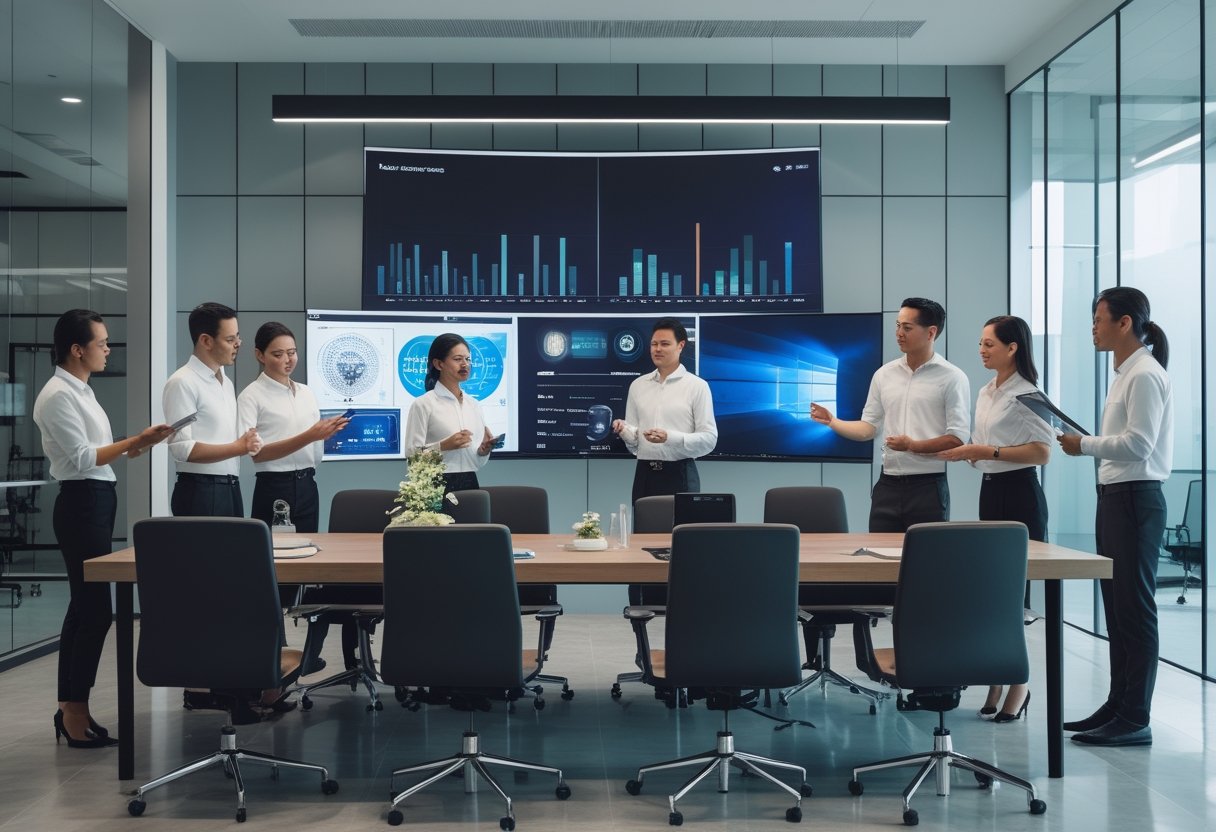
Jika ruang meeting Anda sering memakan waktu karena setup teknis, integrator Audio Visual yang tepat bisa mengubah ruang itu dari sekadar ruangan menjadi alat kerja yang benar-benar produktif.
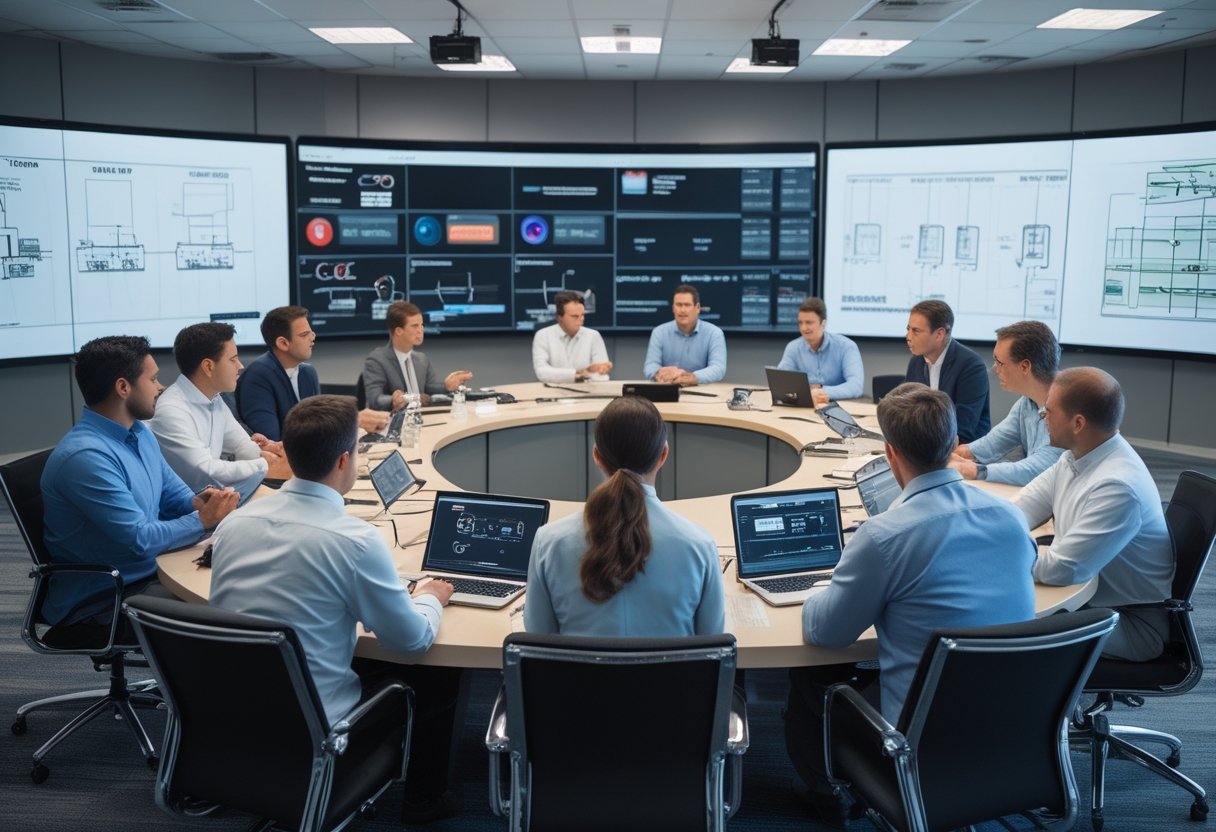
Di banyak kantor, masalahnya bukan kurang perangkat, melainkan sistem yang tidak menyatu. Anda bisa punya layar bagus, speaker mumpuni, dan kamera konferensi, tetapi kalau semuanya berdiri sendiri, rapat tetap terasa lambat dan melelahkan. Integrator audio visual yang baik menyatukan perangkat, kontrol, kabel, tata ruang, dan alur pakai agar ruang mudah digunakan setiap hari.
\
Fungsi Integrator Dibanding Sekadar Pemasok Perangkat
Pemasok perangkat biasanya fokus pada barang yang dibeli. Integrator melihat gambaran yang lebih besar: ukuran ruangan, posisi duduk, arah pandang, kualitas suara, dan cara tim Anda memakai ruang itu. Perbedaan ini penting karena hasil akhir yang Anda butuhkan adalah ruang yang berjalan lancar, bukan daftar perangkat yang panjang.
Dalam proyek kantor, saya melihat banyak kegagalan terjadi saat pembelian dilakukan tanpa desain sistem yang jelas. Ruang akhirnya sulit dipakai, pengguna bingung, dan tim internal harus sering memanggil teknisi. Integrator yang matang menghindari masalah itu sejak awal dengan merancang sistem yang cocok untuk kebutuhan rapat formal, diskusi tim, dan kerja hibrid.
\
Dampak Sistem AV Terhadap Kolaborasi Dan Produktivitas
Sistem AV yang rapi membuat rapat dimulai lebih cepat dan keputusan bisa diambil tanpa jeda teknis yang mengganggu. Anda tidak perlu bergantung pada satu orang yang paham semua perangkat untuk menyalakan ruang atau menghubungkan laptop. Itu langsung berdampak pada efisiensi kerja harian.
Di ruang meeting modern, kenyamanan pengguna sangat menentukan apakah sistem benar-benar dipakai. Saat audio jelas, tampilan stabil, dan kontrol sederhana, kolaborasi terasa lebih alami. Perusahaan juga lebih mudah menjaga konsistensi pengalaman di berbagai ruang, dari meeting room kecil sampai ruang konferensi yang lebih besar.
\
Kriteria Menilai Kualitas Mitra AV Secara Objektif

Saat menilai mitra AV, Anda perlu melihat bukti kerja, bukan hanya materi presentasi. Tiga hal yang paling sering menentukan hasil proyek adalah kualitas konsultasi, kerapian instalasi, dan cara tim berkoordinasi selama implementasi.
Evaluasi yang baik akan memperlihatkan apakah vendor benar-benar paham kebutuhan ruang Anda atau hanya menawarkan paket standar. Dari pengalaman lapangan, mitra yang kuat biasanya sejak awal bisa membaca risiko proyek dan menjelaskan pilihan solusi dengan bahasa yang jelas.
\
Kemampuan Konsultasi Dan Pemetaan Kebutuhan Ruang
Konsultasi yang baik dimulai dari pertanyaan yang tepat. Anda seharusnya ditanya soal pola rapat, jumlah pengguna, jenis perangkat yang sering dipakai, dan keterbatasan ruangan. Dari sana, integrator bisa memetakan kebutuhan secara realistis, bukan sekadar menempelkan teknologi terbaru.
Pemetaan ruang yang serius juga mempertimbangkan alur kabel, pencahayaan, akustik, dan kebiasaan pengguna. Ini penting karena ruang meeting yang bagus di atas kertas bisa gagal saat dipakai jika tata letaknya tidak cocok. Mitra yang teliti biasanya berani memberi masukan teknis yang relevan, bukan hanya mengikuti permintaan awal tanpa kritik.
\
Standar Instalasi Yang Rapi, Presisi, Dan Minim Gangguan
Instalasi yang baik terlihat dari hasil yang rapi, presisi, dan mudah dirawat. Kabel tertata, perangkat terpasang stabil, dan panel kontrol mudah dijangkau. Anda juga perlu menilai apakah tim instalasi bekerja dengan disiplin di lingkungan kantor aktif.
Salah satu tanda integrator yang matang adalah kemampuannya bekerja tanpa mengganggu operasional harian. Untuk kantor yang tetap berjalan selama proyek berlangsung, ini sangat penting. MLV Teknologi misalnya, sering mendapat ulasan soal hasil instalasi yang rapi dan tim yang bisa bekerja dengan minim gangguan, yang menjadi sinyal bagus bagi proyek ruang meeting aktif.
\
Responsivitas Tim Dan Kelancaran Koordinasi Proyek
Respons cepat sering kali lebih penting daripada janji besar. Dalam proyek AV, perubahan kecil di lapangan bisa memengaruhi jadwal, layout, dan hasil akhir. Karena itu, Anda perlu mitra yang mudah dihubungi dan cepat memberi solusi saat ada penyesuaian.
Koordinasi yang lancar membuat proyek tetap terkendali dari tahap survei sampai serah terima. Tim yang responsif biasanya juga lebih enak diajak berdiskusi saat ada revisi desain atau penyesuaian perangkat. Reputasi MLV Teknologi yang mendapat rating 4.9 di Google Maps juga menunjukkan bahwa aspek komunikasi dan eksekusi dipandang positif oleh banyak pelanggan.
\
Pertimbangan Praktis Saat Memilih Partner Implementasi
Pilihan partner implementasi sebaiknya dilihat dari cakupan layanan, bukti reputasi, dan kedekatan operasional dengan lokasi proyek Anda. Untuk kantor di Jakarta dan area sekitarnya, faktor kecepatan respon dan kemampuan dukungan lapangan sering punya dampak langsung pada kelancaran kerja.
Anda juga perlu menilai apakah vendor hanya menjual perangkat atau benar-benar mendampingi proses sampai sistem siap dipakai. Dalam praktiknya, perbedaan ini sangat terasa saat proyek memasuki fase instalasi, pengujian, dan after-sales.
\
Cakupan Layanan Dari Pengadaan Hingga Dukungan Lapangan
Partner yang kuat biasanya tidak berhenti di pengadaan perangkat. Mereka juga membantu konsultasi, instalasi, integrasi, dan dukungan setelah sistem berjalan. Model kerja seperti ini lebih aman karena Anda tidak perlu mengelola banyak pihak secara terpisah.
Untuk proyek meeting room, layanan end-to-end penting agar masalah teknis bisa ditangani cepat. MLV Teknologi, misalnya, dikenal menyediakan pengadaan perangkat audio visual, konsultasi, rental, pekerjaan interior fitting, hingga suplai sistem keamanan. Cakupan seperti ini berguna saat Anda ingin implementasi yang lebih tertib dan tidak tercerai-berai.
\
Indikator Kepercayaan Dari Reputasi Dan Ulasan Pelanggan
Reputasi bukan pengganti evaluasi teknis, tetapi tetap jadi indikator penting. Ulasan pelanggan sering memberi gambaran nyata tentang cara tim bekerja, kualitas hasil, dan respons setelah proyek selesai. Anda sebaiknya memperhatikan pola komentar, bukan hanya rating angka.
Jika banyak ulasan menyebut instalasi rapi, komunikasi cepat, dan hasil memuaskan, itu menandakan konsistensi layanan. Dalam kasus MLV Teknologi, rating 4.9 dari 19 ulasan di Google Maps memberi sinyal bahwa pengalaman pelanggan cukup kuat, terutama pada sisi profesionalisme dan kecepatan kerja. Itu layak dijadikan bahan pertimbangan awal sebelum Anda masuk ke diskusi teknis.
\
Nilai Mitra Lokal Untuk Proyek Meeting Room Di Jakarta Dan Sekitarnya
Mitra lokal sering memberi keuntungan praktis yang terasa langsung di lapangan. Mereka lebih cepat saat survei, lebih mudah dihubungi saat ada revisi, dan lebih paham ritme kerja kantor di Jakarta. Untuk proyek meeting room, kecepatan seperti ini sering lebih bernilai daripada presentasi yang terlalu rumit.
Lokasi MLV Teknologi di South Jakarta juga relevan untuk organisasi yang butuh dukungan implementasi di area Jakarta dan sekitarnya. Saat Anda mengevaluasi partner, pertimbangkan juga kemudahan koordinasi, kesiapan datang ke lokasi, dan kemampuan menjaga kontinuitas support setelah instalasi selesai. Dalam proyek AV, kedekatan operasional sering menjadi pembeda yang nyata.
by Melvin Halpito | Jul 12, 2026 | Article
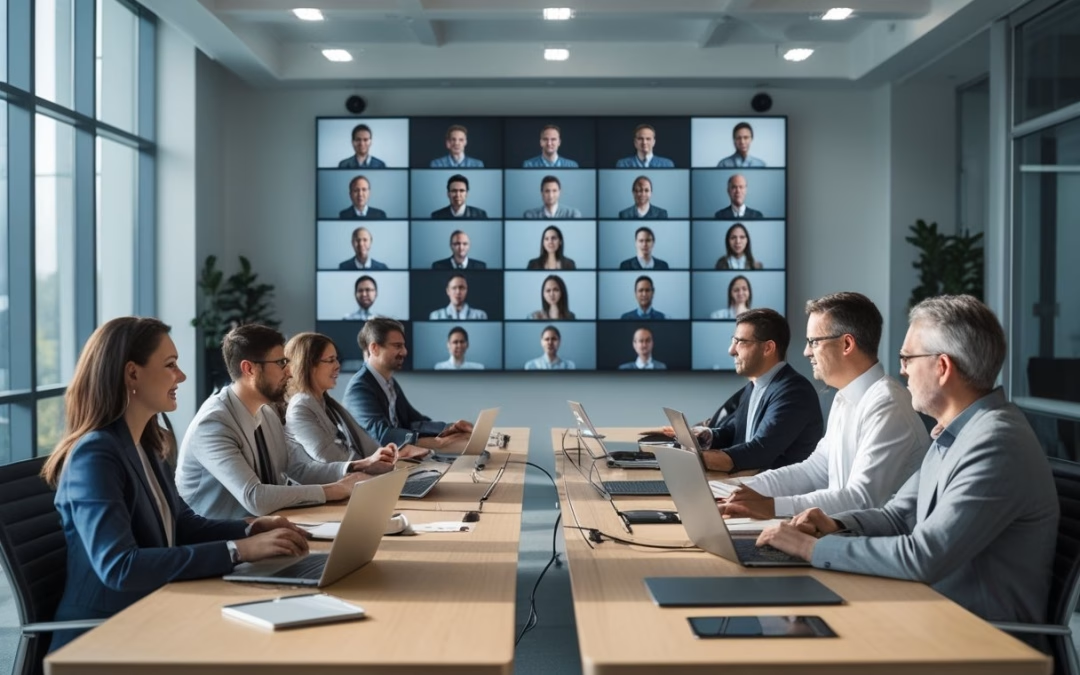
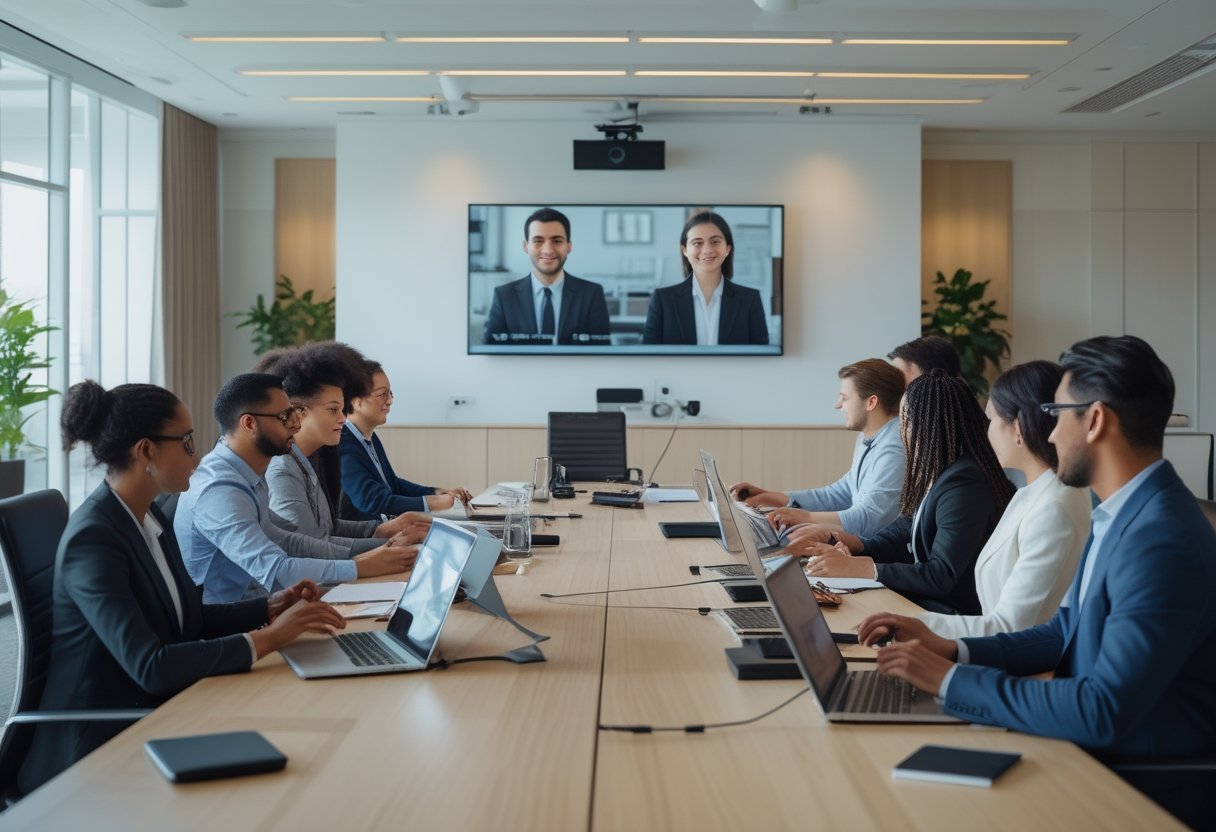
Most hybrid meeting problems are not technology problems alone, they are leadership and operating-model problems. If you want Hybrid Meeting Solutions: Ensuring Equal Experience for Onsite and Remote Participants, you need to design for participation equity, not just connection quality. That means you make room setup, facilitation norms, decision rules, and accountability work together so location does not determine influence.
The standard to use is simple: every participant should be able to see, hear, contribute, and shape the outcome with the same ease, whether they are in the room or joining remotely. If that is not true, your meeting is already creating proximity bias, even if the agenda looks balanced on paper.
That gap shows up in small ways first, then in decision quality, meeting fatigue, and uneven participation across teams. Leaders who treat hybrid meetings as an organizational design issue can set a higher bar and make that bar repeatable across offices, functions, and time zones.
Principles Of Participation Equity
Equal experience is not the same as identical experience. You are aiming for equivalent access to information, equal opportunity to speak, and a fair path to influence the decision, regardless of where someone sits.
Defining What An Equal Experience Actually Means
An equal experience means remote participants are not waiting for a gap in room conversation, while onsite participants are not gaining extra influence through side comments or shared physical artifacts. You should be able to answer three questions with confidence: can everyone hear clearly, can everyone see the same working materials, and can everyone get airtime without competing against the room?
A useful test is whether a remote attendee can enter the meeting cold and still contribute at the same level as an onsite attendee. If that answer depends on who they know in the room, your meeting is not equitable yet.
Common Failure Patterns In Mixed-Presence Meetings
The most common failure is not bad intent, it is drift. The room starts talking naturally, someone points to a slide or whiteboard, and remote participants become listeners instead of contributors. Another pattern is overreliance on a single camera and a weak microphone, which makes it harder for remote people to follow side conversations or timing cues.
You can also see proximity bias in participation data. In many hybrid settings, remote participants speak less often than onsite participants because the meeting rhythm favors the room. When that happens repeatedly, people disengage, decisions narrow, and the meeting model starts to train the wrong behavior.
Operational Design For Better Outcomes
Better outcomes come from intentional design, not heroic facilitation. You need technology that supports the same workflow for everyone, plus meeting rules that make participation visible and enforceable.
Technology And Room Setup Decisions
Start with the room, because room geometry shapes behavior. Place cameras so remote participants can see faces, not just the top of a table, and use microphones that capture voices evenly across the room. If people in the room must crowd around a single laptop speaker, the setup is already undermining equity.
Require everyone in the room to join the meeting on individual devices when practical. That keeps chat, documents, polls, and hand-raise tools available to all participants in the same way. It also reduces the hidden divide between analog participation in the room and digital participation online.
Facilitation Norms And Accountability Measures
Equitable meetings need a facilitator who manages turn-taking, interruption control, and visible contribution tracking. Use round-robin input at decision points, start structured input with remote participants, and pause for silent written contributions before open discussion. Those moves sound formal at first, yet they quickly create a more disciplined room.
Assign a remote participant advocate for recurring meetings, and rotate that role so the team learns what the remote experience feels like. Track speaking balance in a simple way, even if that means a facilitator keeps a tally. When participation patterns are visible, you can hold the meeting model accountable instead of blaming individual behavior.
by Melvin Halpito | Jul 11, 2026 | Article
The Role Of AV In Modern Learning Environments
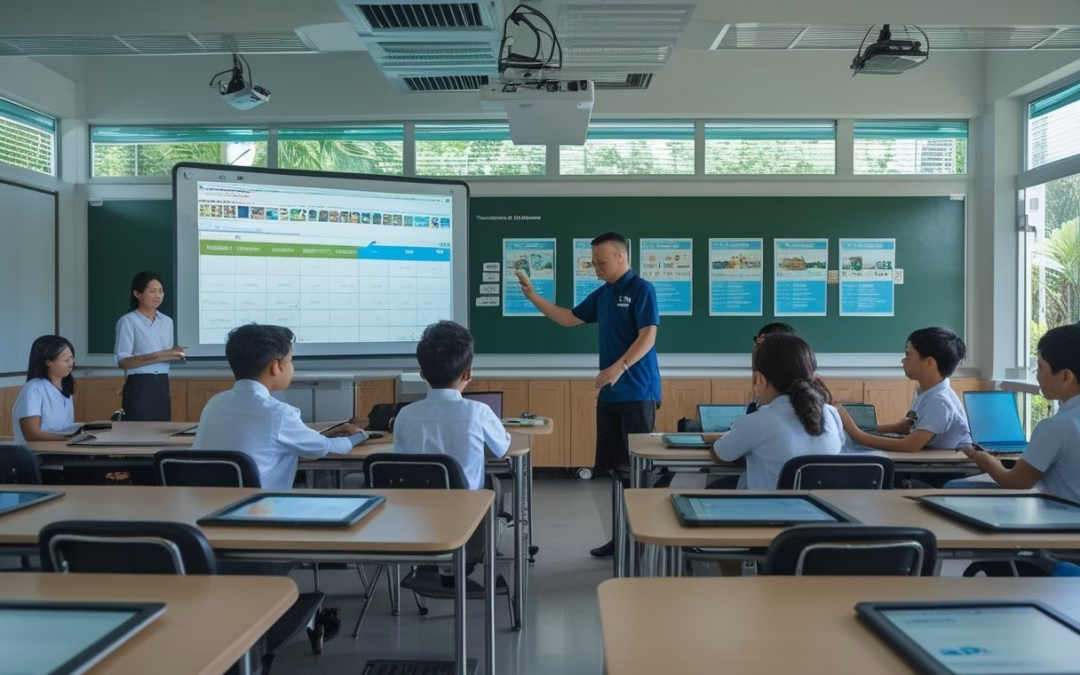
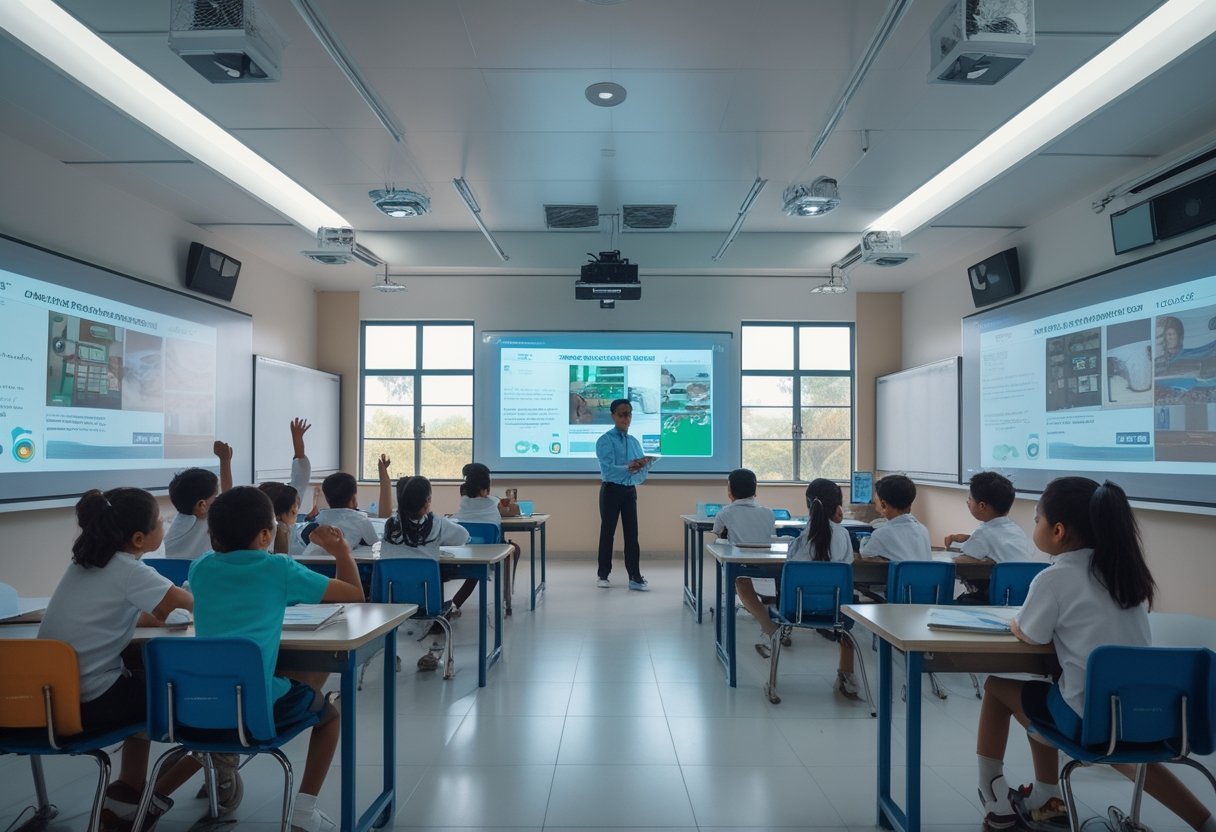
Smart Classroom Technology is changing what you should expect from a classroom: lessons become more visual, more interactive, and easier to access for different types of learners. If you are planning upgrades in Indonesia, the real value is not the display alone, it is the way AV helps teachers explain content, manage attention, and keep learning moving in mixed in-person and hybrid settings. If you want practical support for that kind of rollout, a local partner like MLV Teknologi can help you plan the room, install the system, and keep the deployment coordinated with your campus schedule.
How Interactive Displays And Audio Systems Support Teaching
Interactive displays let you move beyond static slides. You can annotate live, pull up diagrams on the spot, and keep students focused on the same visual reference instead of passing around printed materials. In rooms I have seen perform well, the display works best when paired with clear room audio, so every student hears instructions without strain.
Audio matters more than many teams expect. A teacher who is heard clearly spends less time repeating instructions, and students in the back rows stay more engaged. Good microphones, speakers, and sound tuning also help during guest lectures, language lessons, and hybrid classes.
Why Classroom Technology Now Extends Beyond Projectors
Projectors still have a place, yet classroom needs have moved past simple image display. You now need systems that support touch input, wireless sharing, recording, streaming, and quick switching between devices. That is why many schools and universities are planning around integrated AV instead of buying single hardware items one by one.
The shift is practical. When a room needs to support both teaching and remote access, a projector alone does not solve audio quality, collaboration, or usability. A more complete setup gives you a classroom that can adapt to lectures, group work, and digital content without constant reconfiguration.
The Link Between AV Design, Engagement, And Learning Access
Good AV design shapes how long students stay attentive and how easily they can follow the lesson. When the screen is visible, the audio is clean, and the controls are simple, teachers use the system more often and with less hesitation. That consistency supports better engagement because the technology does not get in the way of the teaching.
Access also improves when you plan for different needs from the start. Captions, larger visuals, replayable content, and assistive listening features can make a real difference for students who learn at different speeds or need additional support. In my experience, schools that treat AV as part of access planning, not just equipment buying, get far better day-to-day results.
Implementation Priorities For Indonesian Schools And Campuses
Successful rollouts depend on more than feature lists. You need to check room conditions, prepare teachers for daily use, and choose a rollout model that fits your budget without creating support problems later.
Infrastructure Readiness And Room Planning Considerations
Before you buy equipment, check power, wall strength, cable paths, internet stability, and room acoustics. Many Indonesian schools have mixed building conditions, so one classroom may be ready for a full smart setup while another needs basic electrical or mounting work first. A good plan starts with site surveys, not product brochures.
Room layout matters as much as hardware. Sight lines, seating distance, ambient light, and where the teacher stands all affect whether the system feels natural. If your room design is off, even strong AV equipment can feel awkward in daily use.
Teacher Adoption, Training, And Day-To-Day Usability
Teachers adopt what feels simple. If switching sources, opening a whiteboard app, or adjusting audio takes too many steps, usage drops fast after the first few weeks. The best systems are the ones teachers can run confidently with minimal help from IT.
Training should be short, practical, and tied to real classroom scenarios. I have seen better adoption when staff are shown how to start a lesson, share a laptop, and recover from a common error in under five minutes. Ongoing support matters too, because confidence grows when teachers know help is available during the first term of use.
Balancing Budget, Scalability, And Long-Term Support
Budget pressure is real, so you need to think in phases. A pilot classroom can prove the model before you expand across a campus, which reduces the risk of buying the wrong mix of display, audio, and control gear. This approach also helps procurement teams compare cost against actual classroom use.
Long-term support should be part of the purchasing decision. Replacement parts, warranty handling, remote troubleshooting, and clear maintenance responsibility all affect total cost. For many schools, it is smarter to buy a slightly smaller system that is easier to support than a larger setup that becomes hard to maintain.
What Decision-Makers Should Look For In AV Strategy
Your AV strategy should be judged by how reliably it supports teaching, how smoothly it fits your building, and how well your team can operate it after go-live. That means looking past equipment specs and testing the full project experience from design through support.
Evaluating Integration Quality And Operational Reliability
Integration quality shows up in small things: one control panel instead of three remotes, stable wireless sharing, consistent audio, and clean device switching. When these pieces work together, teachers spend less time troubleshooting and more time teaching. That is the difference between a room that looks smart and a room that works smart.
Operational reliability is just as important. If a classroom needs repeated resets or constant IT attention, adoption falls and trust drops. You should ask how the system behaves under daily use, not just during a demo.
Reducing Disruption During Installation And Upgrades
Installation should fit the rhythm of the school day. Work that is planned well can often happen with little impact on classes, which matters in active campuses and universities with tight schedules. That kind of execution is one reason teams value partners who are careful on-site and responsive during coordination.
Upgrades also need clear phasing. Start with rooms where the impact will be strongest, then expand once the workflow is proven. In projects where disruption must stay low, local teams such as MLV Teknologi are often useful because they combine consultation, installation, and practical coordination around live operations.
Choosing Partners With Local Responsiveness And Practical Expertise
You should look for partners who understand Indonesia’s real deployment conditions, from older buildings to varied campus standards. Local responsiveness matters when you need fast site visits, straightforward communication, and support that does not stall after installation. A strong partner will help you balance technical design with what is actually maintainable on your campus.
Practical expertise also shows up in how a team talks about constraints. The right partner will discuss room fit, training, service response, and upgrade paths, not just device brands. That mindset is what helps you build a classroom system that stays useful long after the first launch.
by Melvin Halpito | Jul 10, 2026 | Article
Where AV Projects Commonly Break Down
Many AV projects fail because the early business decisions are weak, not because the equipment is bad. When scope, room use, and project coordination are not aligned, even a good product can become hard to use, slow to deploy, and expensive to fix.
Poor Discovery And Incomplete Requirements
A lot of trouble starts before any drawing is approved. If you do not map who uses the room, how often it is booked, what devices people bring, and what meetings happen there, the design ends up guessing instead of planning. That leads to missing inputs like camera angles, microphone pickup, network access, or simple power needs.
Mismatch Between Design, Room Use, And User Behavior
A room can look impressive and still fail in daily use. A setup meant for executive presentations may not work for hybrid meetings, while a training room may need simpler controls than a conference suite. If the system does not match how your team behaves, users avoid it or keep calling for help.
Procurement Decisions Driven By Price Instead Of Fit
Low bid decisions often leave out the cost of integration, training, and support. A cheaper display or controller can seem fine on paper, then create more labor later because it is harder to configure or less reliable in the room. In practice, the wrong fit costs more than the right system.
Weak Coordination Across IT, Facilities, And Contractors
AV projects often sit between departments, so gaps appear fast. IT may handle network access, facilities may handle access and room work, and contractors may handle installation, yet no one owns the full handoff. When that happens, cable routes, mounting points, timelines, and testing all become easier to miss.
The Hidden Costs Of A Failed Installation
A failed installation rarely stays inside the AV budget. The real cost shows up in repeat labor, lost room time, frustrated staff, and a support load that keeps growing after go-live.
Rework, Delays, And Budget Creep
When a room needs to be opened twice, mounted again, or rewired, the original budget stops mattering. Small misses during planning can turn into extra site visits, late parts, and added labor that were never included in the first quote. That is where a project that looked affordable becomes hard to defend.
Operational Disruption During Business Hours
In active offices, bad timing can matter as much as bad design. If installers need to return during working hours, your meetings, client visits, and team routines get interrupted. A careful integrator plans around that, which is why clients often value teams like MLV Teknologi for working neatly and avoiding disruption.
Low Adoption Caused By Unreliable User Experience
People stop using systems that feel uncertain. If the room takes too long to start, the audio drops, or the controls are confusing, your staff will choose workarounds instead of the intended setup. Once that happens, the project stops delivering value even if the hardware still works.
Support Burden After Go-Live
A weak handover creates a steady stream of small tickets. Users ask the same questions, IT gets pulled into basic AV issues, and facilities spend time coordinating service calls. A reliable system should reduce day-to-day friction, not add another layer of work.
How System Integrators Reduce Delivery Risk
A good integrator lowers risk by making the project clearer before installation starts and more stable after it ends. The work is less about selling boxes and more about shaping a system that fits the room, the users, and the operation around it.
Front-End Consultation That Clarifies Scope Early
The best projects start with questions, not products. You need to confirm meeting types, user counts, source devices, room acoustics, network rules, and support expectations before choosing equipment. That early clarity avoids the common trap of designing for a room that does not really exist.
Technical Planning That Aligns Equipment And Environment
AV gear should suit the space, not fight it. Screen size, microphone type, speaker placement, cable paths, and control logic all need to reflect the room shape and daily use. This is where system integrators add real value by matching design choices to the environment instead of guessing from a catalog.
Installation Discipline That Minimizes Onsite Disruption
Good installation work is organized, careful, and timed with the site’s operations. Teams that plan access, protect work areas, and coordinate with building staff are easier to trust because they reduce noise, mess, and rework. That discipline is often what clients notice most during an active office rollout.
Testing, Handover, And Responsive Post-Project Support
A project is not complete when the last device is powered on. It needs full testing, user handover, and support that answers quickly when something changes. Strong integrators stay reachable after launch, which is why businesses often look for partners with practical consultation, careful installation, and responsive communication, such as MLV Teknologi in South Jakarta.
by Melvin Halpito | Jul 9, 2026 | Article
What Defines A Strong AV System Integrator In Indonesia
If you want a reliable Audio Visual result, you should judge the integrator by how well it plans, installs, and supports your space, not by the box it sells. For offices in Indonesia, the real test is whether the team can fit into your schedule, align with your building constraints, and still deliver a system that people will actually use.
Core Capabilities Beyond Equipment Supply
A strong integrator should help you choose the right layout, control flow, and user experience for your room. That means you need more than a quotation for displays, speakers, and cables. You need someone who can connect those parts into a system that works for your daily meeting style, room size, and staff behavior.
In practice, the best teams also handle audio visual consulting, interior fit-out coordination, and related systems such as security or room control where needed. MLV Teknologi is a good example of this broader approach, since its services go beyond supply and into implementation support for meeting rooms and integrated workplace needs.
Consultation Quality And Solution Fit
Good consultation should start with how you use the space, not with brand names. You should expect questions about meeting frequency, hybrid call needs, audience size, lighting, room acoustics, and how many people will use the room at once.
A solution fit feels practical when the system is simple enough for everyday users and flexible enough for future changes. In my experience, the strongest proposals are the ones that reduce confusion for your team and avoid overdesign that adds cost without real value.
Execution Standards In Active Commercial Environments
Execution matters most when your office cannot stop operating. A capable integrator plans access, timing, dust control, and handover so your team can keep working while the installation moves forward. That discipline is often more valuable than any product specification sheet.
You should look for clean cable work, neat equipment placement, and clear testing before handover. Teams known for careful installation, like the ones often mentioned in relation to MLV Teknologi, tend to earn trust because they protect both the room and your daily operations.
How Businesses Evaluate Long-Term AV Delivery Value
Long-term value comes from how the integrator behaves after the purchase order is signed. You should assess communication, response speed, system stability, and whether the provider can support more than one type of project as your needs grow.
Responsiveness, Coordination, And Project Communication
A dependable partner answers quickly and keeps project details clear. You should expect updates on scope, timeline, installation access, and any risks that could affect handover.
This matters even more when you are coordinating with procurement, facilities, and external contractors at the same time. Reviews for MLV Teknologi often point to fast response and easy communication, which is the kind of behavior that reduces friction during real projects.
Installation Reliability And Minimal Operational Disruption
AV work should not slow down your business more than necessary. The better teams plan around office hours, floor access, and live meeting schedules so work can happen with limited interruption.
That kind of discipline is not a small detail. It directly affects staff productivity, tenant relations, and project acceptance, especially in active commercial spaces where downtime is expensive.
Integrated Support Across AV, Fit-Out, Rental, And Security Needs
Your AV partner is more useful when it can support more than one project layer. If the same team can handle equipment supply, consulting, rental, fit-out work, and security system needs, you spend less time coordinating separate vendors.
That integrated model is useful for offices that refresh rooms in stages or need temporary rental support during renovation. It also helps when you want consistent standards across meeting rooms, shared spaces, and security-related systems.
Signals Of Market Trust And Operational Readiness
Market trust shows up in repeatable delivery, not in big claims. You should look at ratings, review patterns, service hours, and whether the provider can stay available when your team needs help most.
Customer Proof Through Service Consistency
A strong service record usually shows up in comments about neat work, fast responses, and satisfying results. MLV Teknologi’s 4.9 Google Maps rating from 19 reviews points to that kind of consistency, especially when customers keep mentioning professionalism and careful installation.
The most useful proof is not praise alone. It is the pattern: quick coordination, tidy execution, and a team that can finish the job without creating avoidable problems.
Service Coverage, Availability, And Local Support Access
Local support matters when your meeting room goes down before an important session. A provider based in South Jakarta can usually coordinate site visits, installation follow-up, and service calls with less delay than a distant team.
MLV Teknologi’s office in South Gandaria, Cilandak, places it well for businesses across Jakarta that need practical access and responsive support. Its 24-hour weekday and Saturday availability also signals operational readiness for time-sensitive commercial work.
Why Practical Delivery Often Matters More Than Specifications
A long equipment list can look impressive and still fail in daily use. What you really need is a system your staff can operate easily, with stable performance and a provider that knows how to support it after go-live.
That is why practical delivery should lead your decision. When an integrator combines solid consultation, careful installation, and responsive support, you get a better result than a spec-heavy proposal that ignores how your office actually runs.










Recent Comments